
Xiao Reimagined Shader
26.02.2026
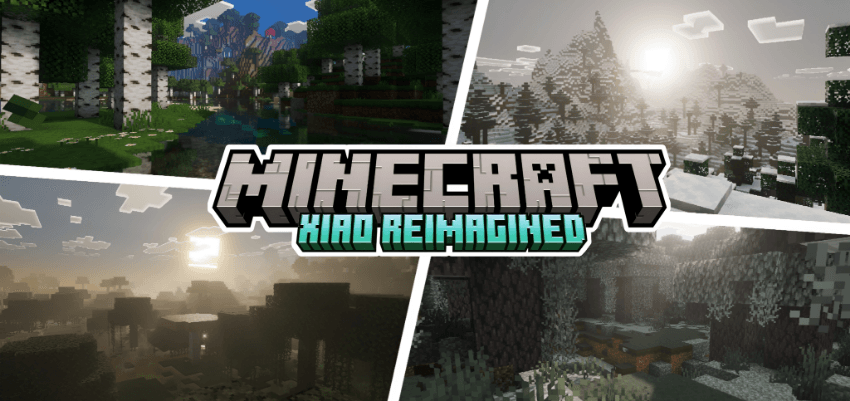
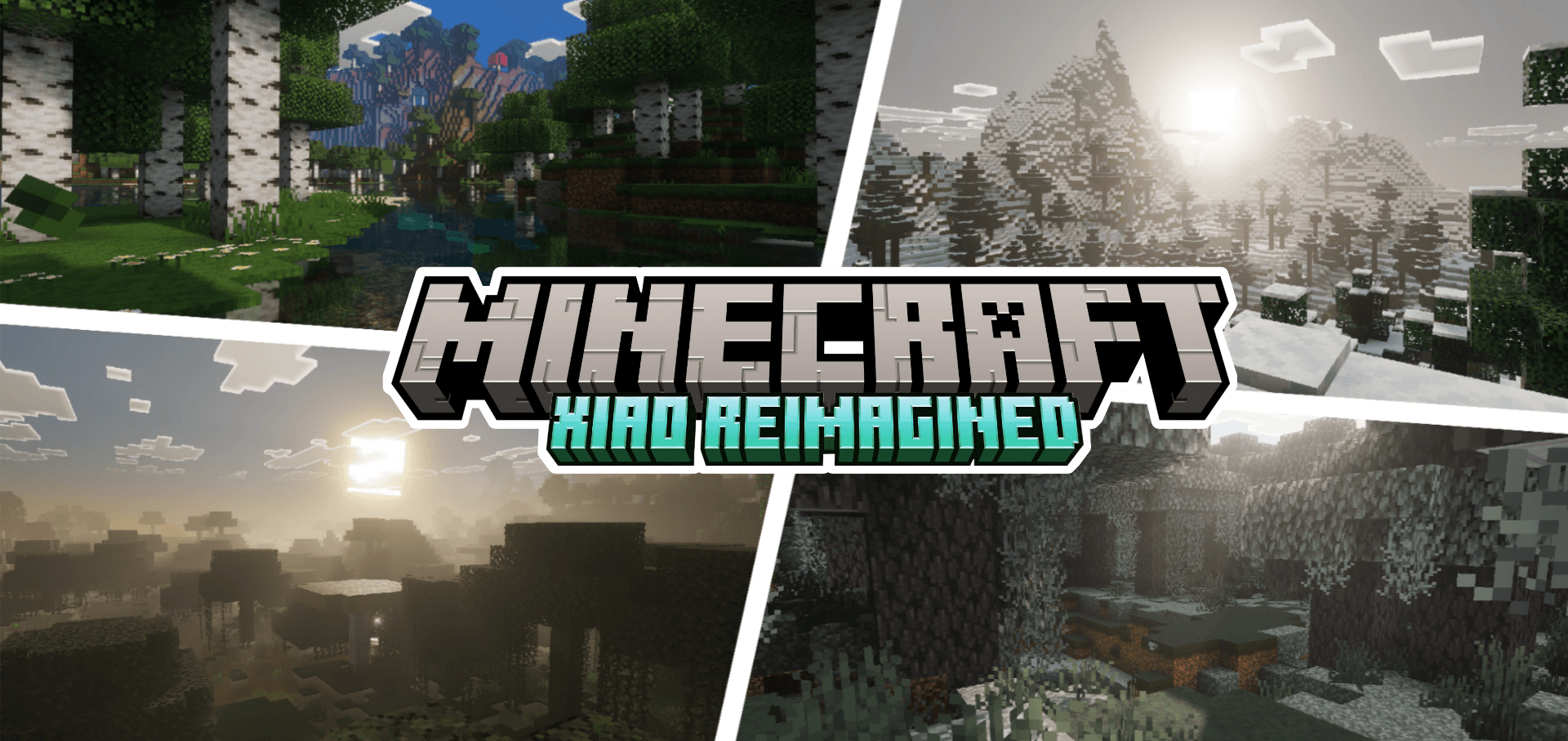
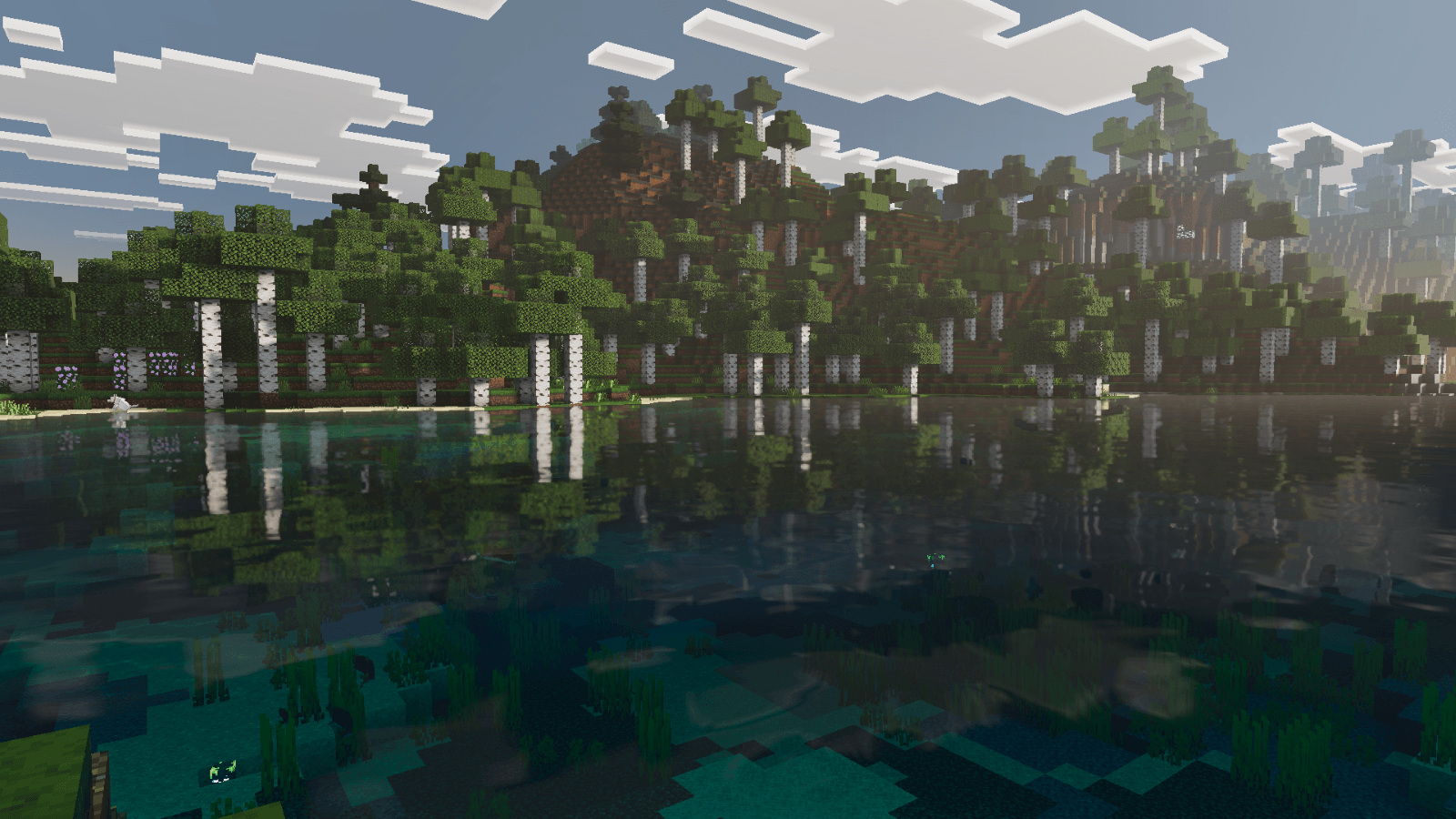
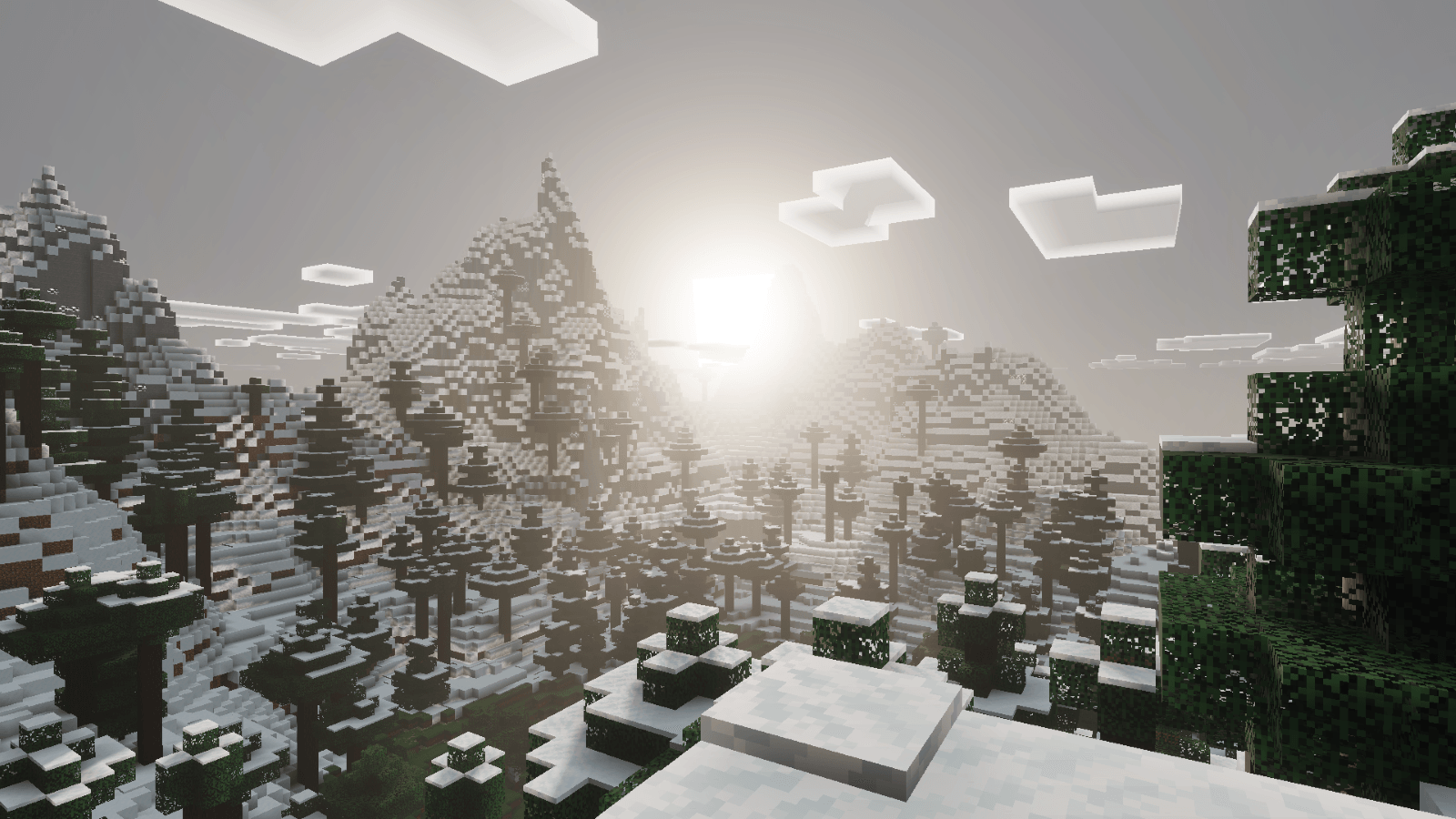
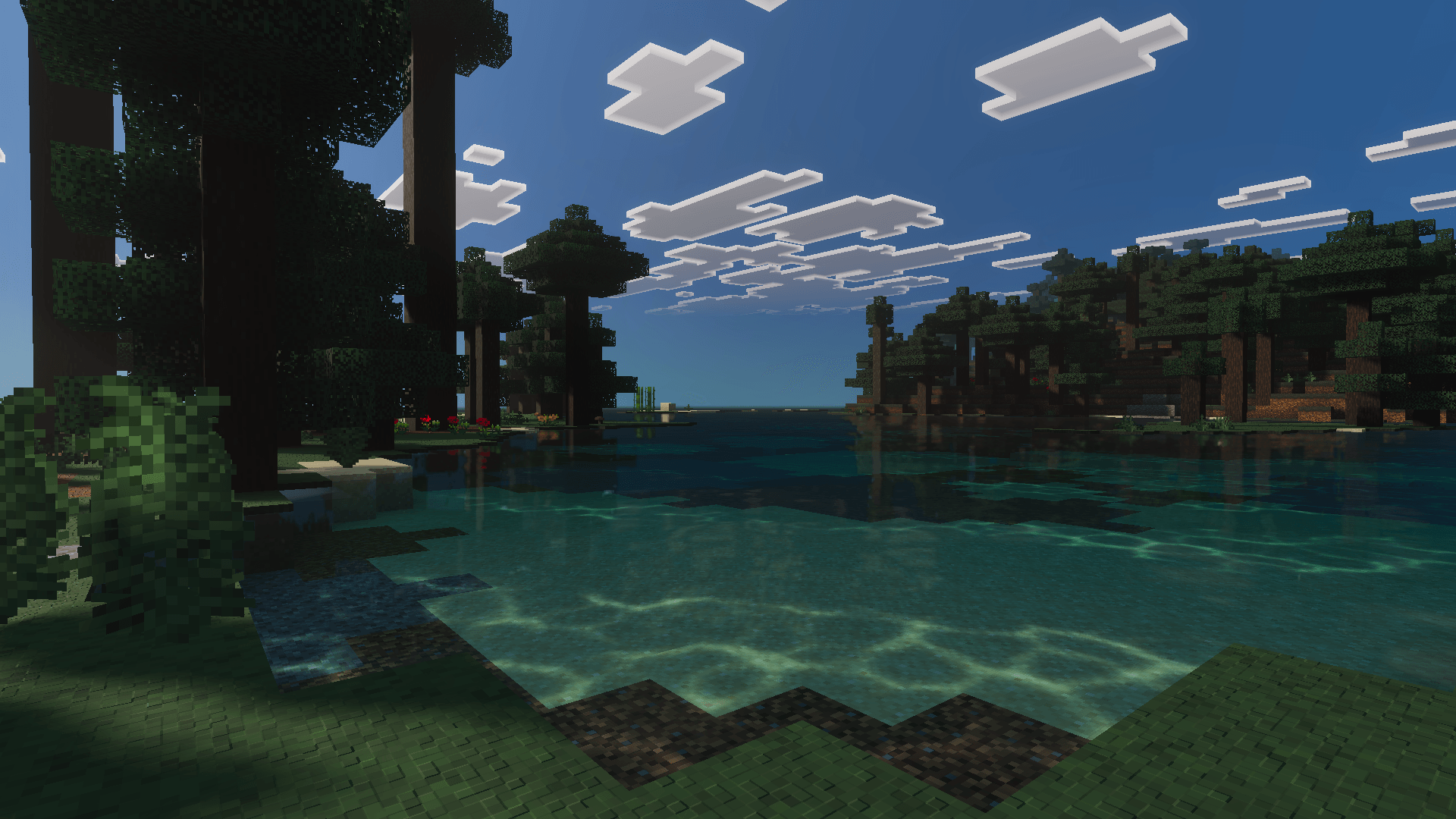
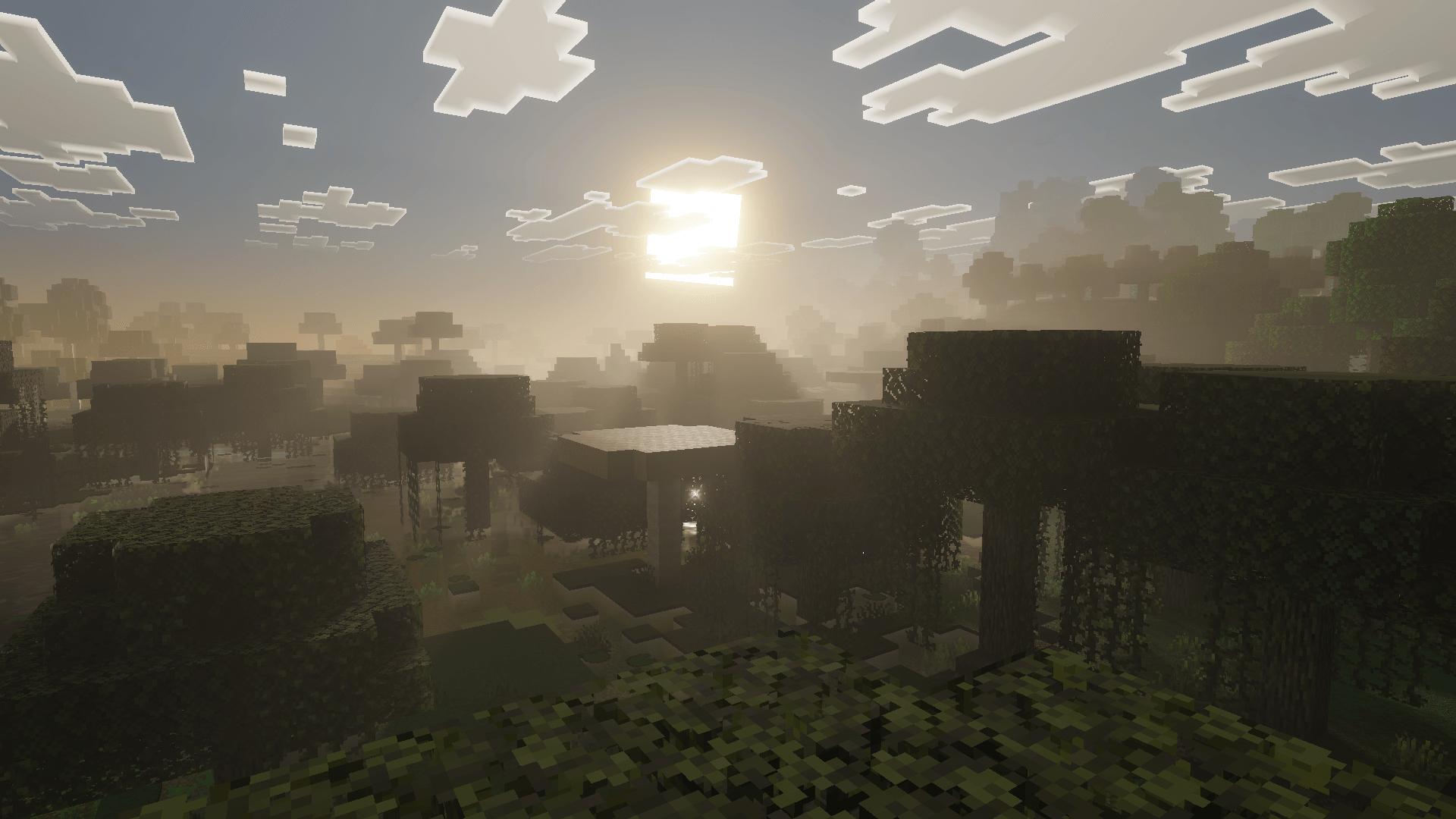
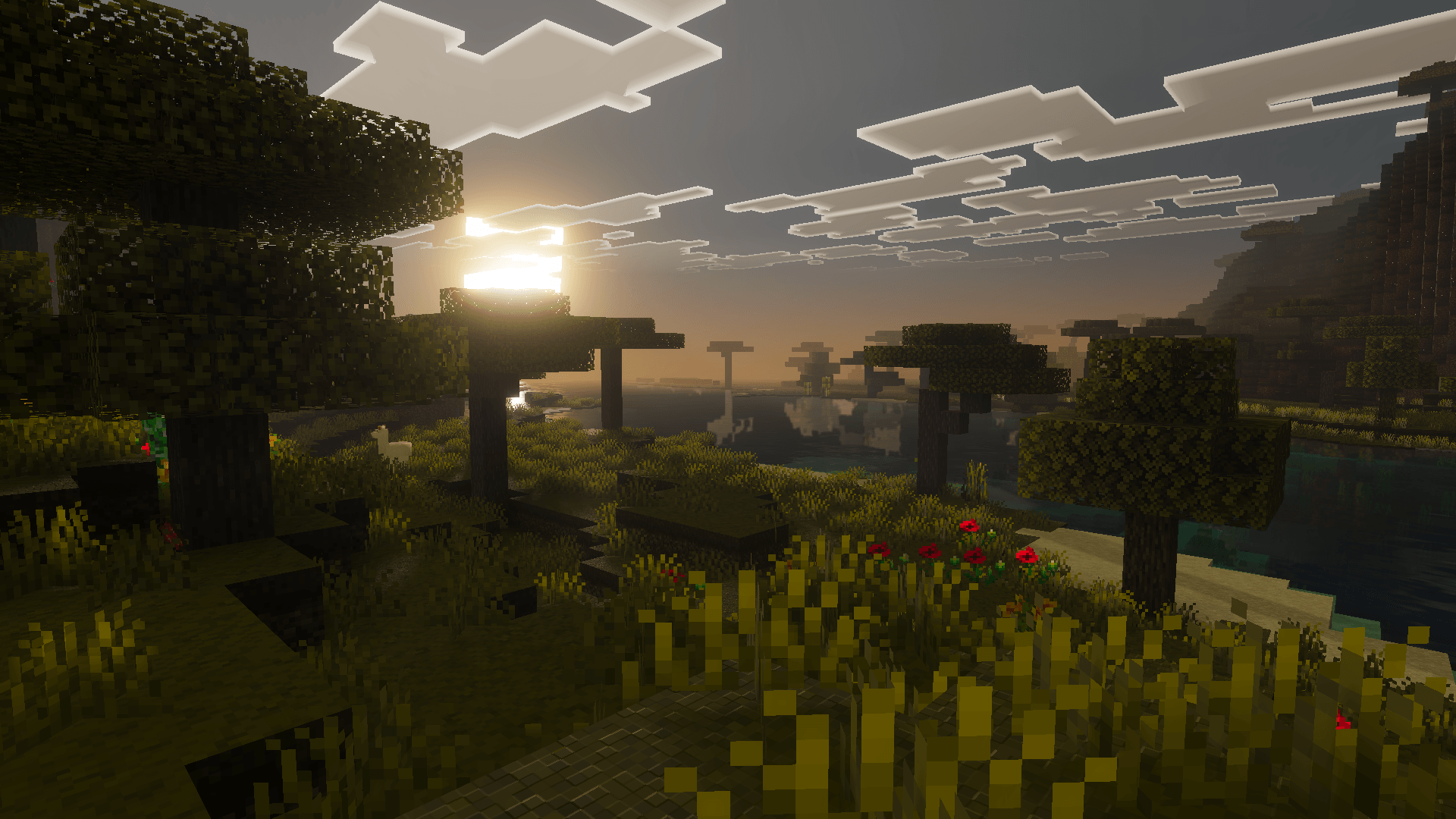
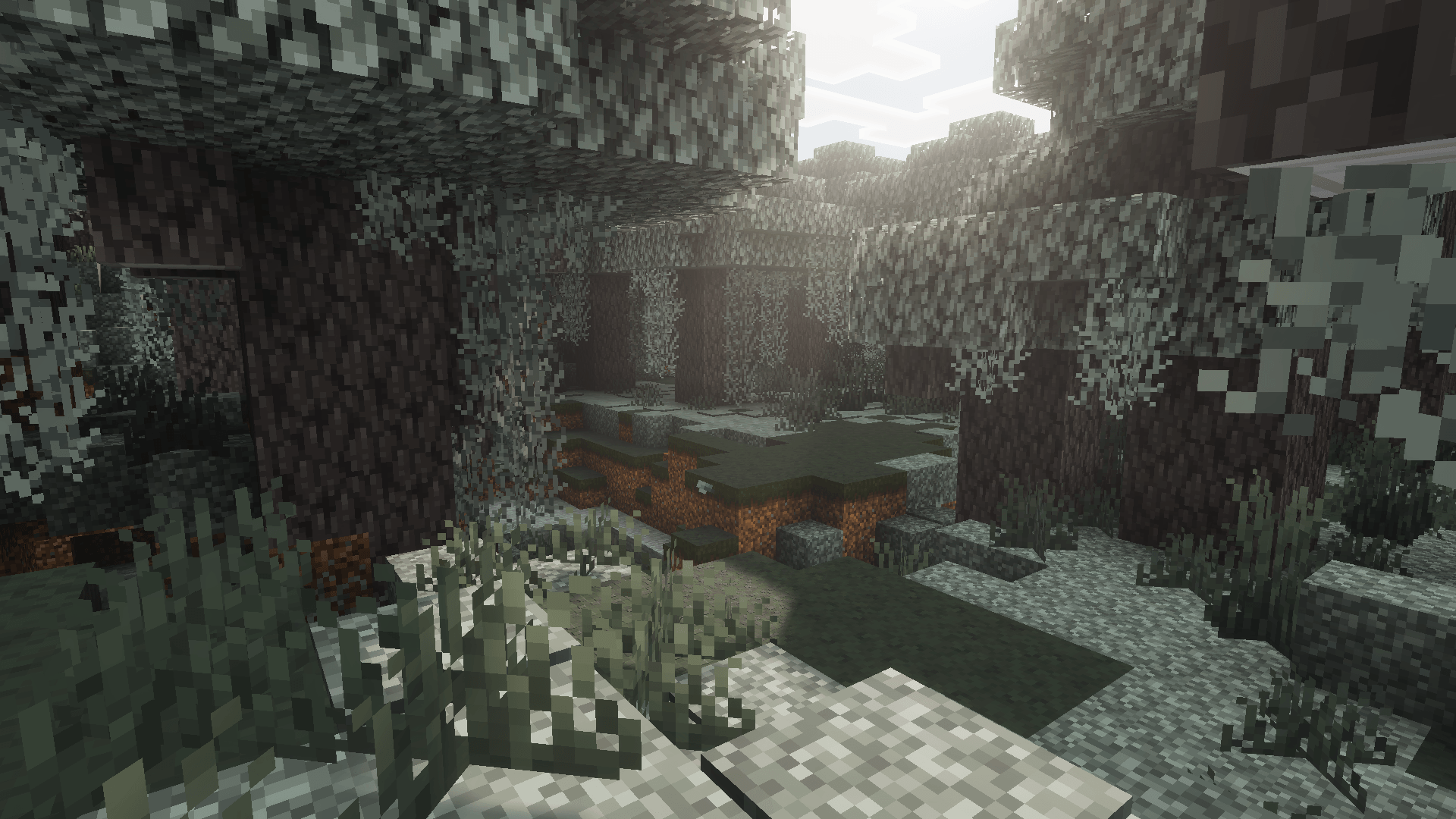
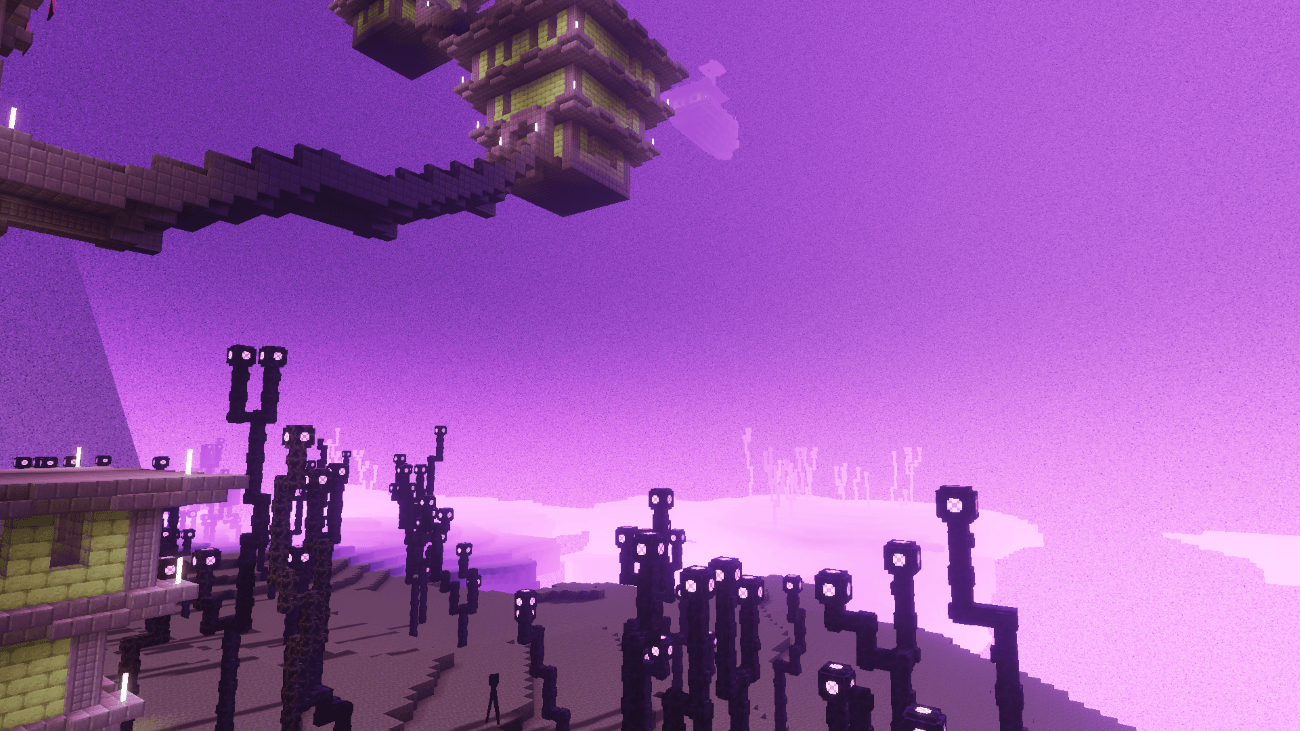
Xiao Reimagined Shader offers a visually enhanced experience for Minecraft Bedrock players using the Vibrant Visuals rendering mode. This shader pack introduces soft global illumination, realistic water effects, smooth fog transitions, and dynamic atmospheric skies. It balances immersive, natural aesthetics with optimized performance suitable for a wide range of devices.
Installation / How to use
1. Download the .mcpack file for Xiao Reimagined.
2. Open the file to import it into Minecraft Bedrock.
3. Activate the Xiao Reimagined shader in your resource packs.
4. Enable the Vibrant Visuals rendering mode in the game settings to apply the shader effects.
Requirements / Compatibility
This shader requires Minecraft Bedrock Edition with Vibrant Visuals enabled. It supports devices equipped with Adreno 640 or newer GPUs (such as Snapdragon 855), MediaTek Dimensity 1000+ graphics processors, and PCs capable of running DirectX 12 with feature level 11.
Key features
- Reimagined Visual Style: Enhances the game’s visuals subtly without compromising Minecraft’s original look, offering a cinematic yet vanilla-friendly appearance.
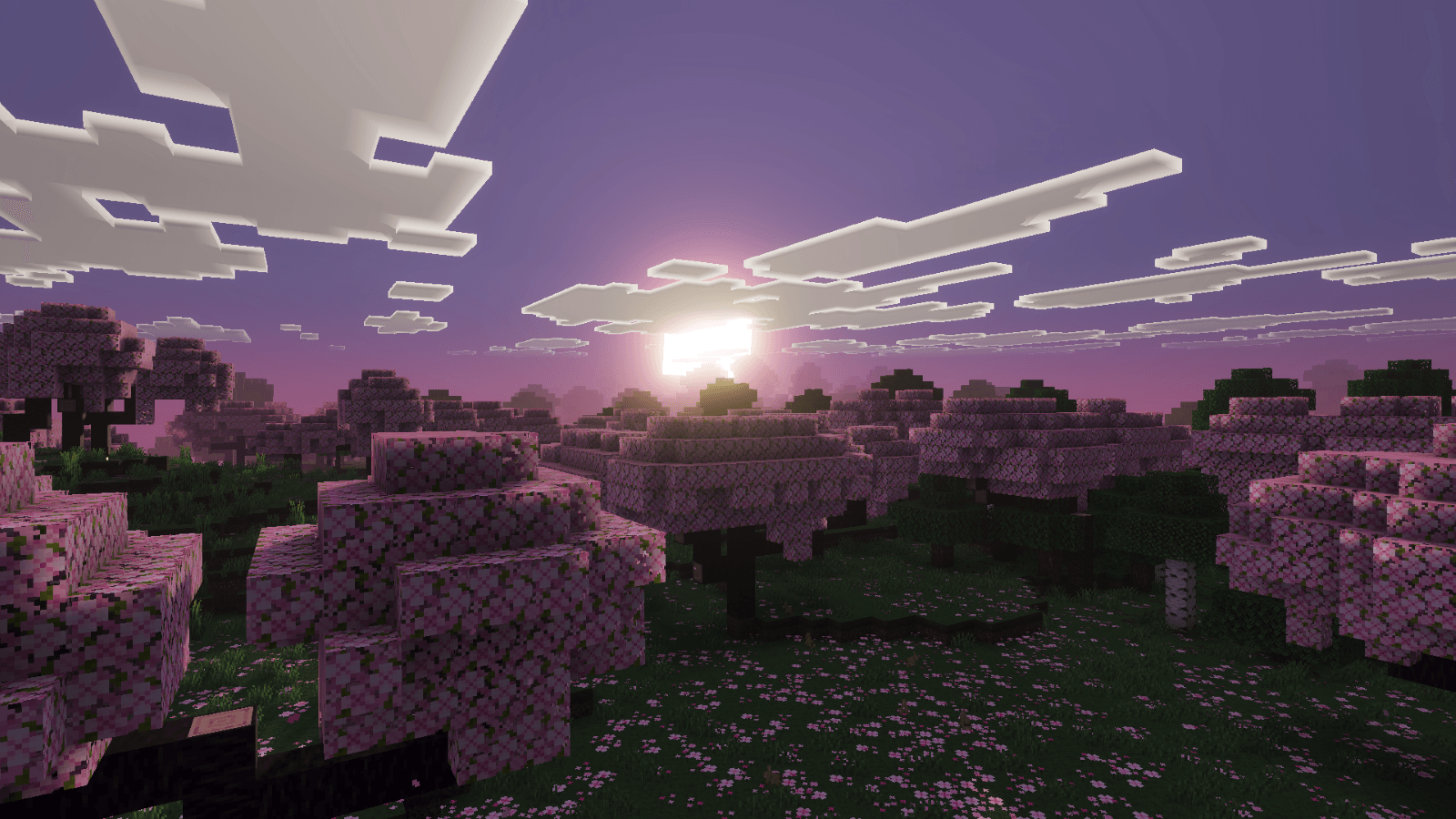
- Advanced Atmospherics System: Features biome-specific atmospheric settings, smooth transitions of sky colors throughout the day and night cycles, and improved Rayleigh and Mie scattering effects for realistic sky depth.
- Enhanced sunrise and sunset lighting with gradual color gradients that adapt based on biome and time, including cold, warm, and neutral sky profiles.
- Realistic raytraced-style water reflections combined with soft global lighting for an immersive environment.
Notes / Troubleshooting
Ensure your device supports the required graphics capabilities before installing. For optimal performance, keep your graphics drivers updated and verify that Vibrant Visuals is enabled in your Minecraft settings.
Xiao Reimagined v2.7.0.mcpack
[3.38 MB]

