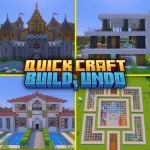
Structures In Just One Click
UPDATED: 22.02.2026
0
Structures In Just One Click lets you instantly create impressive Minecraft builds without the usual time investment. With Quick Craft 3.0, building is simplified to a single click, making it perfect for players who want quick and easy access to a variety of structures in Survival Mode.
Key Features
- Compatible with Survival Mode gameplay
- Access to over 85 pre-designed structures
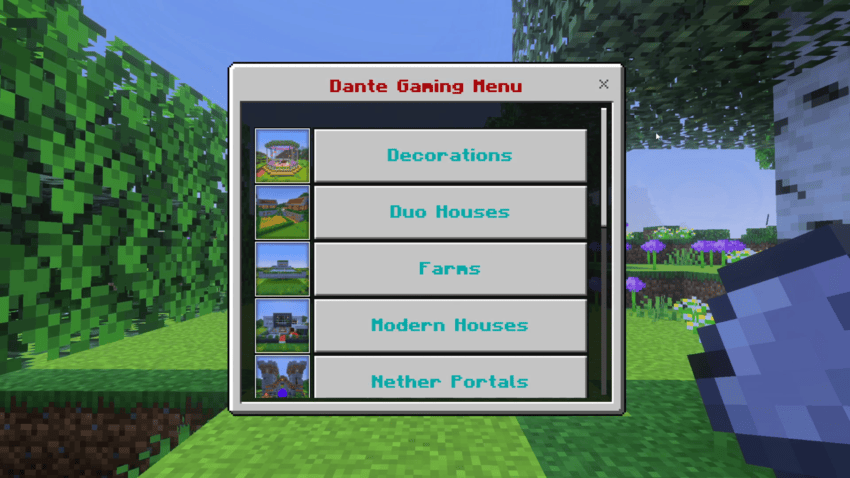
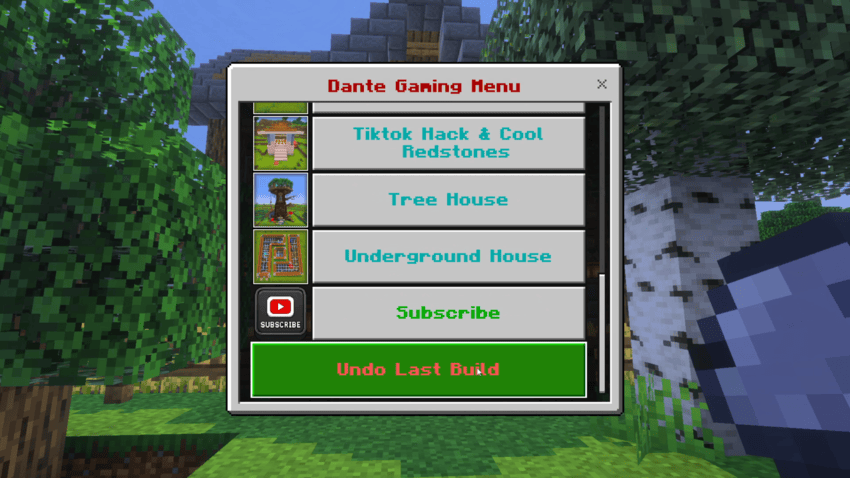
- Intuitive menu organized by categories such as houses, farms, portals, and more
- One-click Undo option to remove the last placed structure
How to use
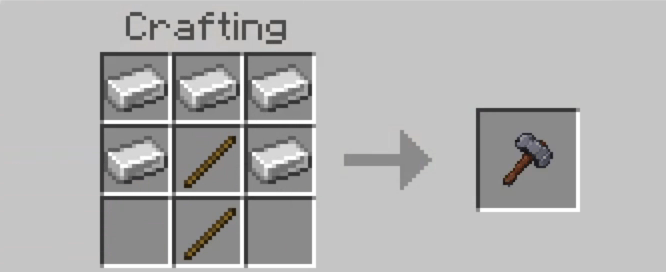
- Craft the special Hammer tool to initiate building.
- Use the Hammer anywhere to open the building menu.
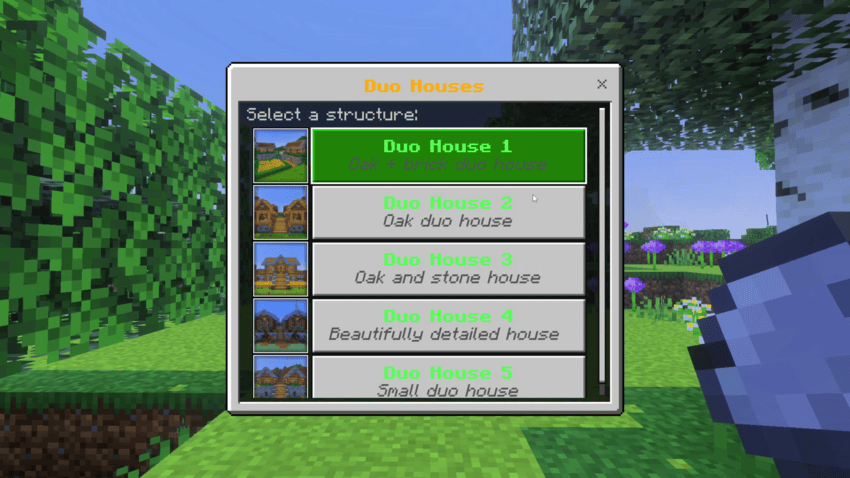
- Browse through structure categories to find the type of build you want.
- Select your desired structure and click the button to generate it instantly in front of you.
- If you want to remove or reposition the build, press the Hammer again and use the Undo button to delete the last structure placed.
Installation
Download and import the Quick Craft 3.0 add-on into your Minecraft Bedrock Edition. Ensure the add-on is activated in your world settings before playing.
Requirements / Compatibility
- Minecraft Bedrock Edition
- Survival Mode support
- Recommended to use in worlds where add-ons are allowed
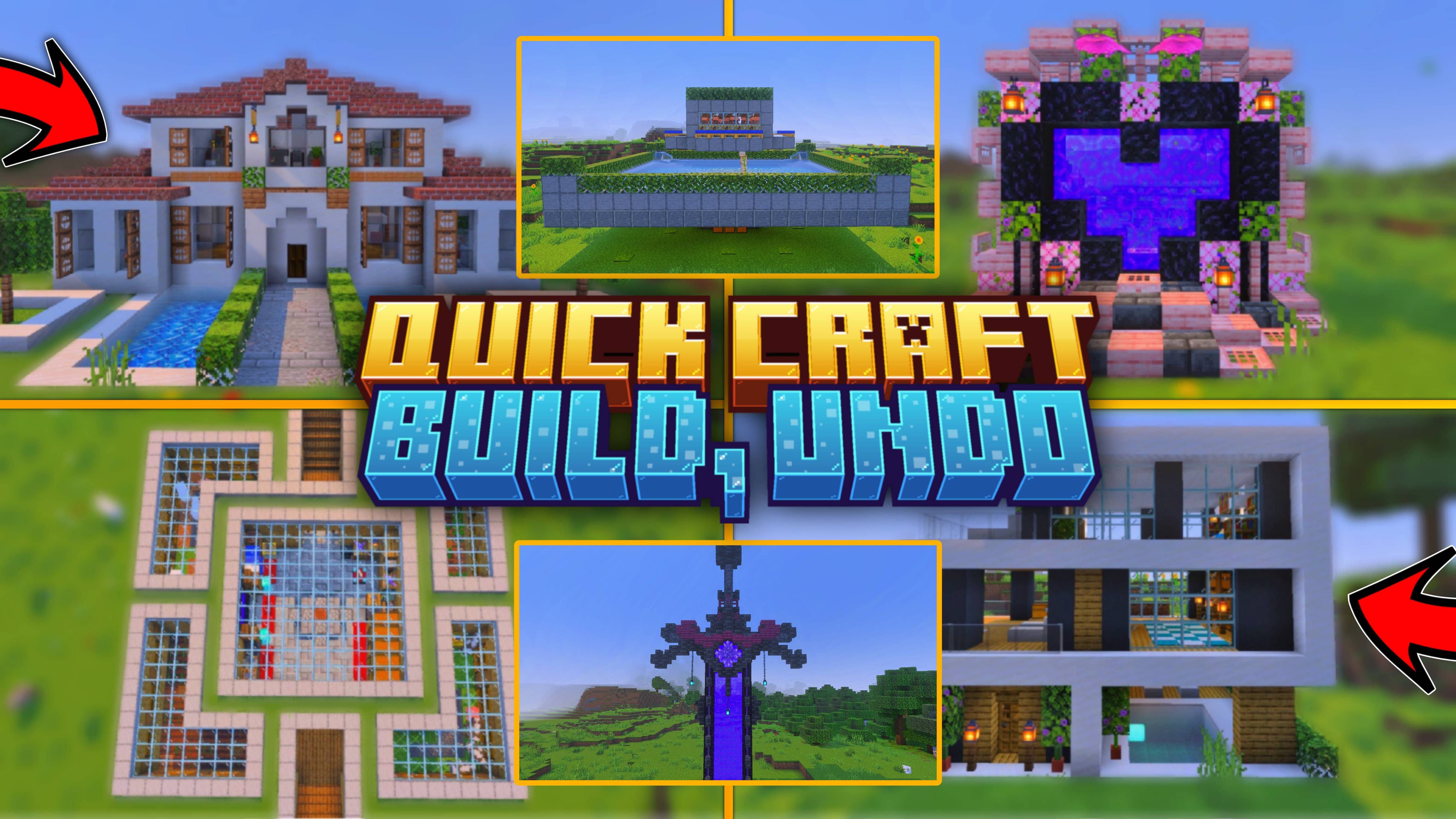
Quick Craft 3.0 transforms building by making complex structures instantly accessible, including modern houses, castles, nether portals, farms, and underground bases.
Below are visual references to assist with usage:
Screenshots & Video
Download Structures In Just One Click
Quick Craft v3.1.7
Supported versions
1.21.132 1.21.131 1.21.130 1.21.124 1.21.123 1.21.122 1.21.121 1.21.120 1.21.114 1.21.111 1.21.100 1.21.94 1.21.90 1.21.80 1.21.72 1.21.61 1.21.50 1.21.40 1.21.30 1.21.21 1.21.20 1.21.2 1.21
Download
[11.49 MB]
 5.00/5
 0 Comments
