Security Cameras
28.02.2026
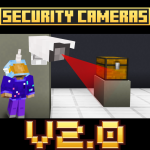
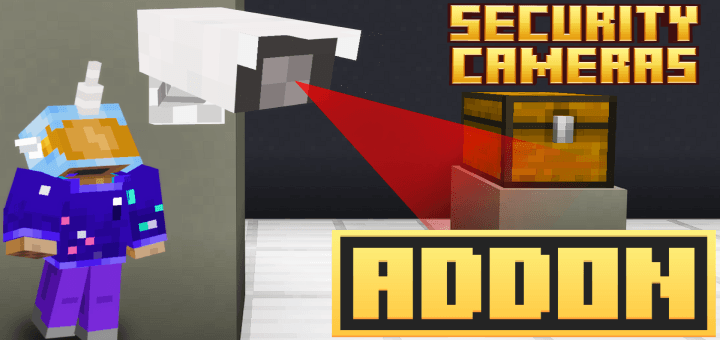
Security Cameras bring advanced surveillance capabilities to Minecraft Bedrock Edition. This addon enables you to place security cameras around your world and monitor them remotely using a special tablet item. Experience live camera feeds, manage camera settings, and enhance your gameplay with immersive monitoring features.
Installation
To use this addon, ensure you download and install both the behavior pack and the resource pack for full functionality.
How to Use
After activating the behavior and resource packs in your world settings, you need to craft two essential items: the Security Camera and the Tablet.
Crafting Recipes
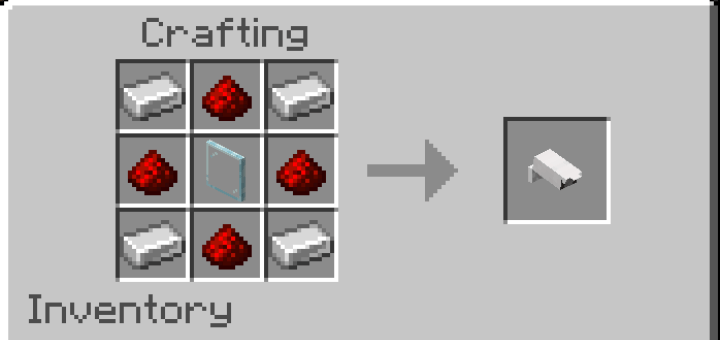
- Security Camera: 4× Iron Ingot, 4× Redstone, 1× Glass Pane
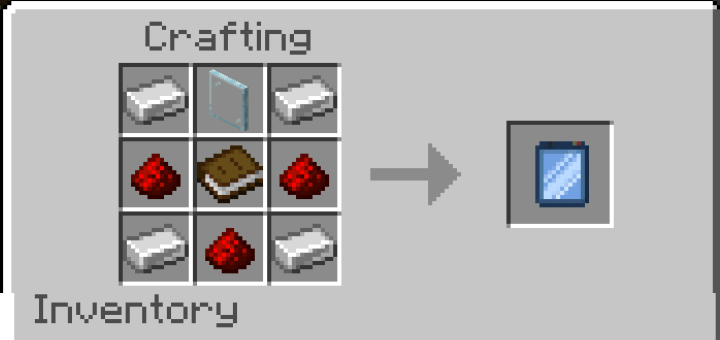
- Tablet: 4× Iron Ingot, 3× Redstone, 1× Glass Pane, 1× Book
Placing and Configuring Cameras
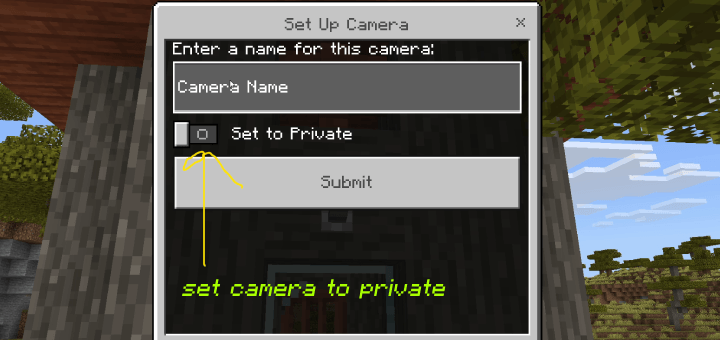
Place a Security Camera block anywhere in your world to open a configuration menu. You can name the camera and set it as private if desired.
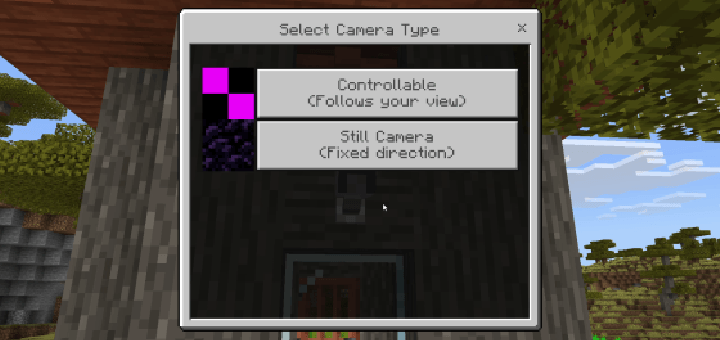
Choose between two camera modes:
- Controllable: Allows you to pan and control the camera’s view live.
- Still Camera: Faces a fixed coordinate and remains stationary.
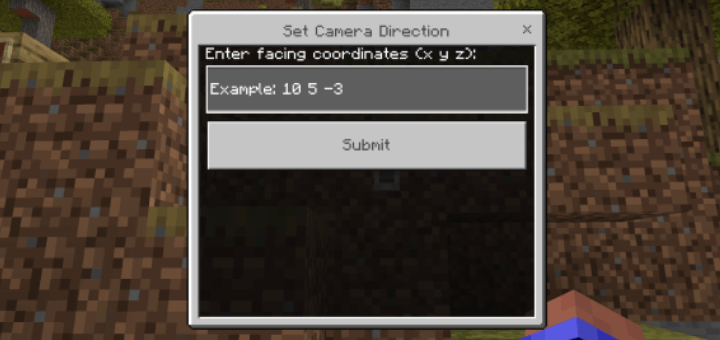
If selecting the Still Camera mode, enter the coordinates you want the camera to monitor.
Viewing Cameras
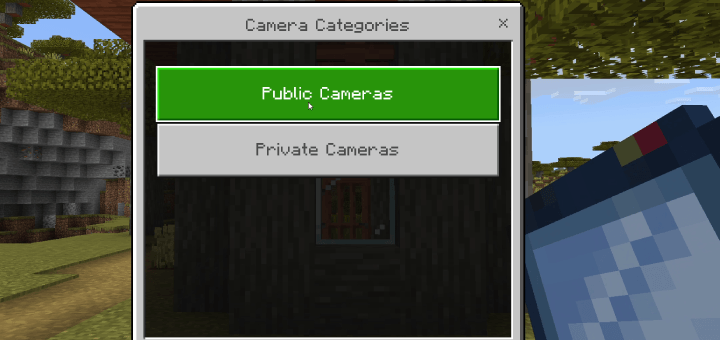
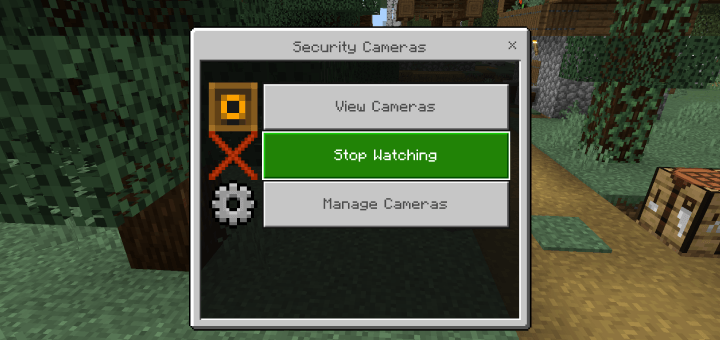
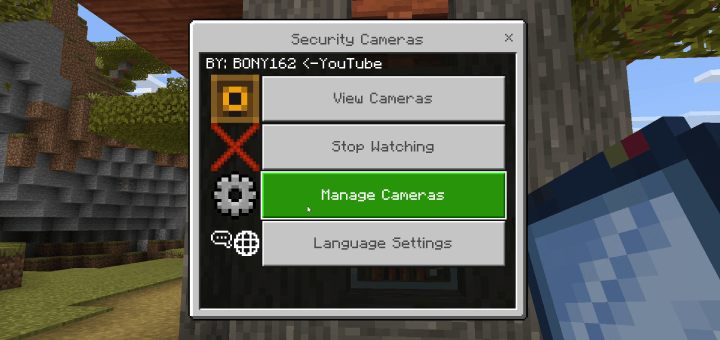
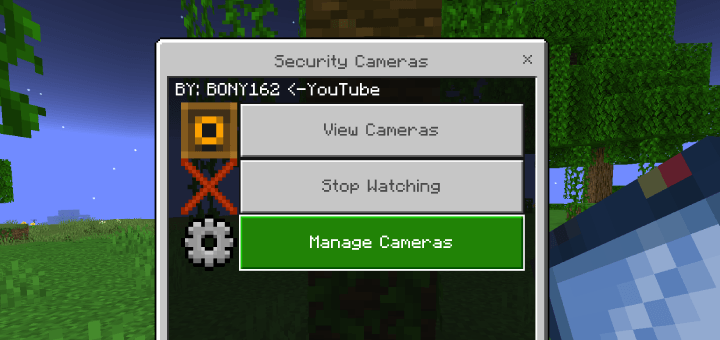
Hold the Tablet and activate it to open the camera interface. Choose “View Cameras” and select between public or private camera feeds.
While viewing a camera, you can switch between feeds by jumping or sneaking. To stop viewing, open the menu and select “Stop Watching.”
Managing Cameras
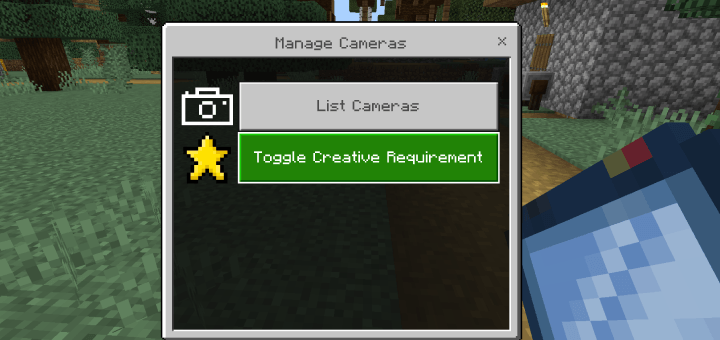
Open the tablet menu and select “Manage Cameras” then “List Cameras” to edit your cameras. Options include renaming, deleting, changing privacy settings, and managing player access.
There is an option to require players to be in creative mode to modify cameras, enhancing admin control. This toggle can be enabled or disabled within the management menu.
To grant camera access to other players, select the camera, choose “Add Player,” then pick a player from the dropdown menu. Use “Remove Player” to revoke access.
Key Features
- Simple placement and configuration of security cameras.
- Live camera feeds with player head movement control.
- Option to set cameras as private and manage player permissions.
- Supports both controllable and fixed-position cameras.
- Switch cameras quickly using jump or sneak actions.
- Display or hide camera coordinates and biome information.
- Language switching available within menus.
- Destroying a camera block removes it from the active list.
- Experimental option to load chunks far from the player for extended surveillance.
Requirements / Compatibility
This addon requires Minecraft Bedrock Edition and the activation of both behavior and resource packs. For full access to camera management, creative mode may be required depending on the settings.
Notes
Be sure to install both packs properly to avoid missing features. Managing camera privacy and player permissions allows for flexible surveillance setups, ideal for multiplayer servers or roleplay scenarios.

Security Cameras v4 by BONY162.mcaddon
[8.08 MB]

