Newb Shader
21.02.2026
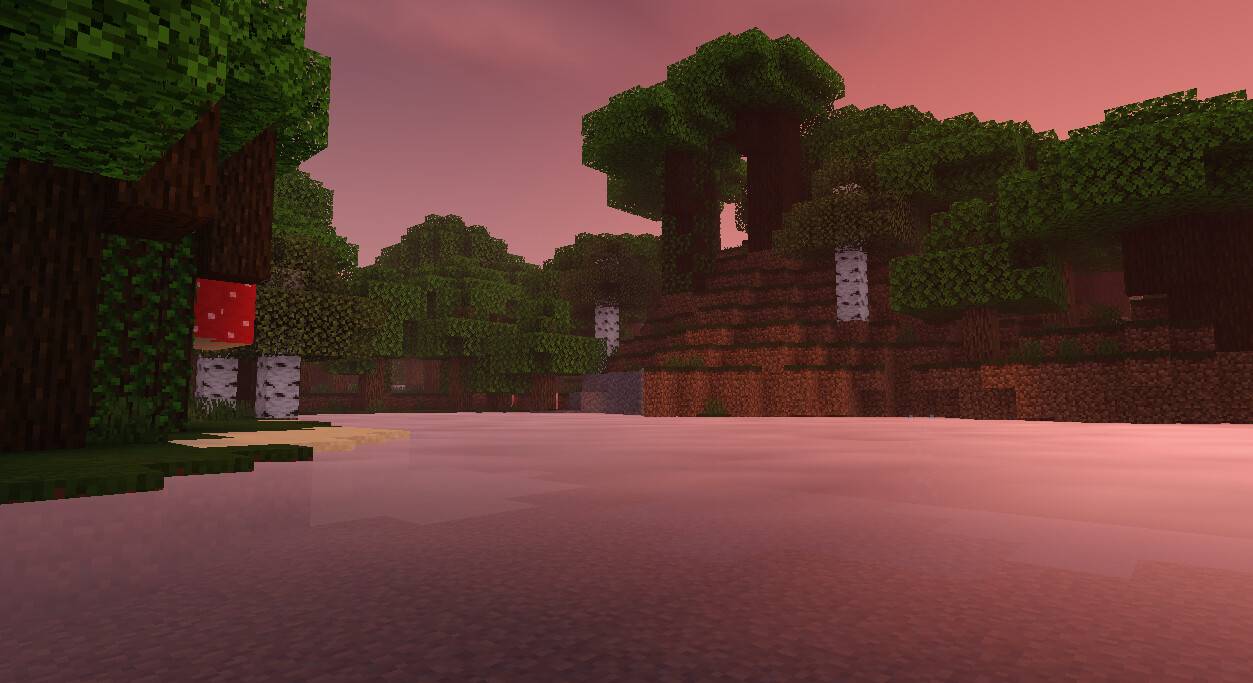
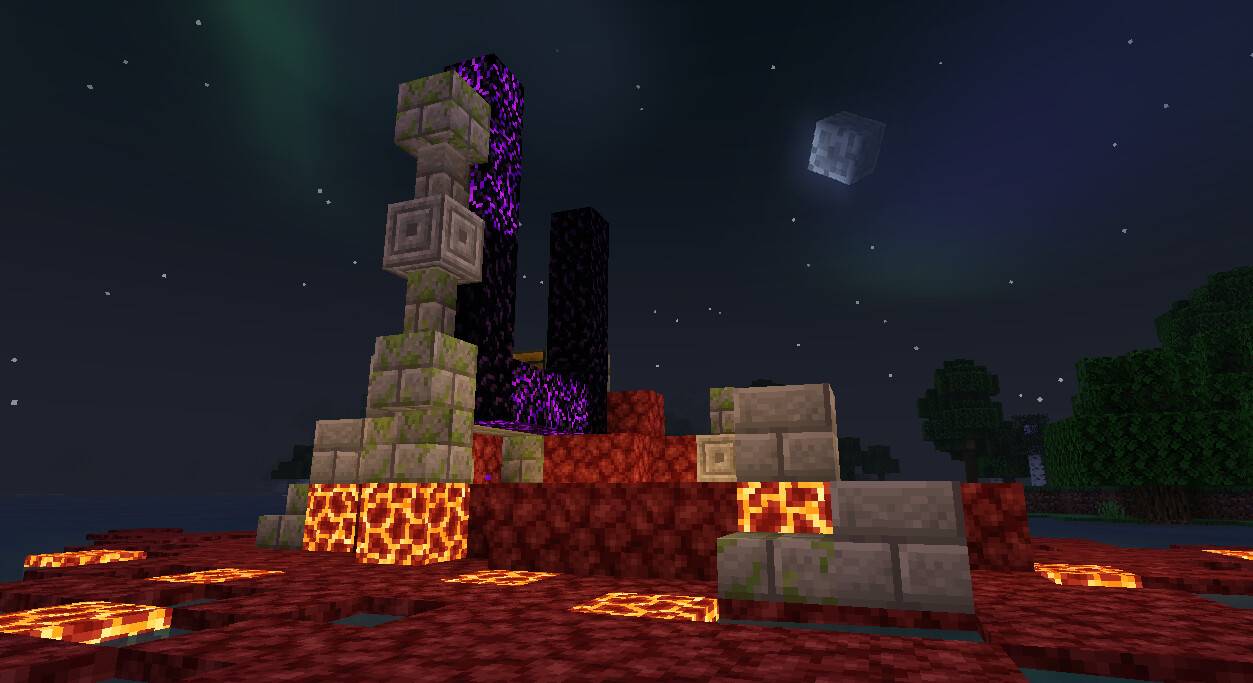
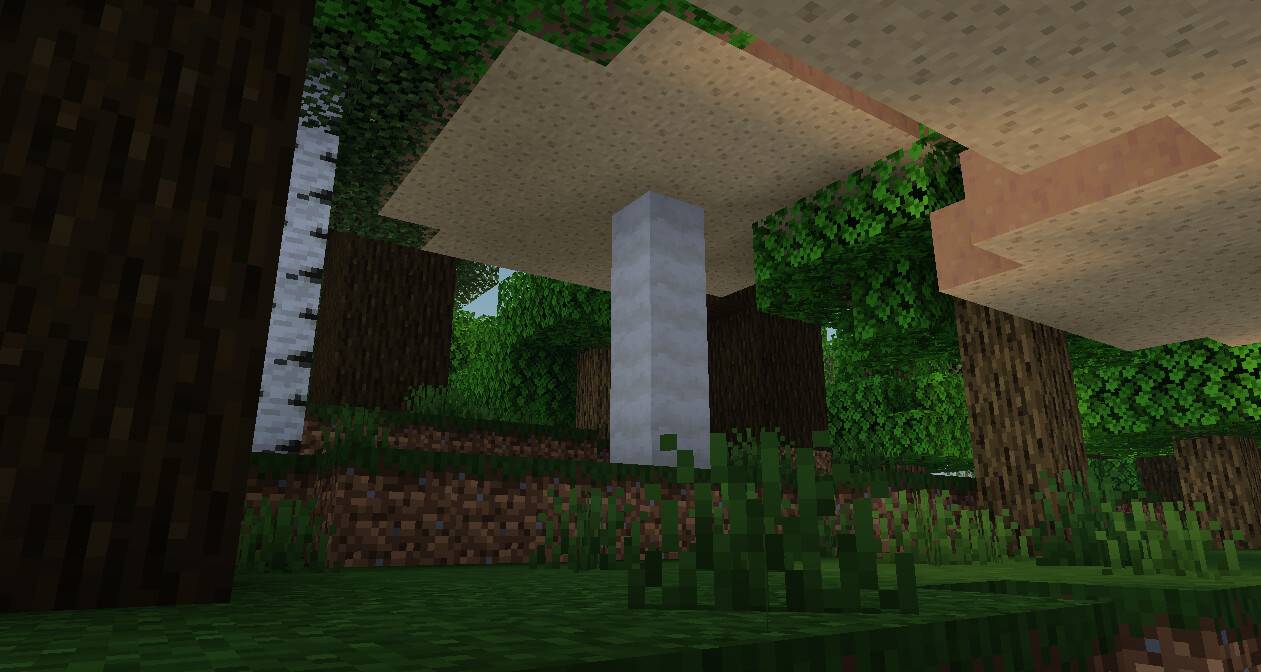
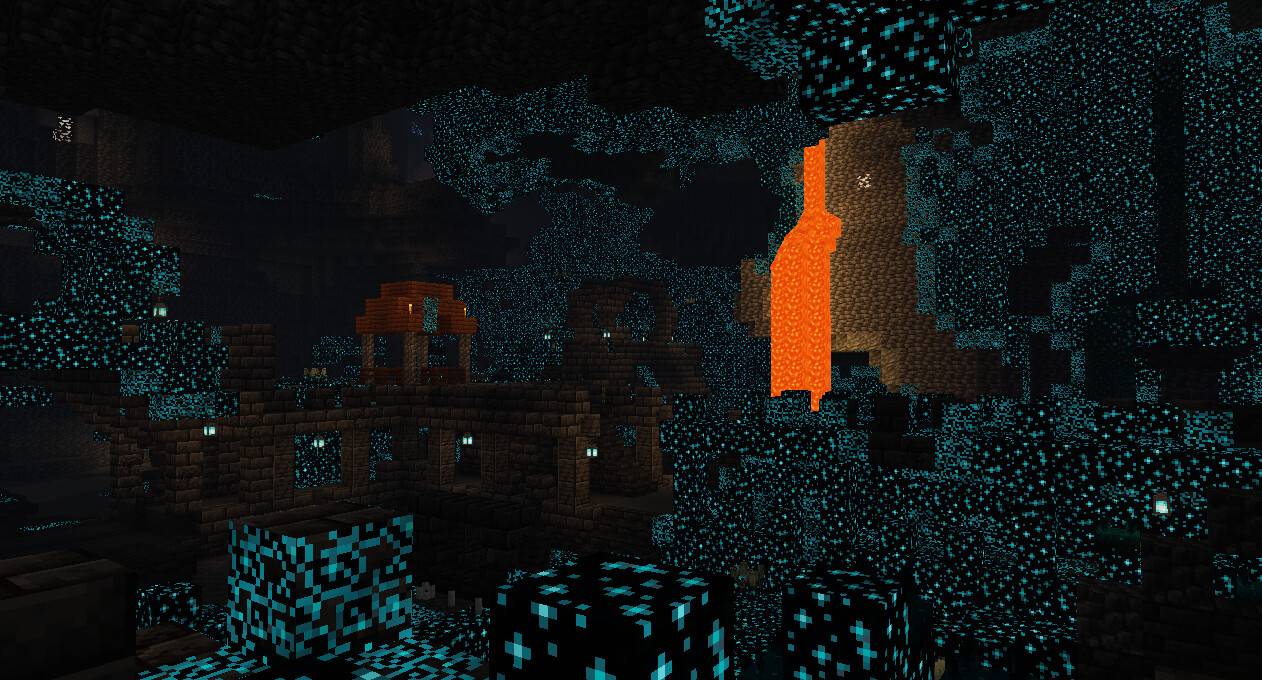
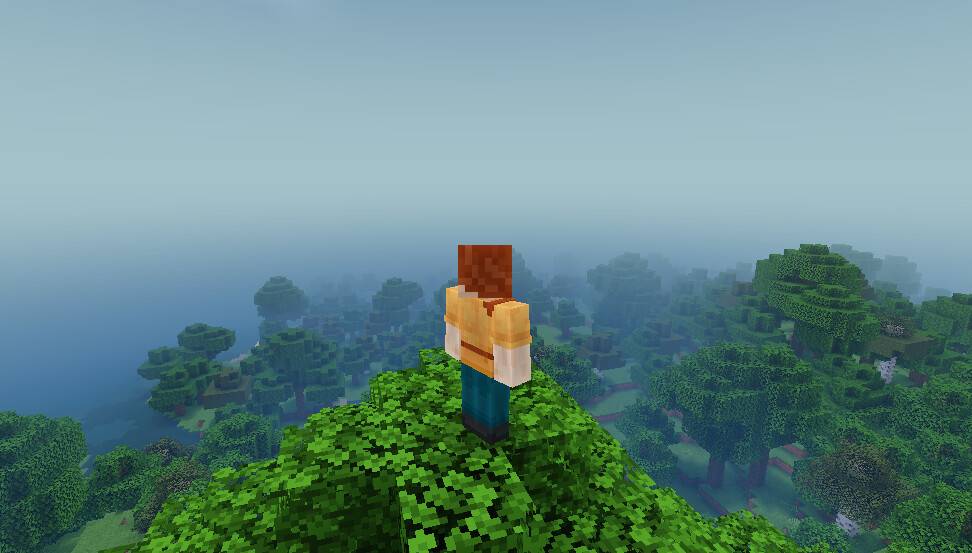
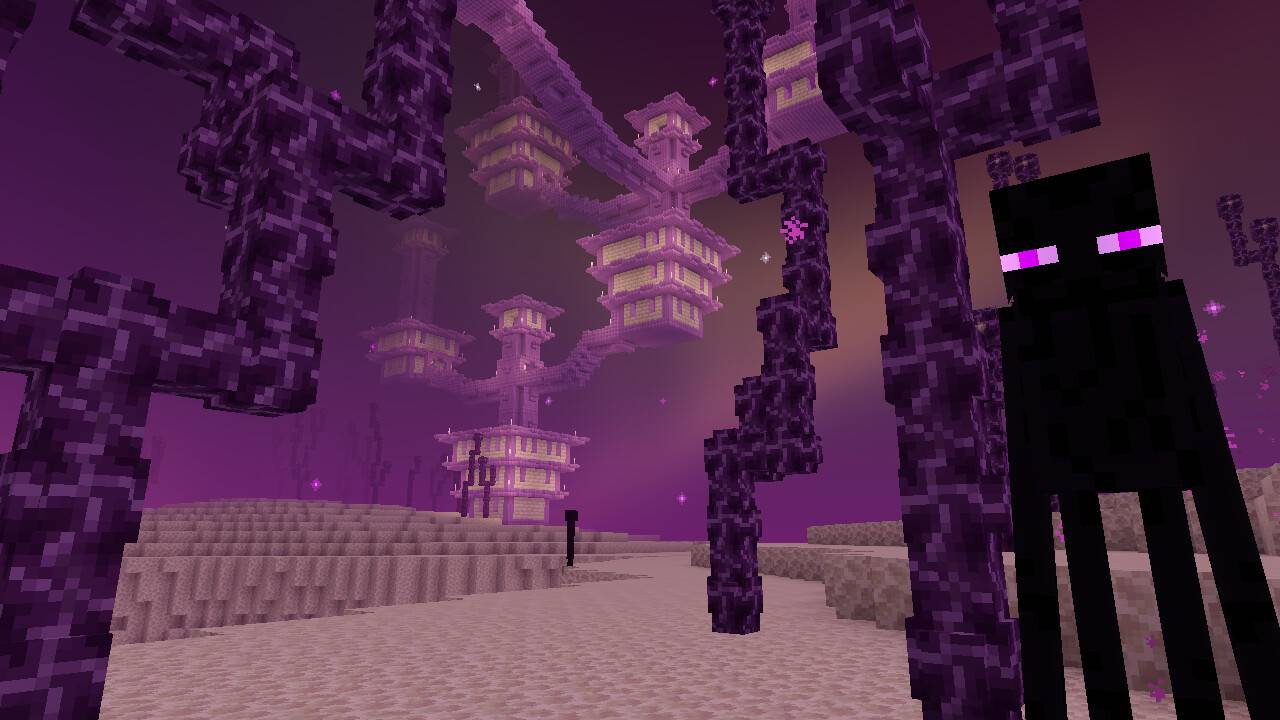
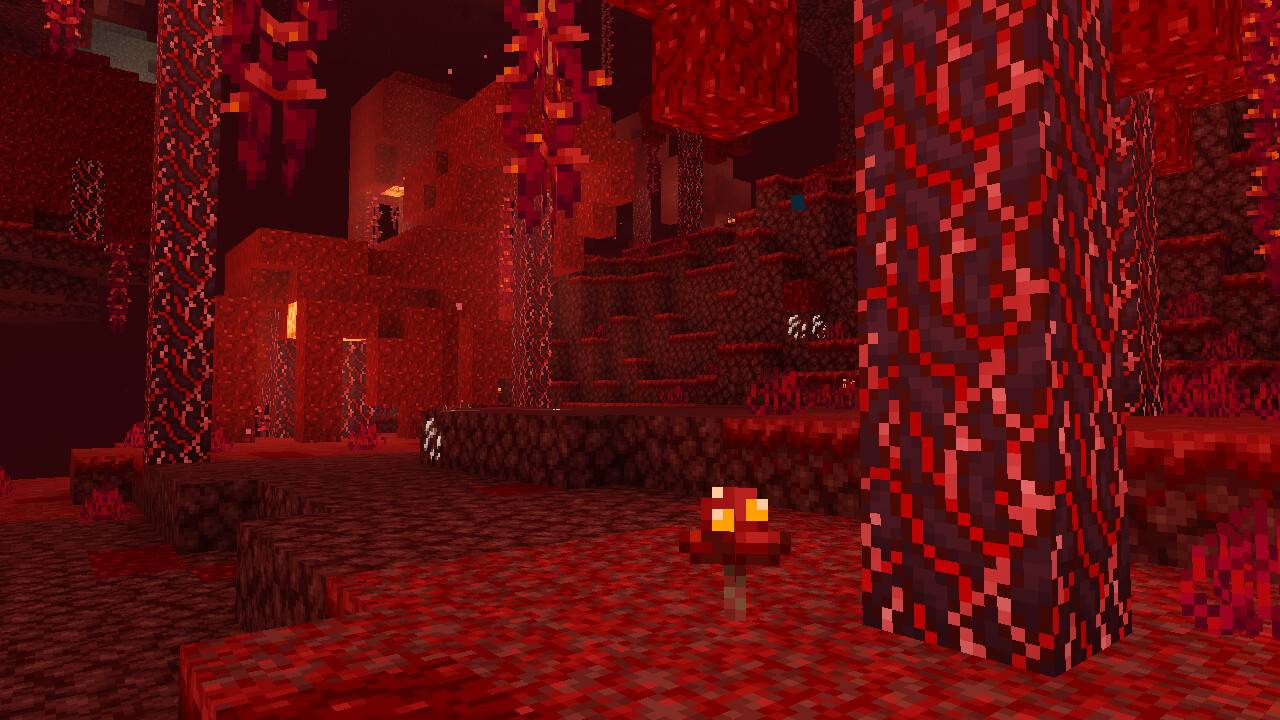
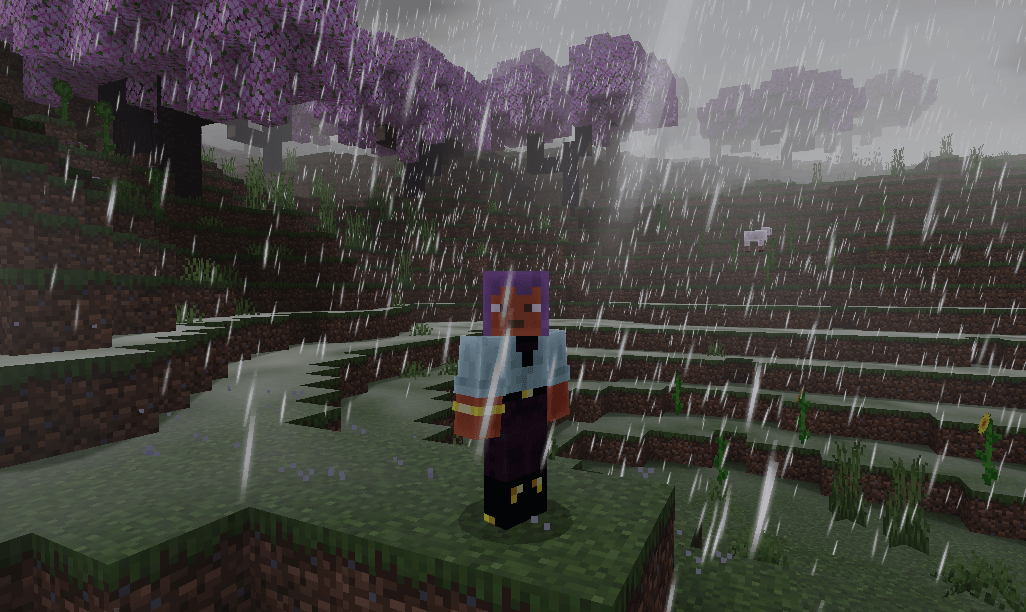
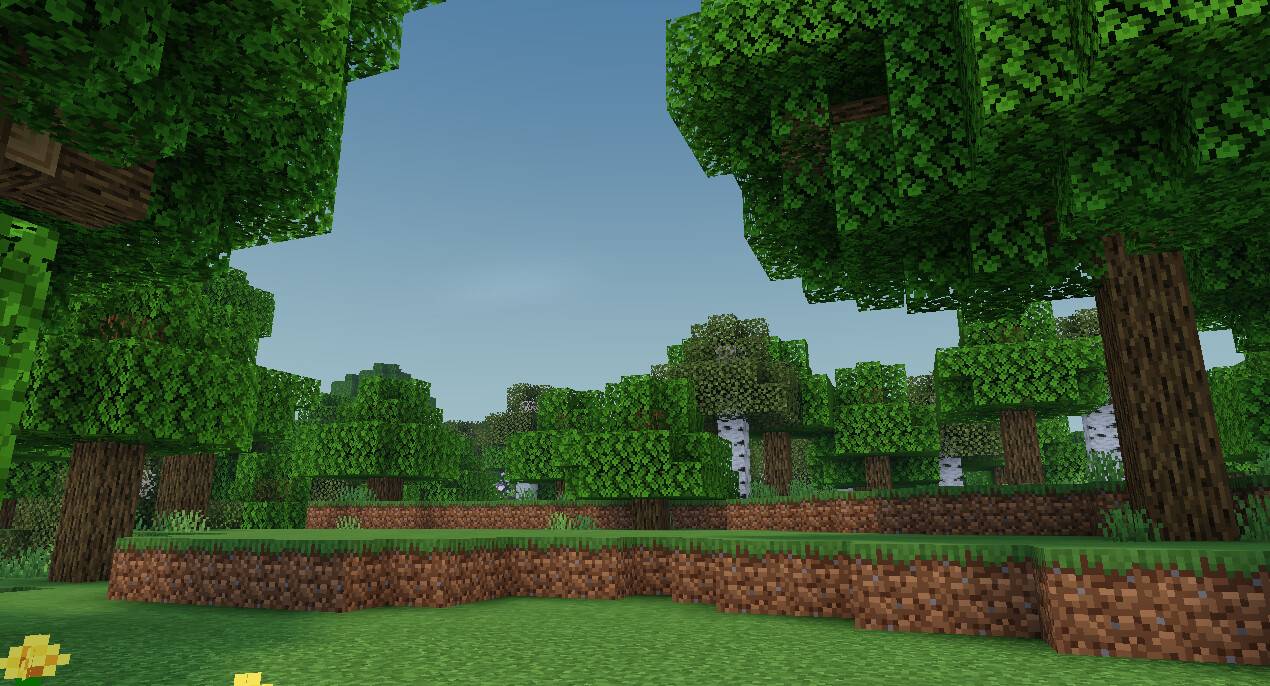
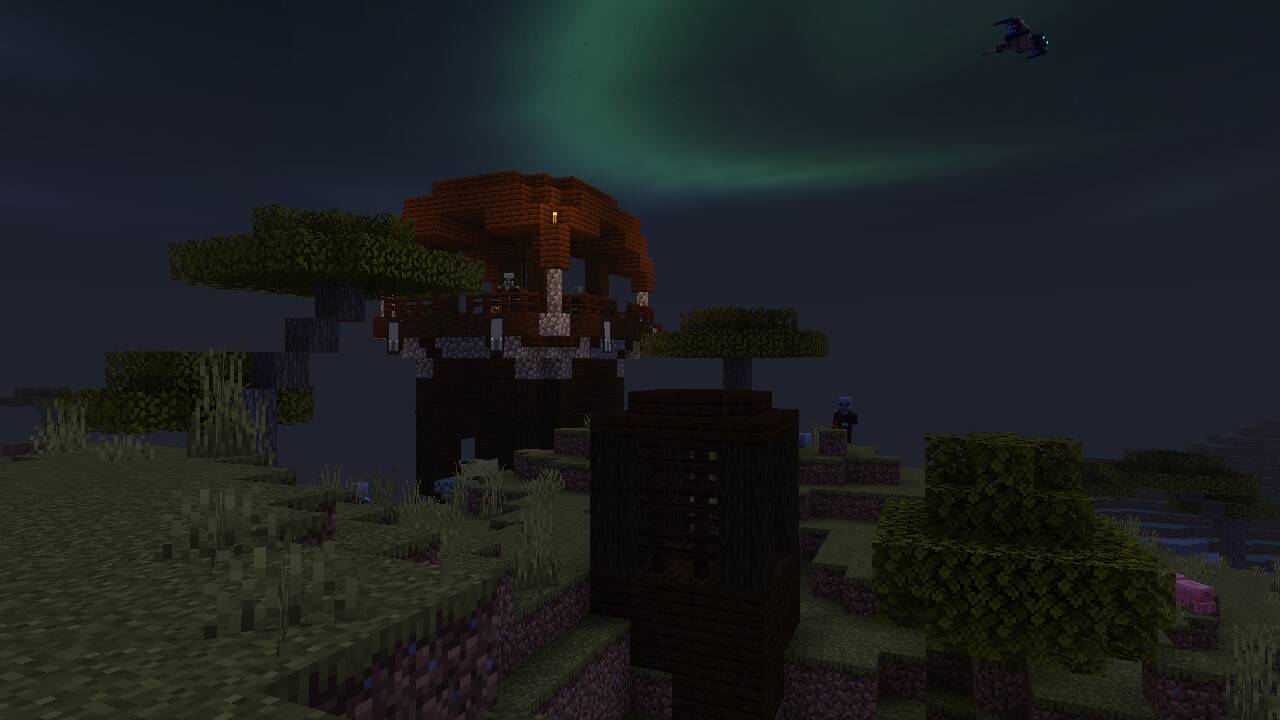
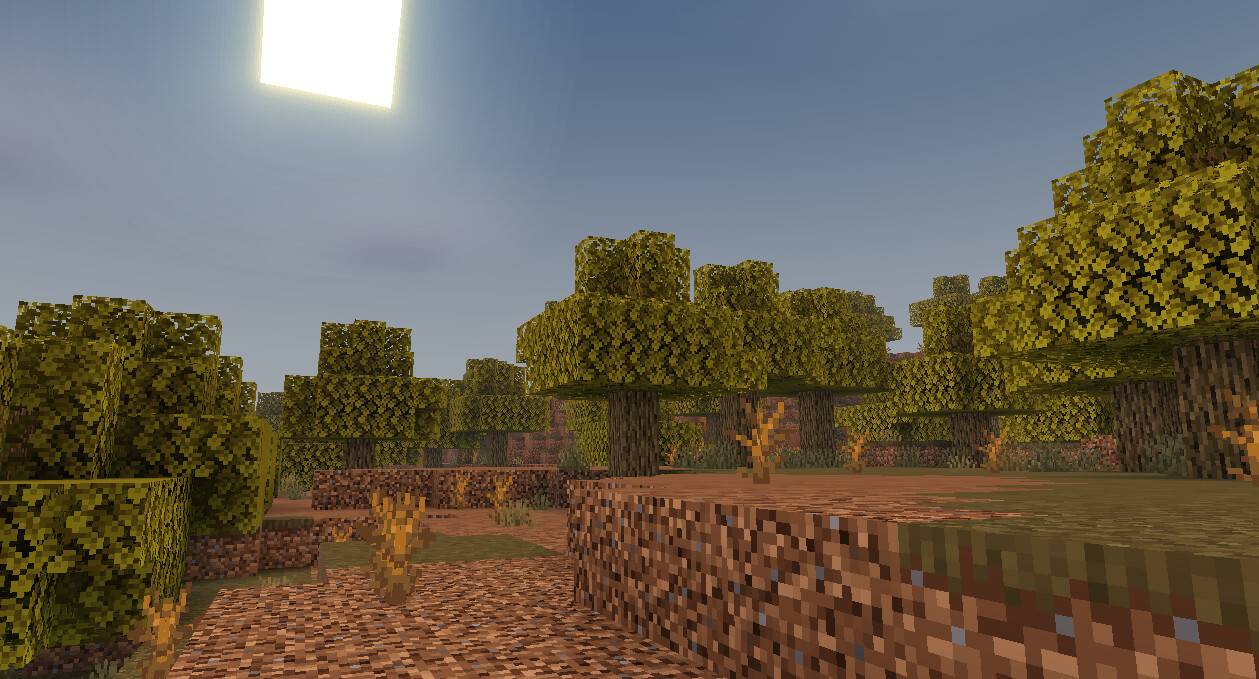
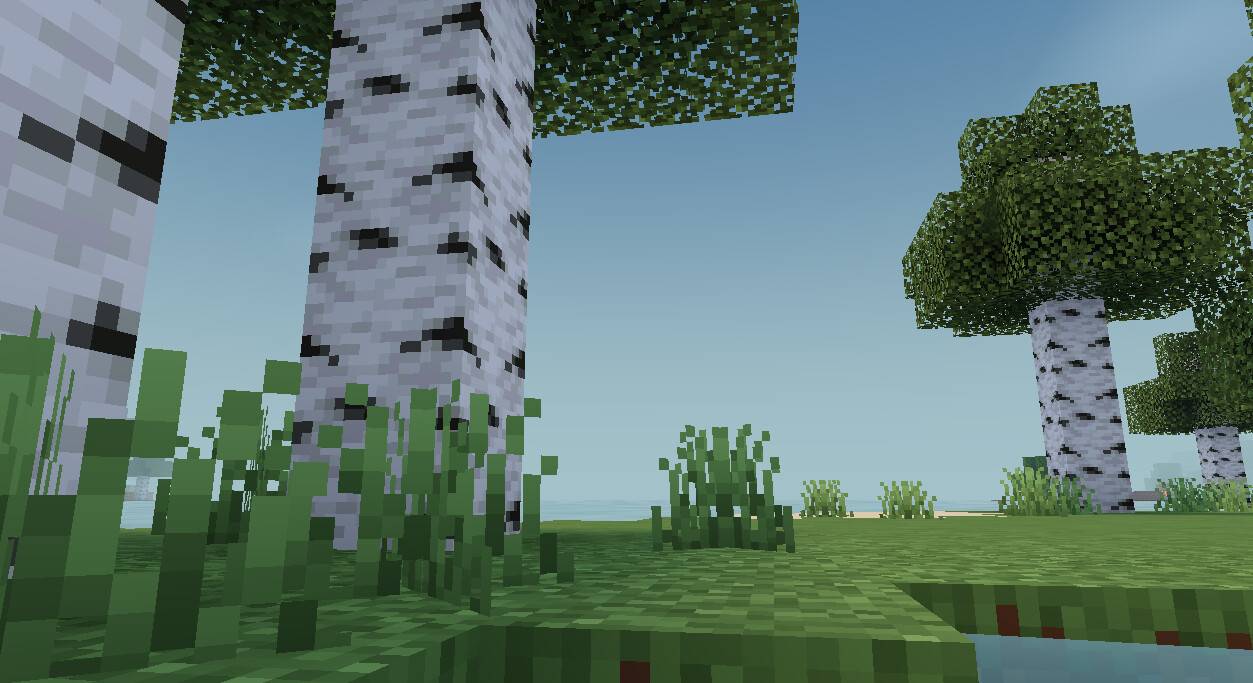
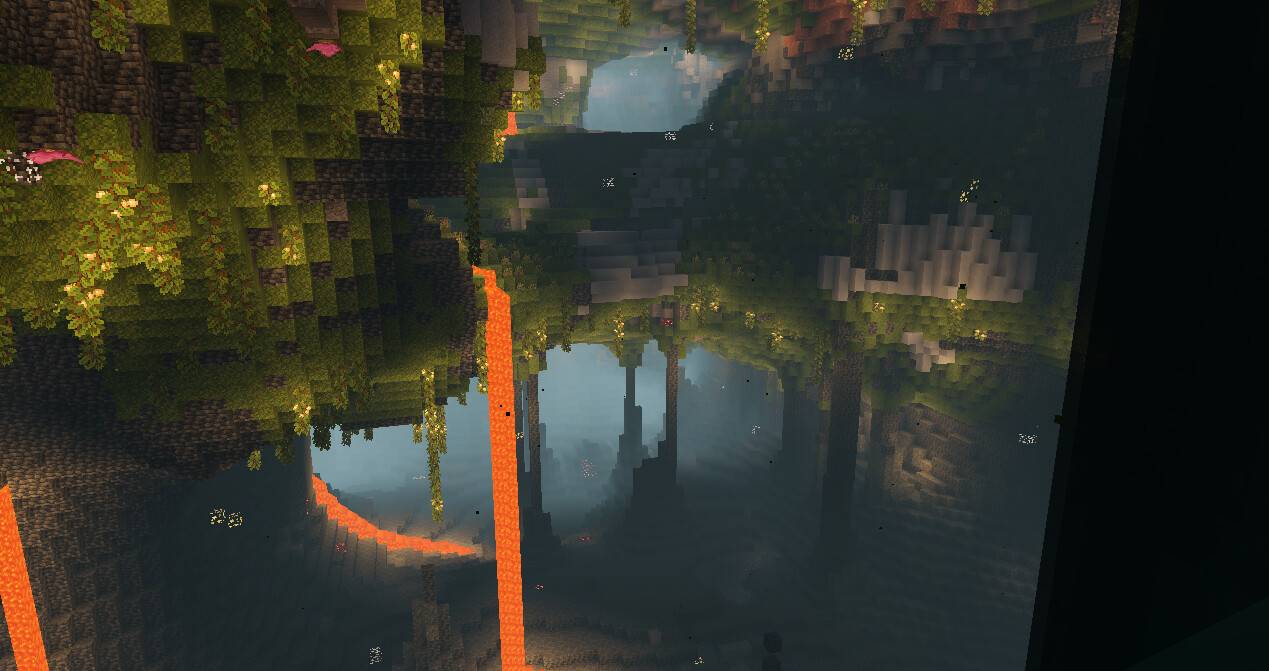
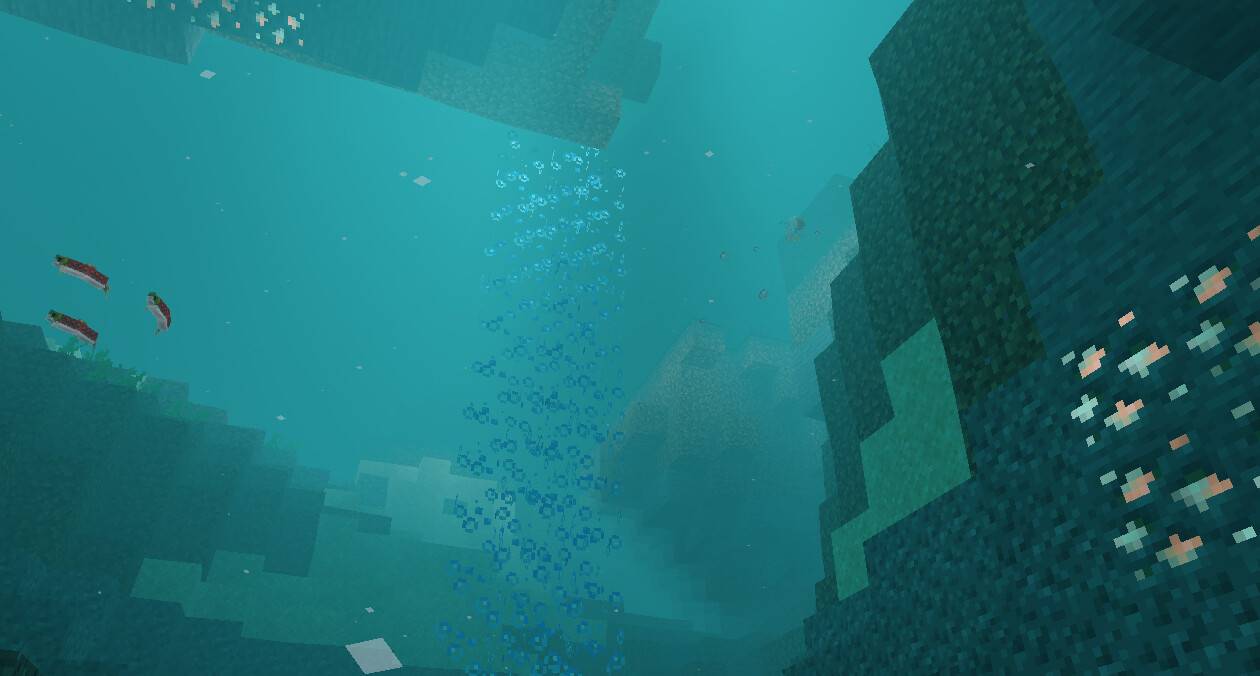
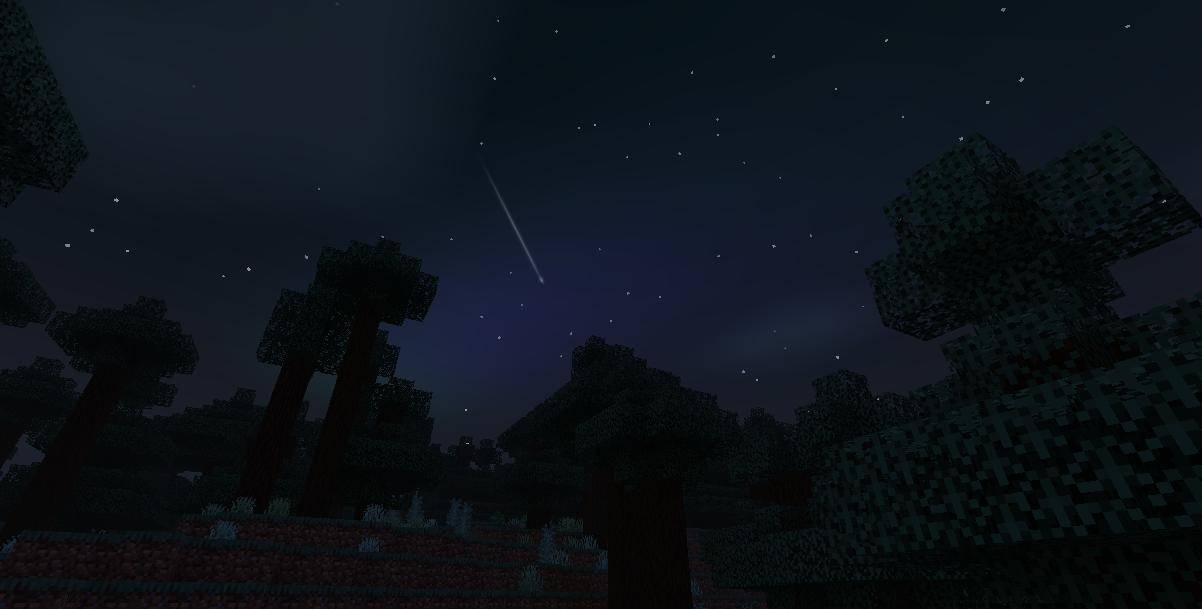
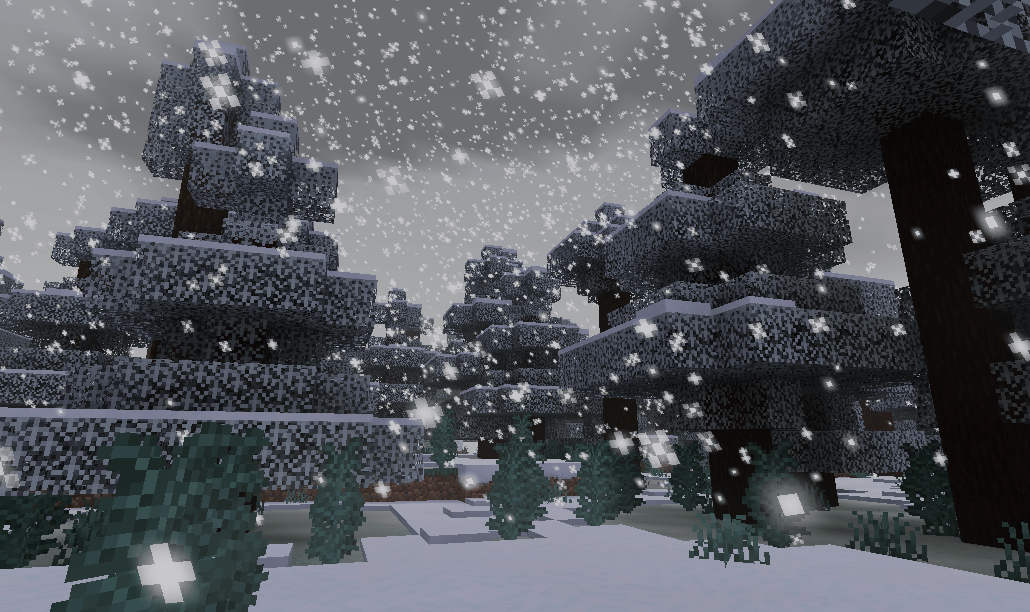
Newb Shader is a lightweight shader pack designed to enhance the vanilla Minecraft Bedrock experience with soft, natural visuals. Compatible with Minecraft Bedrock 1.21+ on Windows, Android, and iOS, it offers improved lighting, atmospheric effects, and subtle animations while maintaining optimal performance.
Installation
Important: Minecraft Bedrock does not officially support custom shaders, so installation involves unofficial methods.
Android
- Install the MB Loader APK.
- Import the Newb Shader resource pack into Minecraft and enable it in the global resources settings.
- Launch Minecraft through the MB Loader application.
Windows
- Use BetterRenderDragon to activate MaterialBinLoader.
- Import and activate the resource pack in Minecraft’s global resources.
If BetterRenderDragon is not compatible with your Minecraft version, use the Matject tool as an alternative method for shader installation.
Linux (x86_64)
- Install the mcpelauncher-materialbinloader mod.
- Import the resource pack and enable it in global resources.
iOS
Installing shaders on iOS requires either jailbreaking the device or sideloading an untrusted IPA, as there is no straightforward official method.
Key features
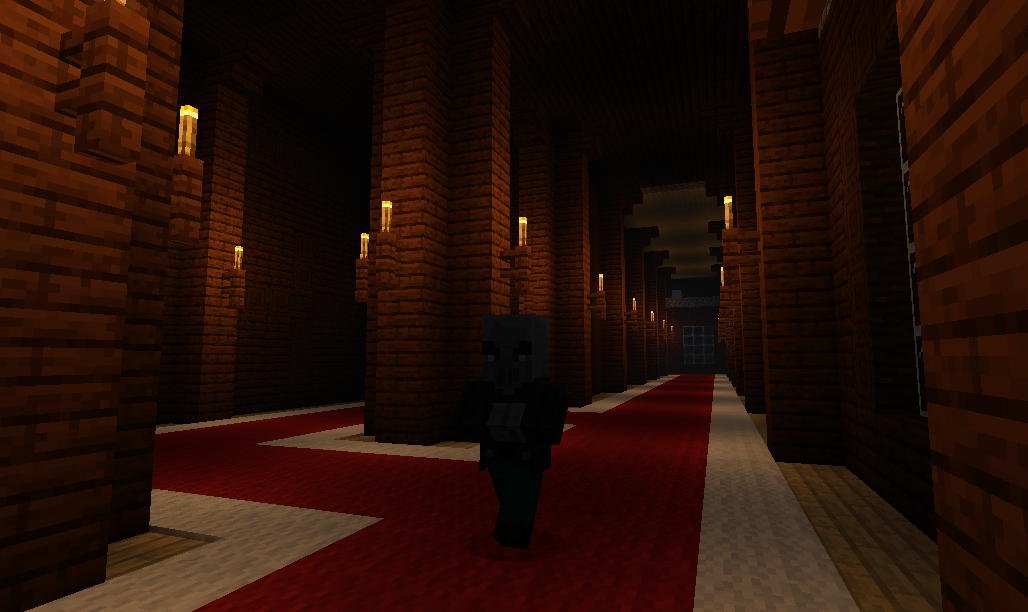
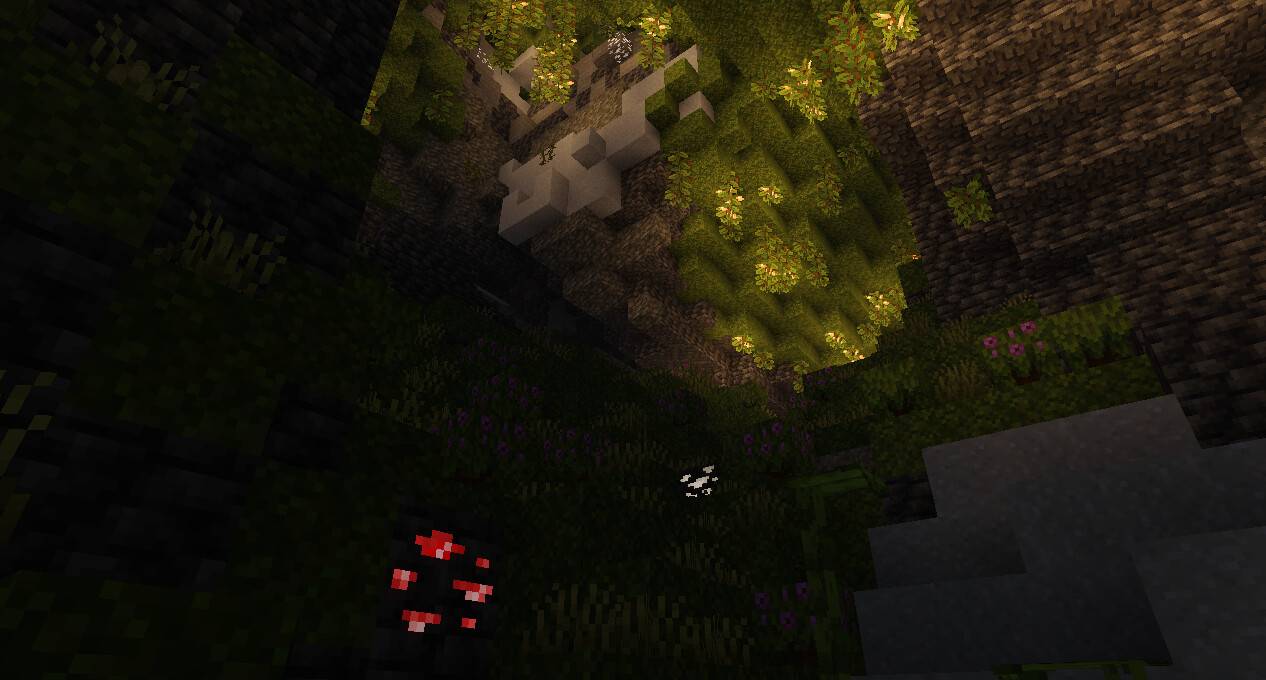
- Lighting: Soft, natural lighting with detailed subtle effects.
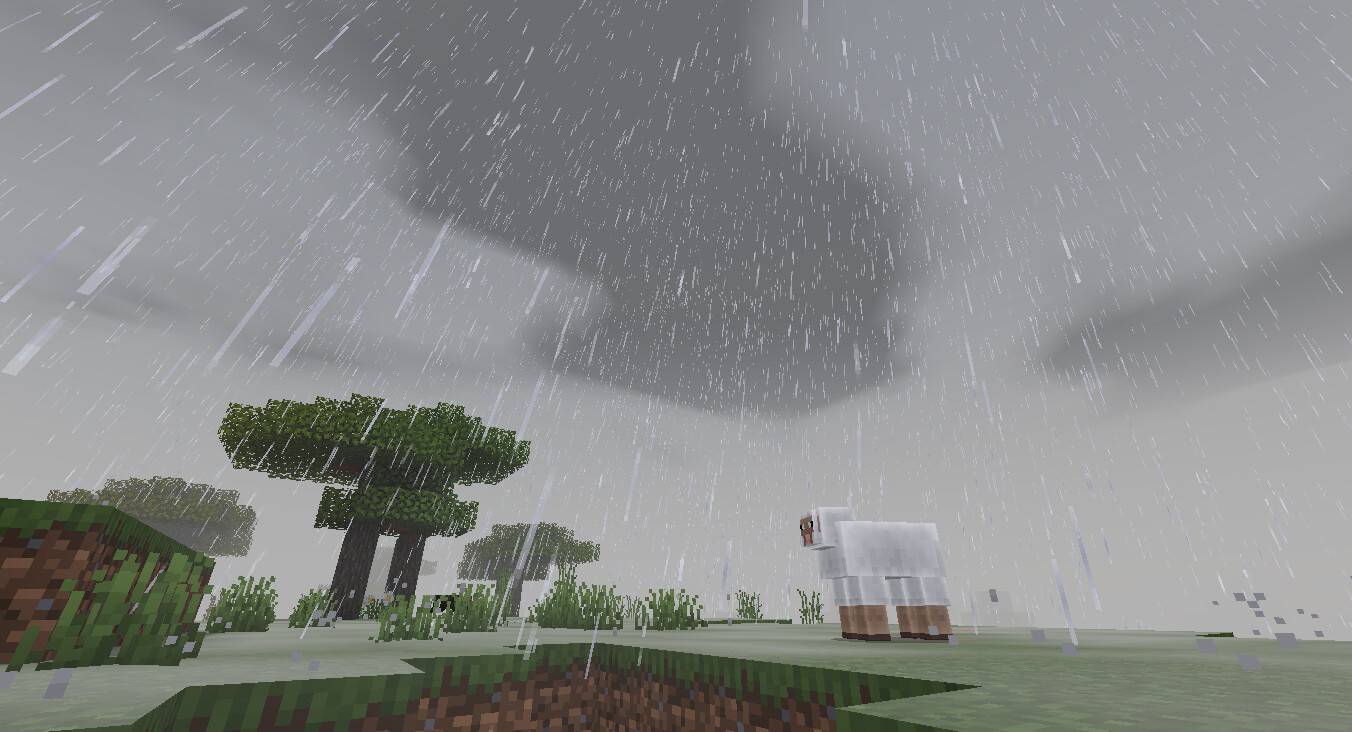
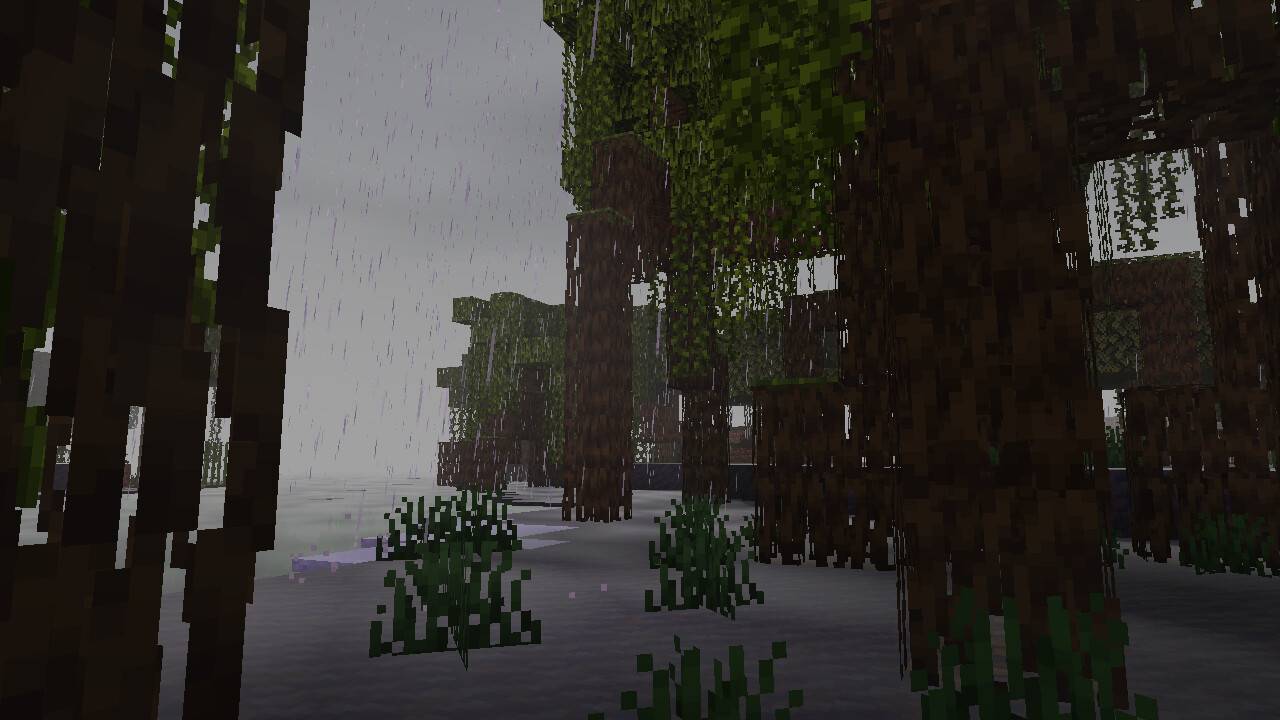
- Clouds: Gentle clouds that react dynamically to rain.
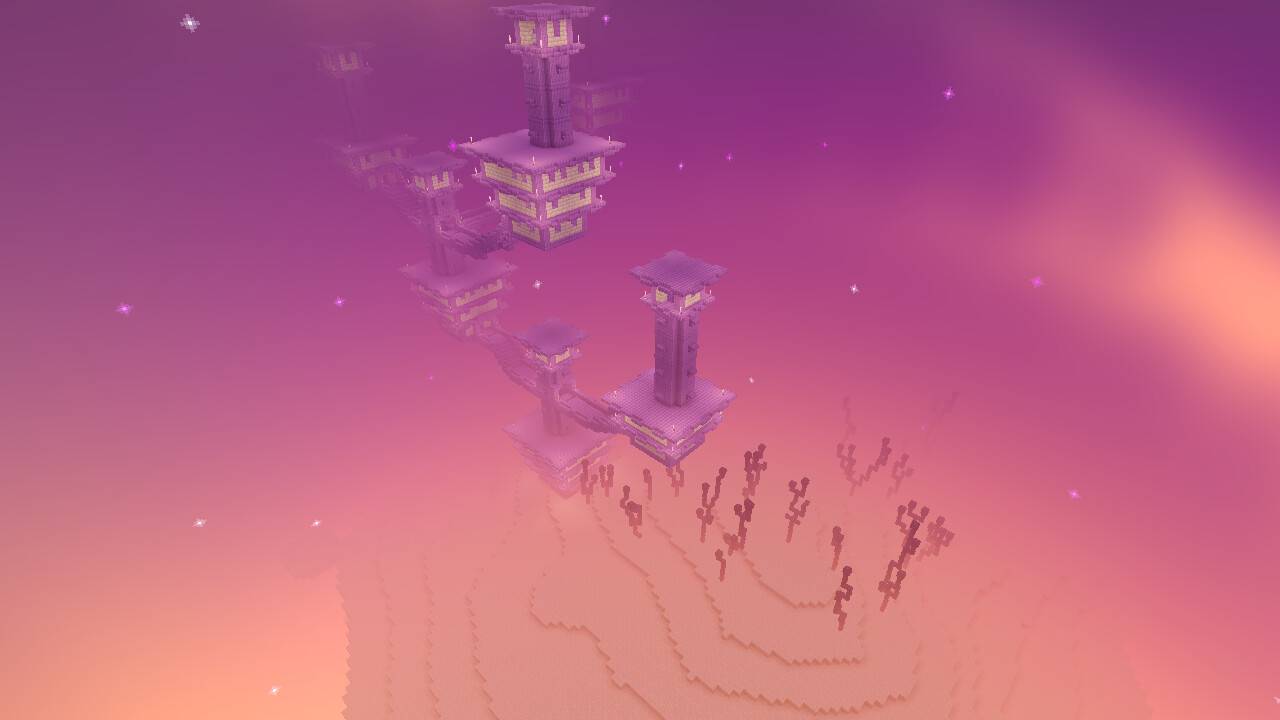
- Sky: Bright, natural skies including a unique end dimension sky.
- Water: Calm, visually appealing water with lightweight performance.
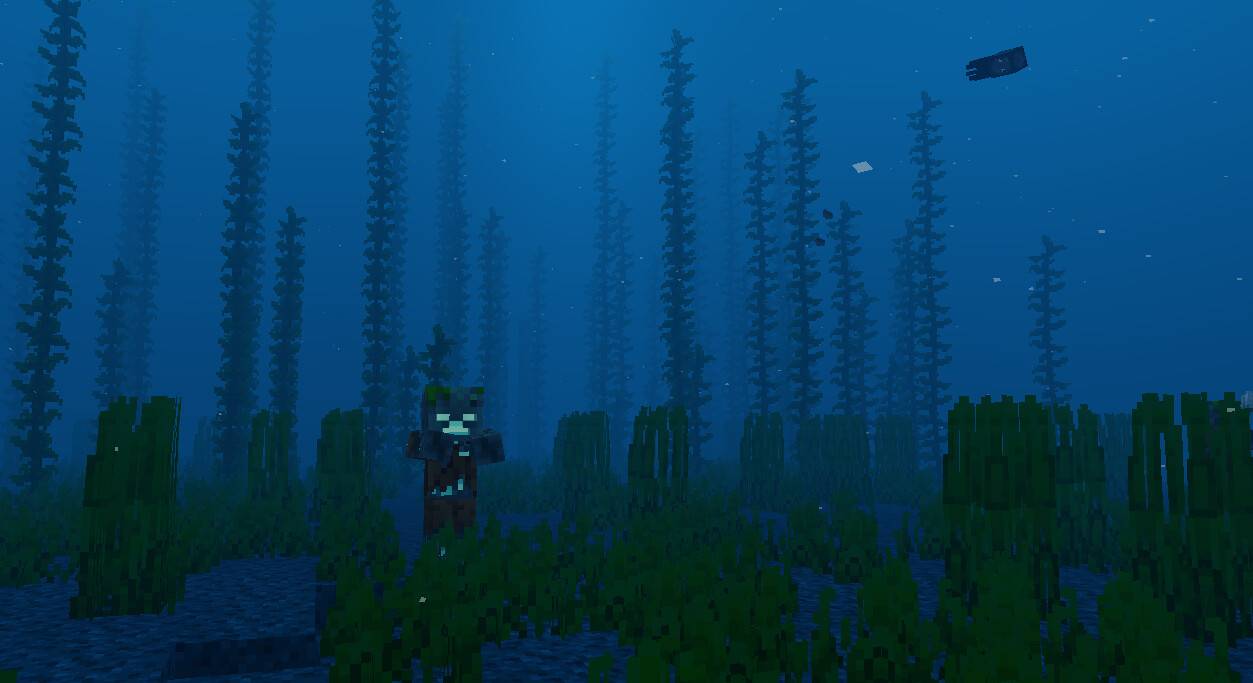
- Underwater: Bluish fog with soft caustics and streaks for immersion.
- Foliage Wave: Slight natural movement applied to grass, leaves, vines, and crops.
- Lantern Swing: A rare swinging lantern animation adds charm.
- Depth: Smooth fog layers and mist to add world depth.
- Rain Weather: Enhanced rainy weather effects favored by many users.
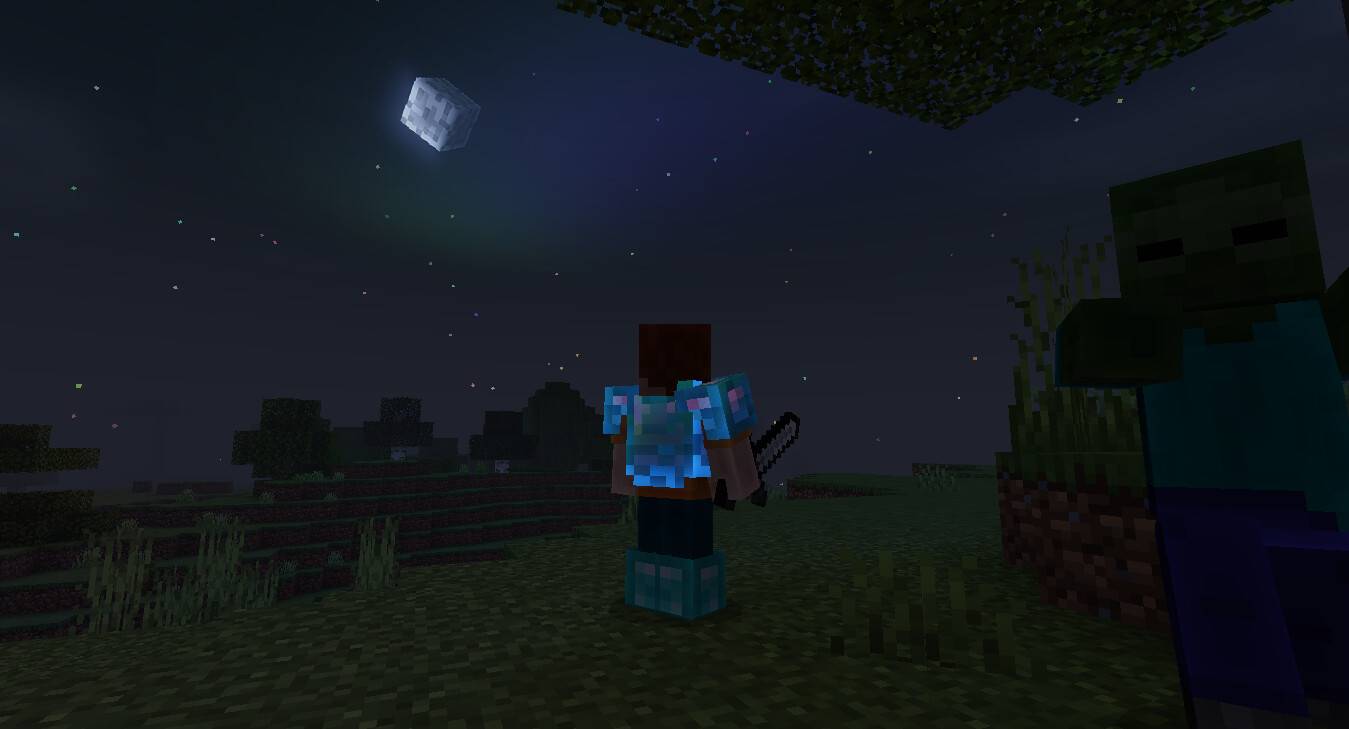
- Entities: Soft ambient glow surrounding entities.
- Color Correction: Tone mapping that provides a distinct, natural color palette.
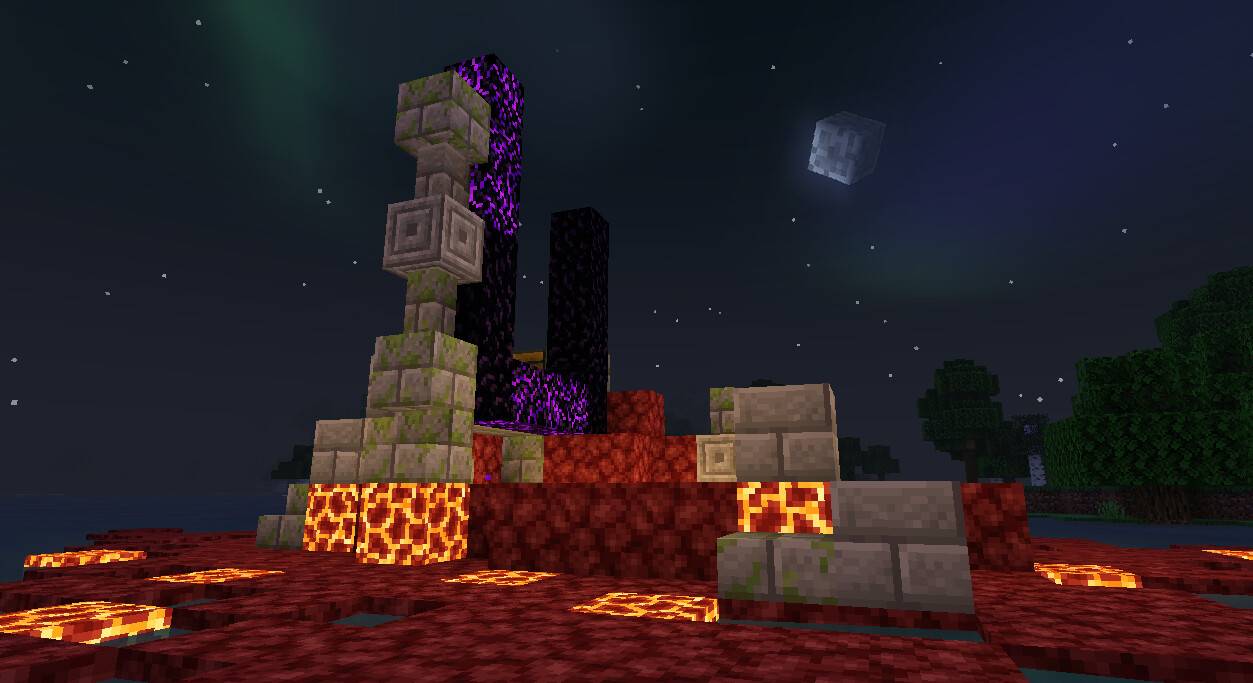
- Sun/Moon: 3D-style moon displaying all phases and a smooth, vanilla-inspired sun.
- Glowing Ores: Ores emit a subtle glow in darkness for easier spotting.
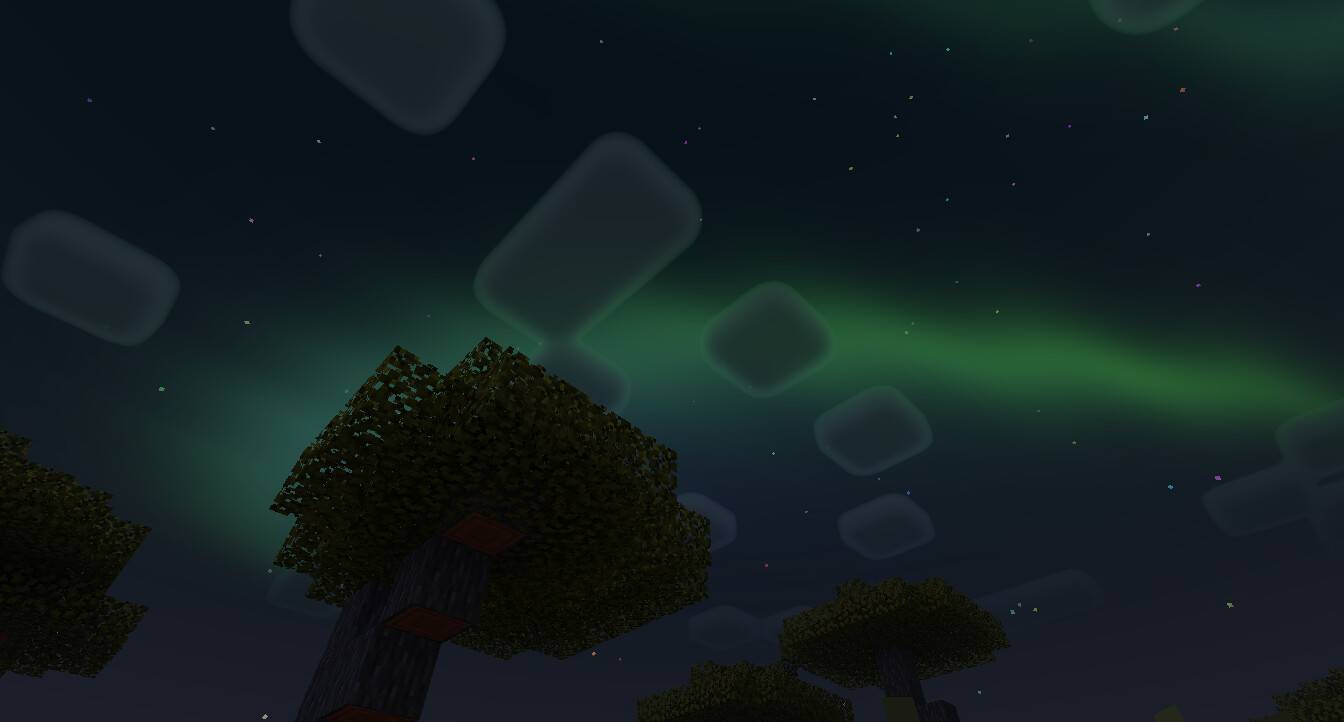
- Auroras: Dynamic aurora lights brighten the night sky.
- Glint Effect: Enhanced shimmering effect on enchanted items.
How to use
For the best visual experience, configure Minecraft graphics settings as follows:
- Enable Beautiful Sky
- Enable Smooth Shading
- Enable Clouds
- Enable Fancy Graphics
- Set Brightness between 10% and 90%
The shader pack includes multiple subpacks; for improved performance, use the “No Wave, No Fog” subpack.
Ensure the Newb Shader resource pack is positioned at the top of your resource packs list for proper functionality.
Requirements / Compatibility
- Compatible with Minecraft Bedrock Edition version 1.21 and above.
- Supported platforms include Windows, Android, and iOS (with caveats).
- Requires unofficial tools or loaders for shader support, such as MB Loader, BetterRenderDragon, or mcpelauncher mods.
- Shader will not function without applying necessary patches as outlined in the installation instructions.
Notes / Troubleshooting
Legacy Version: Version 16 is the last legacy release; no further updates will be provided by the original developer. Future enhancements may come from the community.
iOS Users: Shader installation is challenging without jailbreaking or sideloading.
Shader Activation: Confirm the shader resource pack is enabled in global resources and prioritized above other resource packs.