
Magnificent Minimap
20.02.2026
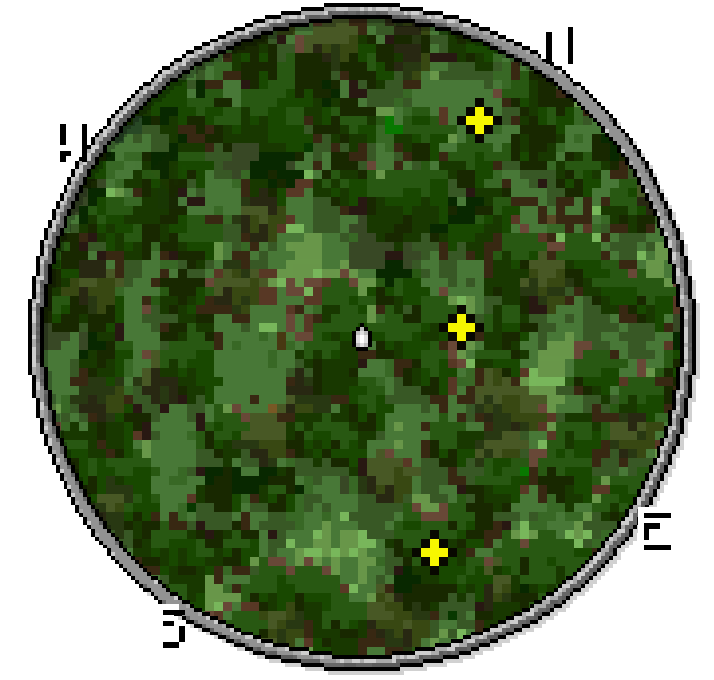
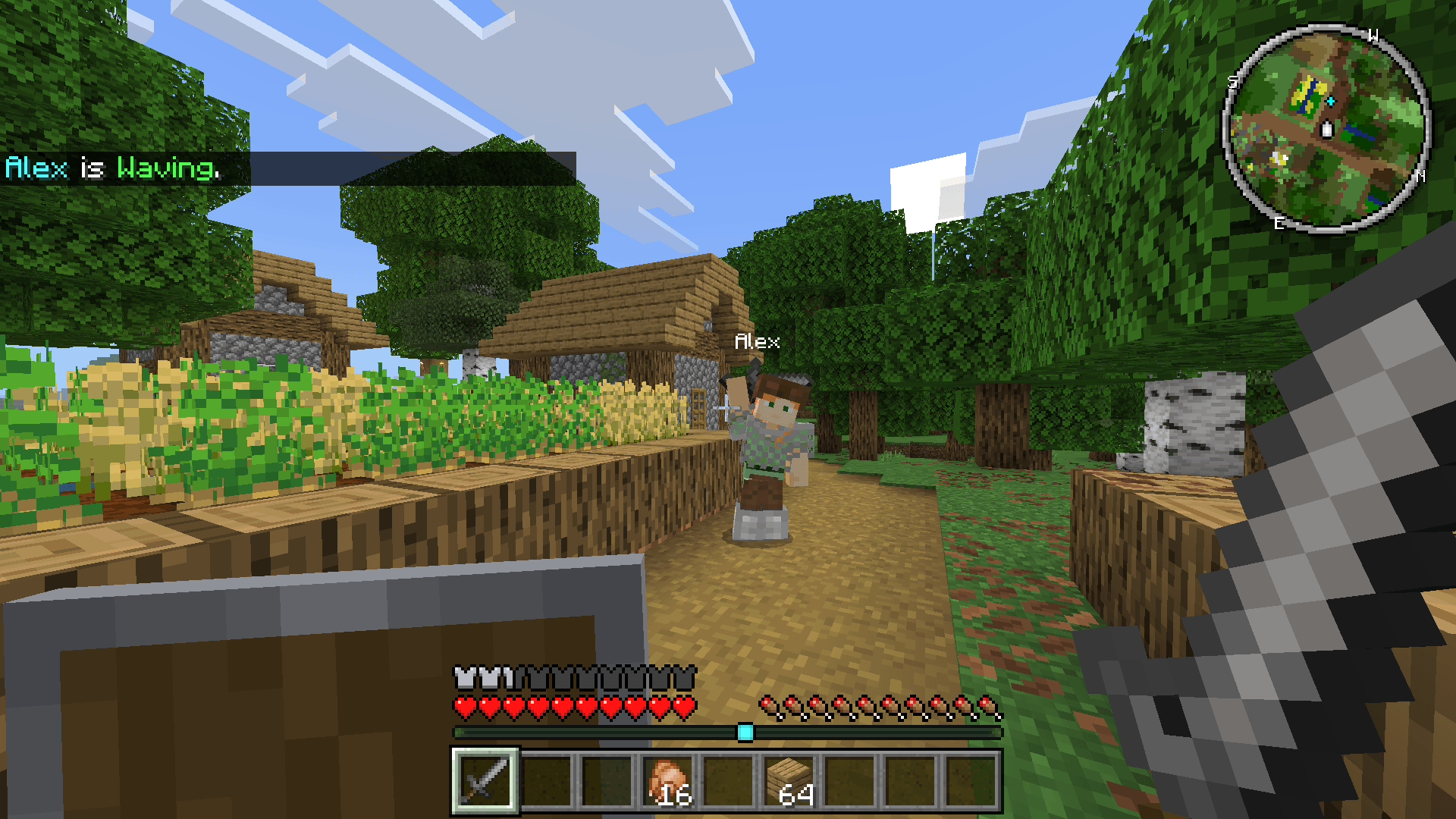
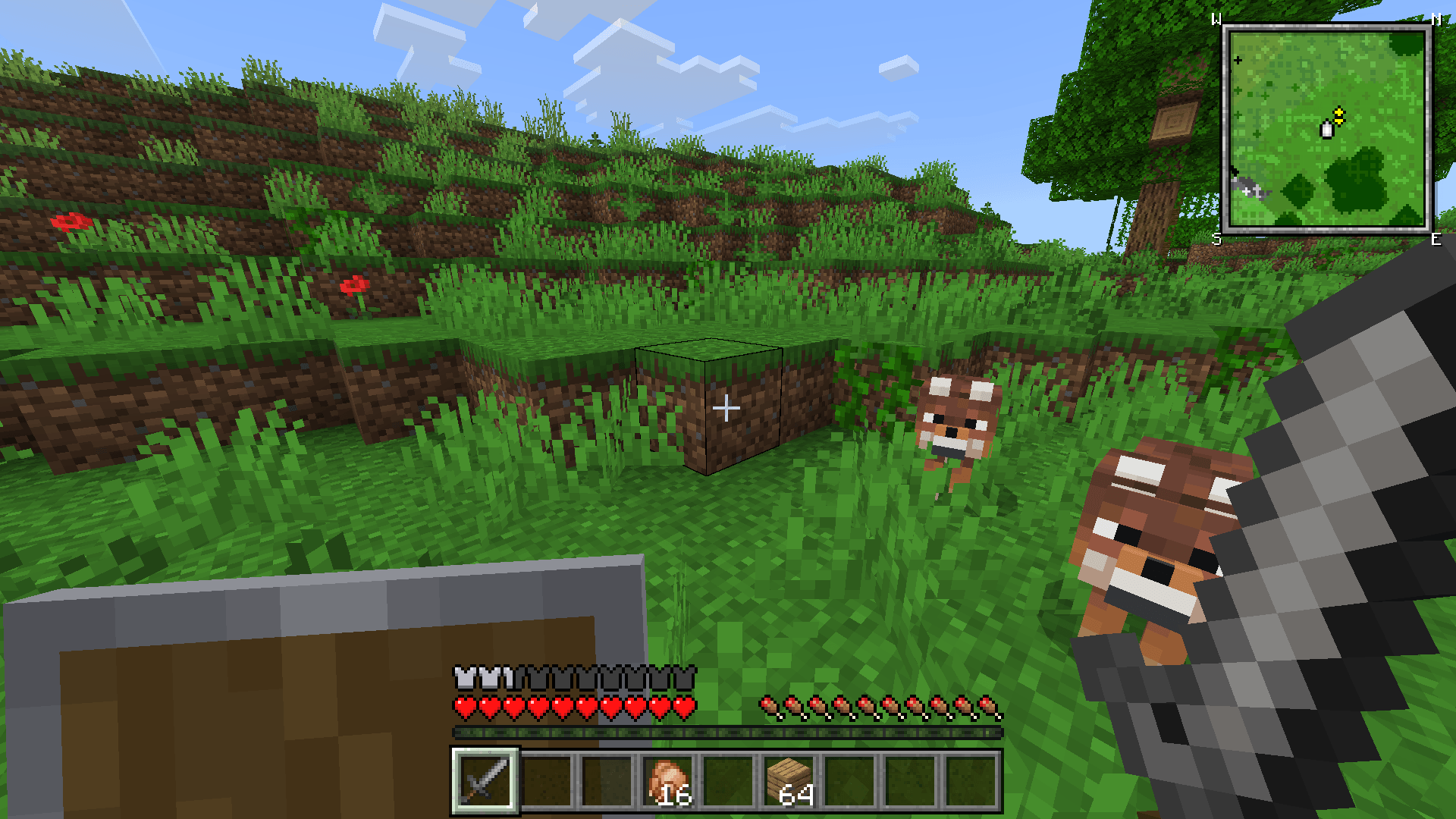
Magnificent Minimap enhances your Minecraft Bedrock experience with a real-time, customizable minimap that adapts to your preferences. This addon offers a sleek, responsive interface allowing you to adjust the minimap’s size, style, and displayed details, making navigation smoother and more intuitive while preserving gameplay immersion.
Installation
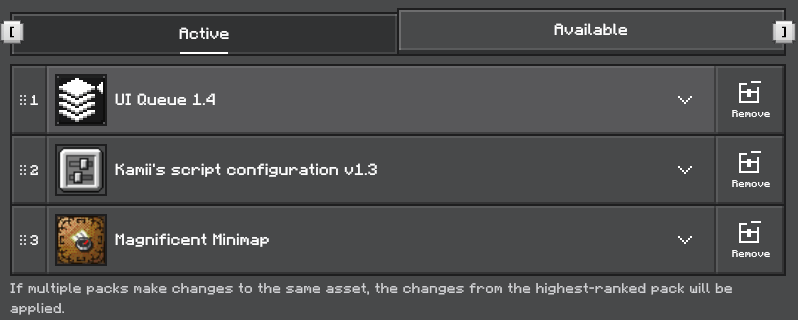
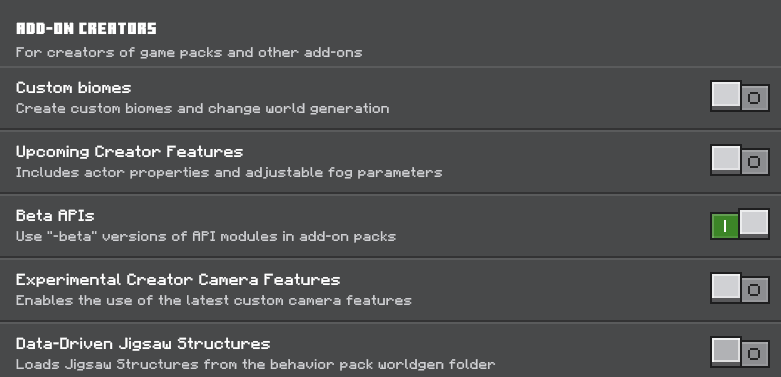
To use Magnificent Minimap, you must enable the Beta API in the experimental settings of your Minecraft world. This addon depends on two additional addons: UI Queue and Kamii’s Script Configuration. Ensure both are installed and active for full functionality.
Requirements / Compatibility
- UI Queue addon
- Kamii’s Script Configuration addon
- Beta API enabled in Minecraft experimental settings
Key Features
- Dynamic rotating minimap display
- Multiple visual rendering styles to choose from
- Wide range of customization options for size, shape, and data shown
- Indicators to track nearby entities
- Compass direction integration for orientation
- Support for both circular and rectangular minimap shapes
- Special feature to play “Bad Apple” animation via command
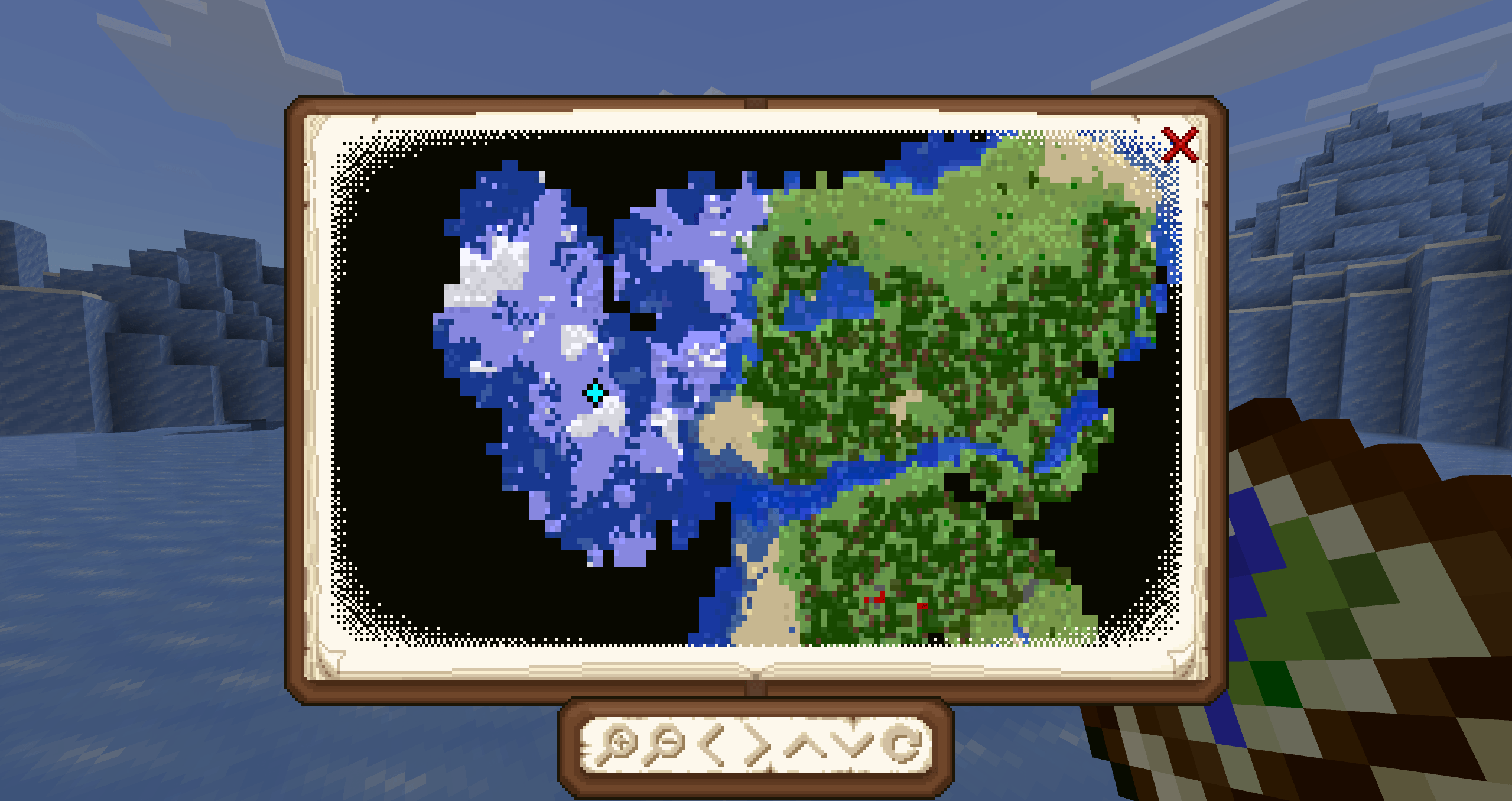
/function start_bad_apple - Map atlas for overview navigation
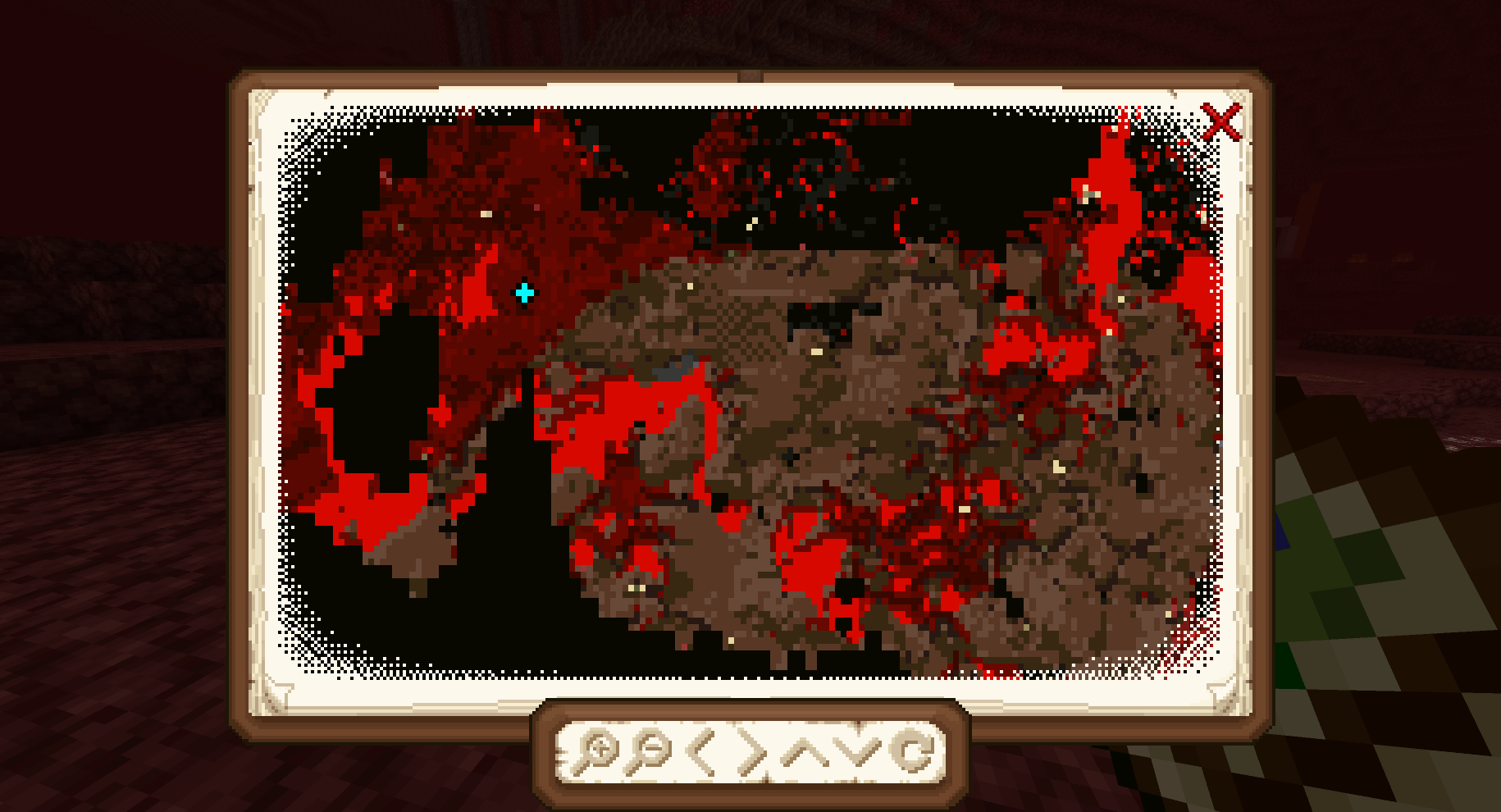
- Dedicated Nether dimension minimap
How to Use
To toggle the minimap visibility:
- Mobile: Sneak (crouch) and tap the ‘X’ button on the screen.
- PC: Sneak and press
F8to show or hide the minimap. - Console: Feature currently unavailable.
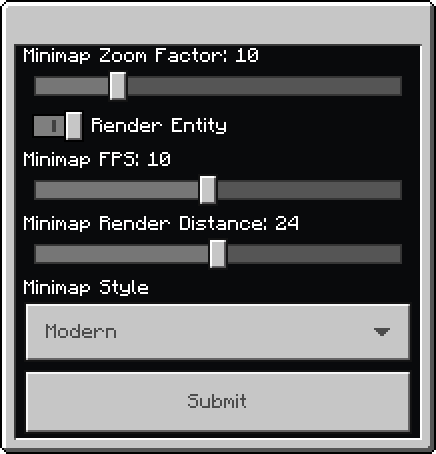
Open the configuration menu to customize your minimap by entering the command /configuration. This menu requires Kamii’s Script Configuration addon to function properly.
Notes / Troubleshooting
This addon is experimental and may consume significant system memory, potentially causing the game to become unstable or require reloading the world. It has not been extensively tested on devices with limited resources. If performance issues occur, consider disabling the addon or adjusting settings to reduce resource usage.

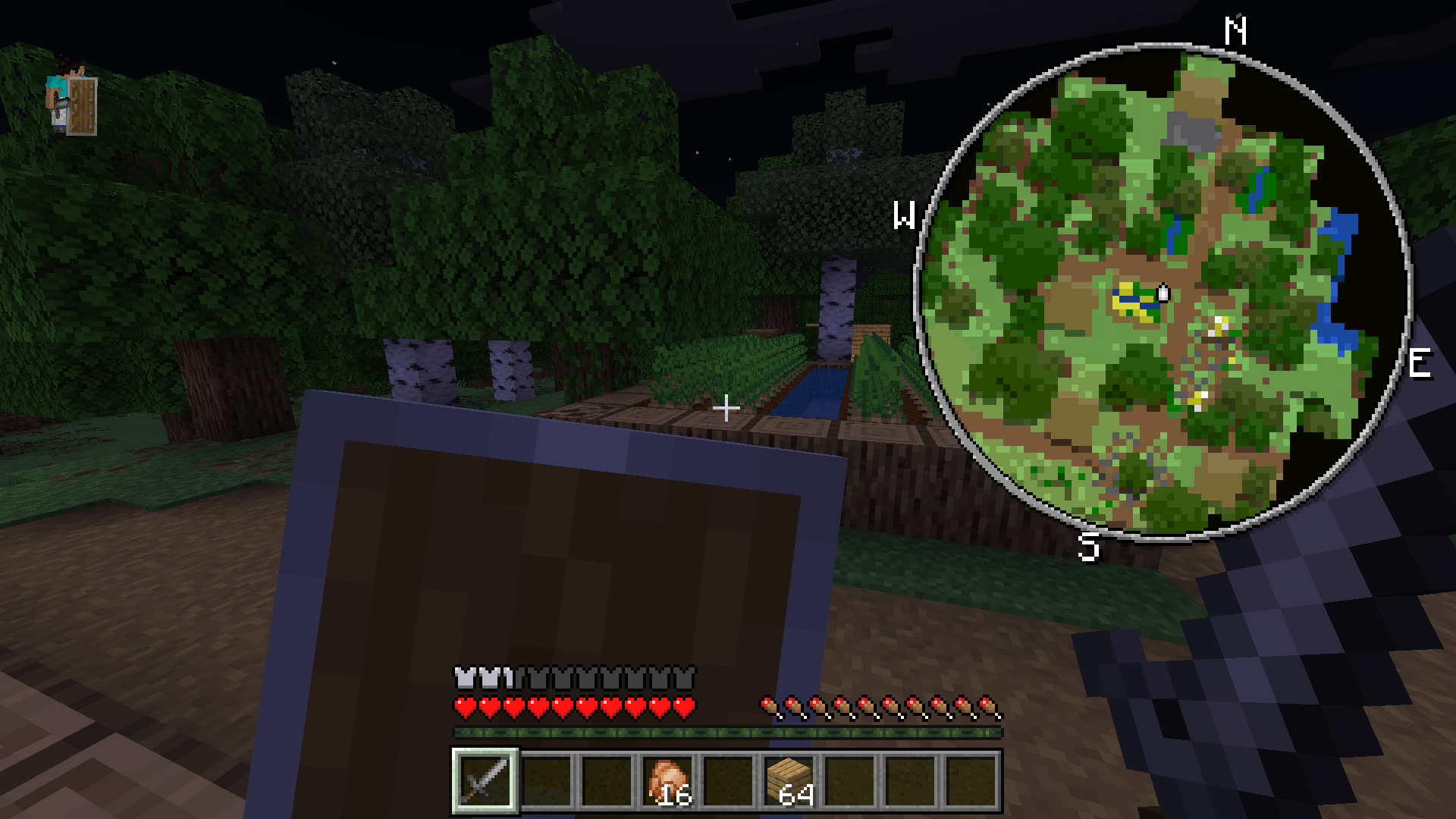
Magnificent Minimap Behavior v1.6
[647.34 KB]

