
Lunac Shaders
UPDATED: 21.02.2026
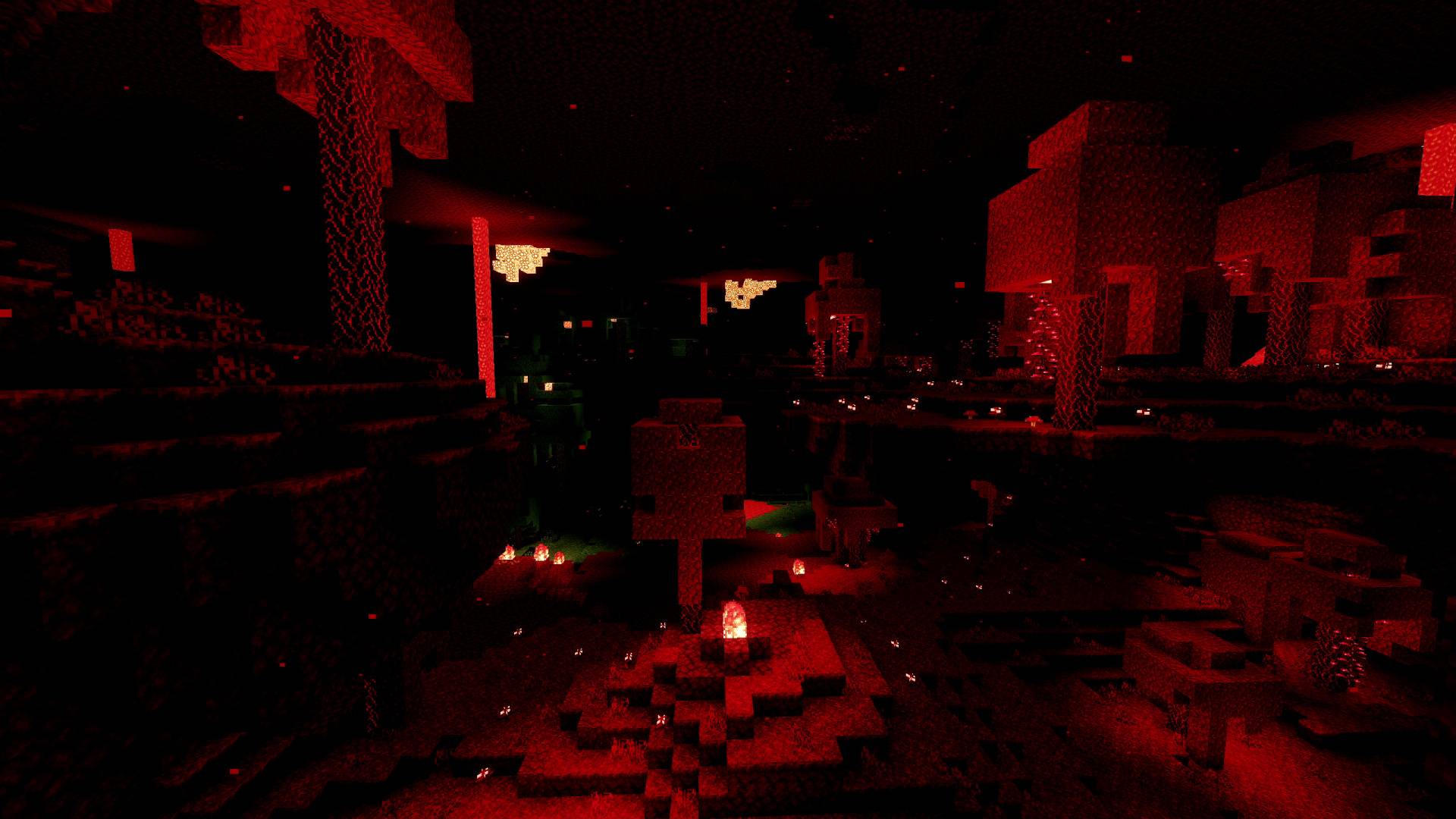
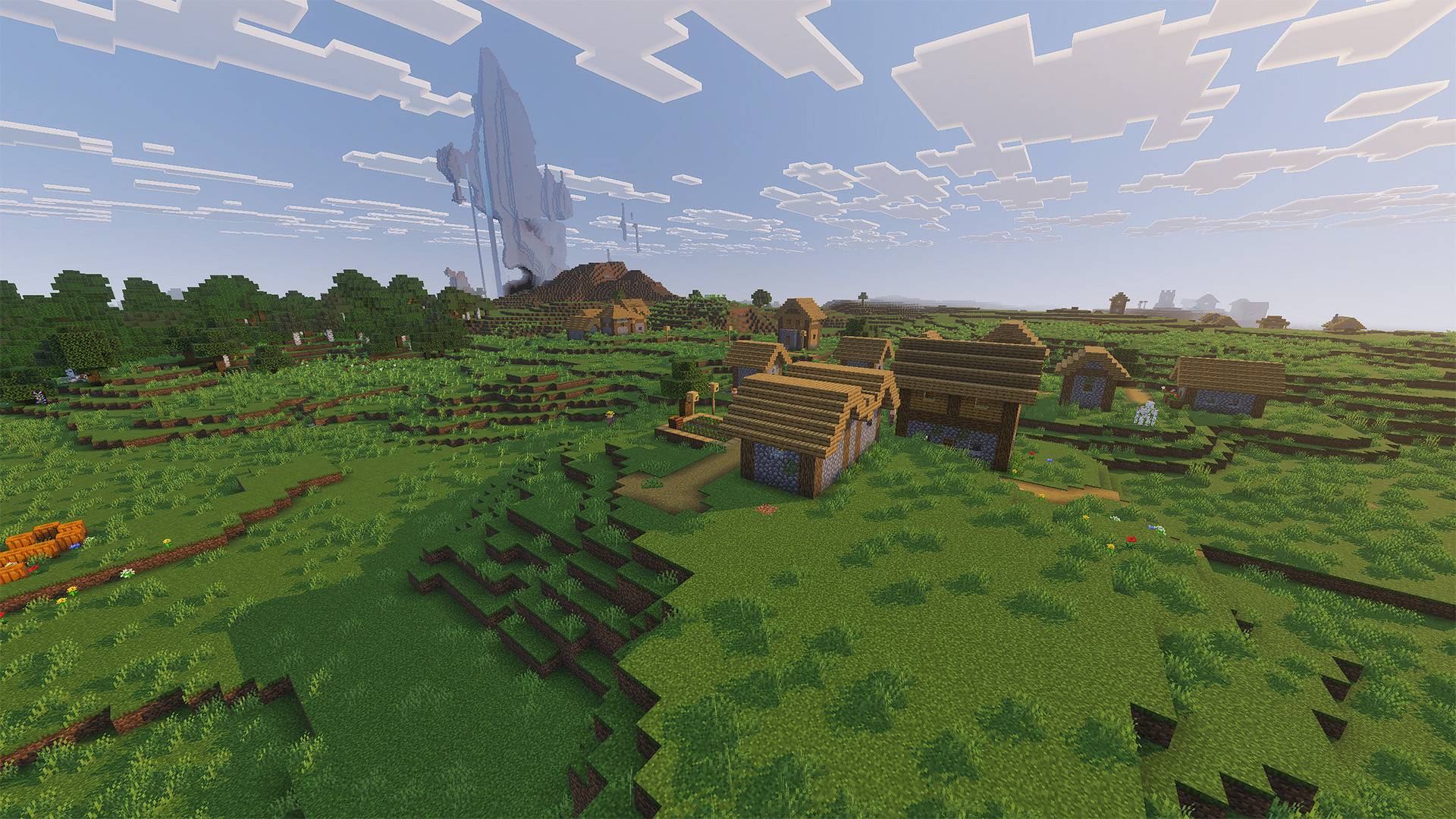
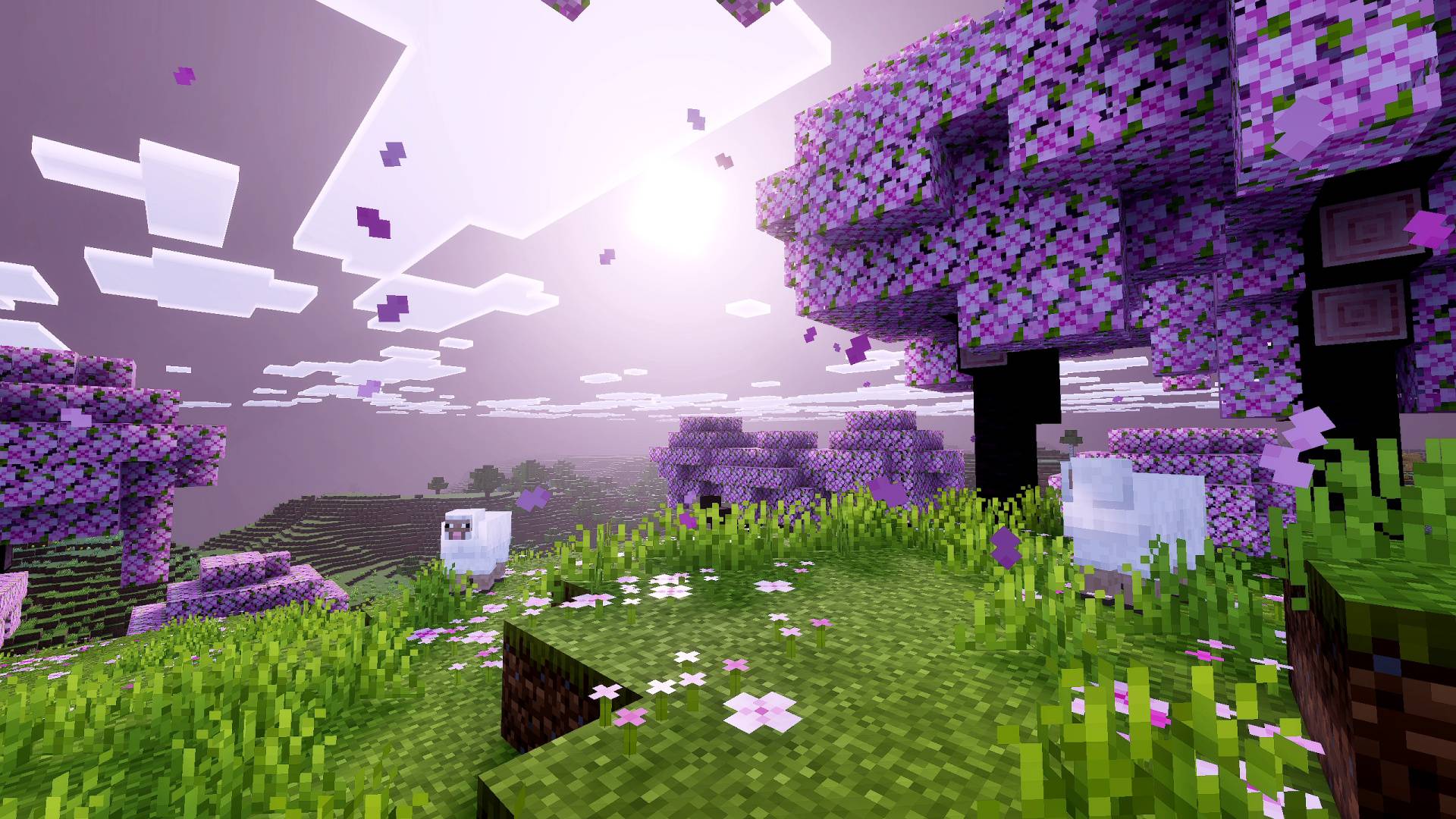
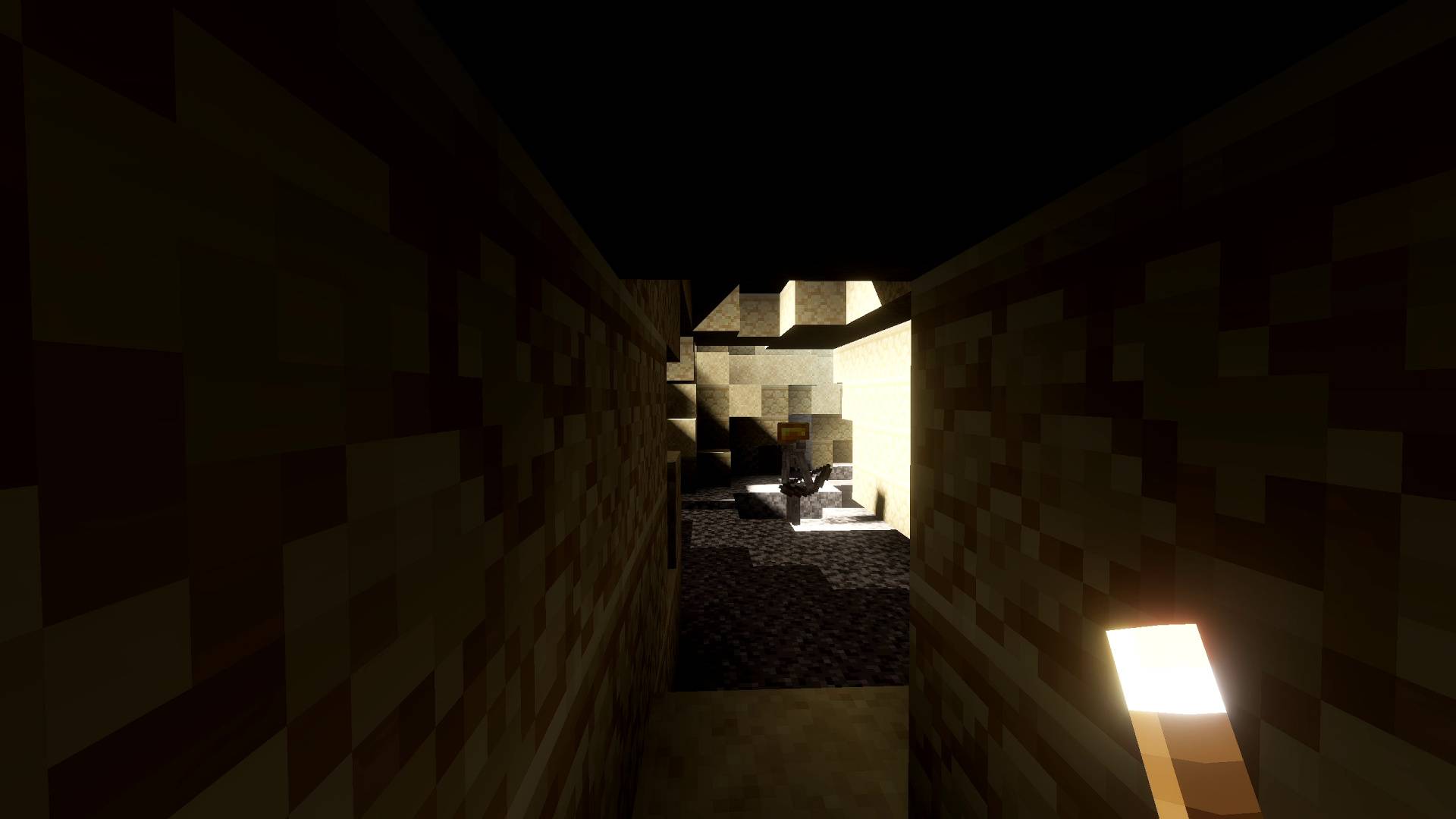
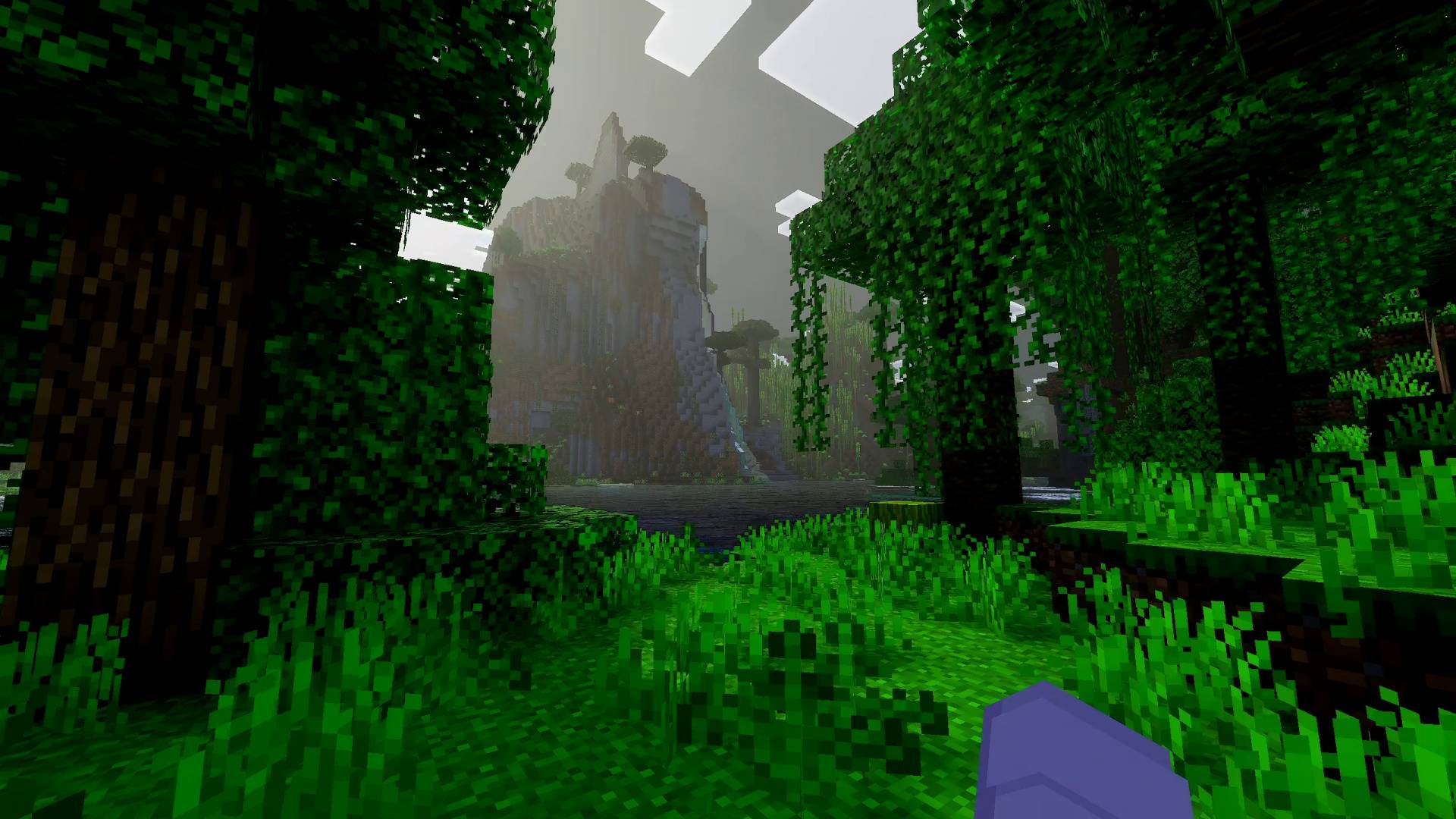
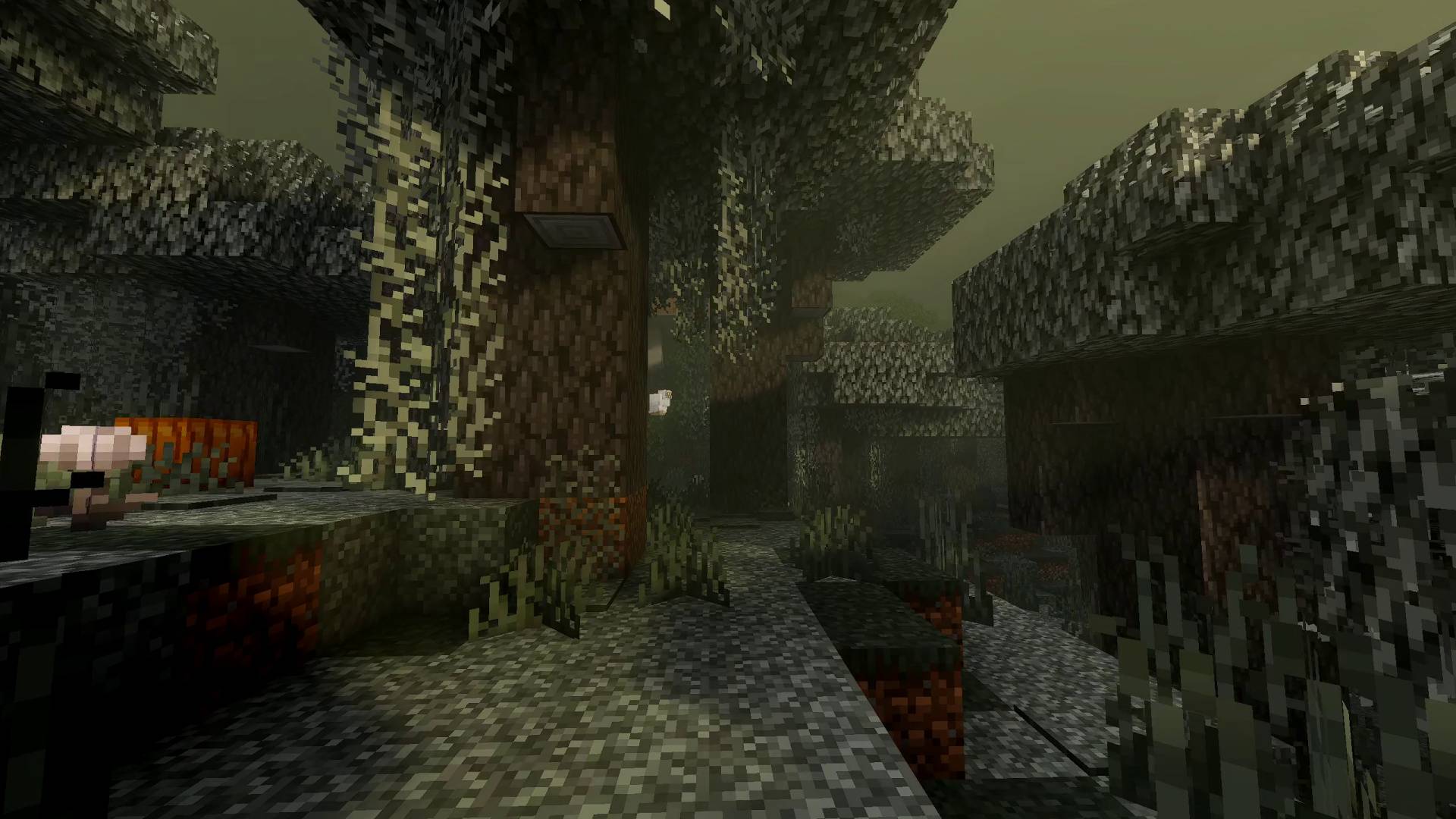
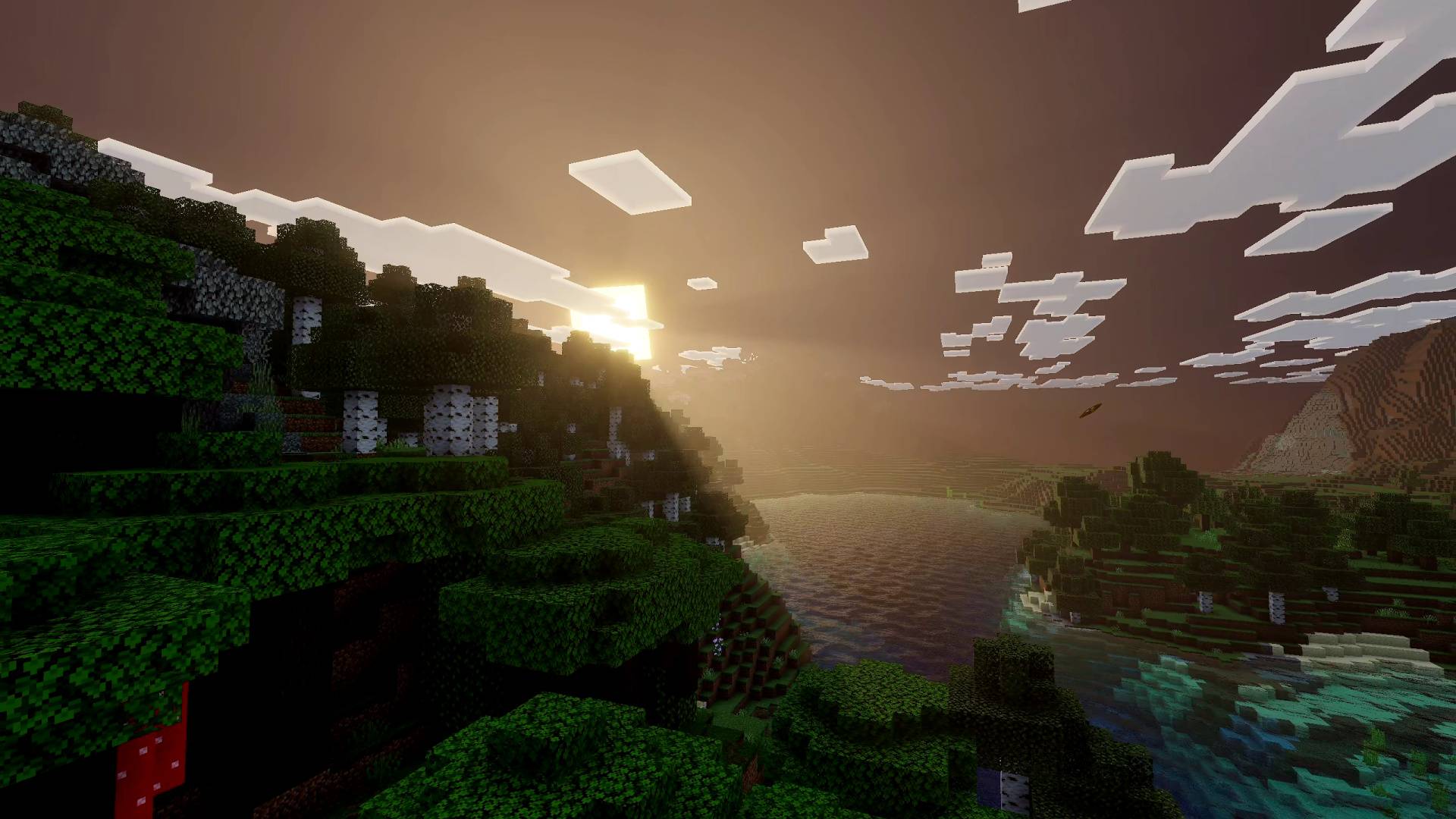
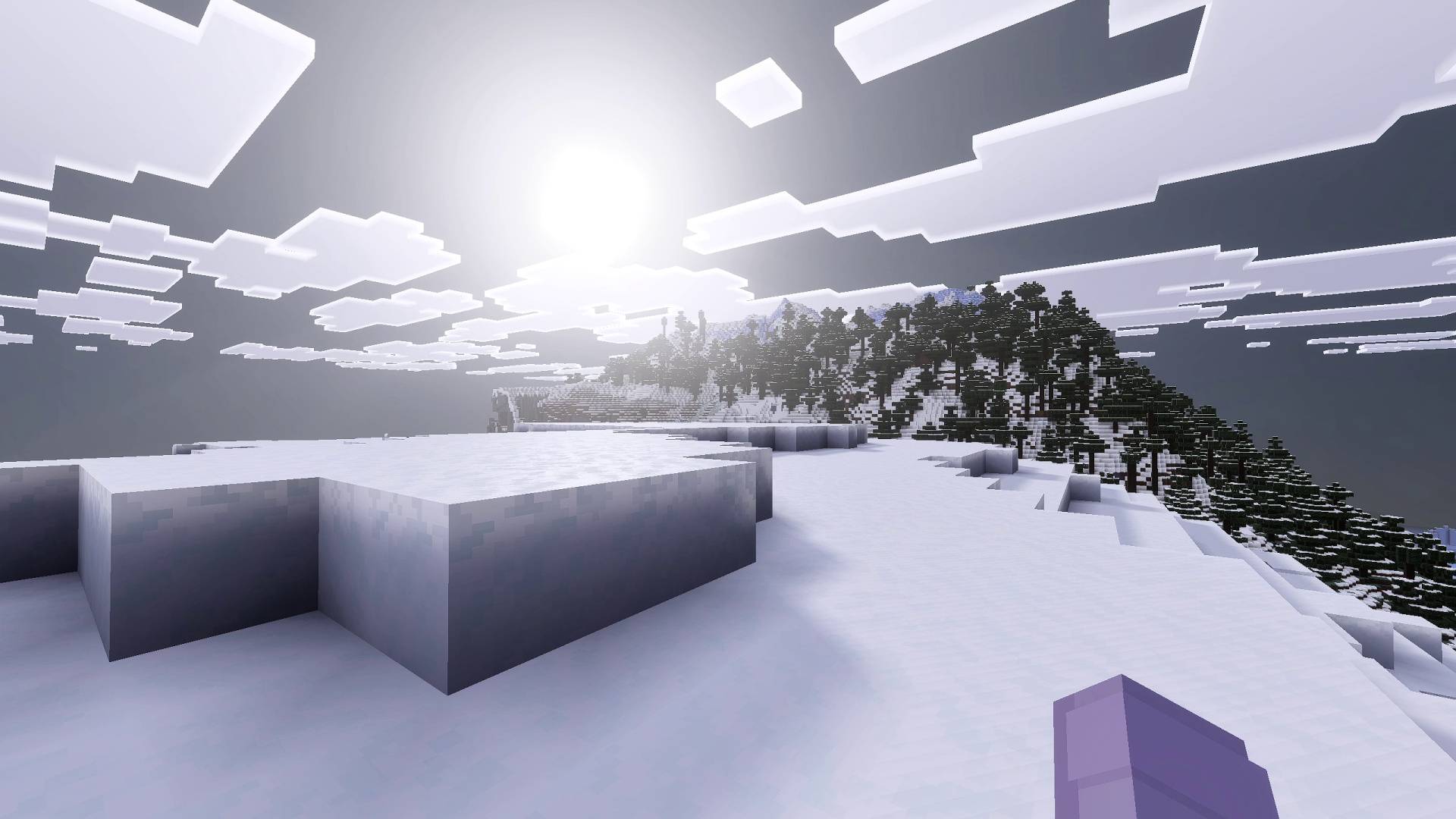
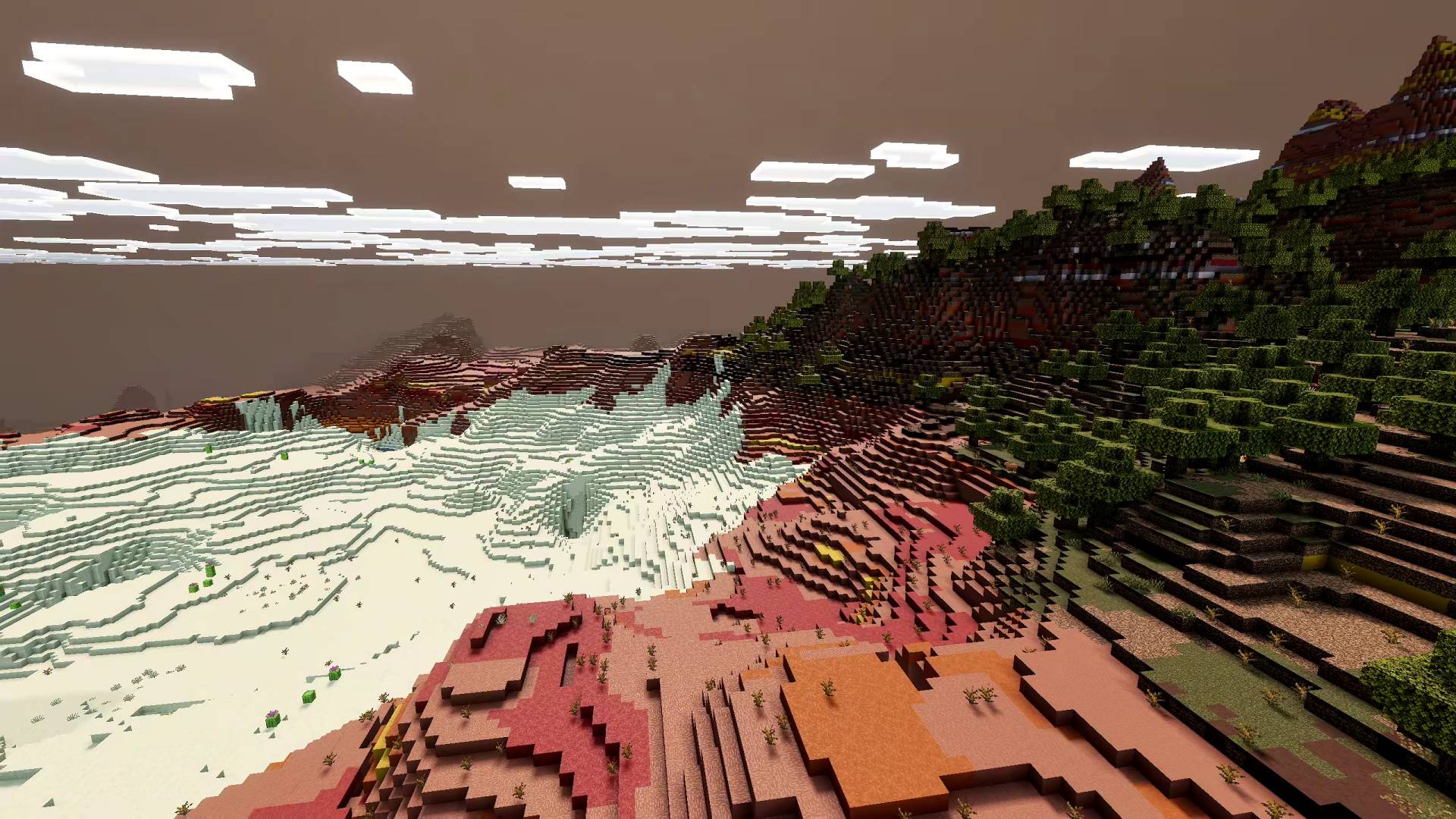
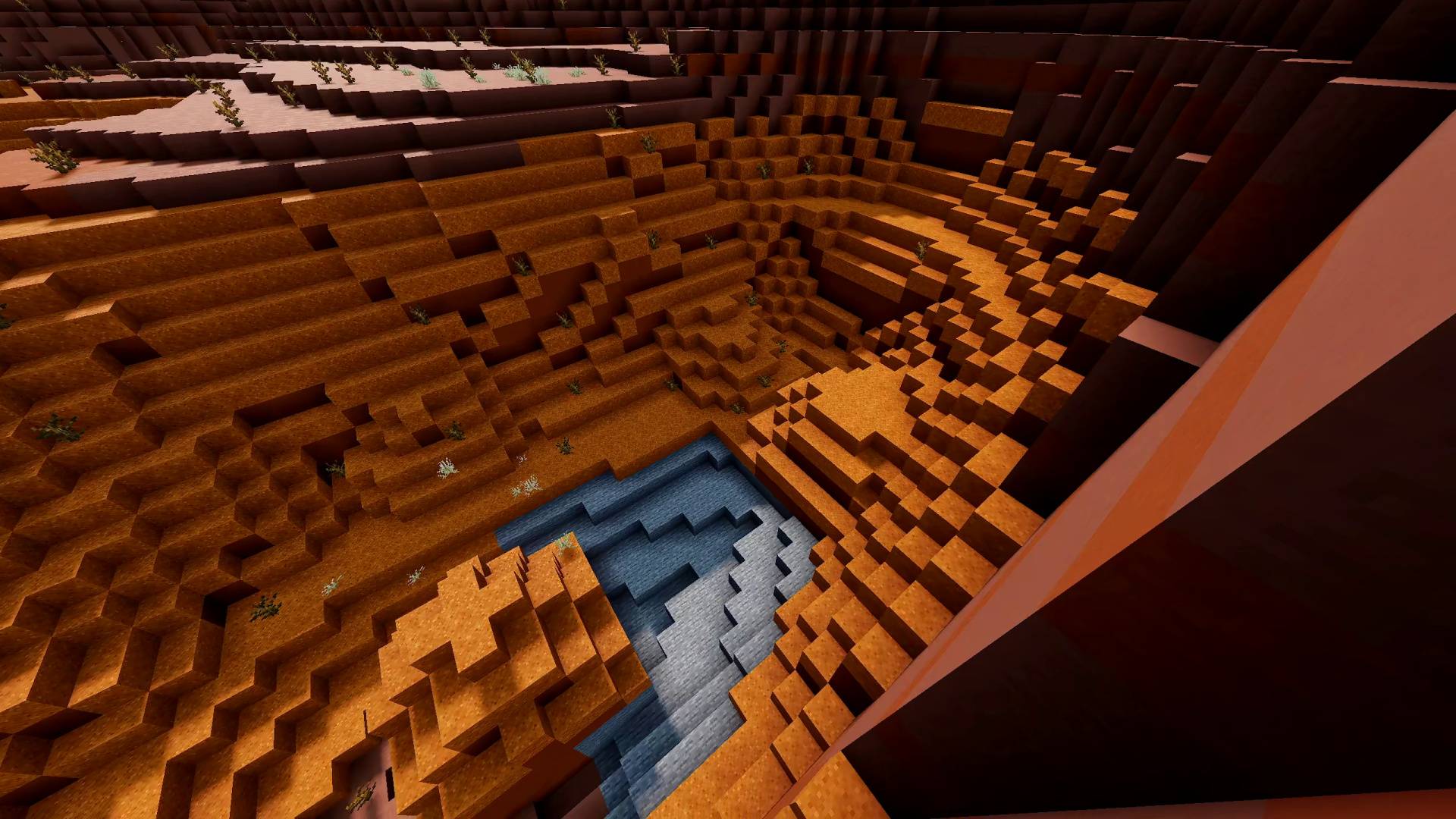
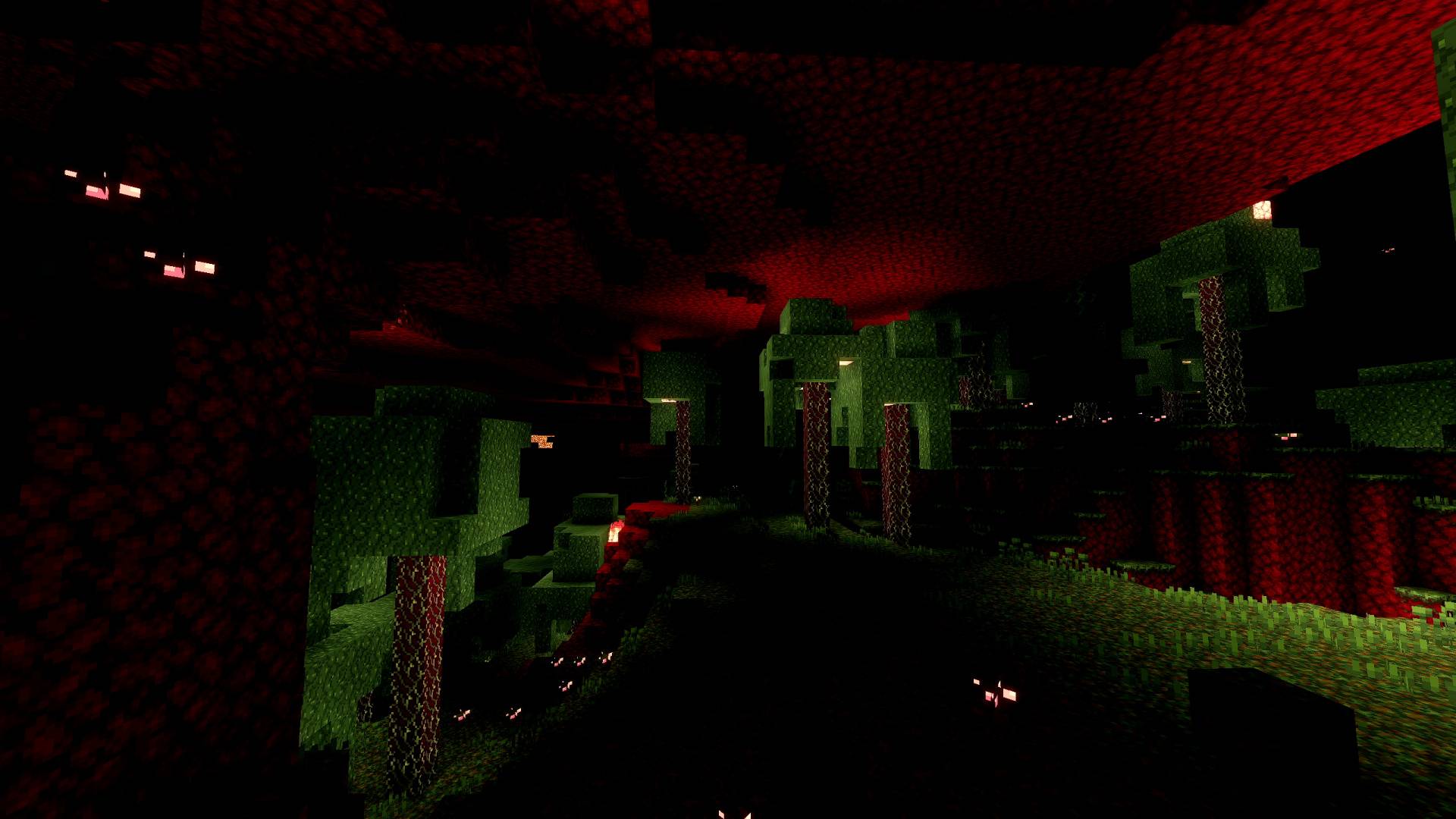
Lunac Shaders Vibrant Visuals Shader enhances Minecraft’s graphics with stunning RTX-like effects without requiring an RTX-enabled GPU. This shader pack delivers ultra-realistic water, detailed shadows, lifelike reflections, and dynamic lighting, all while maintaining better performance compared to traditional ray tracing solutions.
Installation / How to Use
- Activate the Lunac Shaders within your Minecraft world settings.
- Once inside the world, navigate to Settings > Lunac Settings.
- Under Graphics Mode, select “Vibrant Visuals” to apply the shader’s full effects.
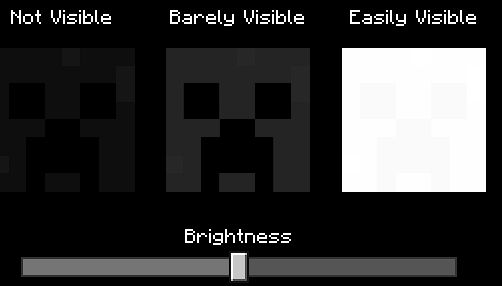
- Adjust brightness as desired for optimal visual experience.
- For performance management, use “Favor Performance” mode if your device struggles, or “Favor Quality” mode if you prefer enhanced visuals and have sufficient resources.
- Set the resolution slider to “Native” to ensure the best quality shaders.
Requirements / Compatibility
This shader pack does not require an RTX-compatible graphics card, but a relatively powerful device is recommended to run it smoothly. It leverages Minecraft’s deferred rendering system to provide advanced lighting and atmospheric effects. Ensure your Minecraft Bedrock edition is updated to support shader packs and deferred rendering features.
Key Features
- RTX-like Visuals Without RTX Hardware: Realistic lighting, reflections, and shadows simulate ray tracing effects with lower performance costs.
- Dynamic and Vibrant Skies: Each time of day and biome features unique sky colors and lighting atmospheres thanks to deferred rendering.
- Enhanced Lighting & Reflection Balance: Carefully tuned lighting ensures no object appears dull or overly artificial.
- Ultra-Realistic Water: Water surfaces display lifelike waves and reflections.
- Blocky Shadows: New shadow styles retain Minecraft’s classic visual identity while improving depth and detail.
- New 3D Version Available: Includes heightmaps, improved lighting, and more detailed shadows for an even richer experience.
Notes / Troubleshooting
If you experience lag or low frame rates, switch to “Favor Performance” mode within the shader settings. Adjust brightness and resolution settings as needed to balance visuals with performance.
Recommended Brightness Setting:
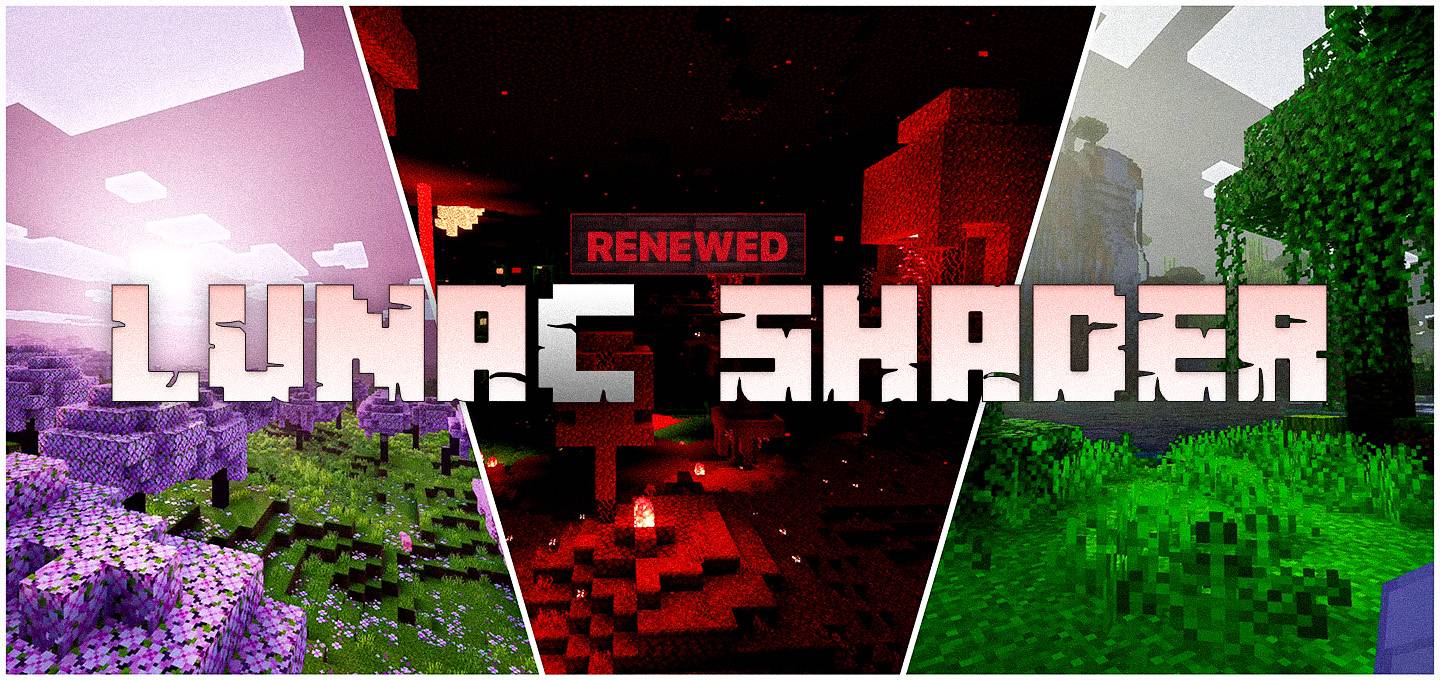
Preview Image:

Lunac Shaders 2.5 [Vibrant Visuals].mcpack
[597.15 KB]
 5.00/5