
Low fire
26.02.2026
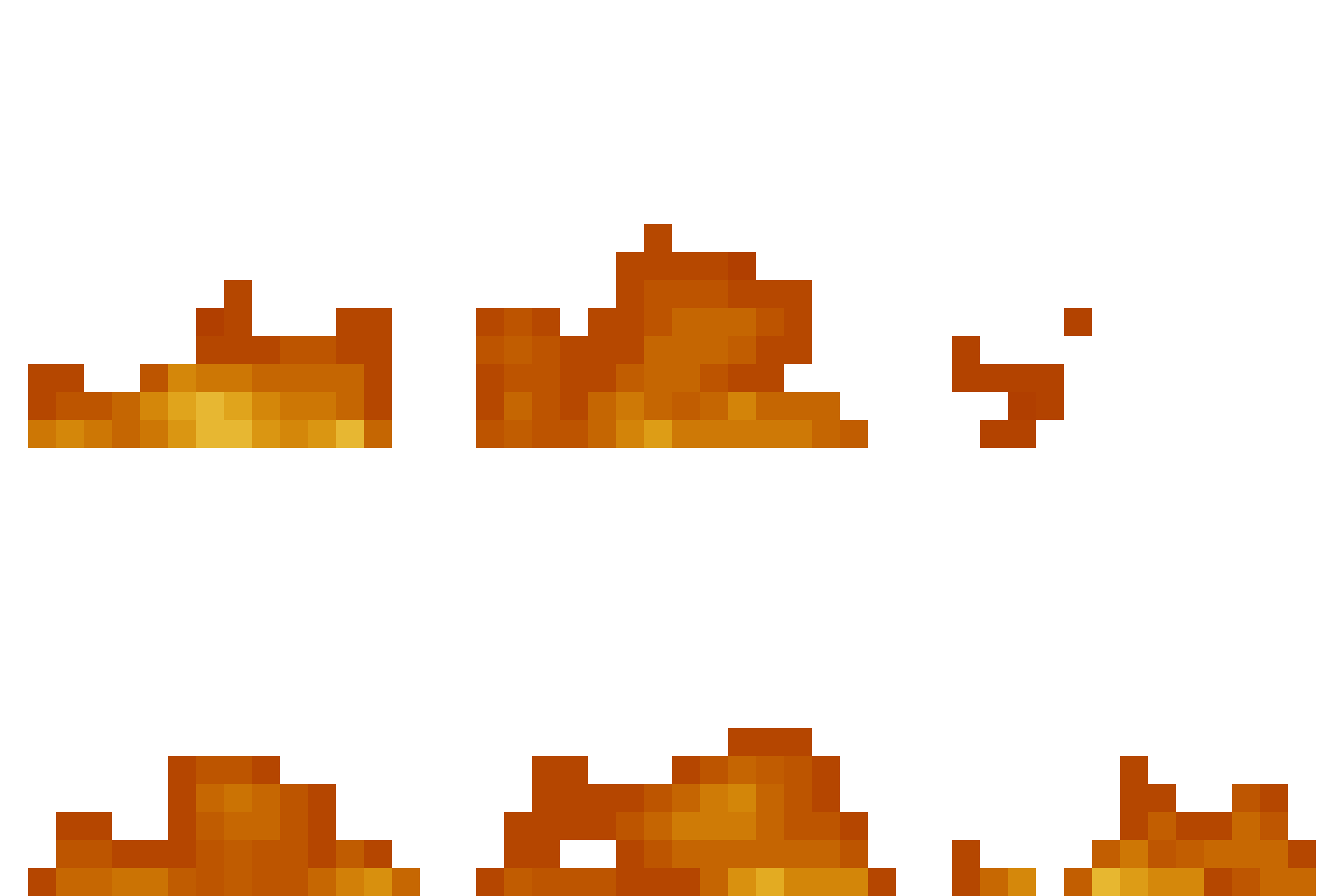
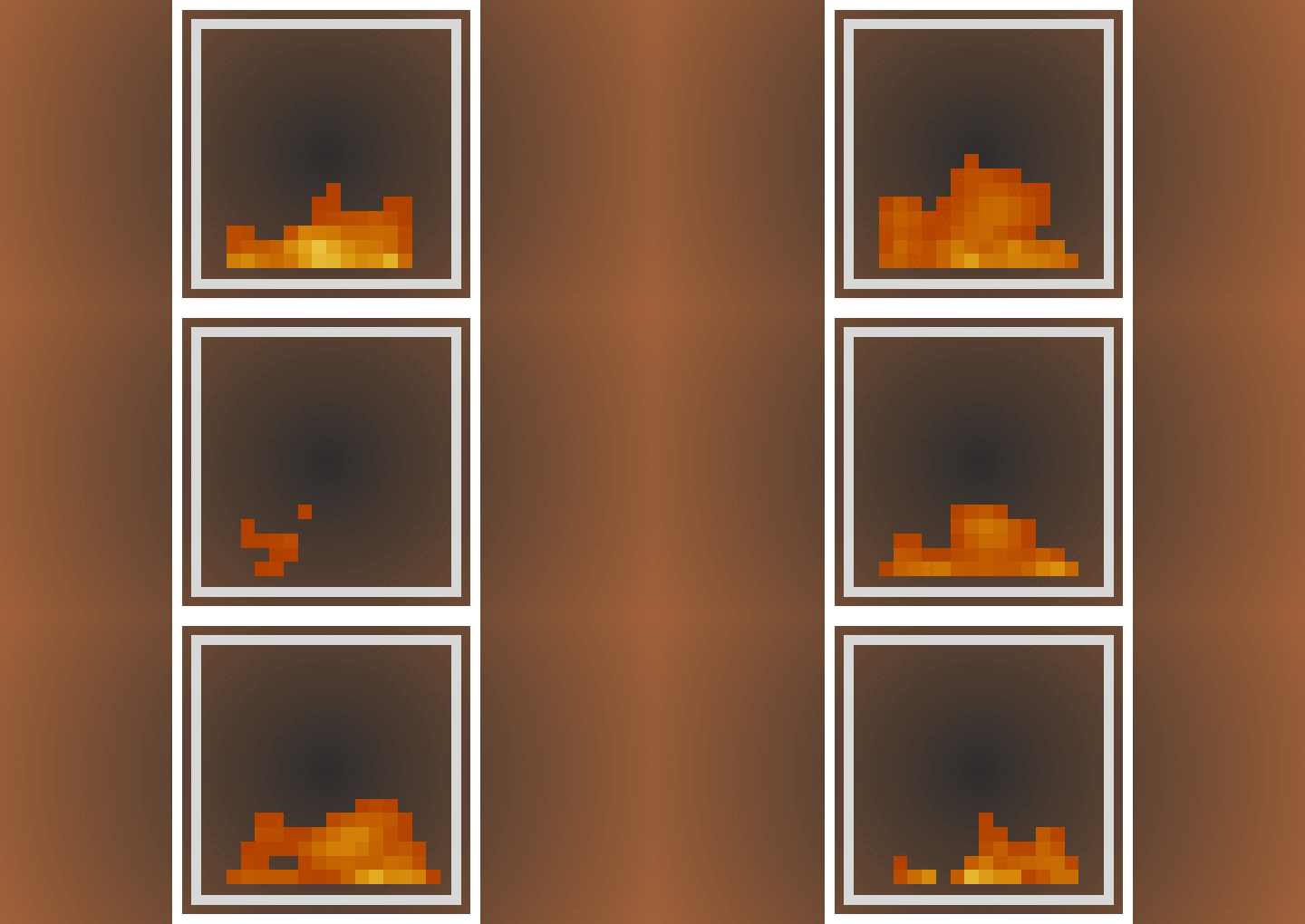
Low Fire reduces the height of the in-game fire texture, improving visibility for both PvP and survival gameplay. This resource pack provides a cleaner look while remaining fully compatible with vibrant visuals.
Key features
Adjust the fire texture height to your preference to enhance your gameplay experience without compromising visual quality. The pack offers straightforward customization options accessible in-game.
How to use
After activating the resource pack, open the pack settings by clicking the gear icon next to the resource pack name. Use the slider provided to set your preferred fire height level.
Compatibility
This pack works seamlessly alongside vibrant visuals and other standard resource packs without conflicts.
Installation
Install the resource pack as you would any other Minecraft Bedrock resource pack. Once enabled, access the settings to customize fire height to your liking.
Customization interface
Open the resource pack settings to find the fire height slider, allowing real-time adjustment for optimal visibility.

Adjust the fire height by moving the slider until you reach the desired appearance.

Low Fire V1.0.7.mcaddon
[483.43 KB]

