FPS Booster Pack
23.02.2026
FPS Booster Pack | No Lag + Performance enhances Minecraft Bedrock Edition gameplay by significantly improving frame rates and reducing lag. This lightweight texture pack is tailored to optimize your game’s visuals and performance, offering smooth and stable FPS across all devices, including lower-end hardware. Compatible with Minecraft Bedrock and MCPE 1.21 and later versions, it ensures faster world loading and cleaner visuals without sacrificing the game’s integrity.
Installation / How to Use
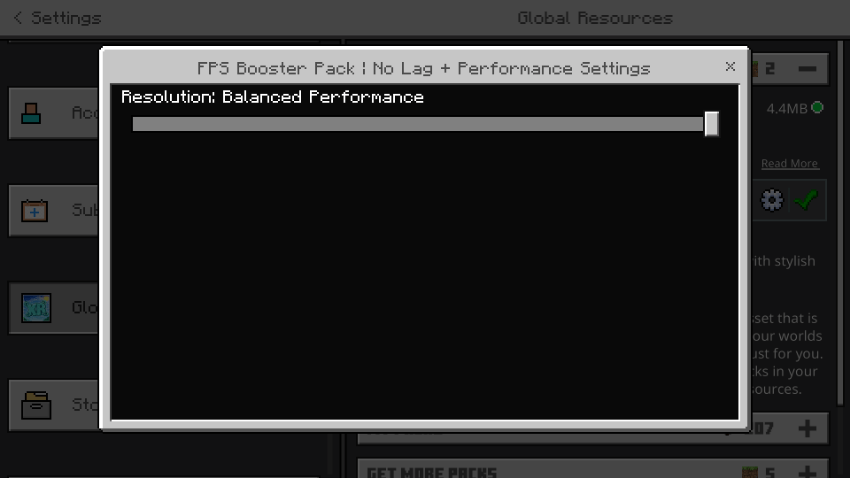
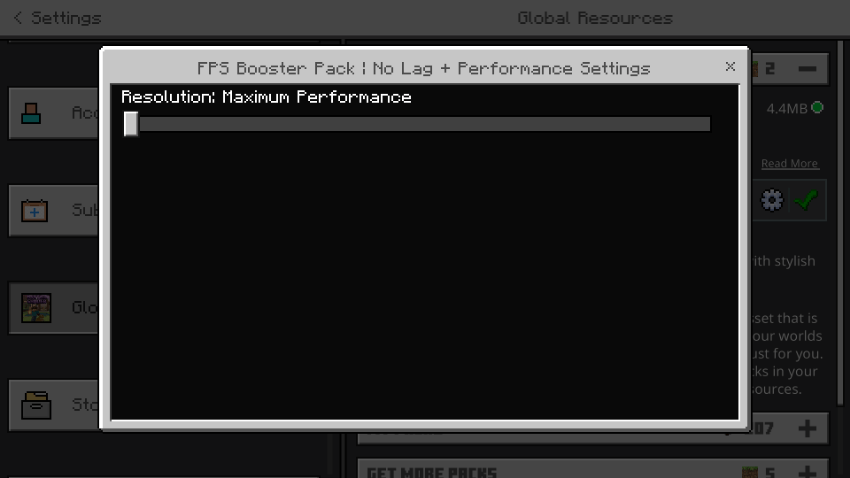
To install the FPS Booster Pack, download the pack file and import it into your Minecraft Bedrock Edition. Navigate to the Settings menu, then to the “Global Resources” section, and activate the FPS Booster Pack. For best results, select the subpack that suits your device’s capabilities: “Balanced” for a mix of performance and visuals, or “Maximum Performance” for the highest FPS gain with more aggressive optimizations.
Requirements / Compatibility
This pack works with Minecraft Bedrock Edition versions 1.21 and above. It is designed to be compatible with Render Dragon, the current rendering engine for Minecraft Bedrock. The pack performs well on all device types, including low-end smartphones, tablets, and PCs.
Key Features
- Delivers ultra-smooth gameplay on all devices
- Optimized render distance and lighting settings to reduce strain
- Minimizes texture lag and particle effects load
- Lightweight adjustments to water, sky, and fog visuals
- Clean user interface with minimal visual distractions
- Enhanced performance tailored for PvP and survival modes
- Reduces memory consumption and accelerates chunk loading
- Fully compatible with the Render Dragon rendering engine
Available Subpacks:
- Balanced: Provides a good balance between FPS improvement and visual quality.
- Maximum Performance: Offers the highest FPS boost with more aggressive visual optimizations.
Notes / Troubleshooting
If you experience any issues, ensure your Minecraft Bedrock Edition is updated to version 1.21 or later. For devices with very limited resources, select the “Maximum Performance” subpack for better results. If lag persists, consider lowering in-game graphic settings further alongside using this pack.
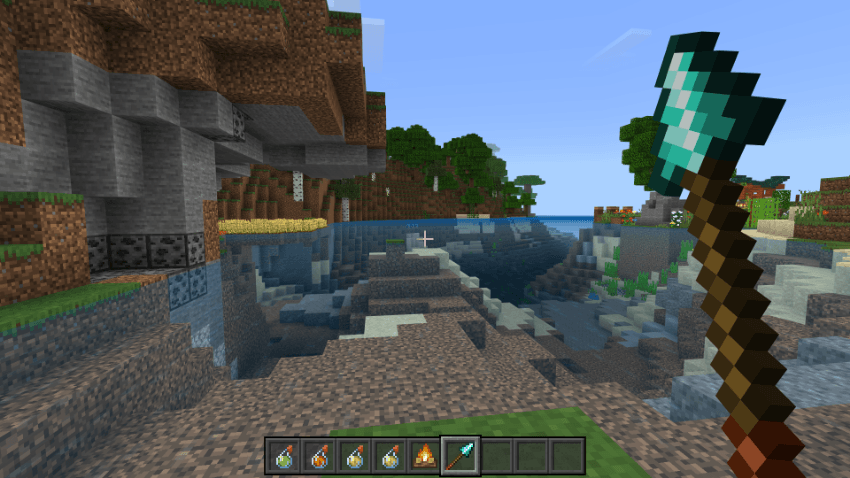
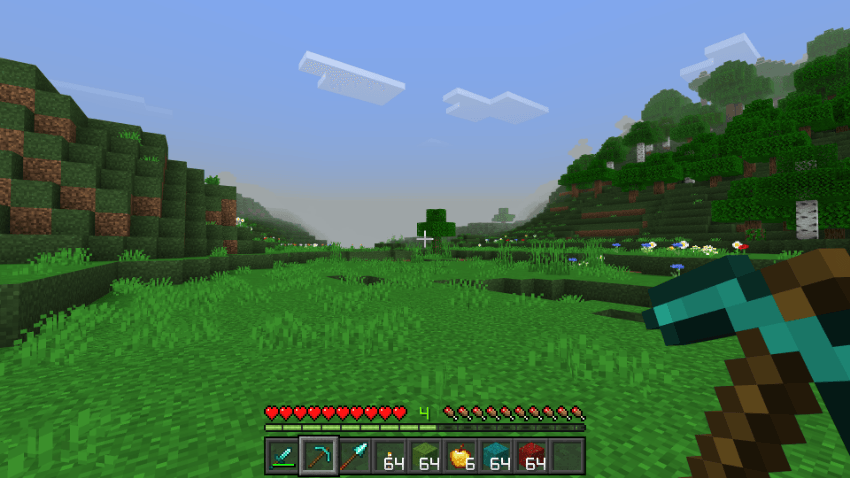
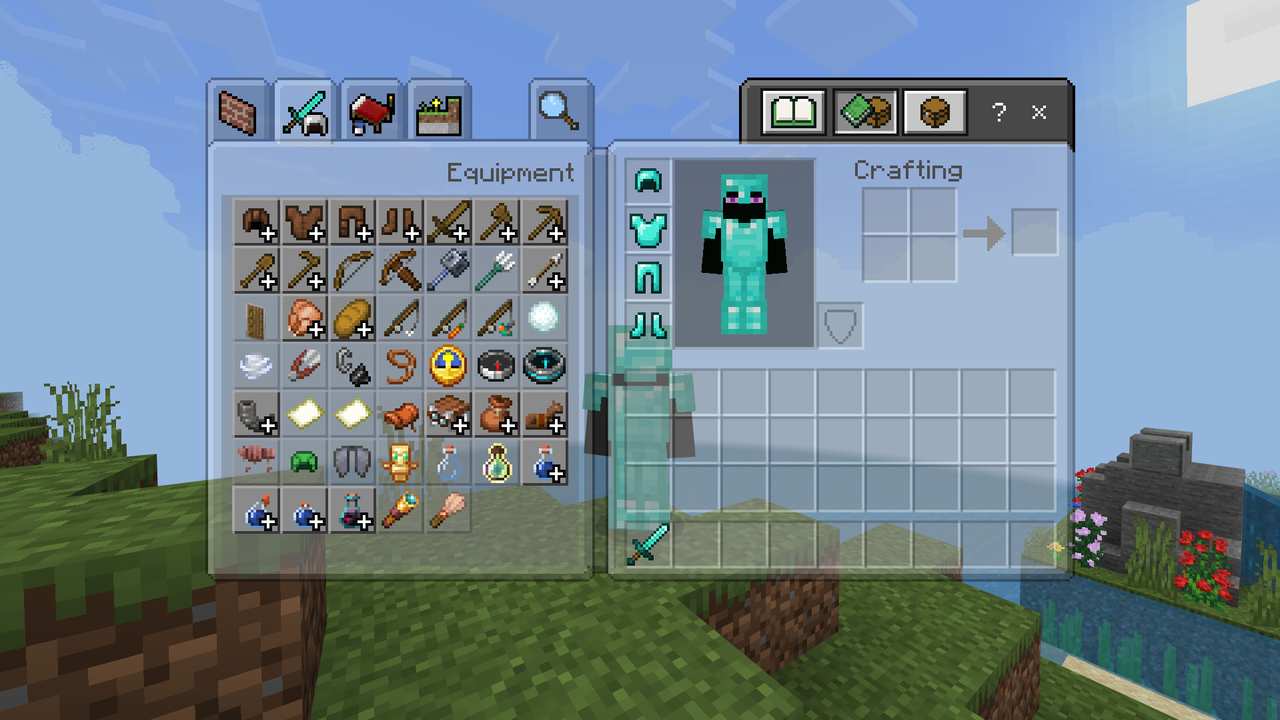
Visual examples of the FPS Booster Pack’s impact and settings are shown below.
FPS Booster v1.6.0.mcpack
[1.1 MB]
 5.00/5