Farmer’s Delight Bedrock
23.02.2026
Farmer’s Delight Bedrock (Unofficial Port) brings the popular Java mod Farmer’s Delight to Minecraft Bedrock Edition. This add-on introduces new crops, a variety of food items, and an interactive cooking experience with functional blocks like the cooking pot and cutting board. Dive into enhanced farming and cooking mechanics to enrich your gameplay.
Installation / How to Use
To enjoy Farmer’s Delight on Bedrock, install the add-on files into your game. For multiplayer sessions, note that add-ons may not perform optimally on Realms. Renting a dedicated server is recommended for the best experience with add-ons enabled. When setting up a server, make sure to upload your world with the add-ons included to enable full functionality.
Requirements / Compatibility
This add-on is compatible with the Bedrock Edition of Minecraft. It is an unofficial port based on the original Java mod Farmer’s Delight. The mod is distributed under the MIT license, permitting free use, modification, and distribution. Ensure your Minecraft version supports add-ons and custom content.
Key Features
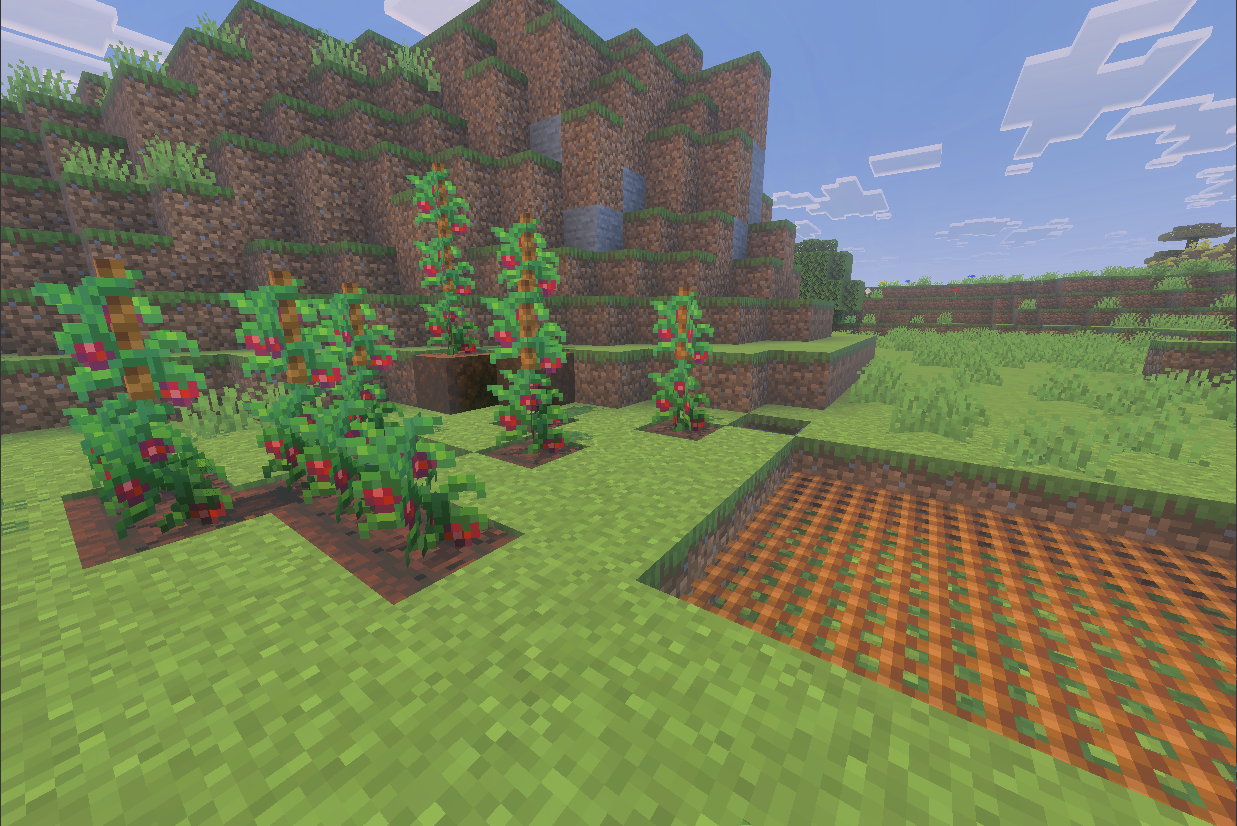
- Introduces four new crops: cabbage, onion, tomatoes, and rice, scattered naturally across various biomes.
- Adds a wide assortment of new food items, including feast foods like pies and roasted chicken.
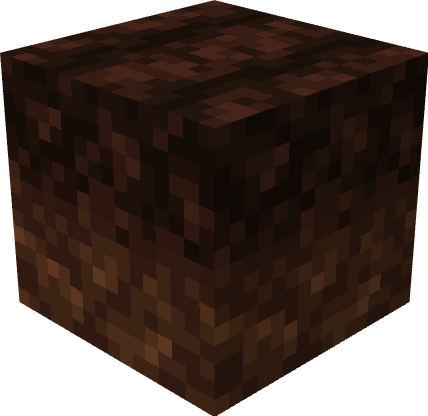
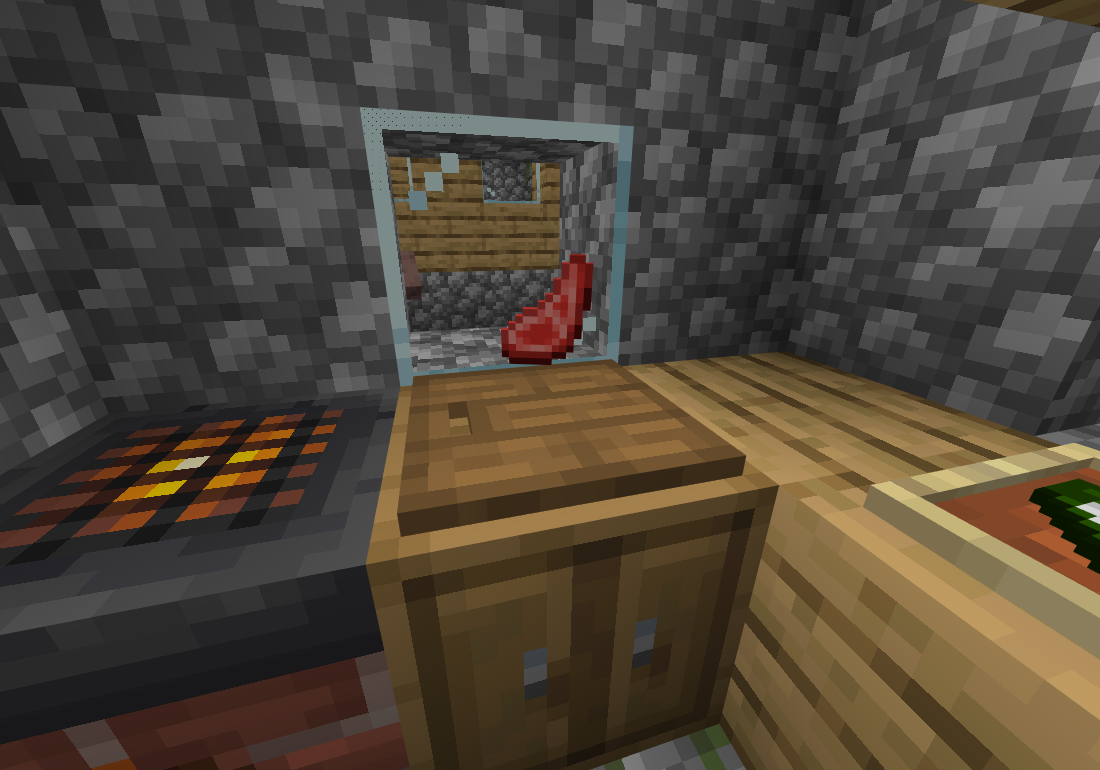
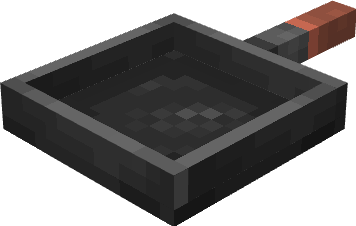
- Includes new functional blocks such as the Cooking Pot, Stove, Skillet, Cutting Board, Rich Soil, Rope, and Safety Net.
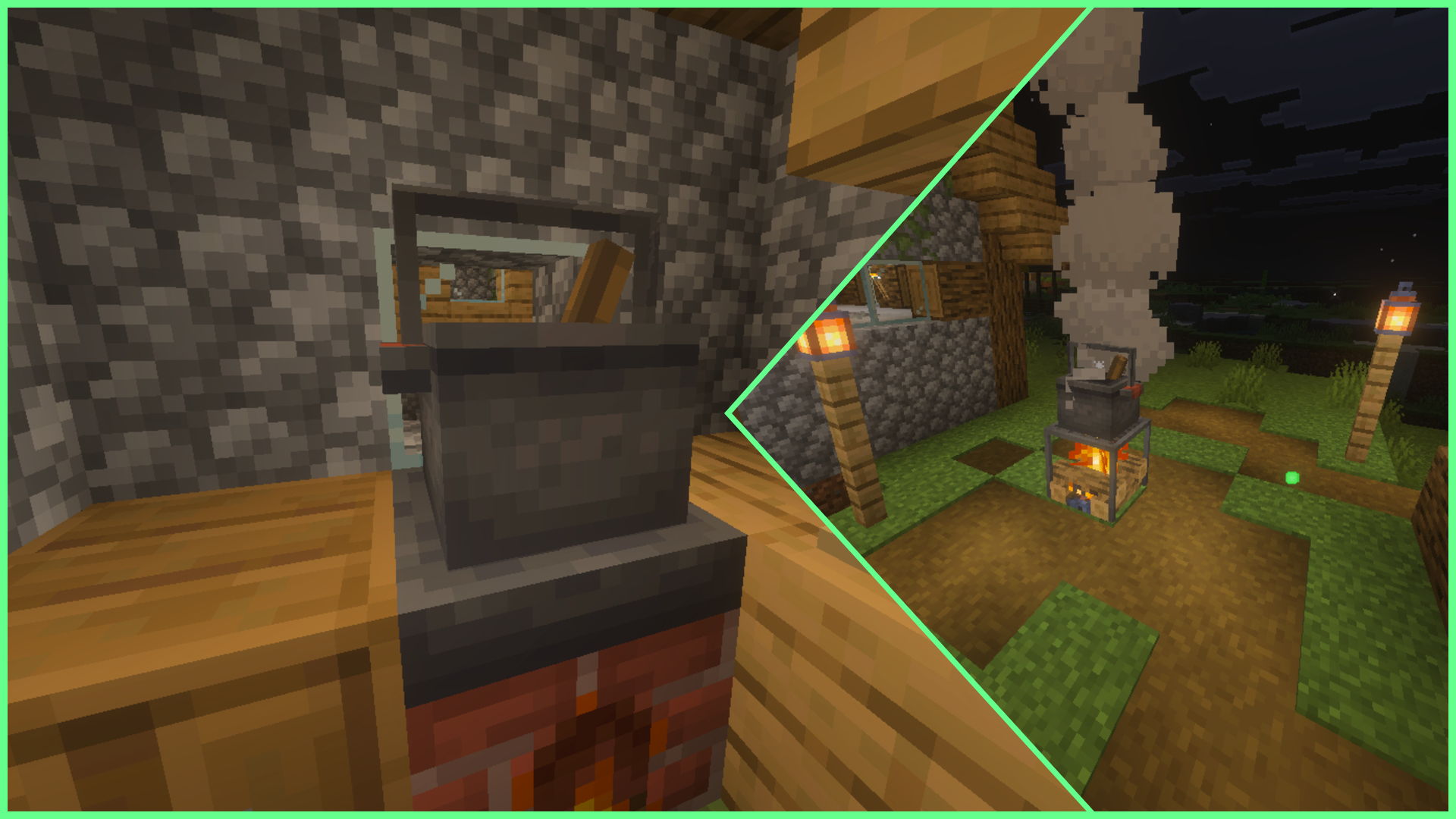
- Interactive cooking system where you place the Cooking Pot atop the Stove to prepare meals using ingredients.
- Cutting board mechanics require a knife tool to process foods for recipes.
- Rich Soil accelerates crop growth; it is created by placing organic compost on regular soil.
- Ropes function as climbable blocks and support tomato plants to grow along them.
- Safety Net blocks cushion falls, similar to slime blocks.
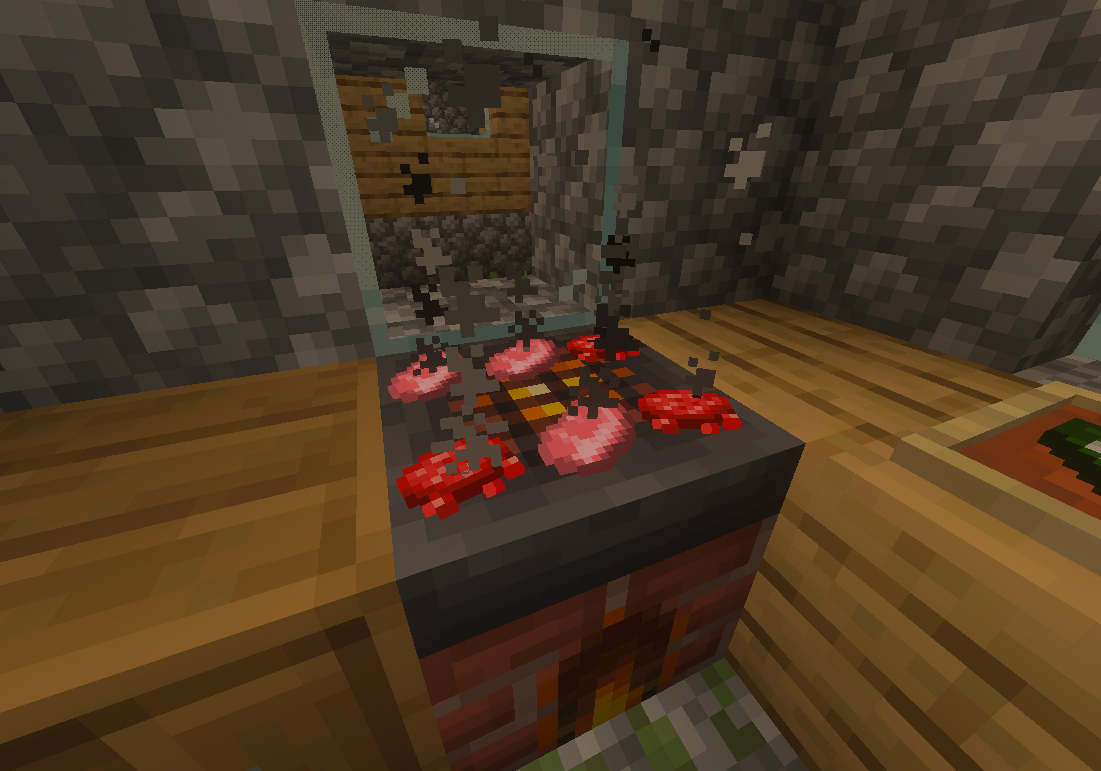
- Skillet allows cooking up to four items simultaneously when placed above a Stove.
- Cooking directly on the Stove is also possible, although it takes longer than using a Skillet.
- Farmer’s Book: An in-game wiki providing details on blocks and gameplay features.
Additional Details and Gameplay Tips
To harvest ham, players must kill pigs using a knife. Crops grow in specific biomes: cabbage and beetroot near beaches and rivers, potatoes in oak, birch, and dark oak forests, carrots and onions in plains, wild tomatoes in savannas, and wild rice in jungle and swamp biomes.
Cutting tools include knives crafted from sticks and various minerals like flint, iron, gold, diamond, and netherite. Each use of the knife reduces its durability by one point, so use it carefully.
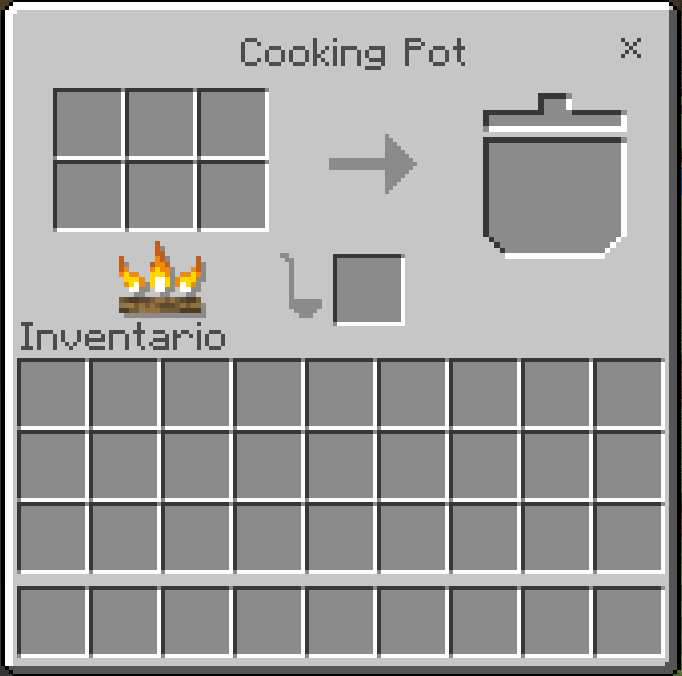
Ensure the Cooking Pot is placed on top of the Stove to activate cooking functionality, indicated by bubbling and smoke effects. The add-on also features a custom user interface for cooking, which can be disabled in the settings if issues arise.
Images
Below are select images illustrating key features and interfaces of the add-on.
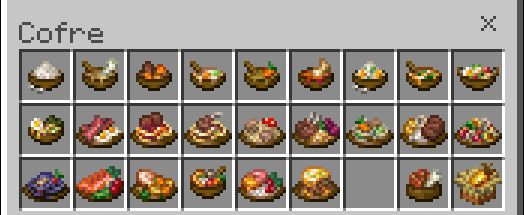
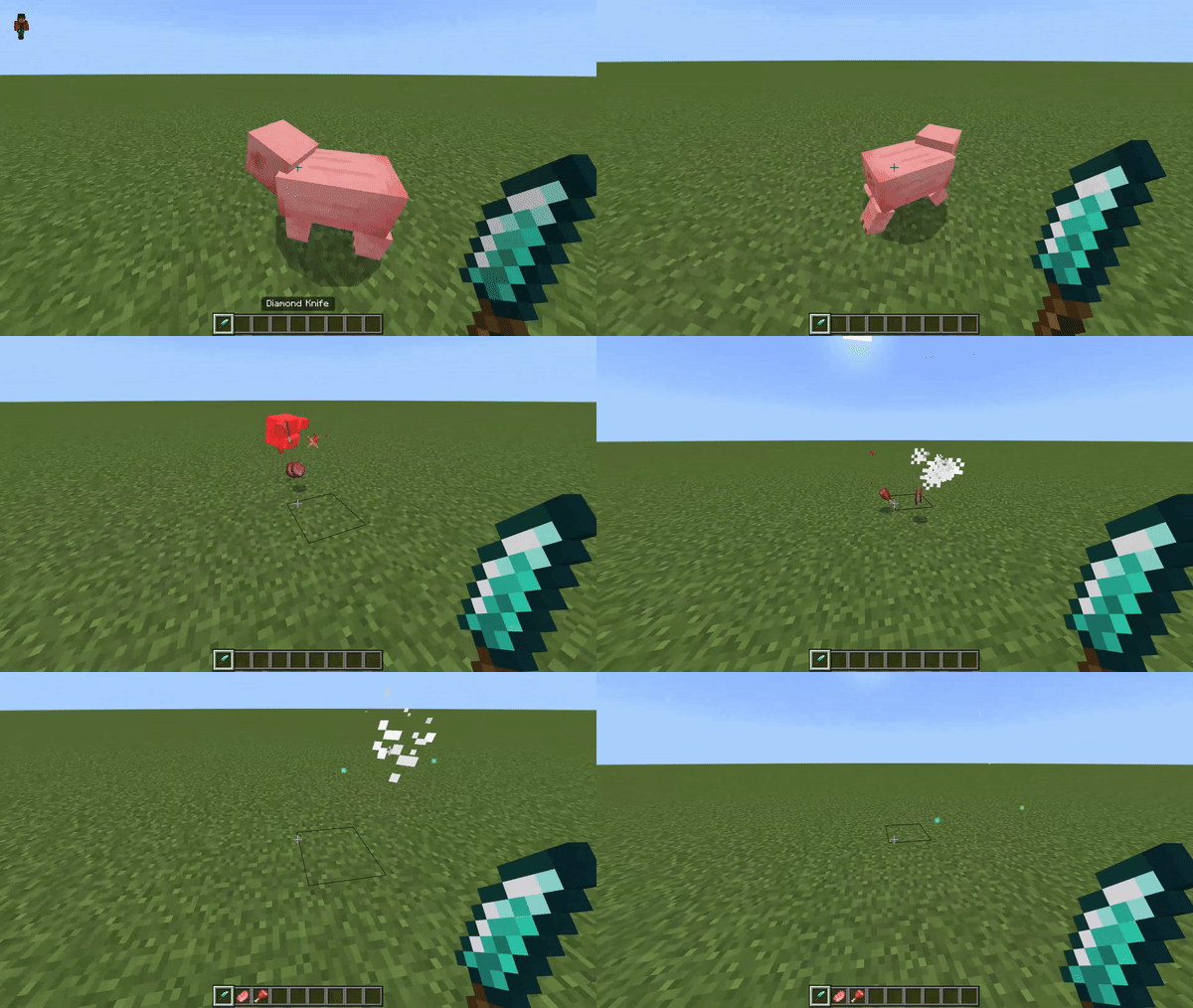


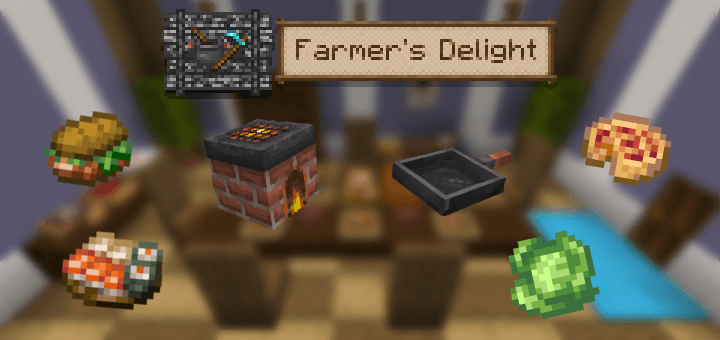
Farmers Delight Bedrock (Unofficial port) RP V14.9.4
[2.67 MB]

