
ESP Texture Pack
26.02.2026
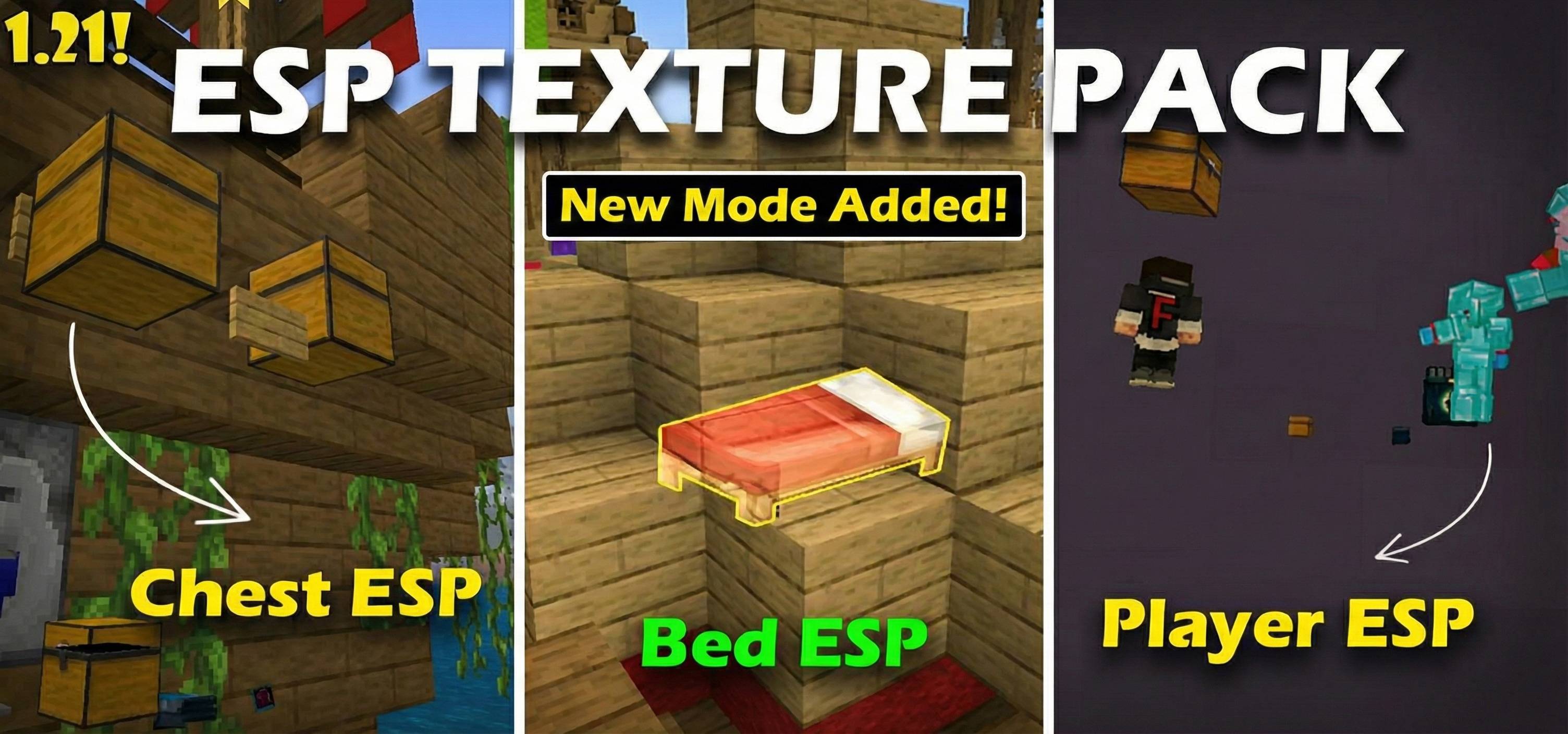
ESP Texture Pack | Chest, Mobs, Beds, etc
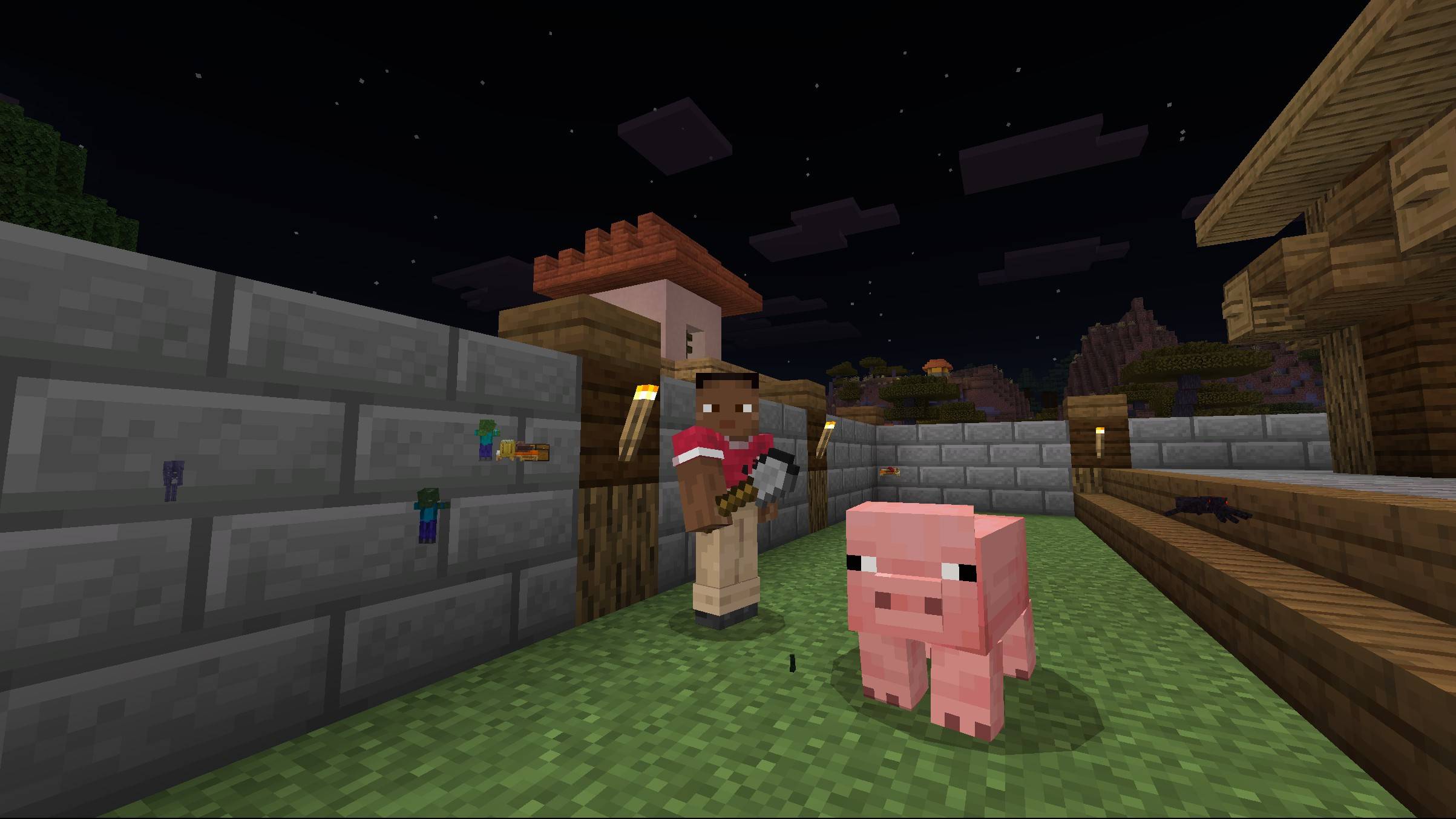
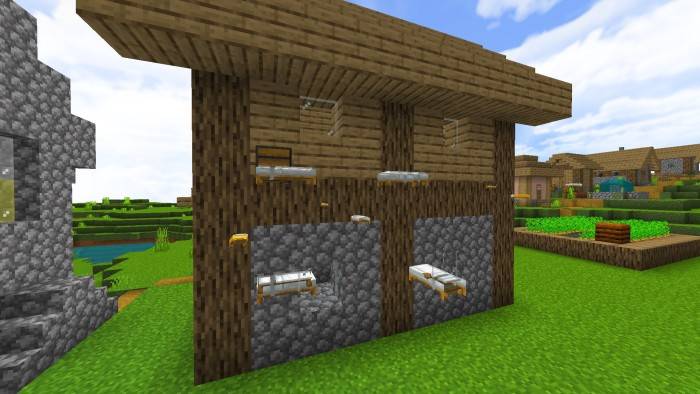
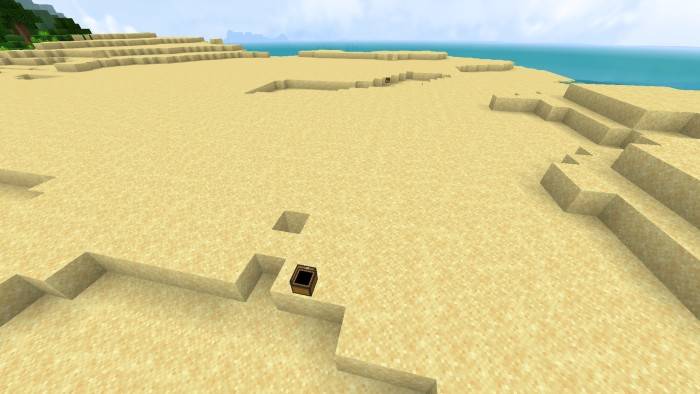
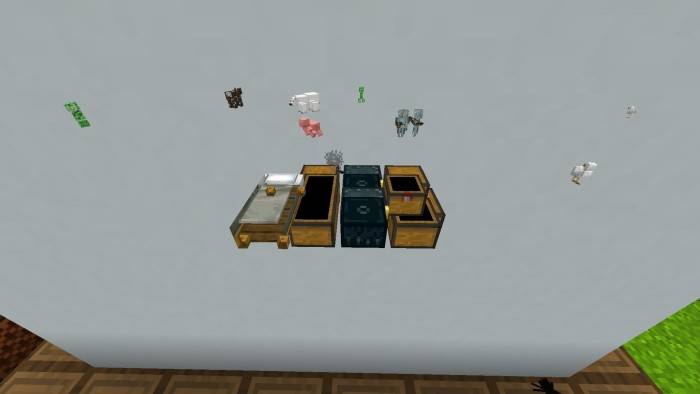
This texture pack enhances your Minecraft experience by allowing you to see important objects and entities such as chests, beds, players, and mobs through blocks. Ideal for both singleplayer and multiplayer survival, it helps you locate hidden treasures, structures, and other valuable items with ease.
Installation / How to Use
To enable the ESP features alongside vibrant visuals, follow these steps:
- Enter your world or server, then open Settings > Video Settings.
- Select either Fancy or Simple graphics mode if not already active, then return to the game.
- Go back to Settings > Video Settings, and now you can enable Vibrant Visuals. This will activate the ESP functionality correctly.
Note: You will need to repeat steps 2–4 each time you reload Minecraft.
Requirements / Compatibility
- Minecraft Bedrock Edition
- Supports both singleplayer and multiplayer worlds
- Requires the ability to switch graphics modes in-game
Key Features
- ESP Default: Highlights all entities including players, mobs, chests, beds, and more.
- ESP Minimal: Shows only strategically important entities such as hostile mobs, players, chests, and beds.
- ESP Minimal Singleplayer: Same as Minimal but disables player ESP for singleplayer use.
- Reveals chests inside naturally generated structures like Mineshafts, Buried Treasures, Shipwrecks, and Ocean Ruins.
Notes / Troubleshooting
If the ESP does not appear to work, ensure that Vibrant Visuals is enabled after switching graphics modes as described above. This toggle needs to be set every time Minecraft is restarted.
[Video content removed]
Esp - Minimal Texture Pack (recommened).mcpack
[402.16 KB]

