
Easy Build
23.02.2026
Easy Build allows you to create structures quickly and smoothly in your Minecraft world by offering a variety of building and destruction modes. This addon simplifies complex building tasks, making construction more efficient and enjoyable. Customize your building experience with different shapes and tools to bring your ideas to life effortlessly.
Installation / How to use
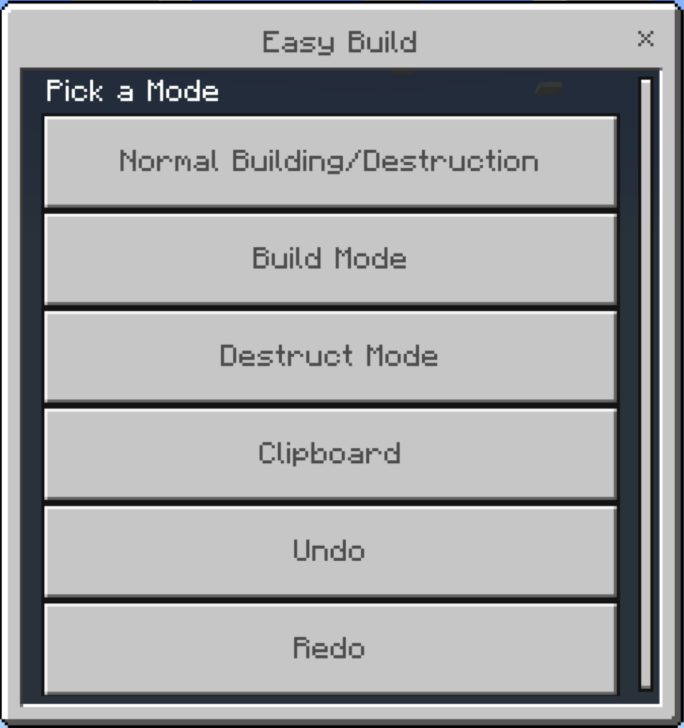
Activate the Easy Build addon in your world to access its features. Open the Easy Build menu to switch between different building and destruction modes. Use the provided menu to select the desired mode and customize your building process.
Control positions for cutting and copying by using a stick to mark position one and position two. Then, use the menu options to cut or copy the selected area. To paste, stand at the target location and select the paste option from the menu.
Undo and redo actions are available through the menu, along with fill mode settings such as Solid, Hollow, and Outline to refine your builds.
For mobile users, instead of holding the interact button, simply tap it twice to activate the feature.
Requirements / Compatibility
Compatible with Minecraft Bedrock Edition. No additional software needed beyond the addon installation.
Key Features
- Multiple Building Modes: Air, Rectangular, Spherical, and Conical shapes to facilitate diverse construction styles.
- Destruction Modes: Rectangular, Spherical, and Conical demolition tools for efficient clearing.
- Clipboard Functionality: Cut, copy, and paste structures easily by marking positions with a stick.
- Undo and Redo options for error correction.
- Fill Modes: Choose between Solid, Hollow, or Outline to customize building fills.
- Mobile friendly controls for ease of use on touch devices.
Notes / Troubleshooting
When working on large structures using building modes, expect a short loading delay of 1-2 seconds. To prevent accidental changes, switch back to Normal Building or Destruction mode after completing complex builds.
Visual Guide
Access the Easy Build menu to toggle between modes and settings:
Building Modes Examples
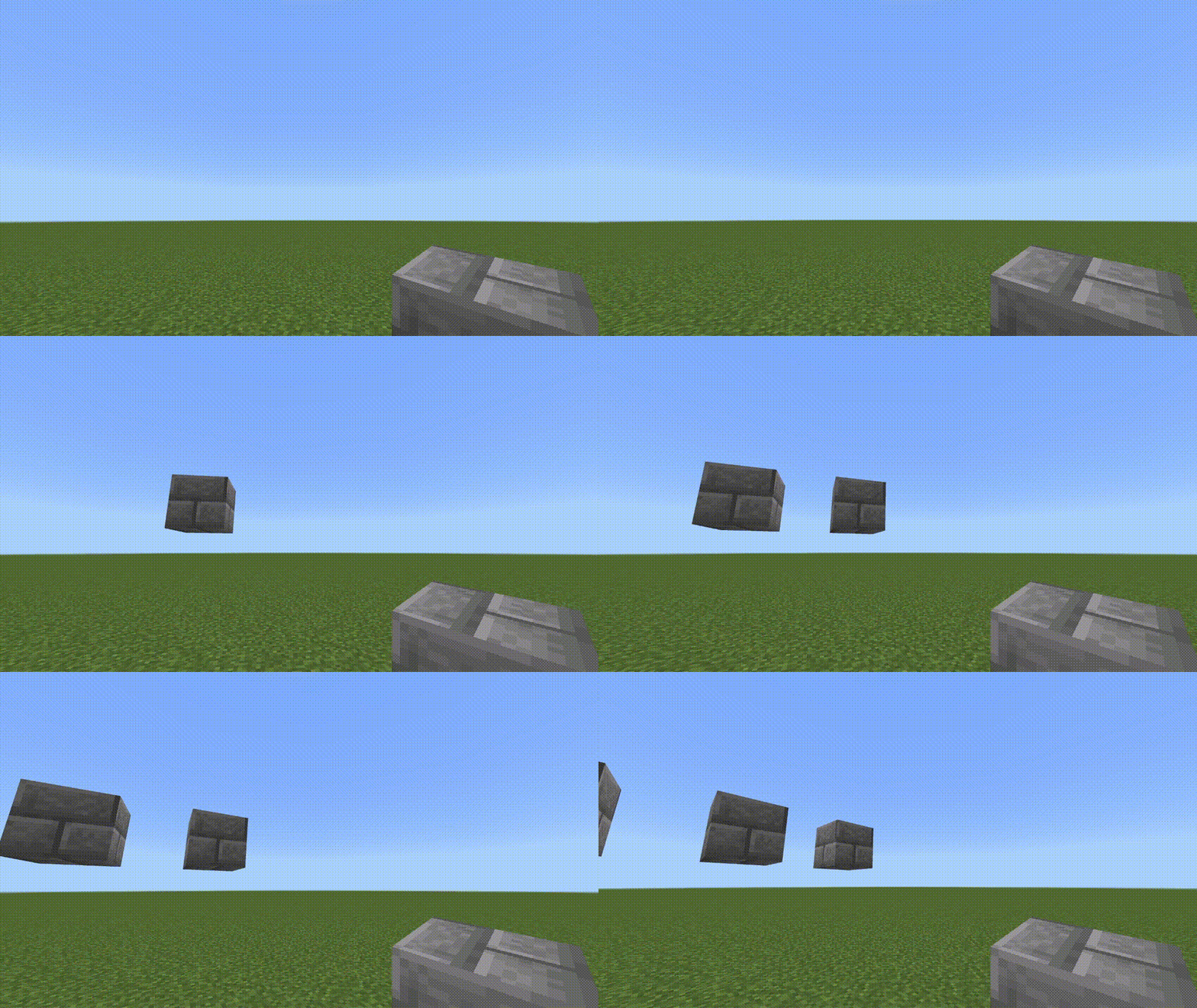
Air Building
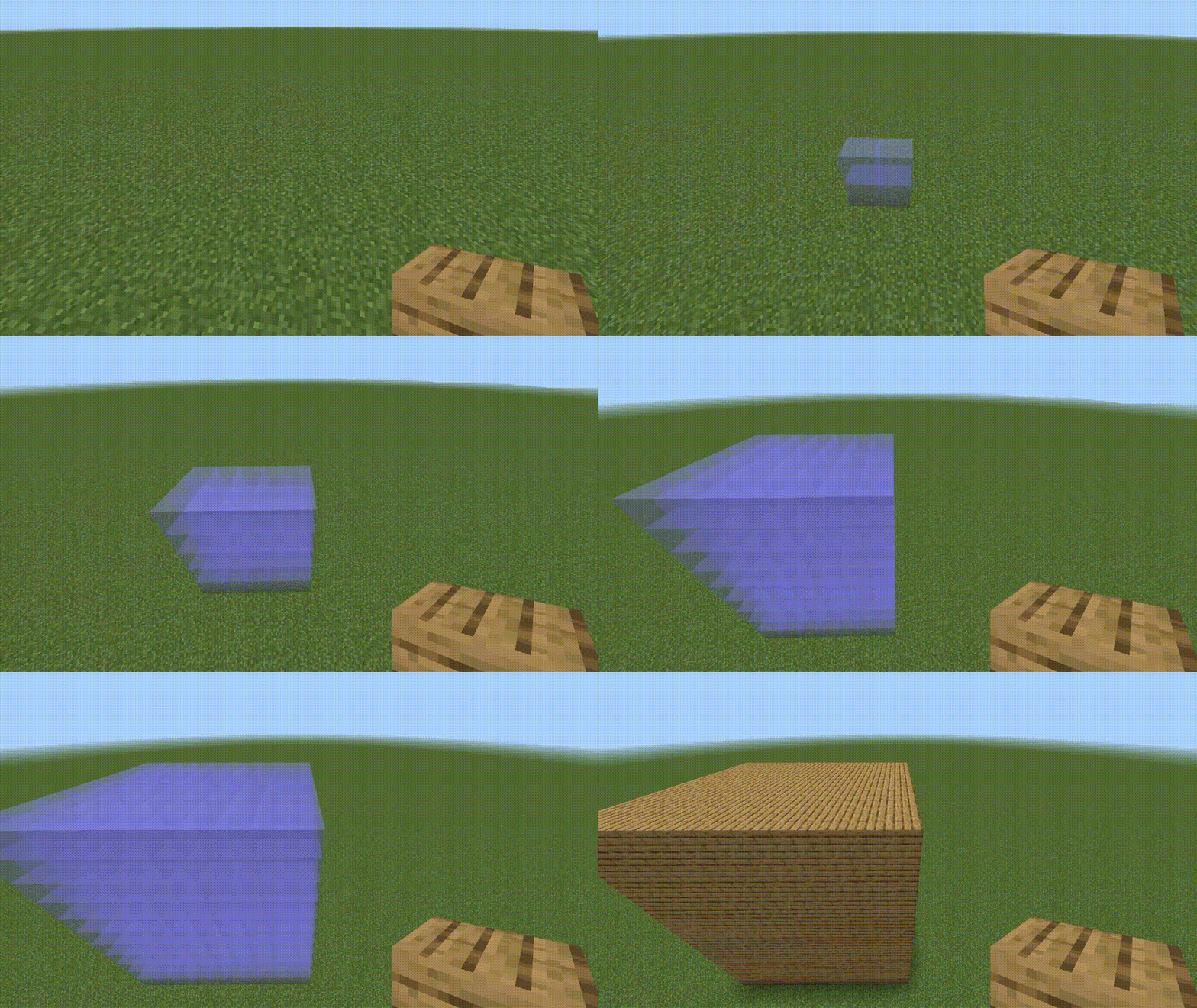
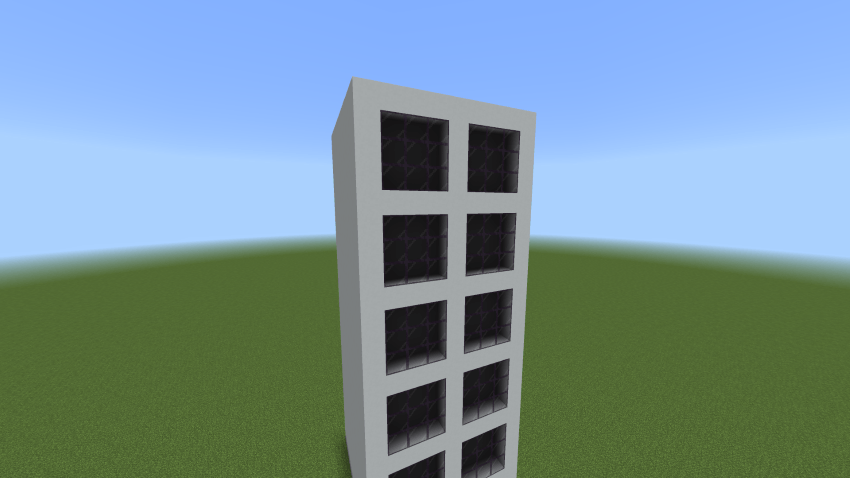
Rectangular Building
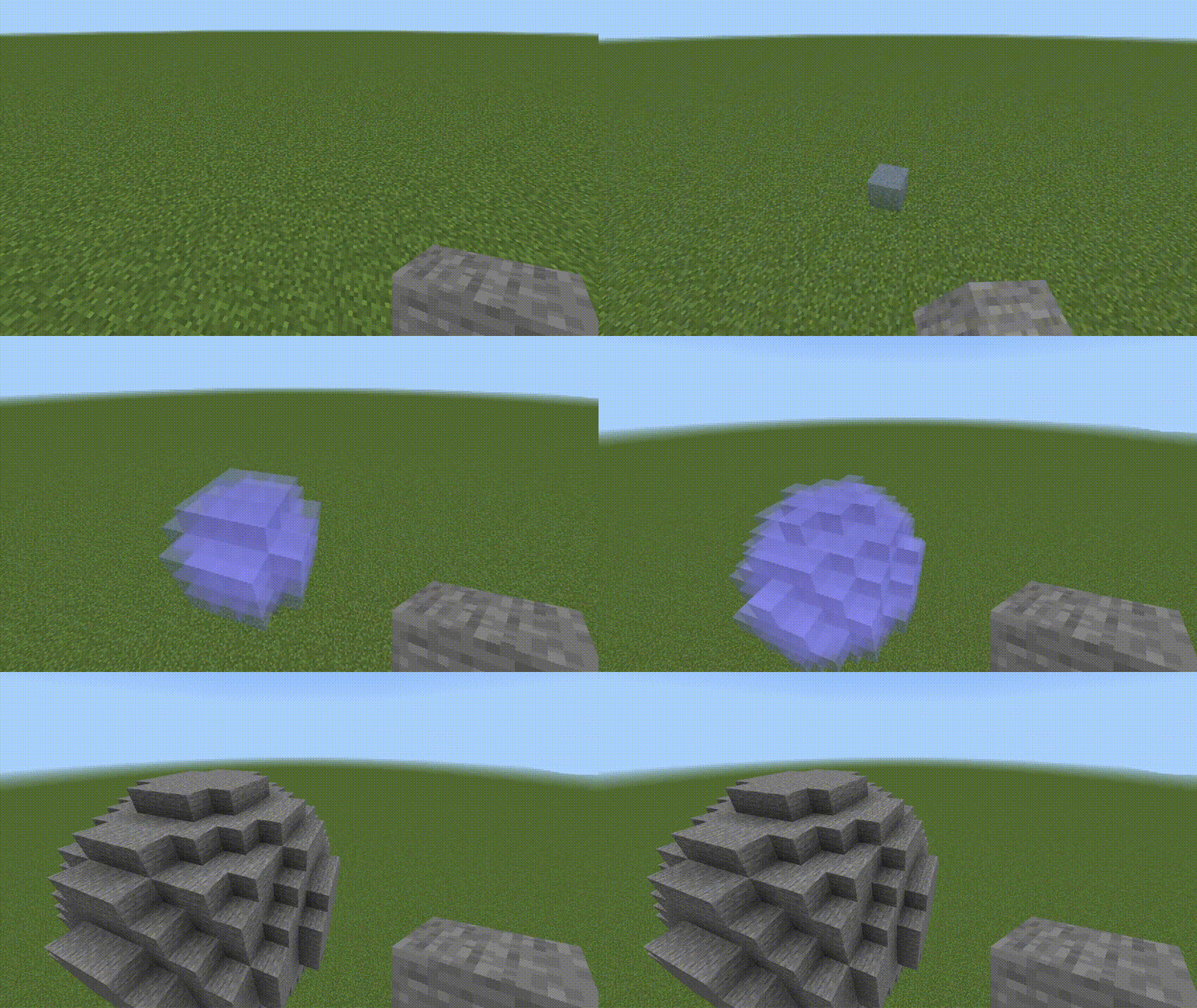
Spherical Building
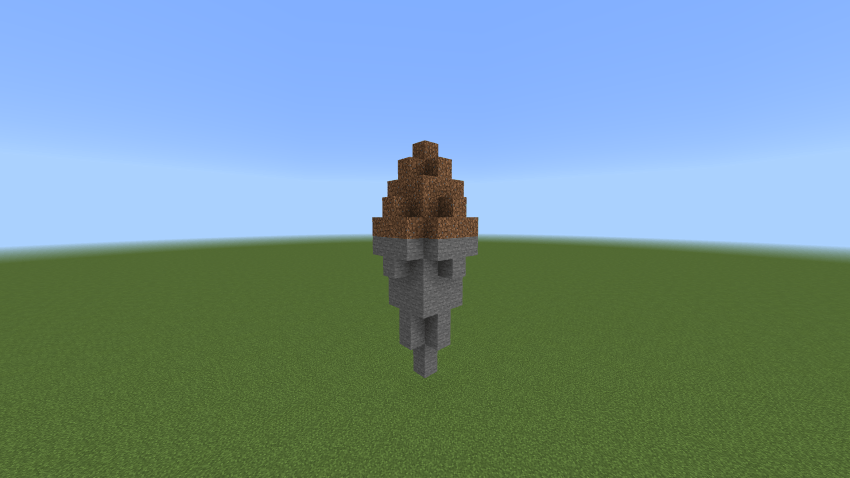
Conical Building
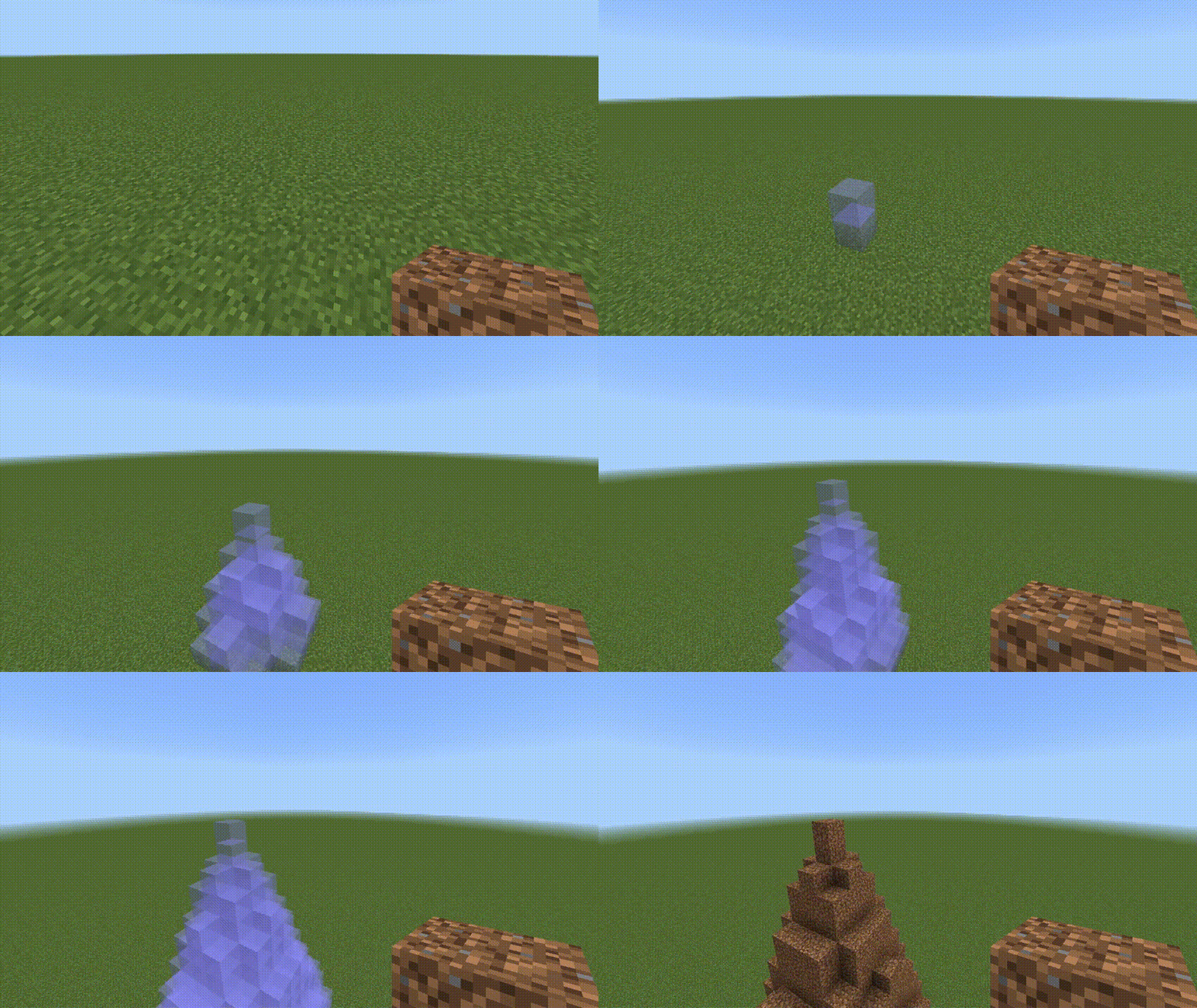
Destruction Modes Examples
Rectangular Destruction
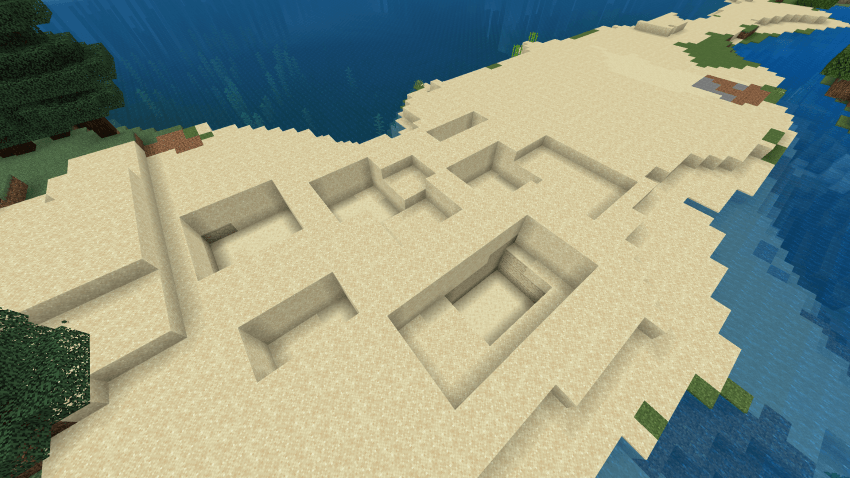
Spherical Destruction
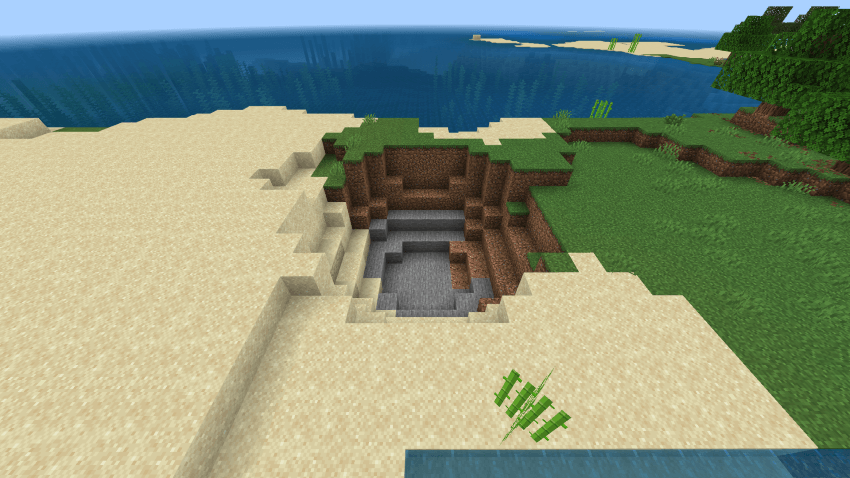
Conical Destruction
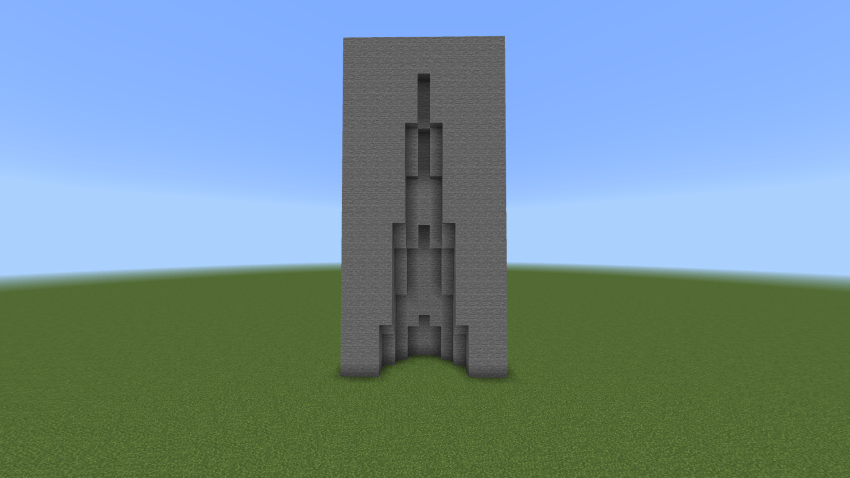
Combination Builds
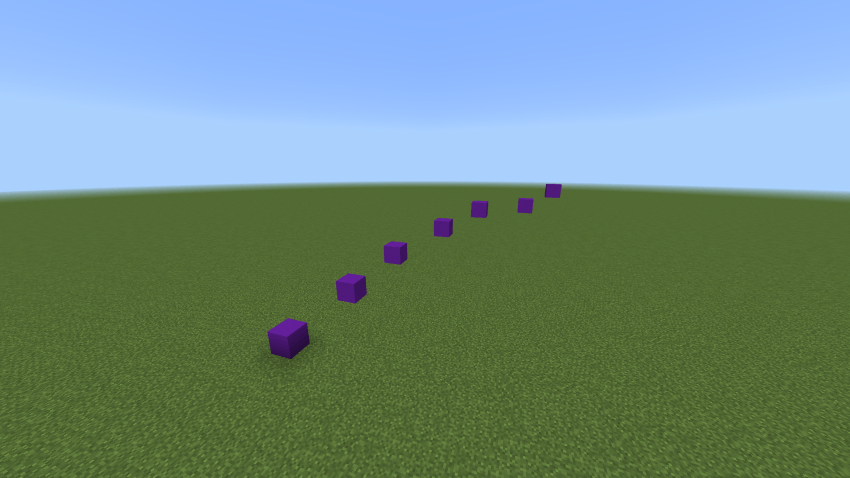
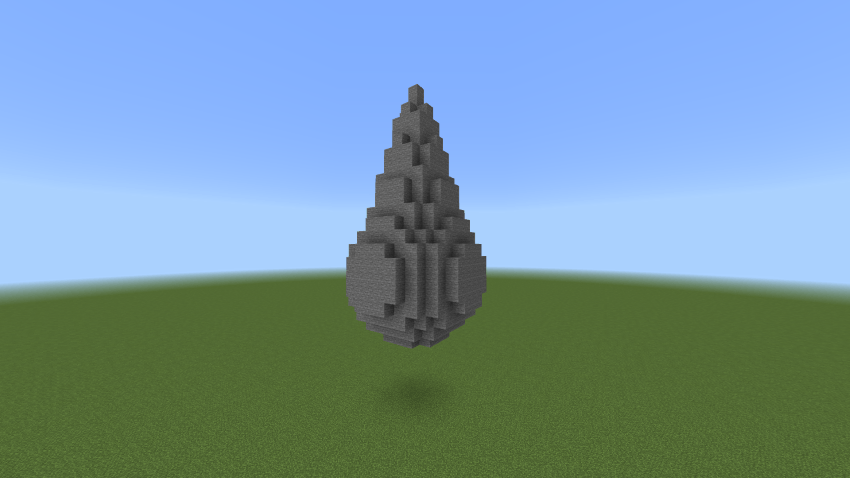
You can mix building modes to create unique structures such as parkour courses with Air Building, or combine Spherical and Conical modes for more complex shapes.
Air Building (Parkour Example)
Rectangular Building Example
Spherical + Conical Building Example
Conical Building Example
Recent Updates
- Fixed issues in the main menu for smoother navigation.
- Updated icons for Settings, Undo, and Redo for better clarity.
- Improved mobile controls: double tapping the interact button replaces holding.
- Corrected block rotation to ensure alignment with the initial block placed.
Easy Build 1.5.4
[21.67 KB]

