
Durability Armor Viewer for Minecraft PE
19.02.2026
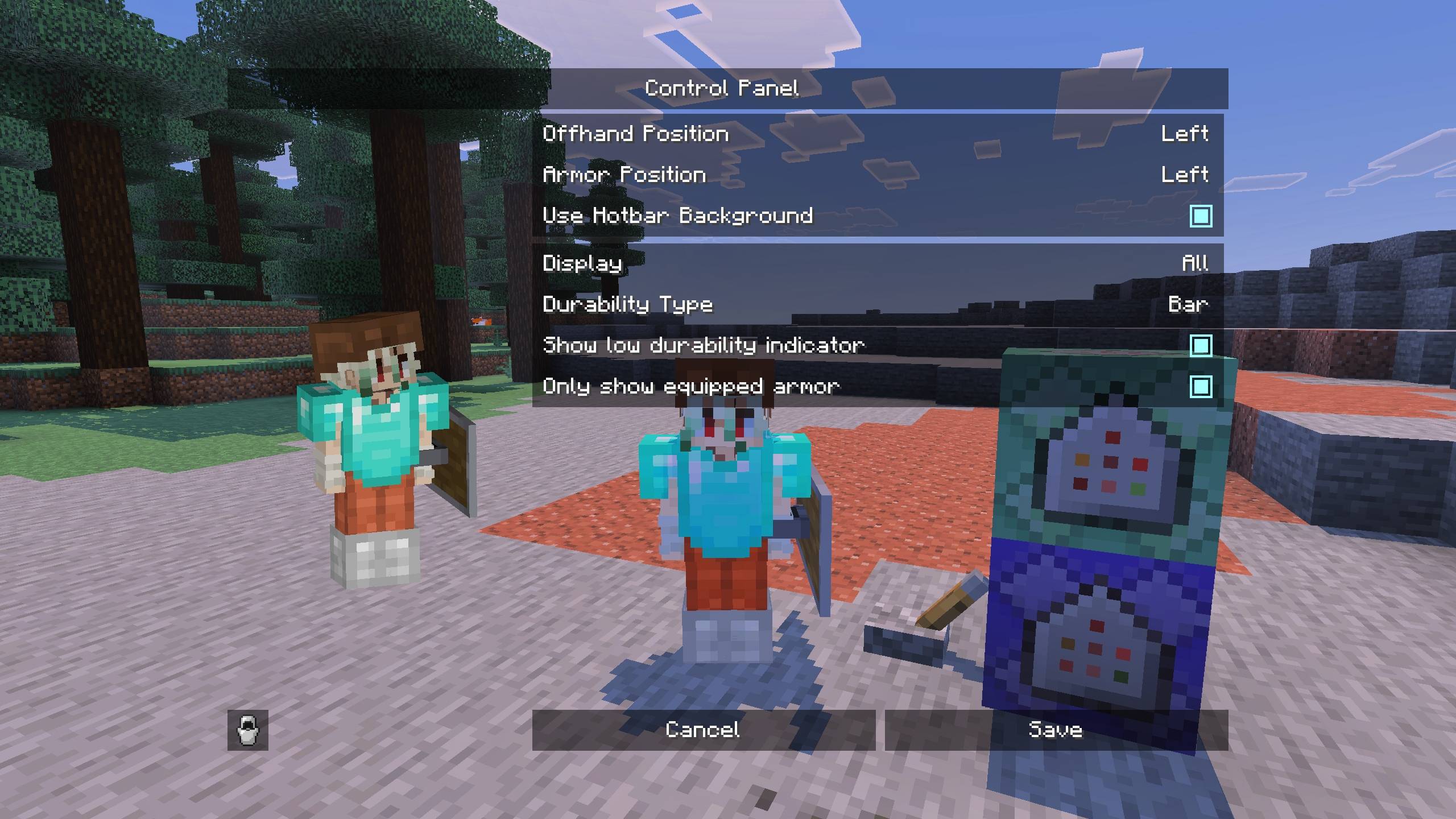
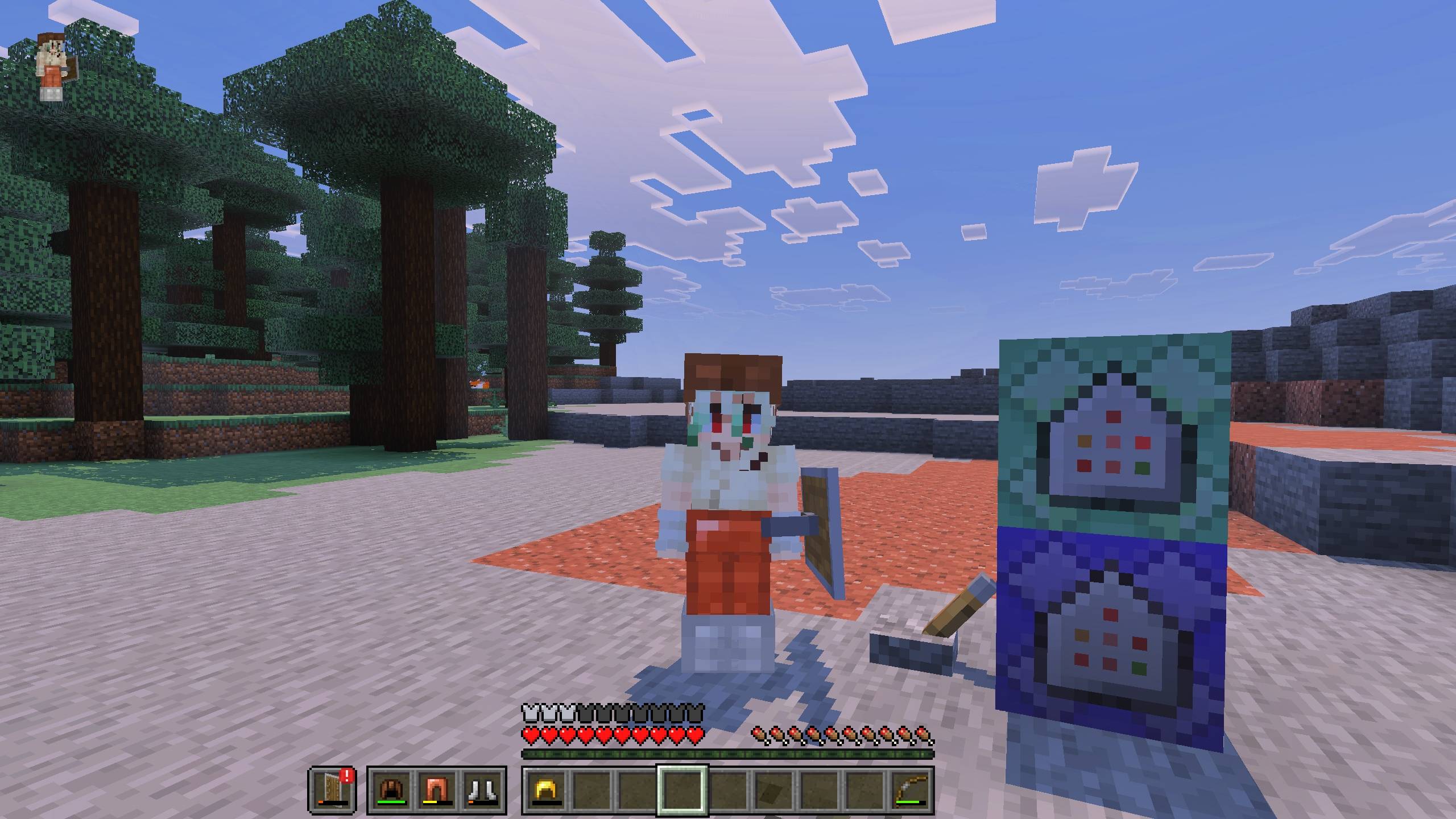
Durability Armor Viewer is an addon that displays your armor and offhand items directly on the HUD, providing helpful details such as durability and stack counts. It offers customization options for displaying either armor slots, offhand, or both according to your preference. This tool enhances gameplay visibility without affecting achievements.
Installation / How to Use
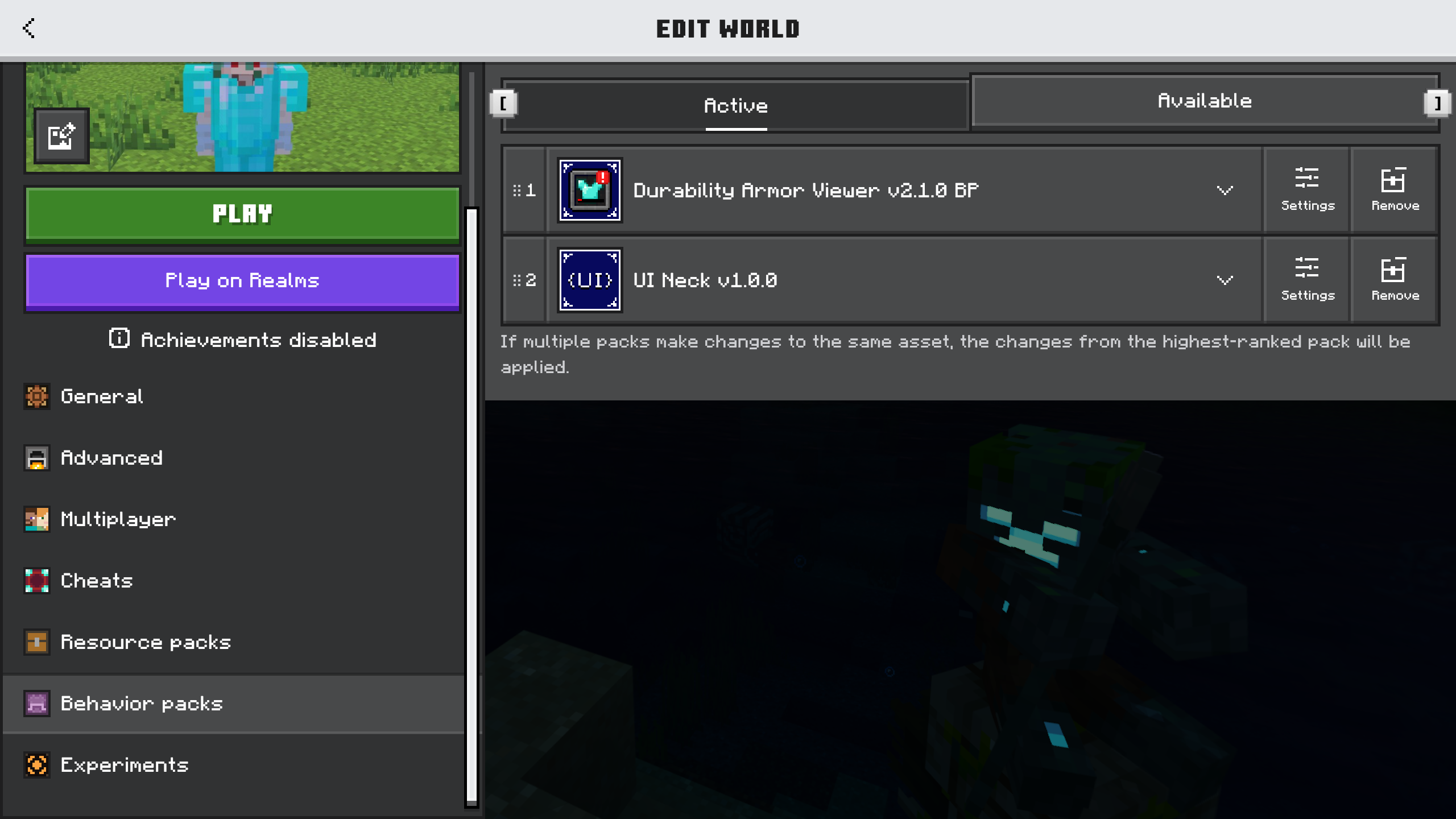
To get started, simply install the addon and select your preferred layout through the available subpacks. Options include the default display, positioning beside the hotbar, or a style matching the hotbar itself. Adjusting these settings tailors the HUD to your liking with ease.
Requirements / Compatibility
This addon requires the UI Neck script to function properly. Make sure it is installed to avoid any issues. Note that the addon does not support custom armor items automatically; they must be added manually to the resource pack as explained below.
Key Features
- Displays armor and offhand items on the HUD with durability and stack count indicators.
- Customizable display layouts via subpacks.
- Supports manual addition of custom armor textures and identifiers.
- Achievement friendly and lightweight, using images instead of renderers.
Notes / Troubleshooting
Because this addon uses static images instead of a rendering system, visual effects like enchantment glints or armor trims are not shown. This is a limitation of the JSON UI system. To add support for custom armor, follow these steps:
Identify and Locate Custom Armor
Add Custom Armor to the Addon
Open the resource pack folder and navigate to dav/ui/dimz_modules/durability_armor_viewer/item_id.json. Insert an entry in the list using this format:
"#your_namespace:custom_armor_identifier": "textures/items/custom_armor_texture_path"
Save and test the changes in-game.
If manual editing is inconvenient, you may request compatibility updates for your custom armor addons through available community channels.





Durability Armor Viewer v2.1.0.mcaddon
[152.83 KB]

