
Advanced Waypoints
22.02.2026
Advanced Waypoints enhances your Minecraft Bedrock experience by allowing you to create customizable waypoints throughout your world. These waypoints help you navigate and find your way back to important locations, preventing you from getting lost during exploration.
Installation / How to Use
To start using Advanced Waypoints, craft the Waypoint Item by placing two pieces of paper in a cartography table. This item opens the waypoint menu when held and clicked.
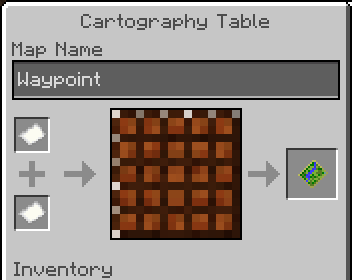
Within the menu, select “Create Point” to set a new waypoint. Assign a name, choose an icon and color, and the waypoint will be placed at your current position by default. You can also specify exact coordinates. Each game dimension maintains its own waypoint list.
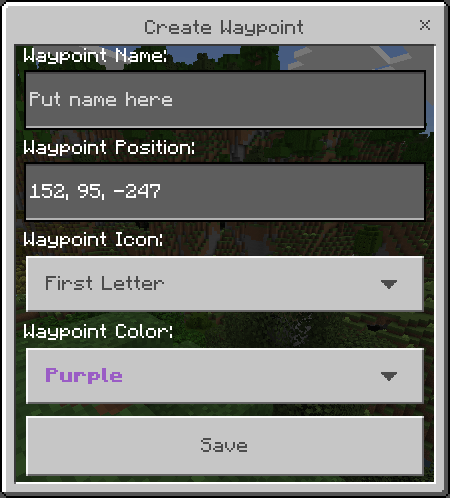
Key Features
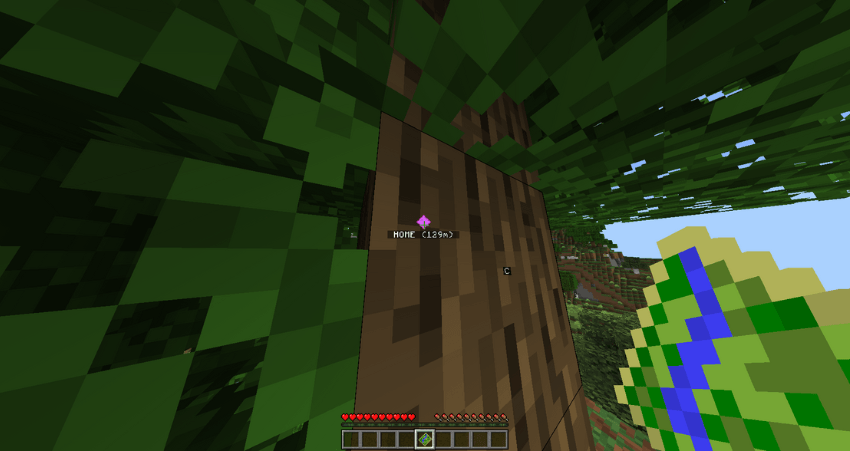
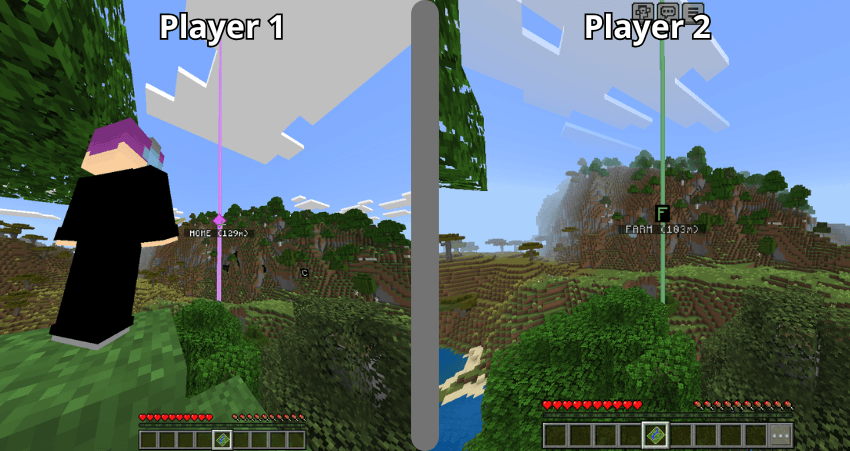
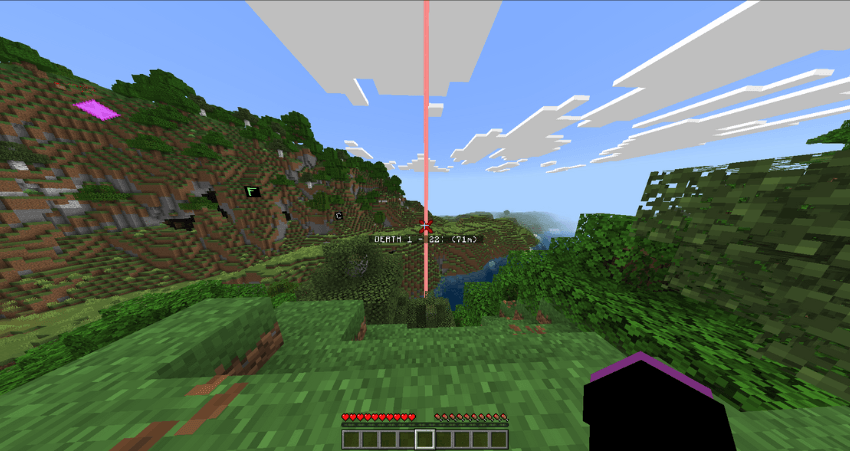
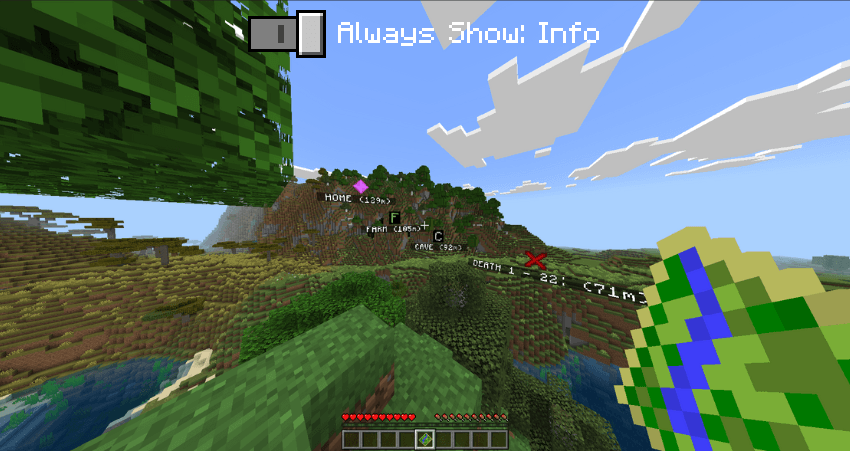
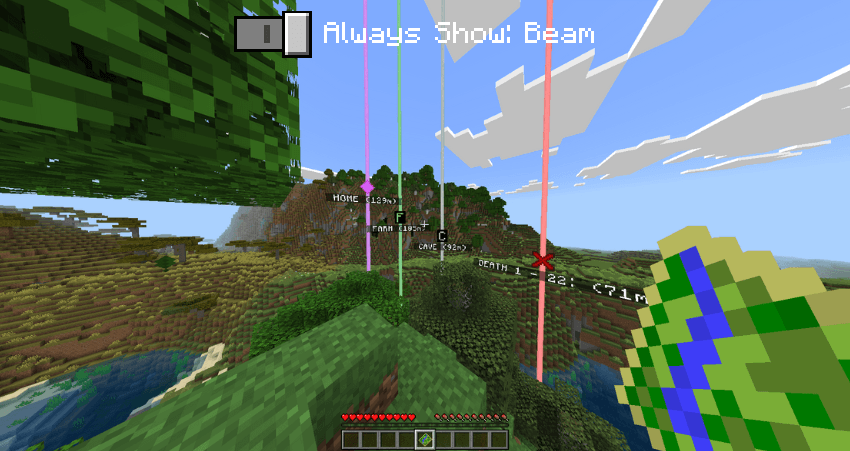
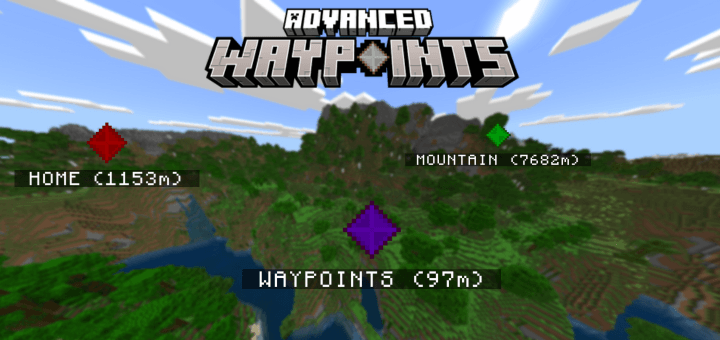
- Waypoint Display: All waypoints appear simultaneously in your world, visible through walls. Names truncate to 13 characters, and waypoints show up to a maximum distance of 9,999,999 blocks.
- Personalized Waypoints: Waypoints are unique per player, ensuring your markers are private to your gameplay.
- Death Point Tracking: Upon death, a waypoint is automatically created at your death location with a death counter displayed.
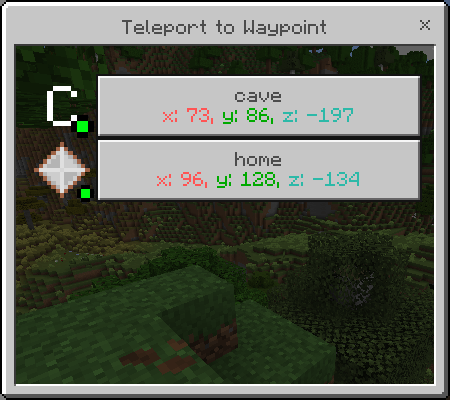
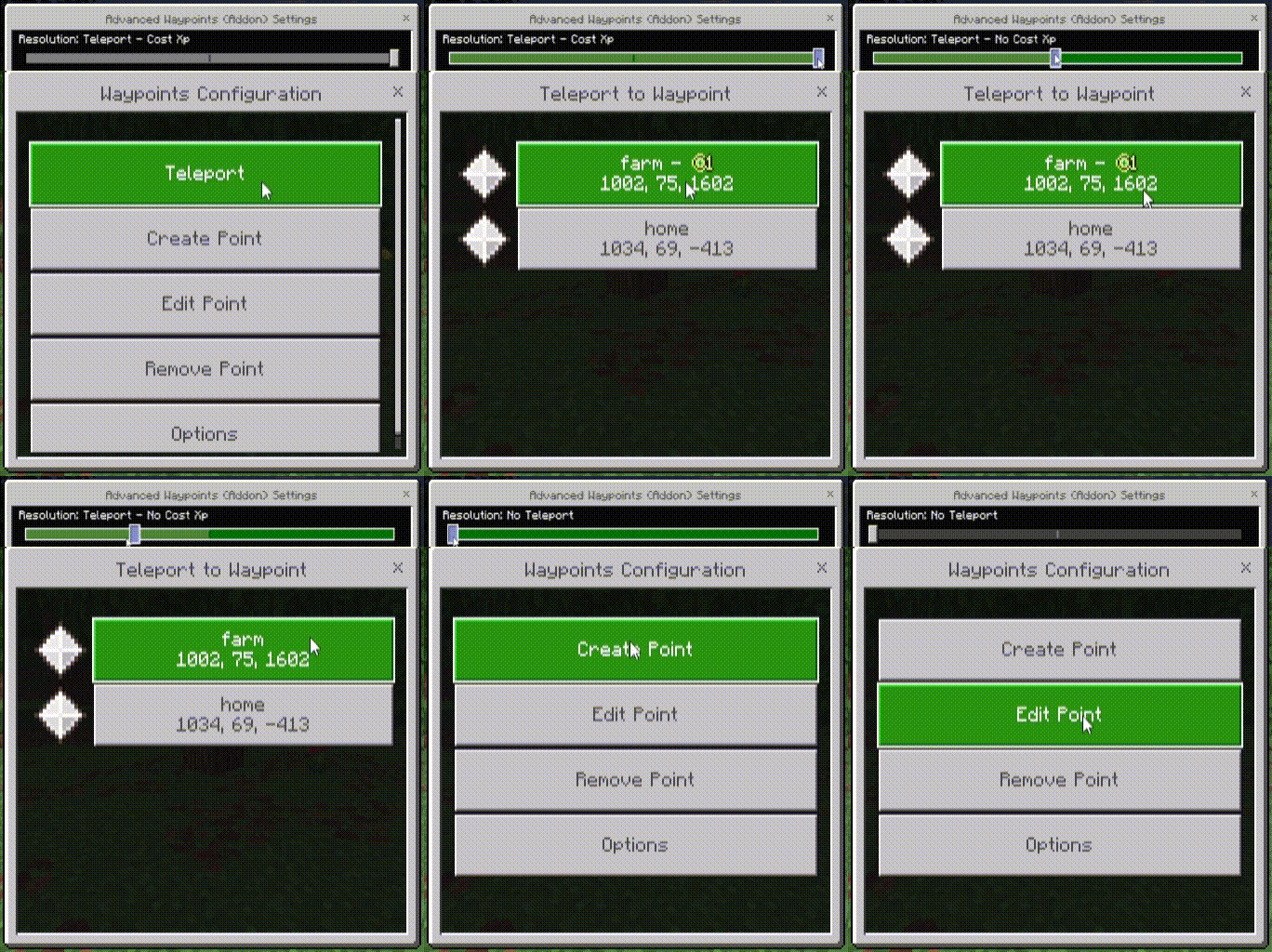
- Teleportation: Teleport between waypoints using experience points. Teleportation costs 1 XP level per 1500 blocks traveled. Teleport functionality must be enabled via the command “/function advanced_waypoints/enableTp” or through the add-on settings.
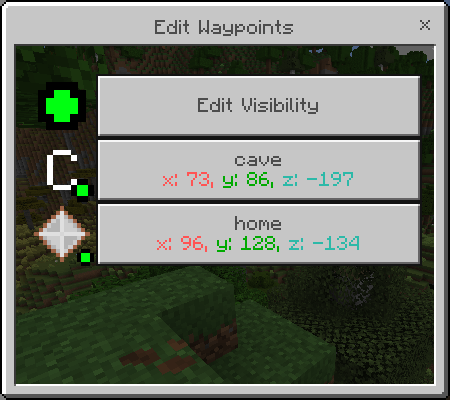
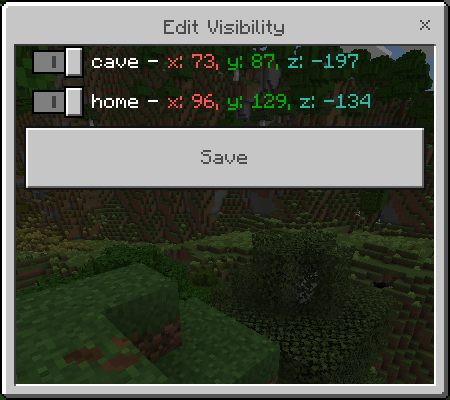
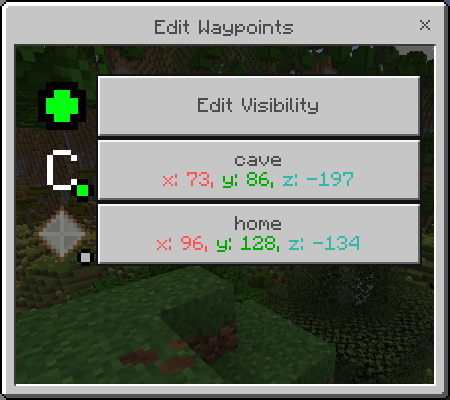
- Edit and Manage Waypoints: Rename, change icons or colors, and adjust positions using the “Edit Point” option. You can also toggle waypoint visibility to reduce screen clutter or disable unnecessary markers.
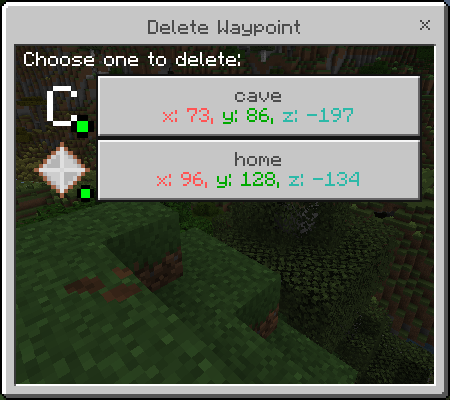
- Delete Waypoints: Remove unwanted waypoints through the “Delete Point” menu option.
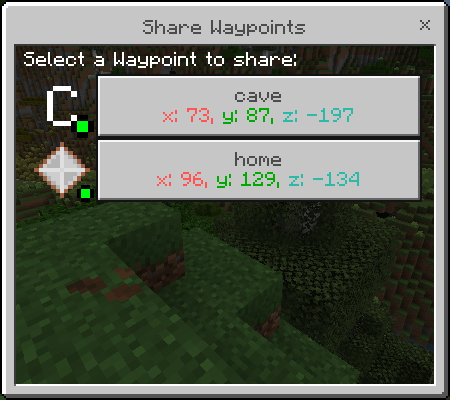
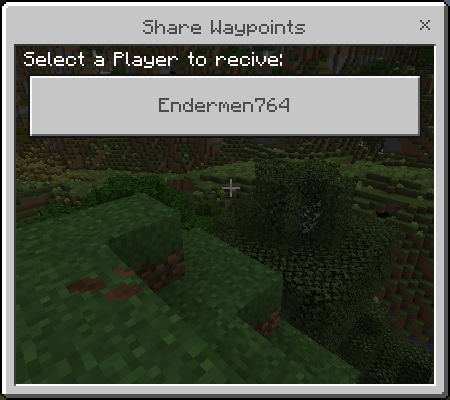
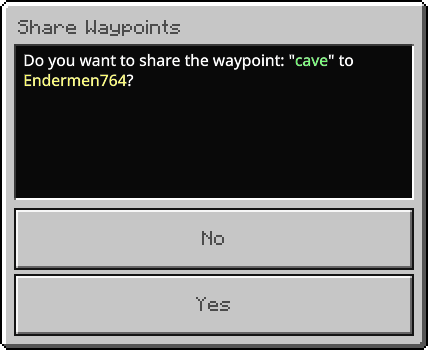
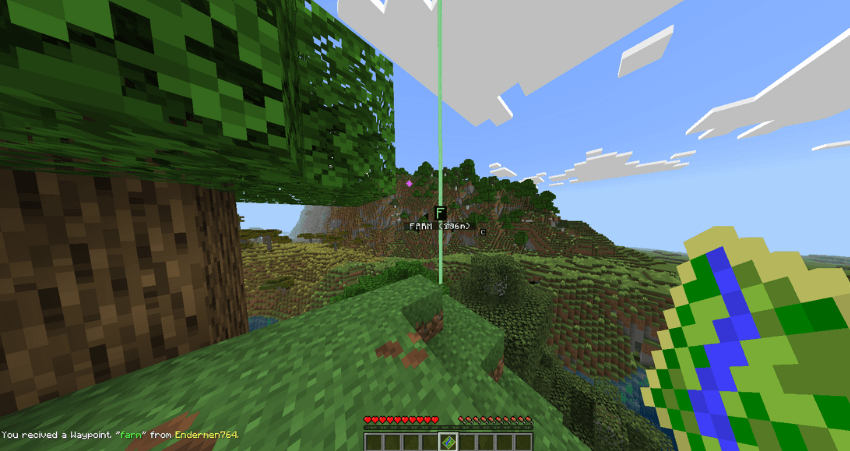
- Sharing: Share waypoints with other players by selecting a waypoint and then choosing a player to receive it. Recipients are notified when a waypoint is shared.
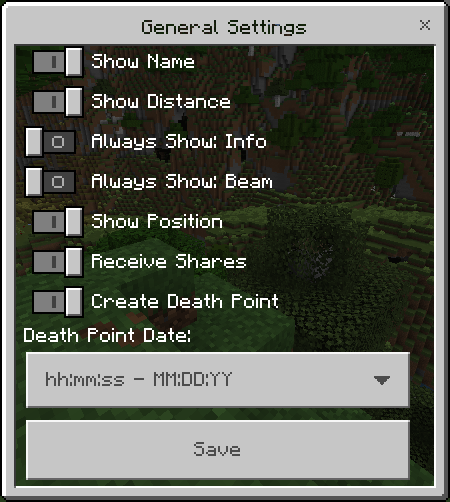
- Settings Menu: Customize display options such as showing names, distances, positions, and death point date formats. Options to always show waypoint information or beams are also available.
- Recovery: If waypoints disappear or fail to render after dimension changes or commands like “/kill @e”, use the “Recover Waypoints” option in settings to restore visible waypoints.
Commands and Configuration
Adjust teleport options and costs via commands:
/function advanced_waypoints/disableTp: Disable teleport feature./function advanced_waypoints/enableTp: Enable teleport feature./function advanced_waypoints/setCostNoXp: Set teleport cost to zero XP./function advanced_waypoints/setCostXp: Set teleport cost to 3 XP./function advanced_waypoints/resetDefault: Reset teleport settings to default (controlled by add-on settings).
For custom teleport XP costs, run the cost command first (e.g., /function advanced_waypoints/setCostXp), then set the desired XP value with the scoreboard command /scoreboard players set xp advanced_waypoints_cost_xp [value]. Ensure the initial cost command is executed before adjusting XP values.
Requirements / Compatibility
- This add-on does not disable achievements.
- No experimental features are required.
- Does not utilize player.json files.
- Compatible with other add-ons.
Notes / Troubleshooting
- Having many visible waypoints may impact game performance. Disable visibility for unused waypoints to reduce lag.
- If waypoints disappear or fail to render when switching dimensions, use the “Recover Waypoints” option in the settings menu.
Advanced_Waypoints_v7.0.mcaddon
[129.34 KB]

