SmoothCraft FPS+
UPDATED: 4.07.2026
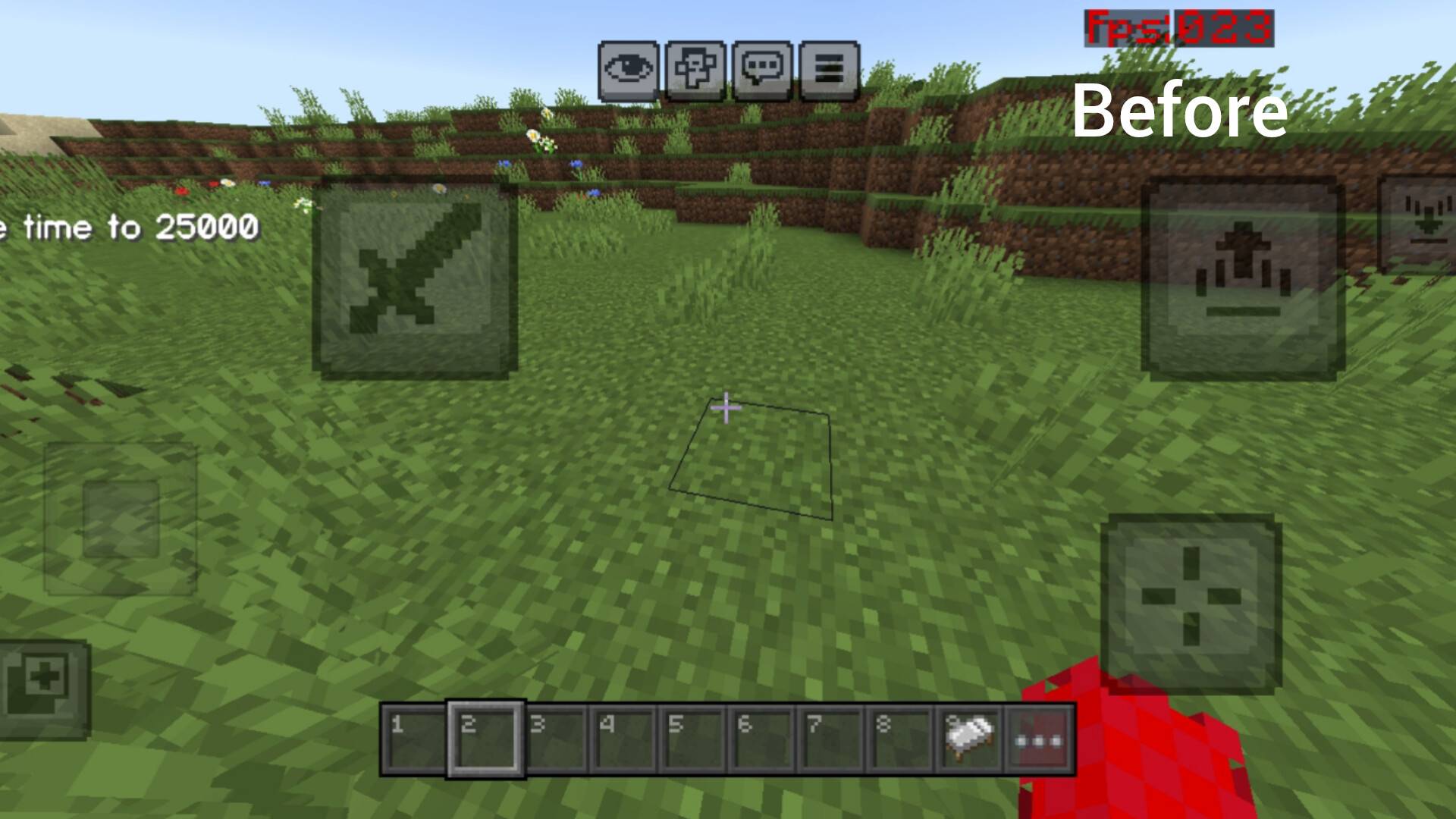
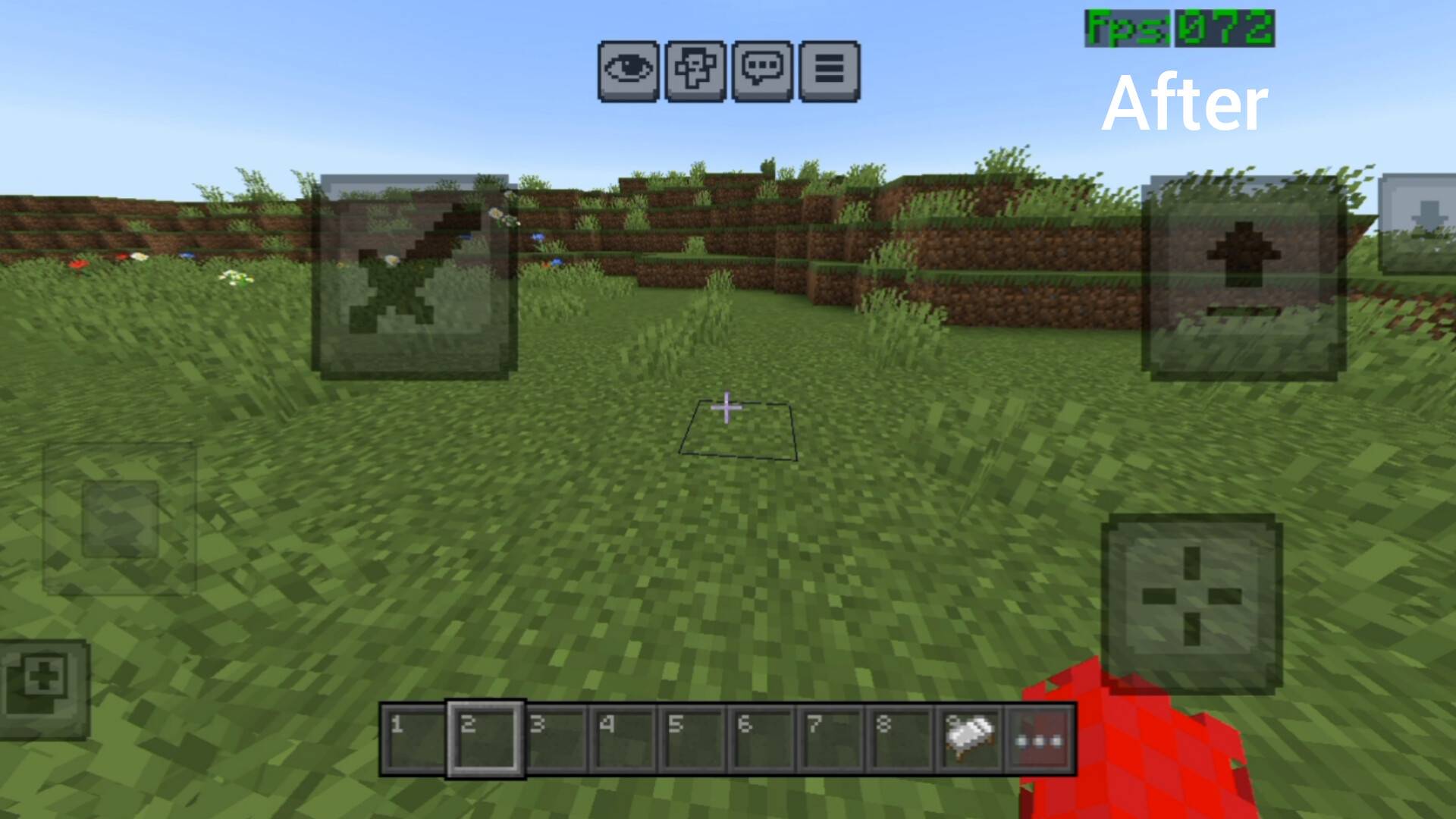
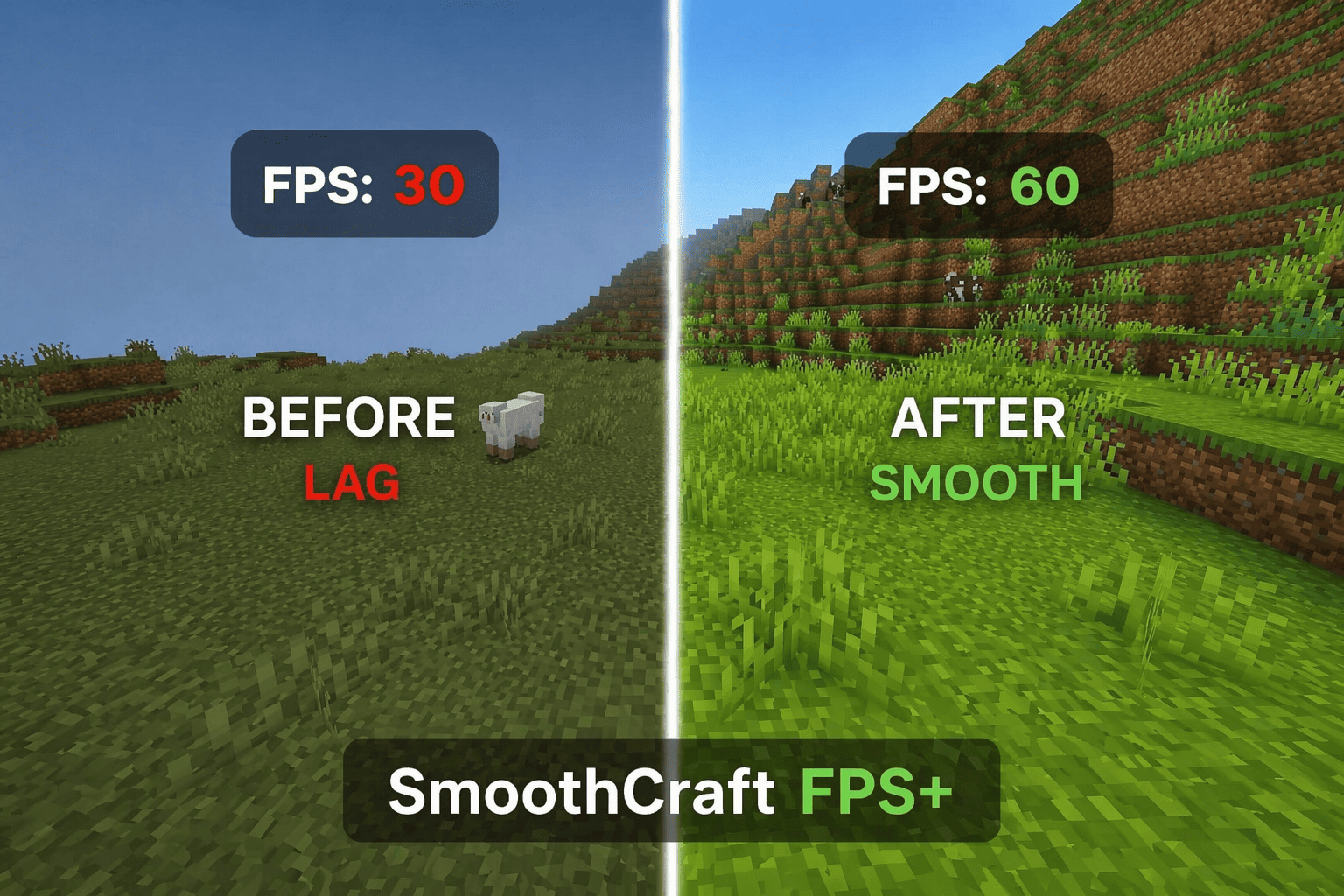
SmoothCraft FPS+ is a streamlined resource pack tailored to enhance Minecraft Bedrock Edition’s performance by boosting frame rates and minimizing lag. It achieves this by simplifying textures, removing unnecessary visual effects, and optimizing the user interface to provide a fluid gameplay experience across all devices, especially benefiting those with lower hardware capabilities.
Installation / How to Use
To install SmoothCraft FPS+, download the resource pack file and place it in your Minecraft Bedrock resource packs folder. Then, launch the game, navigate to Settings > Storage > Resource Packs, and activate SmoothCraft FPS+. Apply the pack before entering your world to experience improved performance immediately.
Requirements / Compatibility
SmoothCraft FPS+ is compatible with all versions of Minecraft Bedrock Edition. It works best on devices with limited processing power or older hardware but can also be used on higher-end devices to reduce lag during intense gameplay sessions.
Key Features
- Optimized user interface elements for smoother interaction
- Removal of non-essential particles and animations to reduce visual clutter
- Lightweight texture design for faster rendering
- Reduced lag and frame stuttering across various biomes
- Enhanced overall frames per second for fluid gameplay
- Clean, minimalistic visual style to maintain clarity
Recommended Settings
- Render Distance: Set between 4 and 8 chunks
- Graphics: Low or Medium
- Smooth Lighting: Disabled
- Fancy Graphics: Disabled
Performance Impact
Players will notice a significant increase in FPS, smoother camera movements, and a reduction in frame drops, particularly in demanding biomes such as jungles and areas with dense foliage like Dark Oak forests.
Notes
Because this pack prioritizes performance, some visual effects and detailed textures are simplified or removed. This trade-off enhances gameplay fluidity but may slightly reduce visual richness.
smoothcraft fps+.mcpack
[1.59 MB]

 2.00/5