Outlined Grass
UPDATED: 4.08.2026
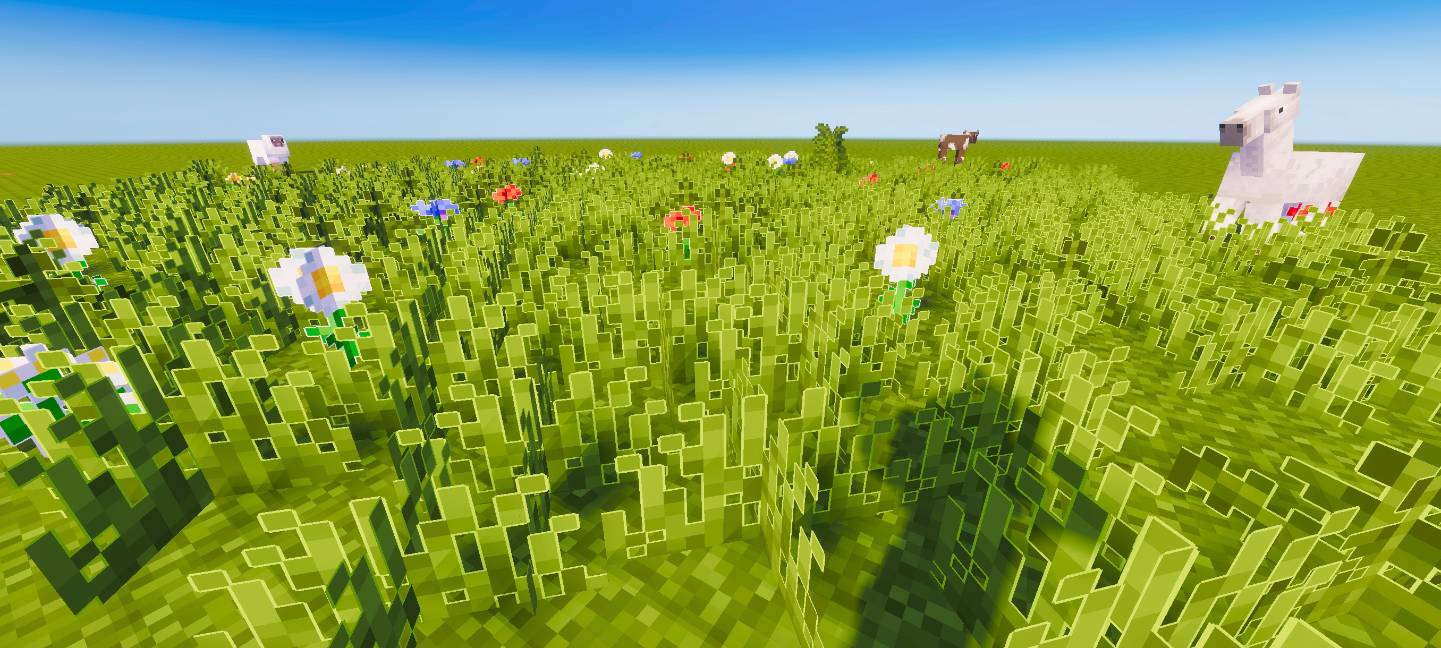
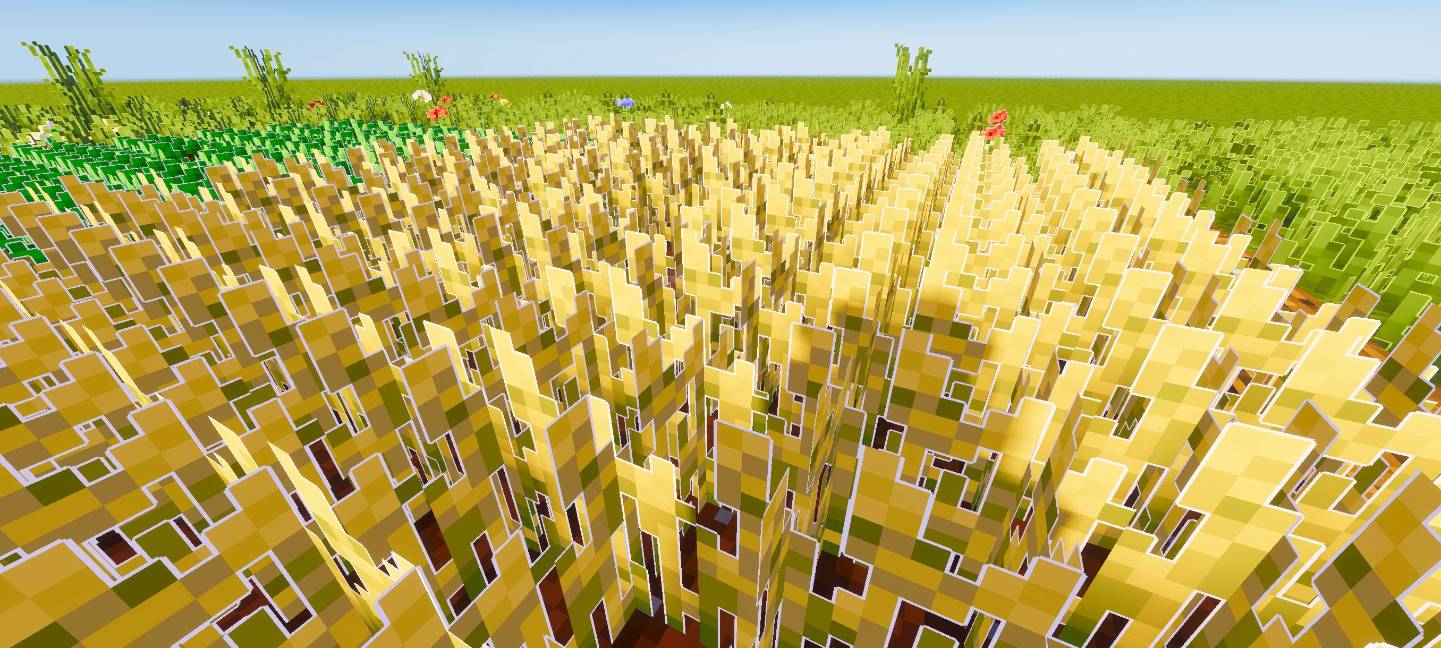
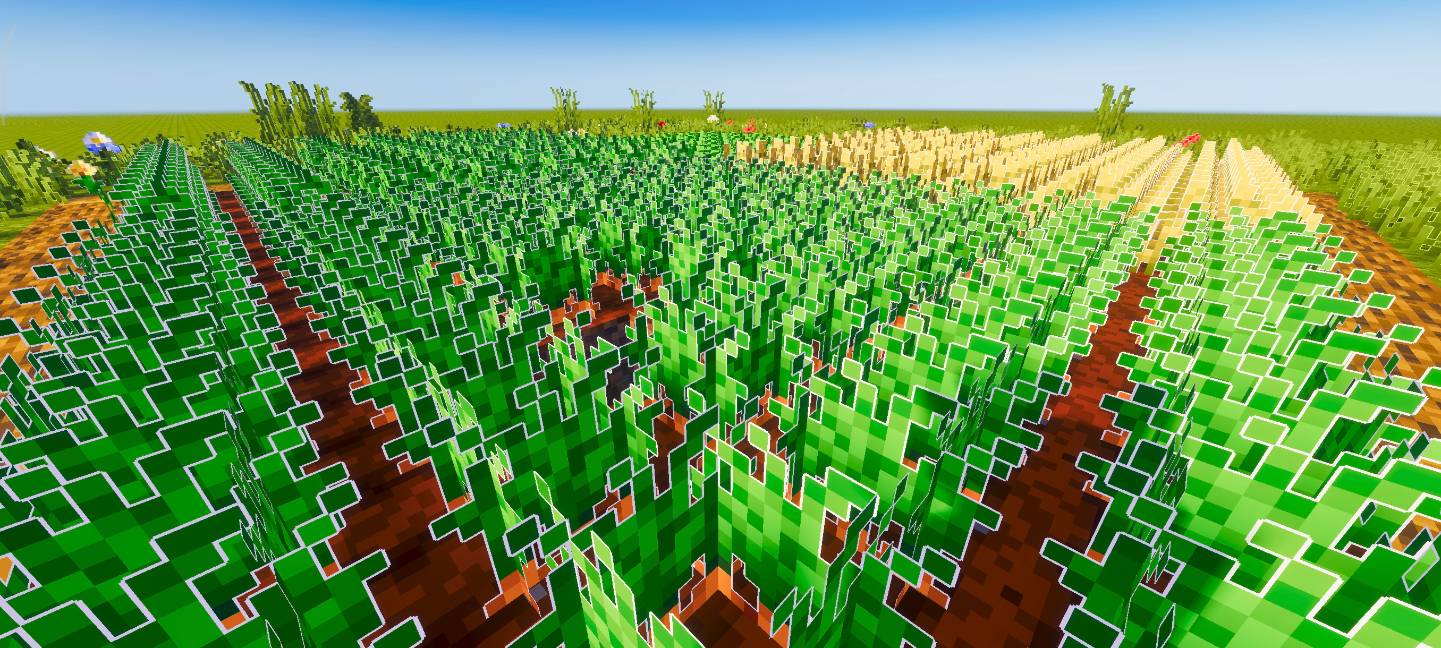
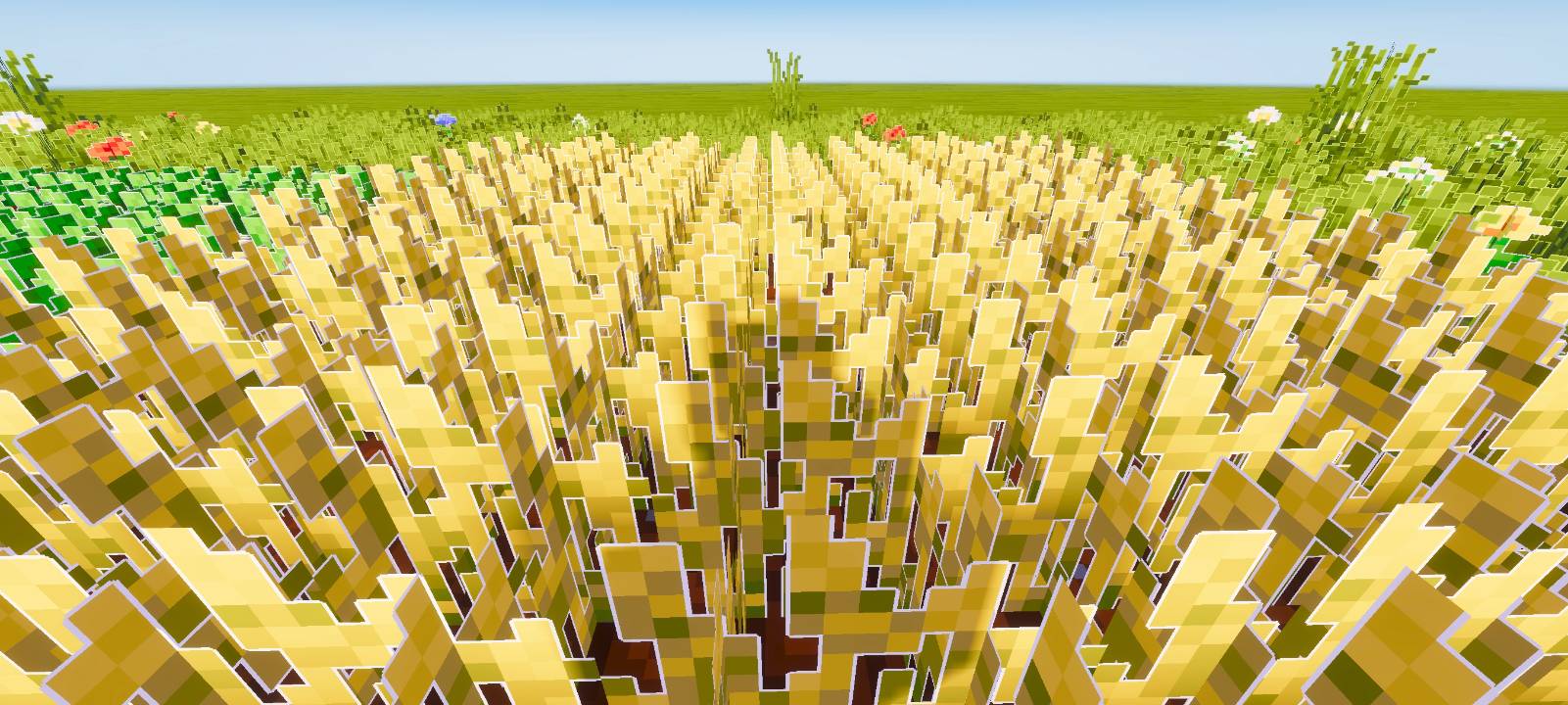
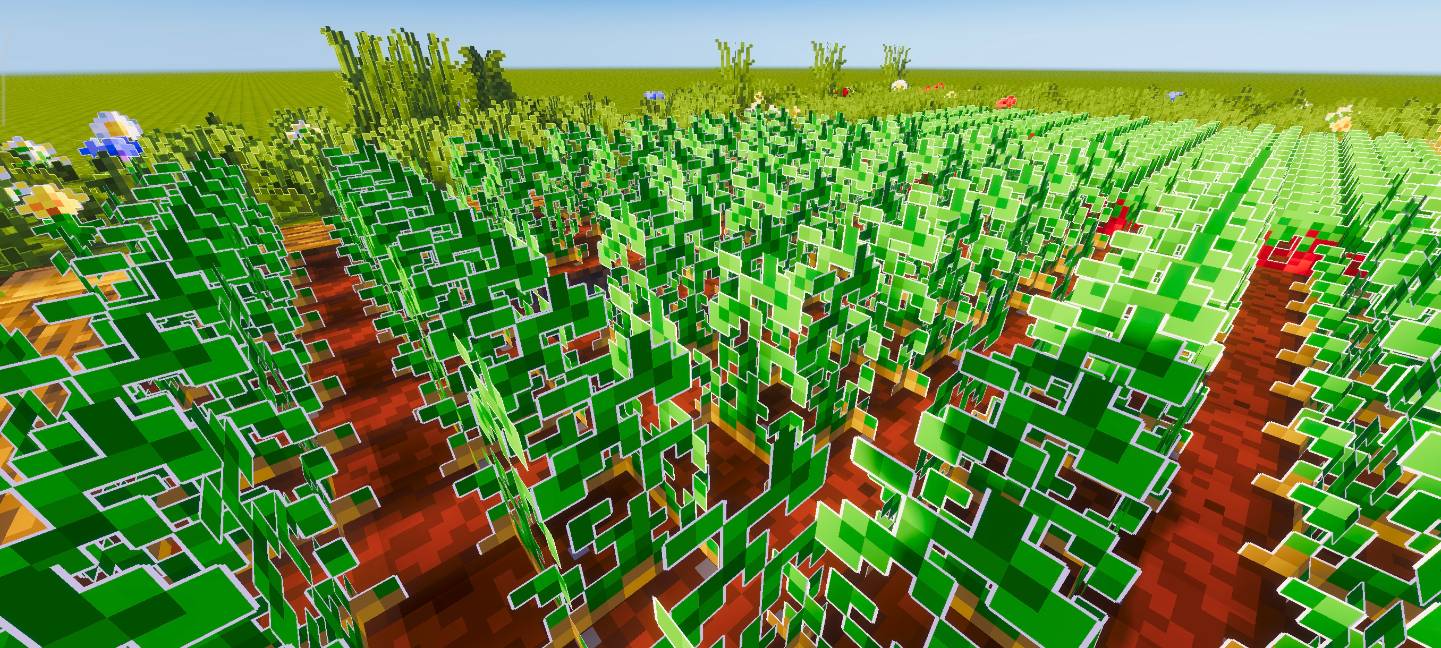
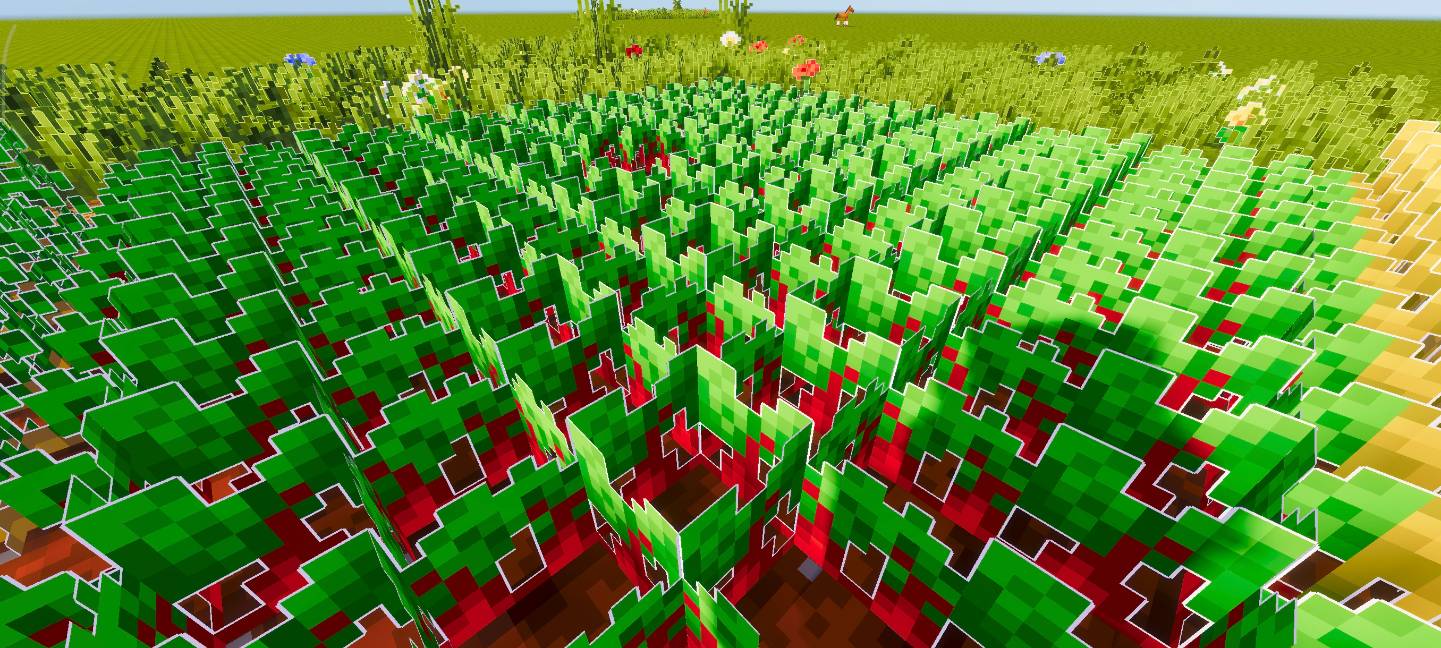
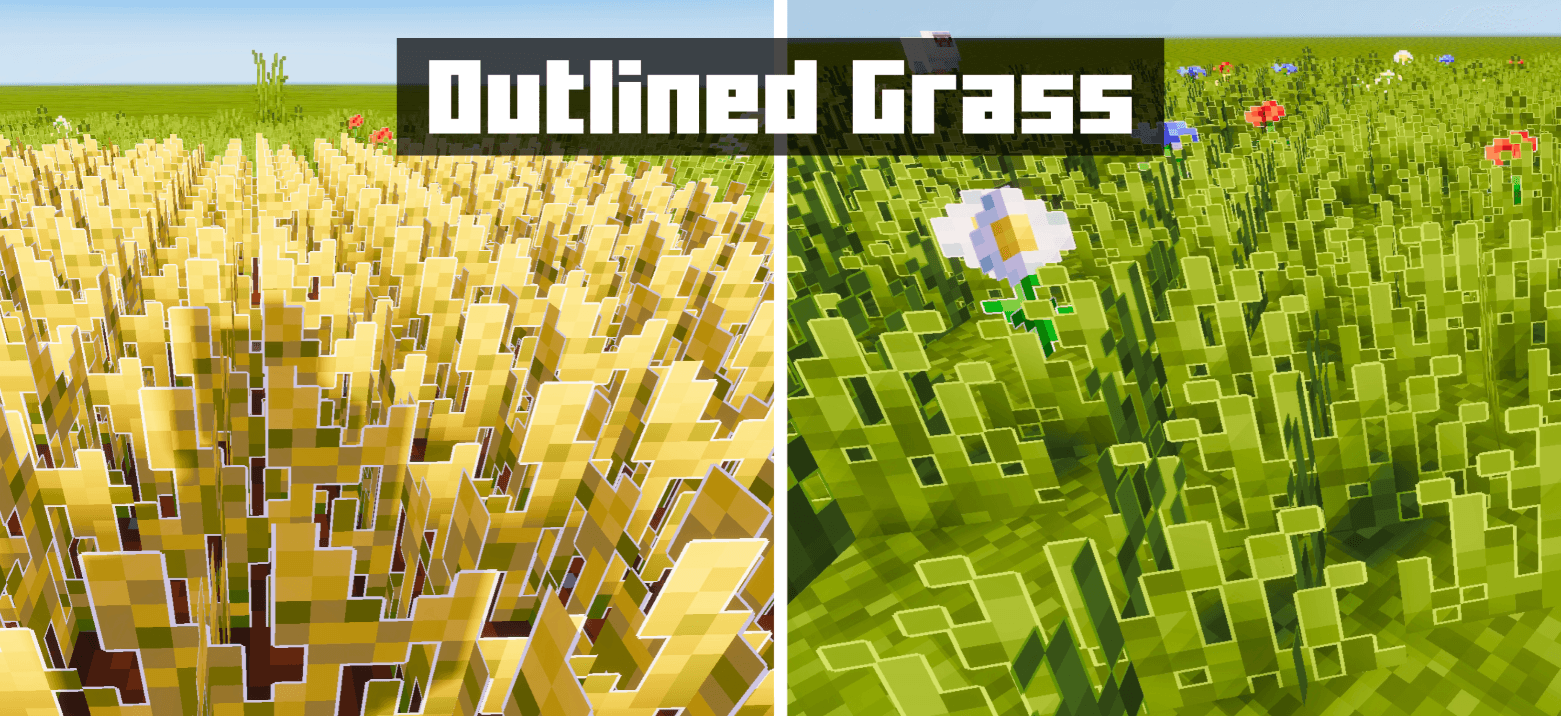
Outlined Grass enhances Minecraft’s vegetation by adding crisp white outlines to grass, crops, flowers, and other plant life. This texture pack creates a sharp, stylized appearance that complements shader packs beautifully, giving your world a cleaner and more distinct look.
Installation / How to use
To install the Outlined Grass texture pack, download the pack file and import it into your Minecraft Bedrock Edition resource packs. Activate the pack from the Resource Packs menu before loading your world. For the best visual experience, use this pack alongside compatible shader packs.
Requirements / Compatibility
This pack works with Minecraft Bedrock Edition and is designed to be compatible with most shader packs. It modifies textures of grass blocks, crops like wheat, potatoes, carrots, flowers, and wooden planks. For optimal results, use a shader that supports enhanced vegetation rendering.
Key features
- White outlines added to grass blocks and various crops for a distinct, clean appearance.
- Enhanced visibility and definition of flowers and other vegetation elements.
- Stylized look that pairs well with shader packs to improve overall world aesthetics.
Notes / Troubleshooting
If you notice any textures not displaying correctly or the outlines appearing inconsistent, try updating your resource packs and shaders to the latest versions. Conflicts with other resource packs that alter vegetation textures might affect the outlined effect. Adjust settings or disable conflicting packs if needed.