Naturalism Shaders
UPDATED: 26.07.2026
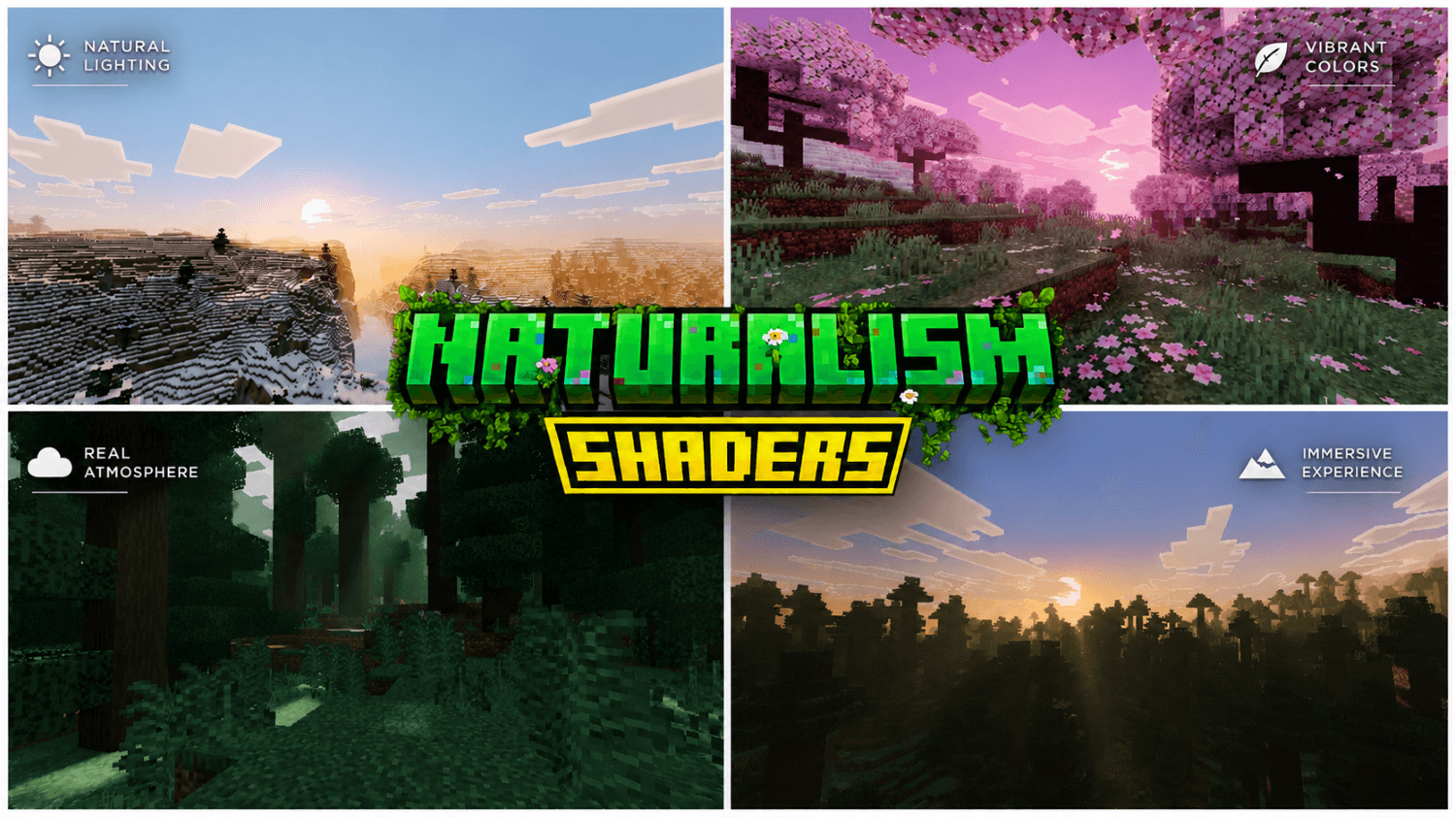
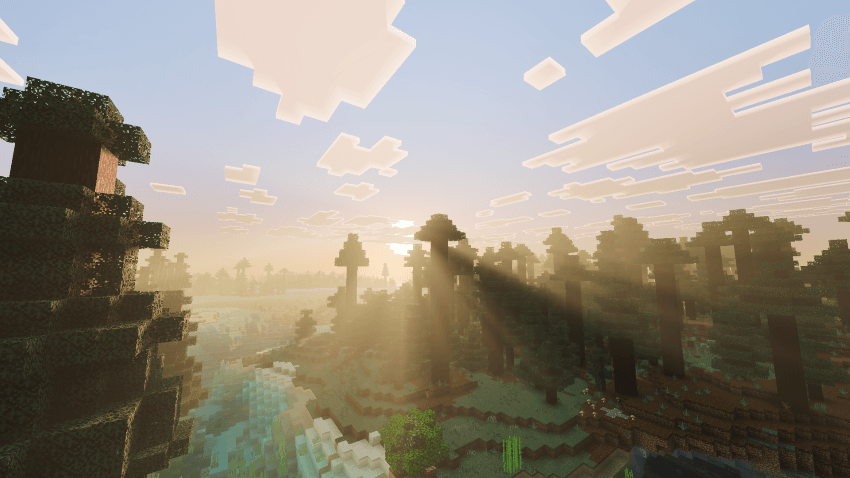
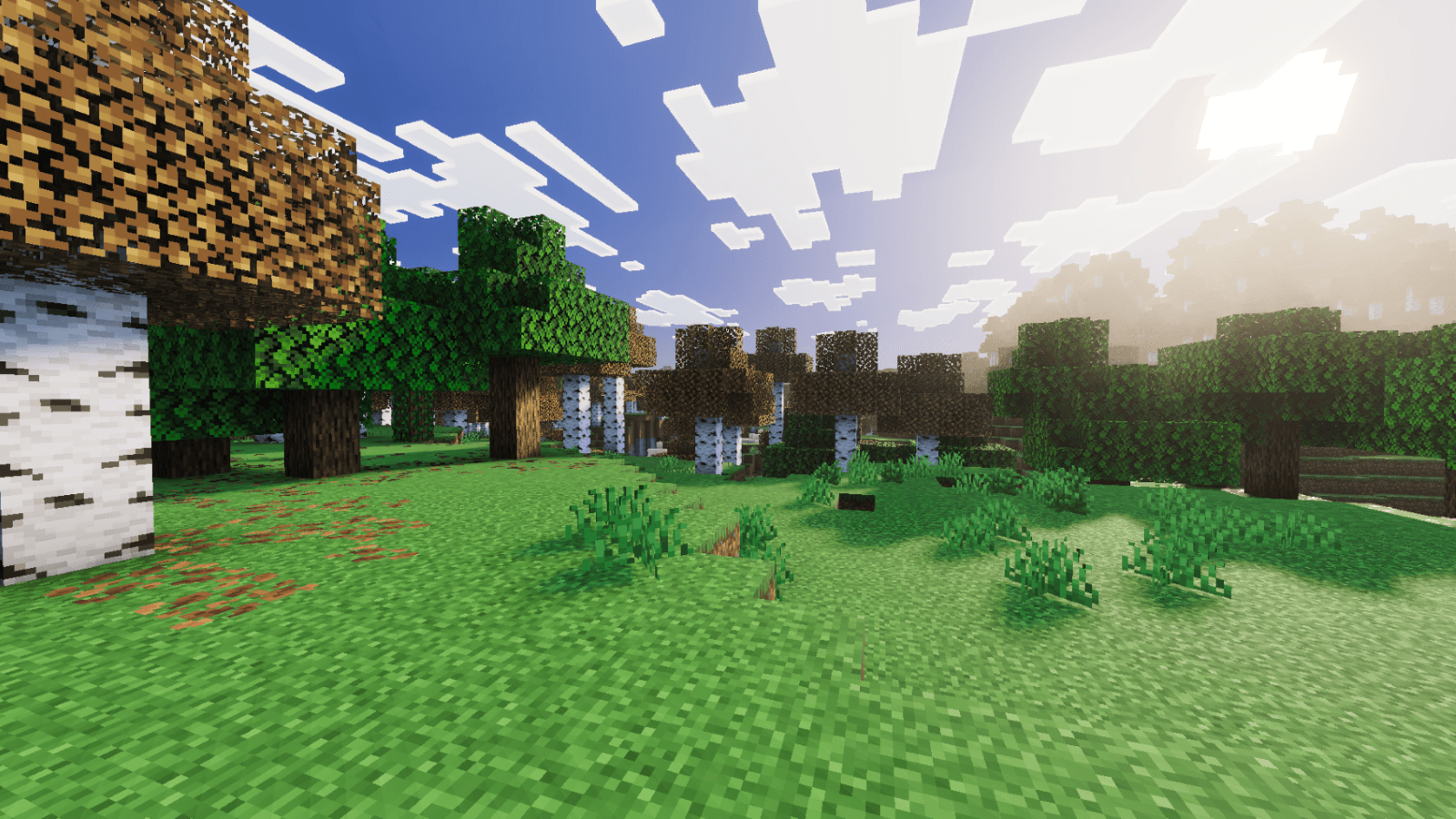
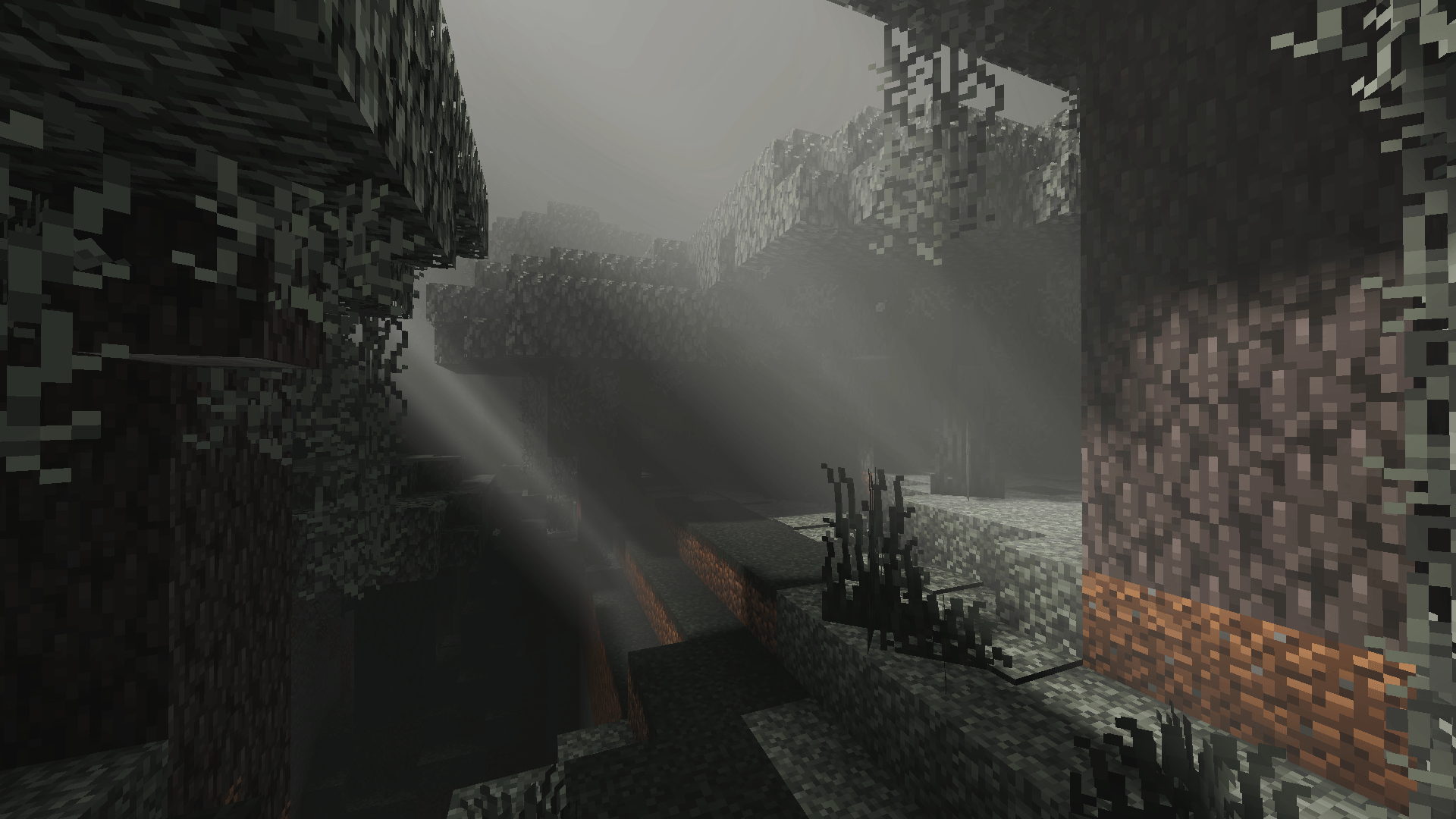
Naturalism Shaders enhances Minecraft by bringing lifelike lighting and atmospherics to every biome. It features biome-specific illumination and realistic environmental effects that make each dimension feel vibrant and true to nature. From sunlit forests to mystical caves, this shader pack transforms your world with natural light and atmospheric depth.
Installation / How to Use
To apply Naturalism Shaders, install the shader pack through your Minecraft Bedrock edition resource packs menu. After adding the pack, activate it in your world settings under the Resource Packs tab to experience enhanced lighting and atmospheric effects immediately.
Requirements / Compatibility
Naturalism Shaders requires a version of Minecraft Bedrock that supports custom shaders and resource packs. Ensure your device meets the necessary graphical performance criteria for smooth operation. Compatibility is optimized for most modern hardware supporting shader effects.
Key Features
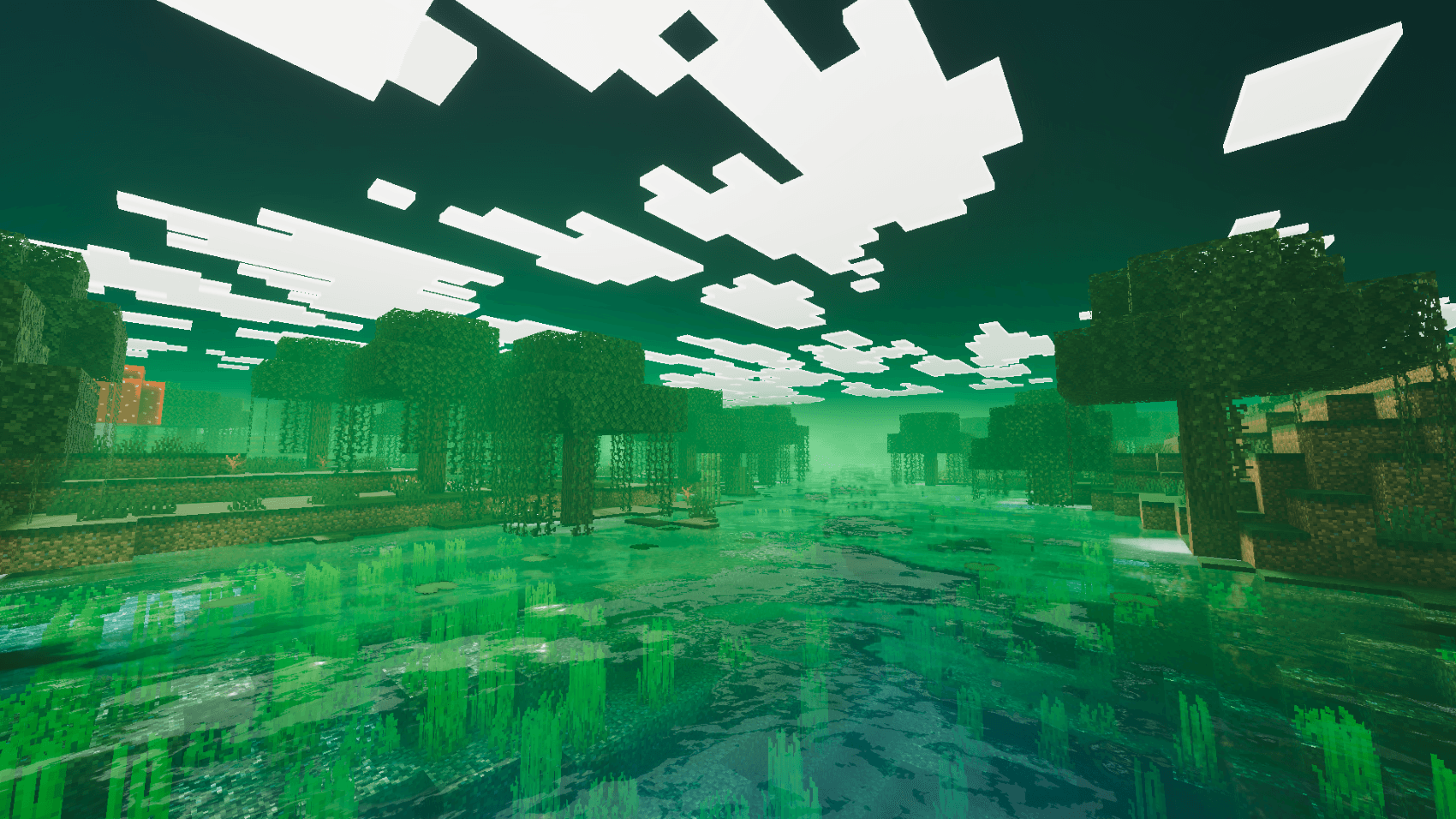
- Biome-specific atmospheric tinting and fog that adjusts to the environment.
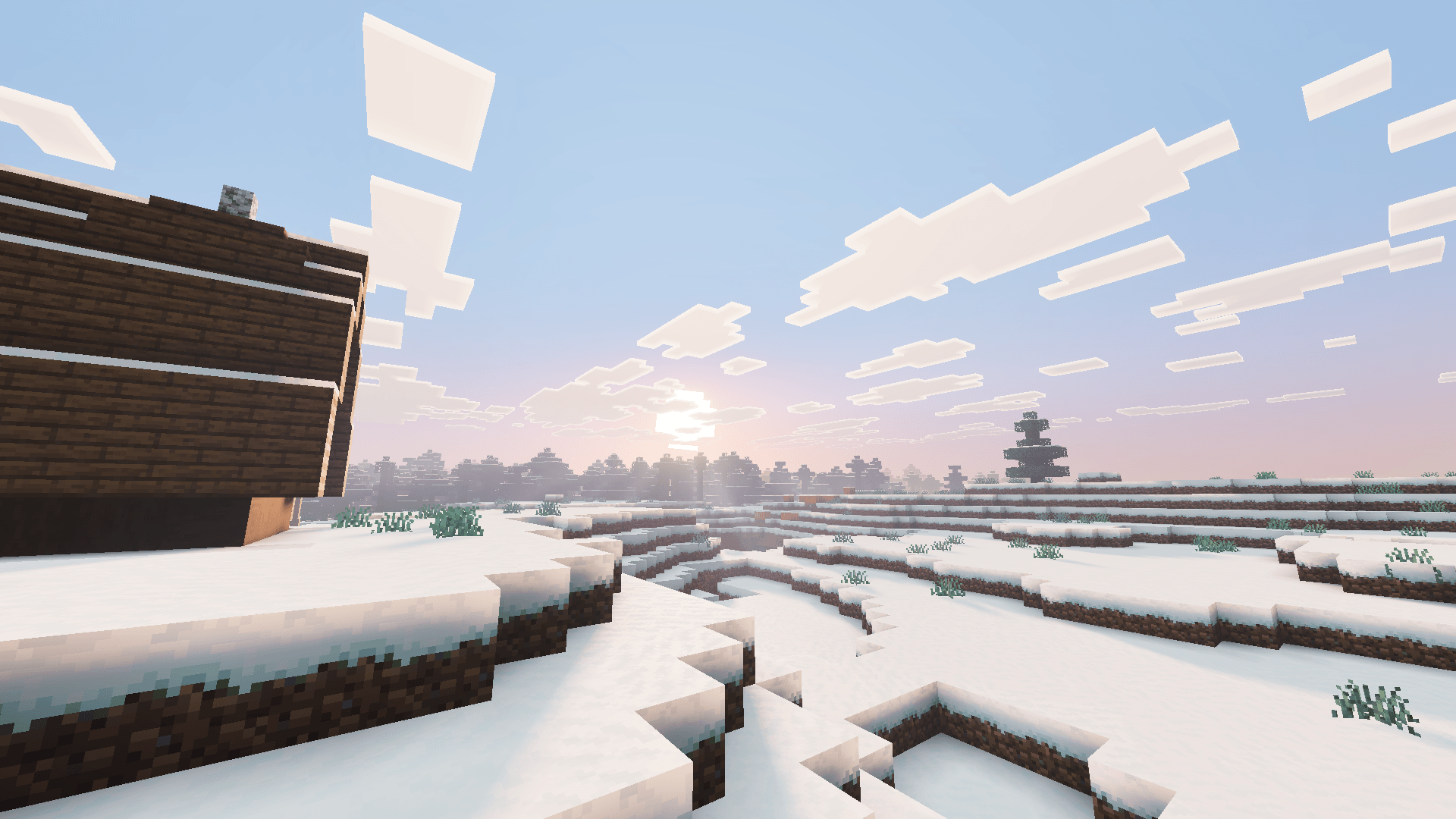
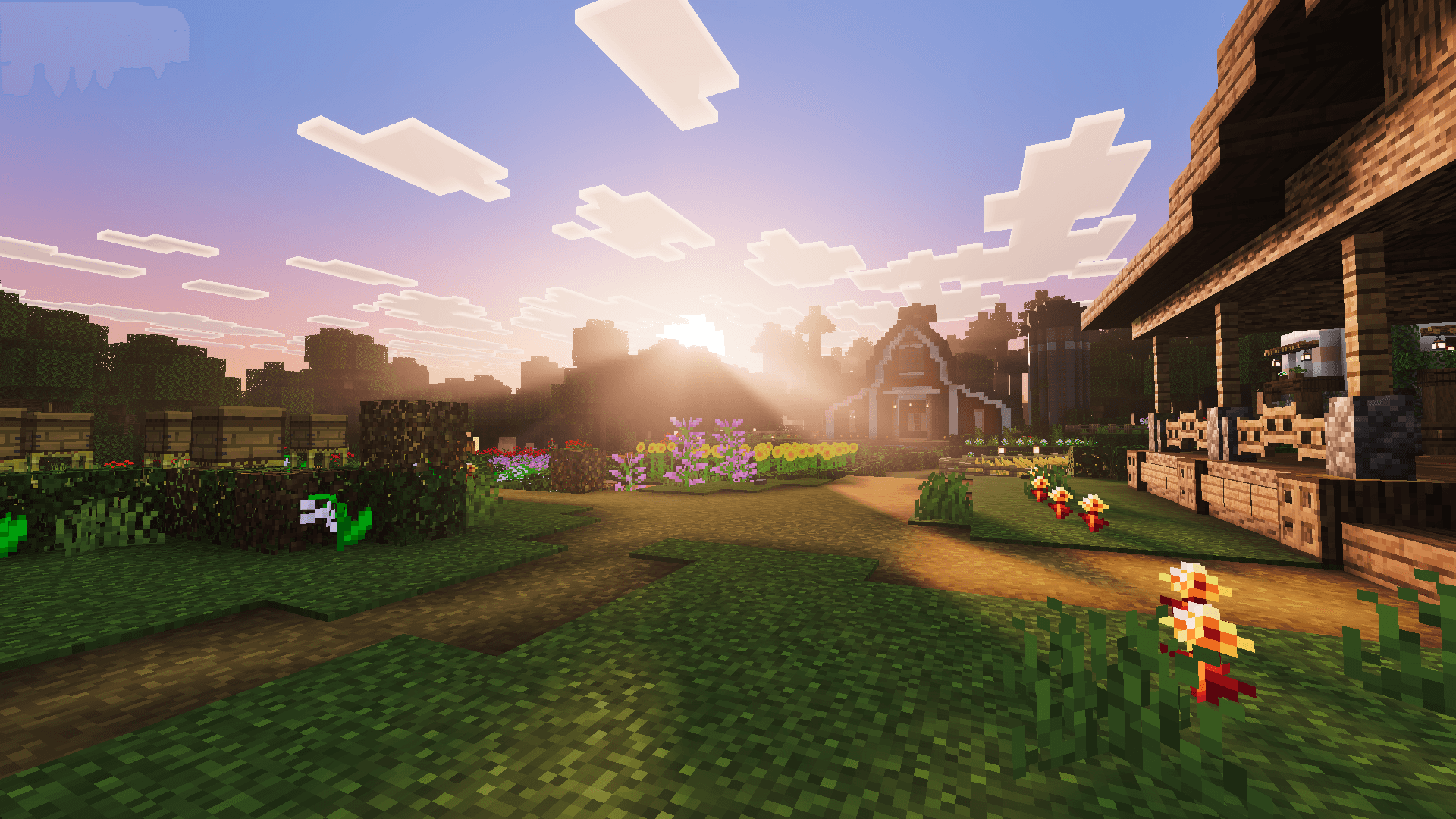
- Realistic sunrises and sunsets featuring natural light scattering for immersive skies.
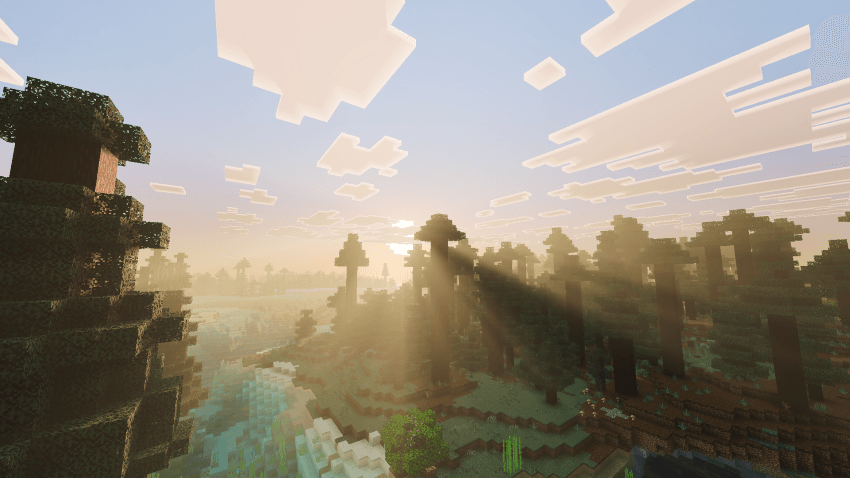
- Authentic local lighting from sources like torches, lava, portals, glowstone, amethyst, and candles, enhancing dark areas.
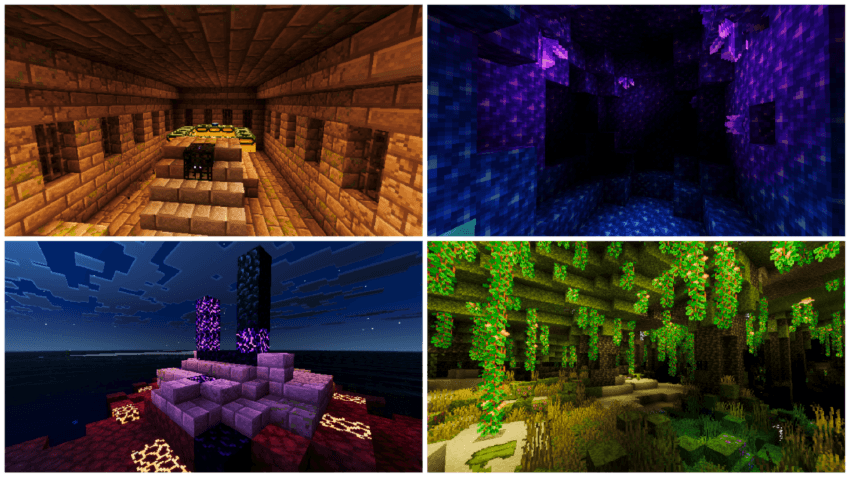
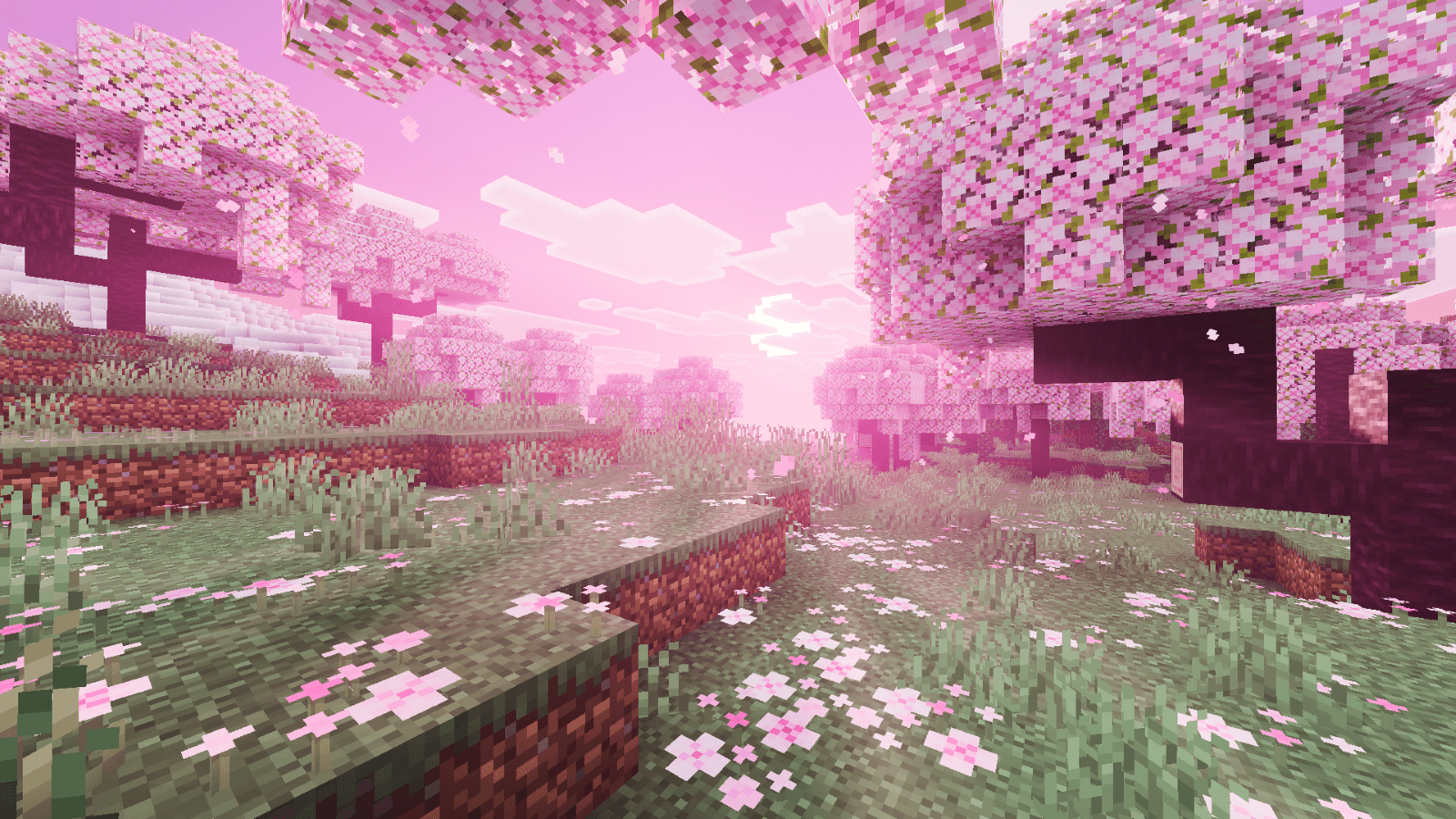
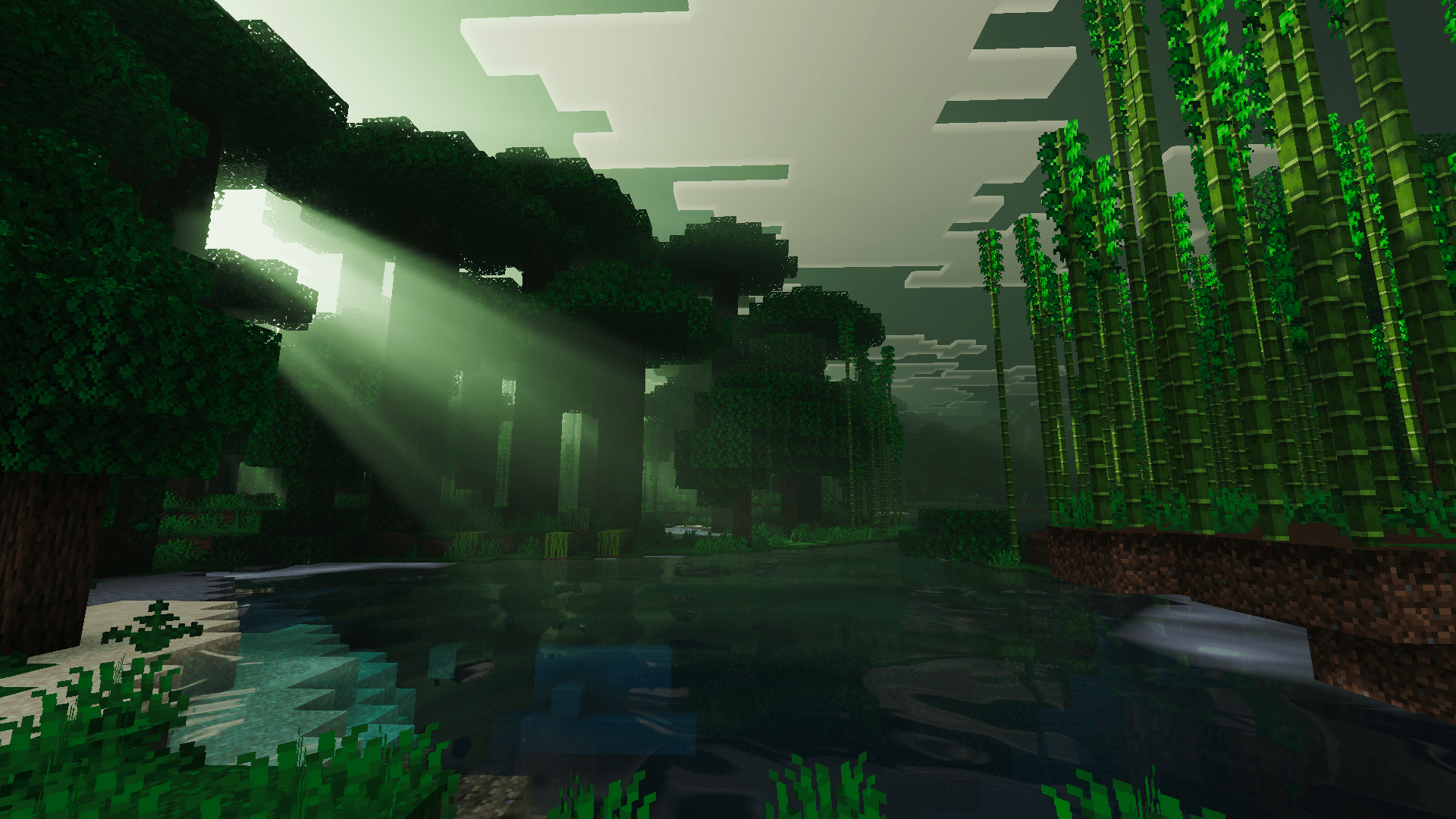
- Foliage colors vary by biome, including cherry groves, dark forests, and jungles.
- Reflective water surfaces with natural depth effects for realistic aquatic visuals.
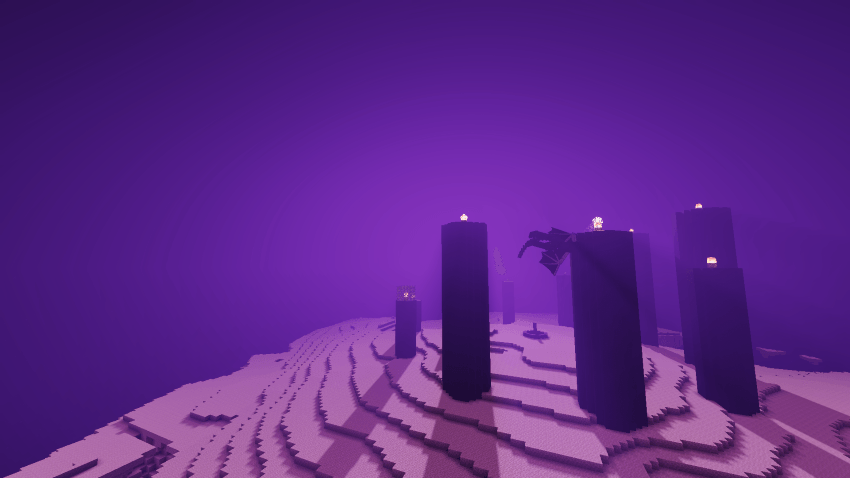
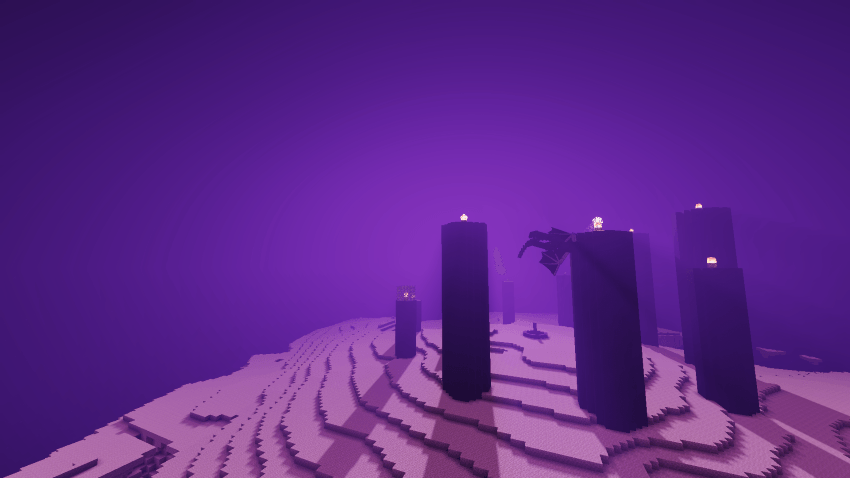
- Distinct atmospheric qualities for the End and Nether dimensions, enhancing their unique environments.
- Soft, natural shadows that accurately follow the direction of light sources.
Notes / Troubleshooting
If you encounter performance issues, try lowering your graphics settings or adjusting shader quality in the game options. Feedback is encouraged to help improve future updates and ensure the best experience across devices.
Naturalism Shaders v1.3.mcpack
[5.29 MB]
 5.00/5