
Item Tooltip Display
12.06.2026
0
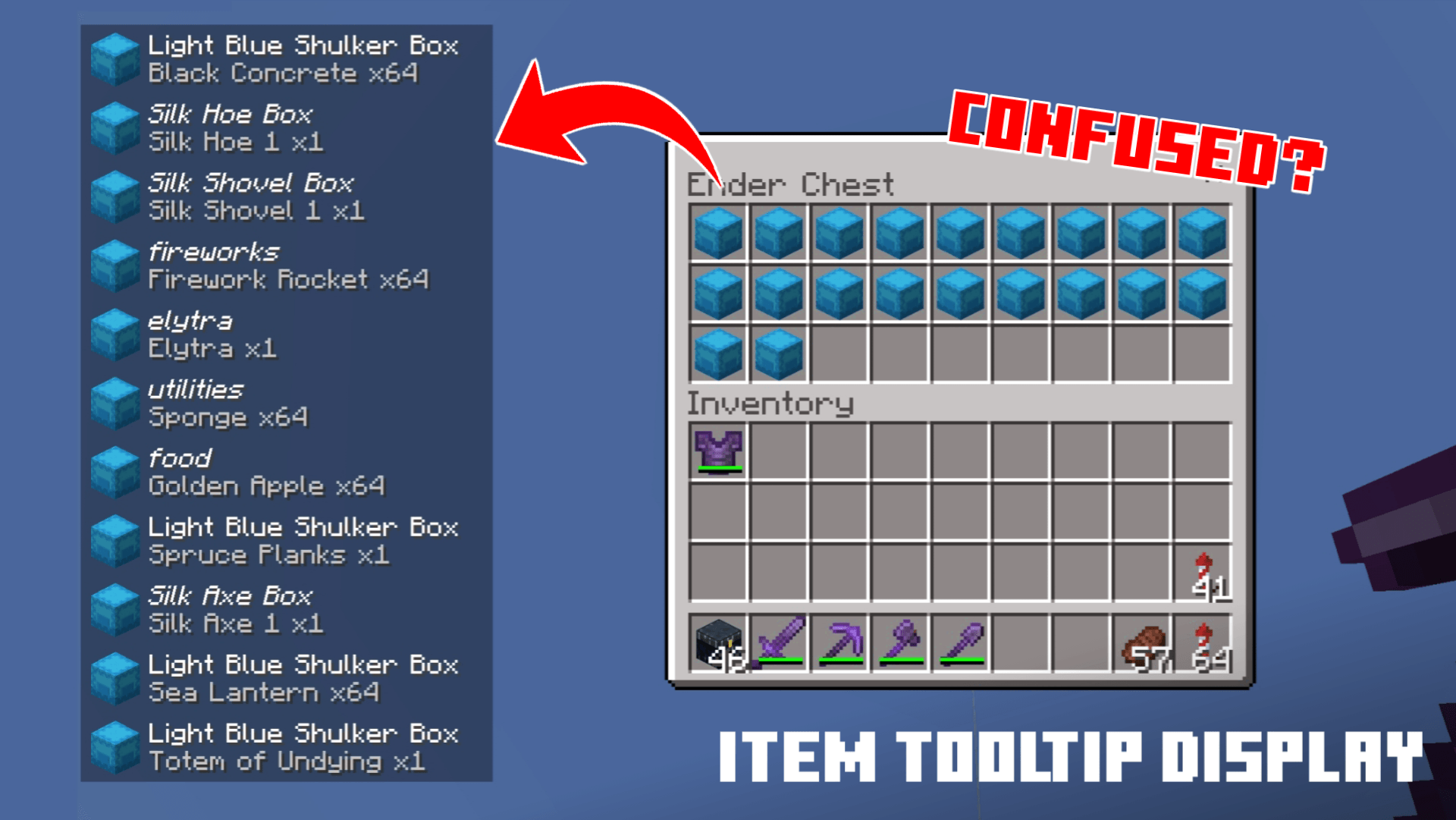
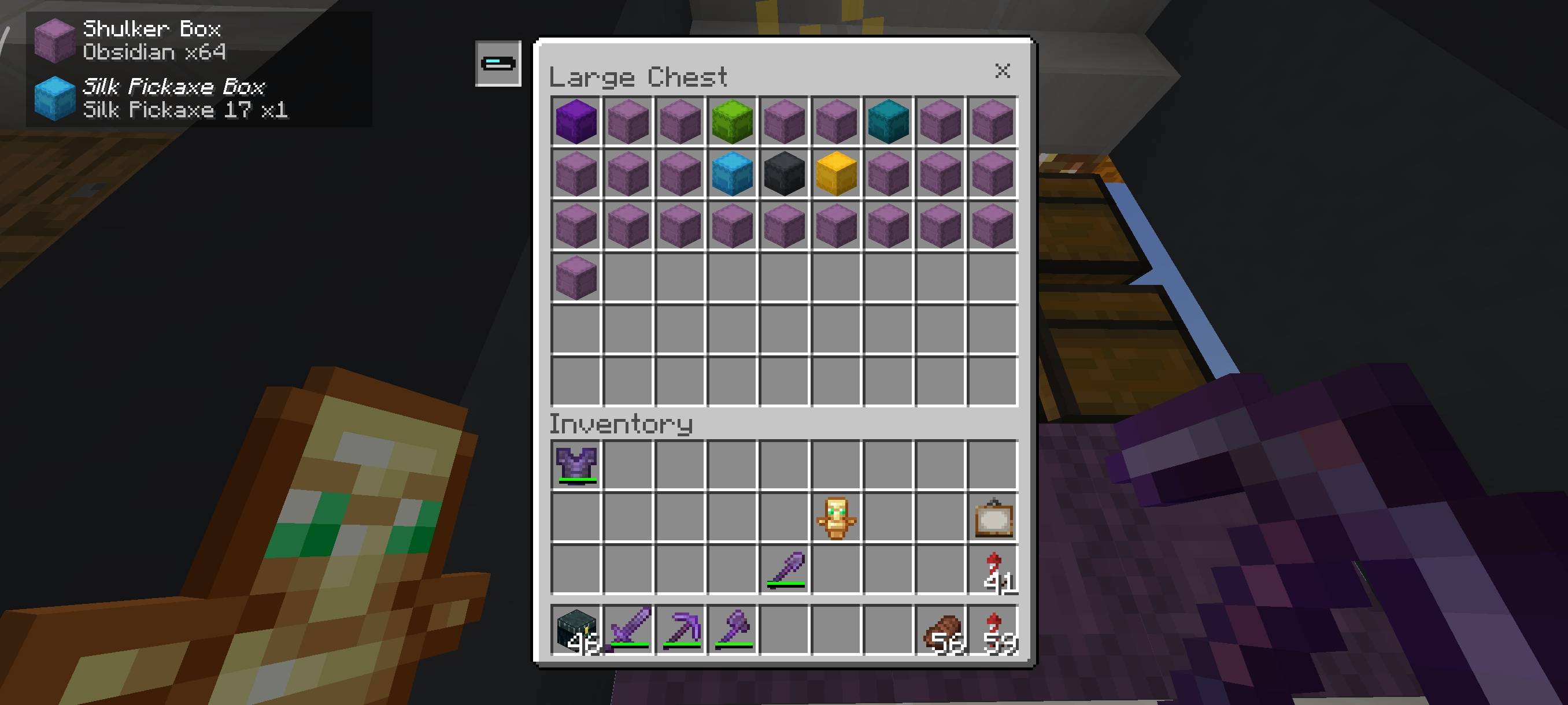
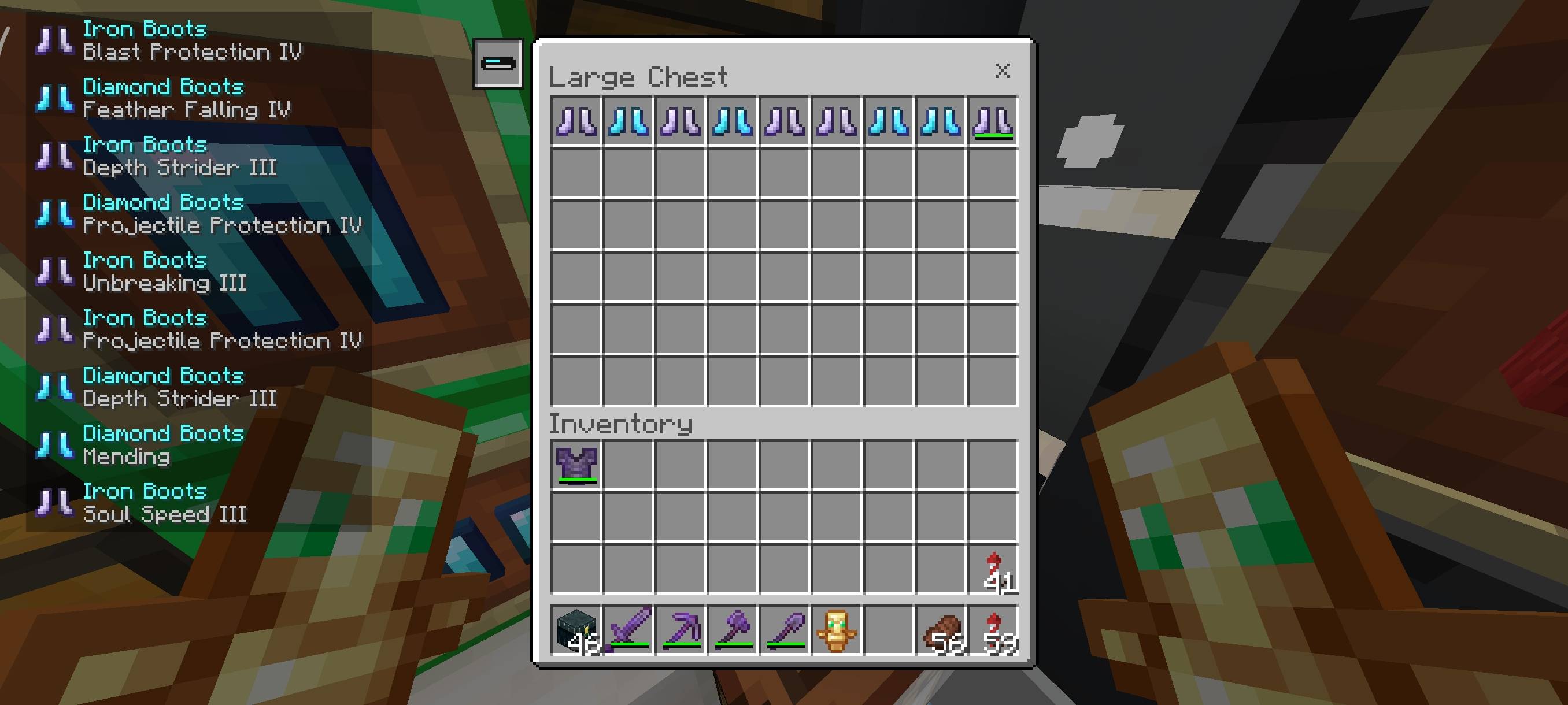
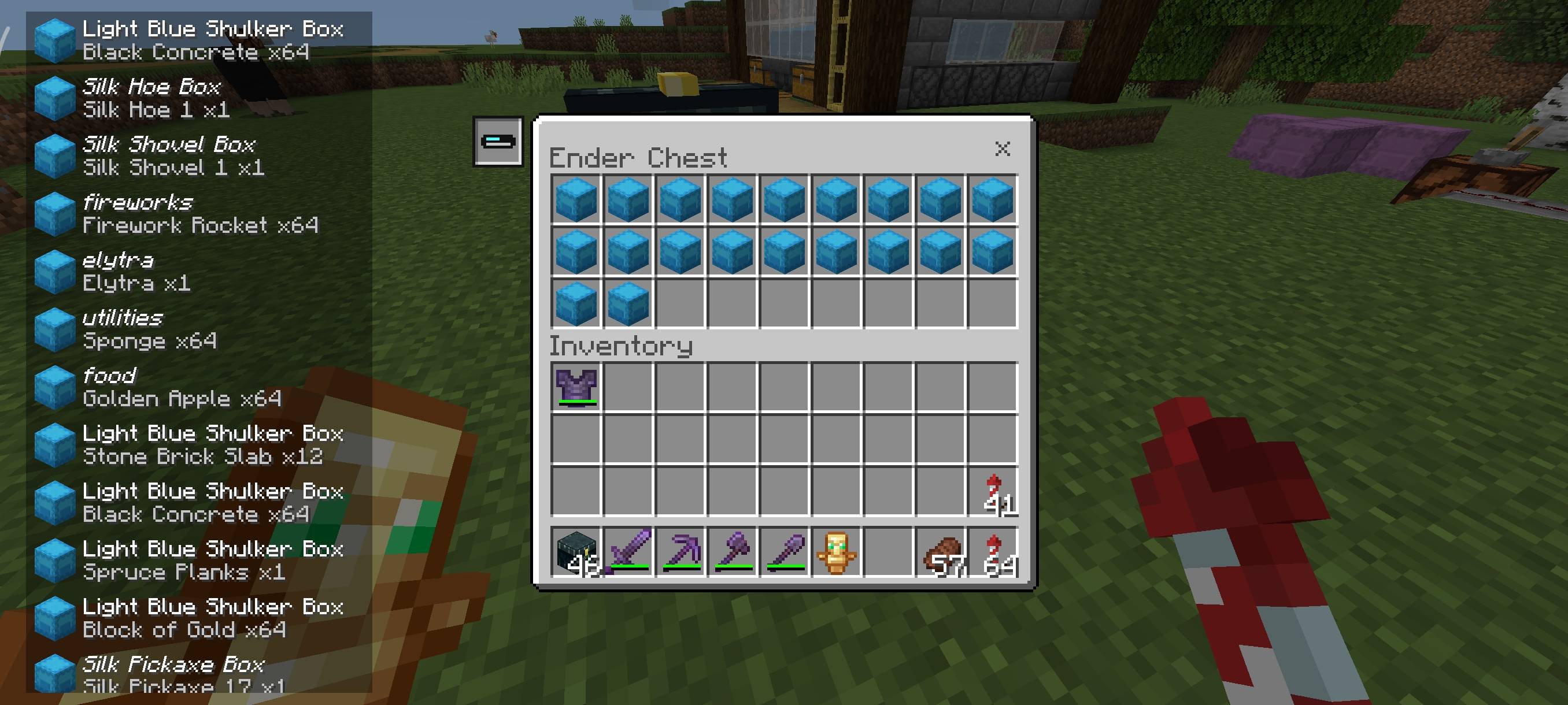
Item Tooltip Display enhances your inventory experience by showing detailed tooltips for items with descriptions, like shulker boxes, directly on the chest screen. This feature saves you from having to hover over each item individually to see its name or enchantments. It is especially useful when managing chests filled with multiple similar items.
How to Use
- Click the Item Tooltip Display button located at the top-left corner of the chest interface to reveal descriptions for items such as shulker boxes, enchanted tools, and enchanted books on the left side.
- If using keyboard and mouse controls, simply press the TAB key to toggle the tooltip display without clicking the button.
Key Features
- Automatically shows item descriptions for shulker boxes, enchanted items, and books within chest inventories.
- Easy activation via a button or keyboard shortcut for quick access.
- Improves inventory management by reducing the need to hover over each item.
Terms of Use
Allowed
- Modify the pack for personal use only.
- Create reviews of the pack while crediting the original download source.
Not Allowed
- Using or claiming the pack’s code without permission.
- Distributing modified versions publicly.
- Uploading the pack to other websites.
- Sharing download links that are not from the original sources.
Screenshots & Video
Download Item Tooltip Display
Item Tooltip Display v1.1.0.mcpack (latest)
Supported versions
26.0.02 26.0 1.21.132 1.21.131 1.21.130 1.21.120 1.21.111 1.21.101 1.21.100
Download
[71.28 KB]
 5.00/5
 0 Comments