X-Ray with Night Vision
UPDATED: 3.07.2026
0
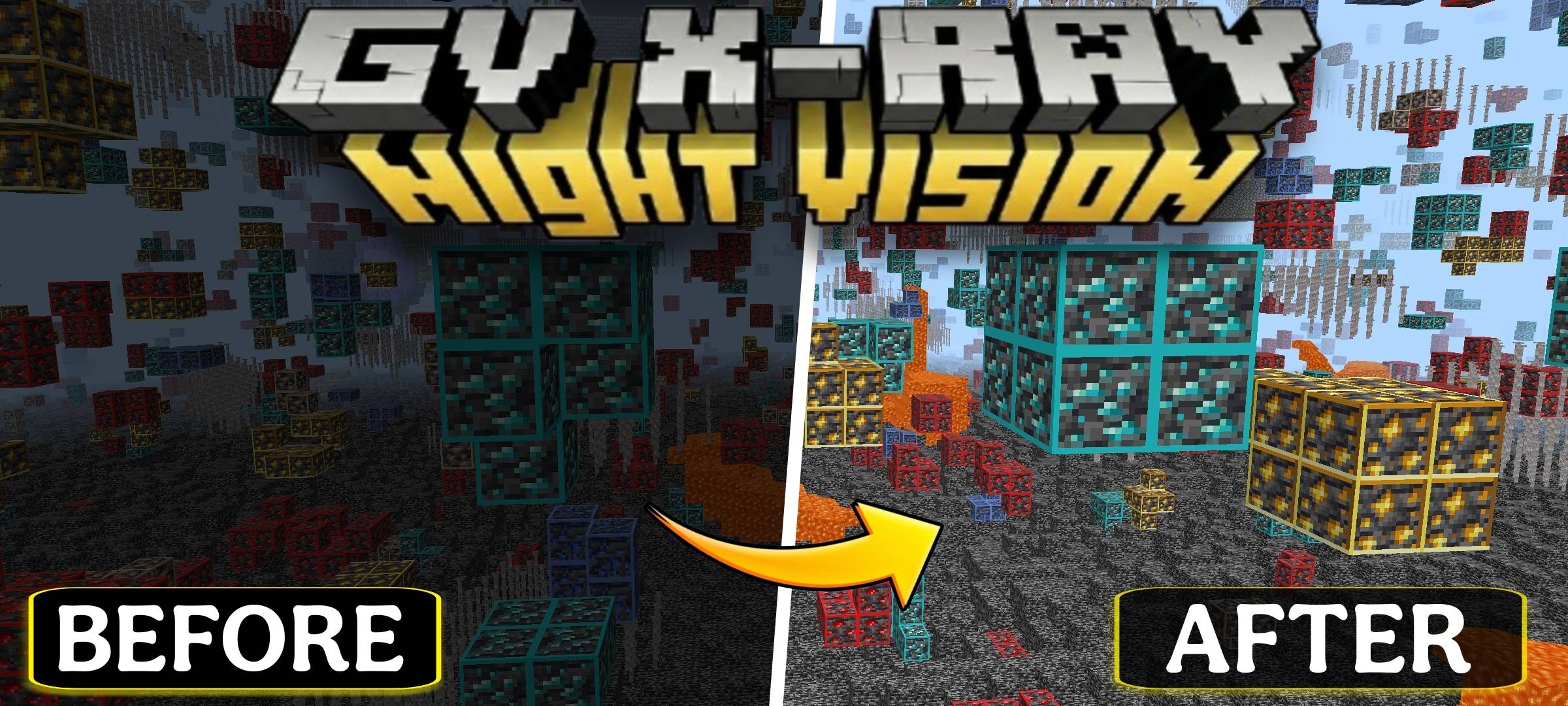
X-Ray with Night Vision enhances your mining experience by improving visibility in dark underground areas. This behavior pack offers a clear view of ores and caves while preserving your ability to earn achievements. Designed for smooth gameplay, it combines efficient ore detection with integrated night vision.
Installation / How to Use
To get started with this pack, install it into your Minecraft Bedrock Edition world. Make sure to disable Smooth Lighting for optimal ore visibility:
- Open Settings in the game.
- Navigate to Video / Graphics Settings.
- Locate Smooth Lighting and turn it OFF.
- Reload your world if needed to apply the changes.
Requirements / Compatibility
- This pack is intended exclusively for singleplayer worlds.
- Using it in multiplayer environments is not supported.
Key Features
- Built-in Night Vision: Allowing clear sight of ores and caves in total darkness.
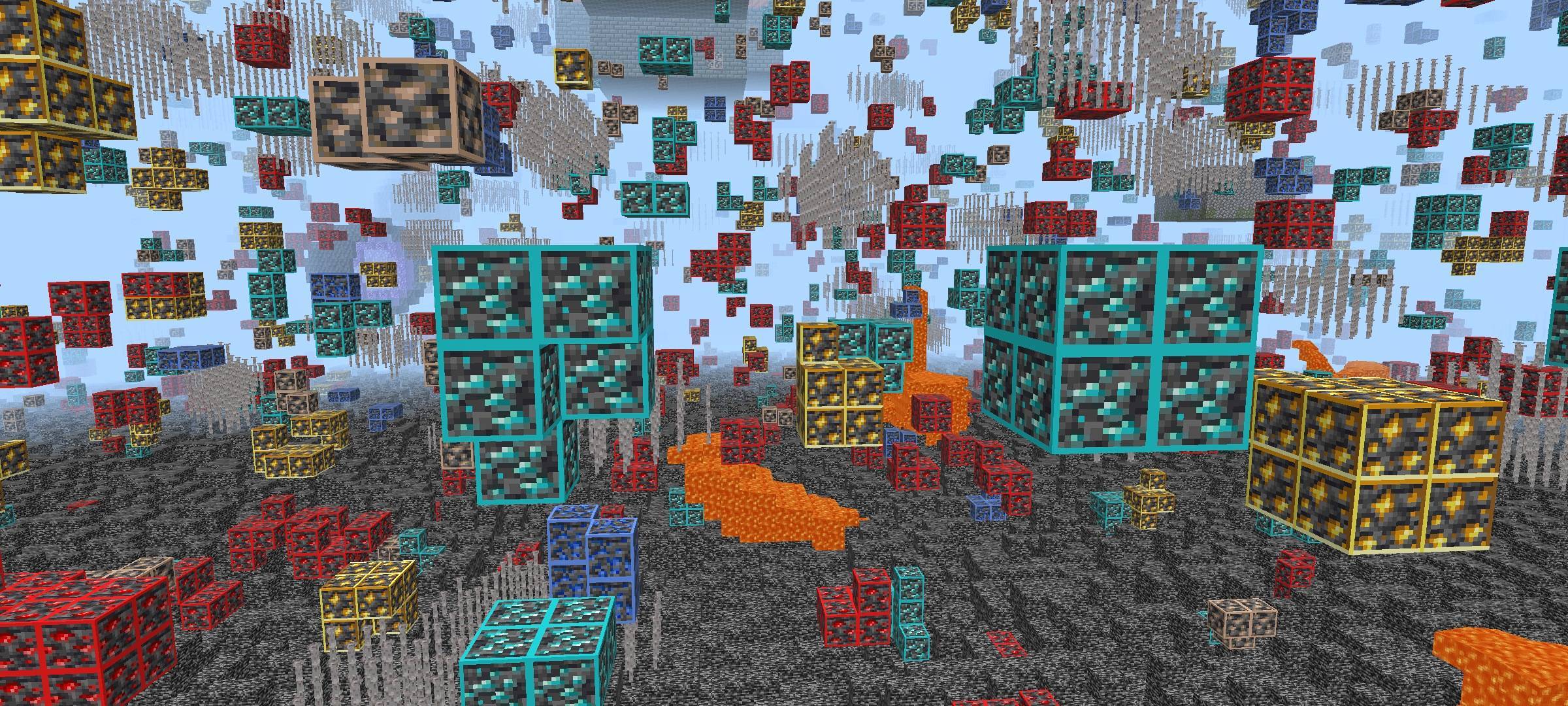
- Enhanced Ore Visibility: Surrounding blocks are hidden to highlight valuable resources.
- Achievement Friendly: All Minecraft achievements remain active while using this pack.
- Optimized Performance: Lightweight design minimizes impact on game speed.
- Clean Visuals: Provides a clear underground view with minimal distractions.
Notes / Troubleshooting
If ores do not appear correctly, confirm that Smooth Lighting is disabled, as enabling it may cause ores to become invisible. Reload your world after adjusting this setting.
Screenshots & Video
Download X-Ray with Night Vision
X-Ray_with_Night_Vision [Achievement Friendly]_v1.3.mcaddon
Supported versions
26.30 26.20 26.13 26.12 26.11 26.10 26.3 26.0.02 26.0 1.21.132 1.21.131 1.21.130 1.21.124 1.21.123 1.21.122 1.21.121 1.21.120 1.21.114 1.21.111 1.21.101 1.21.100 1.21.94 1.21.93 1.21.92 1.21.90
Download
[2.93 MB]


 2.67/5
 0 Comments
