
Vibrant Legacy Simple
UPDATED: 15.08.2026
Vibrant Legacy Simple (Vibrant Visuals/Deferred Pack) enhances Minecraft Bedrock with a streamlined visual style that brightens and simplifies your game environment. This variant of Vibrant Legacy offers a more colorful and clear aesthetic, improving immersion while keeping textures clean and vibrant.
Installation / How to Use
1. Download the .mcpack file and open it to automatically import the resource pack into Minecraft Bedrock.
2. Navigate to Settings > Global Resources in the game menu and activate the Vibrant Legacy Simple pack.
3. In Video Settings, enable the “Vibrant Visuals” option to experience the full effect of the pack.
Requirements / Compatibility
Supported Versions: Compatible with Minecraft Bedrock editions 1.21.80 through 1.21.111, including Minecraft Preview and Beta builds.
Platform Compatibility: Fully functional on iOS, Android, Windows, Xbox, and PlayStation platforms.
Hardware Recommendations
Windows PC: Requires a graphics card supporting DirectX 12 or higher; many older DirectX 12-capable cards will work.
Mobile Devices:
- Android: Needs a GPU such as Adreno 640, Mali-G68, Mali-G77, Xclipse 530, or newer.
- iOS: Compatible with devices running Apple A12 chip, M1 chip, or later.
Consoles: Supported on Xbox Series X|S, Xbox Series X, PlayStation 5, and some performance-capable older consoles like Xbox One and PlayStation 4.
Key Features
- Simplified textures with enhanced color vibrancy for a fresh visual experience.
- Optimized for performance on a wide range of devices.
- Compatible with the “Vibrant Visuals” video setting for best results.
Usage Guidelines
This resource pack is intended for personal use only. You may modify it for your own gameplay or include it in videos and livestreams.
Prohibited Actions: Redistribution, re-uploading, selling, or claiming ownership of the pack or its derivatives without permission is not allowed.
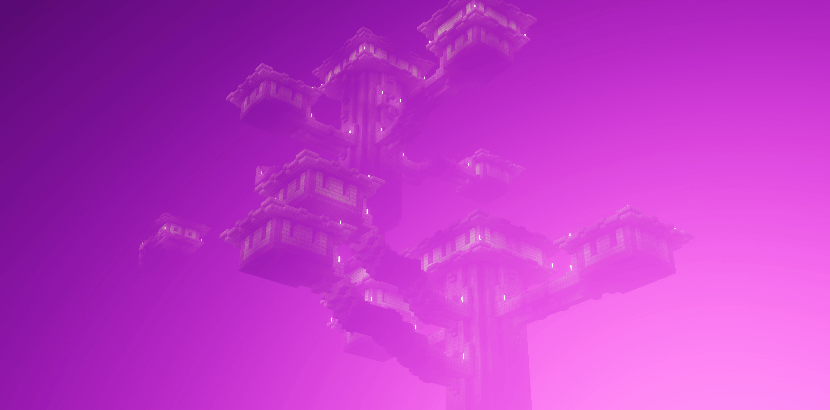
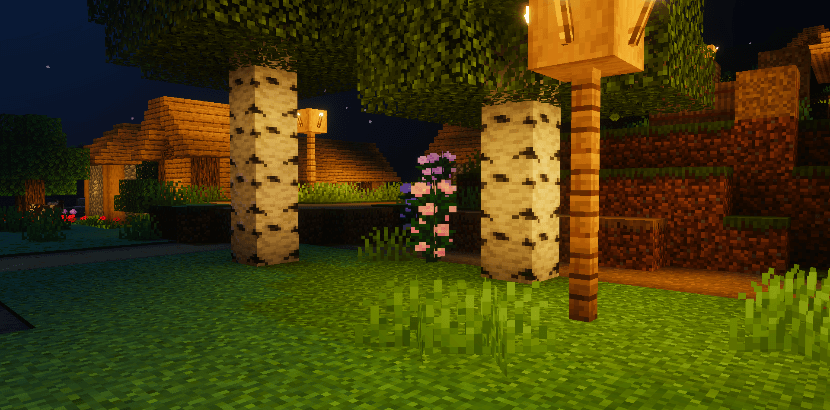
Image Previews
Below are some visuals showcasing the pack’s style and colors:

Vibrant Legacy Simple V3.5.mcpack
[5.76 MB]


 1.50/5