
Toggle Night Vision
14.03.2026
0
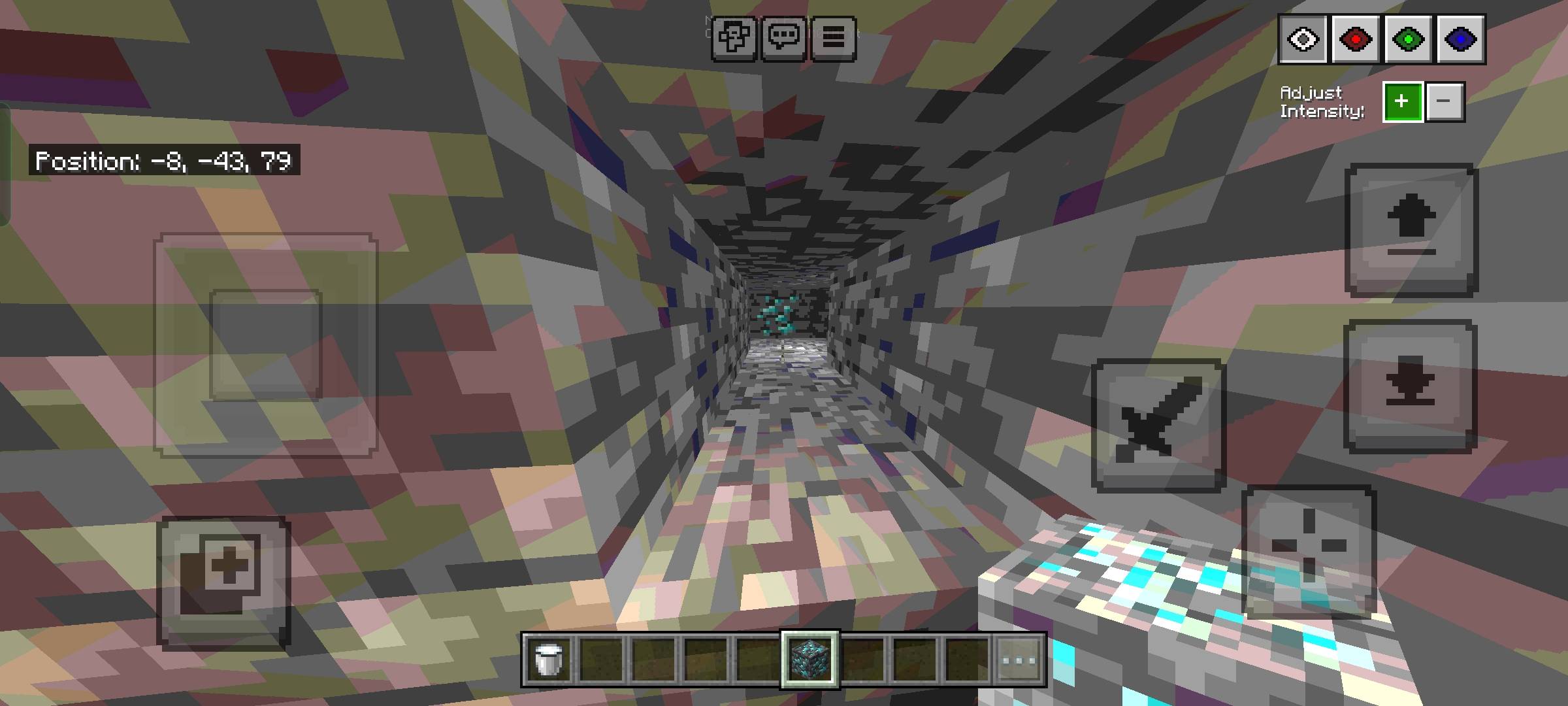
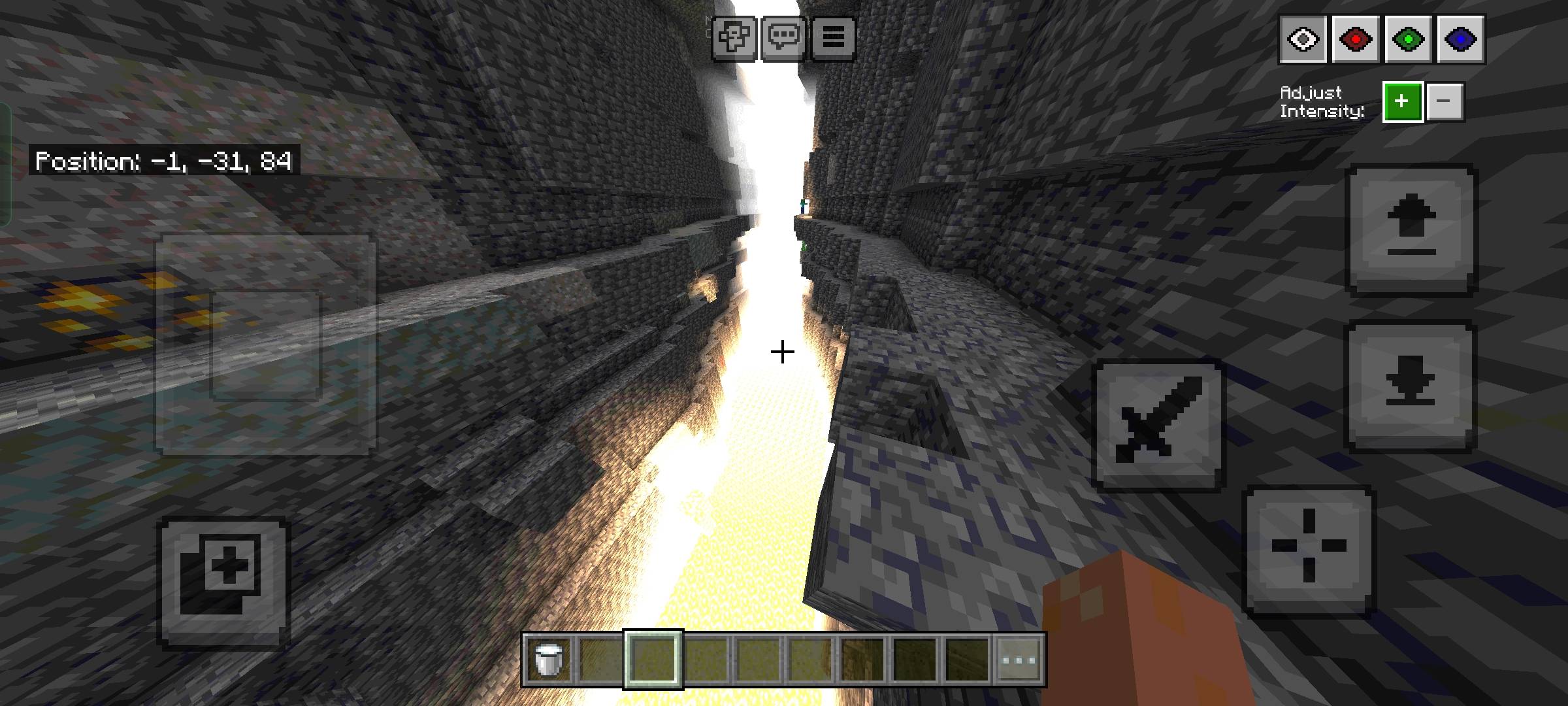
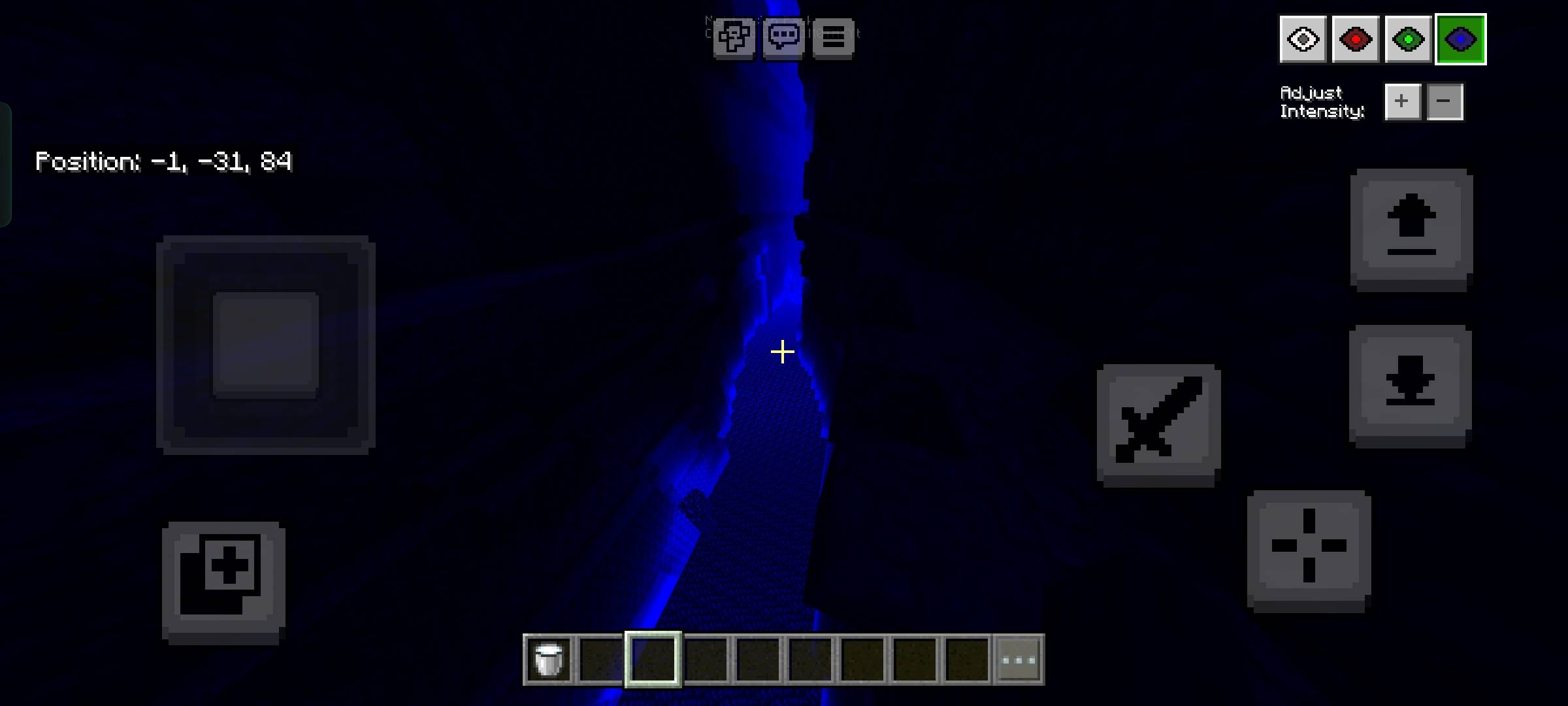
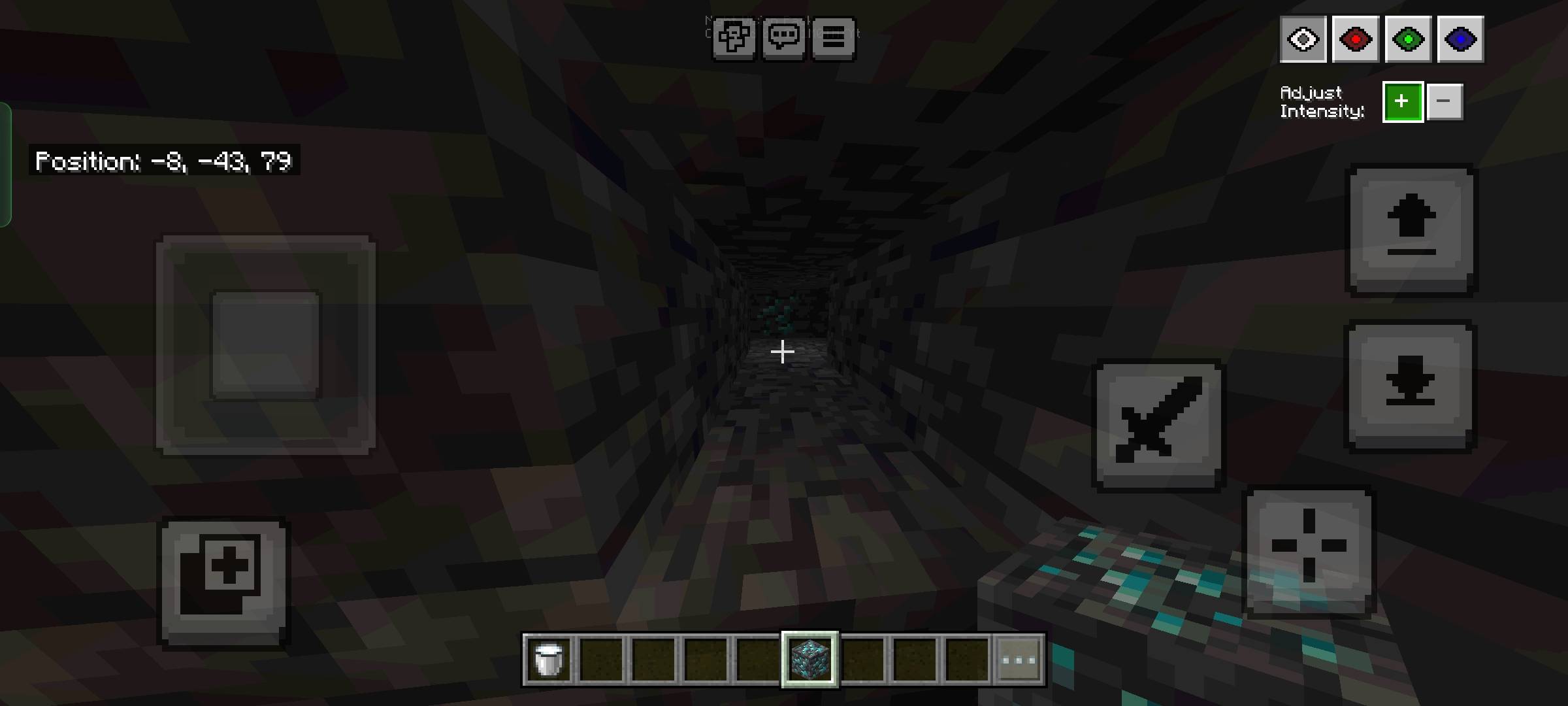
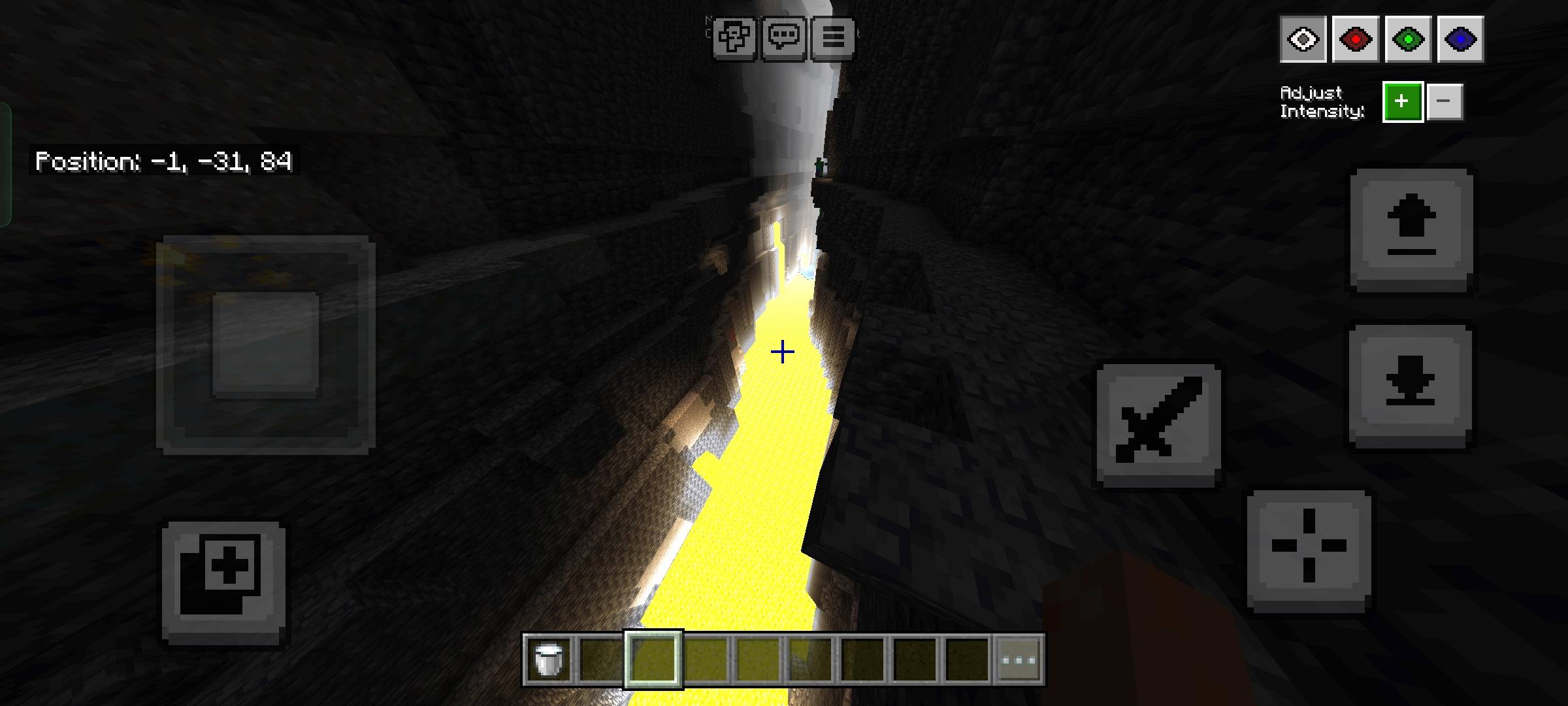
Toggle Night Vision enhances your Minecraft Bedrock experience by allowing you to effortlessly see in dark environments without the need for torches. This texture pack brightens caves and other shadowy areas, making exploration simpler and more enjoyable.
Installation
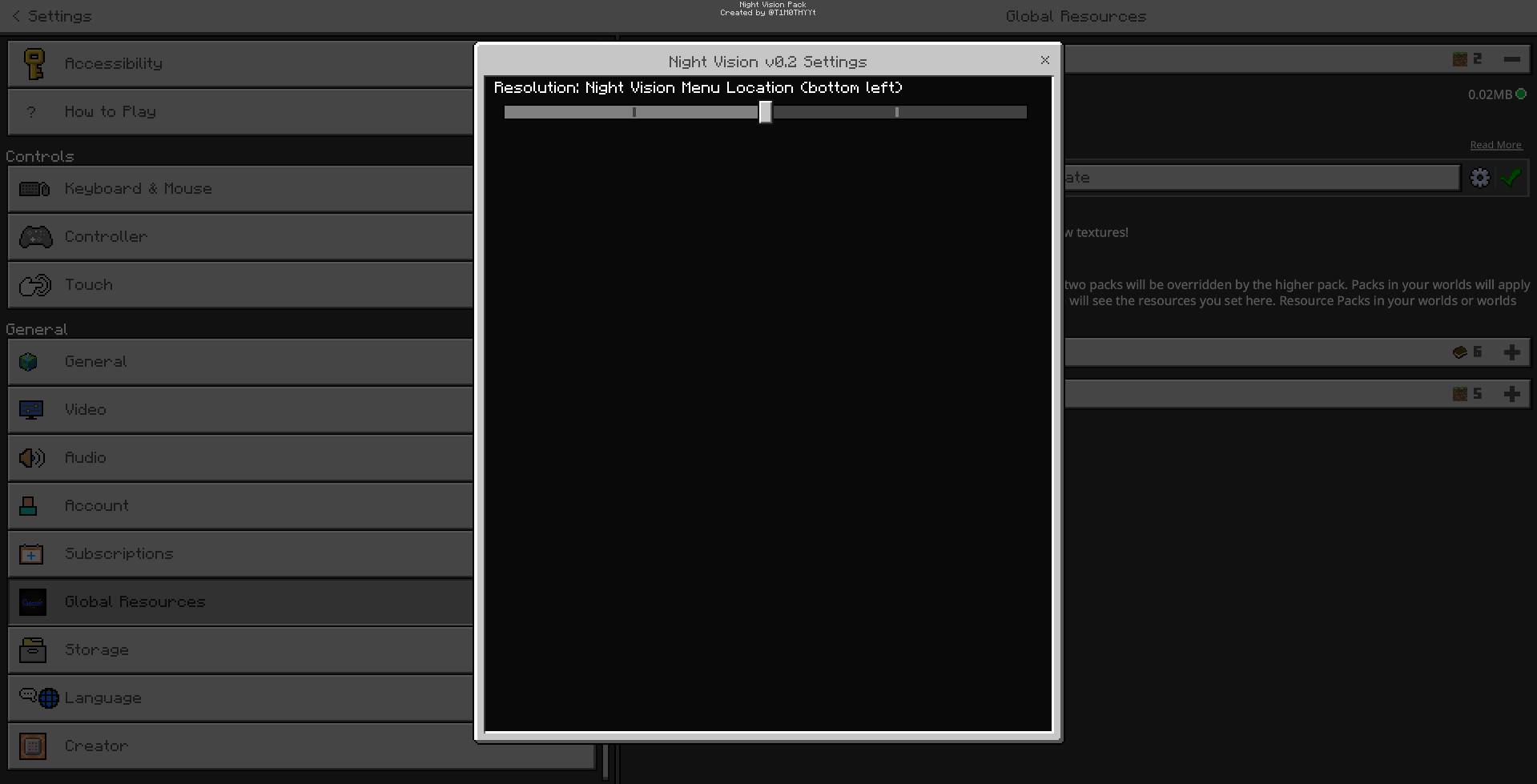
Apply this resource pack through the GLOBAL RESOURCES menu to ensure proper functionality.
Important: Make sure that anti-aliasing is turned off; otherwise, the pack will not work correctly.
How to Use
For Mobile or Touch Screen Users:
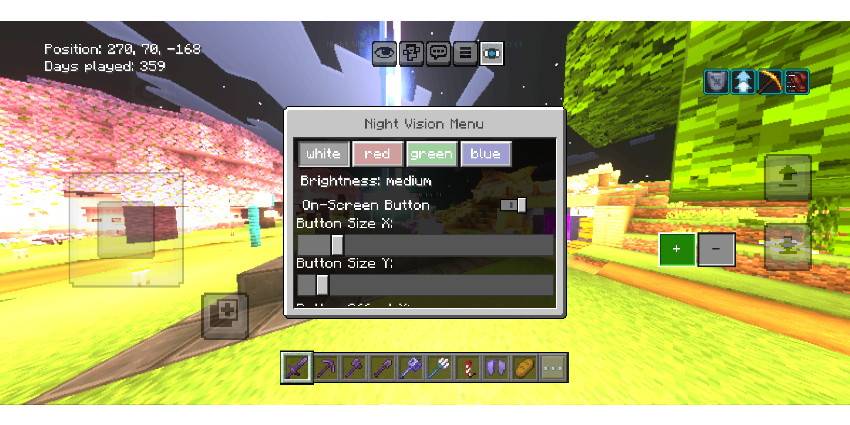
- Tap the eye icon located at the top left corner of the screen, next to the pause button, to open the night vision settings menu.
For Desktop (Mouse and Keyboard) Users:
- Press F8 to bring up the night vision menu.
- Use the Up and Down arrow keys to adjust brightness levels.
- Press number keys 1 through 4 to switch between different color options.
Key Features
- Enables clear vision in dark areas without placing light sources.
- Customizable brightness and color settings for personalized viewing.
- Includes a subpack offering alternative menu positions for convenience.
Notes
This pack is optimized for the latest game updates to ensure smooth operation.
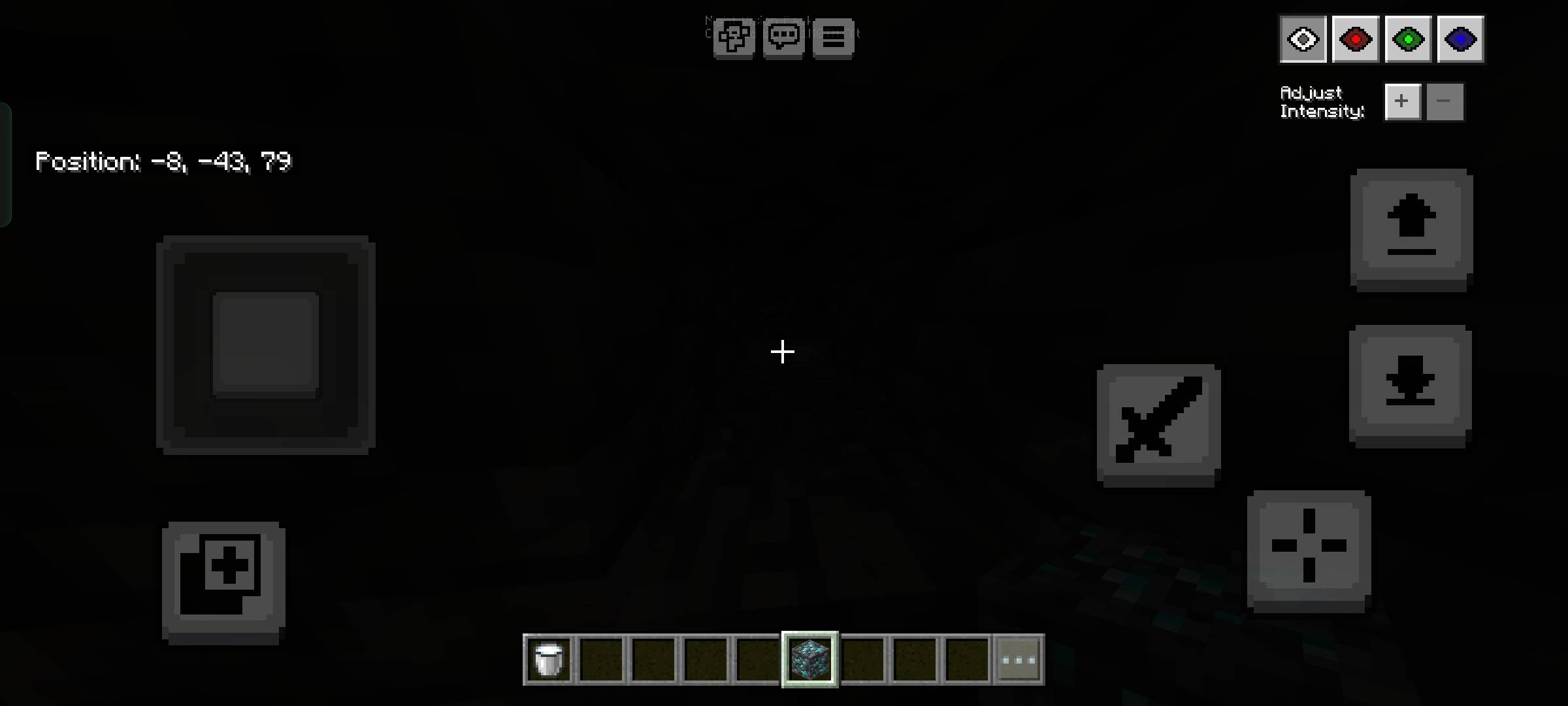
Screenshots & Video


Download Toggle Night Vision
Toggle Night Vision v0.7_1.mcpack
Supported versions
26.3 26.0.02 26.0 1.21.132 1.21.131 1.21.130
Download
[35.47 KB]

0 Comments
