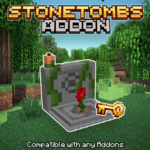
StoneTombs
UPDATED: 3.07.2026
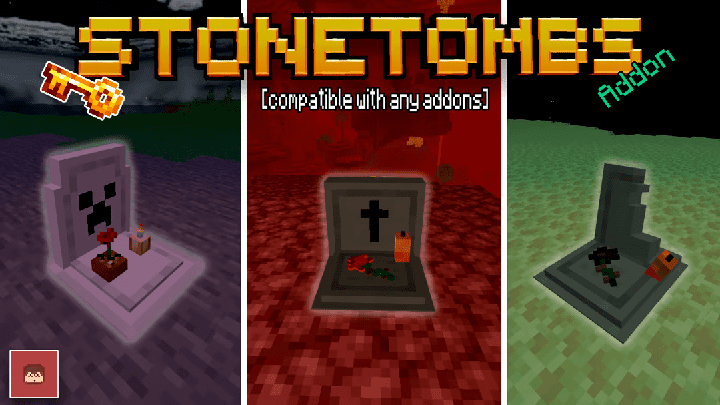
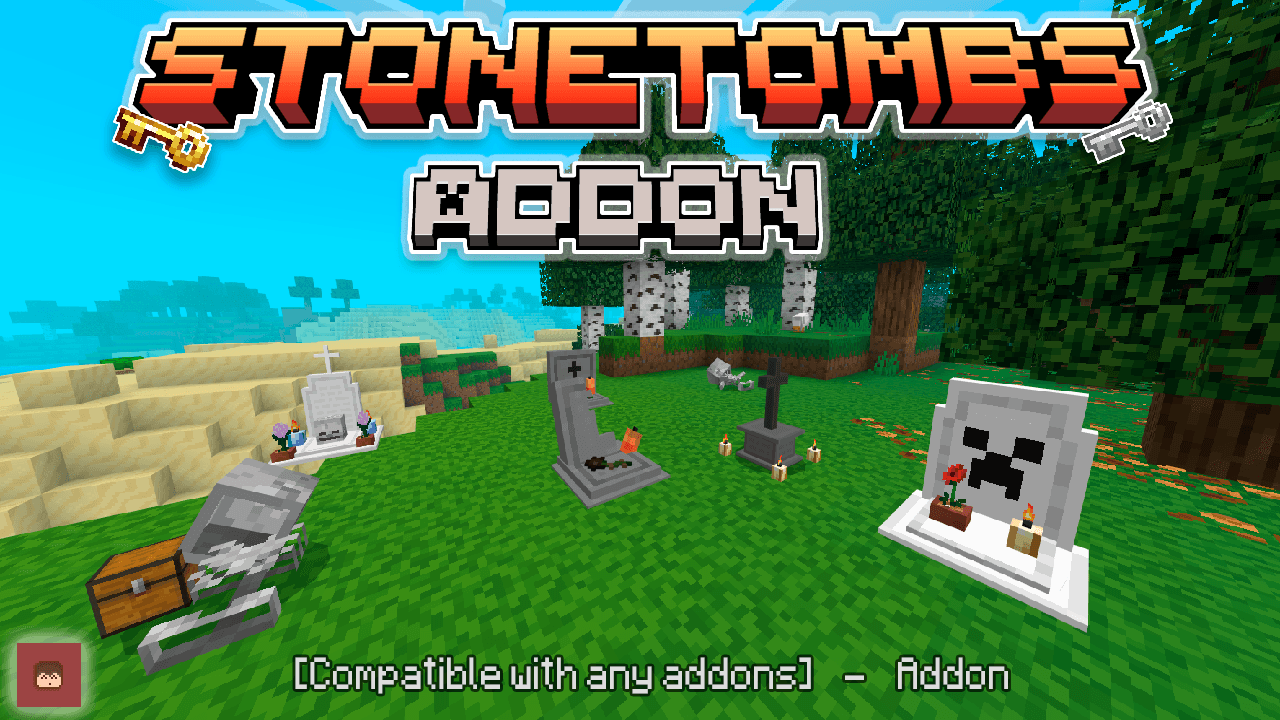
StoneTombs introduces a unique tomb system that safely stores your belongings upon death. When you die, you receive a special key to access your personal tomb and can even teleport directly to it for quick retrieval. This add-on seamlessly integrates with any other addons or realms without disabling achievements or requiring experimental gameplay.
Installation
To get StoneTombs working correctly, you need to download two files: the StoneTombs Behavior Pack (BP) which contains the add-on’s logic, and the StoneTombs Resource Pack (RP) which provides the textures. Both must be installed and enabled in your world or server for full functionality.
How to Use
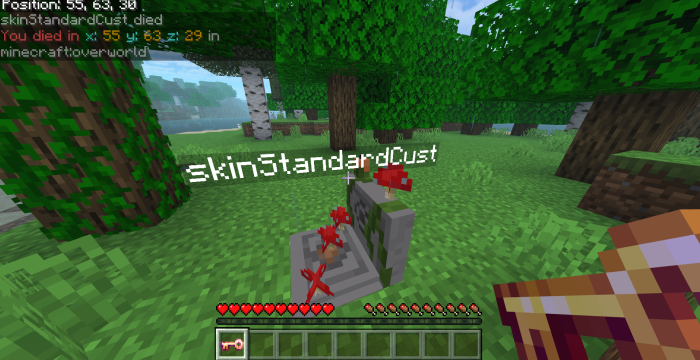
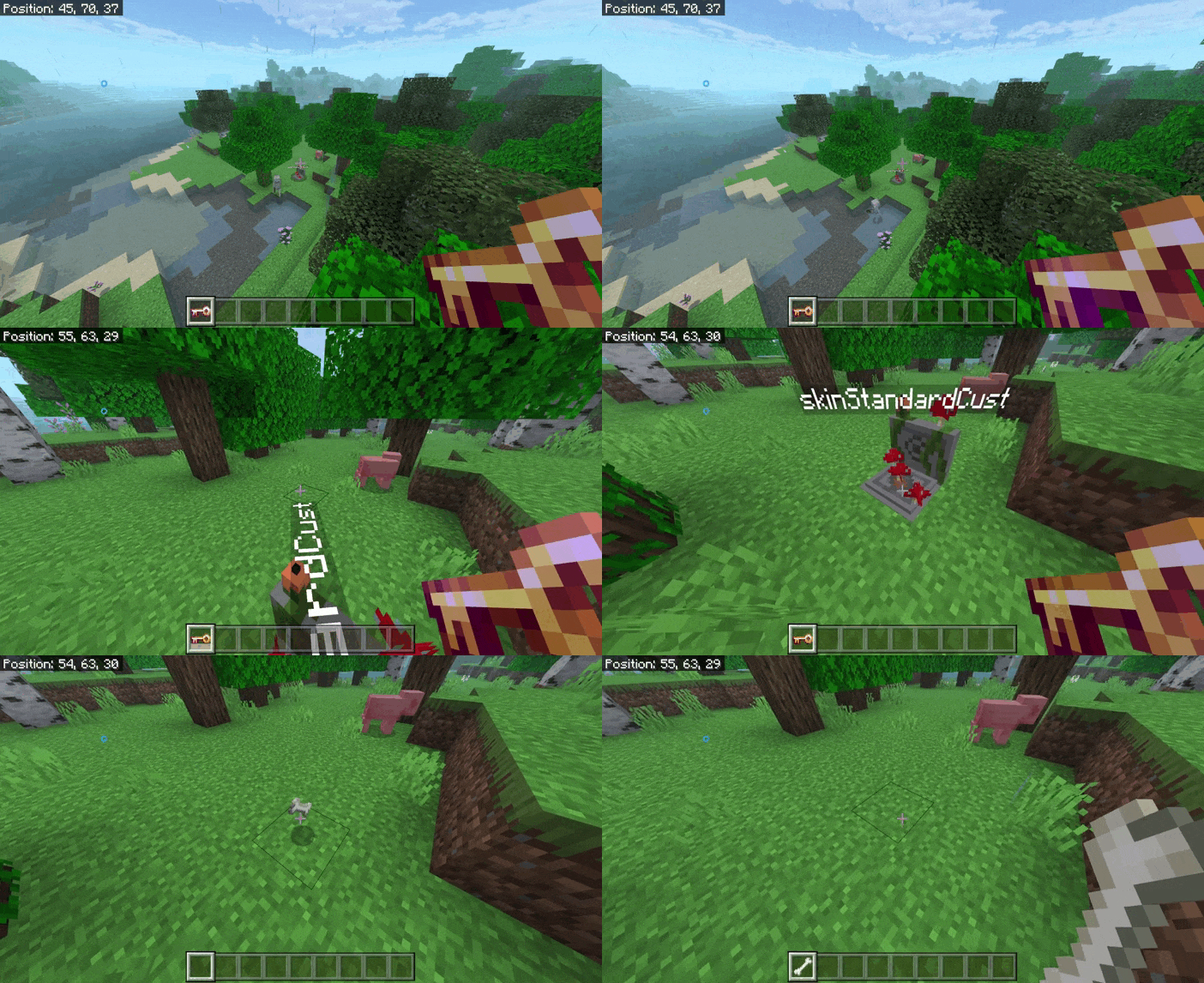
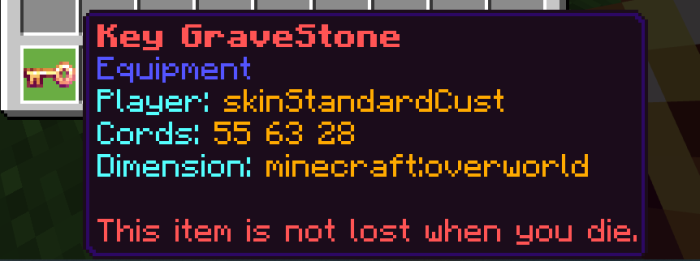
Upon death, a tomb bearing your player name will be generated where you died. You will receive a key item that only works with your tomb. Use the key by hitting the tomb to release your stored items. If your key is enchanted, you can teleport directly to your tomb for faster access. Coordinates of your tomb will also be displayed in chat and on the key for easy tracking.
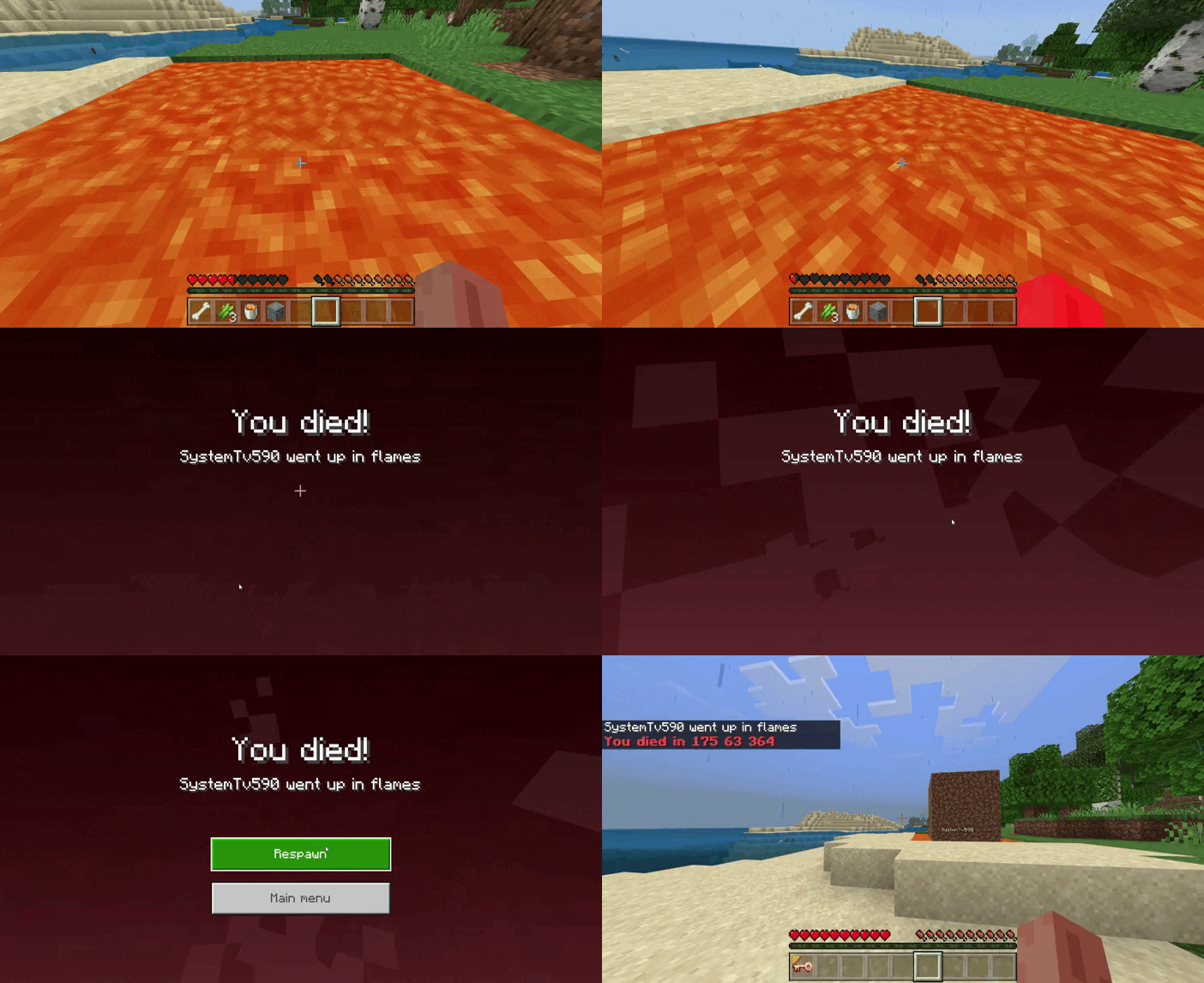
If you die in lava, a protective dirt block will be created around your tomb to prevent damage when you teleport to retrieve your items.
Requirements / Compatibility
- Compatible with any other addons and Minecraft Realms.
- Does not disable achievements.
- No experimental gameplay settings are needed.
- Does not use player.json files.
Key Features
- Generates a personal tomb with your name to store your items on death.
- Provides a unique key that only opens your tomb.
- Teleportation ability to your tomb if your key is enchanted.
- Displays tomb coordinates in chat and on the key item.
- Protective dirt block generated if death occurs in lava.
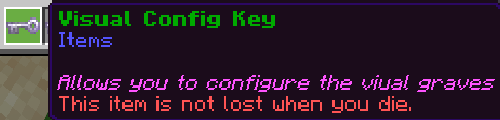
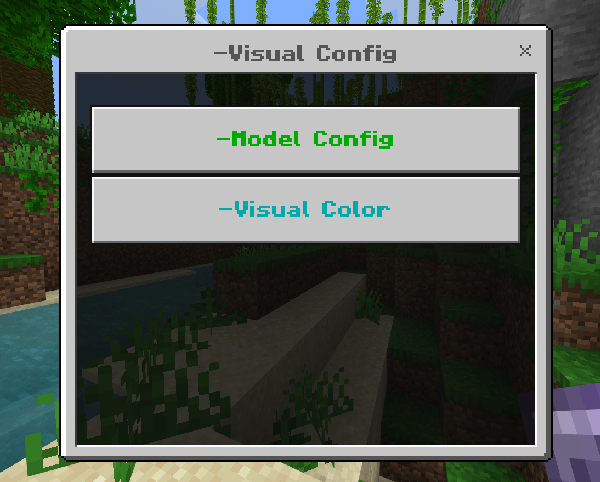
- Config Key added in updates allows world owners to customize grave behavior and appearance.
- Options include toggling key enchantments, restricting grave access, showing owner names, displaying death coordinates, and more.
Notes
For existing servers or realms, copy your world with all current addons, add StoneTombs, enter the world to obtain the configuration key, then upload the updated world to your server or realm to maintain proper ownership and key functionality.
Visual Reference
Below are images showing the configuration key interface and examples of the tomb and key in action.


StoneTombs BP V1.8.0 [Achievements Friendly]
[87.49 KB]

 1.00/5