Realistic Sky – Custom Sky
20.03.2026
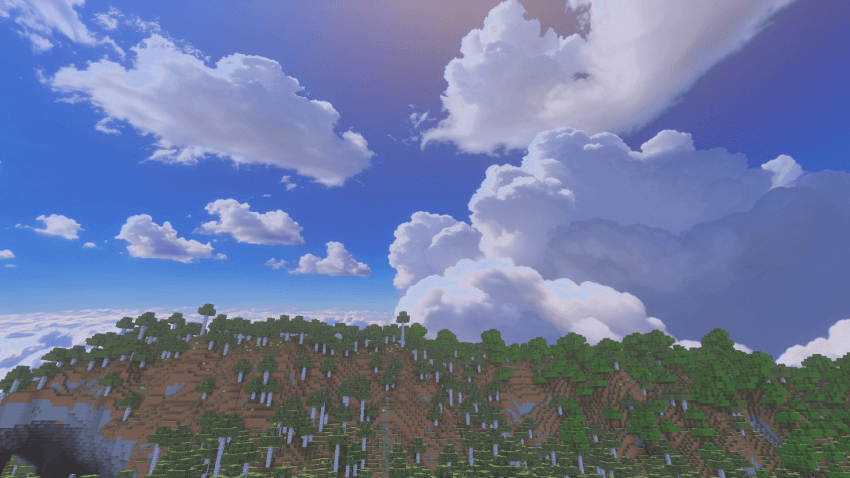
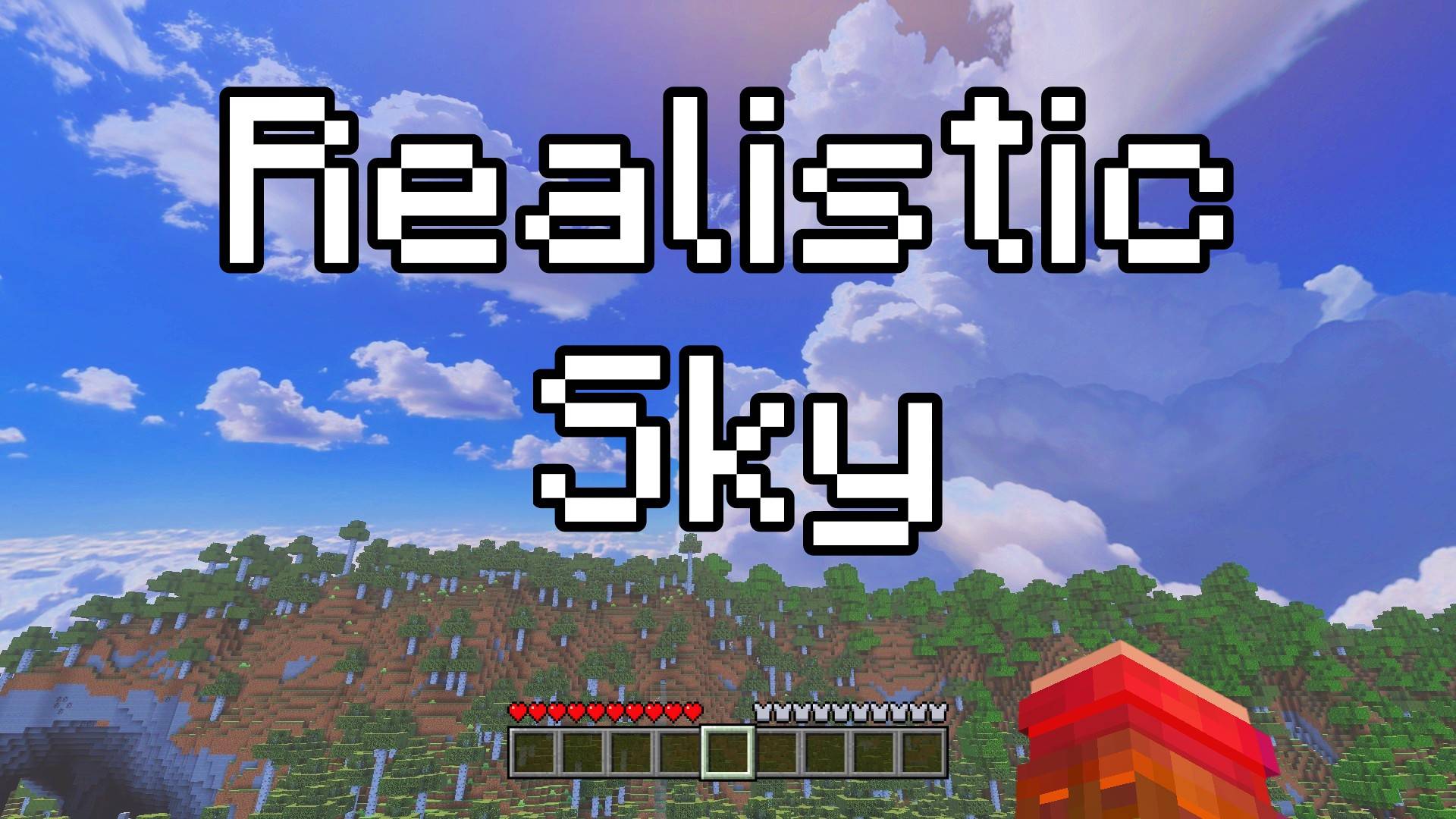
Realistic Sky – Custom Sky enhances your Minecraft environment by transforming the sky into a vivid, lifelike scene. Experience authentic clouds and a bright blue sky that add a natural and immersive atmosphere to your game. Simply look up and enjoy the beautifully realistic sky as you explore.
Installation / How to use
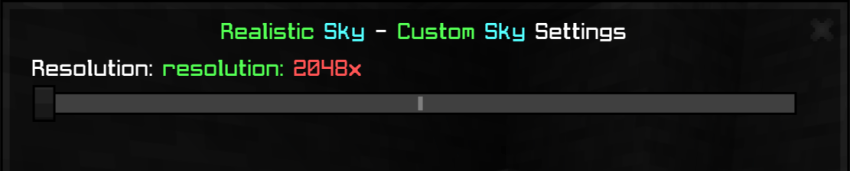
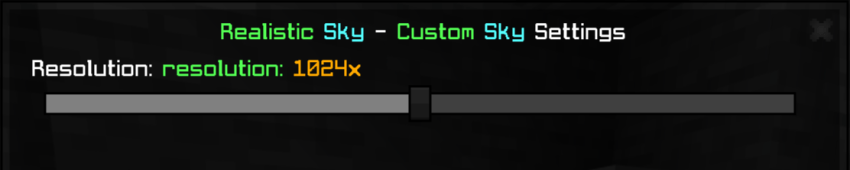
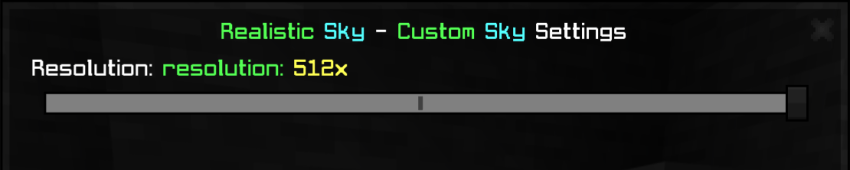
To apply this texture pack, download the pack file and import it into your Minecraft Bedrock Edition resource packs folder. Activate the pack in your world settings under Resource Packs. Adjust your texture resolution preference as desired to optimize performance or visual quality.
Requirements / Compatibility
This pack is compatible with Minecraft Bedrock Edition and supports multiple texture resolutions. Choose from 2048x, 1024x, or 512x to match your device’s capability and personal preference.
Key features
- Realistic cloud textures that resemble natural sky formations.
- Bright and vibrant blue sky backgrounds for a more immersive experience.
- Multiple resolution options: 2048x, 1024x, and 512x to suit various hardware.
Notes / Troubleshooting
For the best visual experience, select the highest resolution your device can handle smoothly. Lower resolutions may improve performance on less powerful devices. Ensure the pack is fully enabled in your resource pack settings before entering the game world.
Example of the realistic sky appearance:
Texture pack settings interface:
RealisticSky.mcpack
[36.94 MB]

