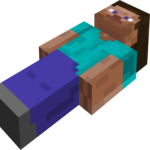
Player Dead Body
UPDATED: 11.08.2026
Player Dead Body enhances your Minecraft world with a realistic death mechanic that secures your items upon death. Instead of losing your belongings scattered on the ground, a dead body appears at your death location, safely storing all dropped items for easy retrieval.
Installation / How to Use
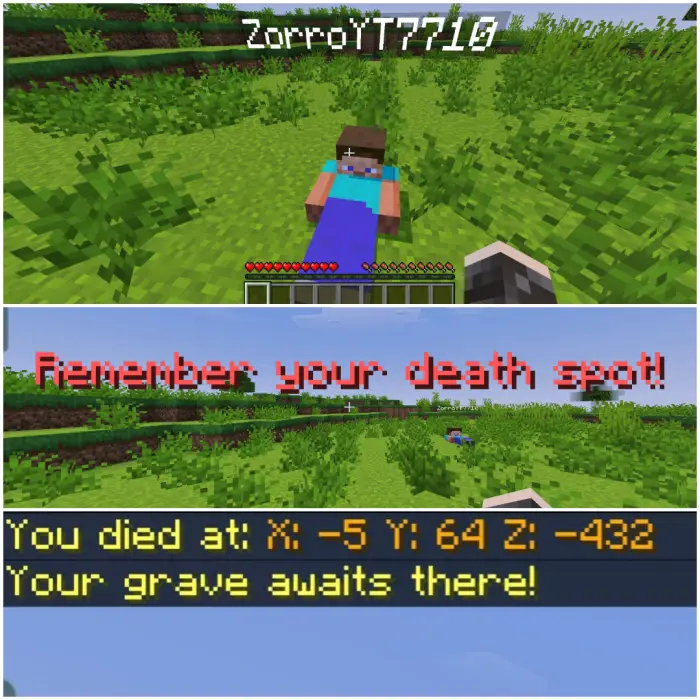
After installing the addon, whenever your player dies, a dead body will spawn at the exact spot of death. To recover your items, simply interact with your body to open a user interface menu. Tap the “Grave Open” button to instantly retrieve all your stored items. Additionally, your death coordinates will be displayed as a message, helping you find your body quickly if you move away.
Requirements / Compatibility
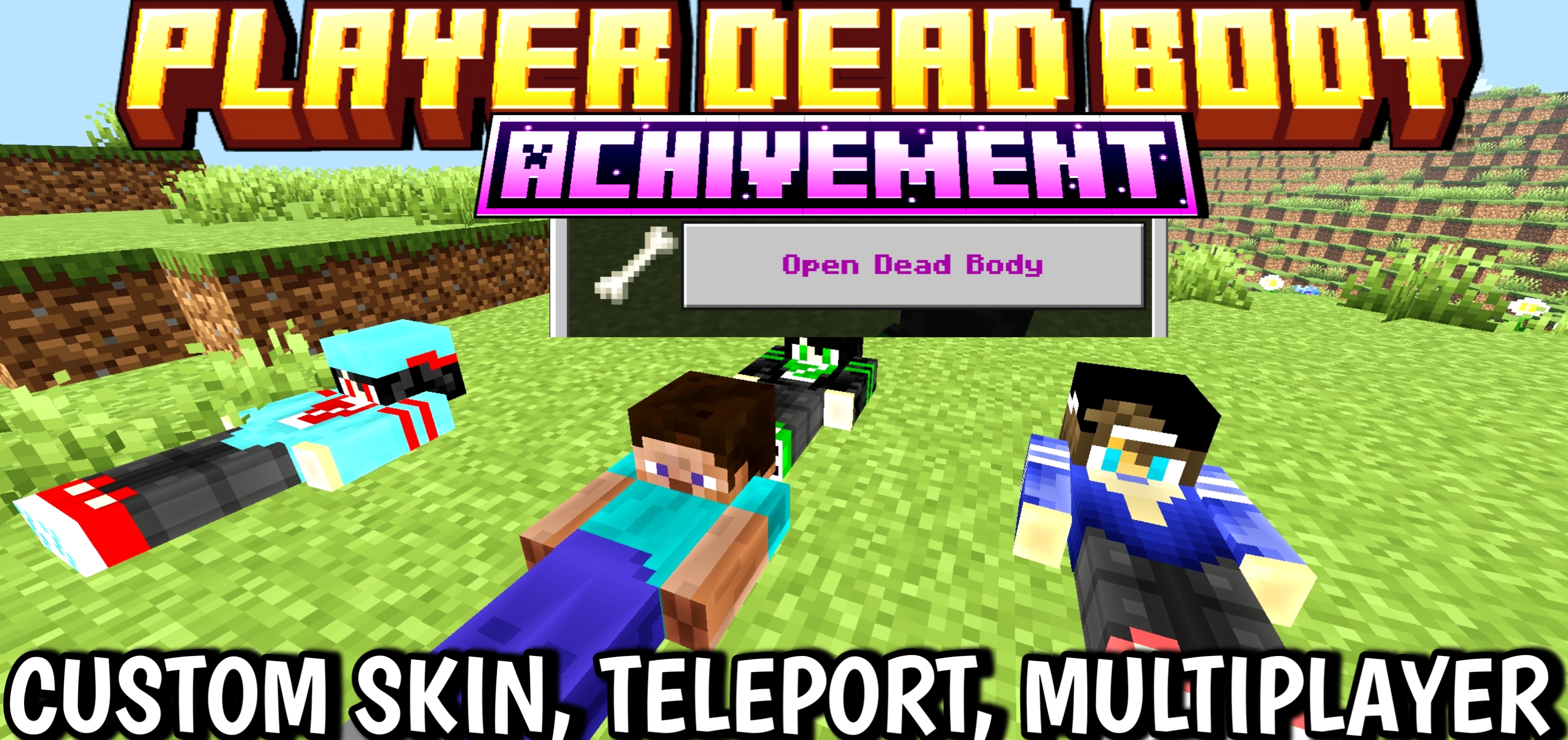
This addon is compatible with Minecraft Bedrock Edition and requires no additional mods or plugins. It works seamlessly with achievement systems and supports custom player skins.
Key Features
- Dead body appears at death location, securely holding all dropped items.
- Simple UI for quick item retrieval.
- Displays death coordinates for easy navigation back to your body.
- Supports custom skins to make your dead body resemble your player character.
Custom Skin Setup
You can personalize the appearance of your dead body by replacing the default skins with your own. To do this:
- Rename the addon file extension from “.mcaddon” to “.zip” and extract the contents.
- Navigate to the path:
resource_packs > textures > entity > custombody. - Delete the existing skin images.
- Paste your custom skin images into this folder, naming them sequentially (e.g., 1.png, 2.png, …, 8.png) to replace the default textures.
- Repackage the addon as needed to apply changes.
Using this method, your dead body will display your custom skin, adding a personalized touch to the death experience.
Pdbody5.3.mcaddon
[182.07 KB]

 4.00/5