
Optifps
UPDATED: 4.07.2026
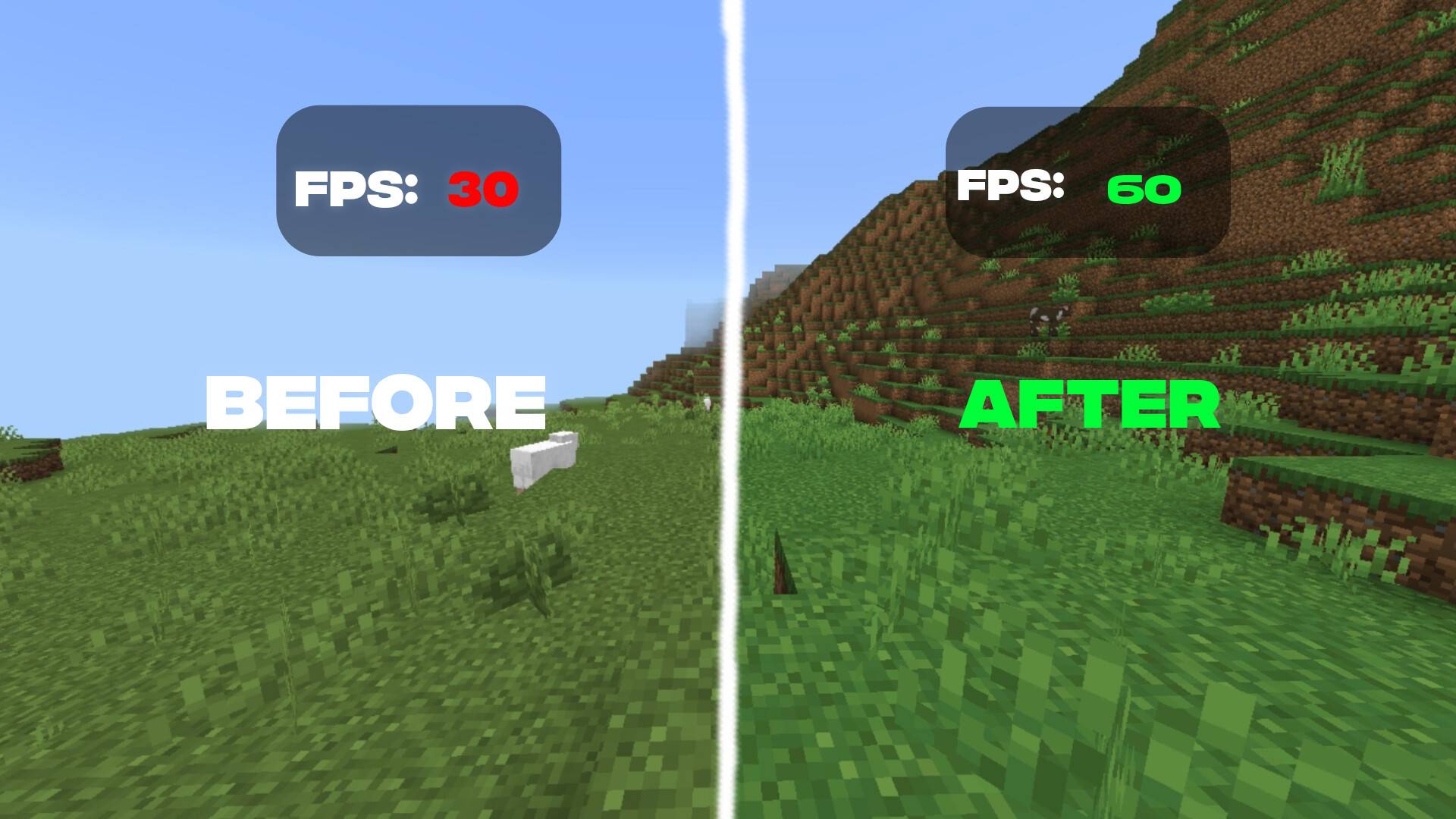
OptiFPS is a high-performance Minecraft texture pack designed to maximize your frame rates and eliminate lag. Inspired by leading optimization tools like Sodium, OptiFine, and Lithium, it offers a streamlined and effective way to enhance game performance. This pack is ideal for players seeking smooth gameplay, especially on devices with limited hardware capabilities.
Installation / How to use
To install OptiFPS, download the texture pack file and place it into your Minecraft resource packs folder. Launch Minecraft, navigate to the Settings menu, then to Storage or Resource Packs, and activate OptiFPS from the list. Ensure you restart the game after activation for optimal performance.
Requirements / Compatibility
OptiFPS works well with most Minecraft mods and is optimized for both low-end computers and mobile devices. It requires the latest version of Minecraft Bedrock Edition to function correctly. For best results, avoid running multiple heavy mods simultaneously to maintain stability.
Key features
- Significant increase in frames per second, even on less powerful devices
- Intelligent optimization system that automatically adjusts settings for peak performance
- Enhanced smoothness tailored for both PvP and survival gameplay modes
- Minimized lag spikes and stuttering for a consistent gaming experience
- Lightweight design ensuring compatibility with a wide range of mods
- Specifically optimized for low-end PCs and mobile platforms
OptiFps v3 (fixed).mcpack
[13.47 MB]
 5.00/5