
LOW FIRE RP
12.06.2026
0
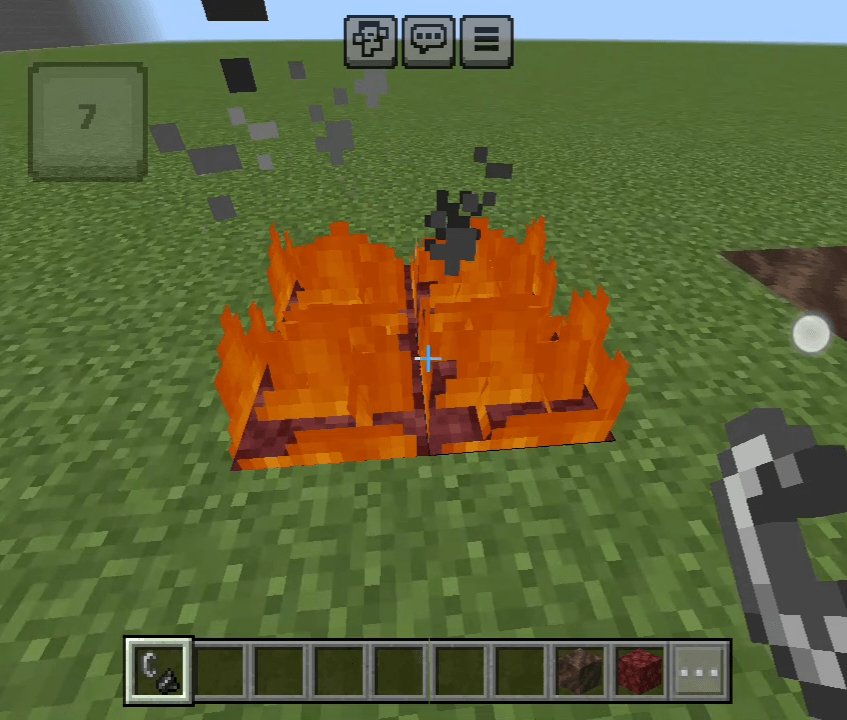
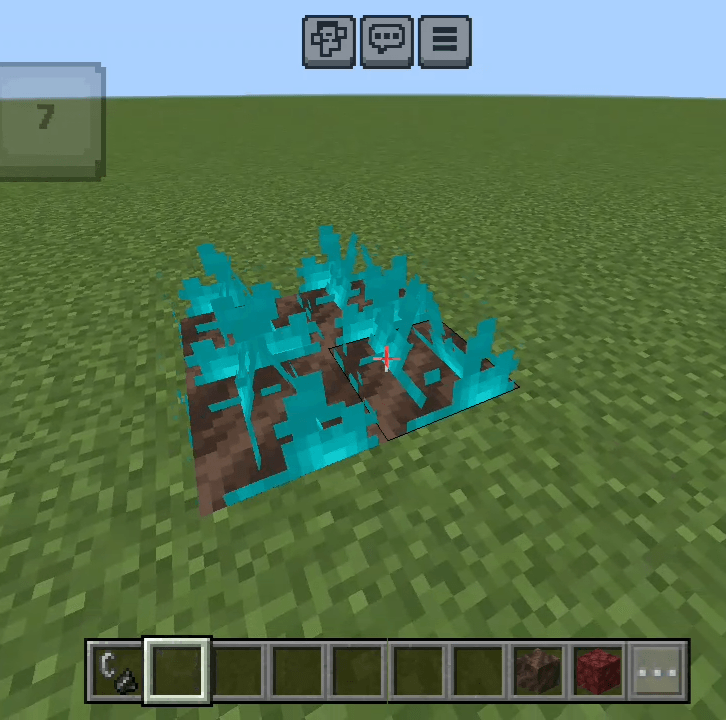
LOW FIRE RP is a texture pack tailored for Minecraft Bedrock Edition that reduces the size and opacity of fire effects during gameplay. It enhances visibility in PvP battles and survival scenarios by minimizing the distracting fire overlay, allowing players to maintain clear sight lines and react more effectively. This pack preserves the classic Minecraft aesthetic while improving overall performance, especially on mobile and lower-end devices.
Installation
- Download the .mcpack file to your device.
- Open the file with Minecraft Bedrock Edition to import the pack.
- Go to Settings, then navigate to Global Resources or World Resources.
- Activate the Low Fire RP texture pack from the available resource packs list.
- Start playing with enhanced visibility and reduced fire effects.
Requirements / Compatibility
- Compatible with Minecraft Bedrock Edition on Android, iOS, and Windows platforms.
- Works well on devices with limited performance capabilities.
- Supports the latest versions of Minecraft Bedrock Edition.
Key features
- Minimized fire overlay height and transparency to avoid screen obstruction.
- Improved combat visibility for PvP and survival environments.
- Maintains a clean, vanilla-style appearance without heavy modifications.
- Optimized for mobile devices to maintain smooth gameplay and better FPS.
Screenshots & Video

0 Comments