Hitbox Visualiser
UPDATED: 26.07.2026
0
Hitbox Visualiser lets you view the precise collision boundaries of every entity in your Minecraft world. This tool is perfect for technical players, map creators, or anyone curious about entity hitboxes and their directions. It provides clear visual cues without impacting game performance.
Installation / How to Use
- Install: Add the Behavior Pack to your Minecraft world.
- Enable Beta APIs: In your world settings, activate the “Beta APIs” experiment.
- Join the World: Enter the game with the pack enabled.
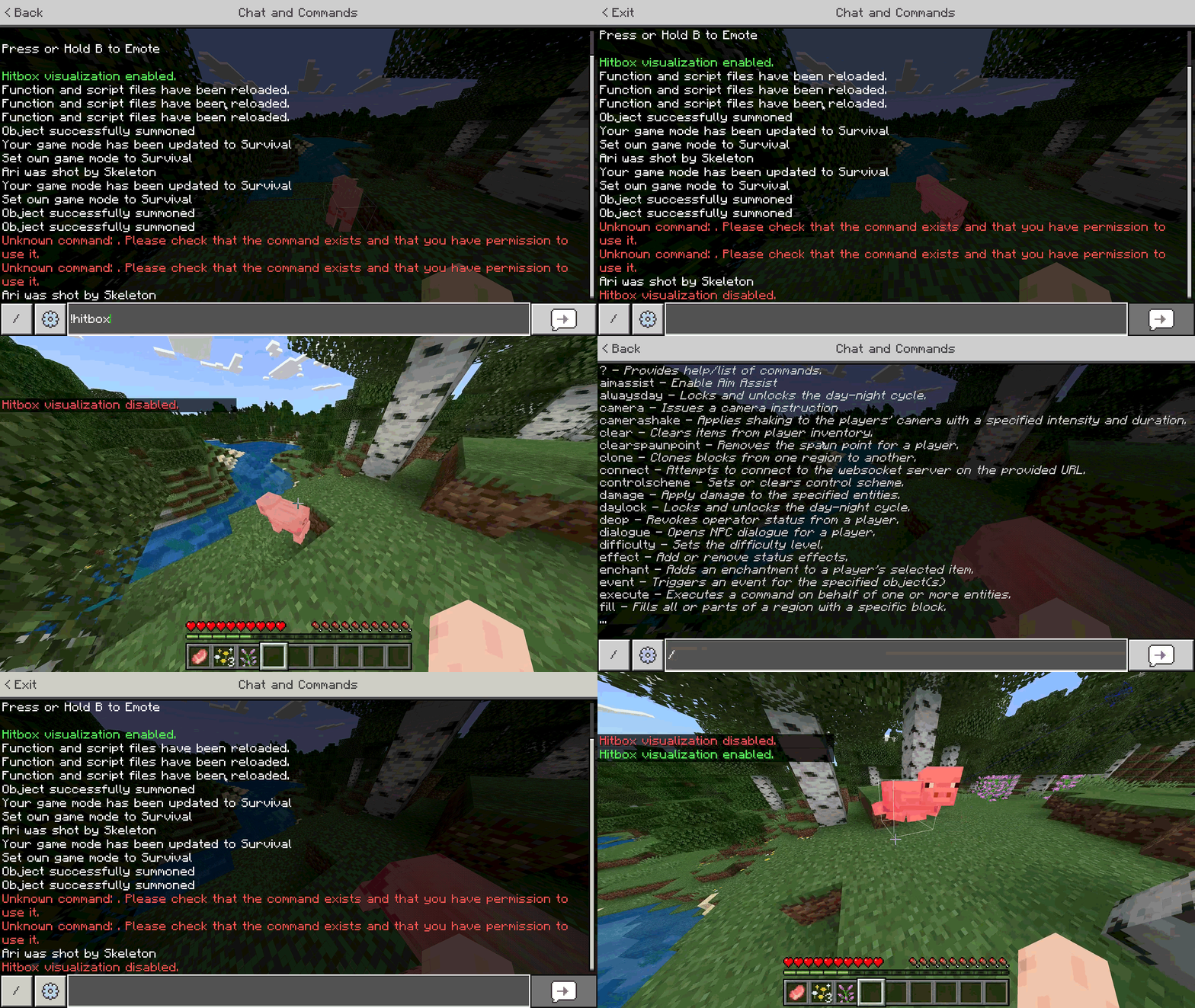
- Toggle Visualization: Open chat and type
!hitboxor!hbto turn the hitbox display on or off.
Requirements / Compatibility
- Requires “Beta APIs” experimental feature enabled.
- Compatible with Singleplayer and Multiplayer worlds.
- Works in all dimensions: Overworld, Nether, and End.
Key Features
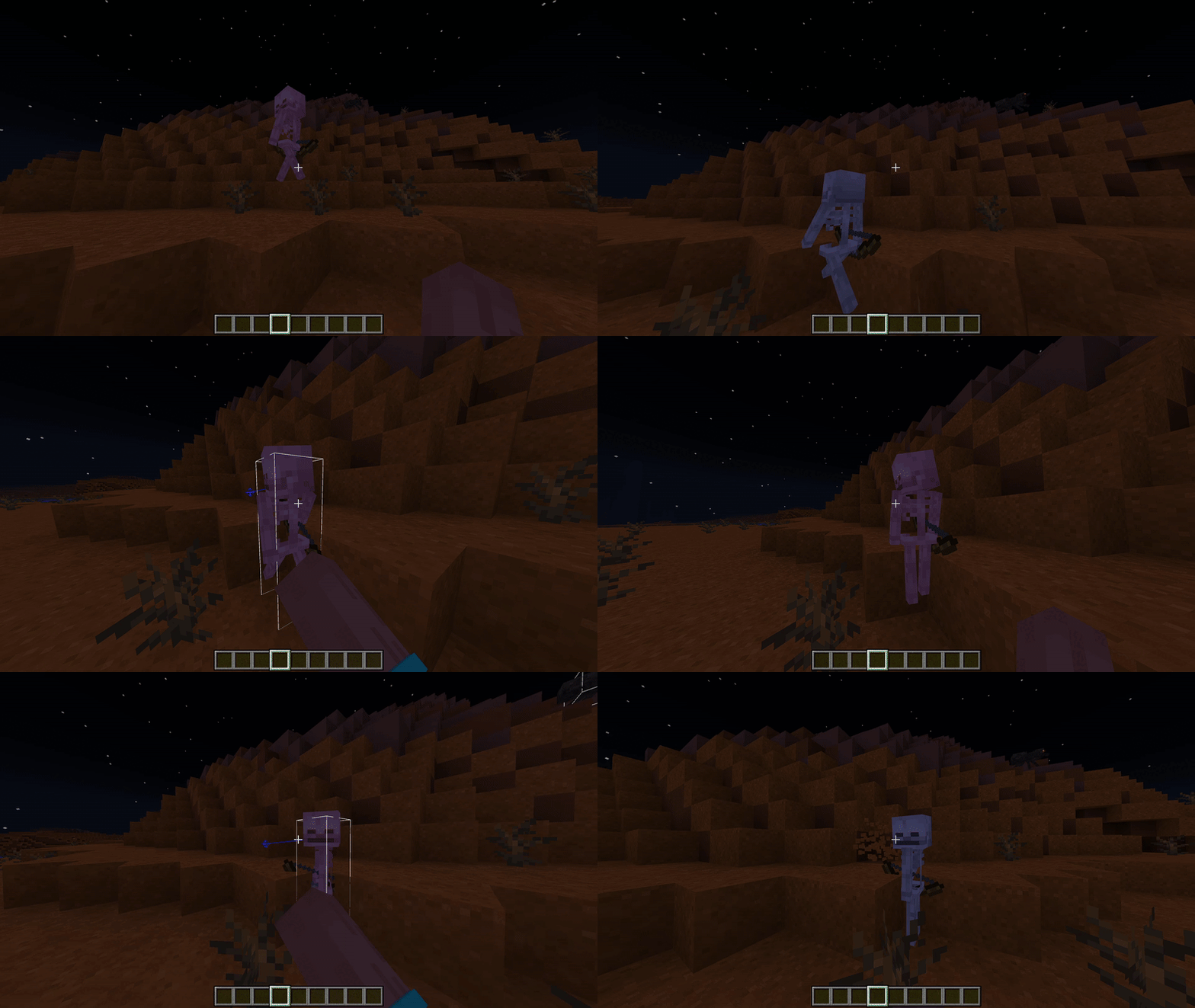
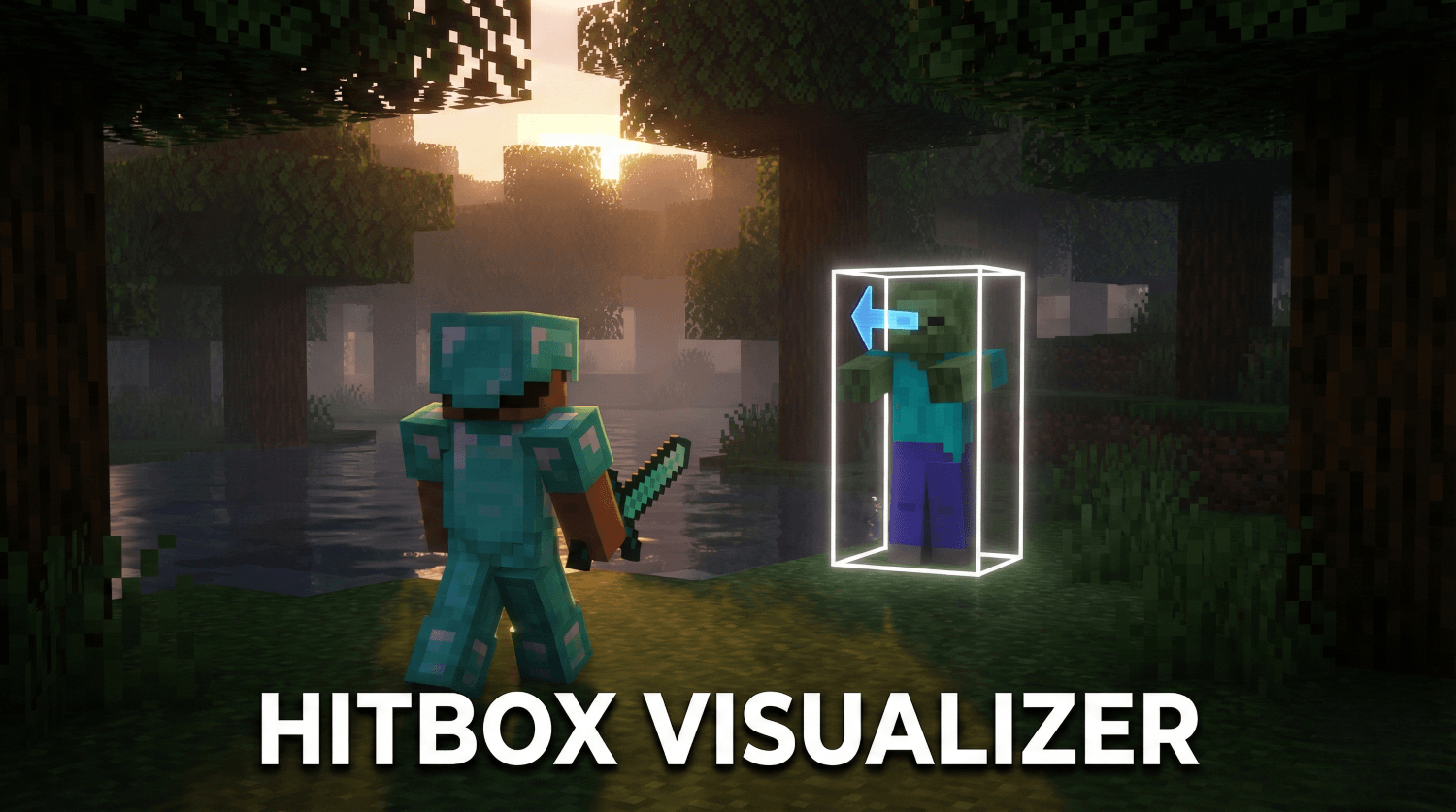
- Clear Hitboxes: White outlines show the exact collision boxes of all mobs.
- Direction Indicator: Blue arrows display the facing direction of each entity.
- Performance Optimized: Utilizes modern game functions to render shapes efficiently without lag.
- Toggleable: Disabled by default to keep your view clean, activate only when needed.
Notes
The hitbox visuals may appear less smooth in GIF previews due to compression, but they perform smoothly in the game environment.
Screenshots & Video

0 Comments