F1 & F3 BUTTON
15.03.2026
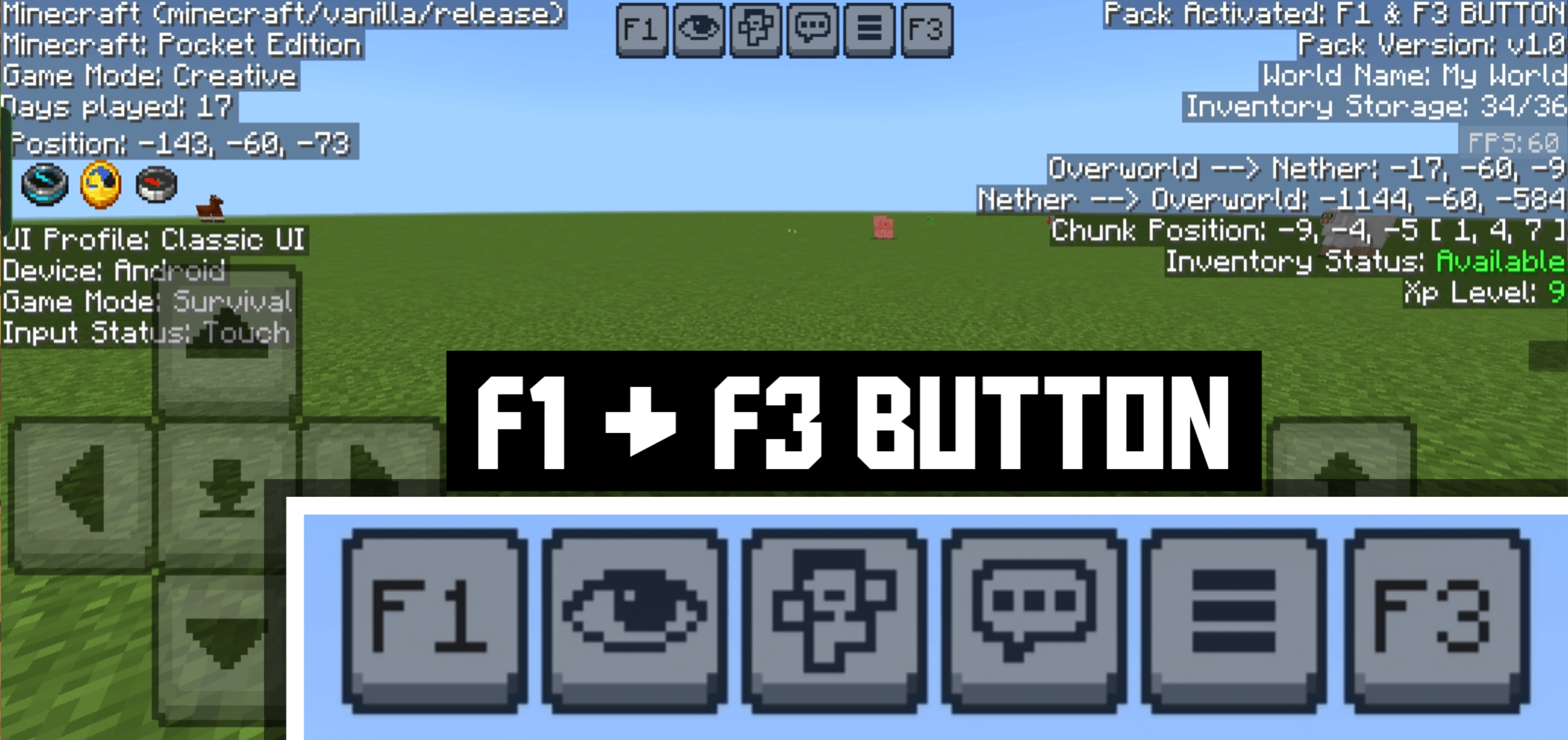
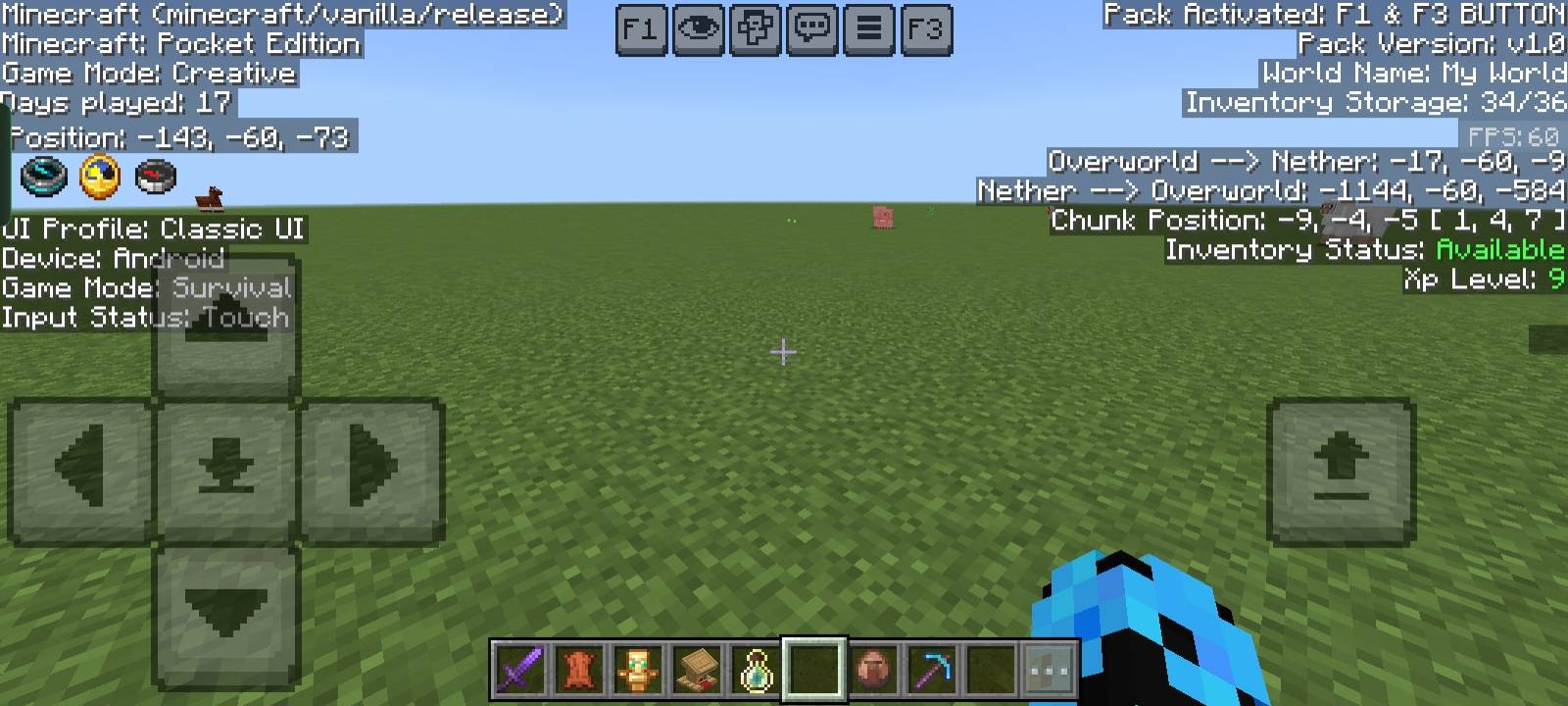
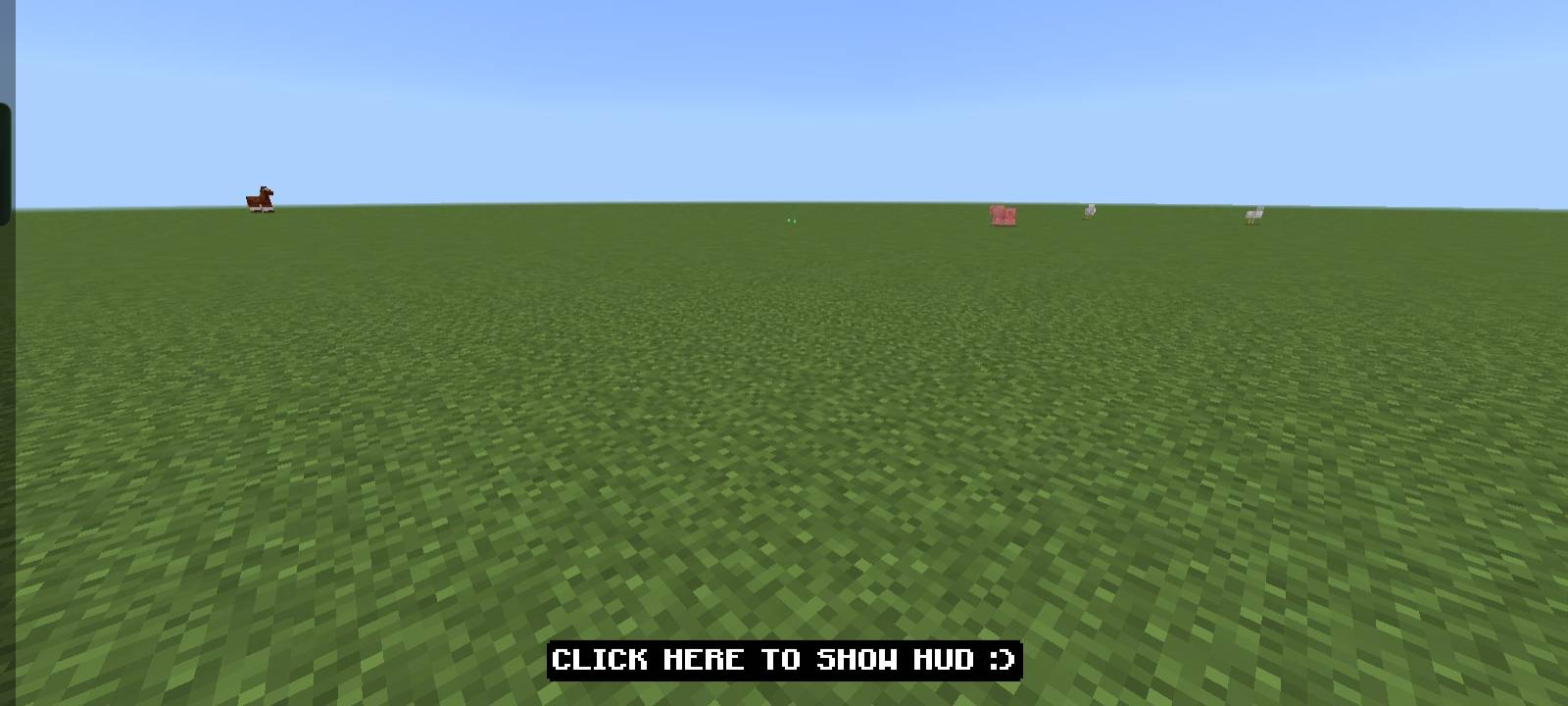
F1 & F3 BUTTON – Windows Update enhances Minecraft Bedrock Edition by adding Java Edition-style F1 and F3 key functionalities. Pressing F3 reveals a detailed debug screen with coordinates, FPS, chunk information, and more, displayed on a clear black background. Meanwhile, the F1 key toggles the entire HUD for an unobstructed view, ideal for screenshots and cinematic moments.
Installation / How to Use
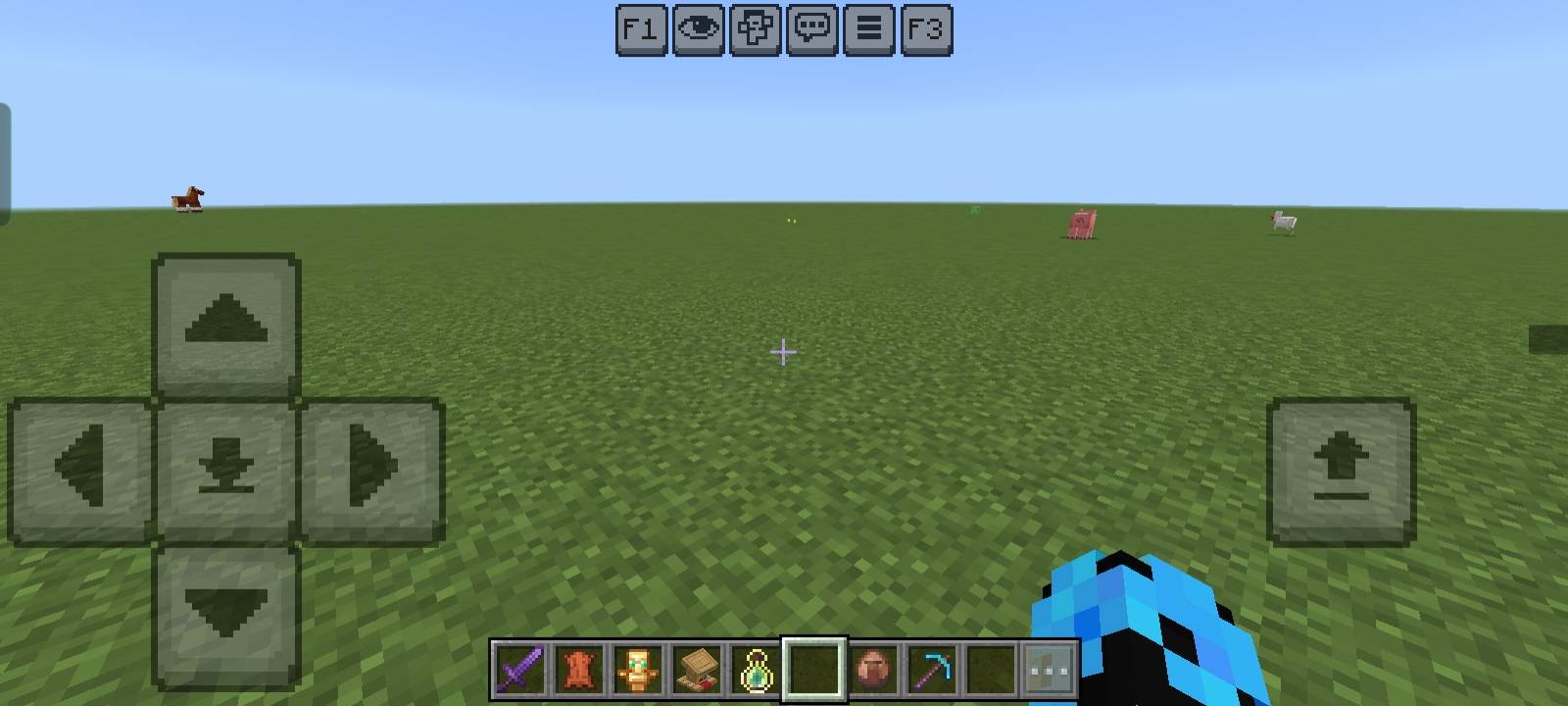
Install this resource pack in your Minecraft Bedrock or Pocket Edition game. Once activated, press F3 to display the debug overlay showing essential game data with enhanced readability. Press F1 to toggle the HUD visibility, hiding elements such as the hand, hotbar, chat, and buttons for a clean screen.
Requirements / Compatibility
This resource pack is designed specifically for Minecraft Bedrock Edition and Pocket Edition on Windows. It functions independently but can also be used alongside other UI packs without conflict.
Key Features
- Displays exact XYZ Coordinates for player positioning.
- Shows Days Played to track game progress.
- Includes an Inventory Counter indicating used versus total slots.
- Provides Inventory Status to quickly see if inventory is available or full.
- Shows current Game Mode information.
- Displays Device and Input Status used.
- Indicates UI Profile, whether Classic or Pocket style.
- Includes Dimension Information and Overworld <> Nether conversion status.
- Shows precise Chunk Position data.
- Displays current XP Level.
- Provides a live FPS Counter.
- Shows Pack Information, including version and world details.
- F1 Button instantly toggles the full HUD visibility on or off.
F1_F3_Button_v1.1.2.mcpack
[324.83 KB]

