Connected Blocks
UPDATED: 25.07.2026
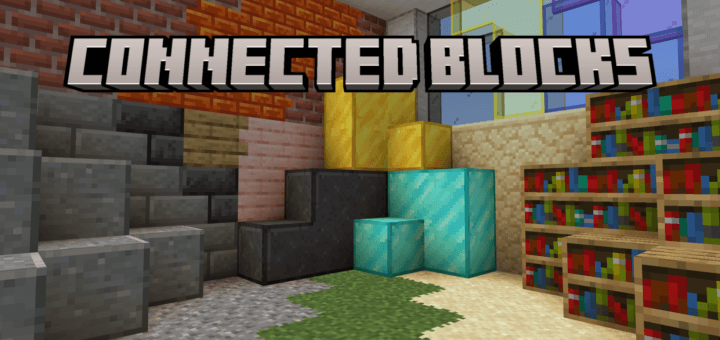
Connected Blocks enhances your Minecraft Bedrock world by seamlessly merging block borders for a cleaner, more cohesive look. Inspired by Optifine’s Connected Textures Mod (CTM), this addon automatically links block edges, eliminating visible seams. Transform standard blocks into connected variants easily through crafting.
Installation / How to Use
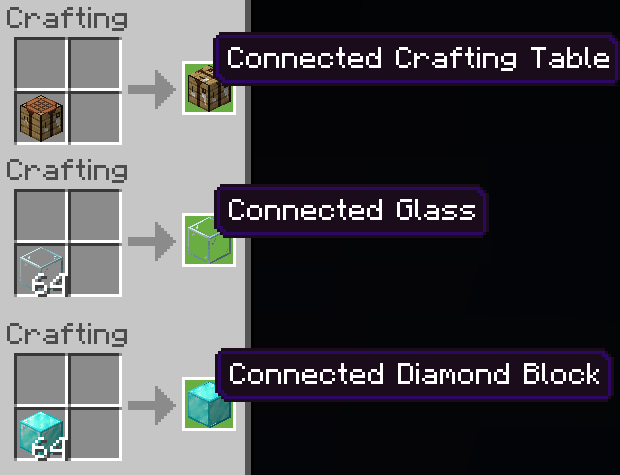
To create a connected block, simply place the regular block into the crafting table. This crafting process converts the block into its connected version, allowing it to merge borders with adjacent blocks of the same type.
Key Features
- Removes hard edges by connecting block borders for a smooth appearance.
- Includes connected variants for a variety of blocks, such as glass blocks, wood planks, panes, sand, gravel, decorative stones, and many more.
- Sea Lanterns maintain their light emission while displaying connected textures.
- Fixes Z-fighting issues to ensure consistent rendering of connected blocks.
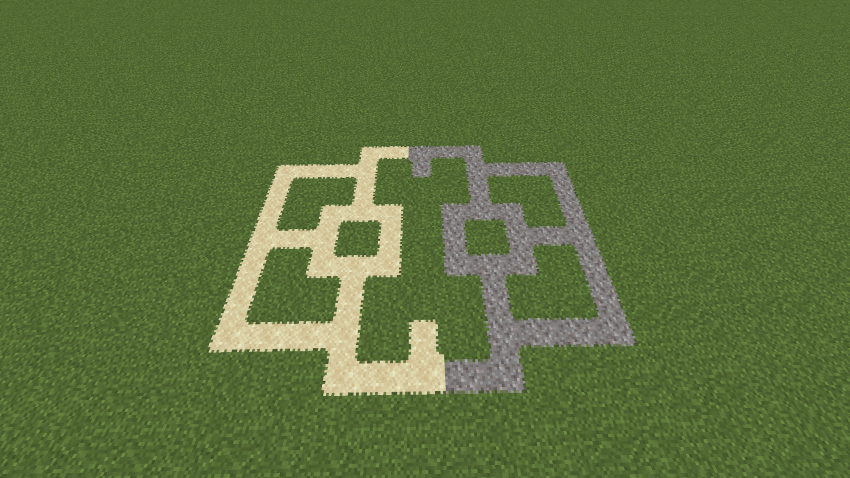
- Gravel and sand can now visually connect with grass blocks (Creative Mode only).
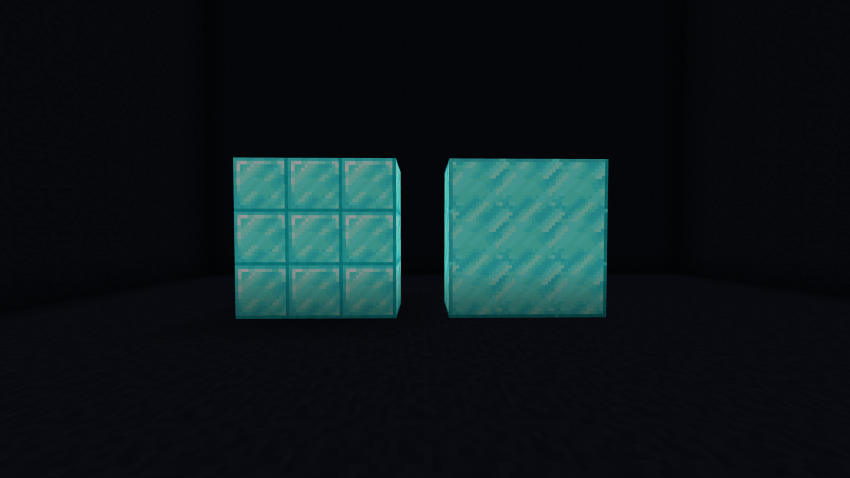
Visual comparison of blocks before and after connection:
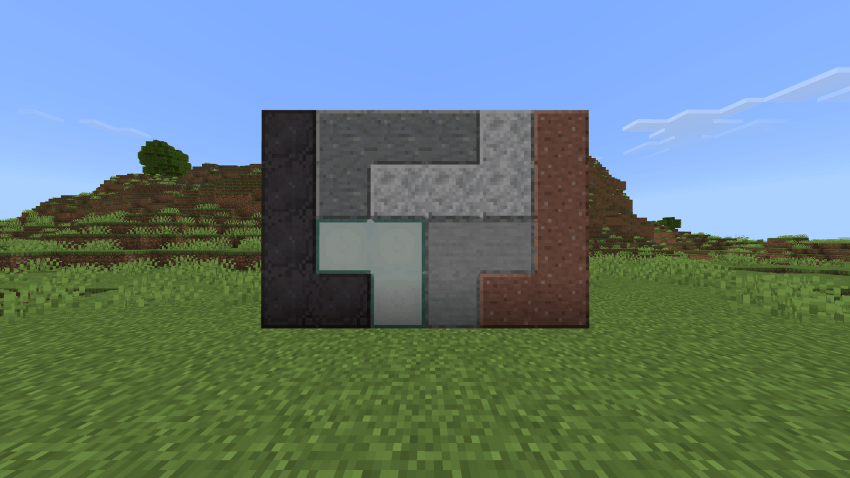
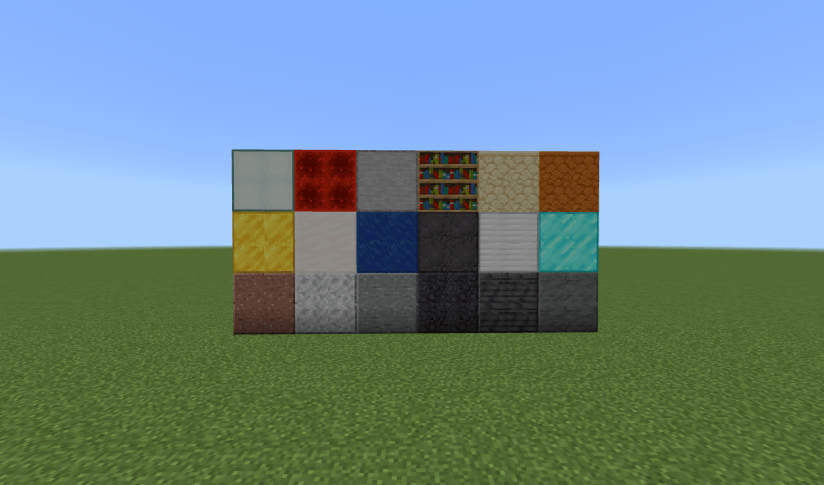
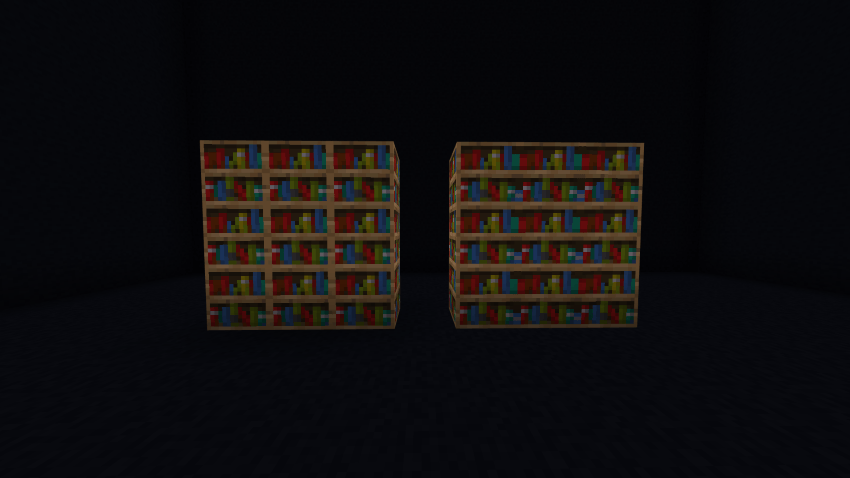
Examples of connected blocks added:
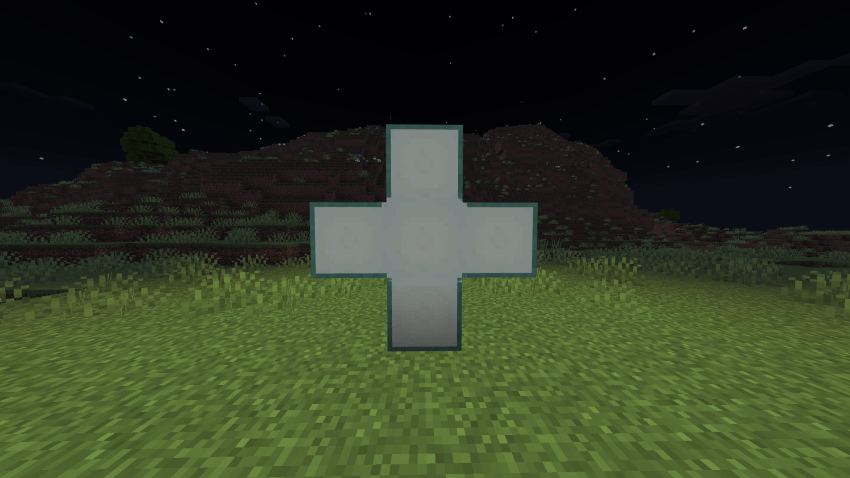
Connected Sea Lanterns (emitting light):
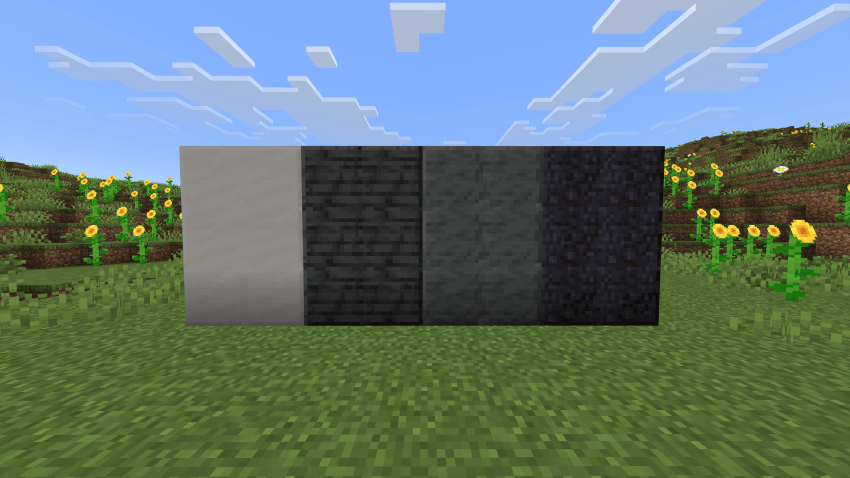
Additional connected blocks:
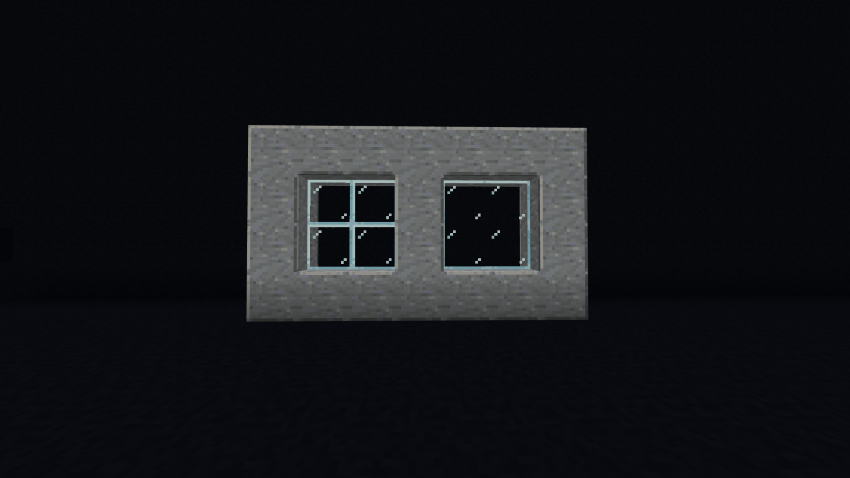
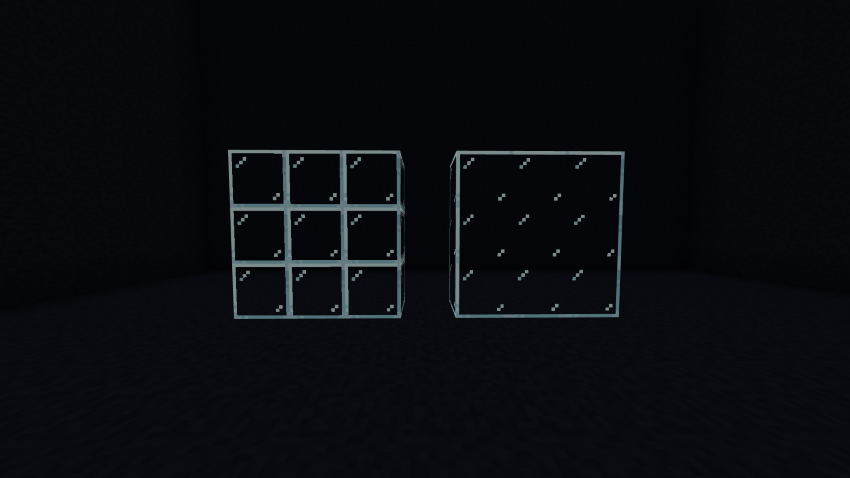
Connected Glass Panes:
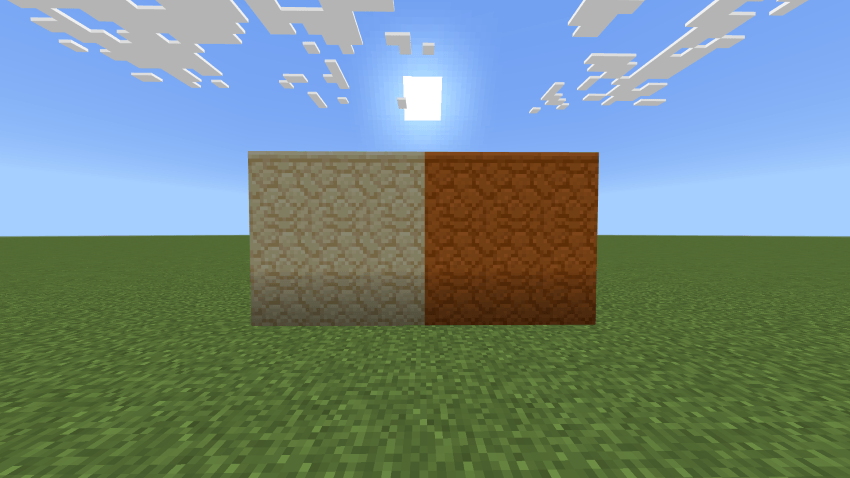
More connected block types:
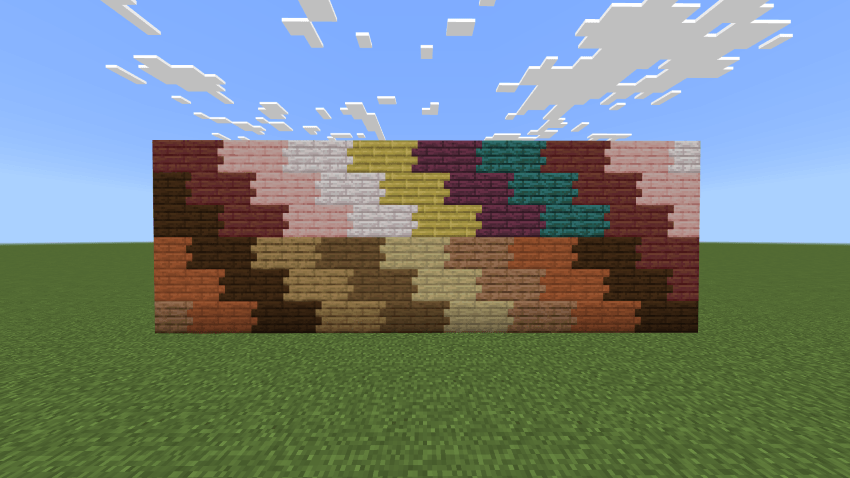
Connected Wood Planks:
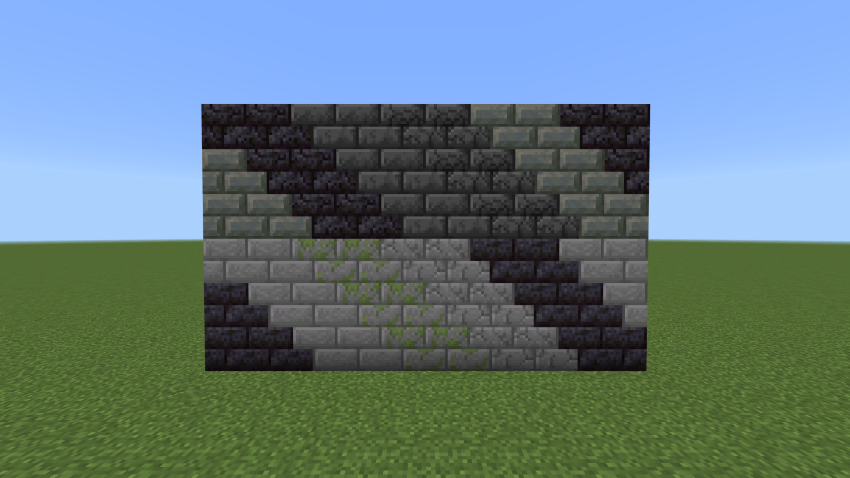
Connected Decorative Stones:
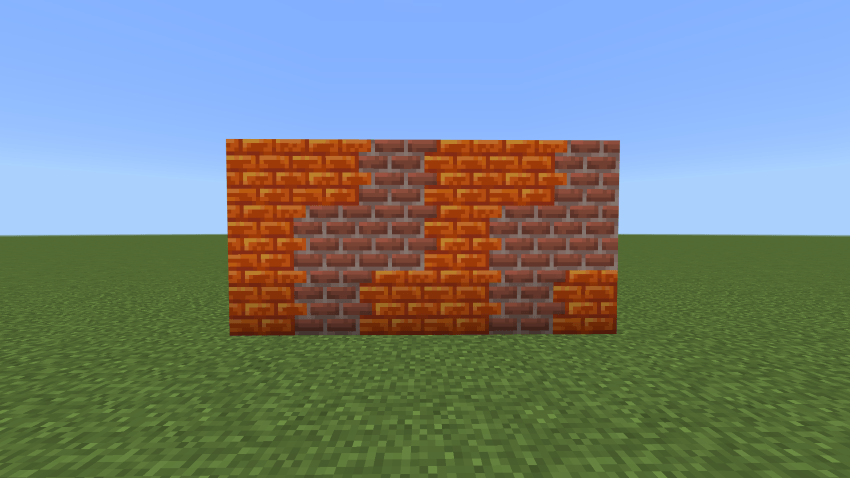
Connected Bricks and Resin Bricks:
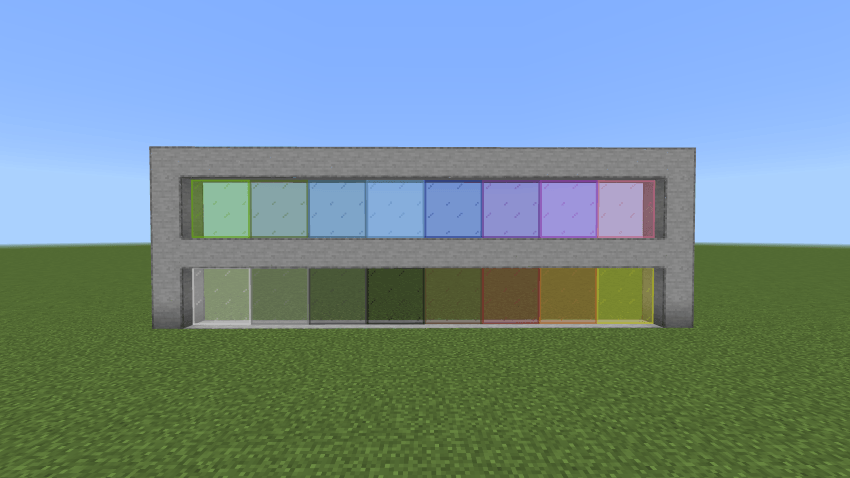
Connected Colored Glass Panes:
Z-fighting issues resolved for all connected blocks:
Gravel and sand connecting to grass (Creative Mode only):
Requirements / Compatibility
This addon is compatible with the Easy Build Mod, allowing you to build with connected textures seamlessly. Currently, connected textures apply to the following block types:
- All Glass Blocks
- All Wood Planks
- All Glass Panes
- Sand
- Gravel
- Decorative Stones
- Diamond Block
- Iron Block
- Lapis Lazuli Block
- Gold Block
- Redstone Block
- Netherite Block
- Bookshelf
- Sea Lantern
- Polished Andesite
- Polished Granite
- Polished Diorite
- Polished Tuff
- Polished Deepslate
- Polished Blackstone
- Quartz Block
- Sandstone
- Red Sandstone
- Bricks
- Resin Bricks
- Crafting Table
Notes / Troubleshooting
- Redstone Blocks do not power redstone circuits and are currently for decorative use only.
- Players can pass through glass panes connected on three or four sides.
- There are some rendering issues with connected gravel and sand.
- Fixed bugs in version 2.4.1 include proper rendering of colored glass pane sides and prevention of unlimited connected block usage in survival mode.
Connected Blocks 2.4.4.mcaddon
[264.79 KB]

 1.00/5