Colored Lighting
UPDATED: 12.08.2026
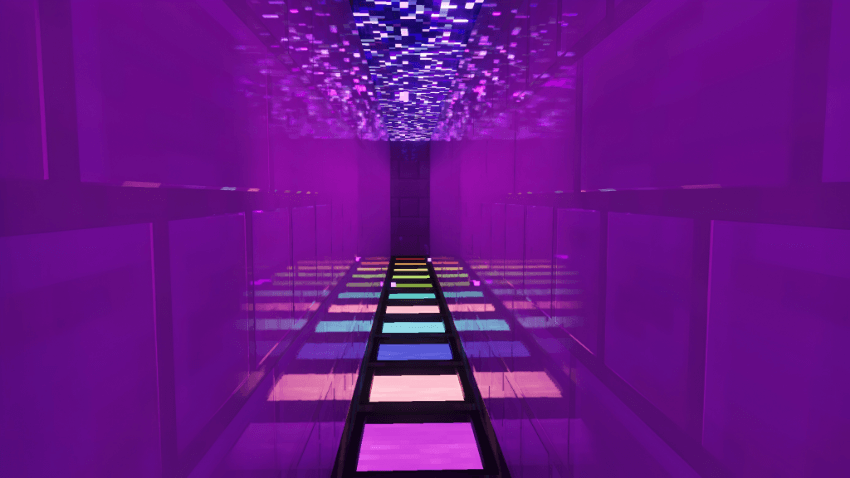
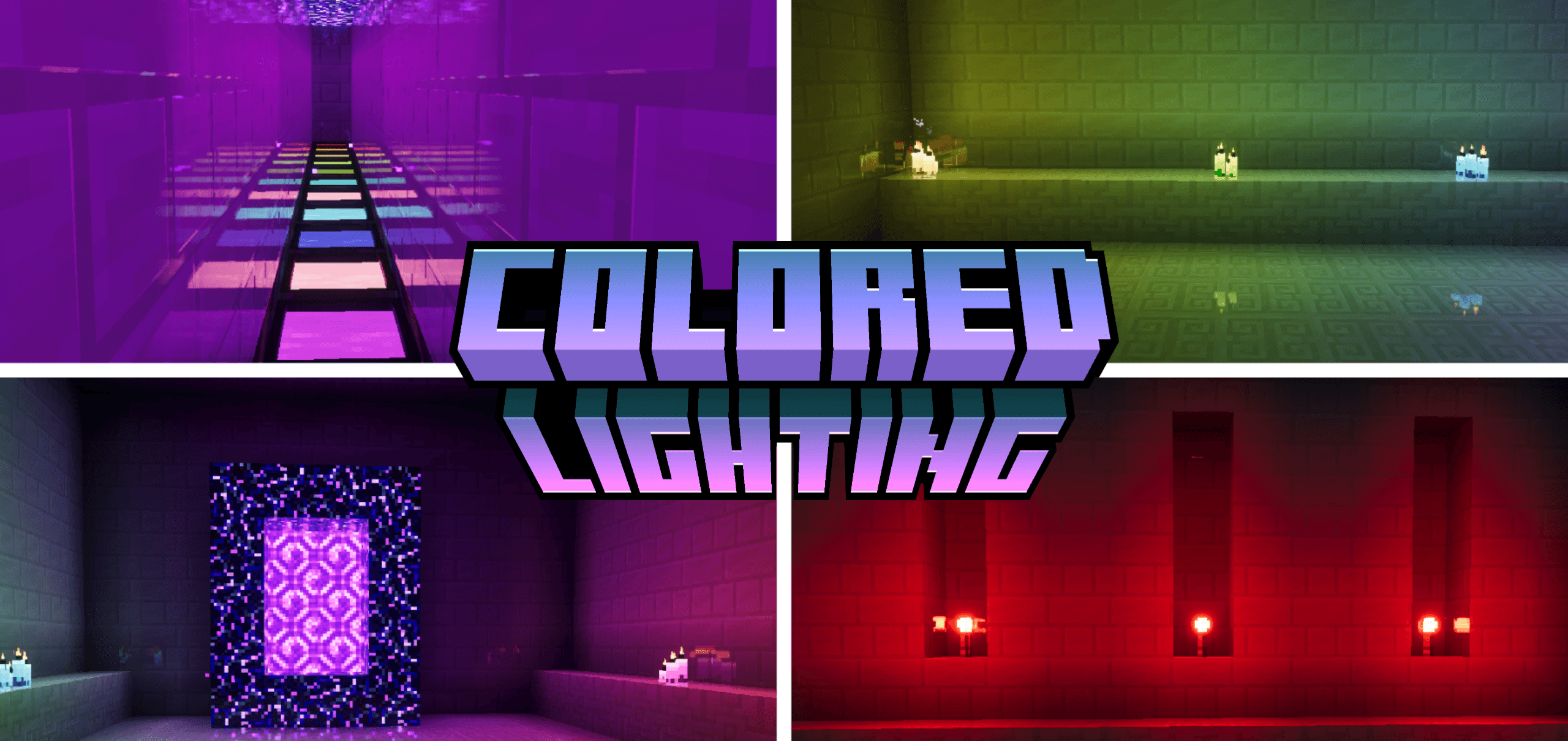
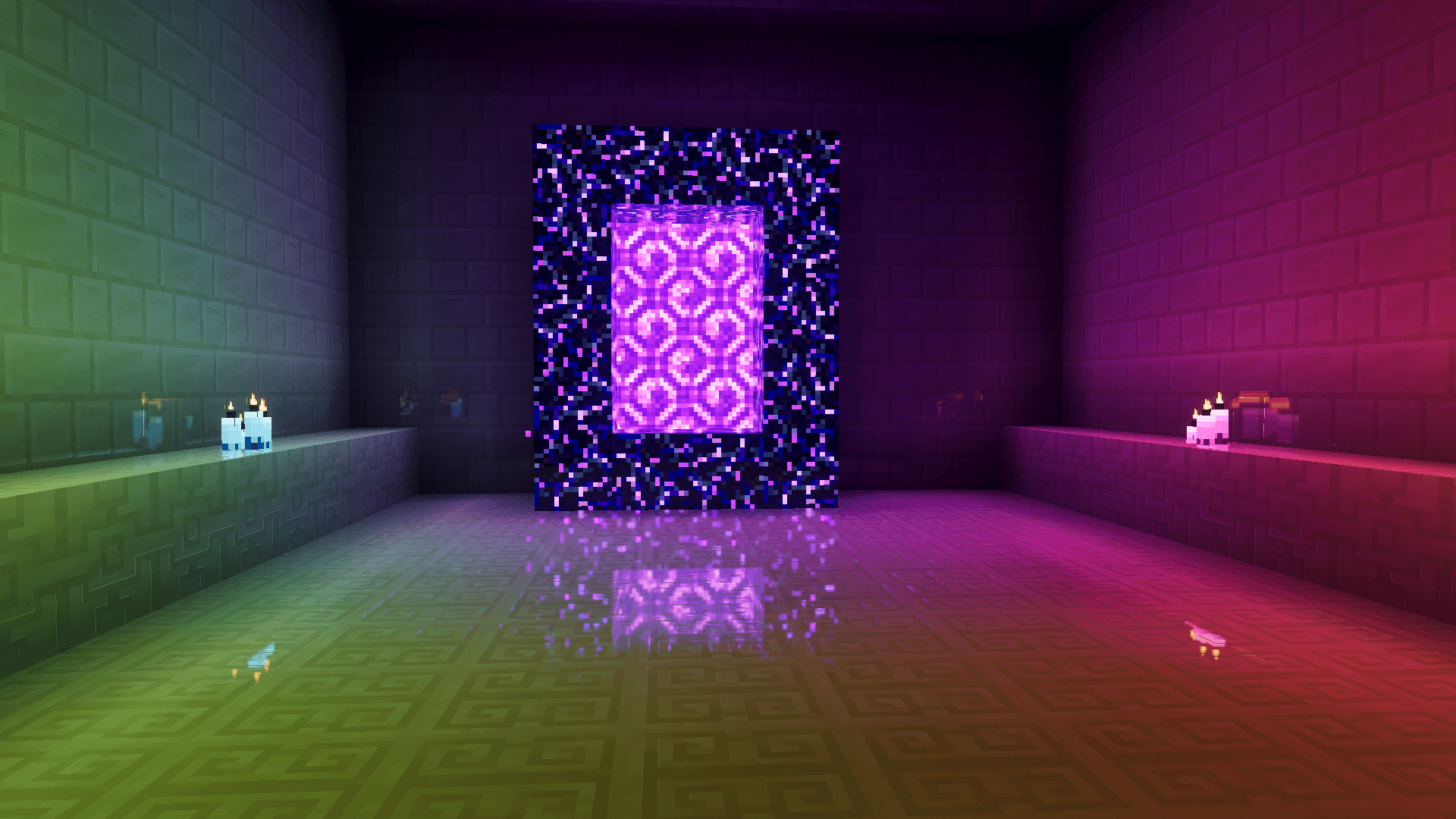
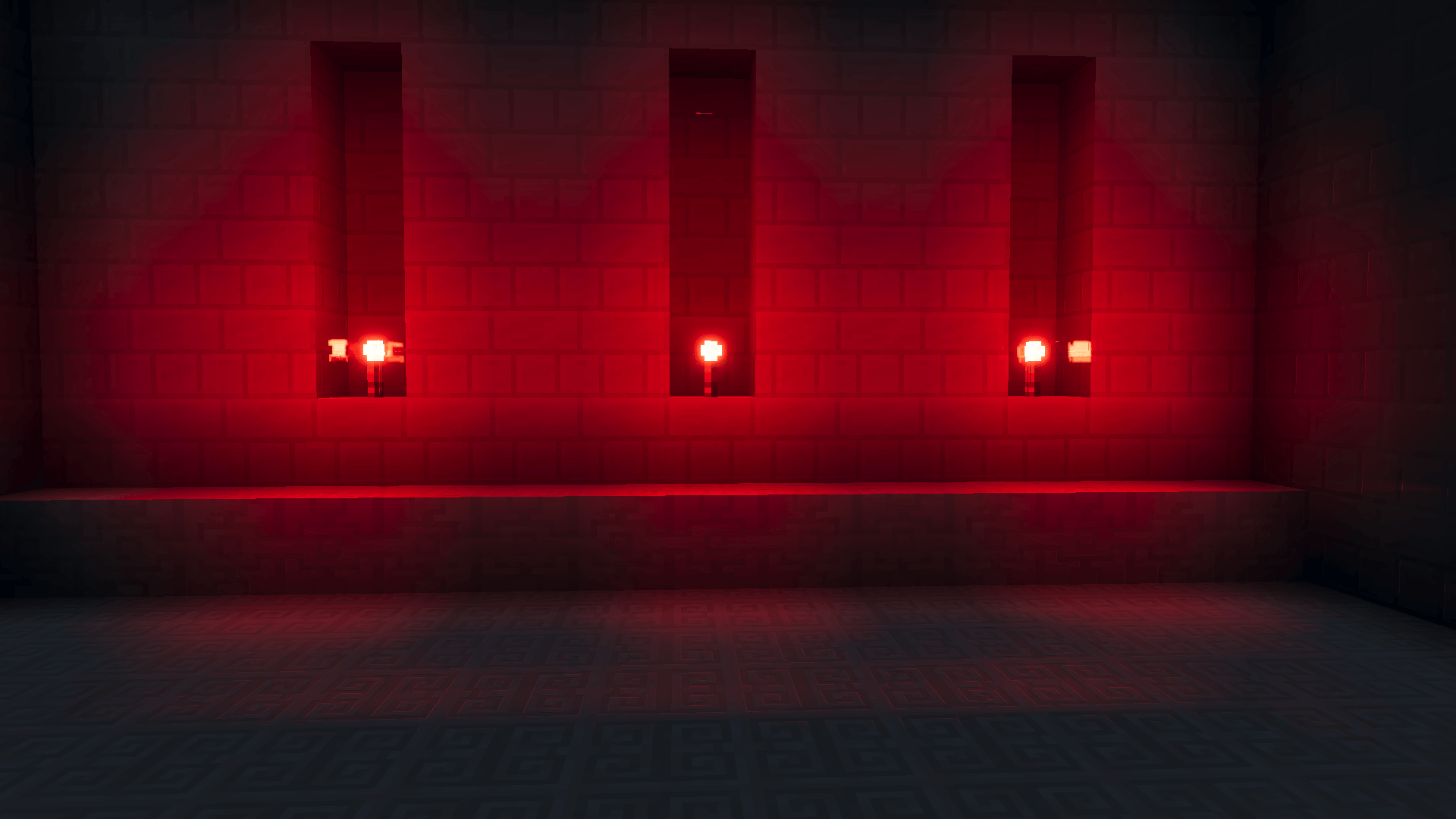
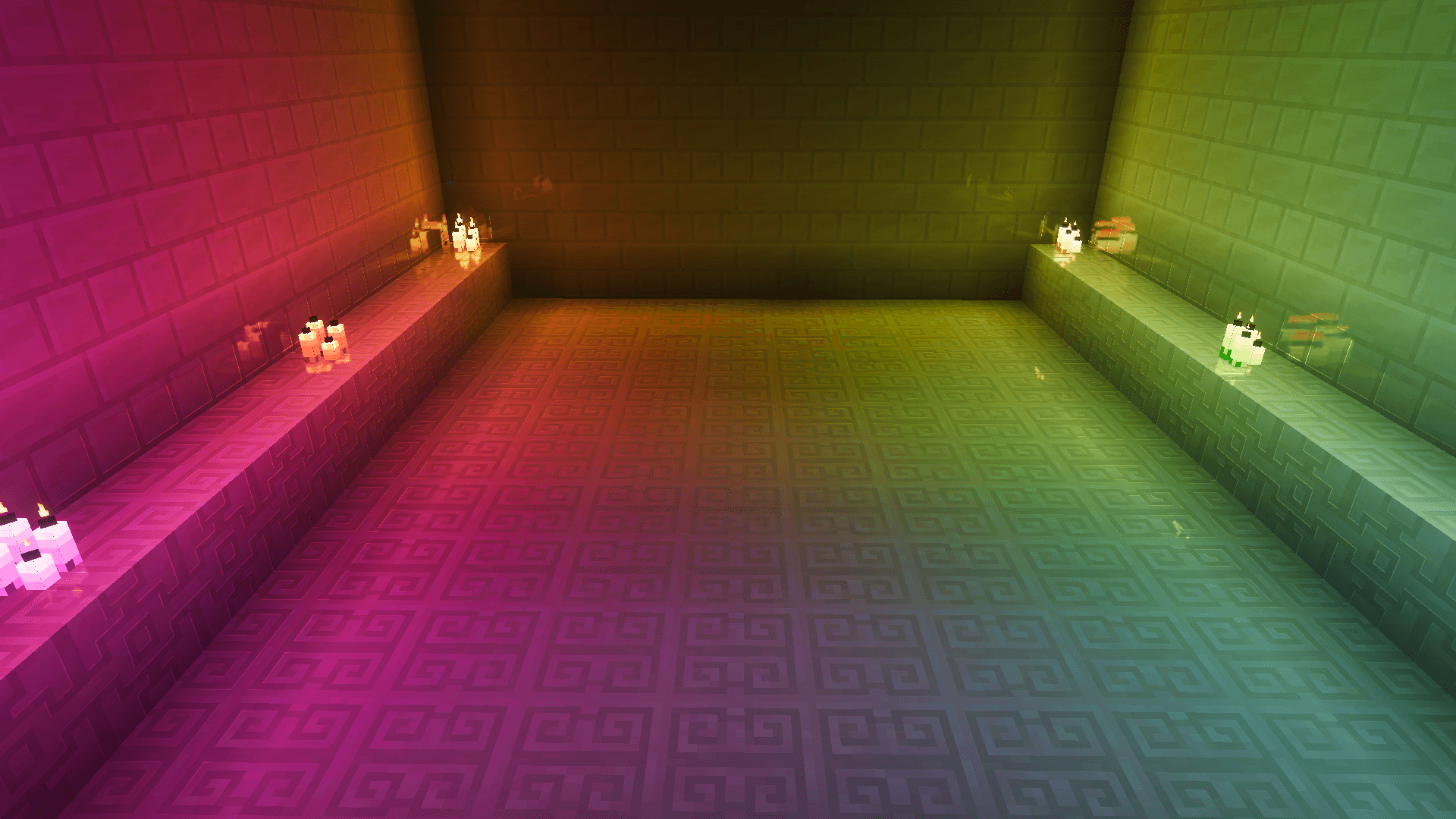
Colored Lighting enhances Minecraft Bedrock Edition by adding dynamic RGB lighting effects to torches, lanterns, candles, portals, and many other light sources. This texture pack works seamlessly with Vibrant Visuals shaders to enrich the game’s atmosphere with colorful illumination without altering your existing visuals.
Installation / How to Use
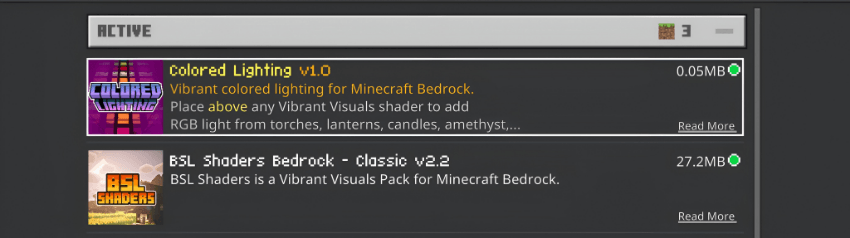
To add Colored Lighting to your Minecraft Bedrock experience, place the Colored Lighting pack above any Vibrant Visuals shader in your resource pack list. This layering allows over 100 different light sources to emit vibrant colored glows, enhancing immersion and visual appeal.
Requirements / Compatibility
Colored Lighting is compatible with all Vibrant Visuals shaders for Minecraft Bedrock Edition. It requires that you already have a Vibrant Visuals shader installed and active to function correctly.
Key Features
- Over 100 light sources display vivid RGB lighting effects.
- Works alongside existing Vibrant Visuals shaders without replacing them.
- Enhances the ambiance with realistic colored illumination from various in-game lights such as torches, lanterns, and portals.
Notes / Troubleshooting
If colored lighting does not appear, double-check that the Colored Lighting pack is placed above your Vibrant Visuals shader in the resource pack order. Ensure that you are running a compatible version of Minecraft Bedrock Edition.
Colored Lighting v1.6.mcpack
[932.15 KB]
 5.00/5