
Clear Pixels
UPDATED: 3.07.2026
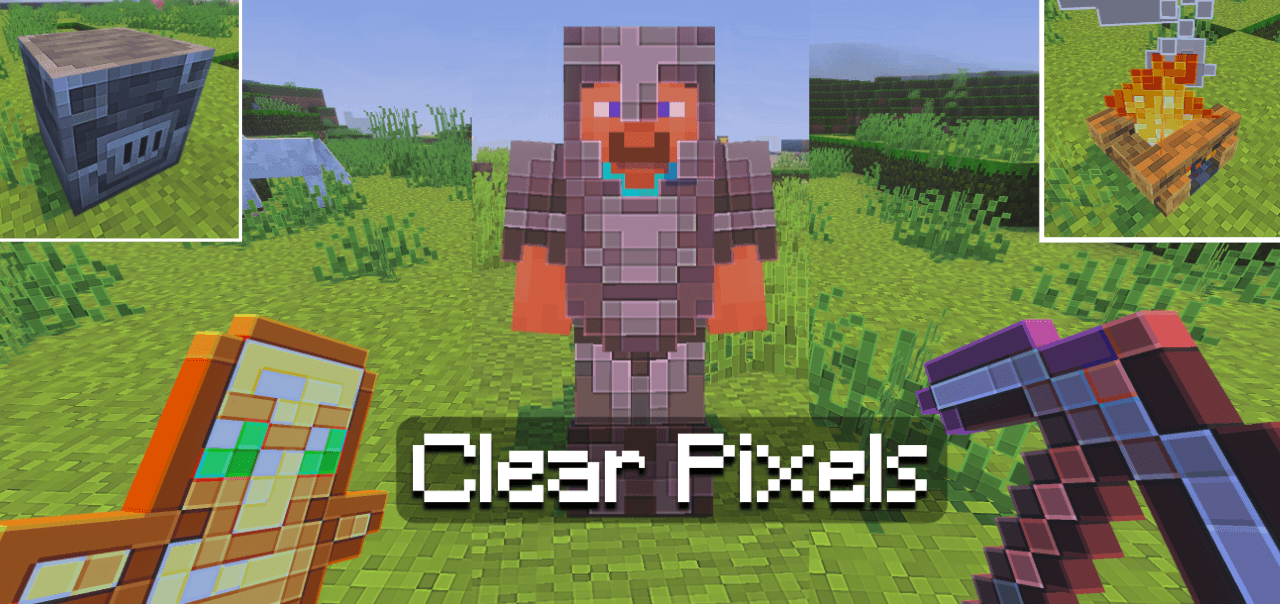
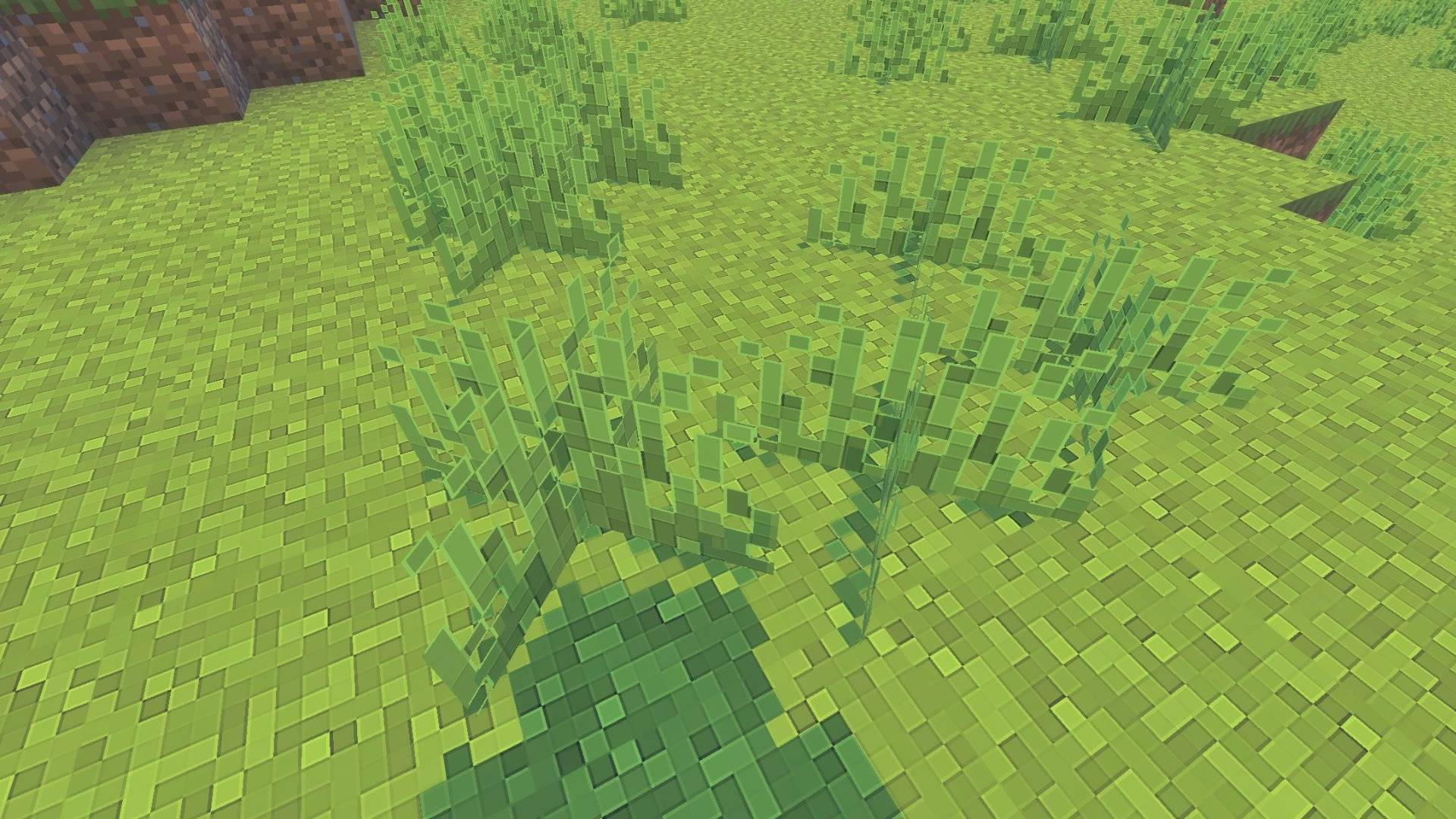
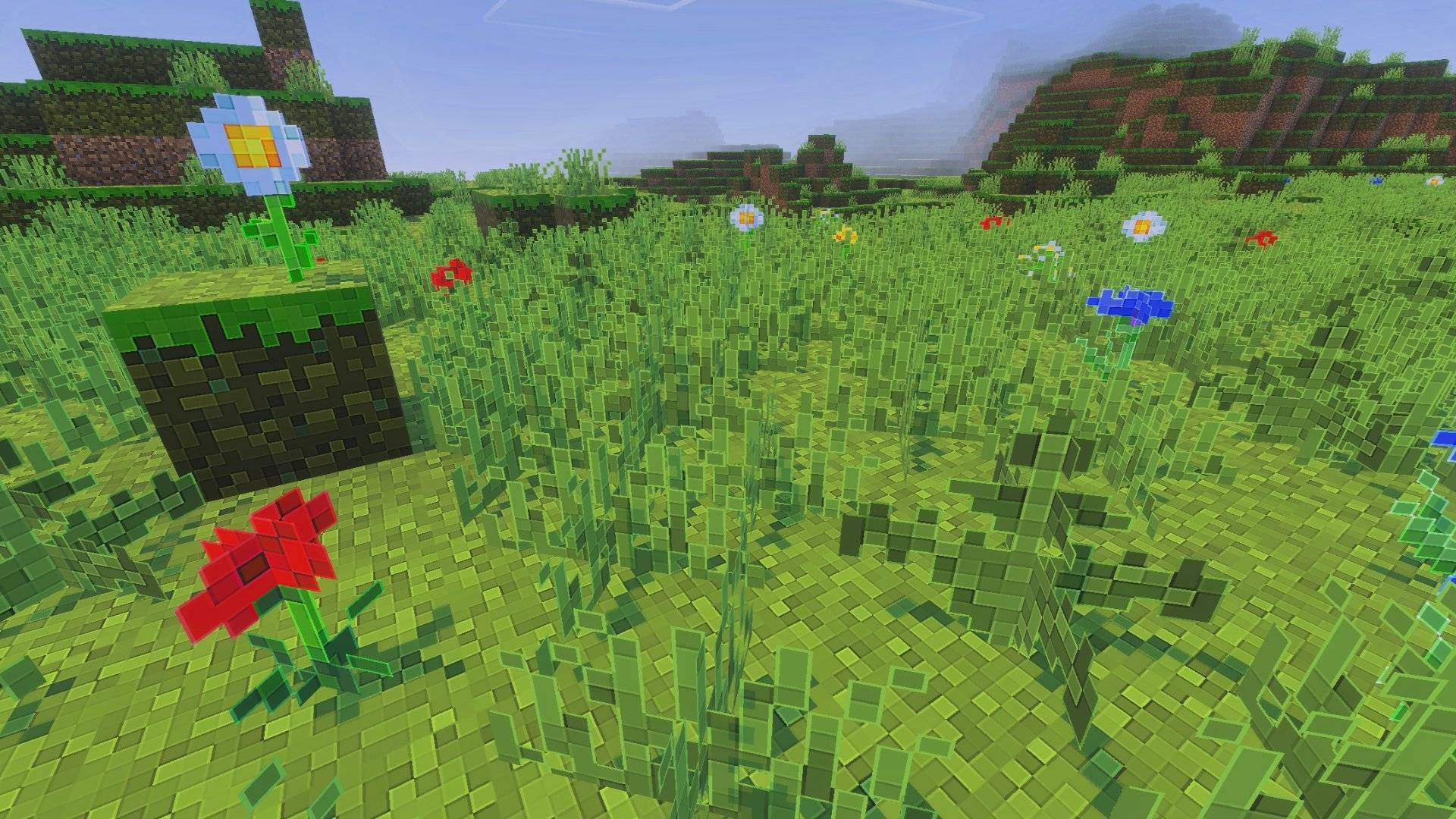
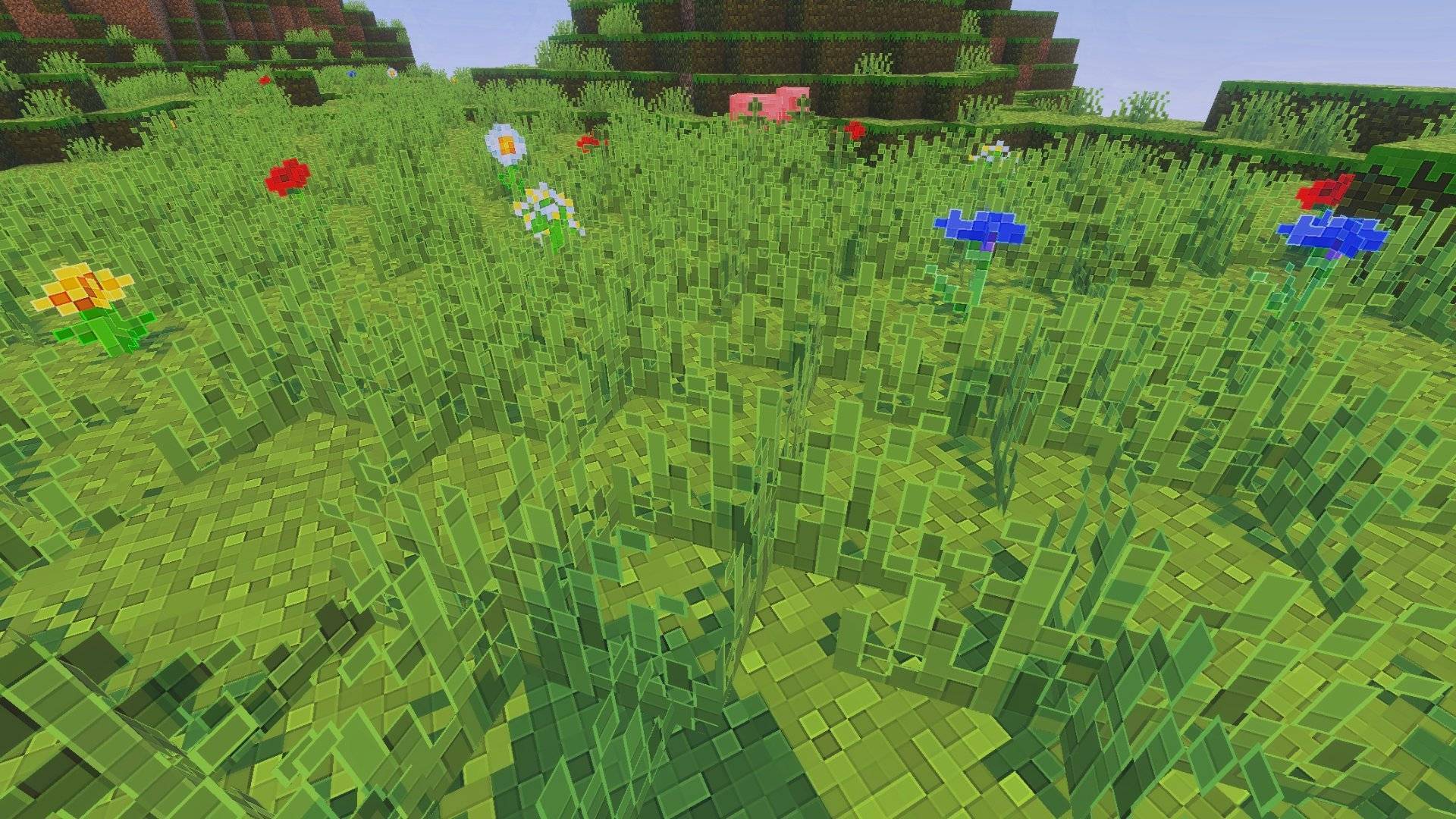
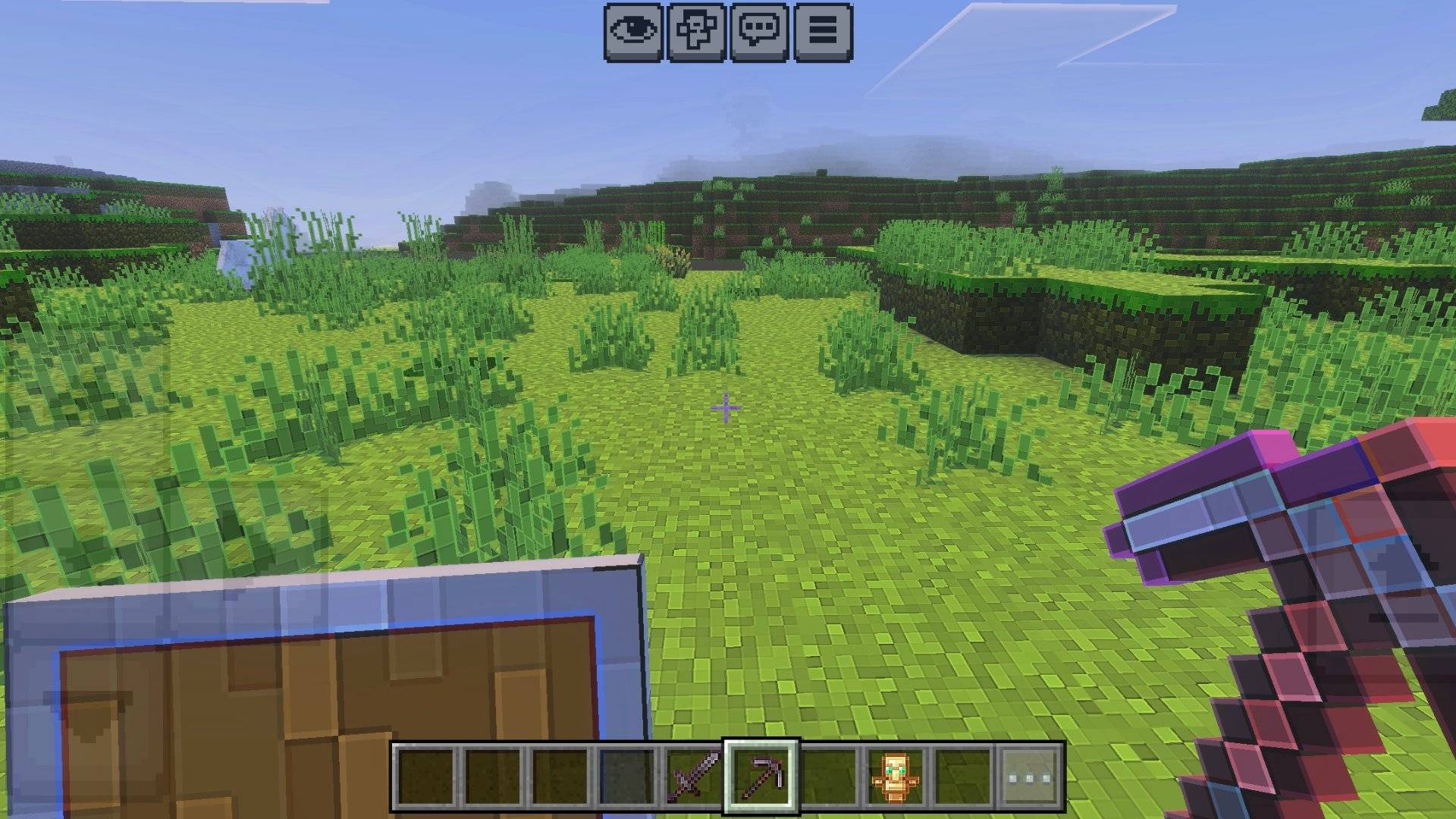
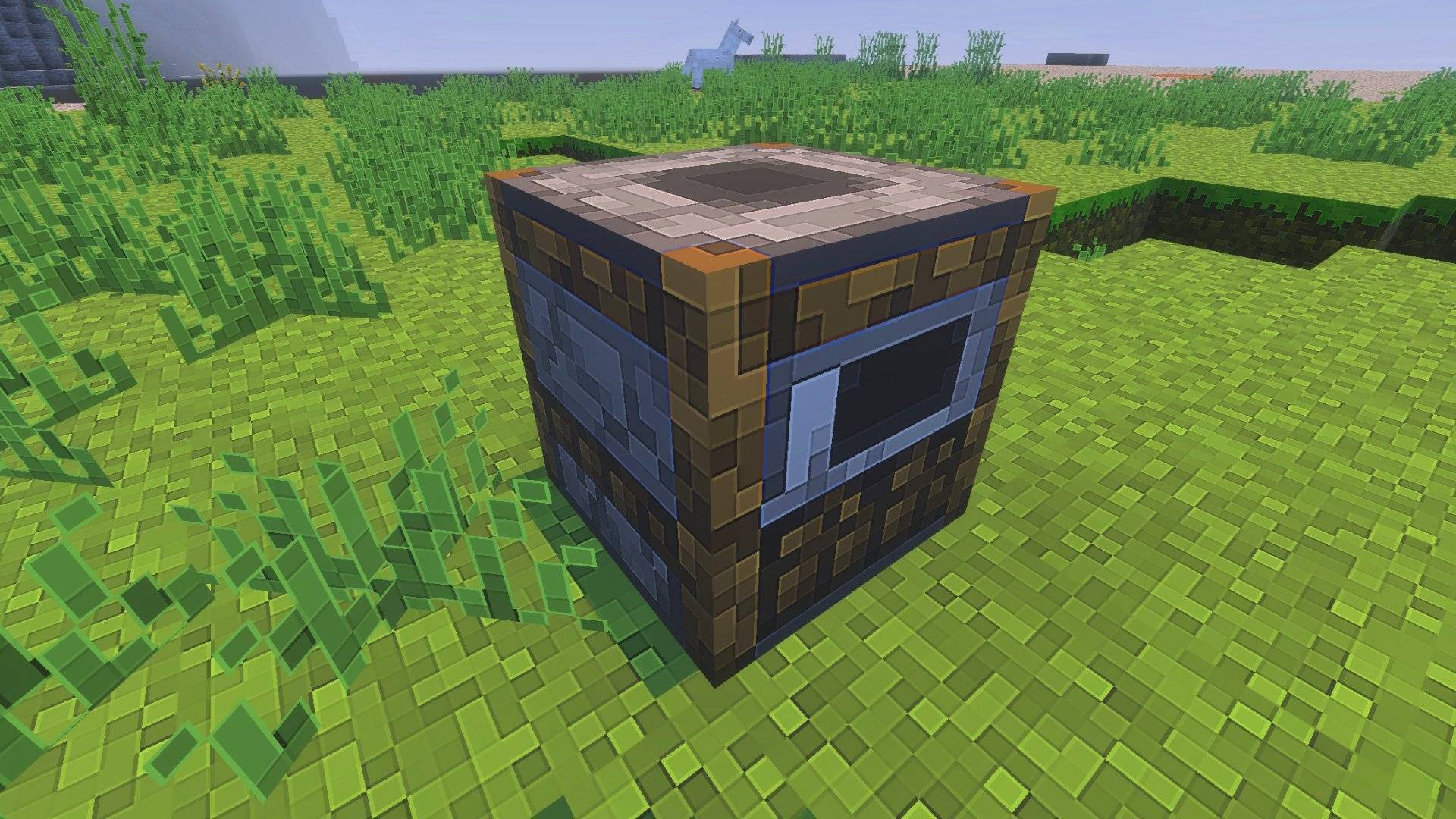
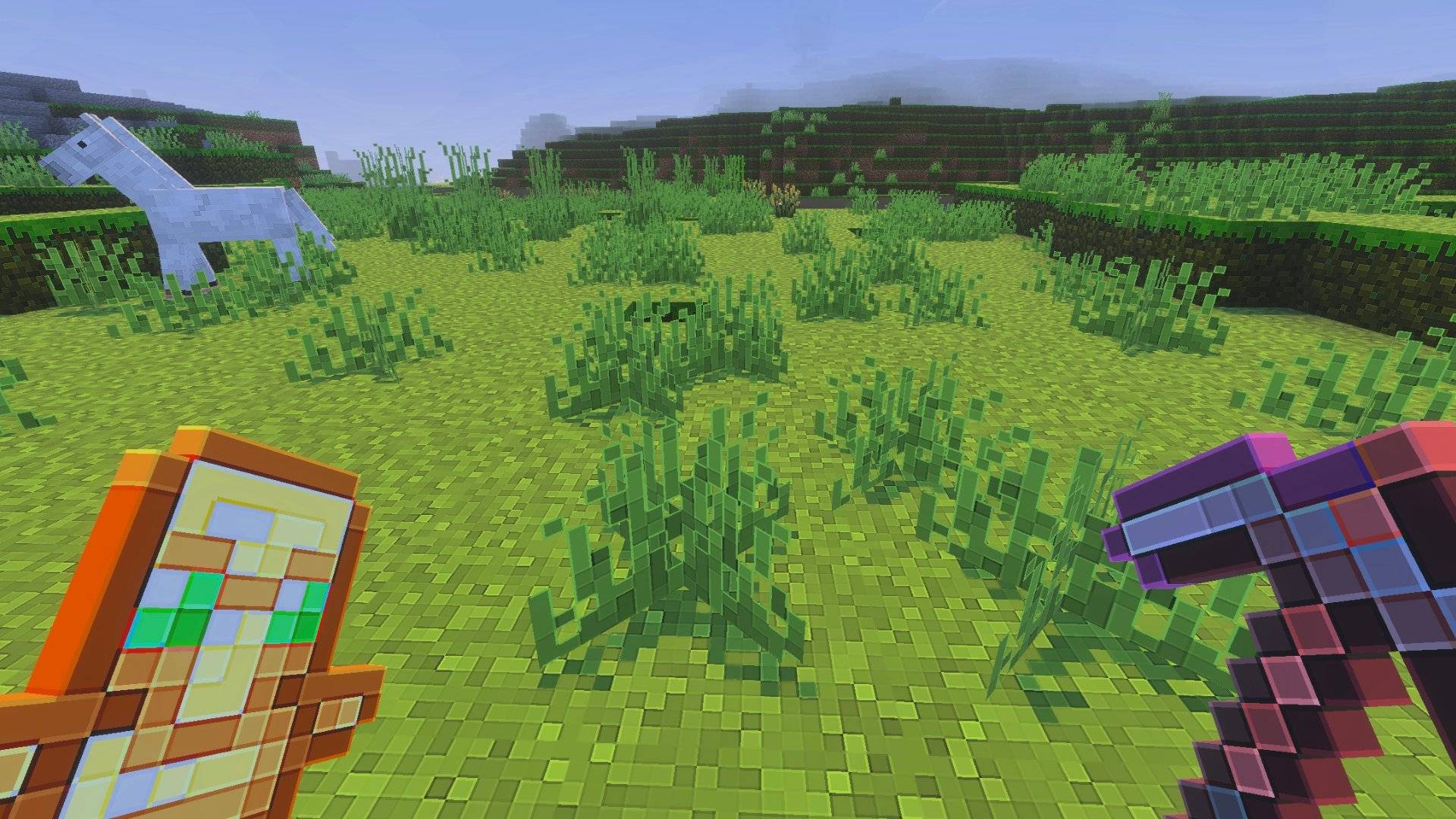
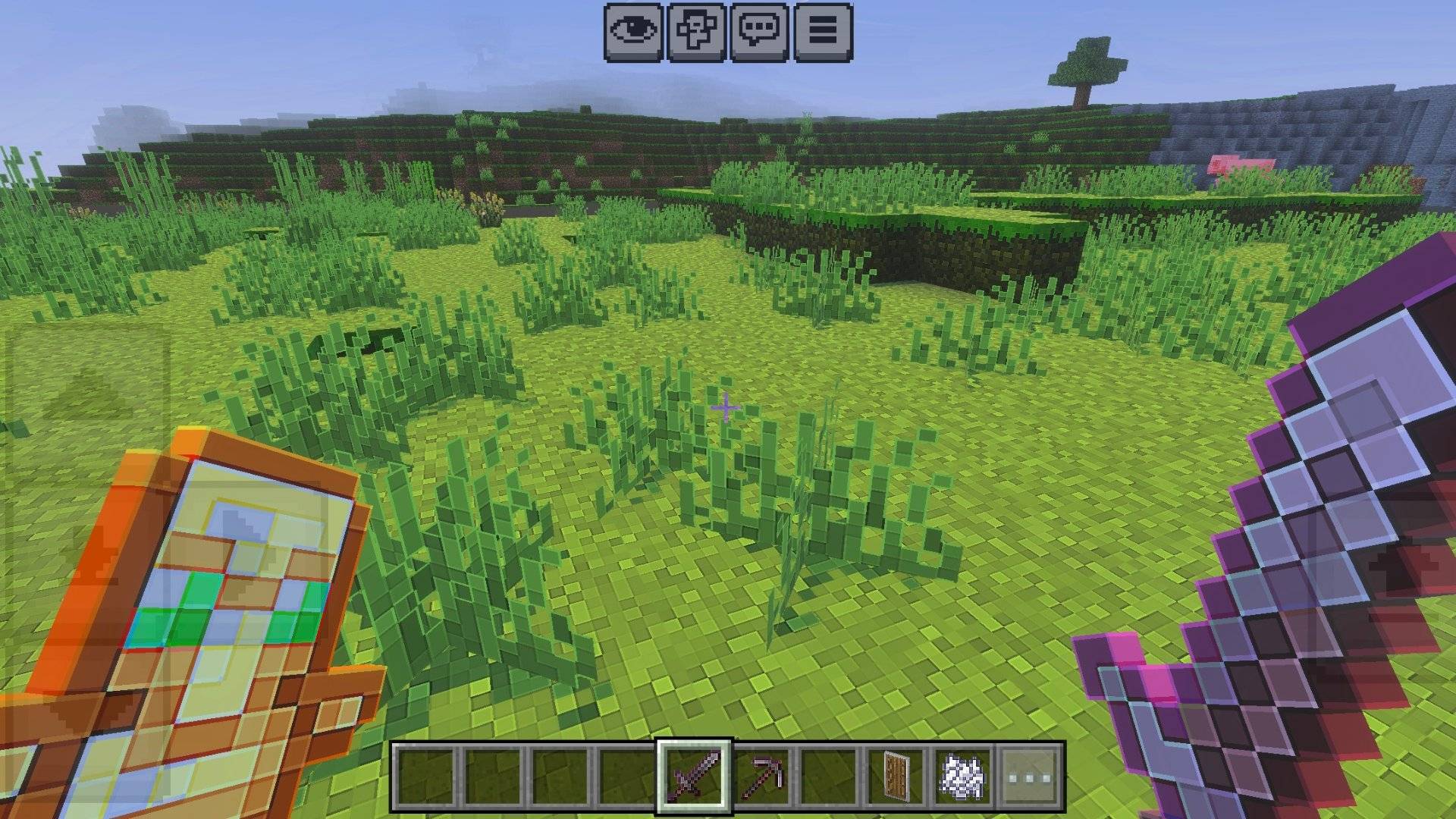
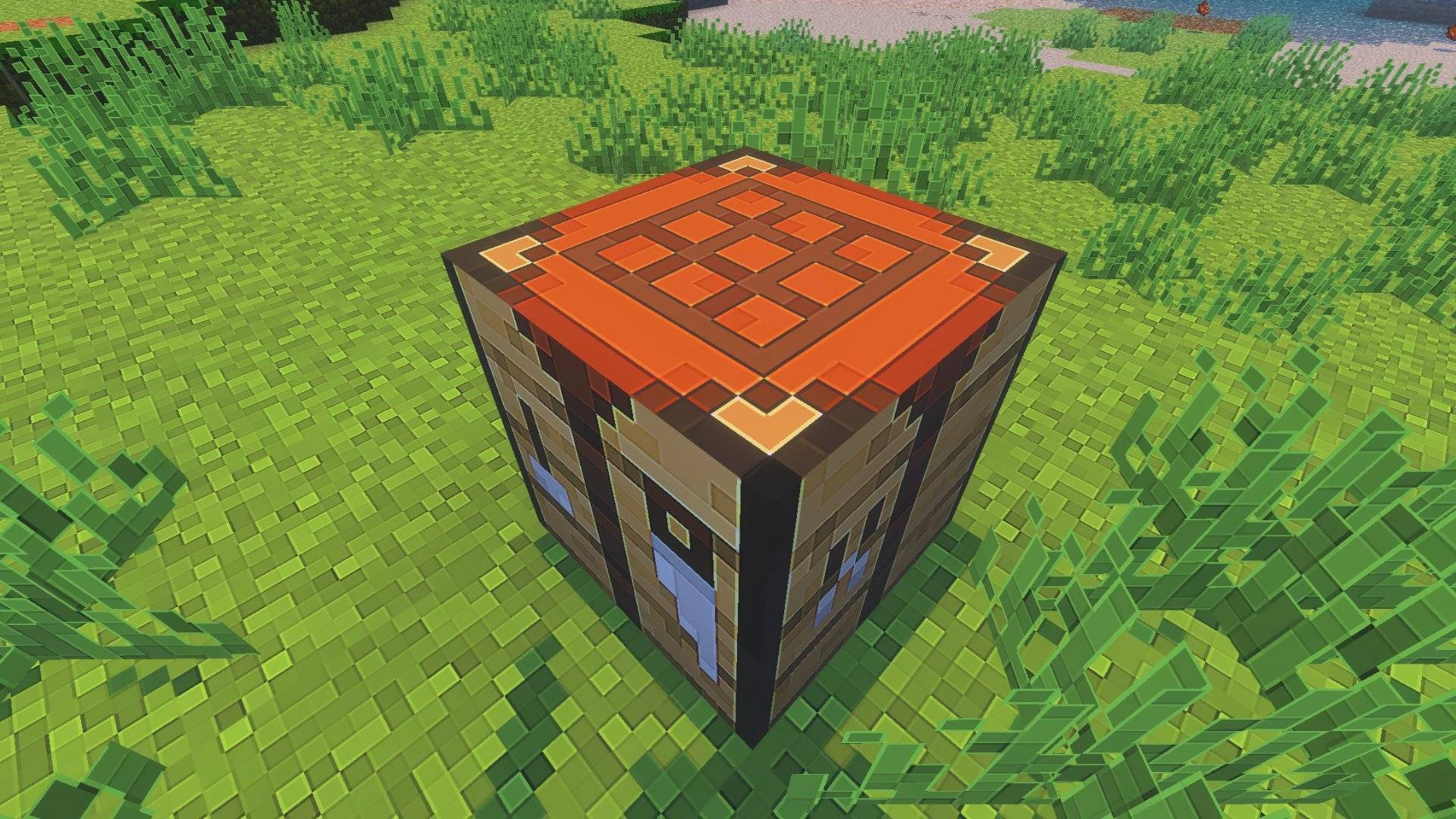
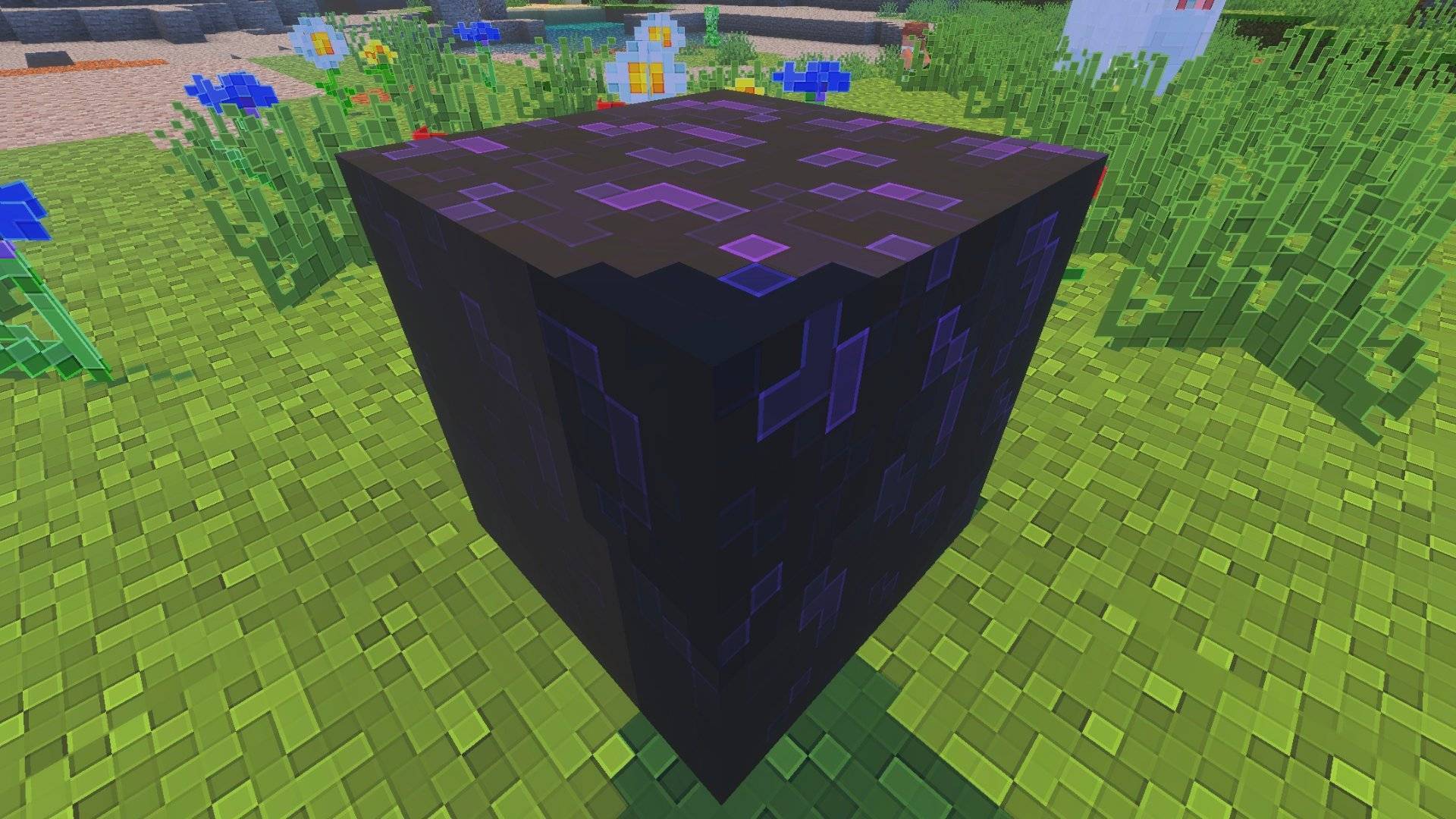
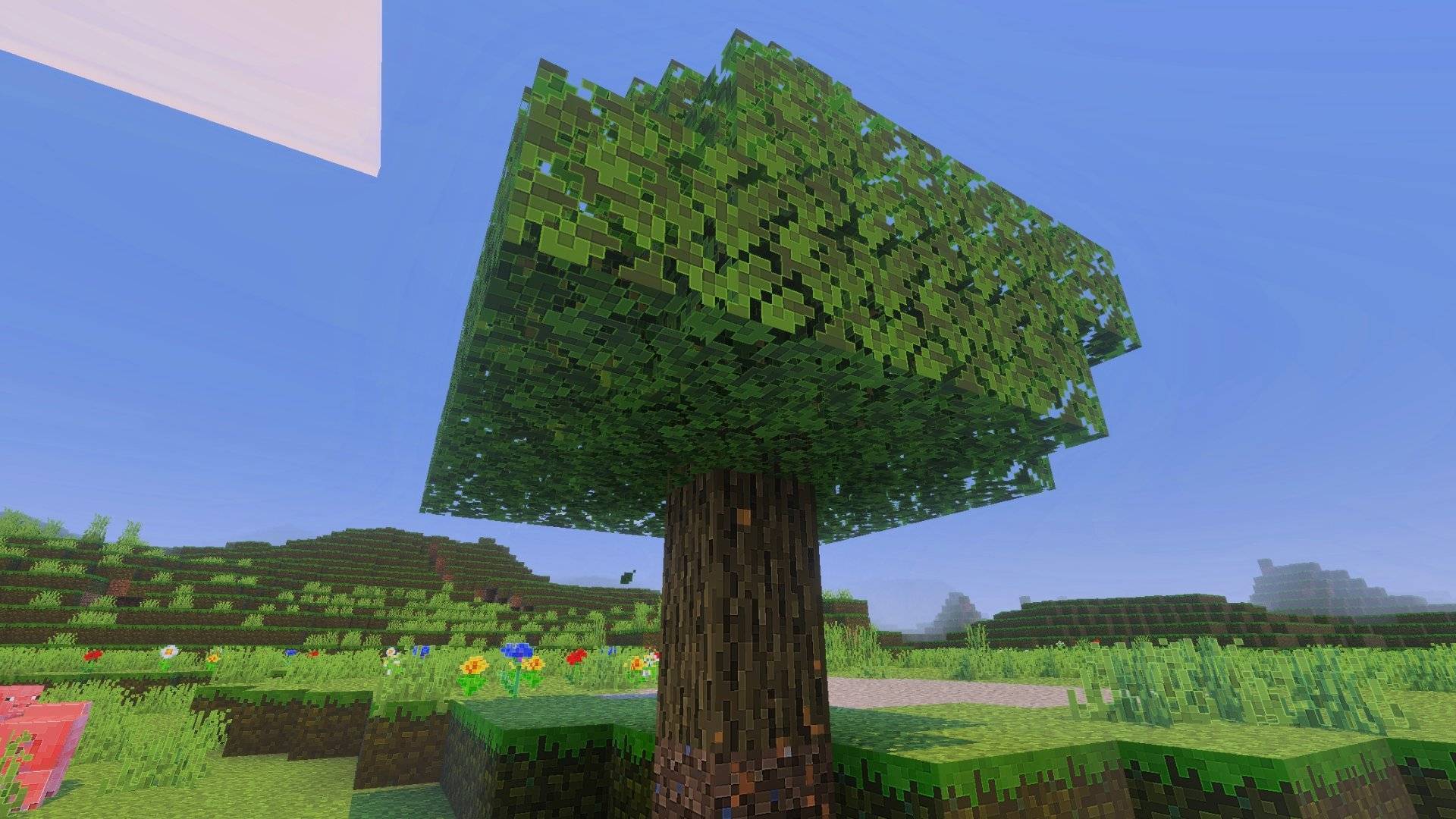
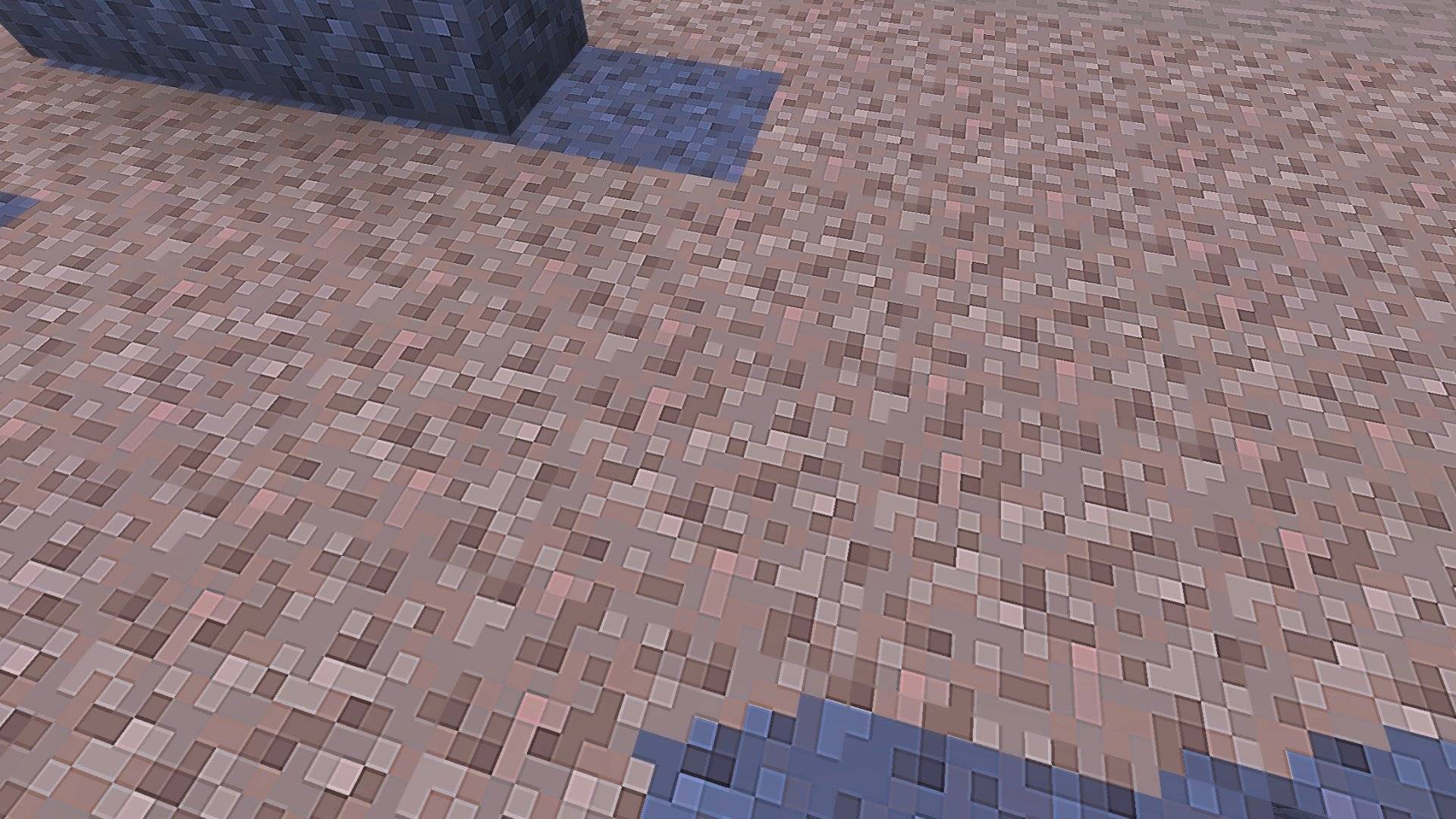
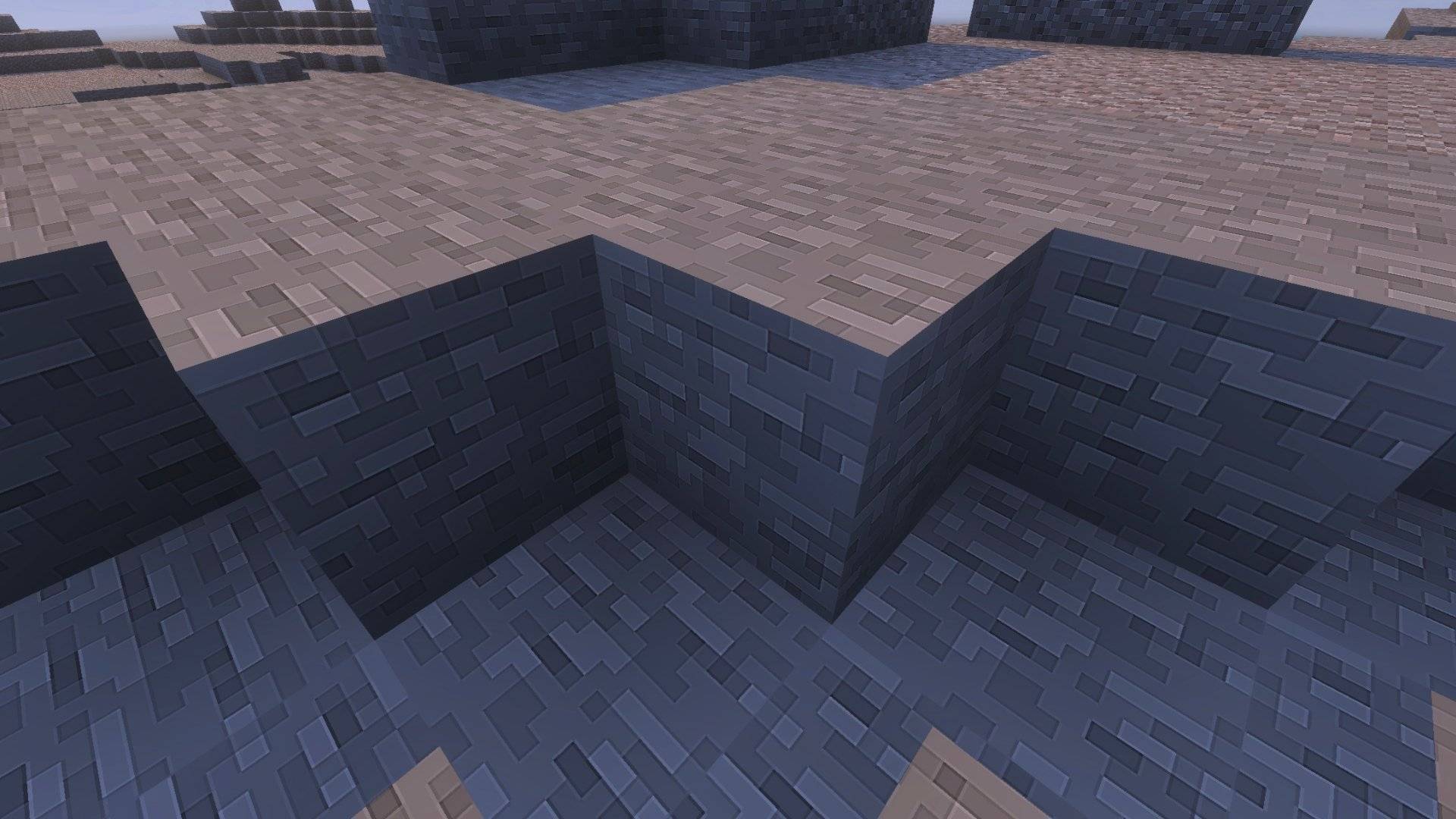
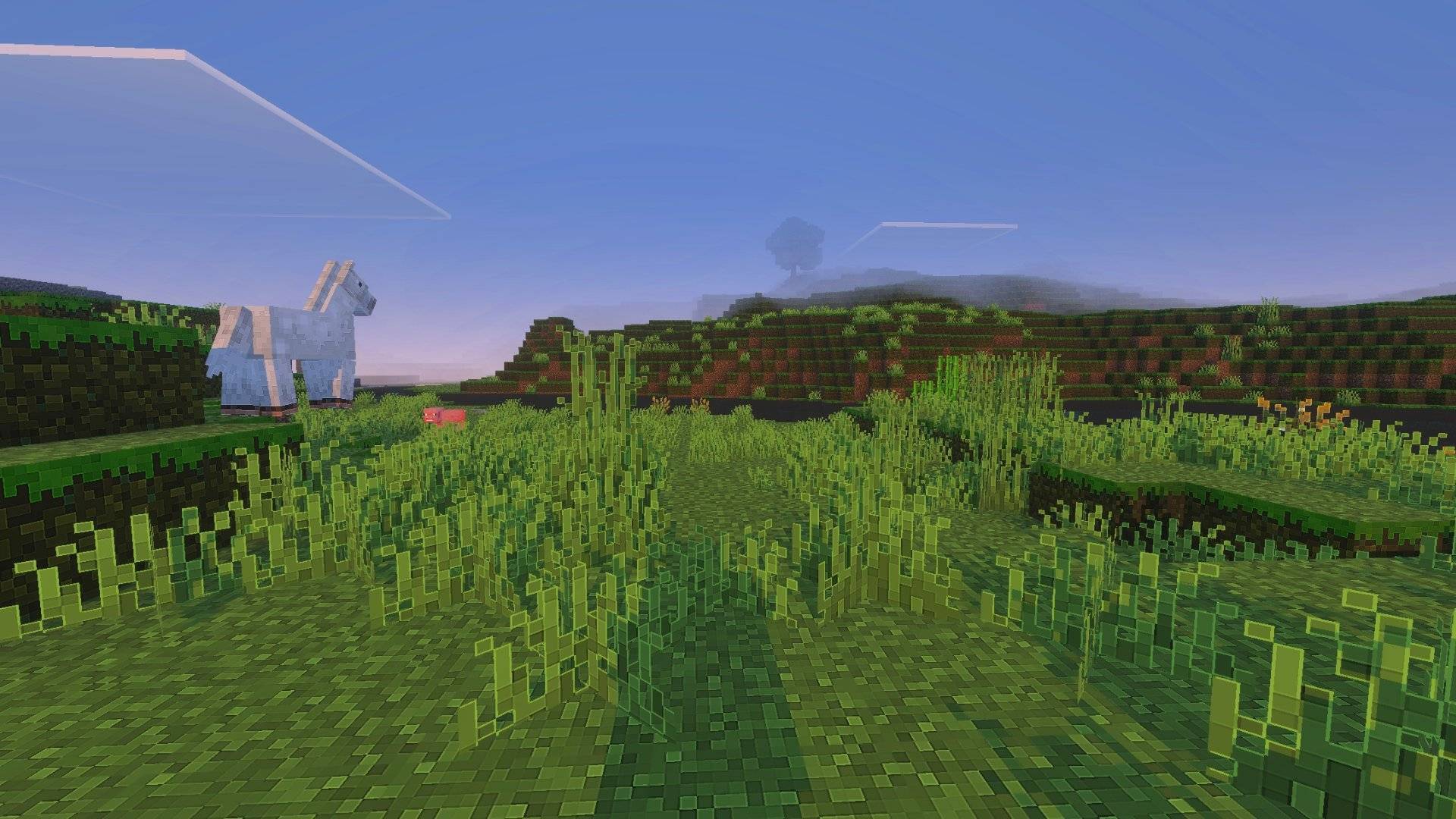
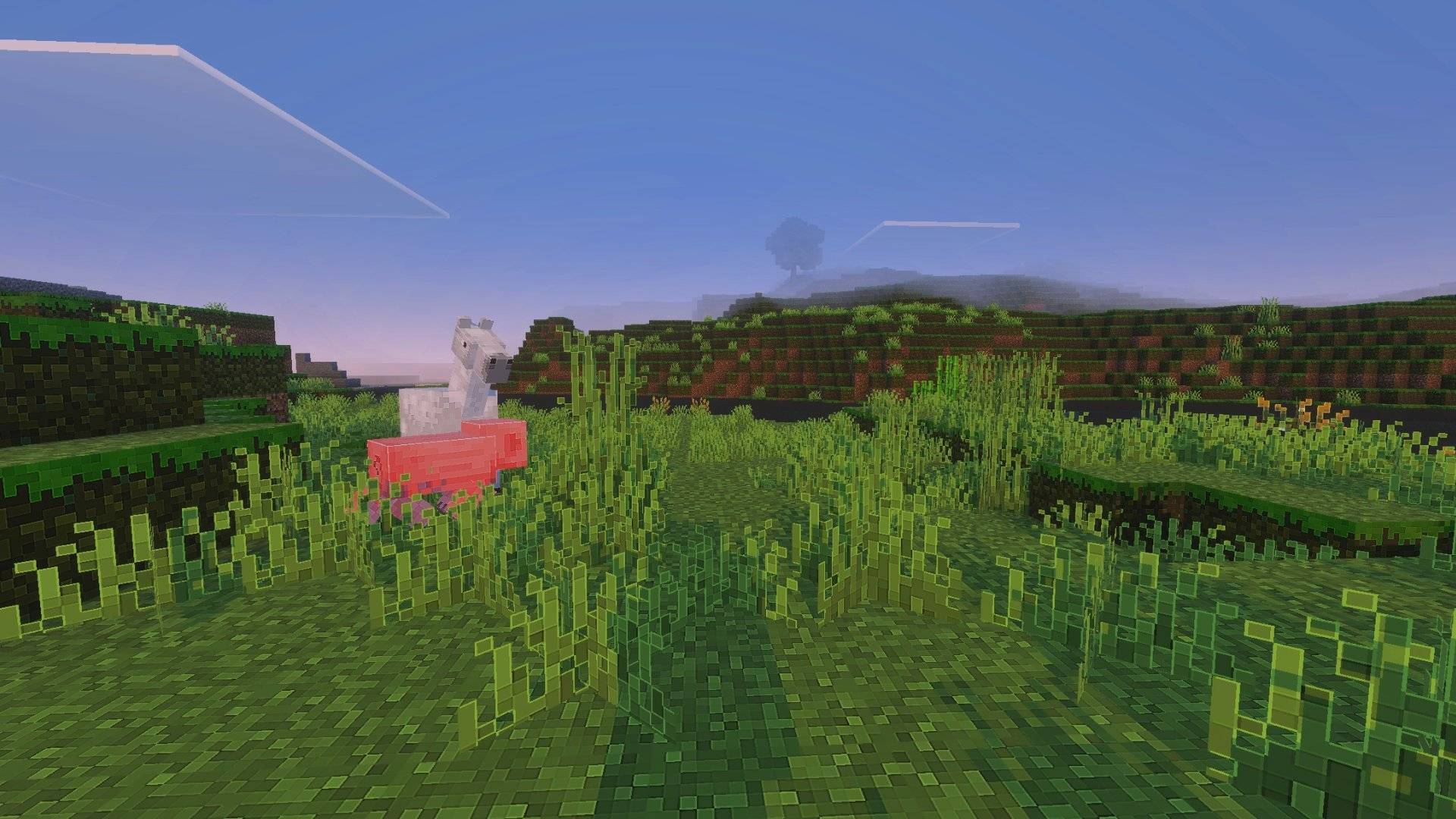
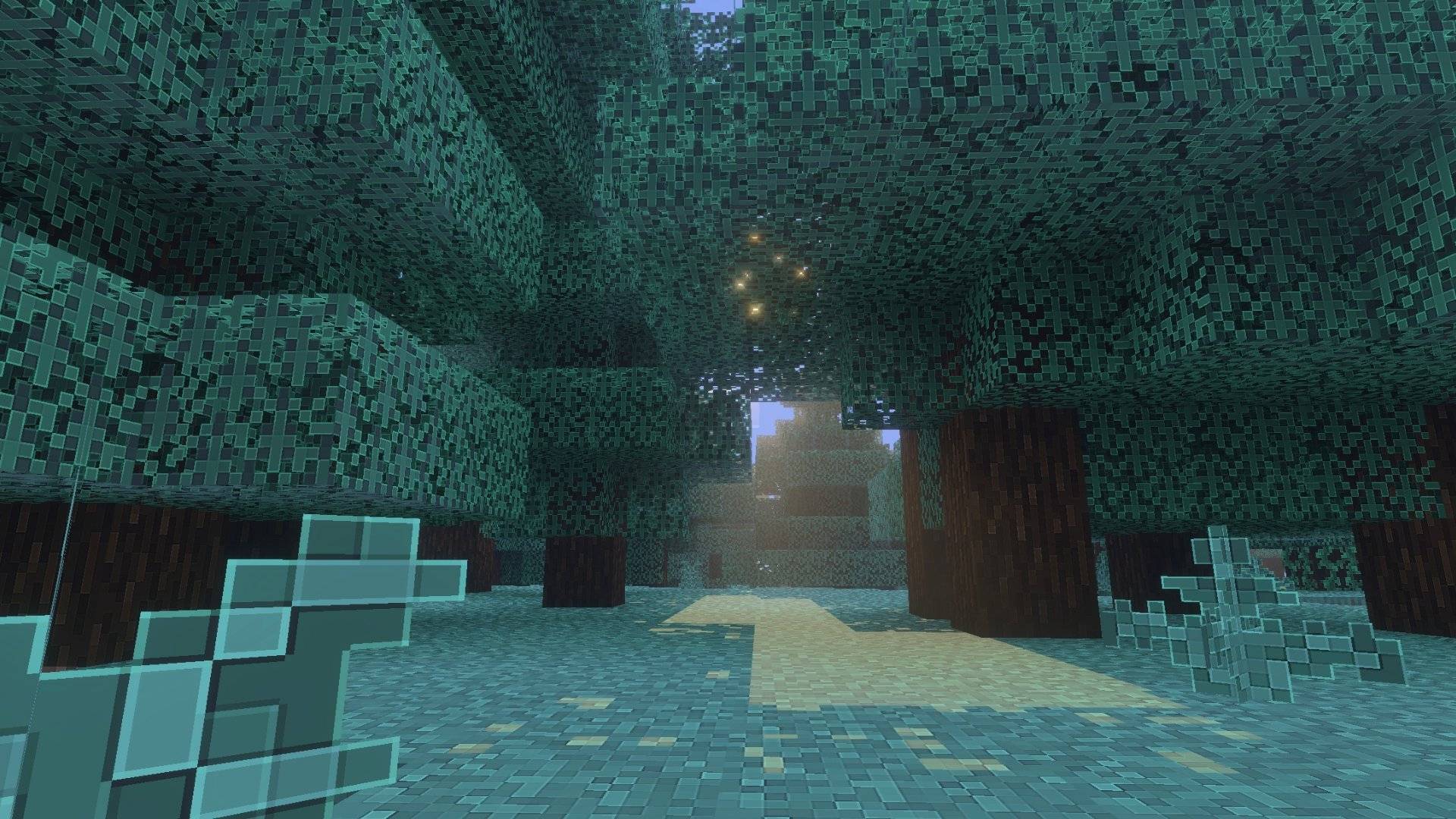
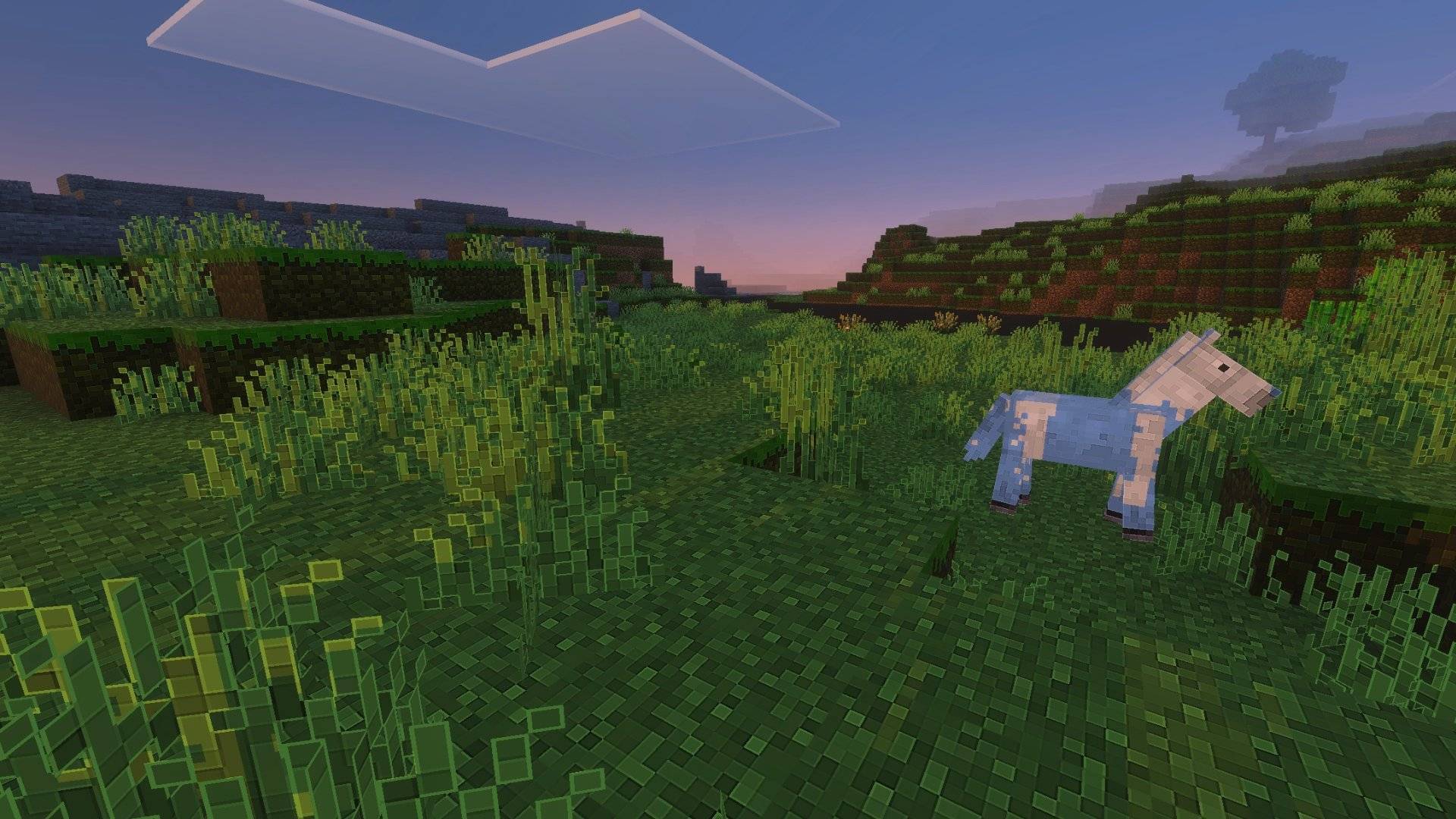
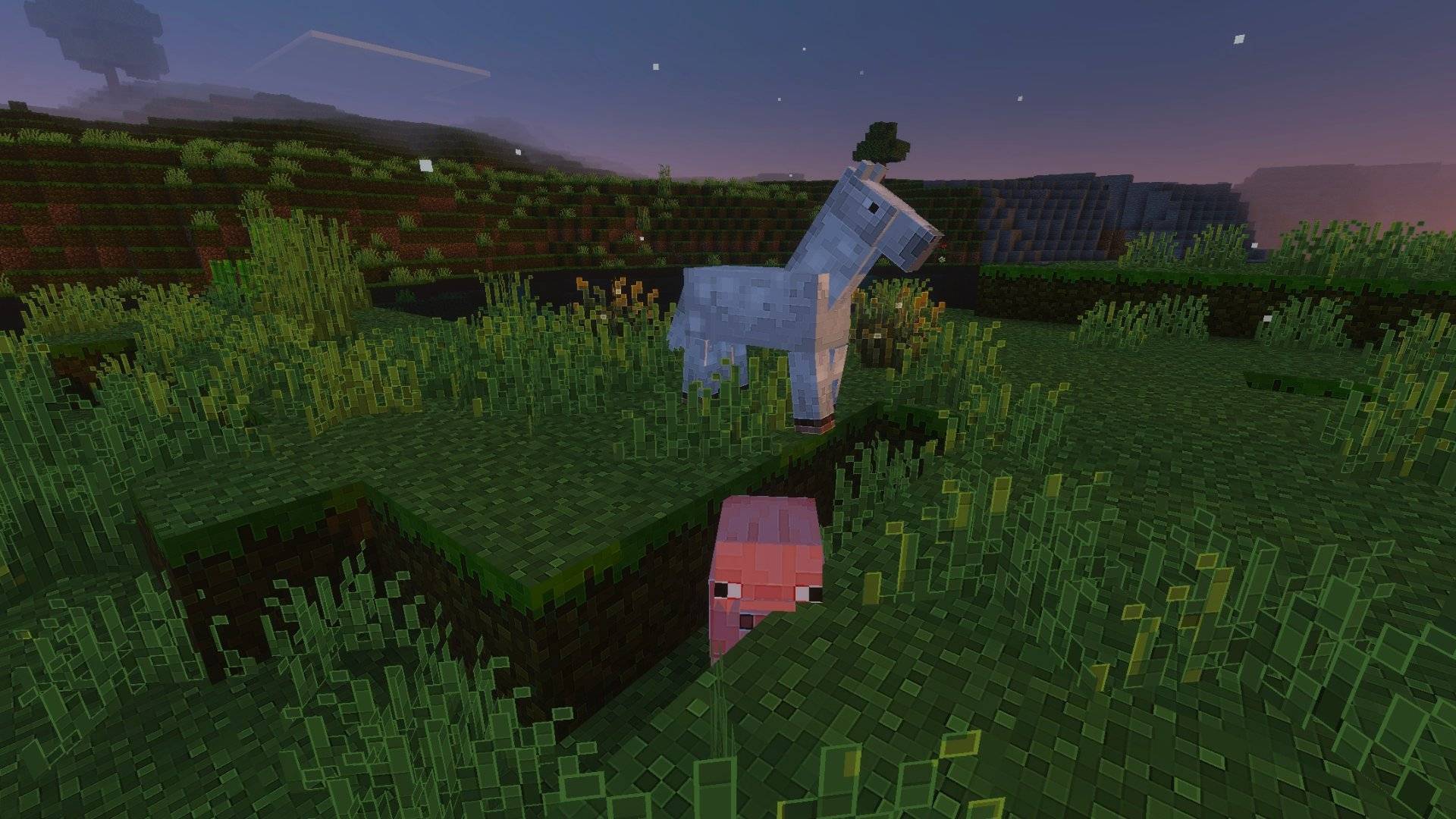
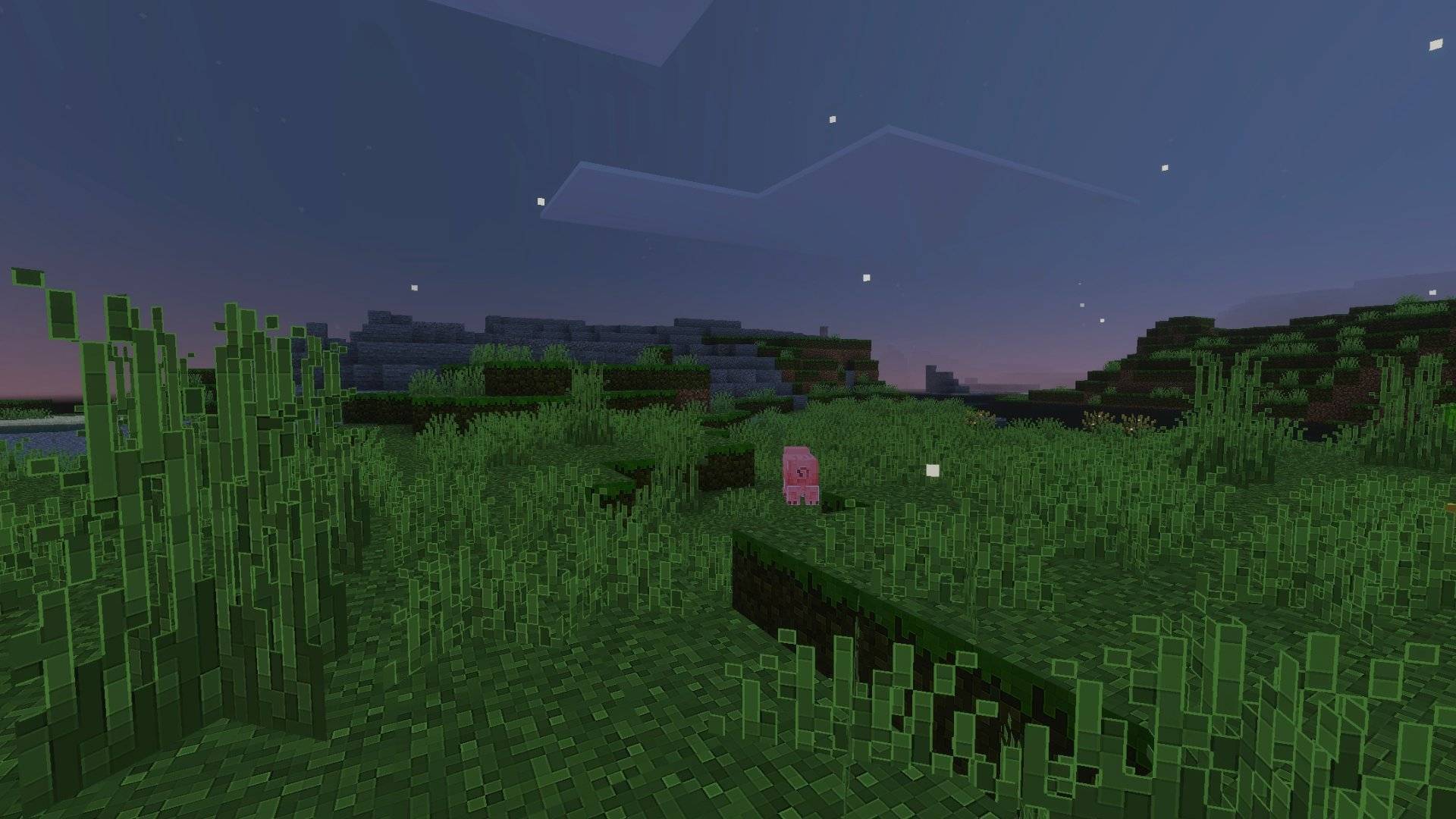
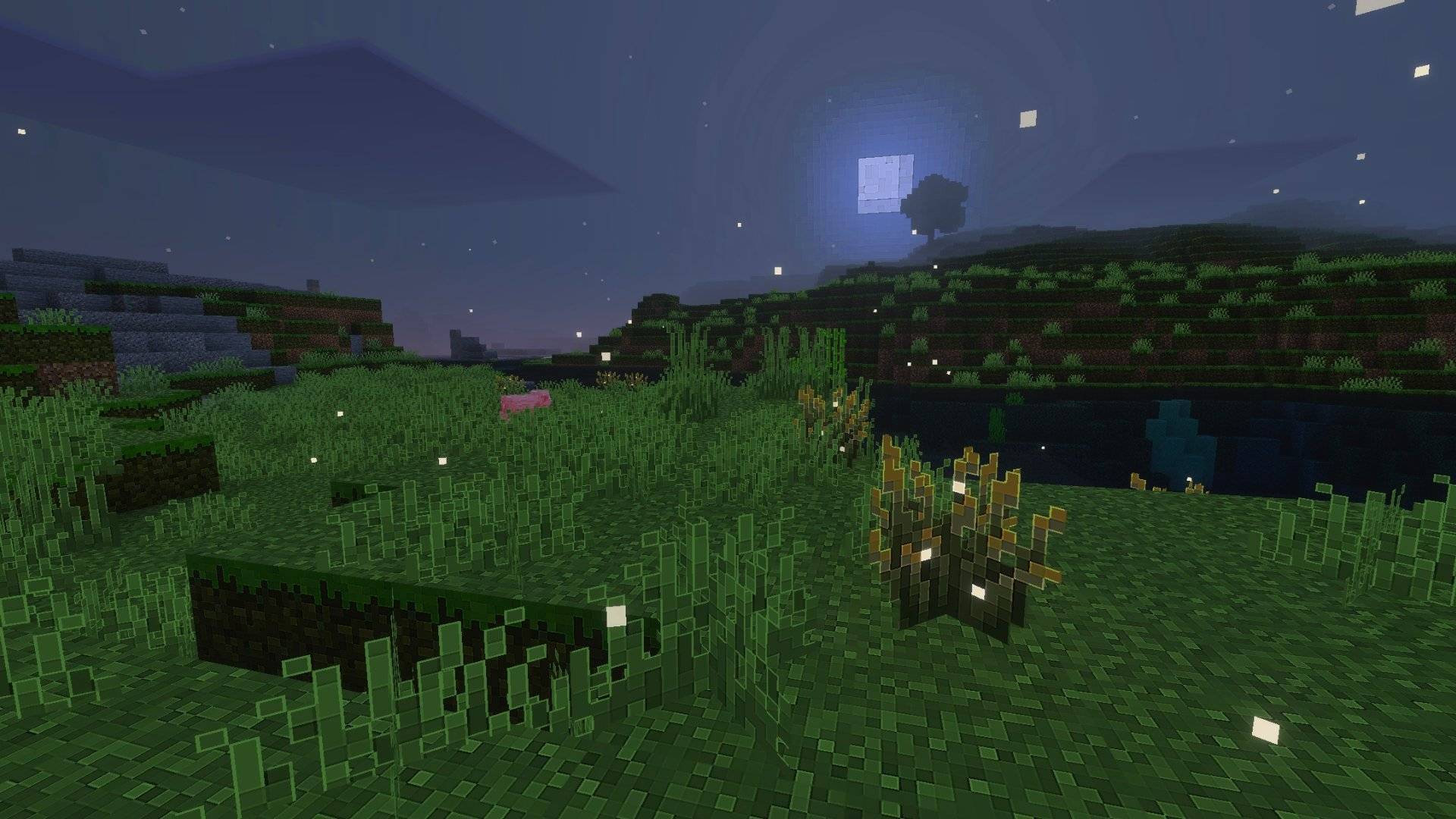
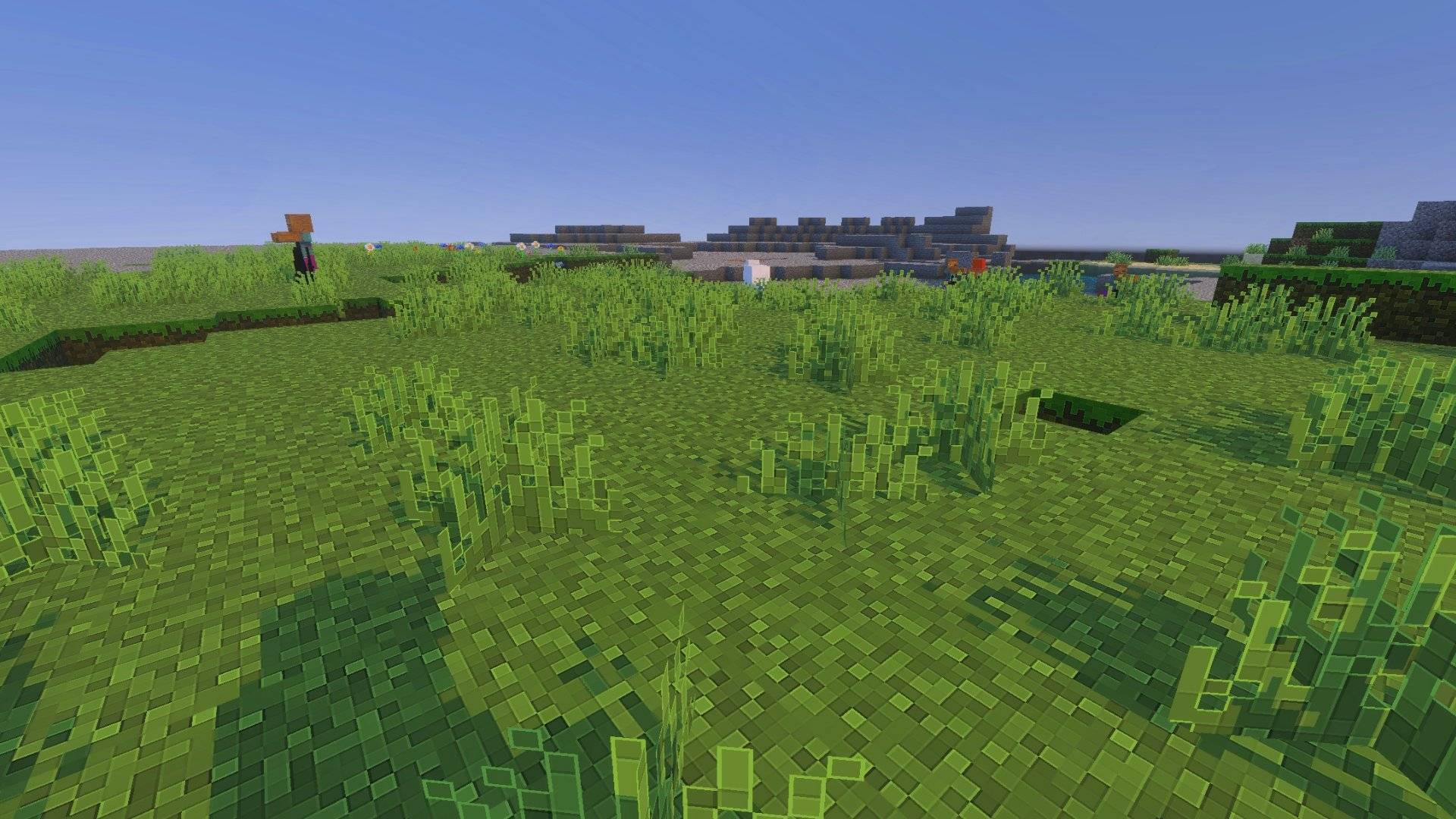
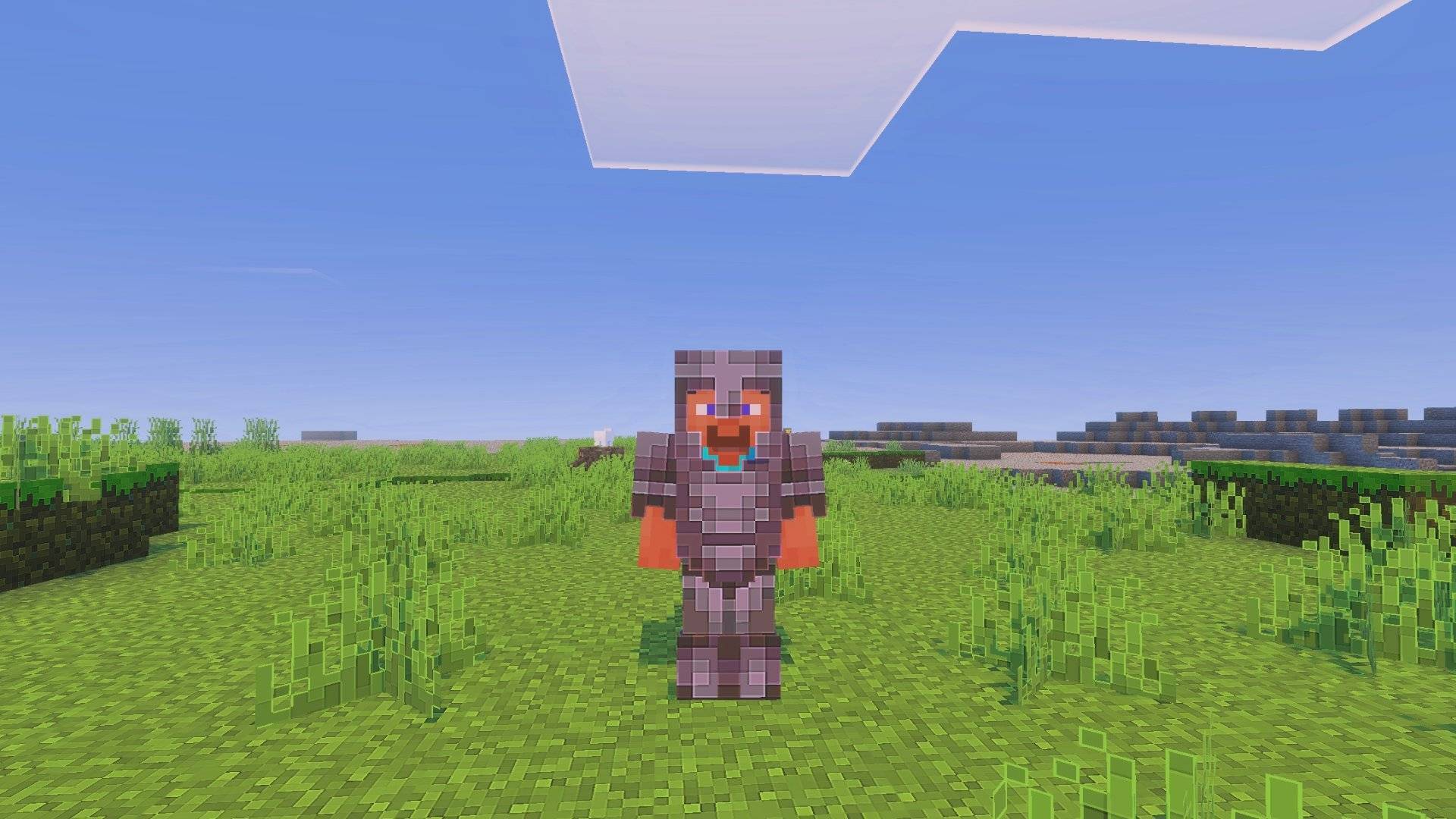
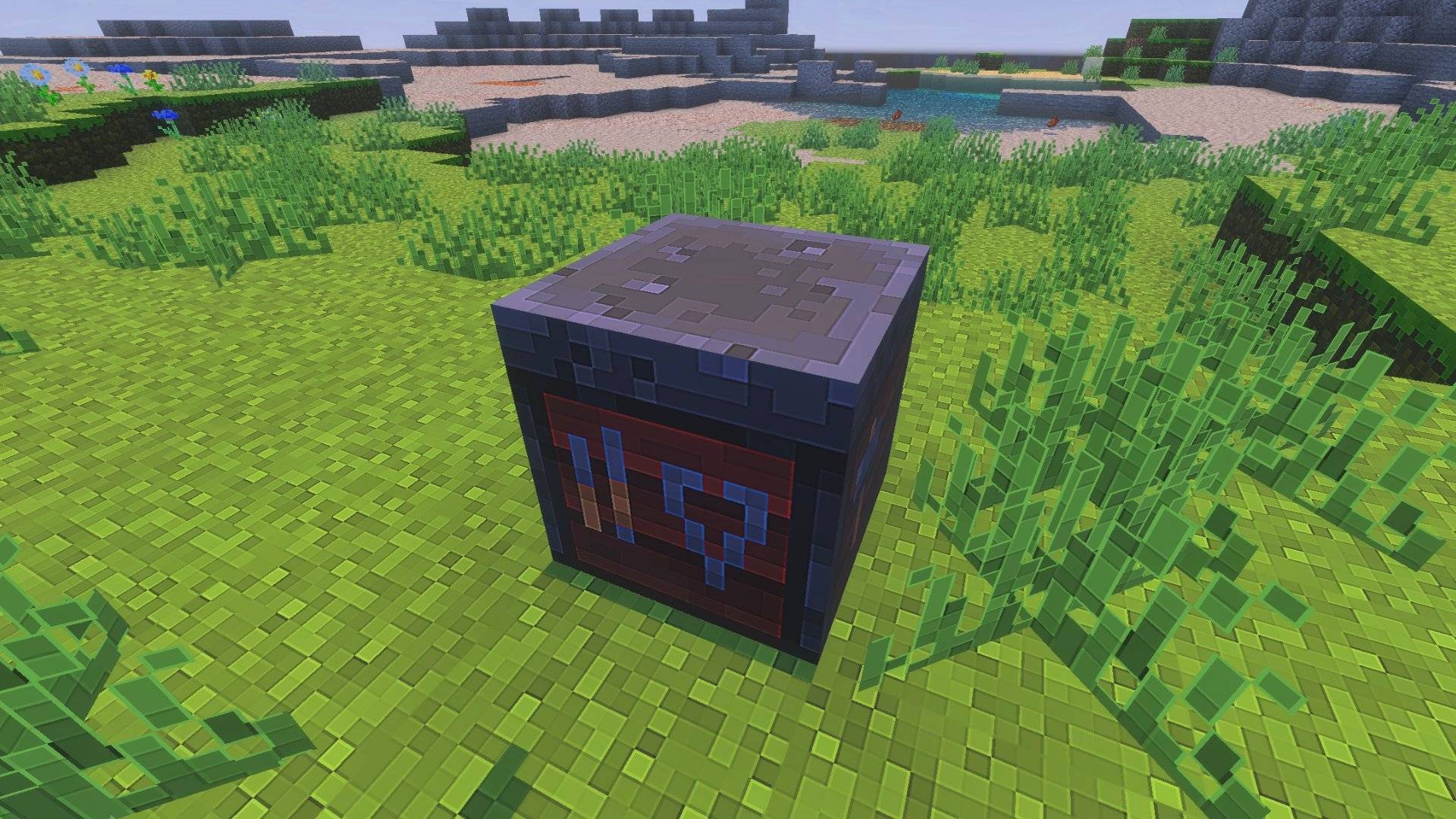
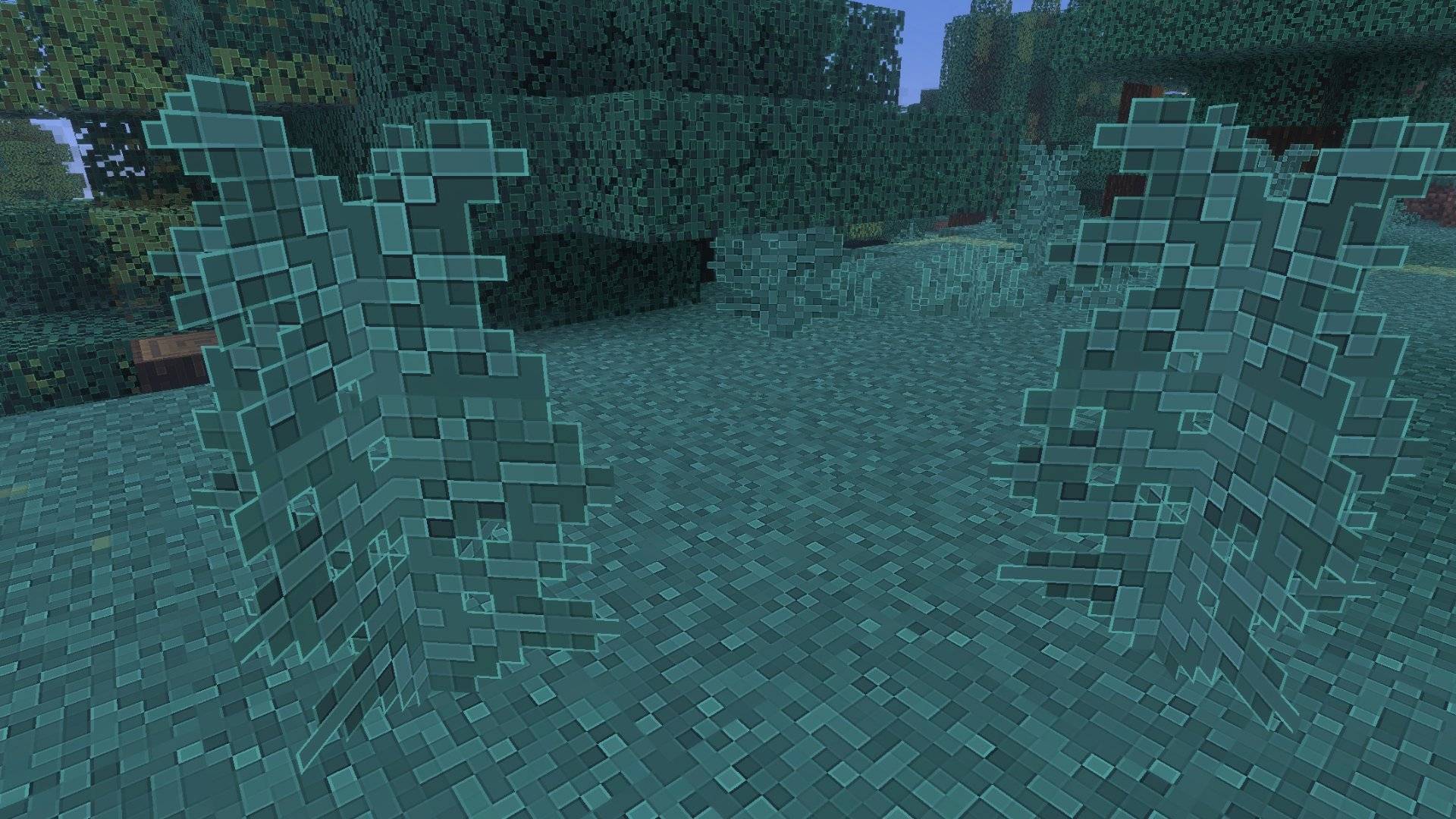
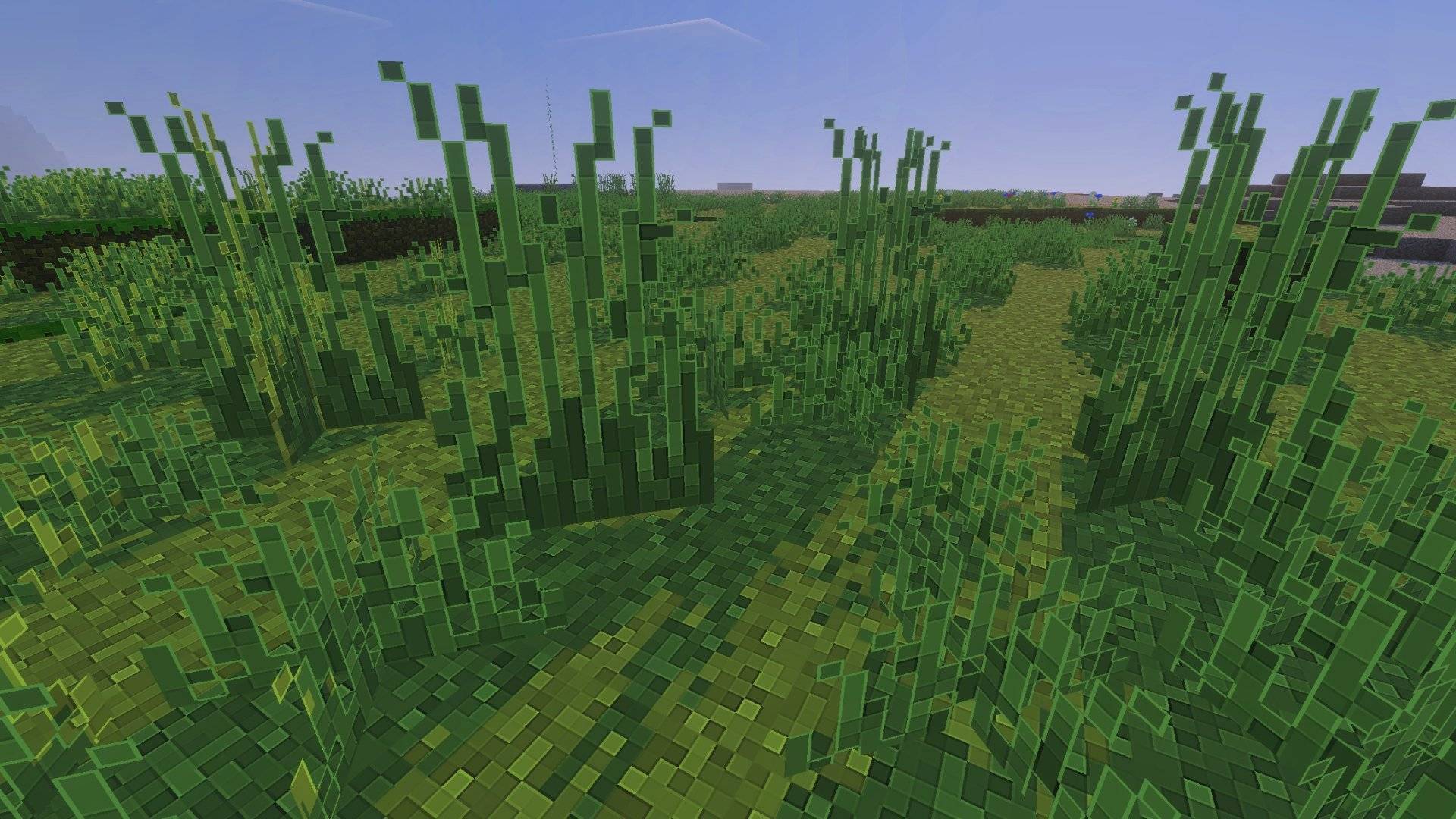
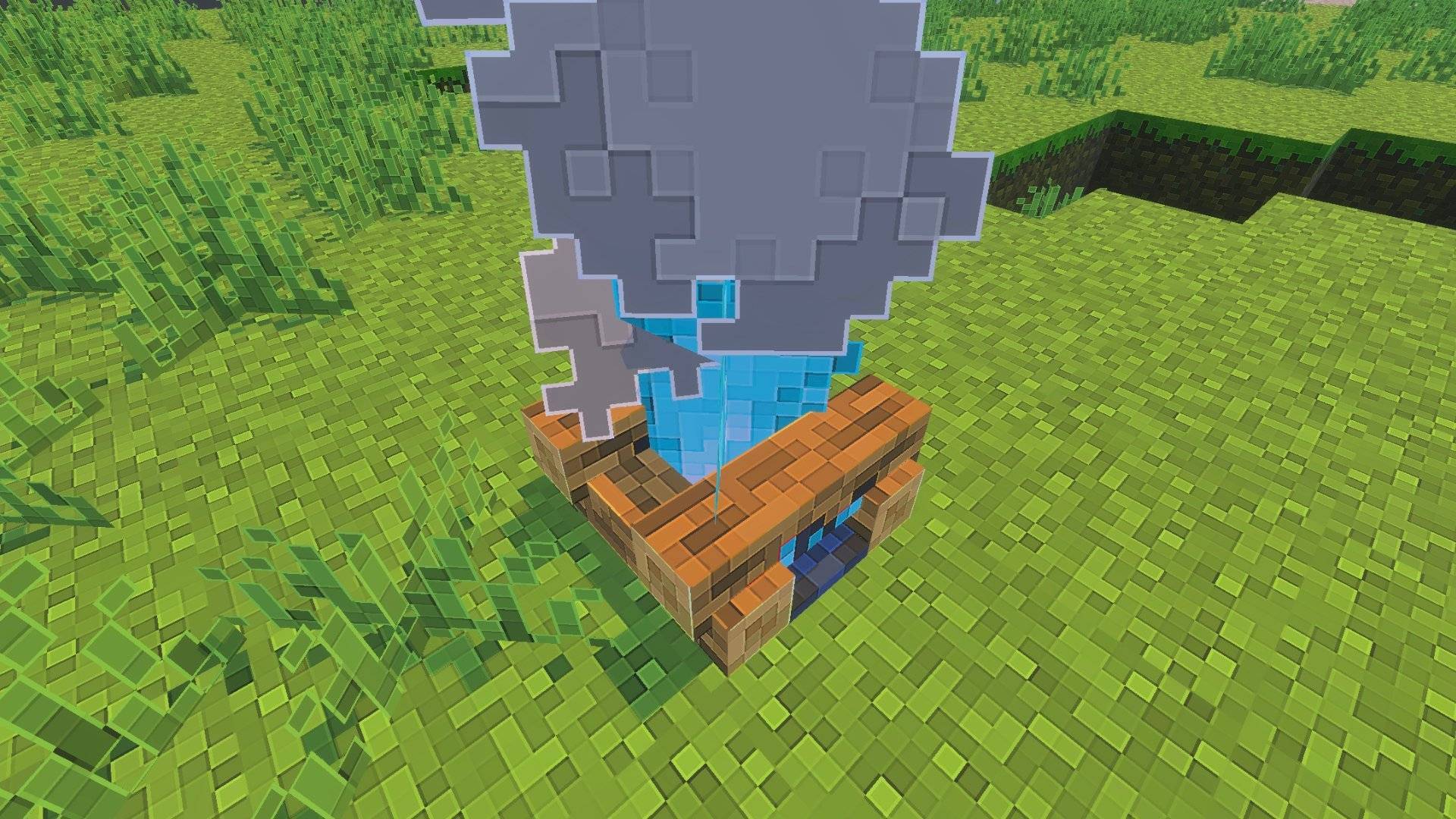
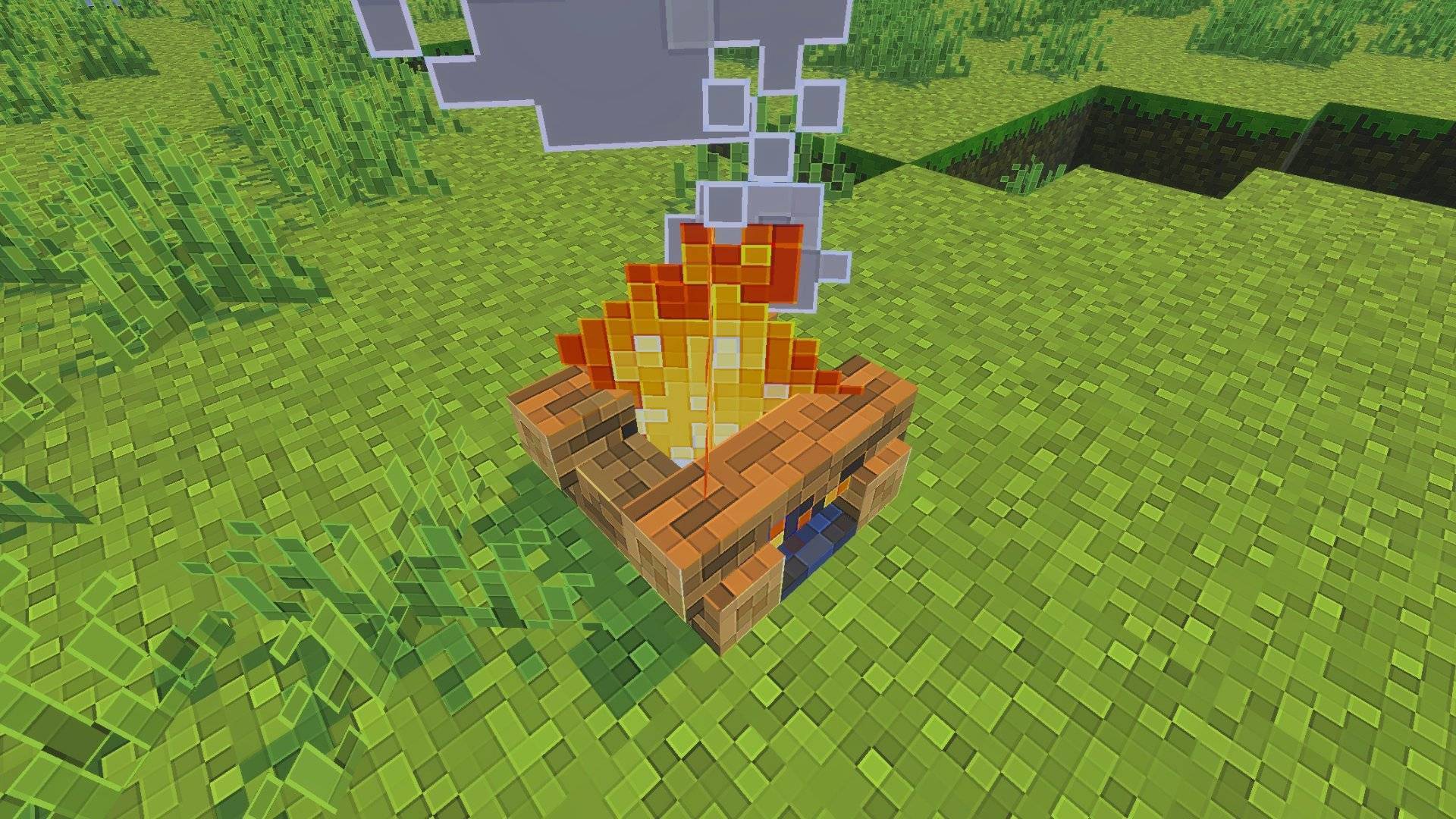
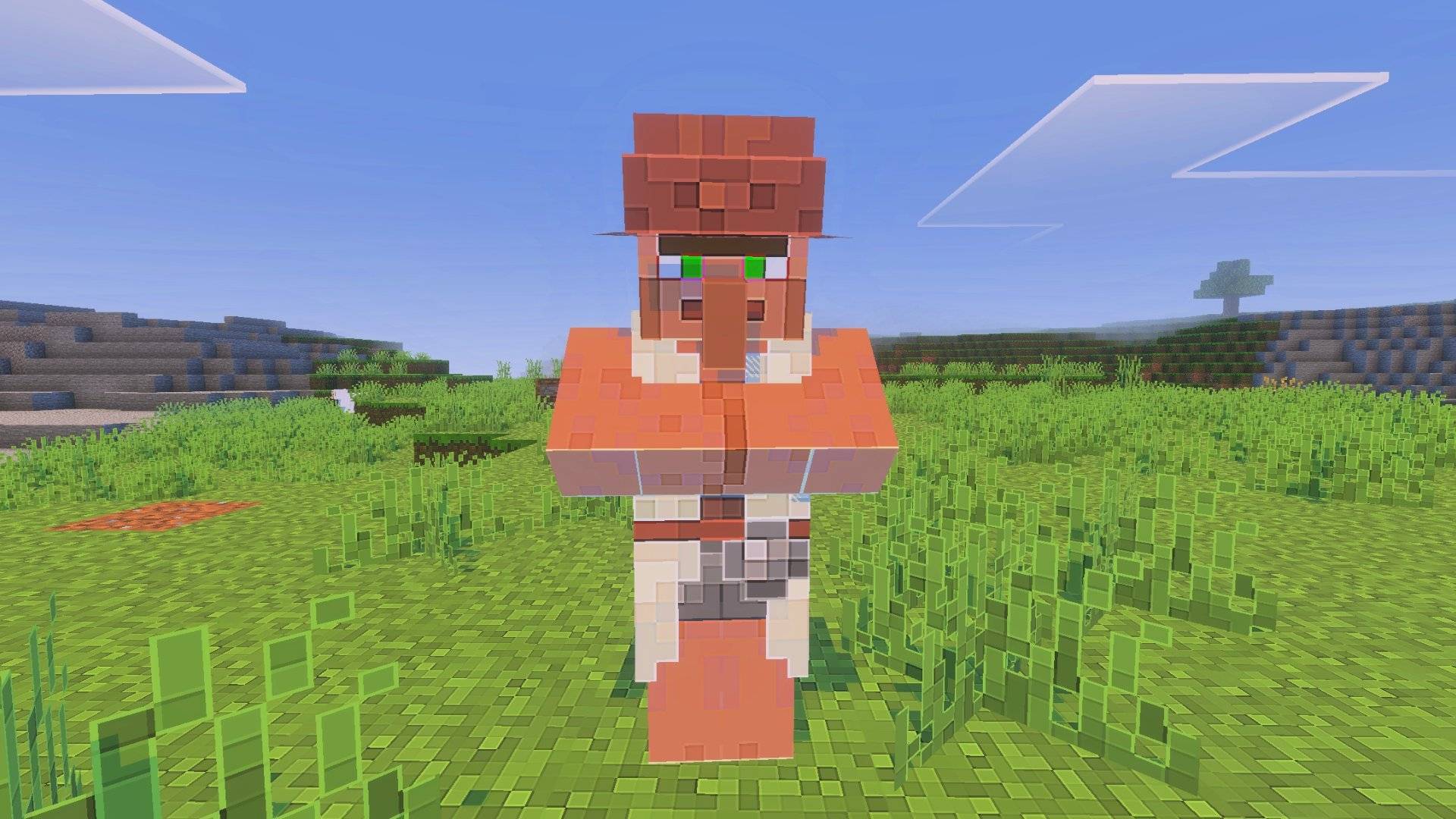
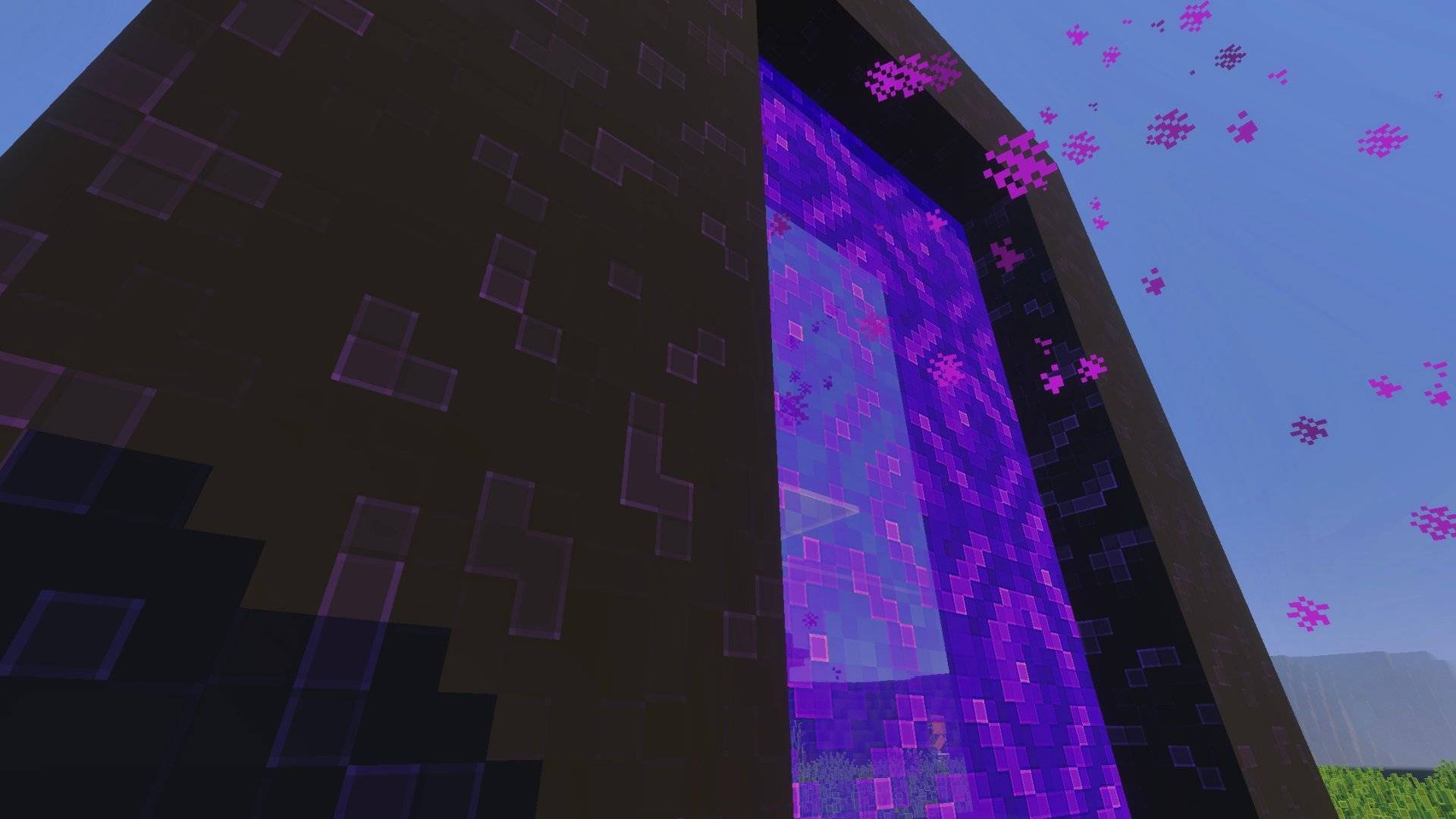
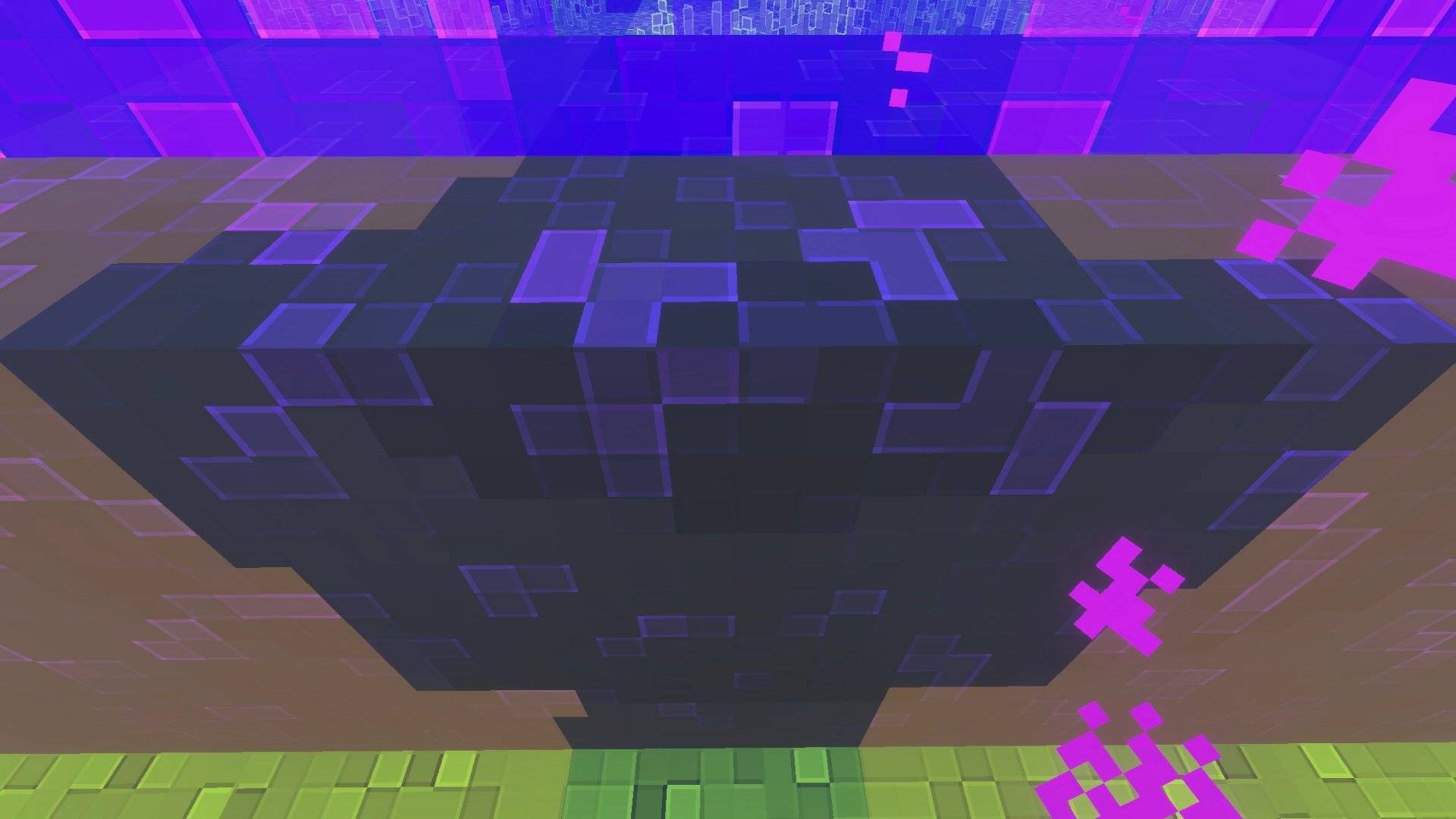
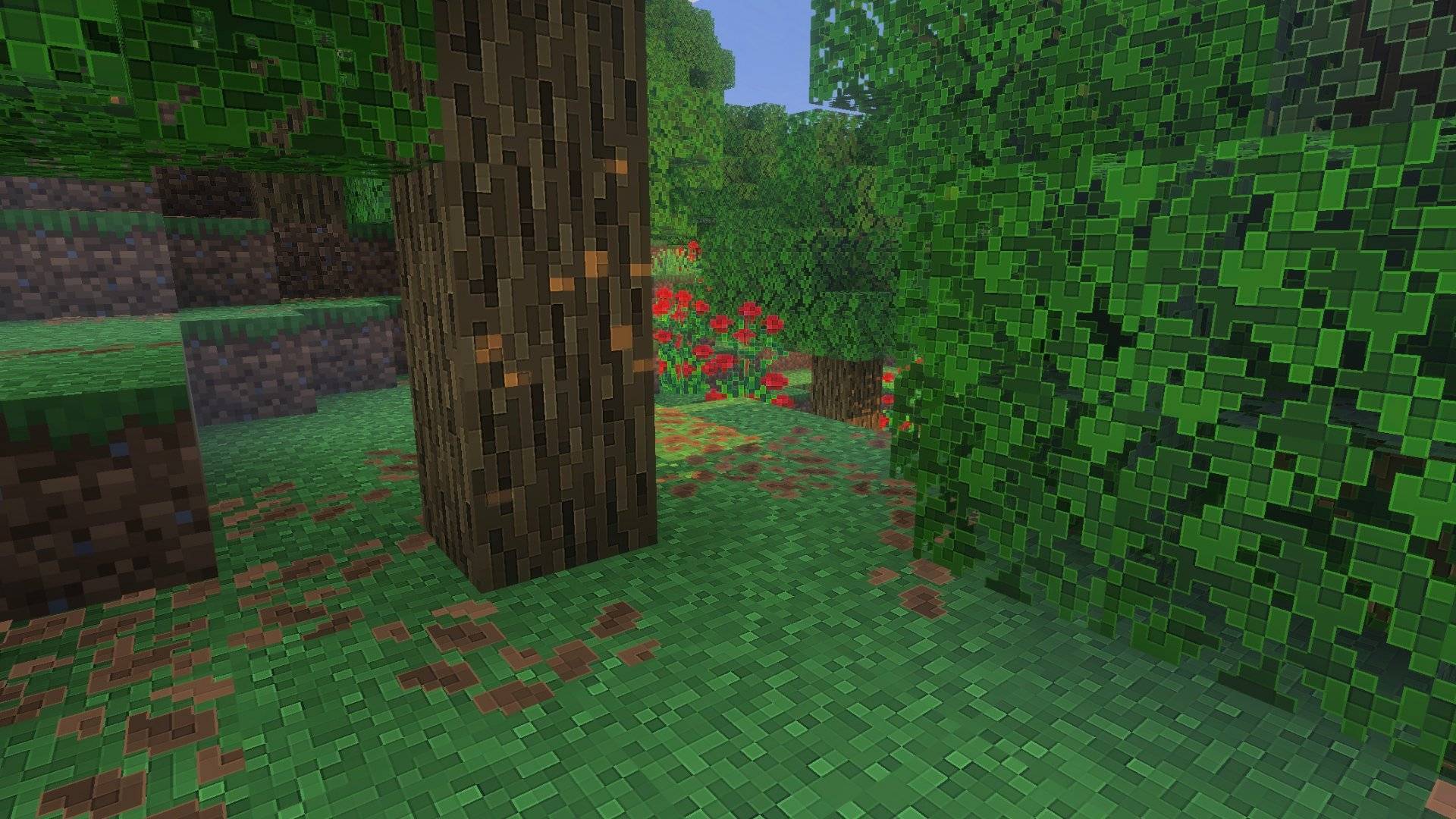
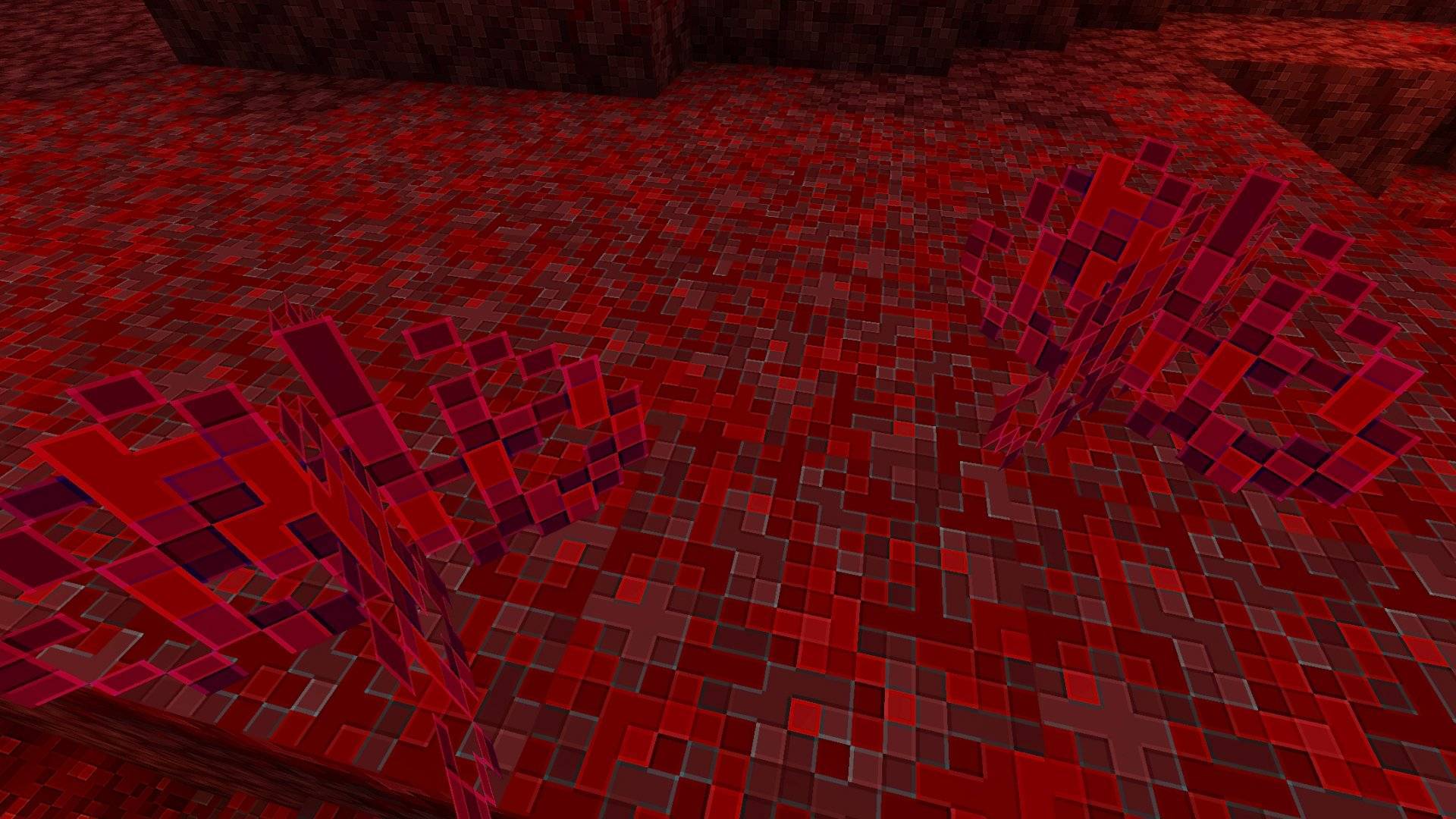
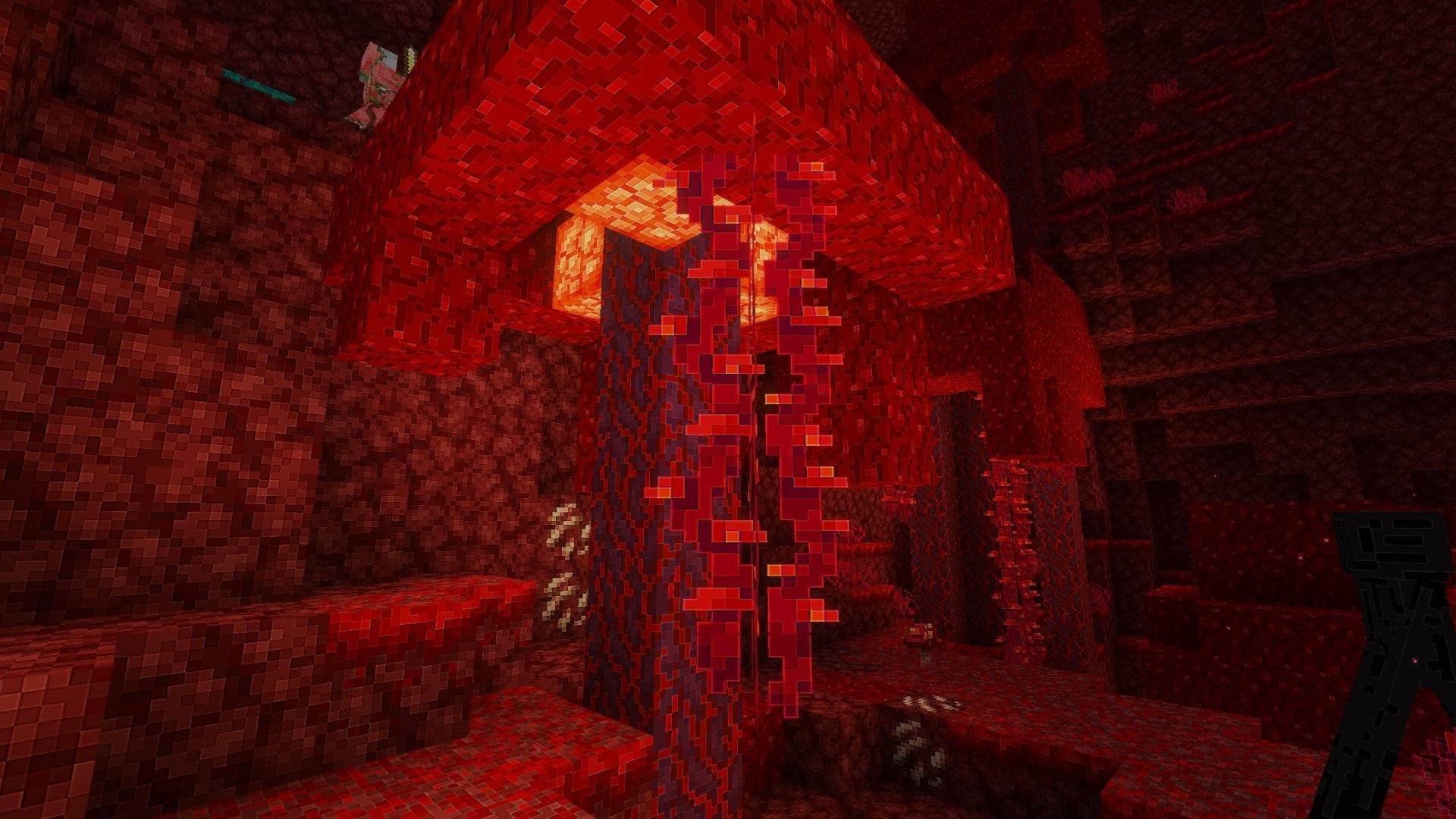
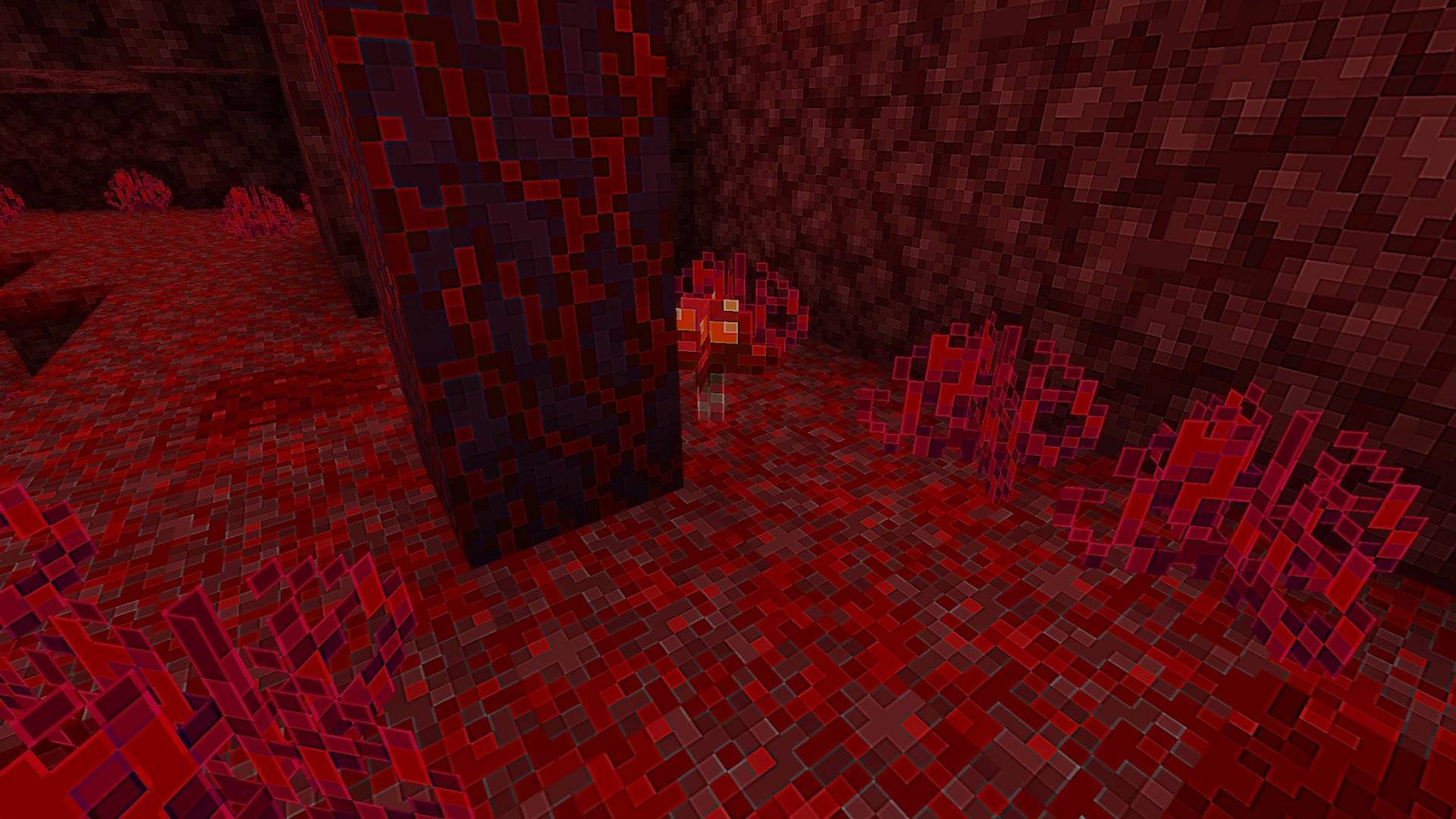
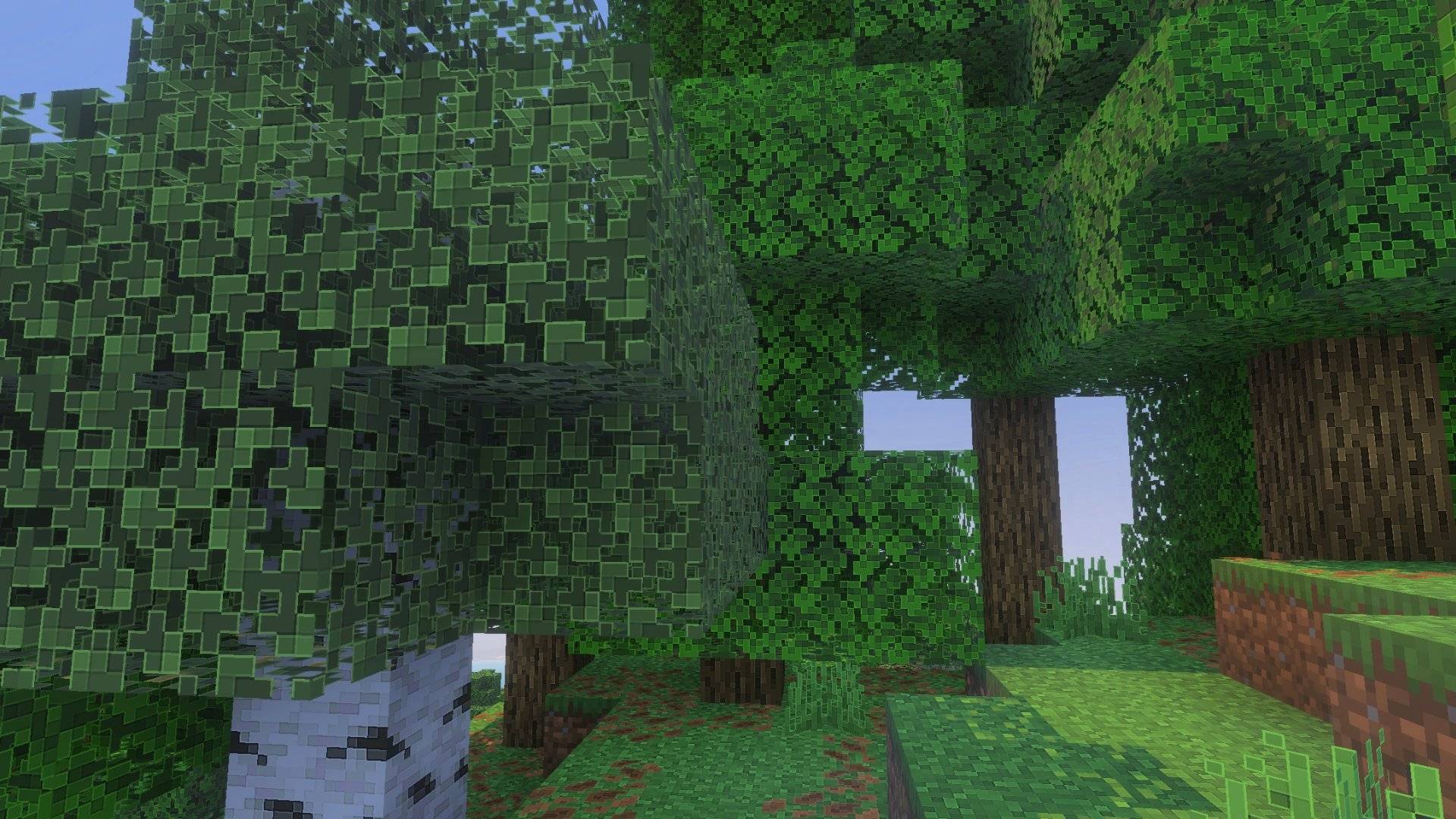
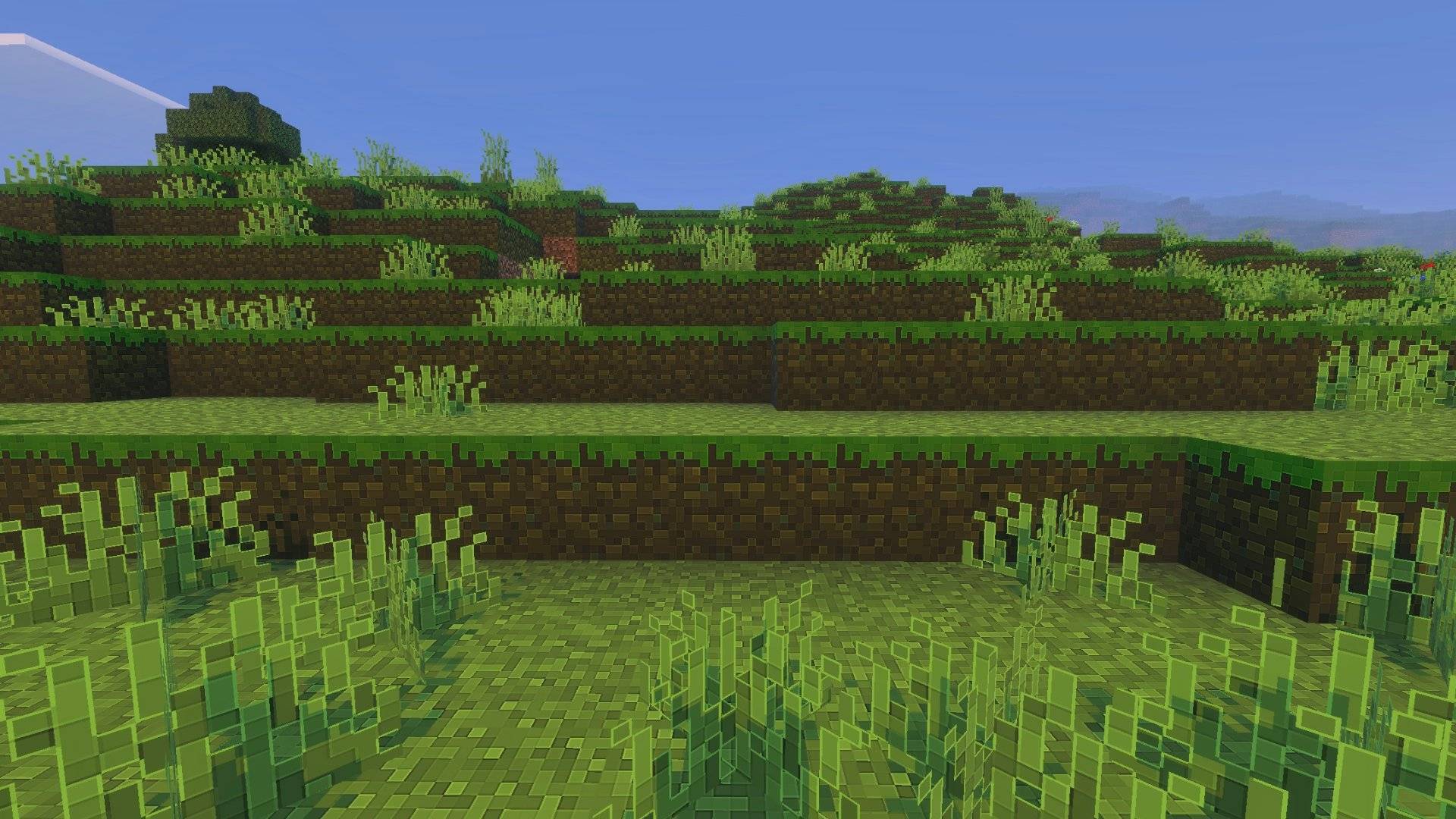
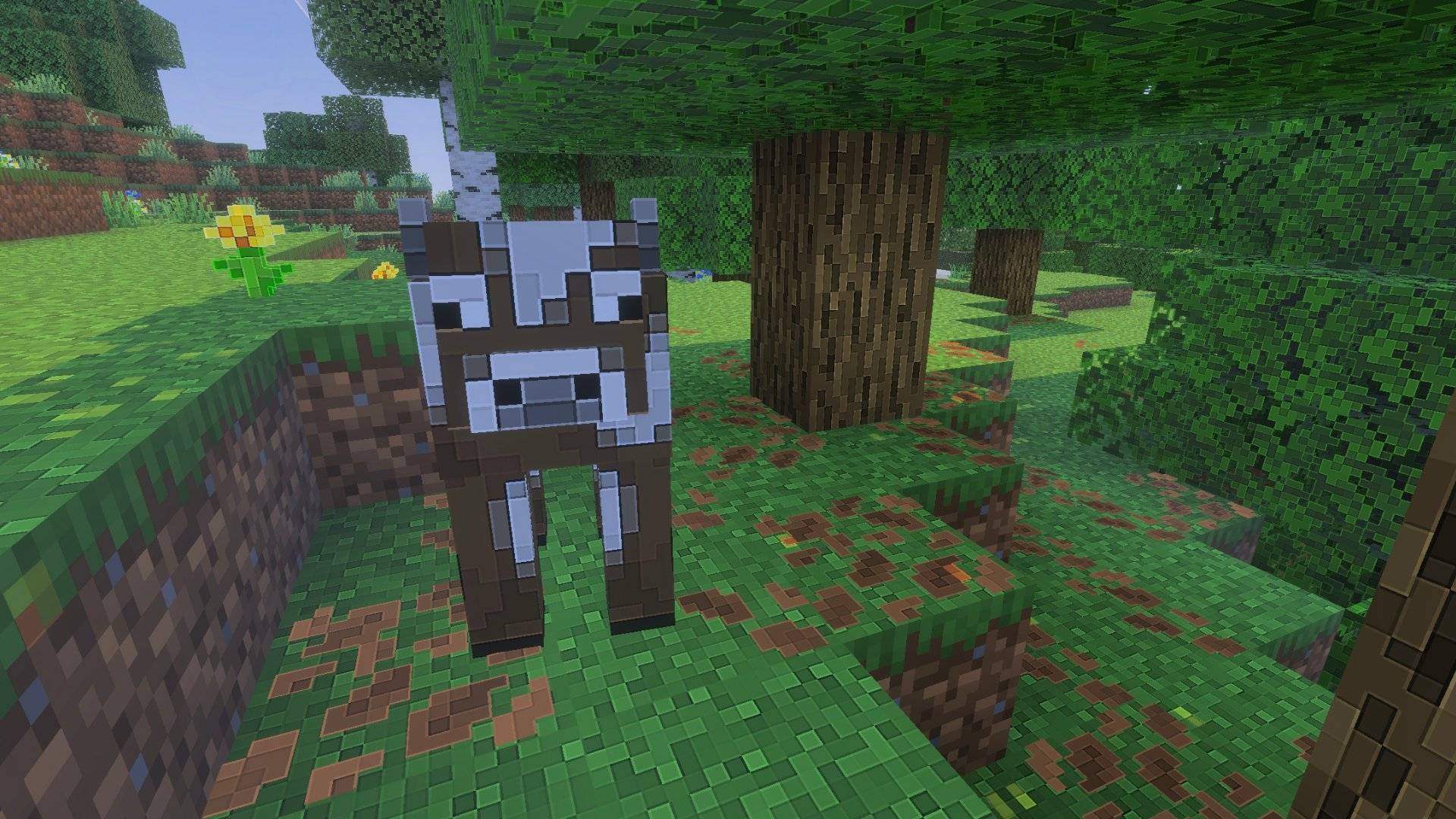
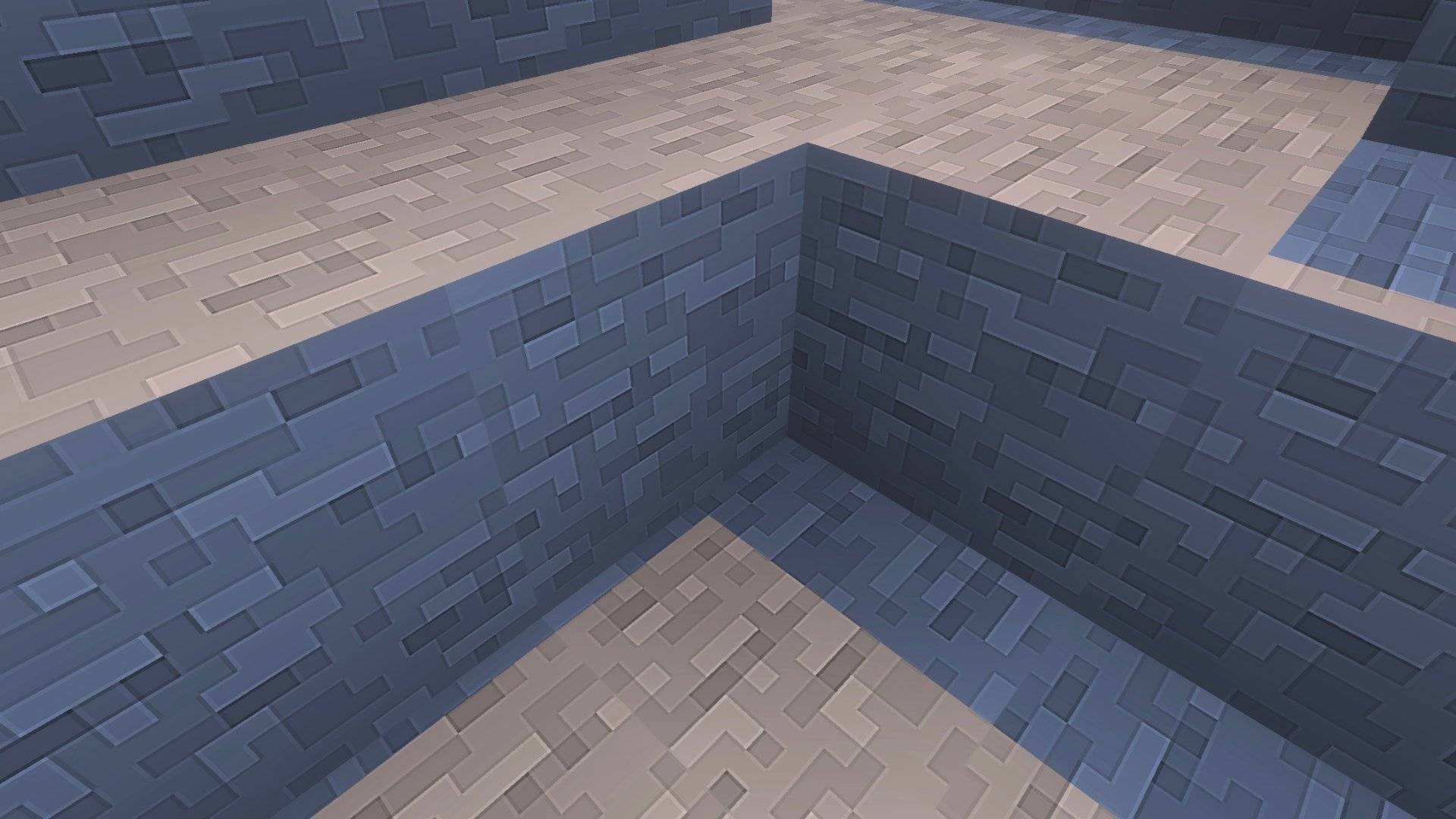
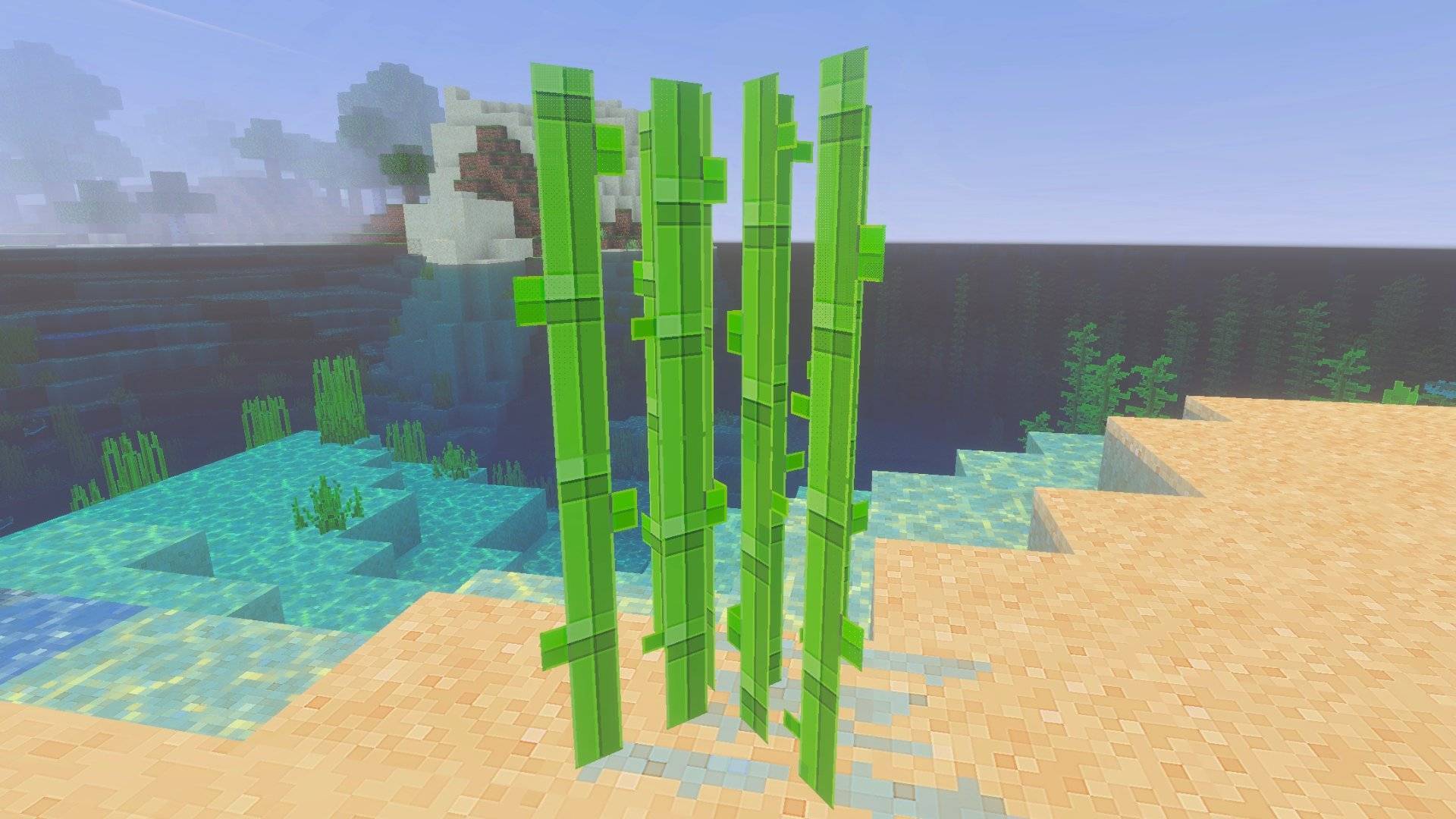
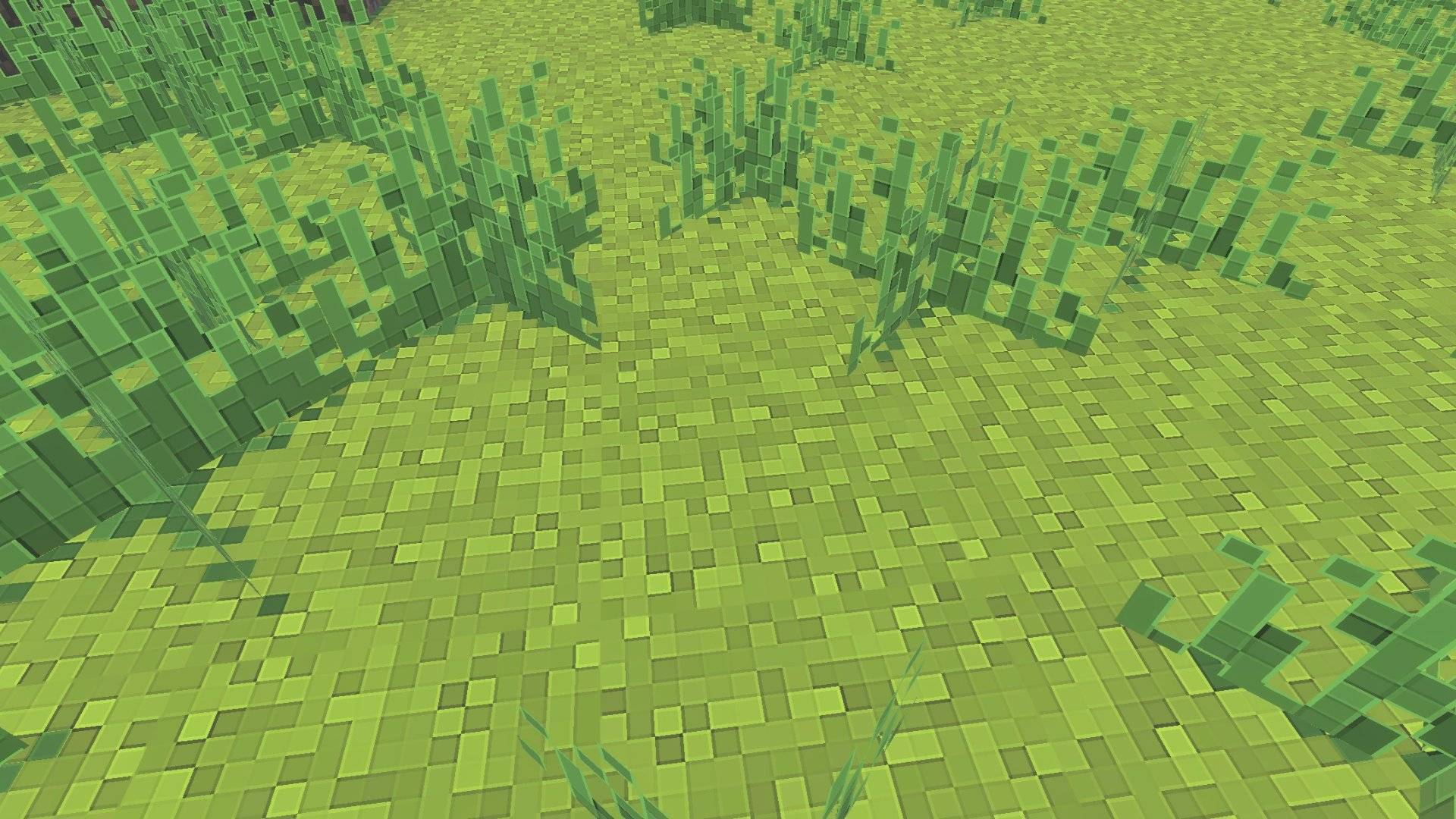
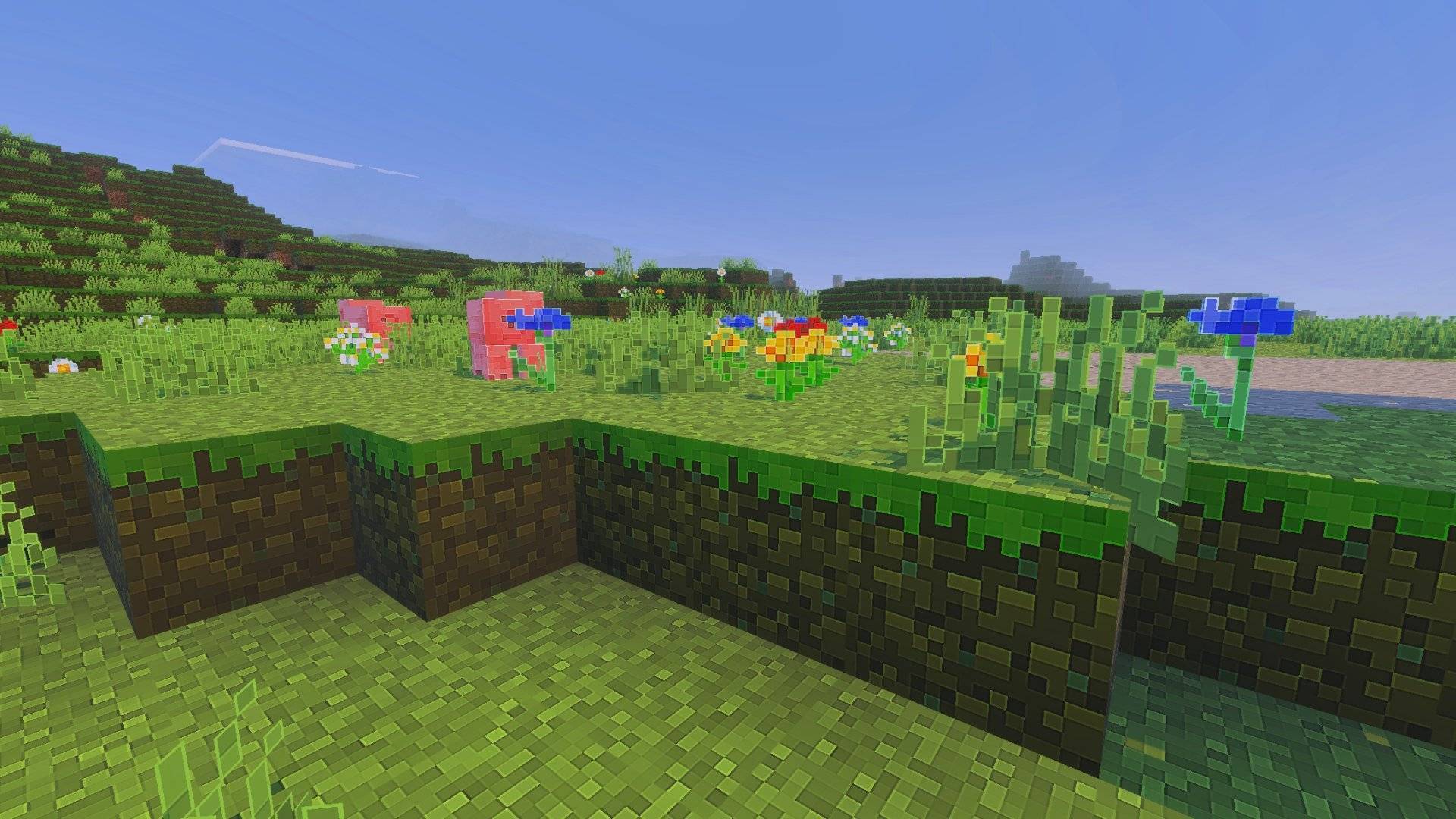
Clear Pixels enhances Minecraft’s original textures by sharpening and cleaning them while maintaining the classic aesthetic. Each texture is upscaled to 128×128 resolution, delivering a crisp, high-definition look that performs well across various devices.
Installation / How to use
To install Clear Pixels, download the texture pack file and import it through Minecraft’s texture pack manager. After activation, the game will display textures in enhanced 128×128 resolution. For best results, combine this pack with shaders to improve visual effects.
Requirements / Compatibility
This texture pack is designed to be compatible with most devices that support Minecraft Bedrock Edition. It is optimized to balance high-res textures with smooth performance. Using it alongside shaders may require a device capable of handling additional graphical processing.
Key features
- Maintains Minecraft’s original style with increased detail and clarity.
- All textures are uniformly upscaled to 128×128 resolution for consistent HD quality.
- Optimized for performance to run efficiently on a wide range of hardware.
Clear_Pixels_128x.mcpack (latest)
[46.57 MB]


 1.50/5