Cinematic Visual Shader
UPDATED: 4.08.2026
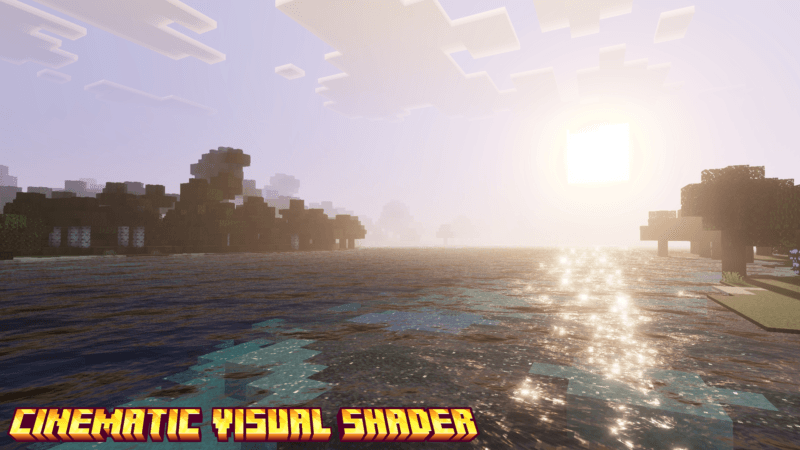
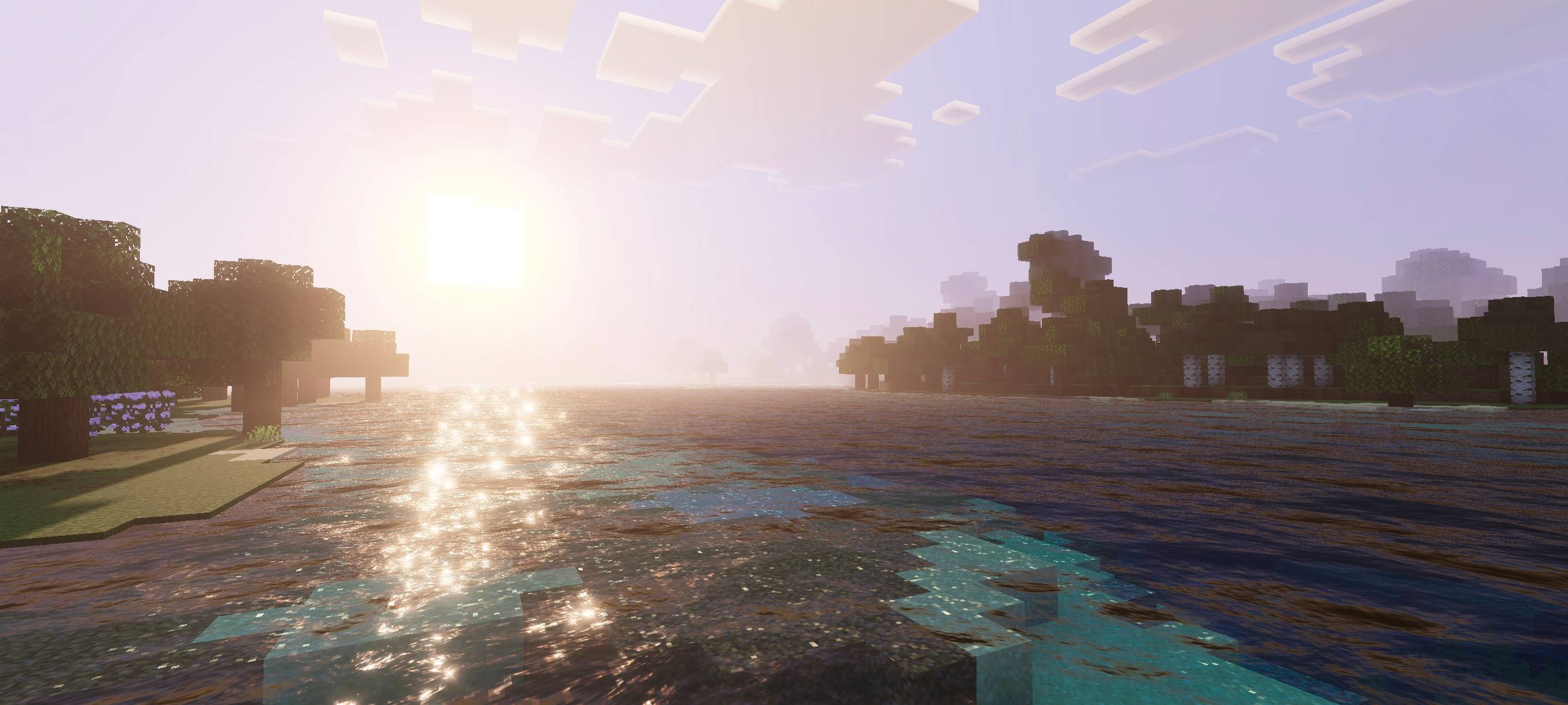
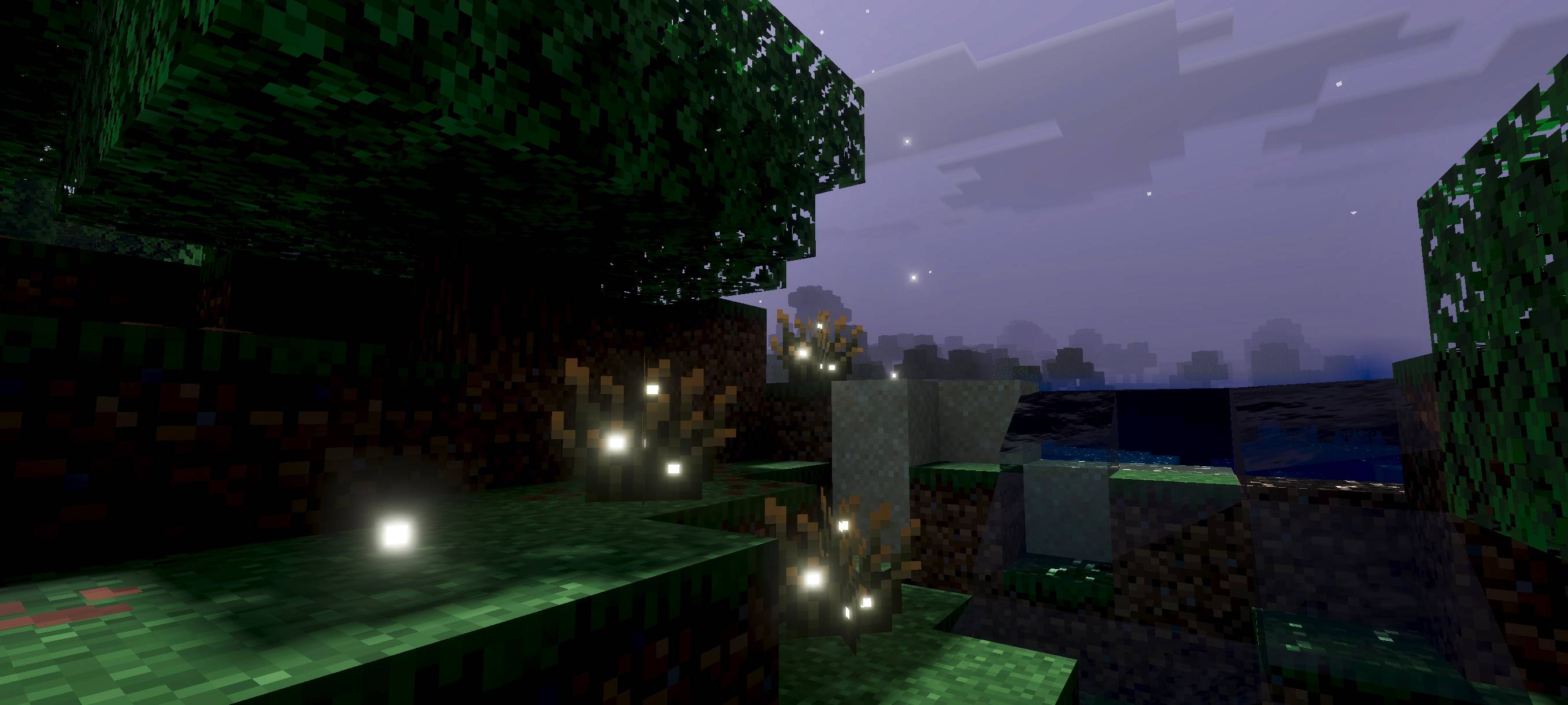
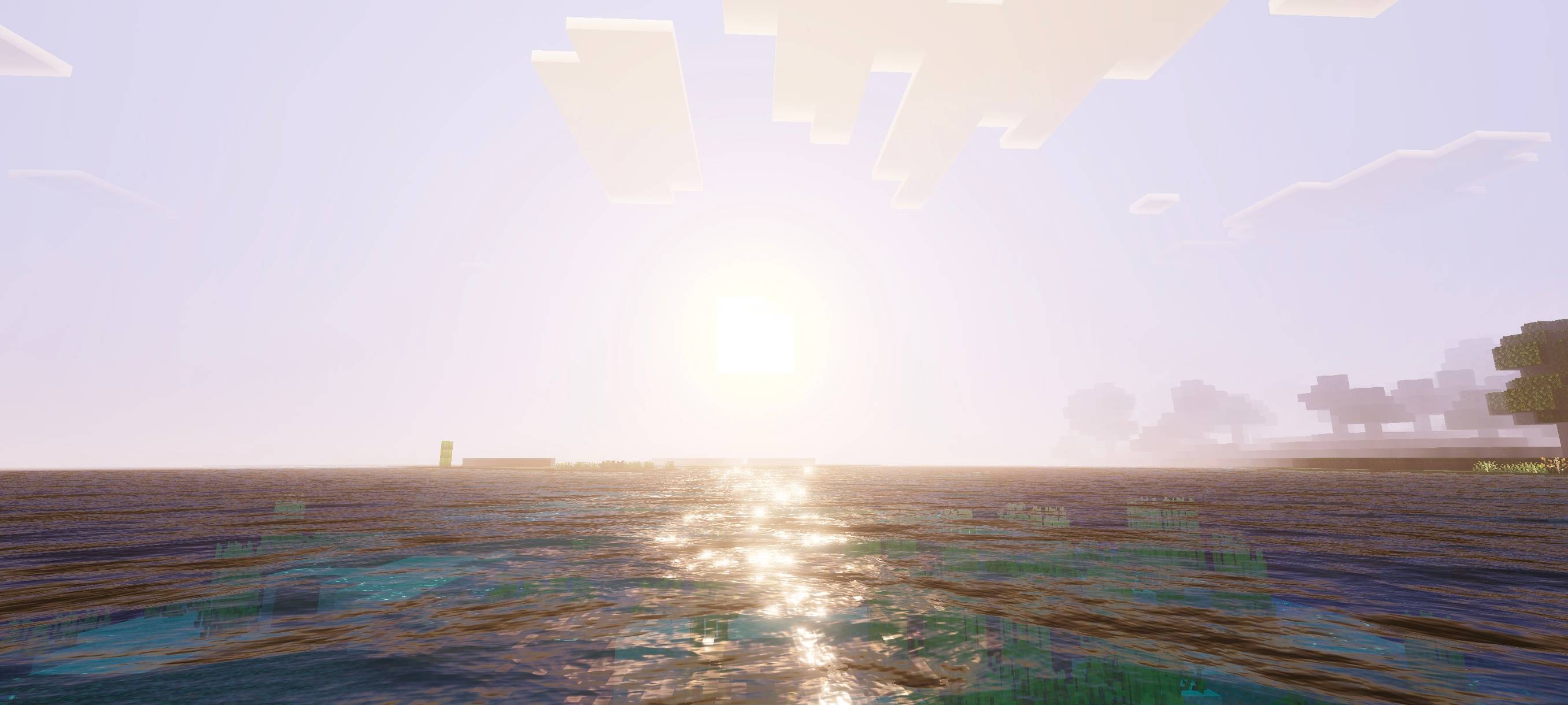
Cinematic Visual Shader transforms your Minecraft world with a rich, cinematic atmosphere that highlights sunrise, sunset, and midnight scenes. This shader enhances water animations with dynamic waves and employs advanced visual techniques such as Physically Based Rendering (PBR), ACES tone mapping, white balance adjustments, and detailed midtone processing to create immersive visuals.
Installation / How to use
To apply the Cinematic Visual Shader, download the shader package and import it into Minecraft Bedrock Edition through the Resource Packs menu. Activate the shader in your world settings under “Video” or “Global Resources” to experience the cinematic effects during gameplay.
Requirements / Compatibility
This shader requires Minecraft Bedrock Edition on platforms that support custom shaders and resource packs, such as Windows 10, Xbox, or mobile devices with adequate performance capabilities. Ensure your device’s graphics drivers are up to date for optimal results.
Key features
- Enhanced sunrise, sunset, and nighttime lighting effects for a cinematic ambiance.
- Dynamic and realistic water wave animations.
- Physically Based Rendering (PBR) for improved material realism.
- ACES tone mapping to balance color grading and contrast.
- White balance temperature control to adjust overall color warmth or coolness.
- Complex midtone adjustments for detailed shading and depth.

Cinematic Visual Shader 1.7.mcpack
[295.69 KB]


 2.50/5