Aria Vision Shade
UPDATED: 26.07.2026
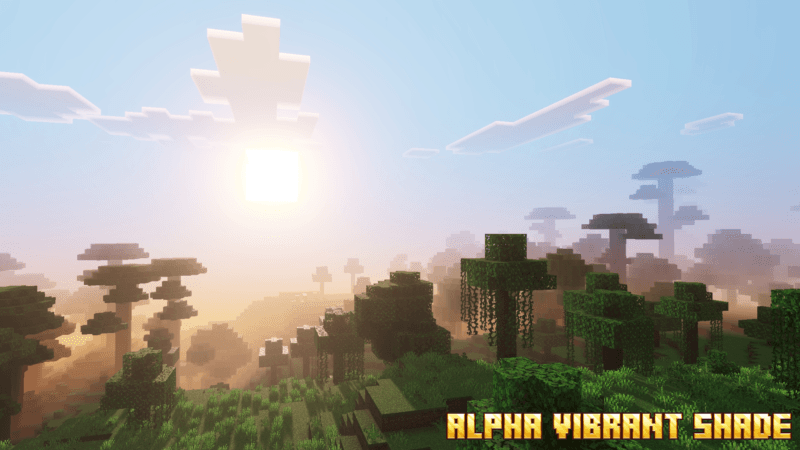
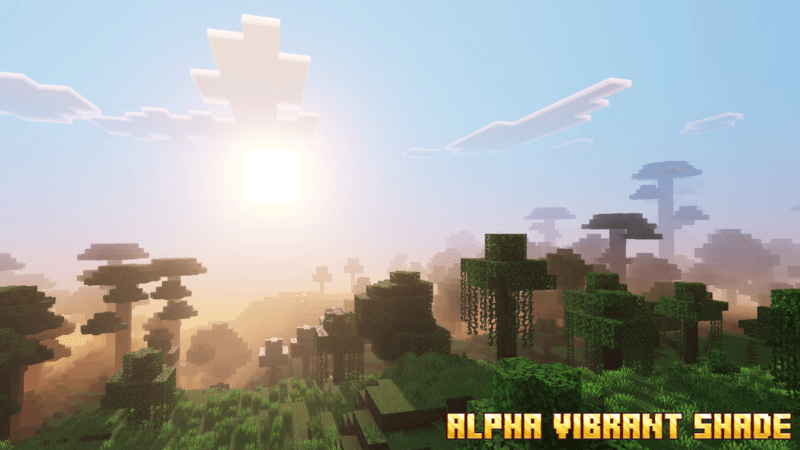
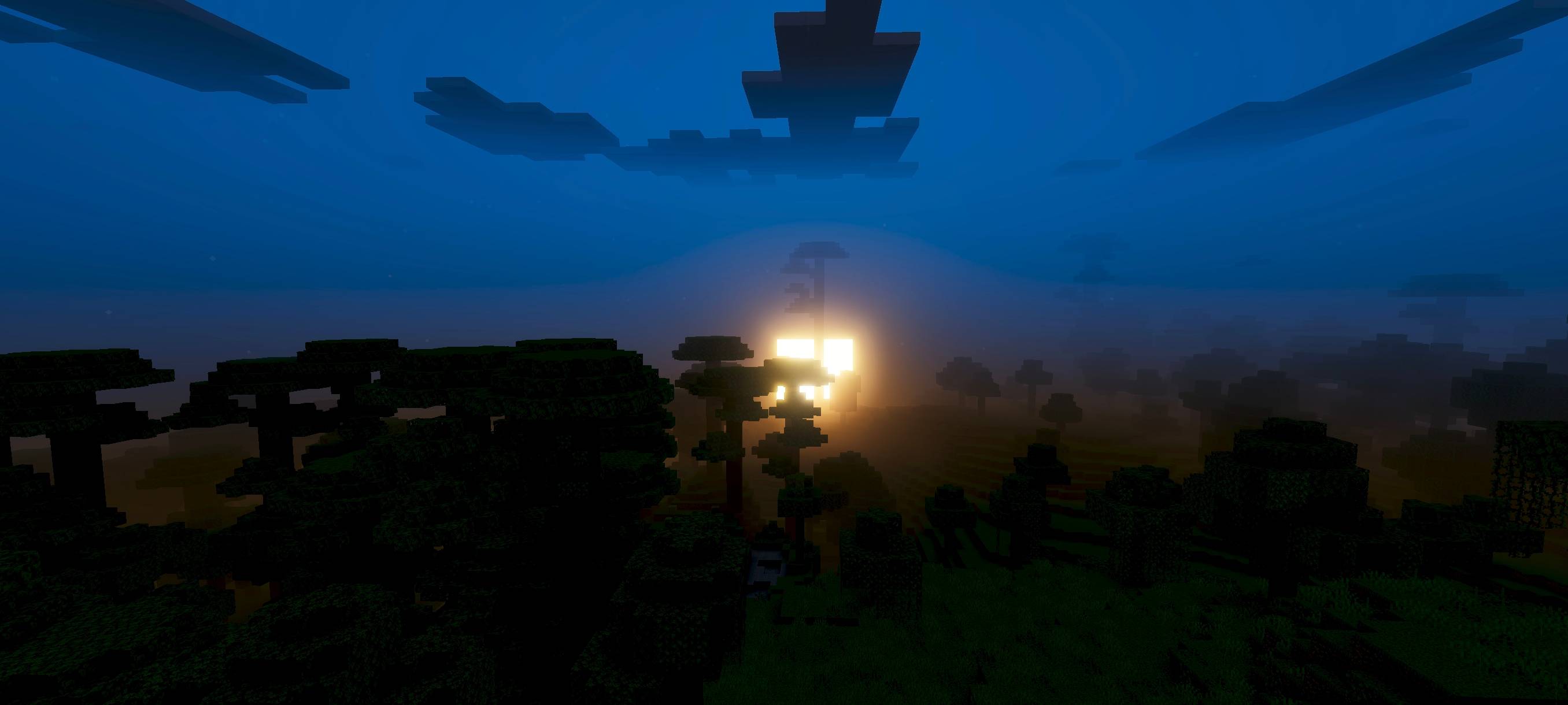
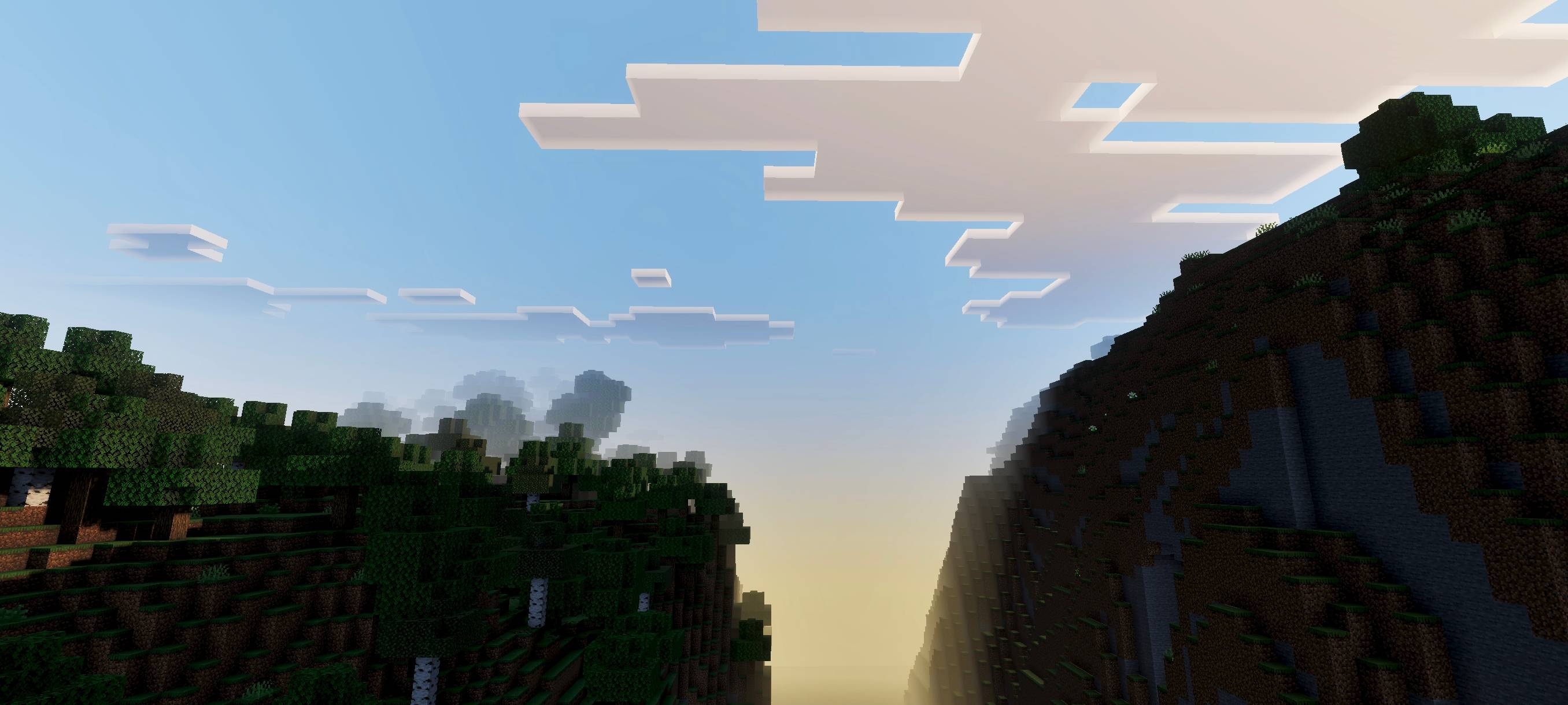
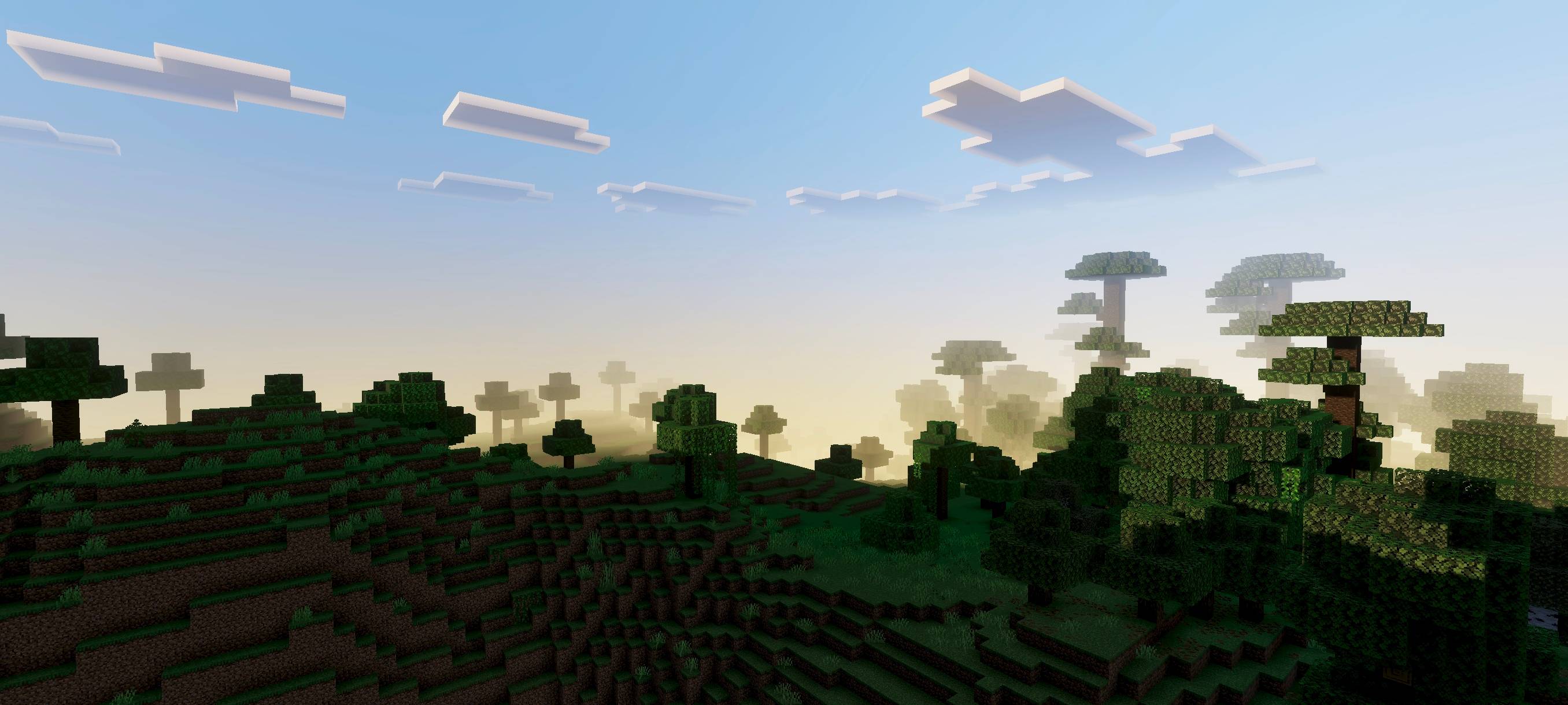
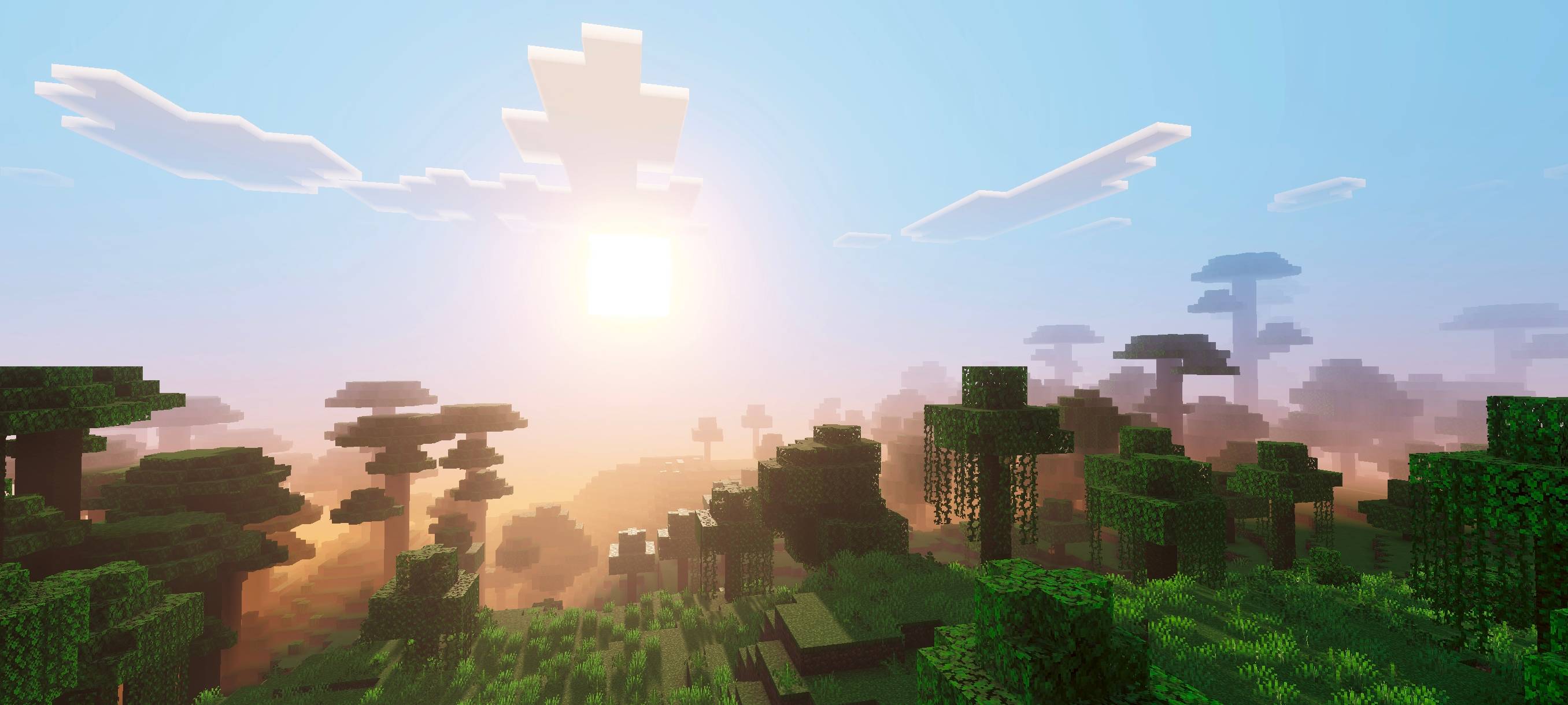
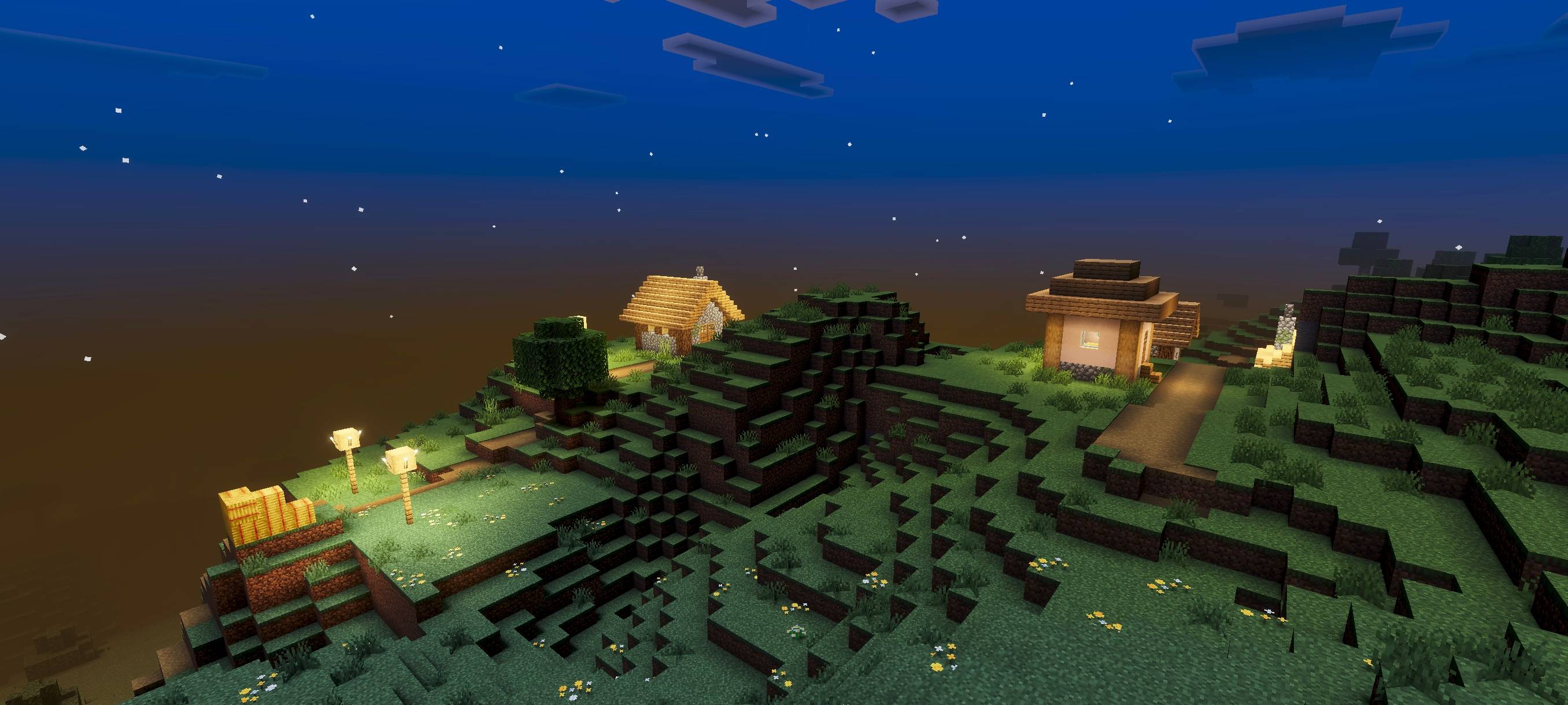
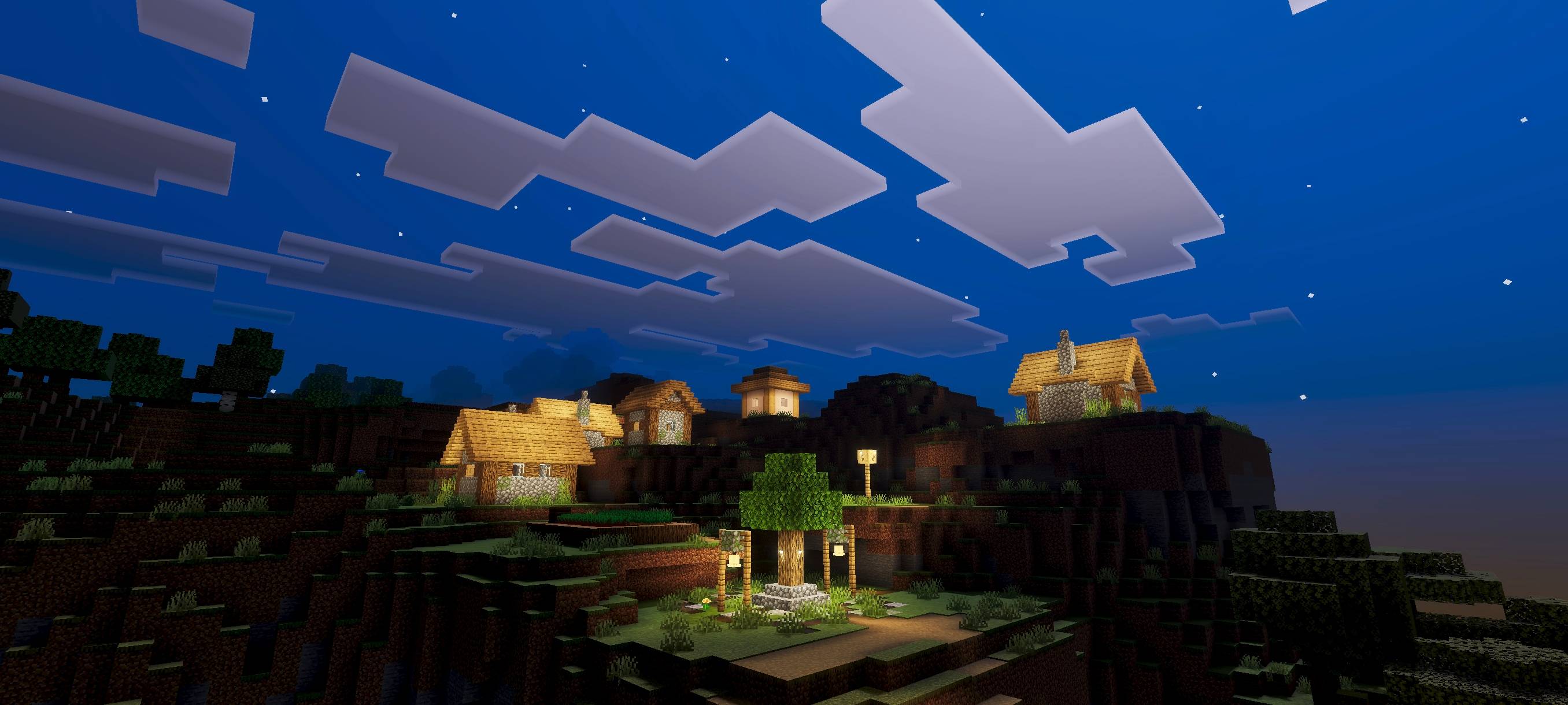
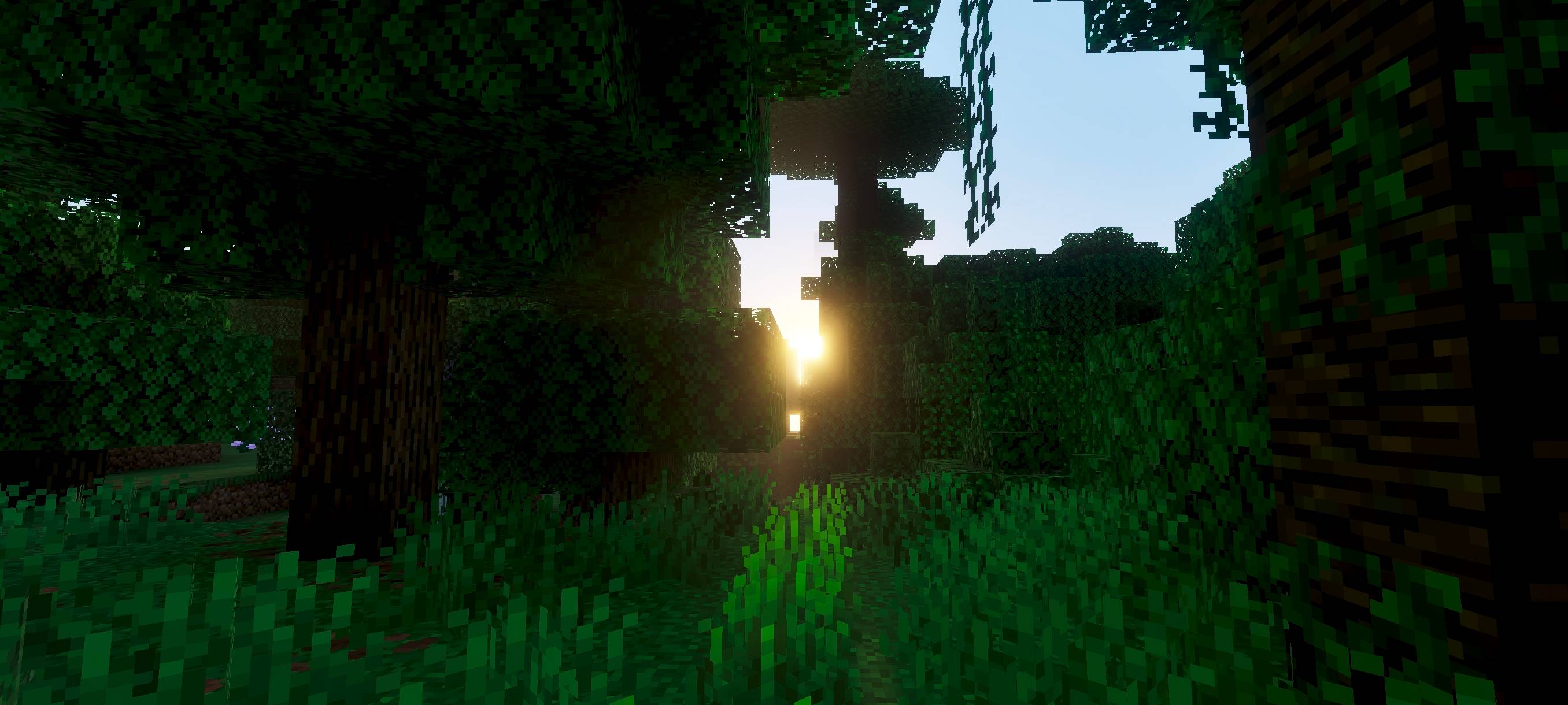
Aria Vision Shade enhances your Minecraft world with warmer tones and a more vibrant, dynamic atmosphere. This texture pack brings your environment to life, adding energy and depth to every scene without altering player models or requiring experimental features. It is designed to be compatible with achievements, making it a seamless addition to your gameplay.
Installation / How to use
To install Aria Vision Shade, download the texture pack file and import it into your Minecraft Bedrock Edition resource packs folder. Activate the pack from the Settings menu under Resource Packs. No additional configuration is necessary, and it will automatically apply its visual enhancements to your world.
Requirements / Compatibility
- Compatible with Minecraft Bedrock Edition versions that support custom resource packs.
- No experimental gameplay features are required.
- Does not modify player.json files, ensuring compatibility with other packs and skins.
- Achievement-friendly, so your progress remains unaffected.
Key features
- Warmer and richer color palette that makes your world feel more inviting.
- Dynamic shading effects that enhance the visual depth of environments.
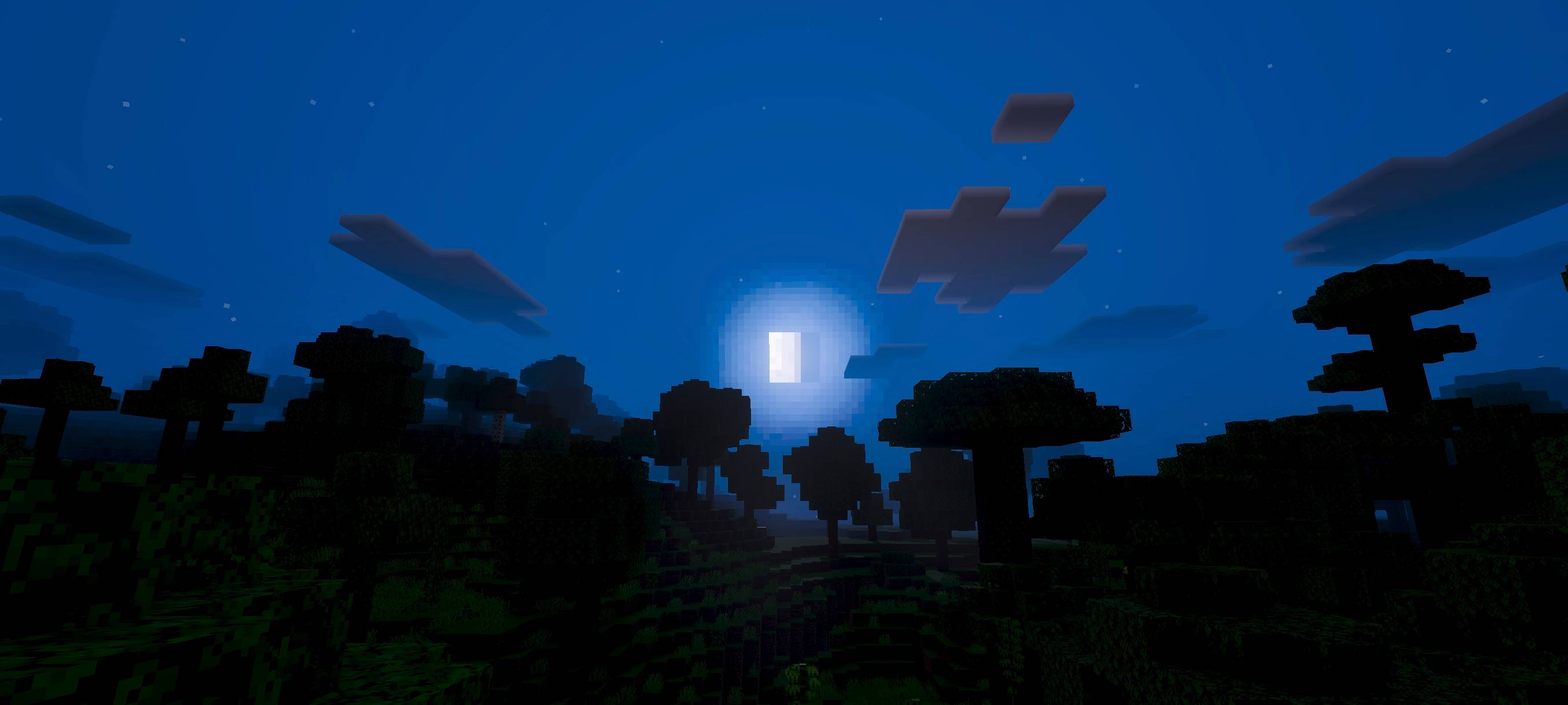
- Improved night visuals inspired by Alpha from The Eminence in Shadow, adding subtle atmospheric lighting.
- Lightweight and easy to use without performance impact.
Notes / Troubleshooting
If you notice any visual inconsistencies, ensure no conflicting resource packs are active at the same time. Restarting the game after activating the pack may help apply the effects fully.
aria vision shade 1.7.mcpack
[263.42 KB]
 5.00/5