VISIBLE ORES PLUS
15.03.2026
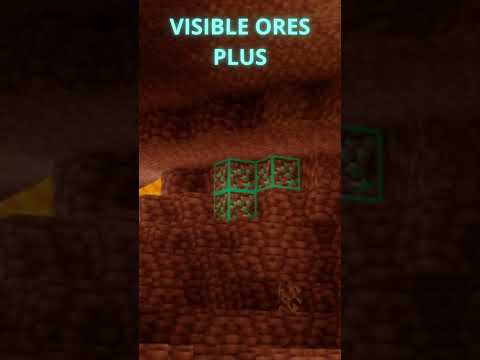
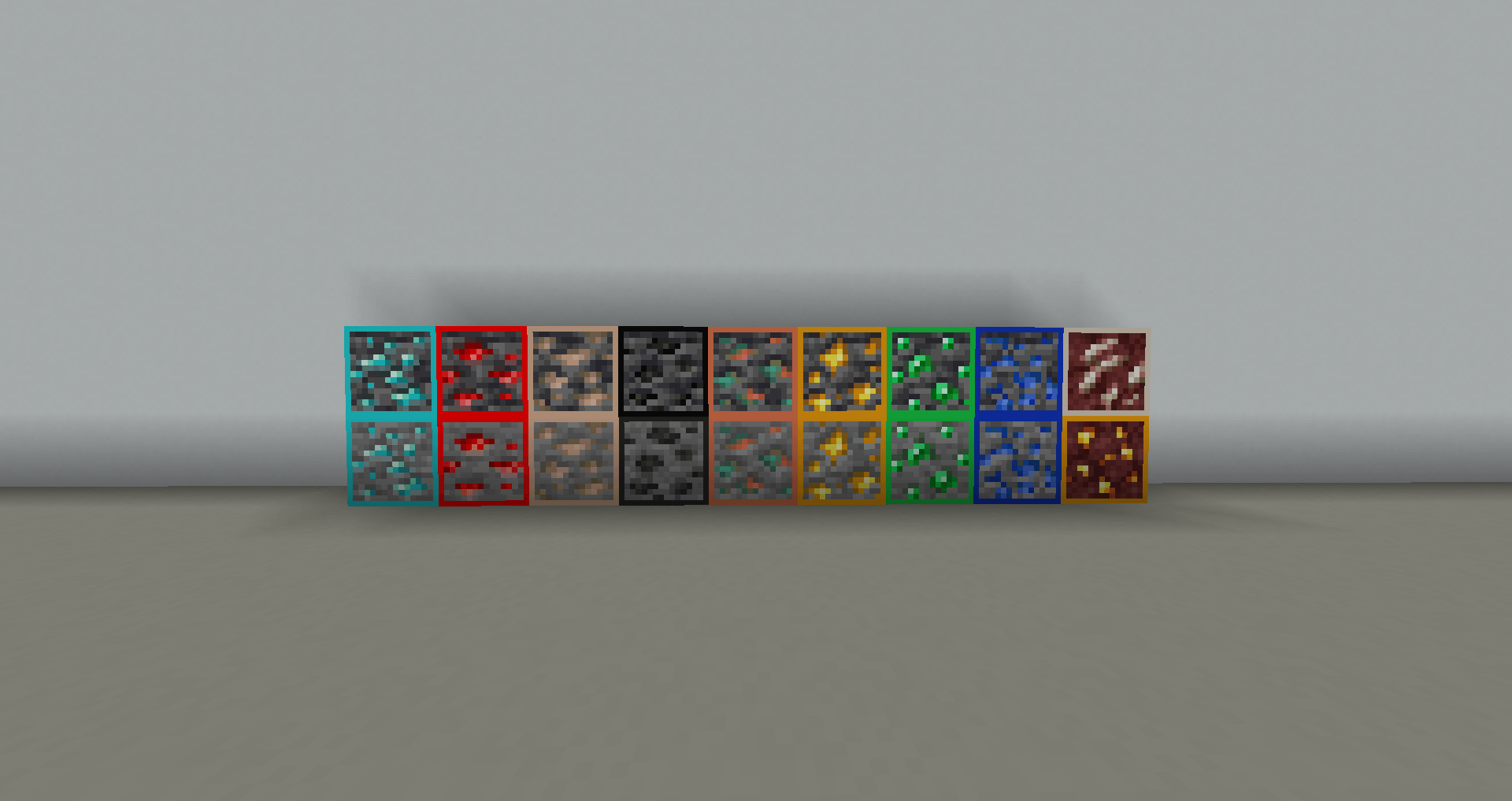
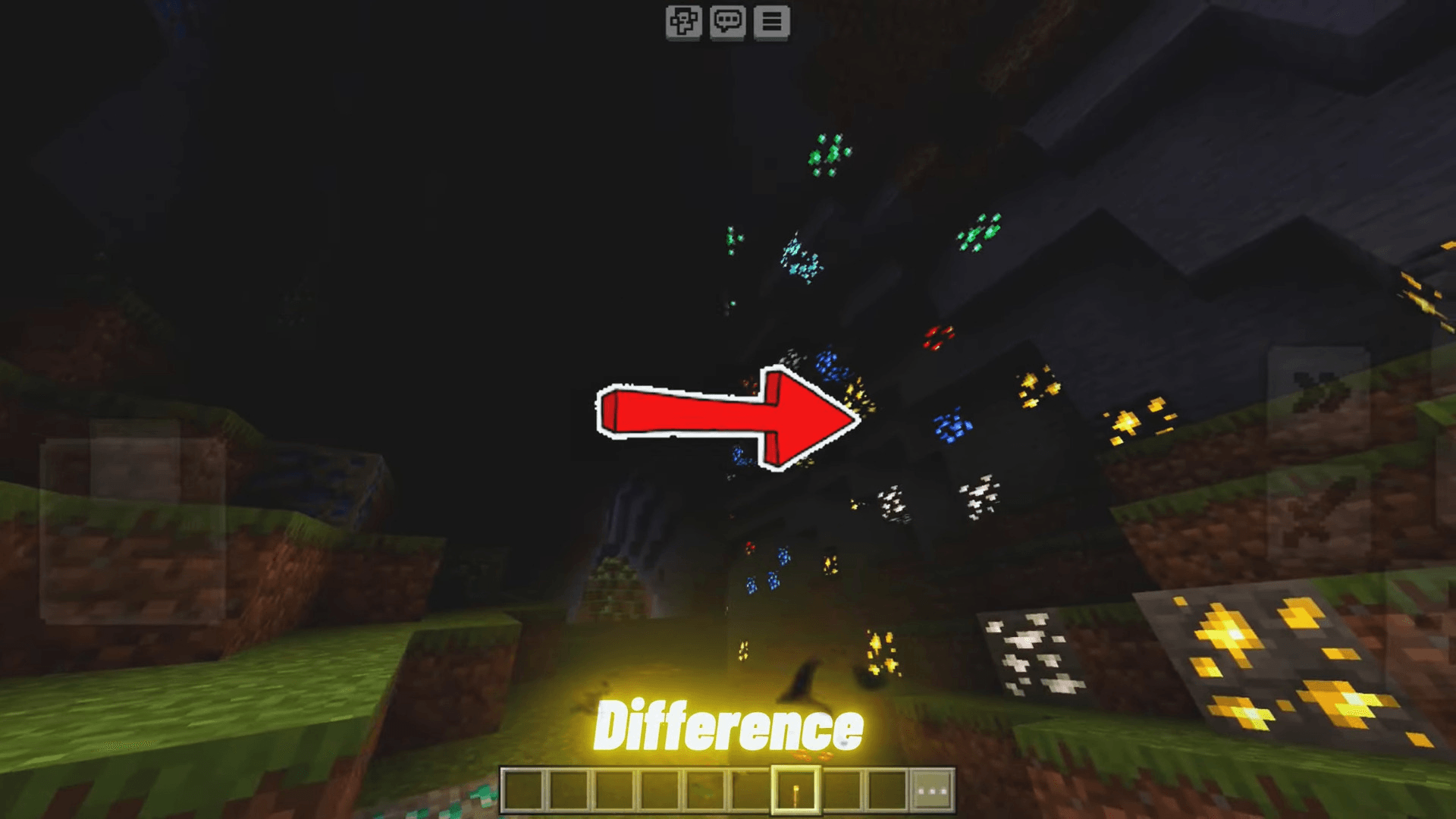
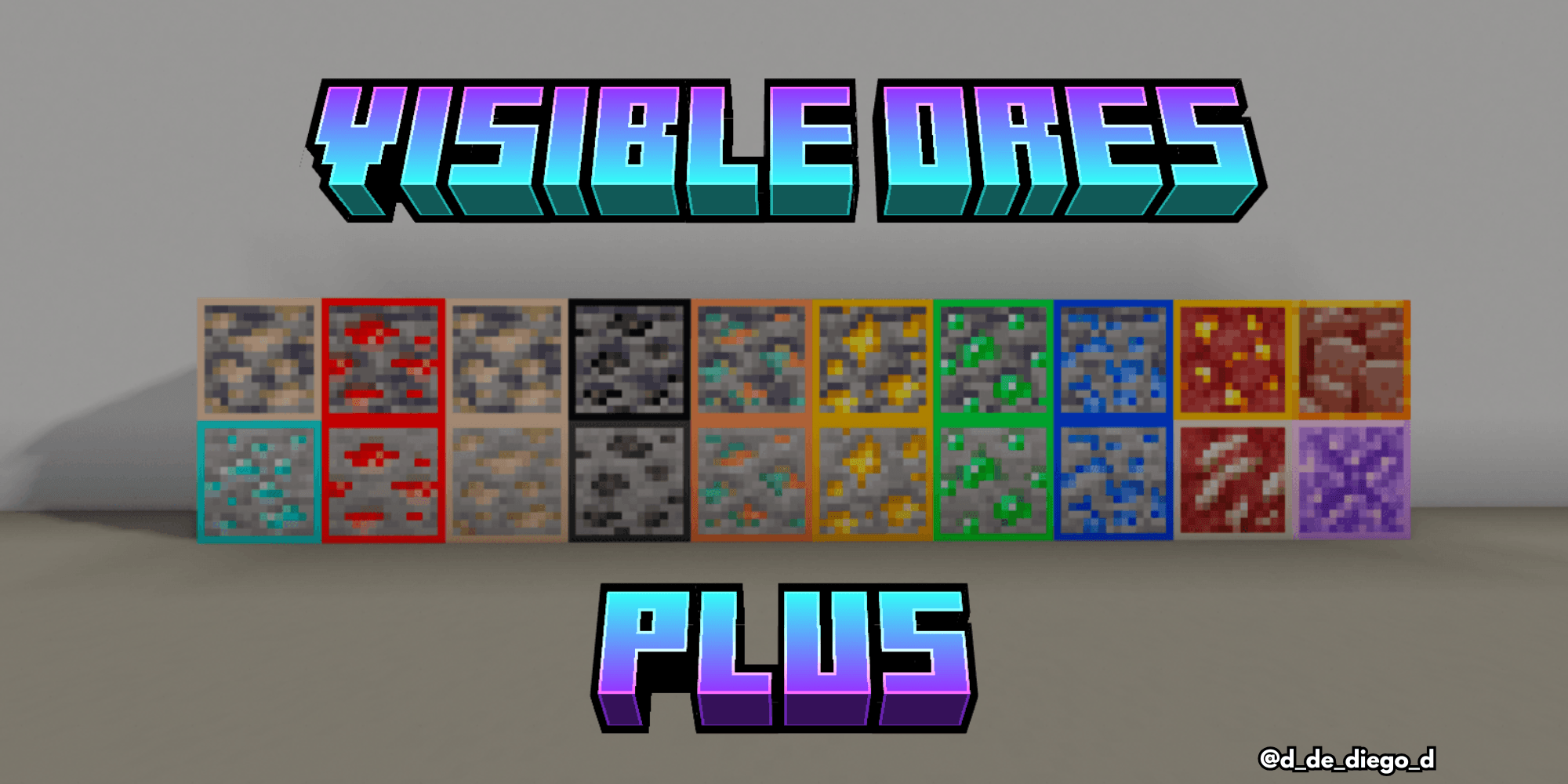
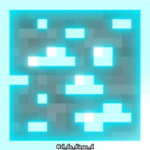
VISIBLE ORES PLUS is a texture pack designed to make mineral ores stand out clearly by giving them a glowing effect and distinctive textures. This enhancement allows players to spot valuable resources easily, even in dark environments. Additionally, the pack includes all the shiny ores and vibrant flowers to brighten your world.
Installation / How to Use
To install VISIBLE ORES PLUS, download the texture pack file and import it into your Minecraft Bedrock Edition resource packs. Activate the pack in the game’s settings under Global Resources or World Settings to apply the new textures. Once enabled, minerals will emit a glowing effect, enhancing visibility during mining or exploration.
Requirements / Compatibility
This texture pack is compatible with the latest versions of Minecraft Bedrock Edition. Ensure your game is updated for the best experience. It works seamlessly alongside most other texture packs but may conflict with others that modify ore textures or glow effects.
Key Features
- Glowing, easily visible mineral ores for better mining efficiency.
- Unique and striking textures for all ores to differentiate them clearly.
- Inclusion of all shiny flower textures to add visual appeal to the world.
Notes / Troubleshooting
If you experience issues with textures not displaying correctly, try disabling other resource packs that modify ores or glow effects. Restarting Minecraft after activating the pack can also help ensure proper loading.