
Vibrant VSL Shader
2.04.2026
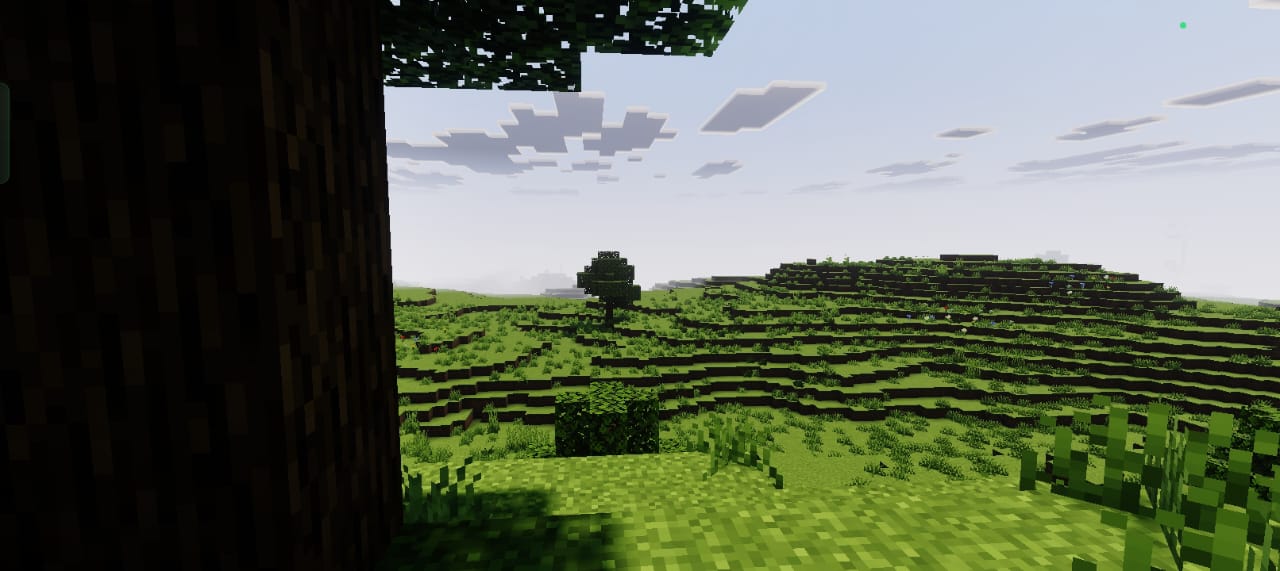
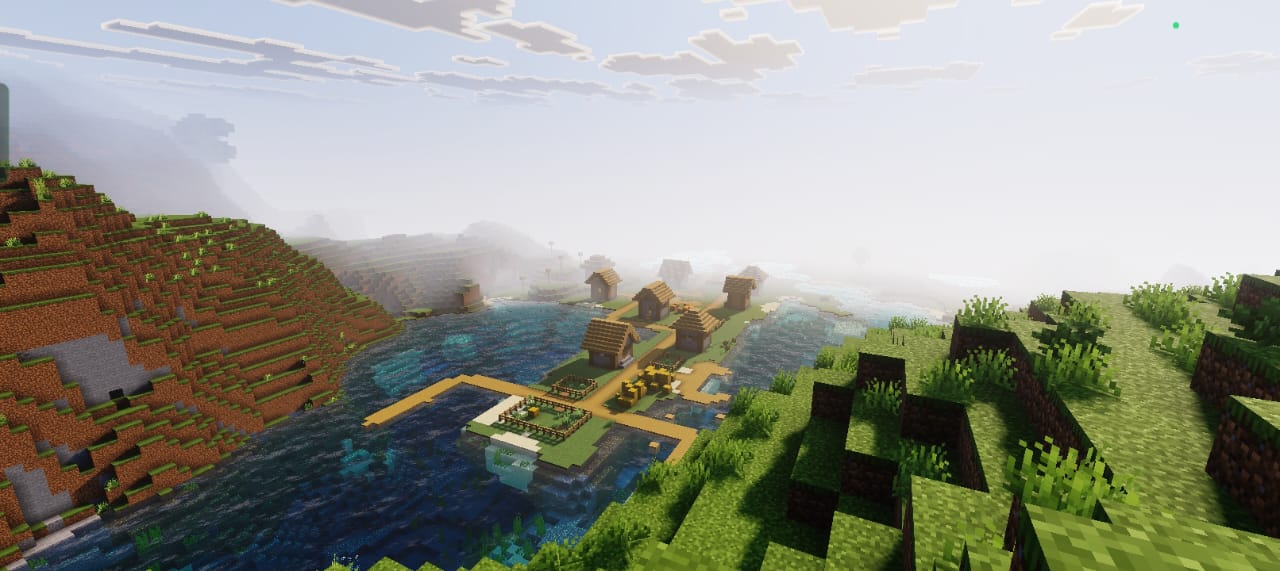
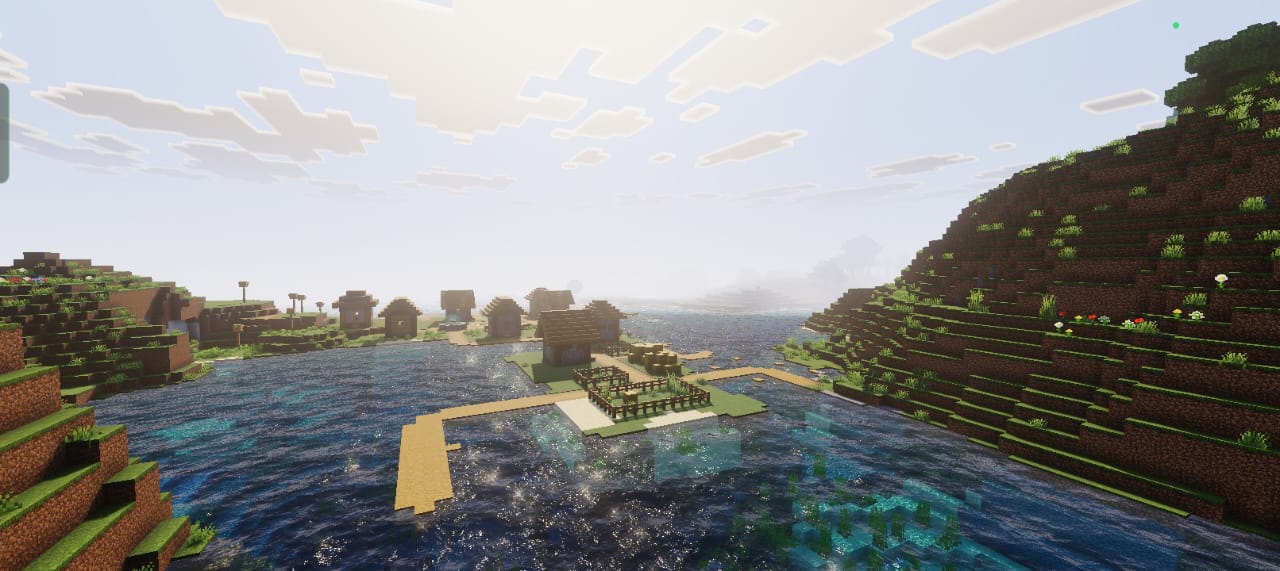
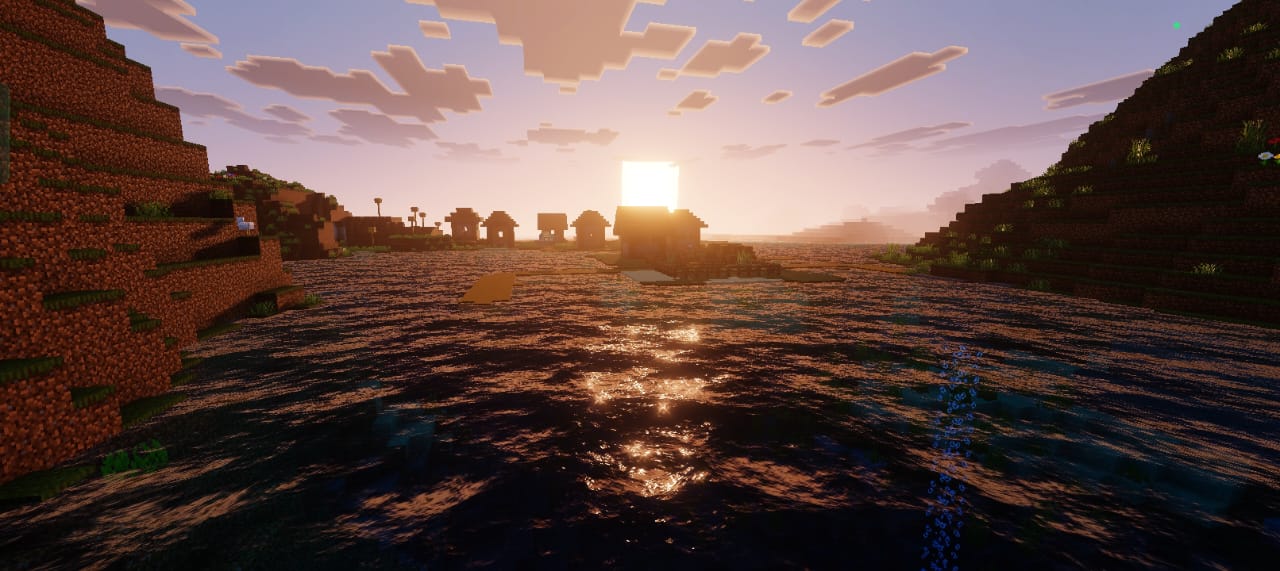
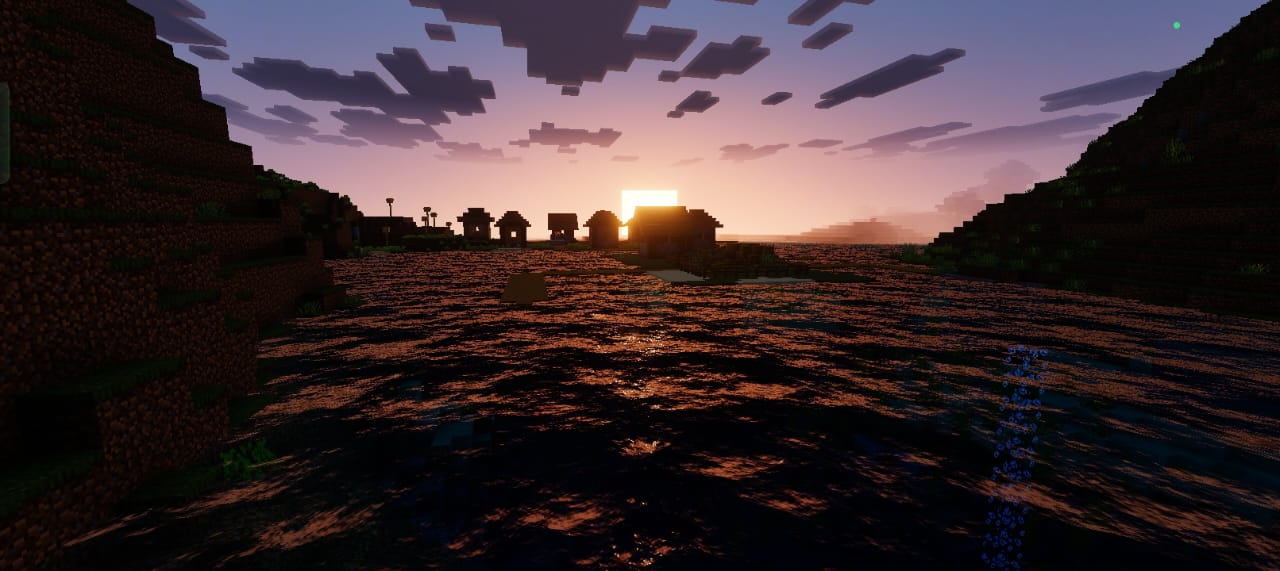
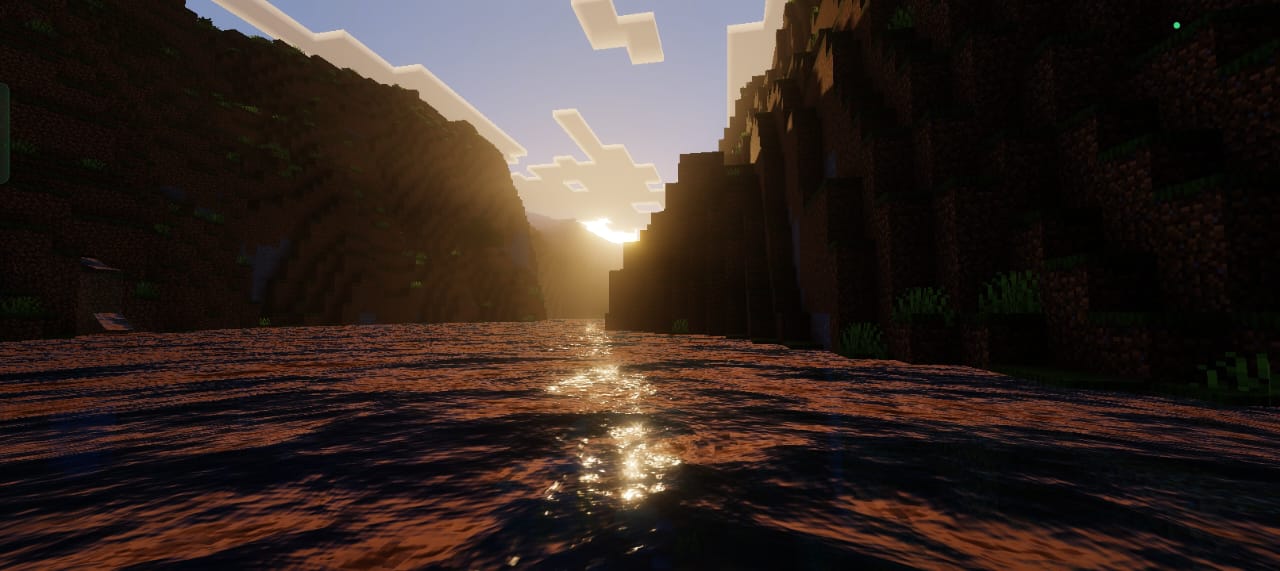
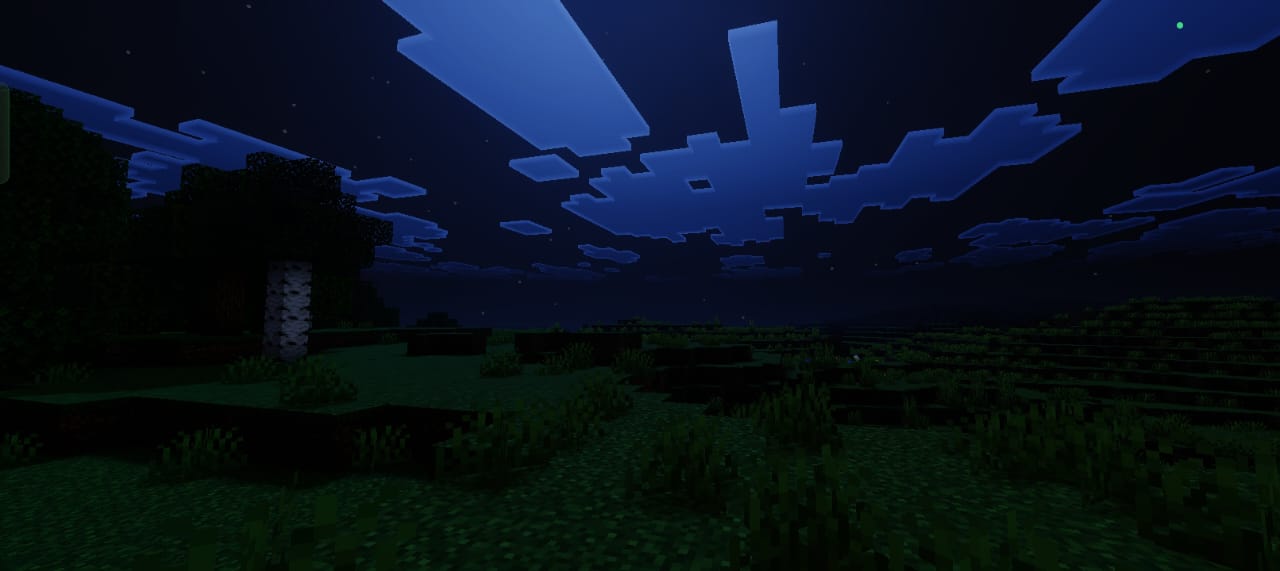
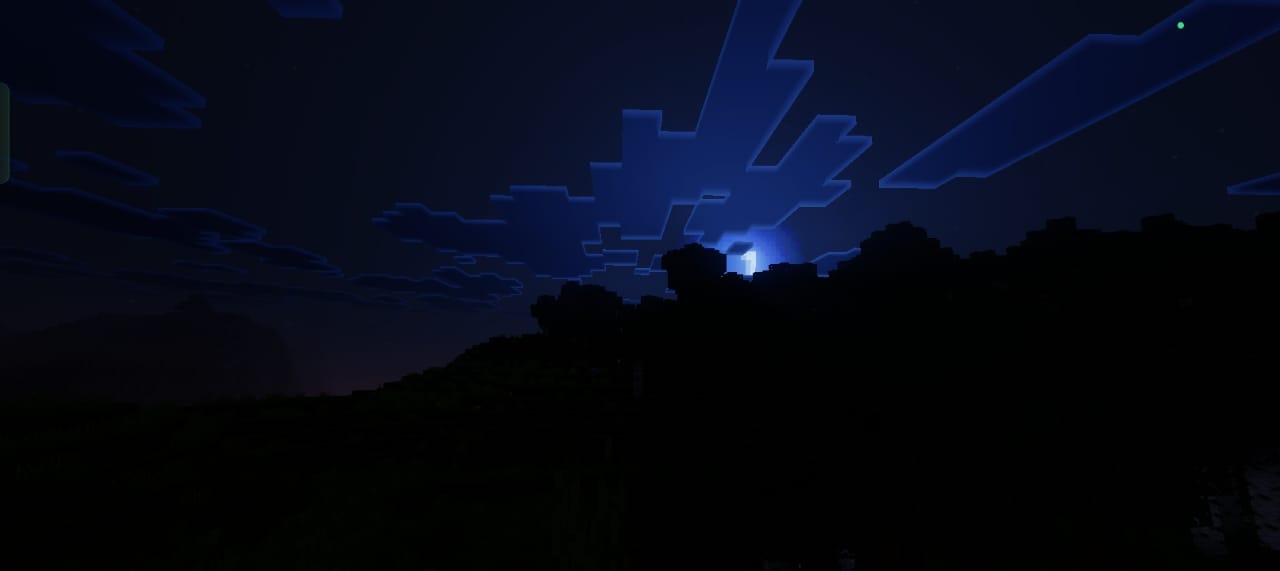
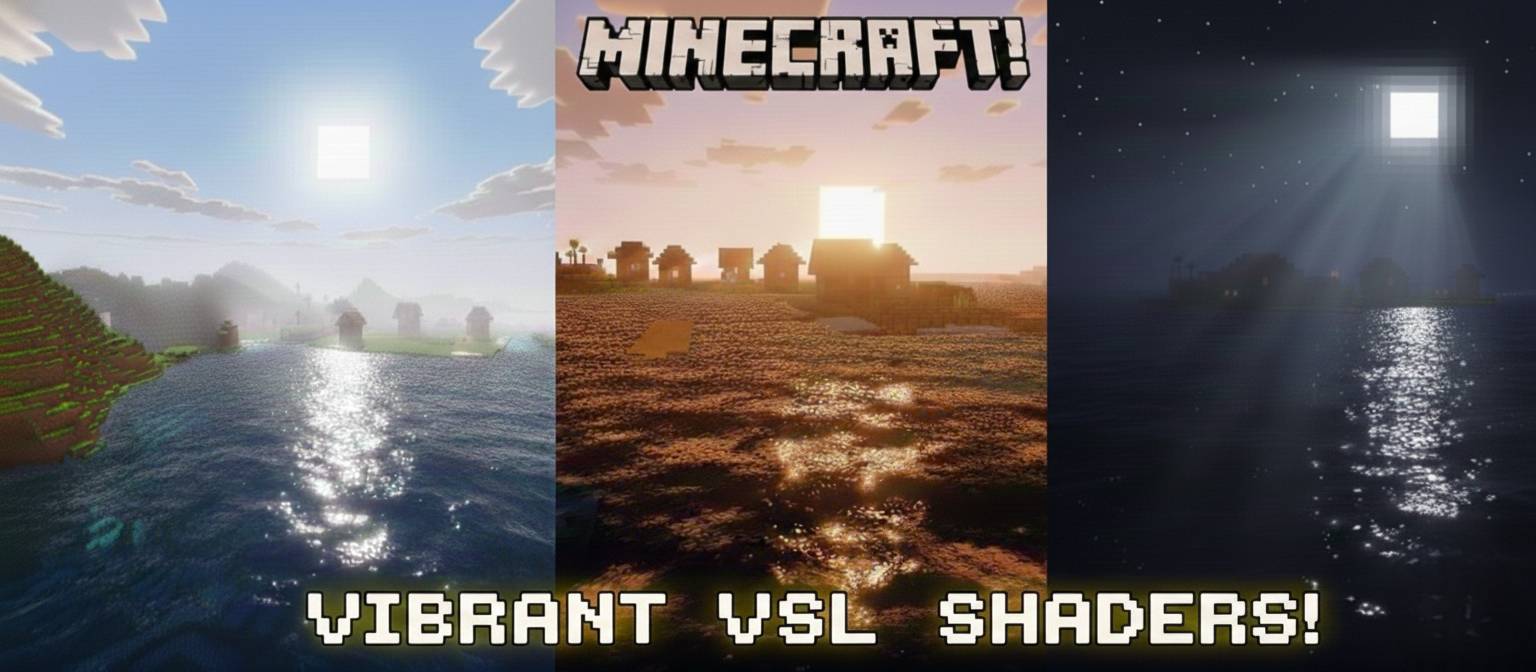
Vibrant VSL Shader enhances your Minecraft world with stunning cinematic lighting effects. It features warm golden daylight, richly atmospheric bluish nights, and strikingly visible God-rays. This shader pack offers smooth block textures and vibrant colors while maintaining excellent performance for an immersive visual upgrade.
Installation / How to Use
To apply the Vibrant VSL Shader, download the shader pack and add it to your Minecraft resource packs. Open the game settings, navigate to the Resource Packs section, and activate the Vibrant VSL Shader. Ensure this pack is positioned at the top of your active resource packs list for proper functionality.
Additionally, enable Technical Preview / Deferred Rendering in the game settings. This step is critical for the shader to render lighting and effects correctly.
Requirements / Compatibility
Vibrant VSL Shader requires Minecraft Bedrock Edition with support for Technical Preview or Deferred Rendering enabled. It is designed to balance visual quality with smooth gameplay and is compatible with most modern devices capable of running Minecraft with shaders.
Key Features
- Cinematic golden daylight with soft, natural lighting
- Deep, atmospheric bluish tones for nighttime scenes
- Highly visible God-rays that enhance the environment’s realism
- Ultra-soft block textures for smoother visuals
- Vibrant, rich color palette to bring your world to life
- Optimized for good performance without sacrificing quality
Notes / Troubleshooting
If you notice any visual glitches or the shader doesn’t appear to work correctly, verify that Technical Preview or Deferred Rendering is enabled in your game settings. Also, confirm that the Vibrant VSL Shader pack is placed at the top of your resource packs list. Restarting the game after making these changes can help apply the shader properly.
Enjoy experimenting with different times of day to fully appreciate the shader’s lighting effects.
Vibrant VSL Shader [ v1.2 ].mcpack
[498.52 KB]

