VDX: Java/Desktop UI
UPDATED: 21.02.2026
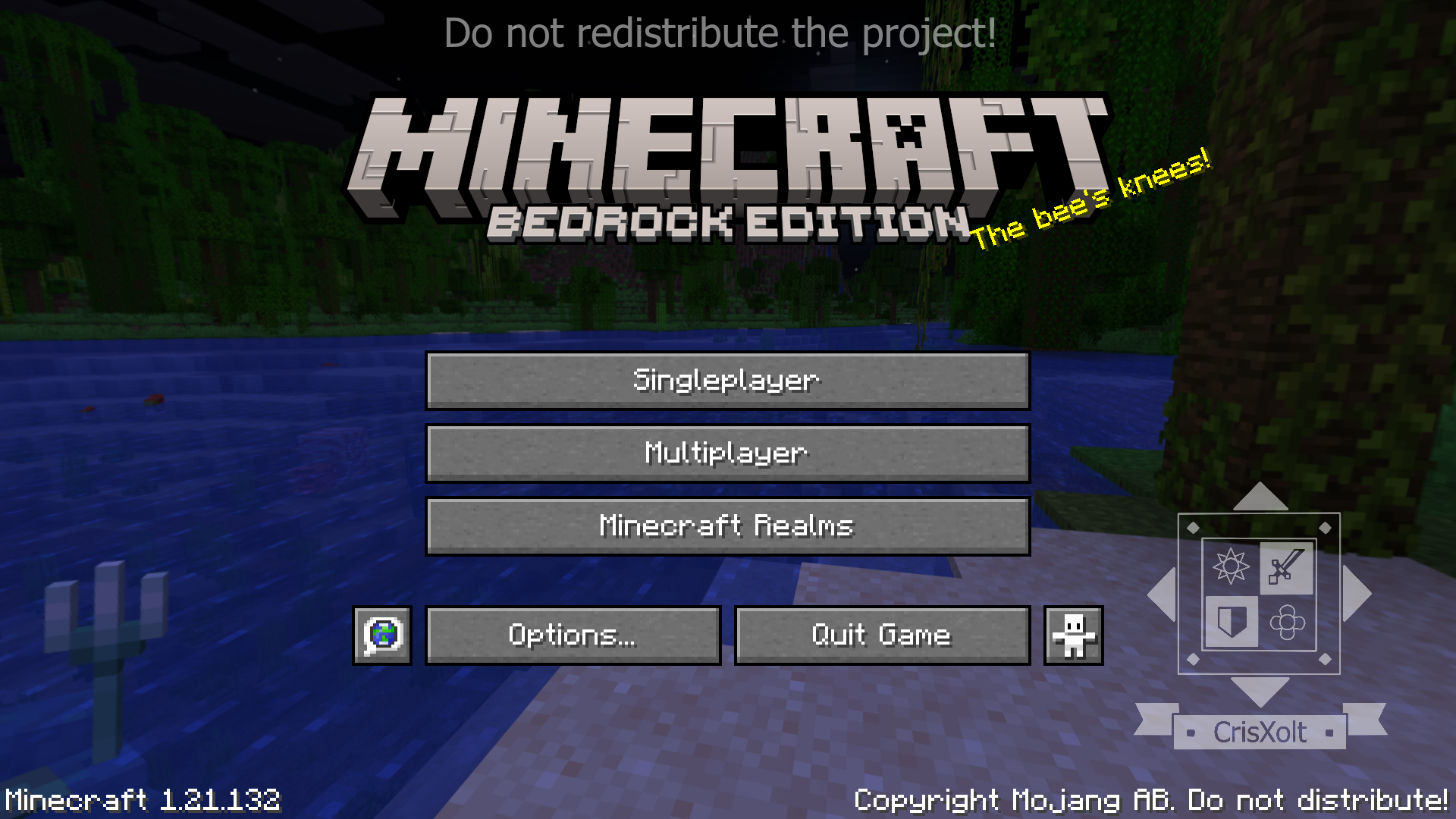
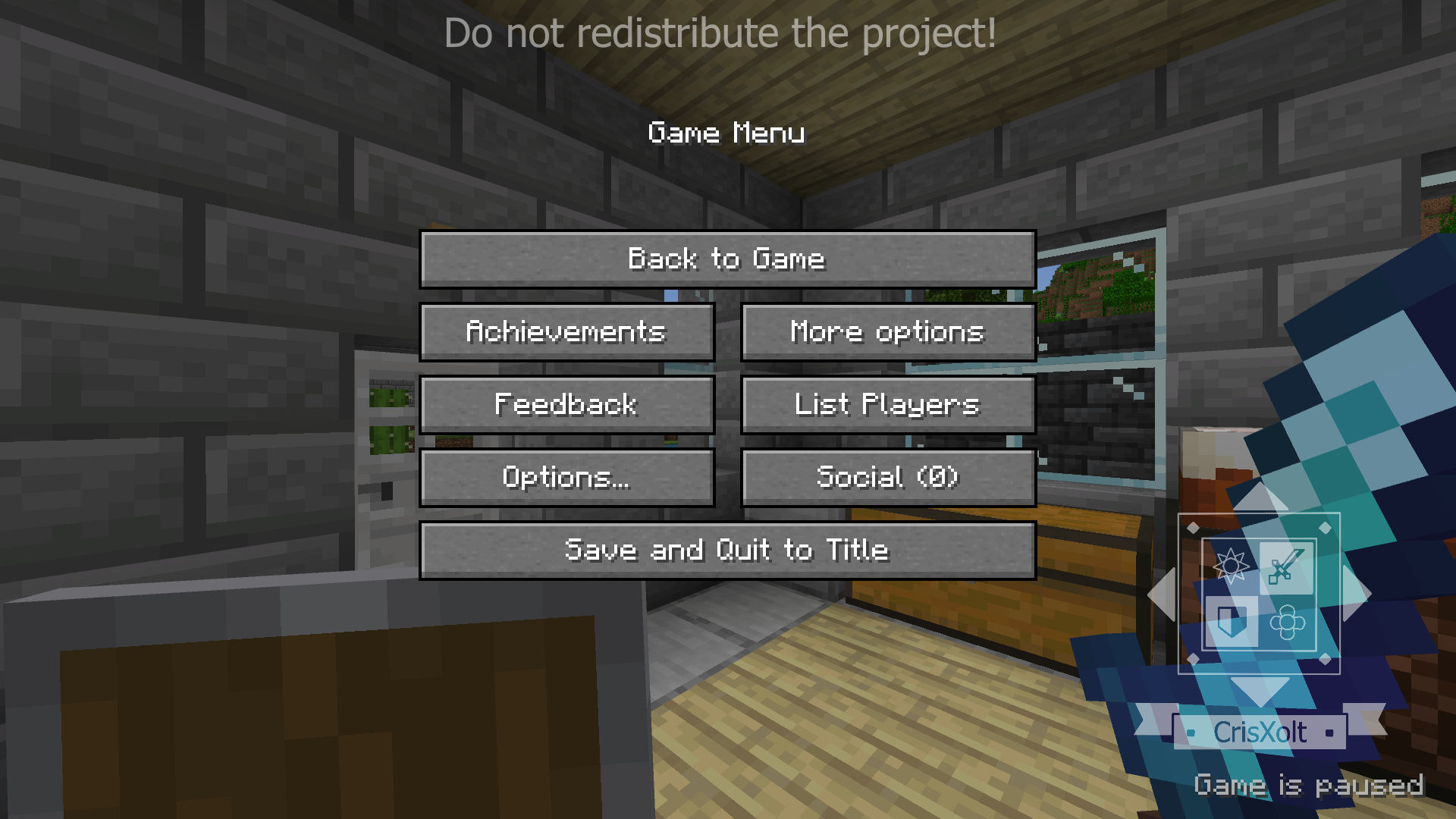
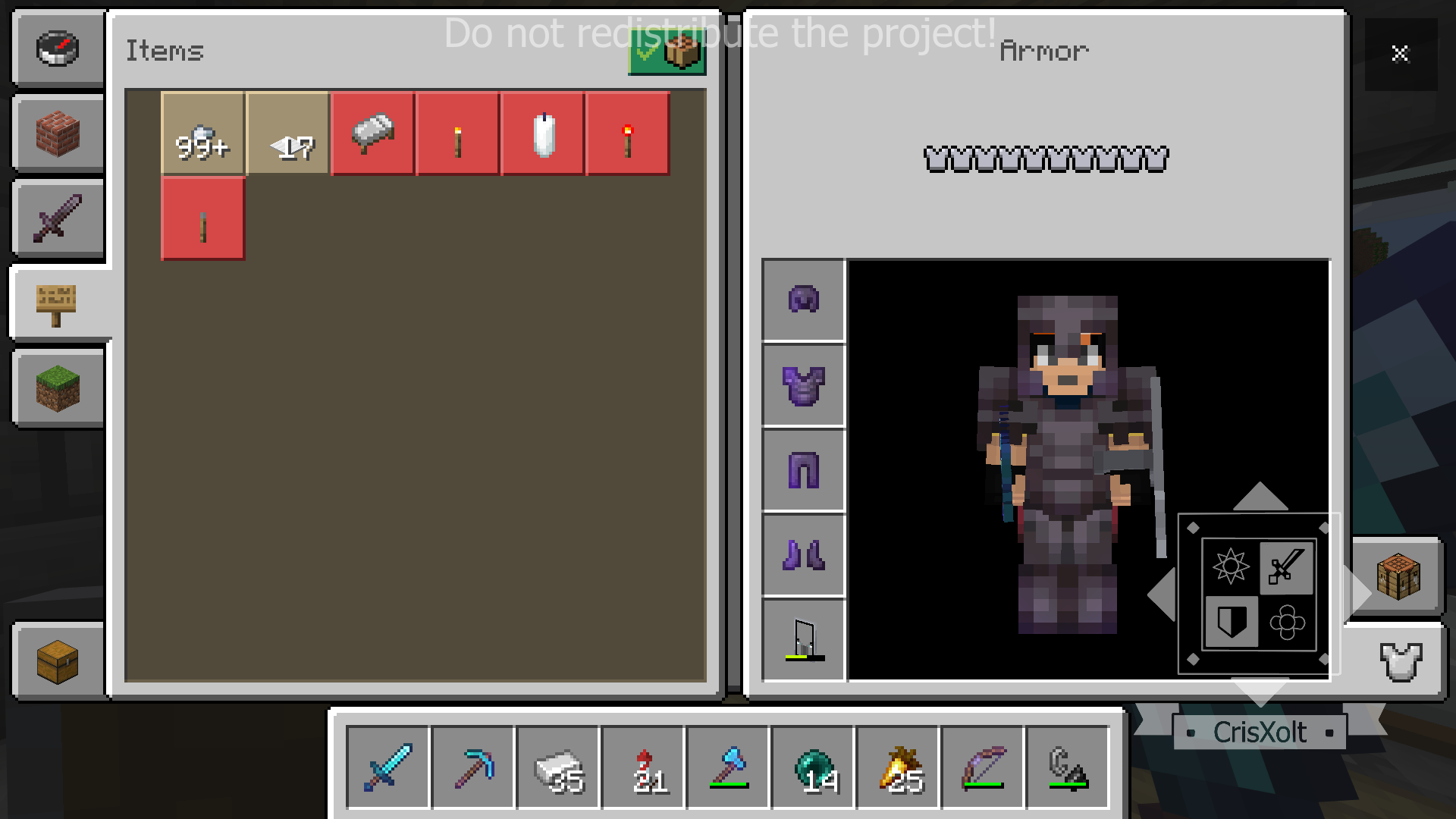
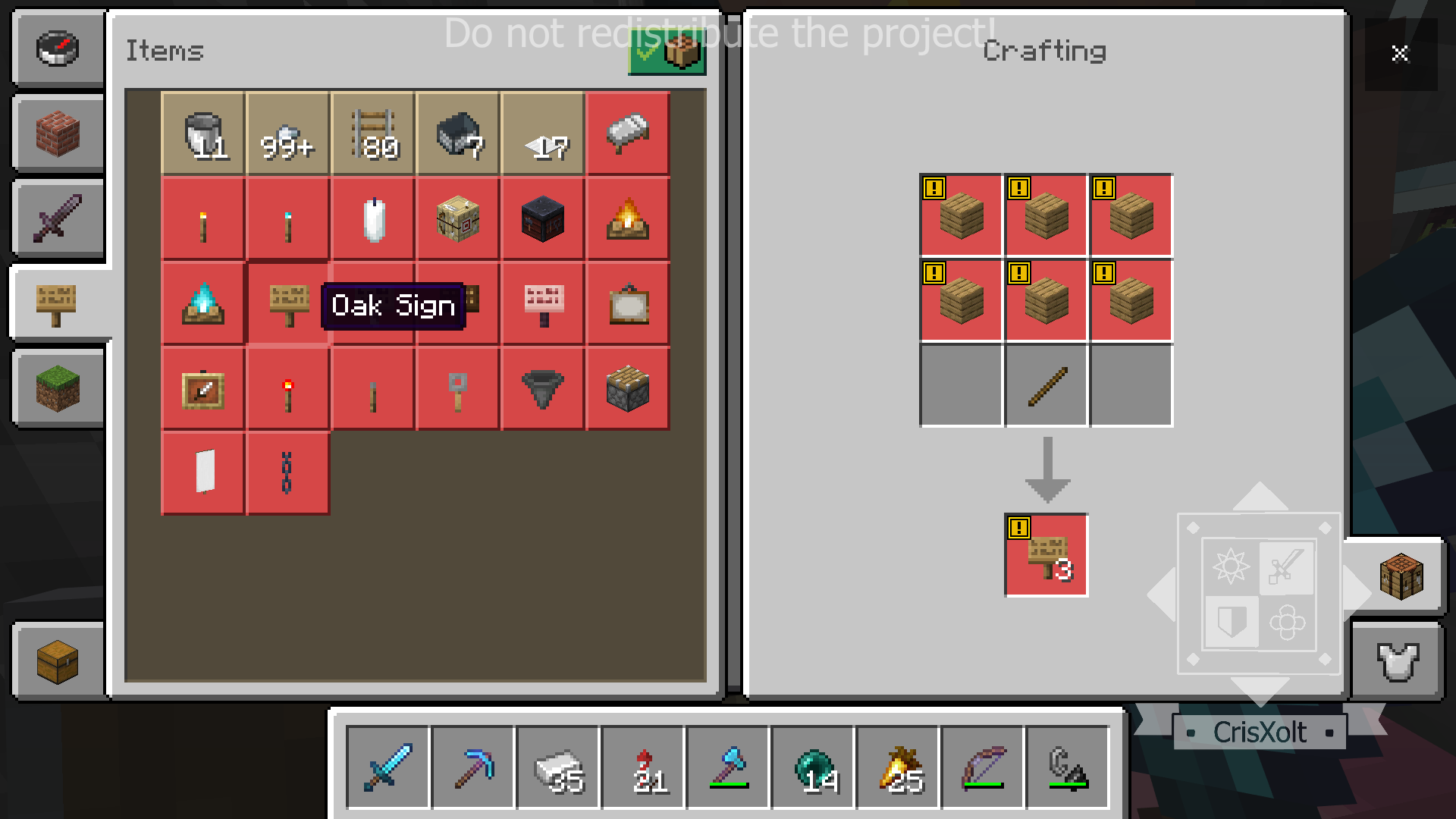
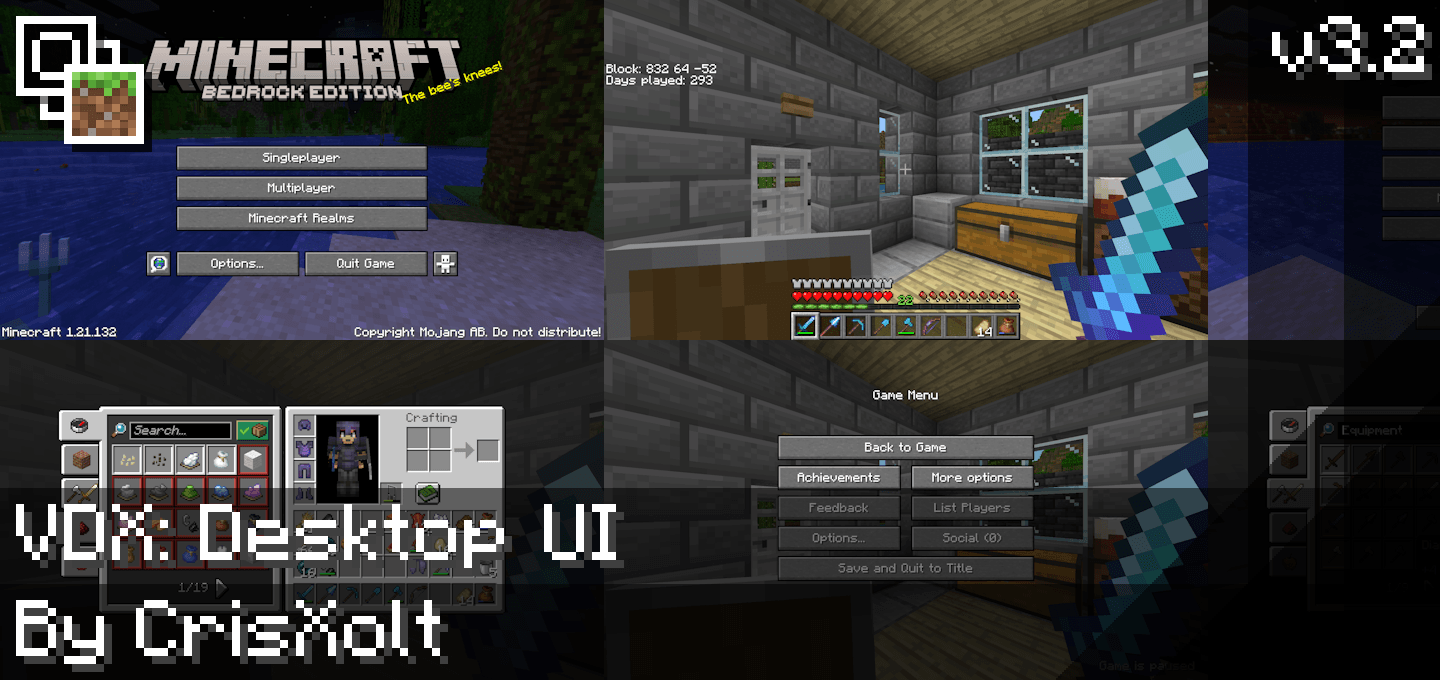
VDX: Java/Desktop UI transforms the Bedrock Edition interface to resemble the Java Edition UI style, enhancing visual consistency for players familiar with Java. This resource pack primarily modifies menus and inventory screens to better match Java Edition’s appearance, while ongoing updates aim to expand compatibility and polish.
Installation / How to Use
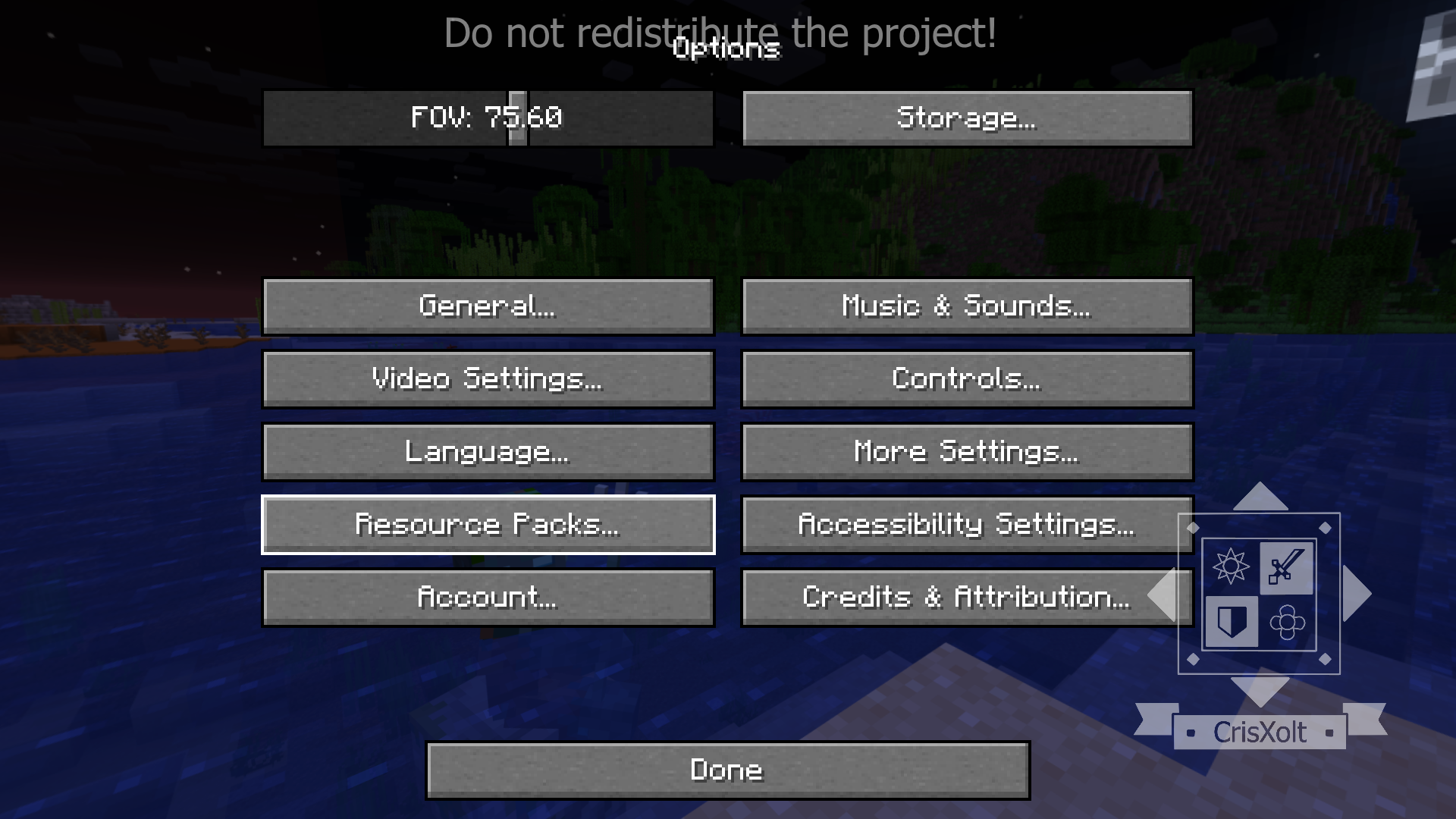
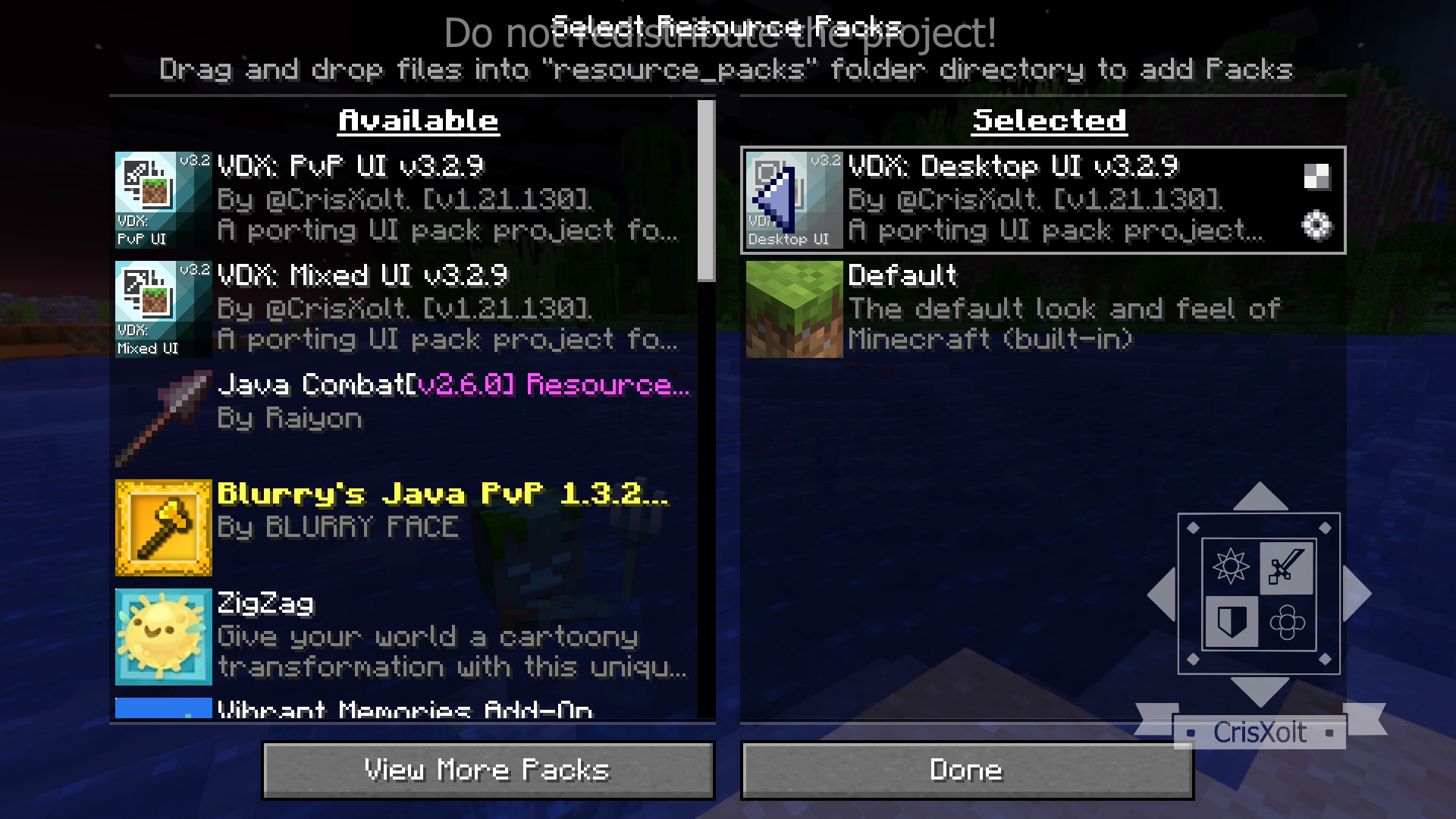
Before importing this resource pack on a mobile device, set the File Storage Location to External to prevent loss of saved UI data after game updates. After installing, activate the pack through the Options menu by selecting Resource Packs and toggling it on. To deactivate, navigate back to the same menu and disable the pack.
Requirements / Compatibility
- Compatible with Minecraft Bedrock Edition version 1.21.130.
- Some screens use the new Ore UI engine, which restricts modification by resource packs (e.g., Play Screen, Create World Screen, Disconnected, Sleeping, and You Died screens).
- Use on mobile devices requires external file storage to avoid data loss.
- Partial support for gamepad/controller input; some modified screens may not function optimally with controllers.
Key Features
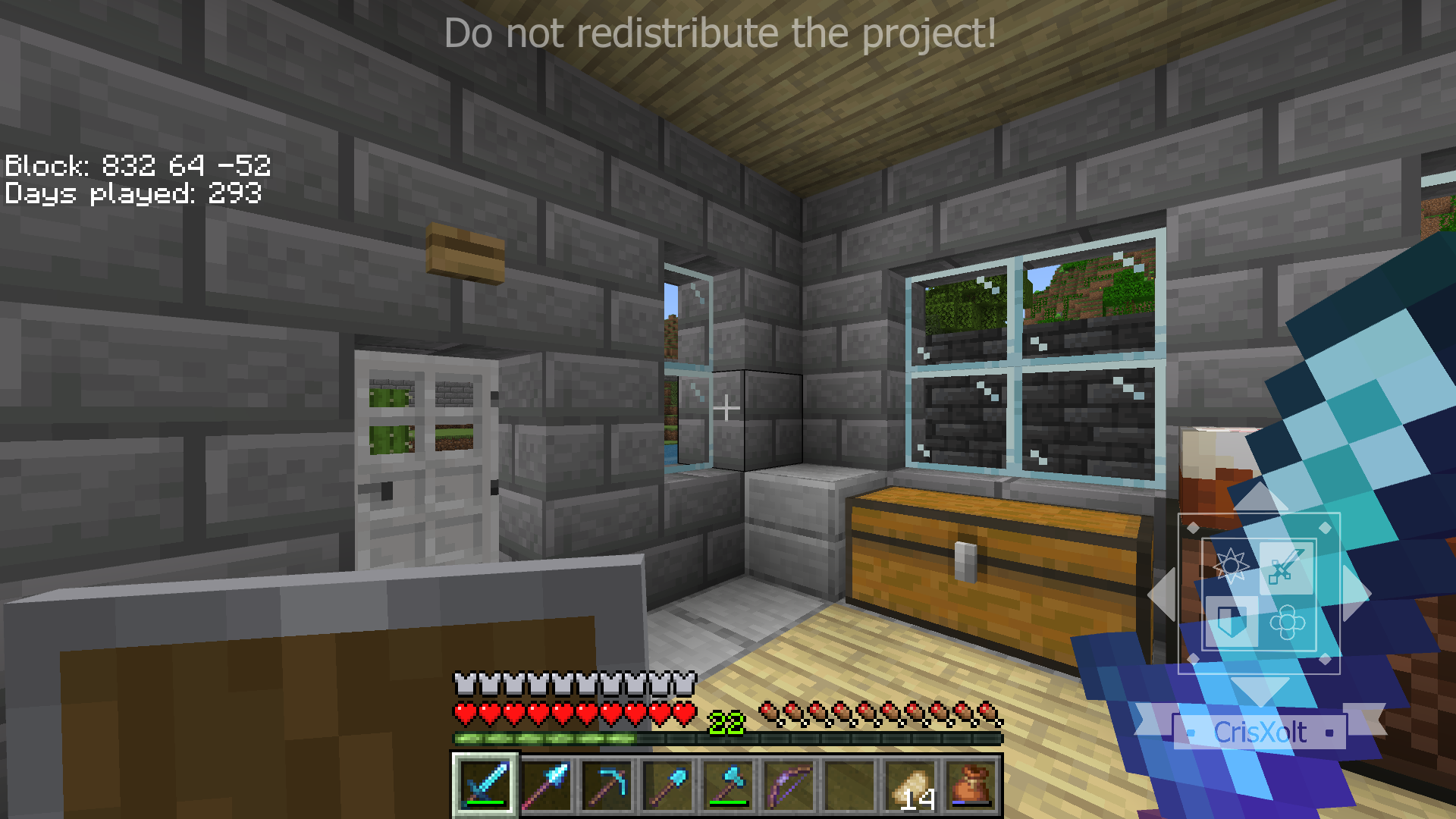
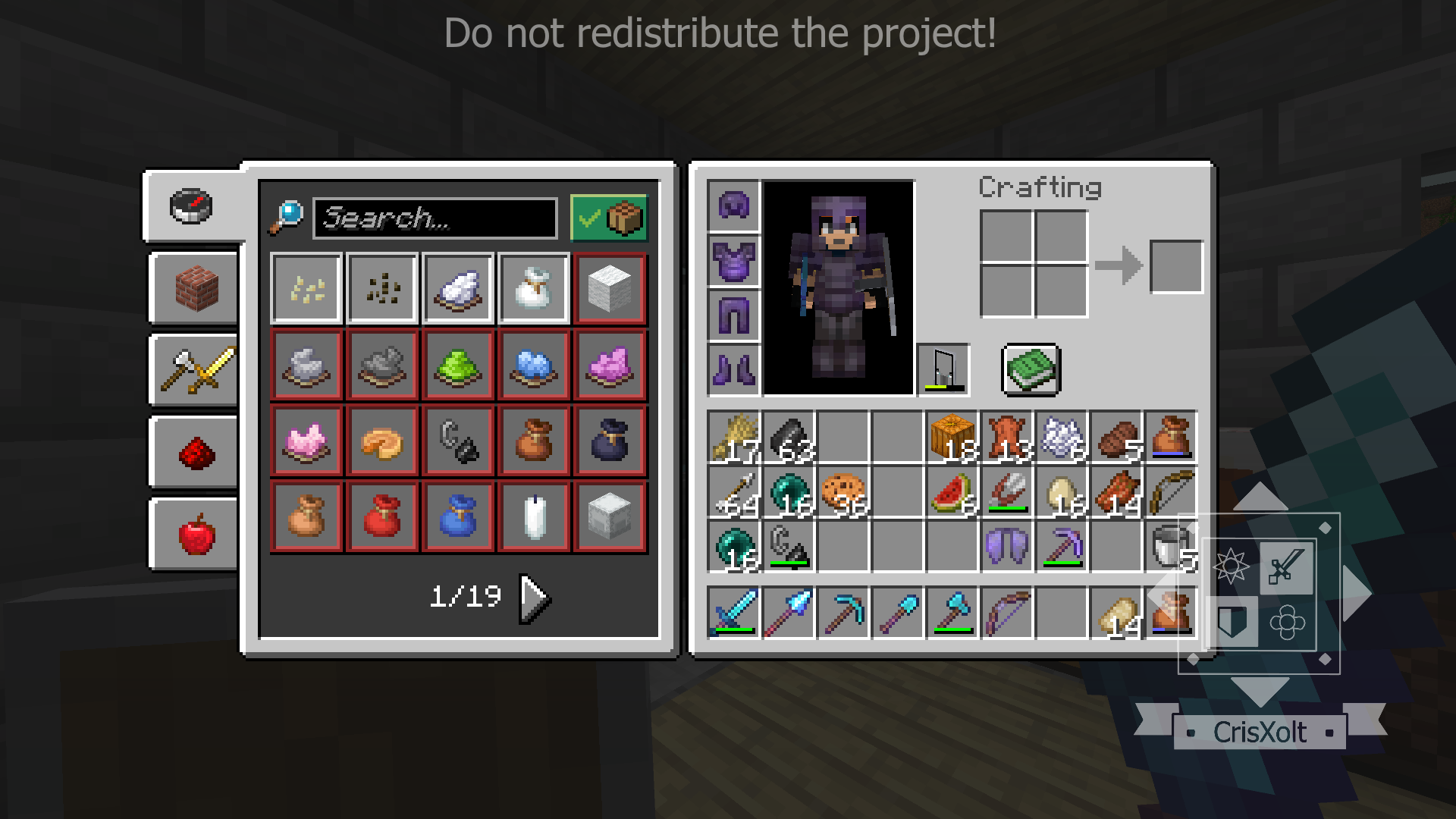
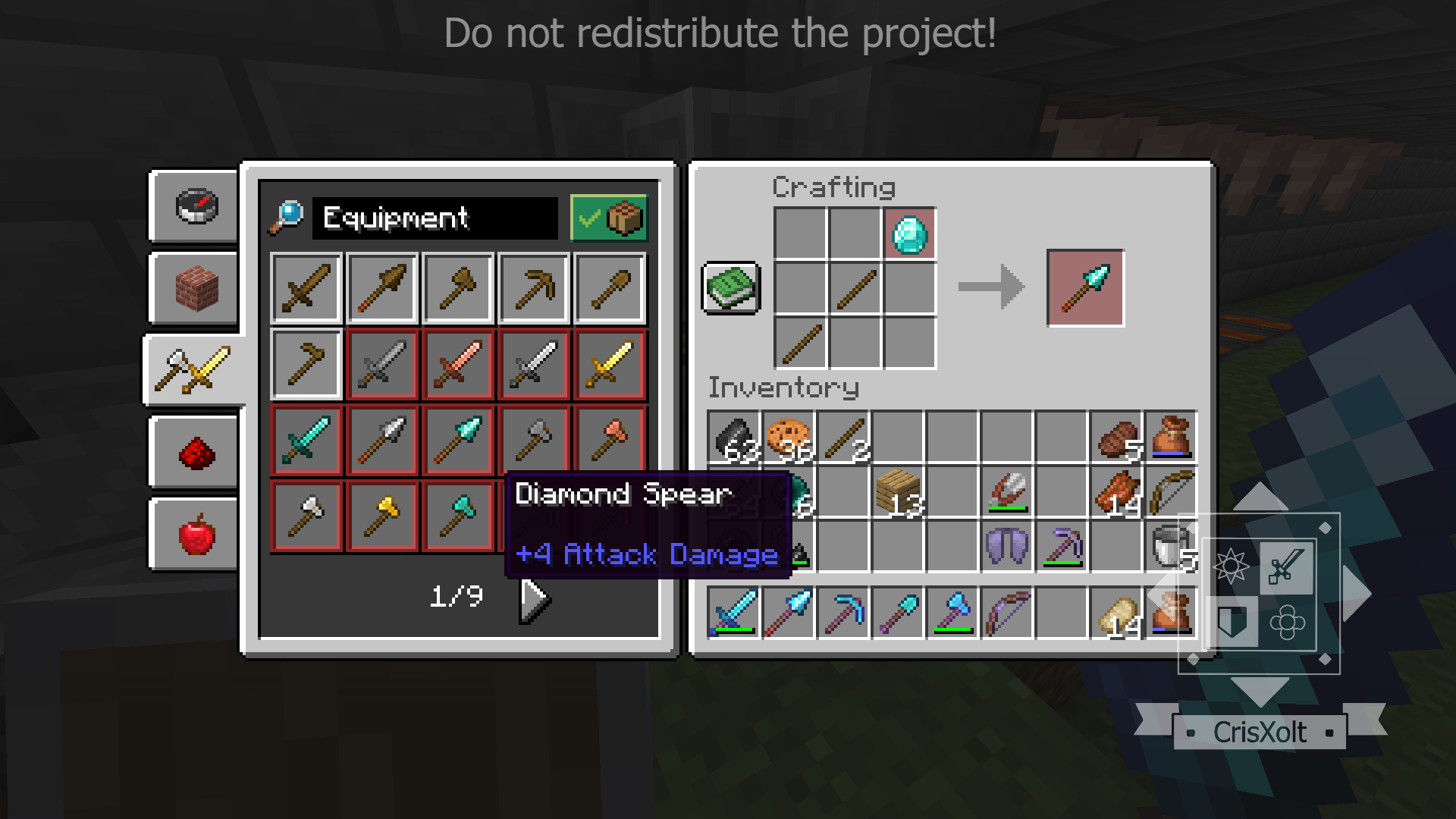
- Transforms core UI elements to closely resemble Java Edition’s interface with approximately 75% accuracy.
- Includes ported GUI textures from Java Edition adapted for Bedrock Edition.
- Offers UI customization through editing the
ui/_global_variables.jsonfile. - Three UI styles provided:
- Desktop UI: Converts the base UI to Java Edition style (incomplete but expanding).
- Mixed UI: Combines Java Edition and Legacy Console UI elements, improving HUD and inventory containers.
- PvP UI: Inspired by Java Edition 1.8 PvP style, featuring clear chat and scoreboard backgrounds.
- Supports multiple languages including English, Spanish, Japanese, Korean, Portuguese, and Chinese, with plans for broader language support.
Notes / Troubleshooting
- Due to the Ore UI engine being hardcoded for some screens, they cannot be modified by this pack (Play, Create World, Disconnected, Sleeping, You Died).
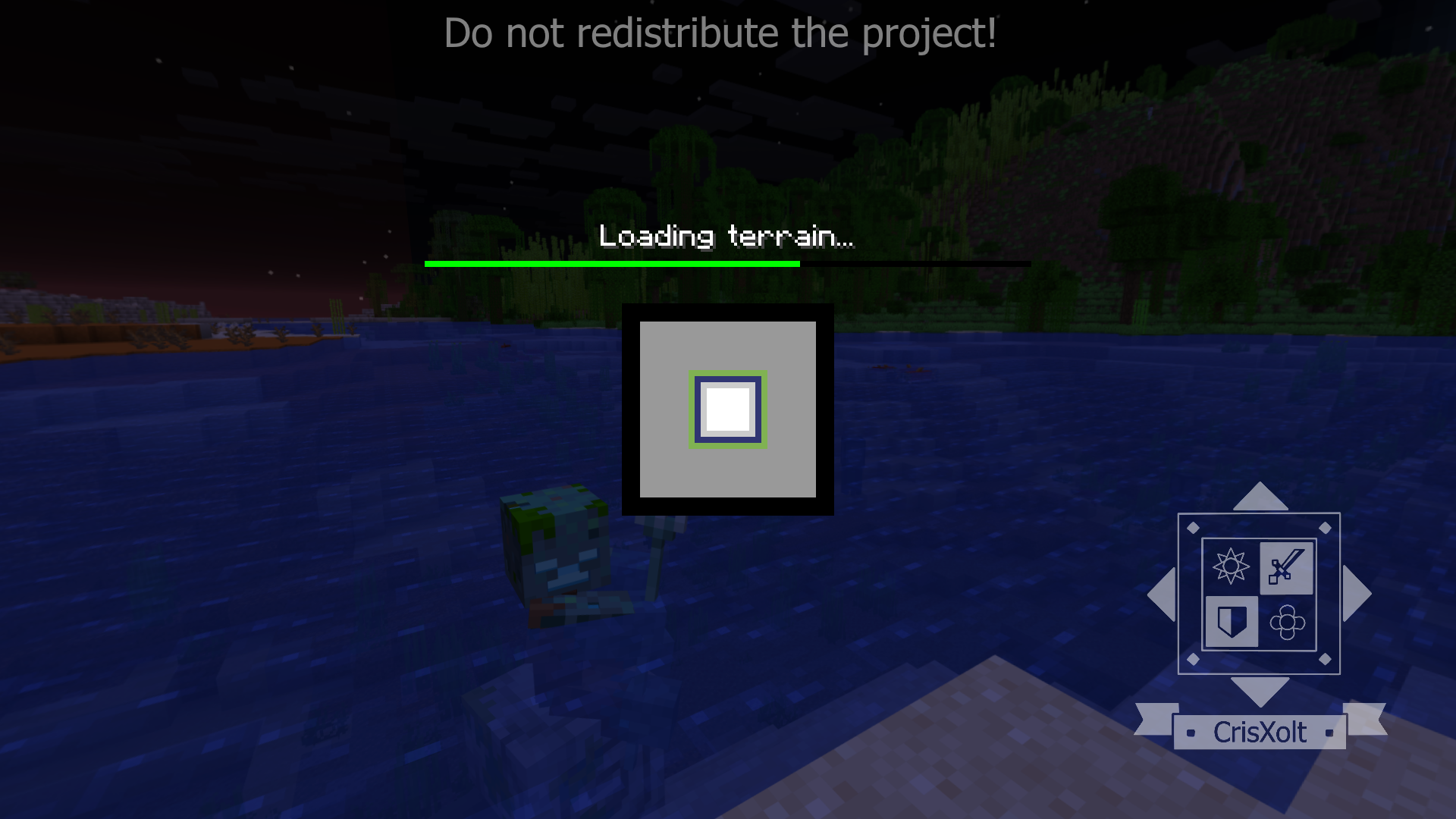
- Loading times may be longer on complex screens like Settings and Play due to numerous UI elements.
- Creative search tab icon may change unexpectedly when using third-party add-ons with custom items; no current fix available.
- HUD visibility is disabled during inventory or other screens by default to prevent touch control errors but can be re-enabled by adjusting
ui/_global_variables.json.
Usage Restrictions
- Unauthorized monetized APK/APPX modifications, redistribution, or claiming modified JSON/UI data as your own is prohibited.
- Do not merge this resource pack with third-party or concept client packs without permission.
- Porters using PvP UI or Mixed UI for GUI texture ports are welcome to do so fairly to avoid conflicts.
Deactivation Guide
To disable the resource pack, open the game Options, select Resource Packs, then toggle off the VDX: Java/Desktop UI pack.
Screenshots
Examples of the UI modifications are shown below:
Exclusive to Mixed UI:
VDX: Desktop UI v3.2.9 [v1.21.130] (Main)
[4.59 MB]
 5.00/5