Vanilla RTX Normals
26.03.2026
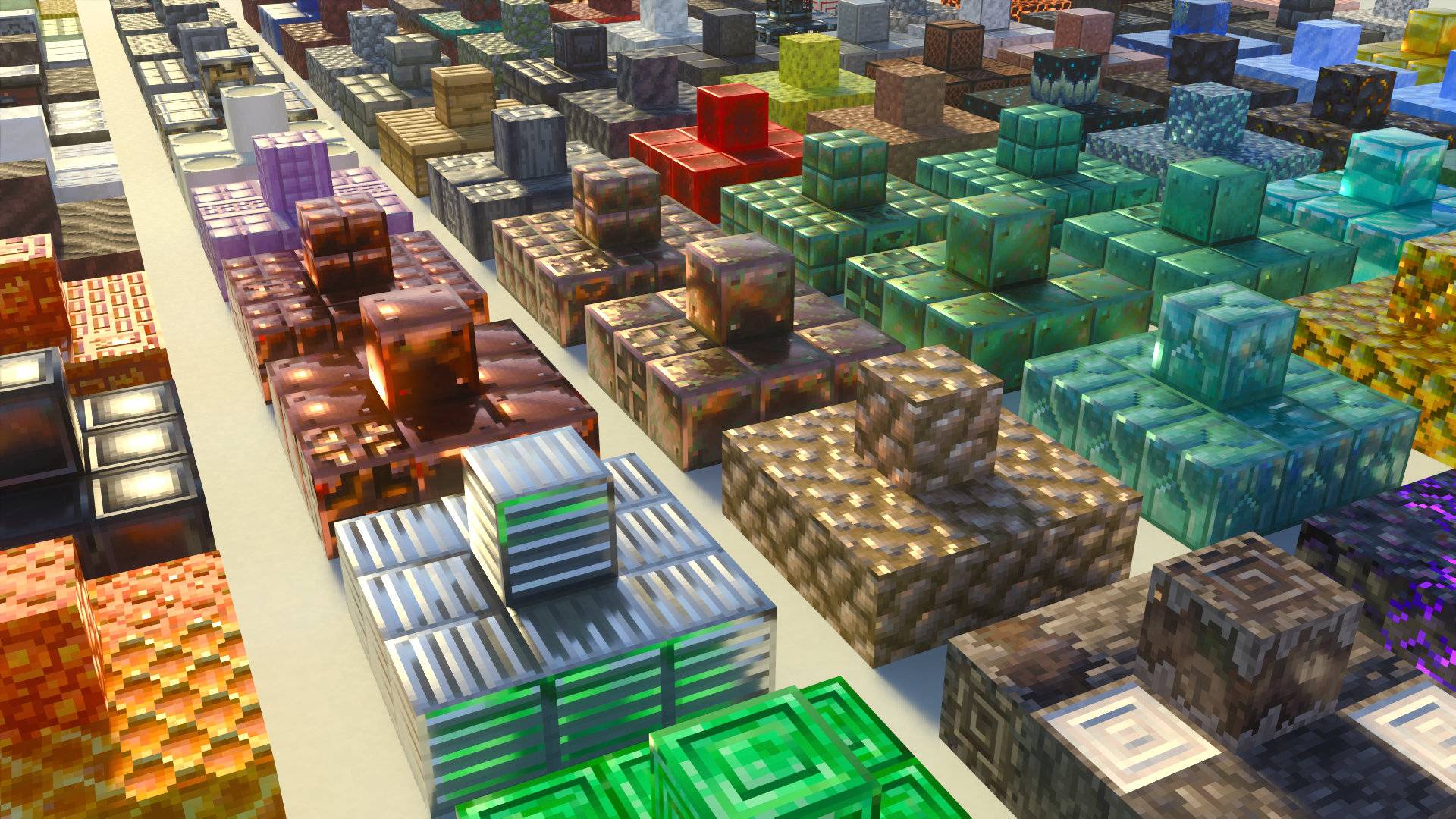
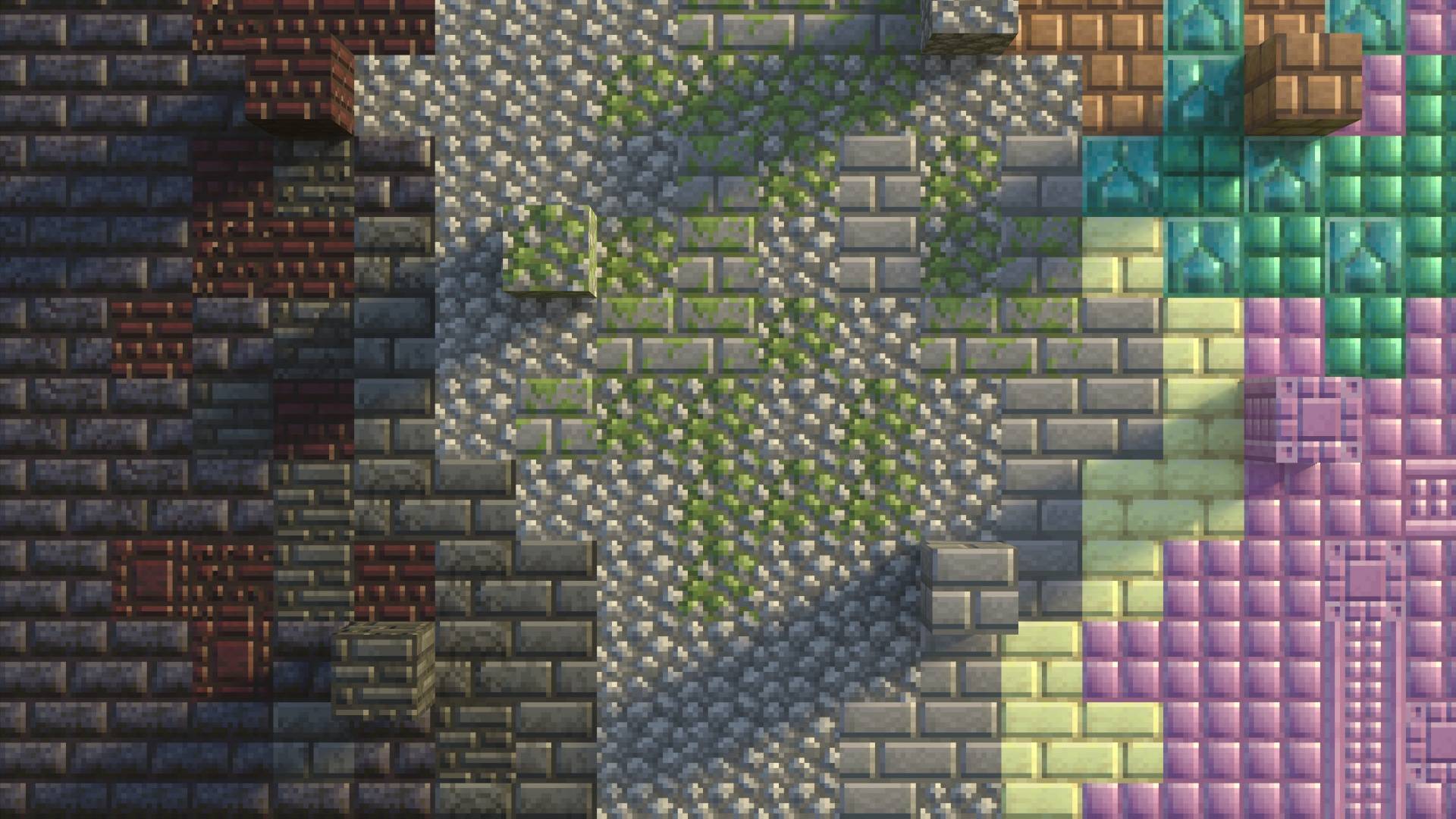
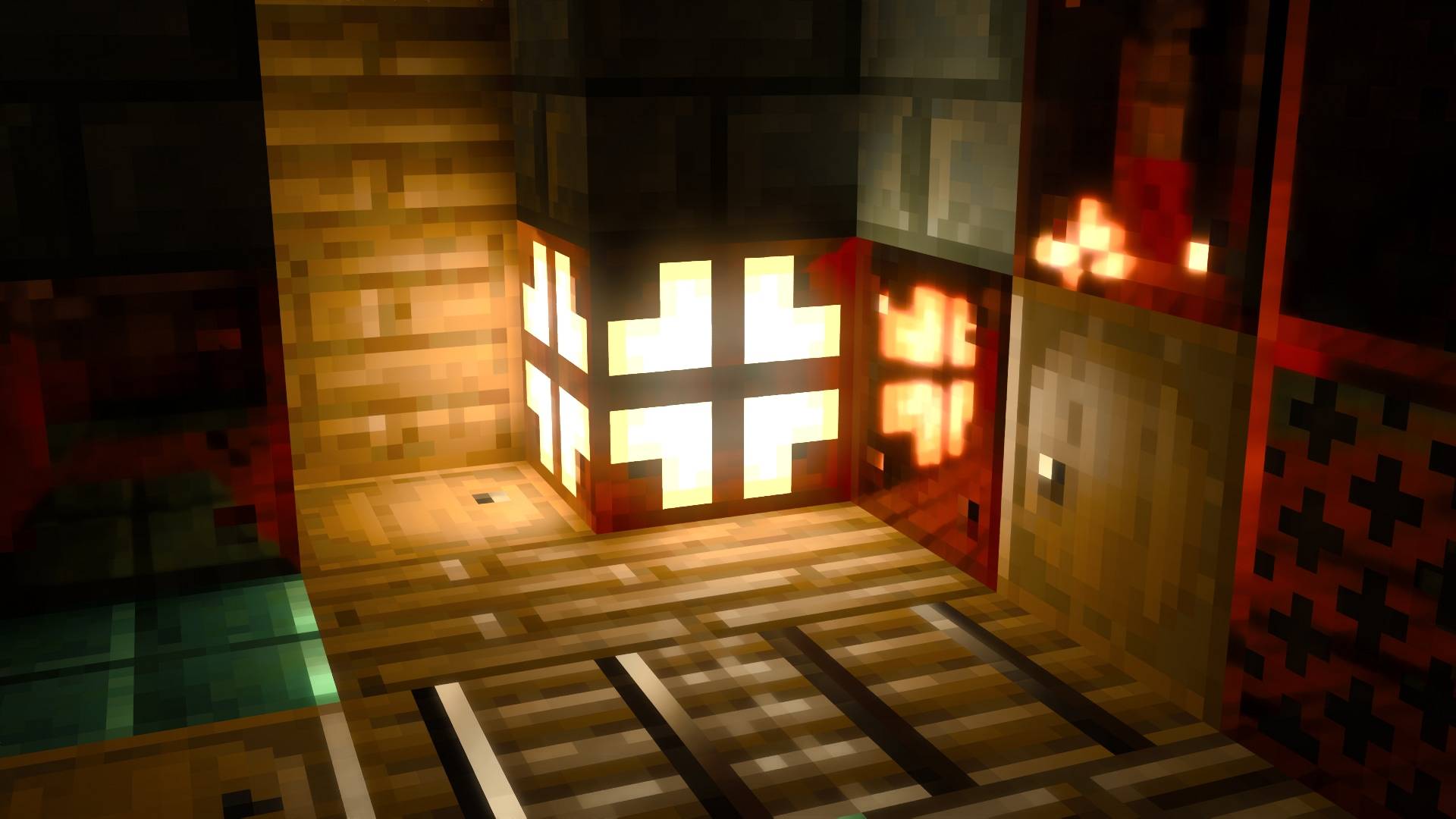
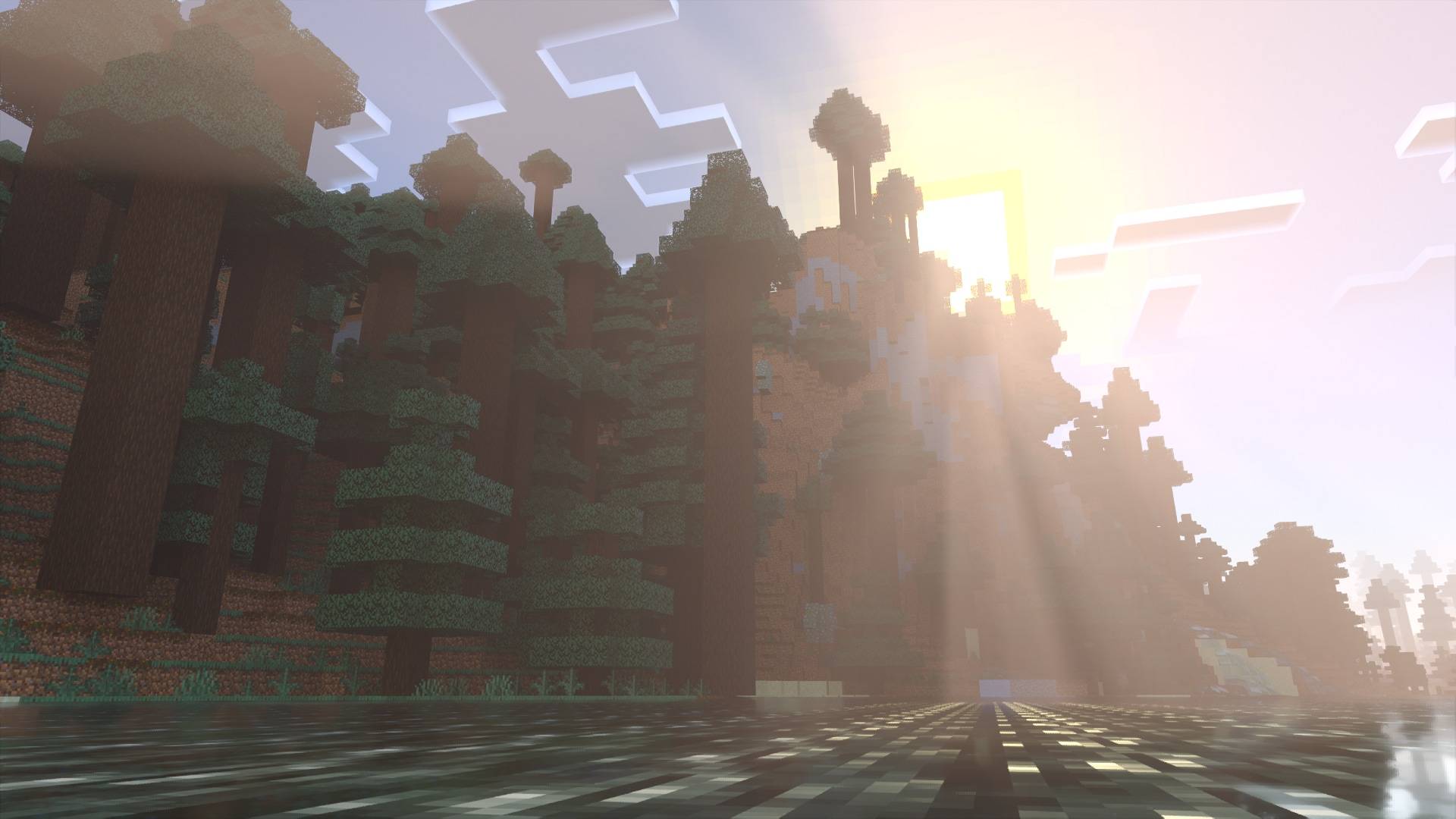
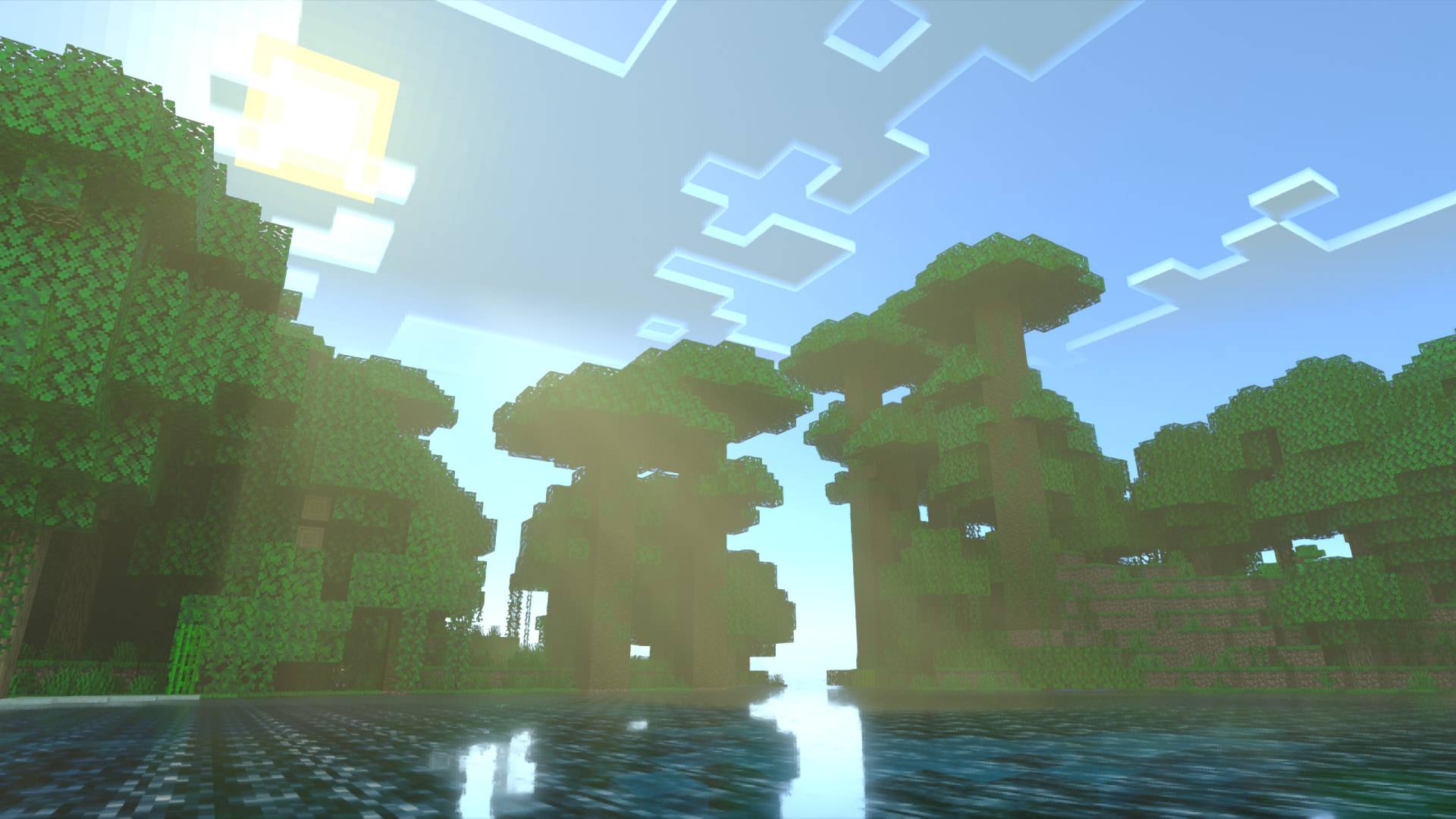
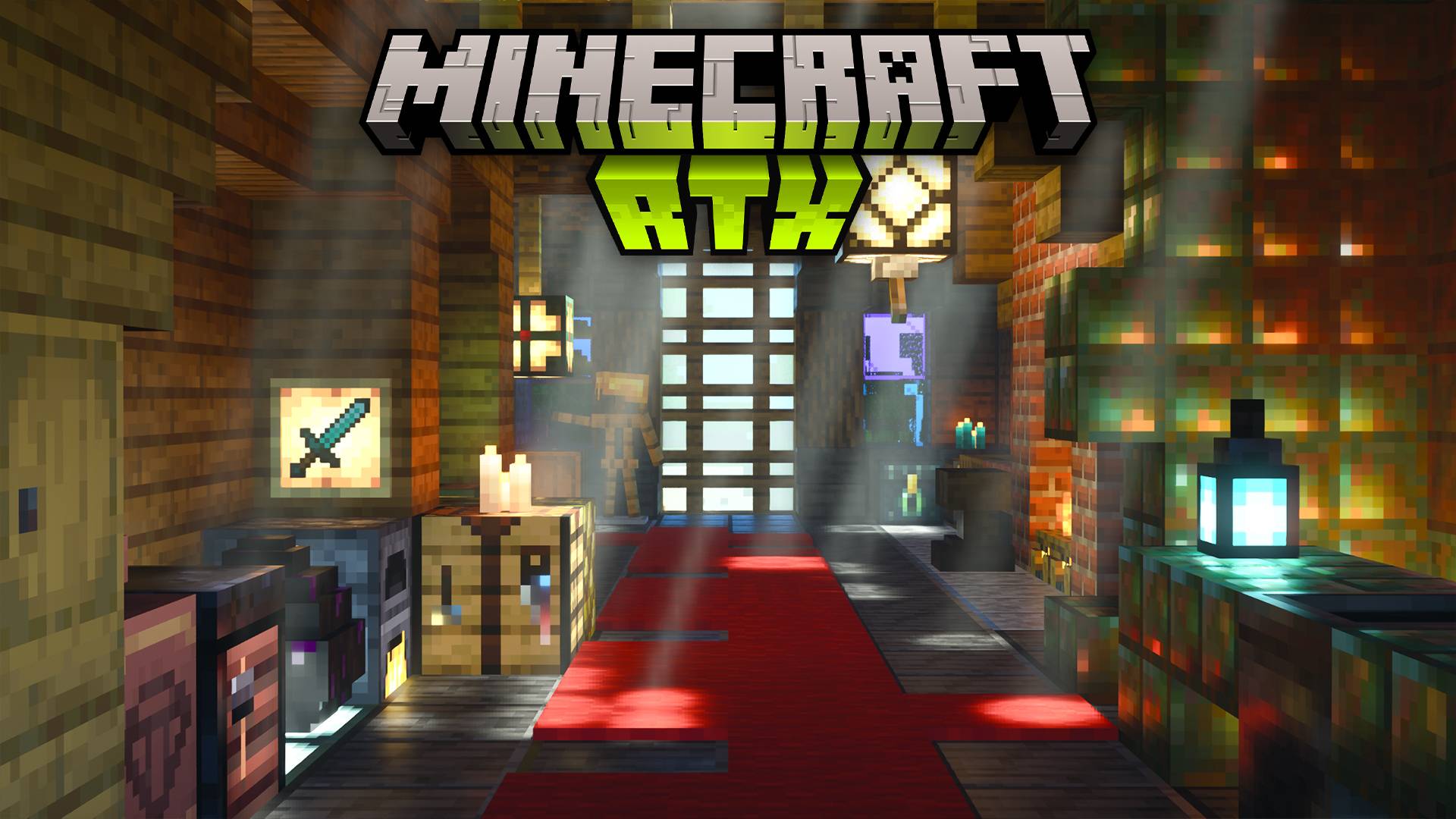
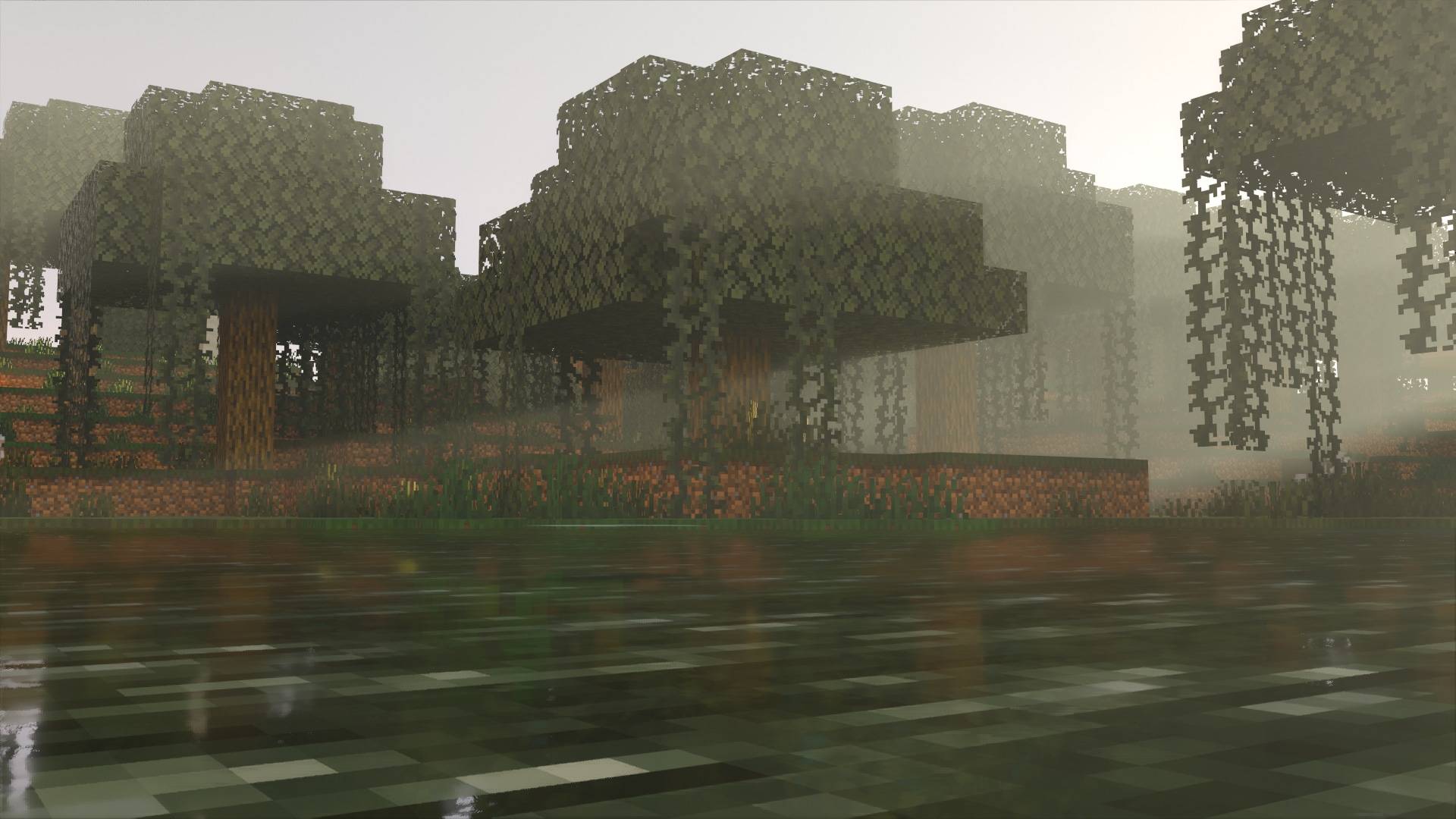
Vanilla RTX Normals enhances Minecraft with meticulously crafted 16x normal maps designed specifically for ray tracing. This resource pack offers an authentic ray-traced Minecraft experience by applying detailed surface curvature and lighting effects, maintaining the vanilla aesthetic while improving visual depth and realism.
Key Features
- Supports every vanilla block, including Creative, Education Edition, and hidden blocks.
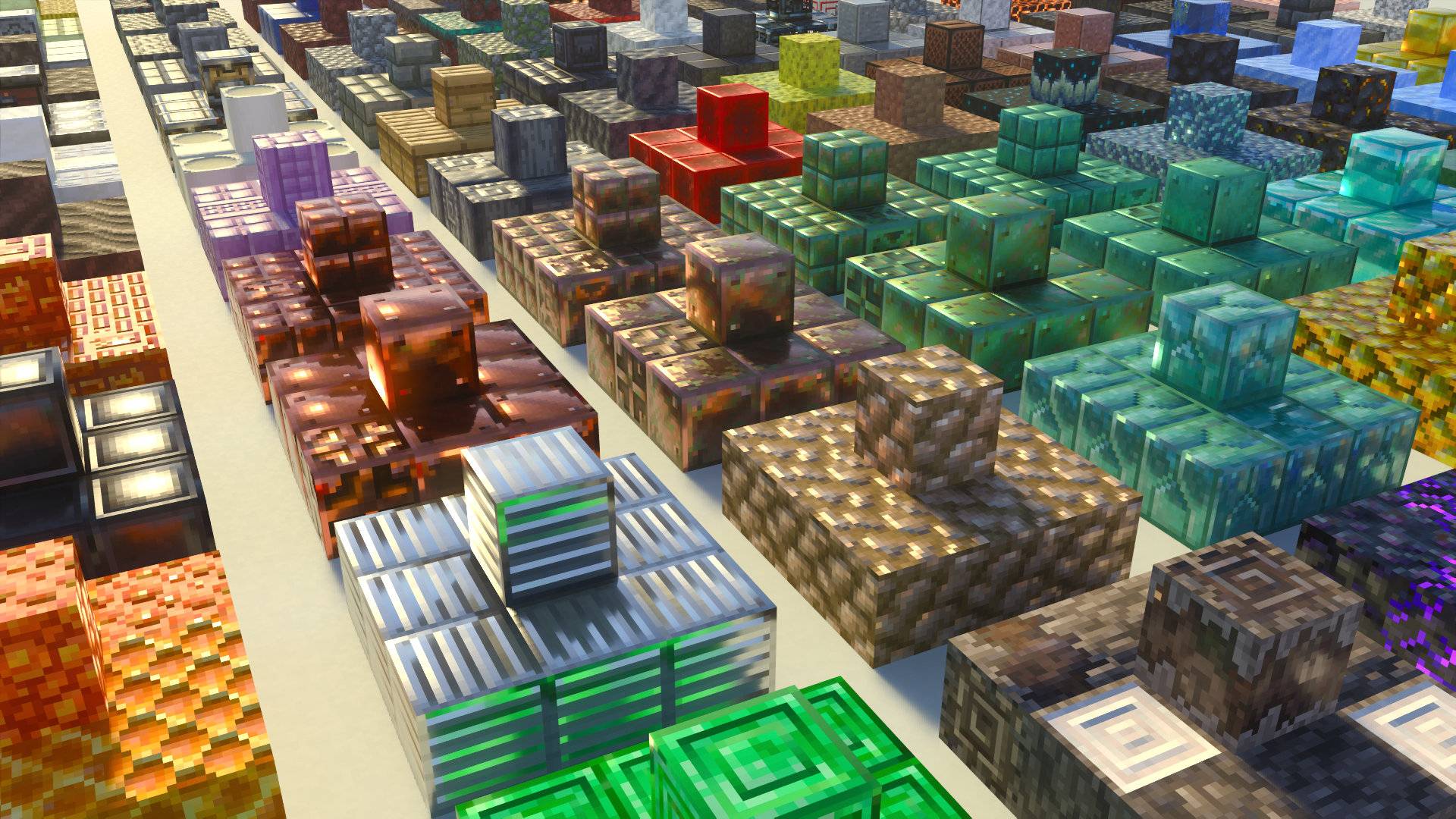
- Blocks feature unique, detailed materials consistent with their original textures and style.
- Normal maps simulate surface curvature by defining pixel-level light direction, enhancing depth perception.
- Optimized for seamless integration with Minecraft’s ray tracing capabilities without altering gameplay or appearance.
- Fixes compatibility issues between vanilla resources and ray tracing through specialized enhancements.
- Regular updates keep the pack compatible with the latest Minecraft versions and features.
Installation
- Verify your system meets the hardware requirements (Windows 10/11 with supported RTX or equivalent GPUs) and update your graphics drivers.
- Download the resource pack file and import it by opening the .mcpack with Minecraft or Minecraft Preview.
- Launch Minecraft via the dedicated Vanilla RTX App for optimal compatibility and performance.
- Activate the pack in Minecraft’s Global Resources settings.
- Enter any world or server with ray tracing enabled to experience enhanced visuals.
Requirements / Compatibility
- Compatible with Windows 10 and 11 devices featuring NVIDIA GeForce RTX 20 series or higher, AMD Radeon RX 6000 series or newer, or Intel Arc A380 and above.
- Not designed for Android, iOS, or console platforms like Xbox or PlayStation.
- Only one ray tracing resource pack (Vanilla RTX or Vanilla RTX Normals) can be active at a time due to differing visual effects.
- Works best when ray tracing is enabled before loading a world; avoid toggling ray tracing mid-session to prevent visual glitches.
- Using the Vanilla RTX App assists in avoiding launch issues, upgrading DLSS support, and customizing visual settings.
How to Use
Choose between Vanilla RTX (which uses heightmaps) or Vanilla RTX Normals (which uses normal maps) based on your lighting preference. Vanilla RTX Normals offers an alternative lighting model that emphasizes surface curvature and pixel-level light direction for a distinct depth effect. Activate only one pack at a time to ensure proper rendering.
For fine-tuning fog intensity, lighting, and material behavior, use the Vanilla RTX App, which provides user-friendly controls and automatic updates.
Notes / Troubleshooting
- Enable ray tracing before entering a world to avoid textures appearing glossy or failing to load correctly.
- If you experience low or unstable frame rates, disable Minecraft’s VSync in the game settings while keeping it enabled in your GPU control panel to reduce input lag.
- Ensure no other resource packs are overriding Vanilla RTX files, especially when playing on servers or realms.
- For systems with multiple GPUs (e.g., laptops with integrated and dedicated GPUs), set Minecraft to use the high-performance GPU in Windows graphics settings.
- If the game window appears black, exit full-screen mode, restart the game, and continue playing without full-screen enabled.
- Enable driver-level VSync to prevent random texture swapping issues.
- Users with RTX 50-series GPUs should update DLSS support via the Vanilla RTX App due to outdated game files.
Comparison between Vanilla RTX and Vanilla RTX Normals:
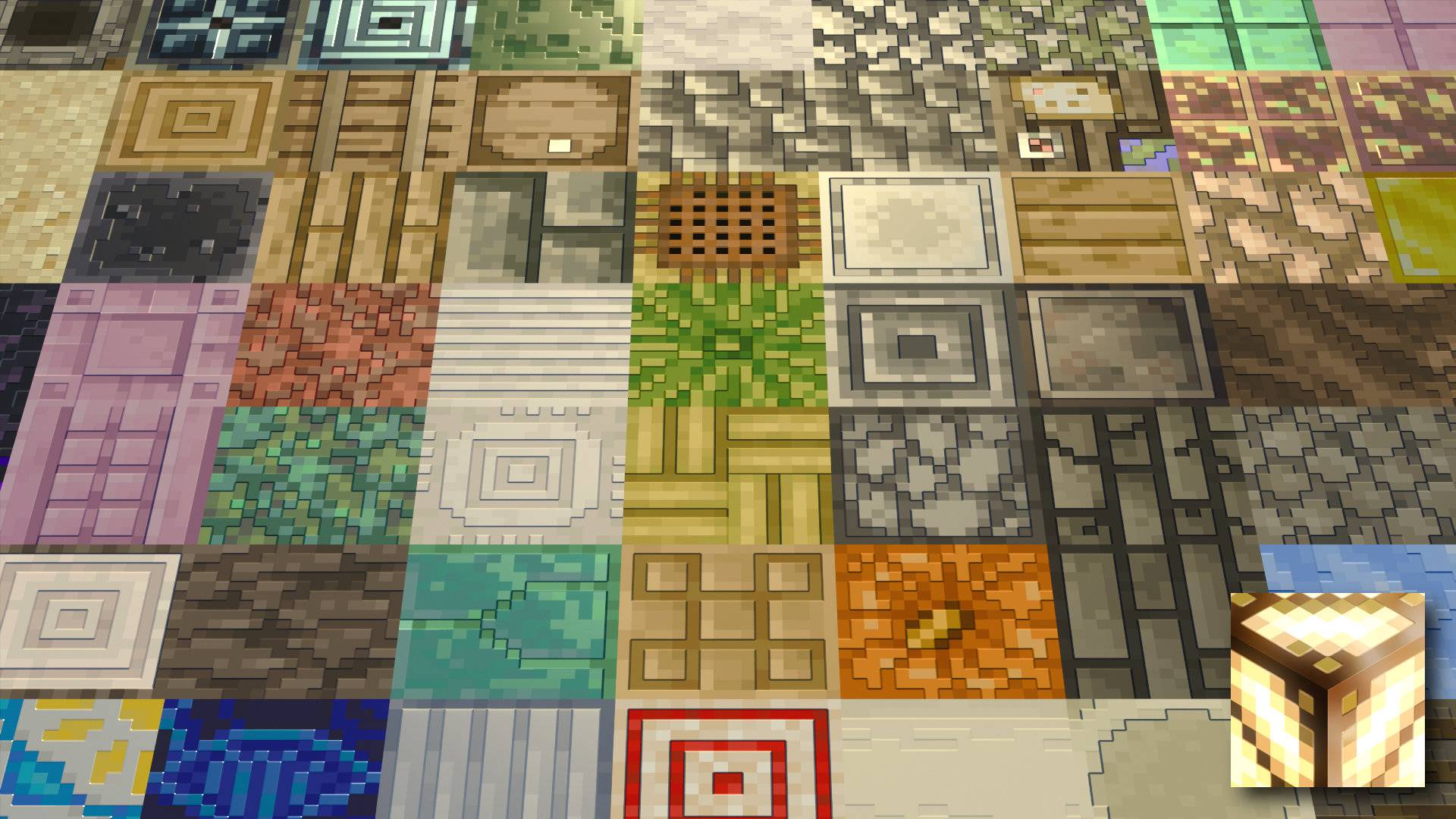
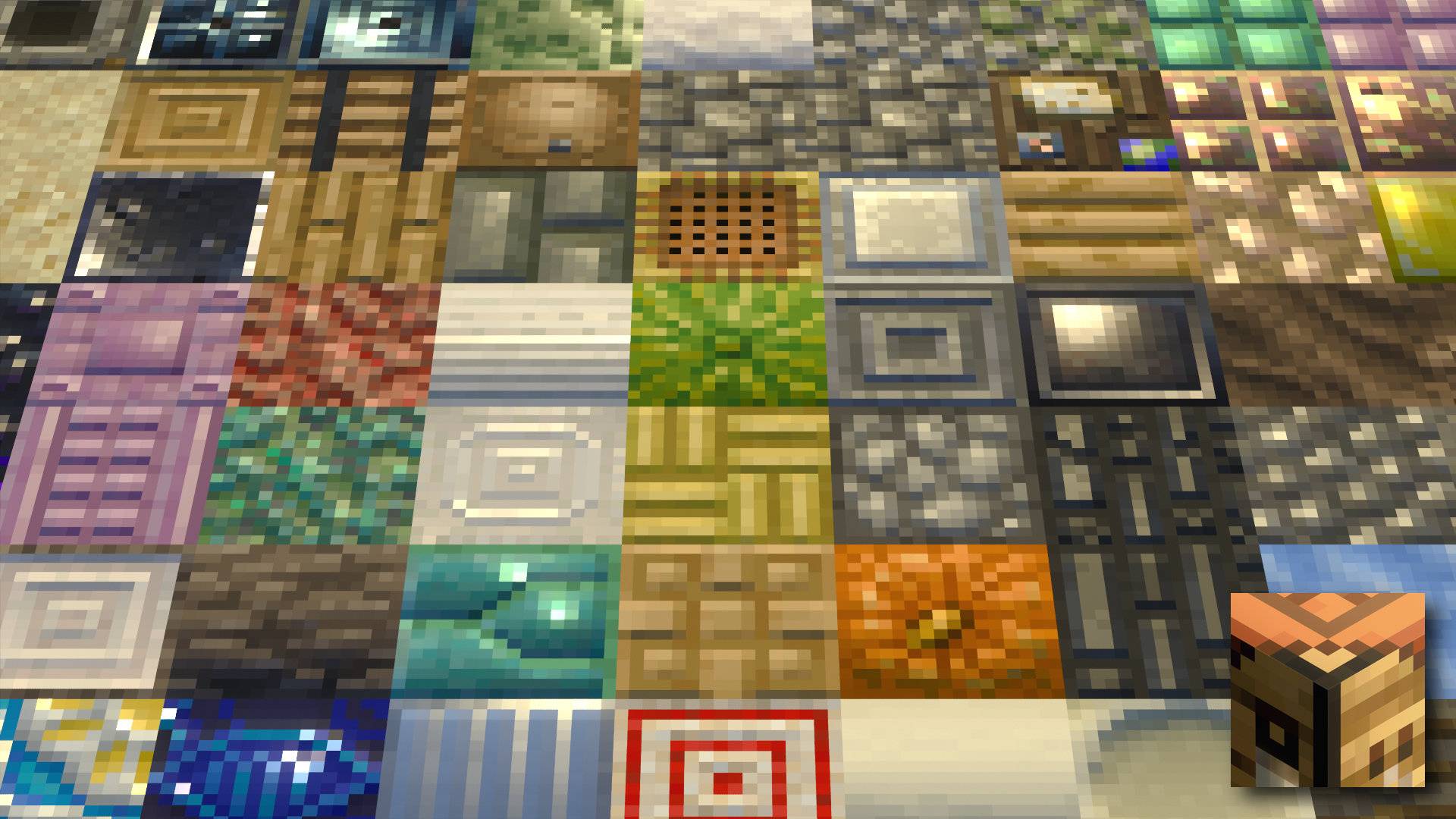
Vanilla RTX uses 16x heightmaps transformed into higher-resolution normal maps to add depth, whereas Vanilla RTX Normals directly employs 16x normal maps defining curvature and light direction per pixel. Both provide a true vanilla ray tracing experience but differ in visual style. Users can choose either based on preference.
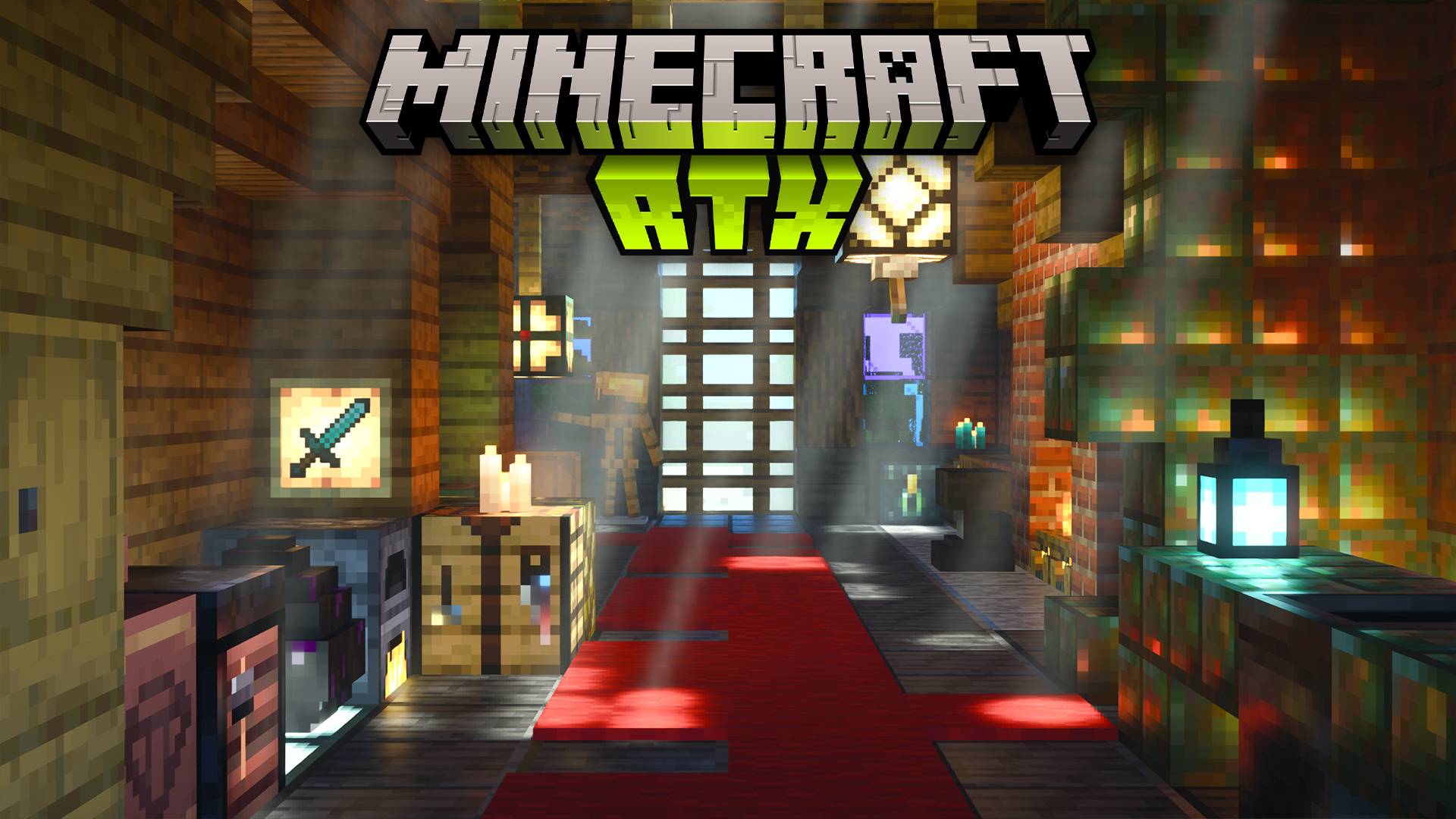
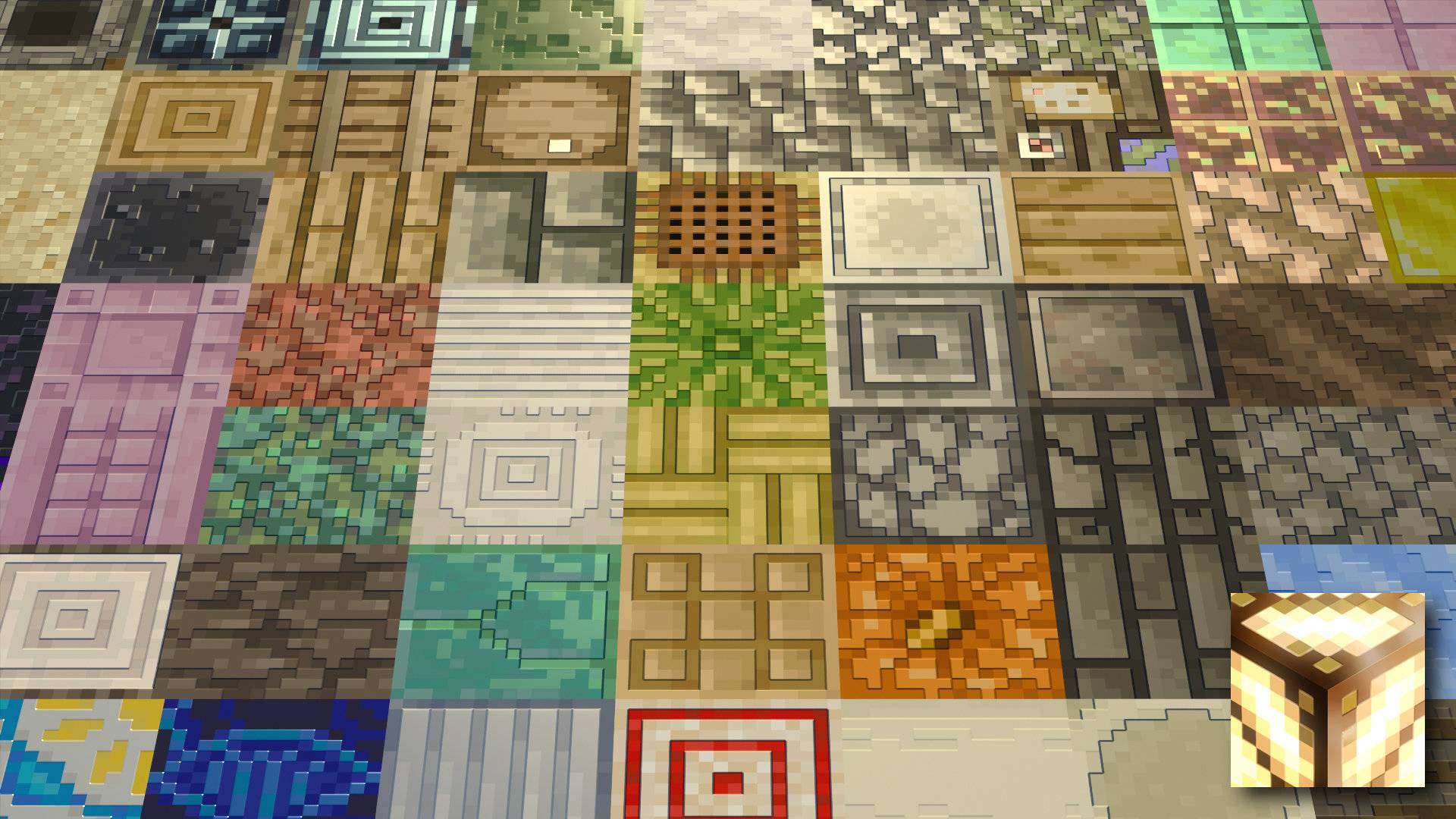
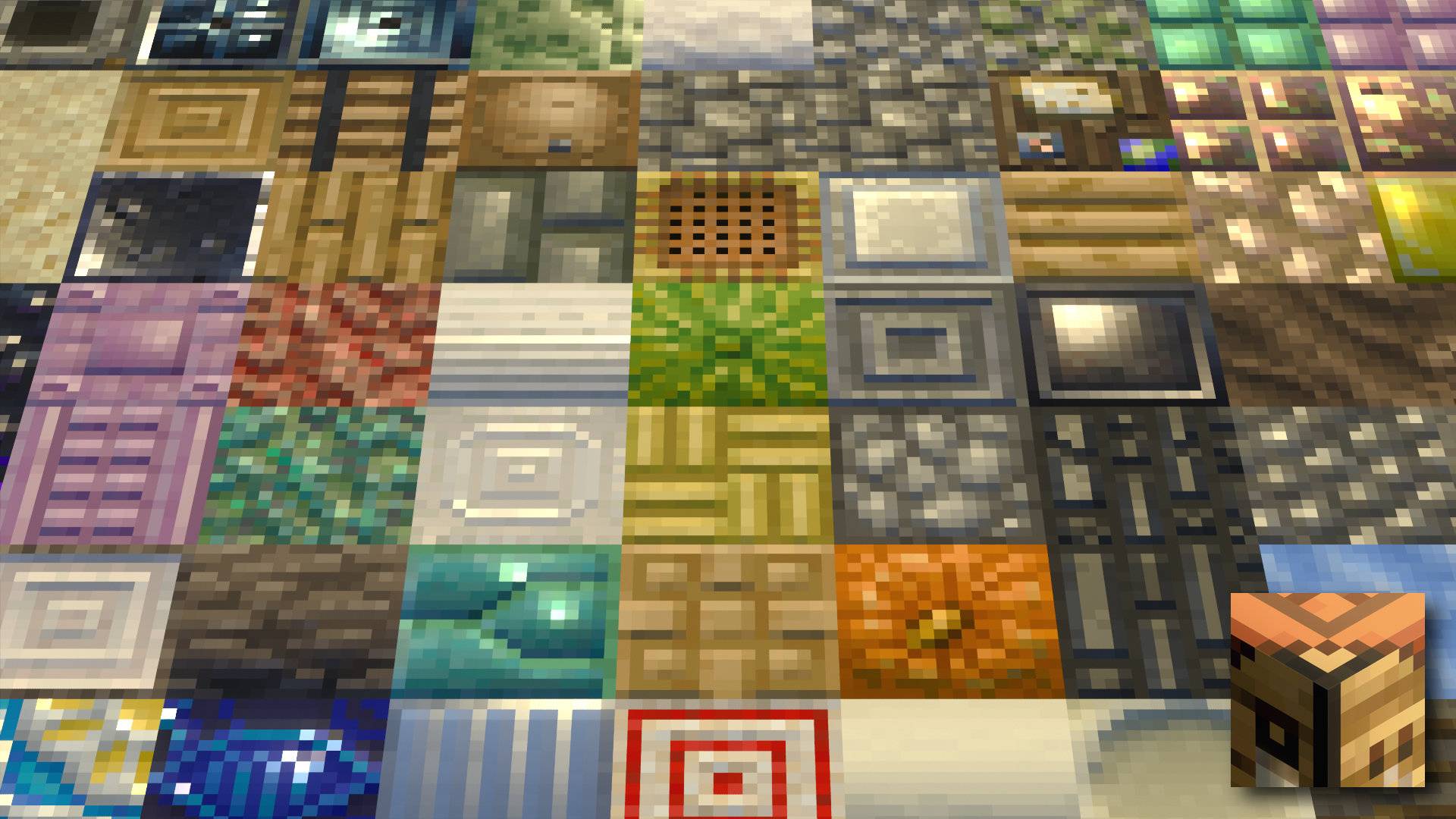
Additional Visual Samples:
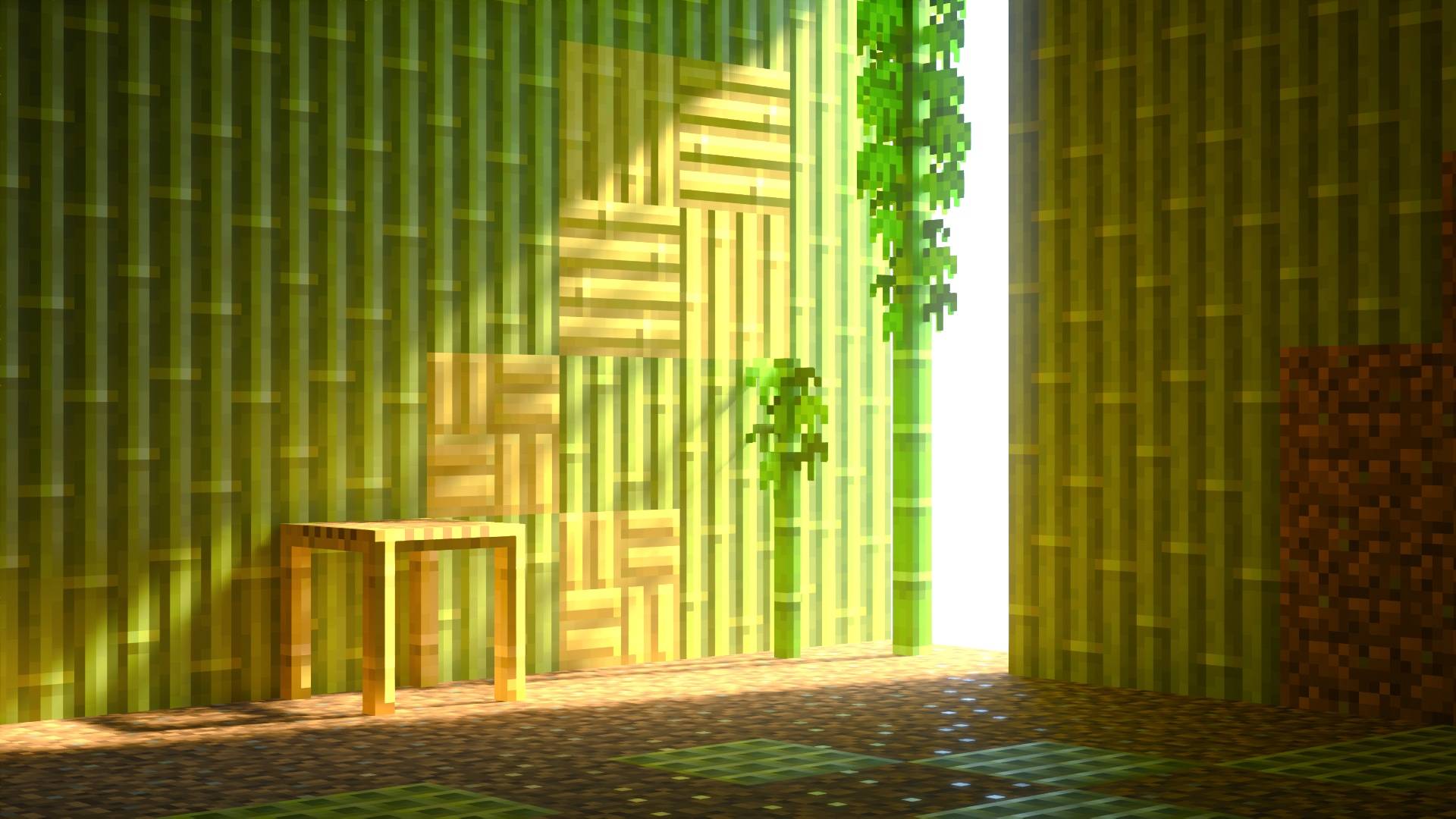
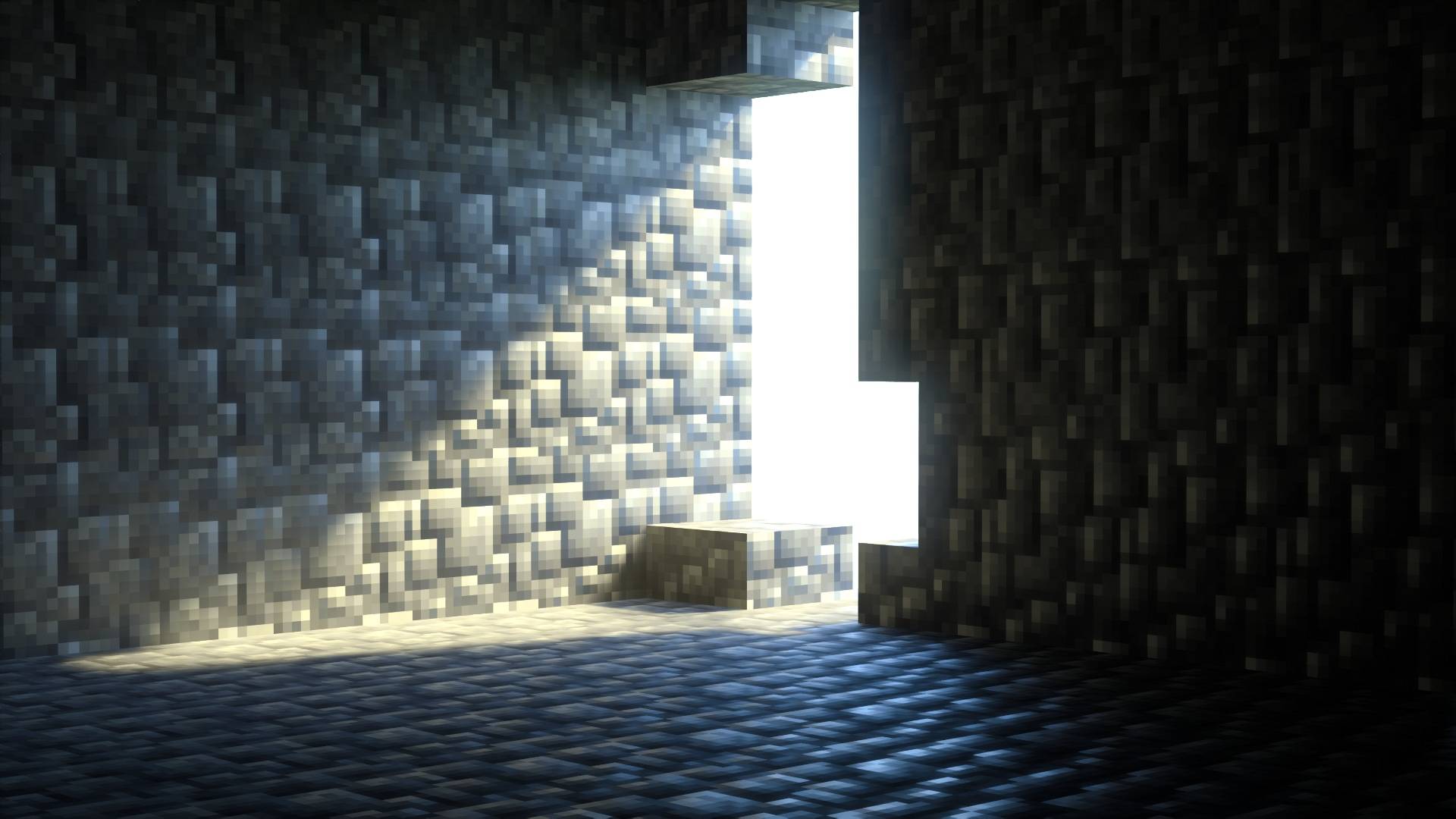
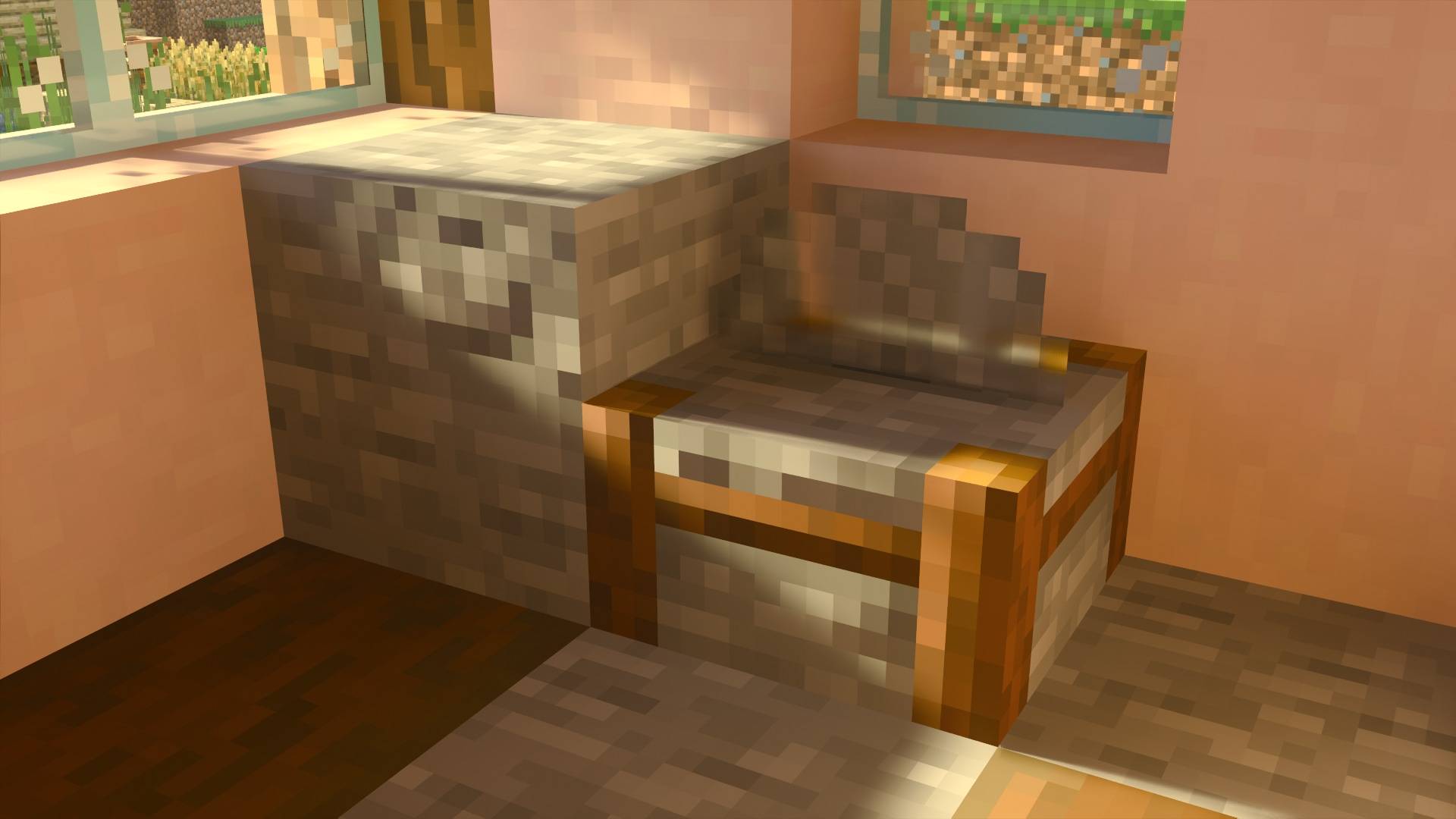
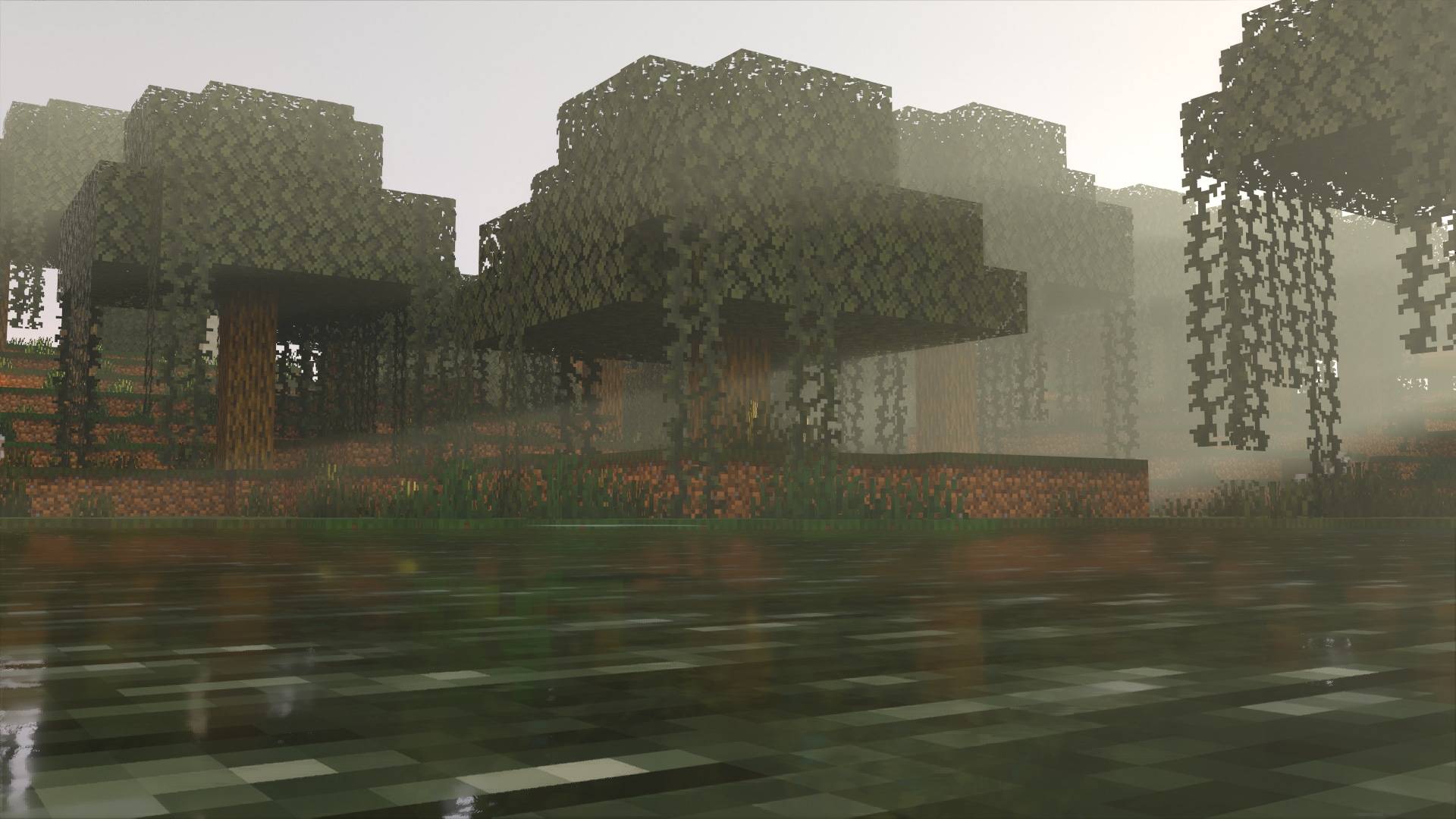
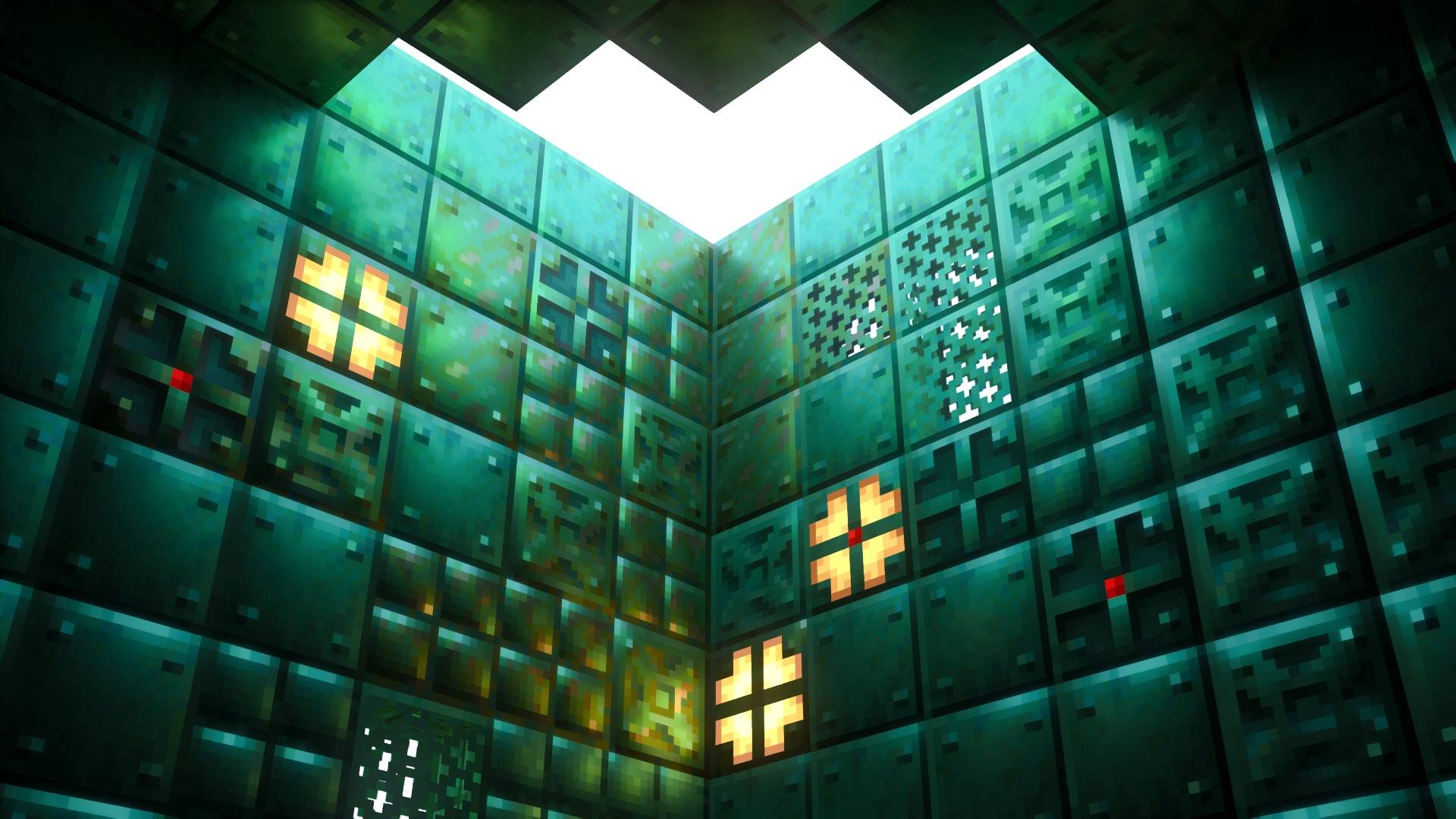
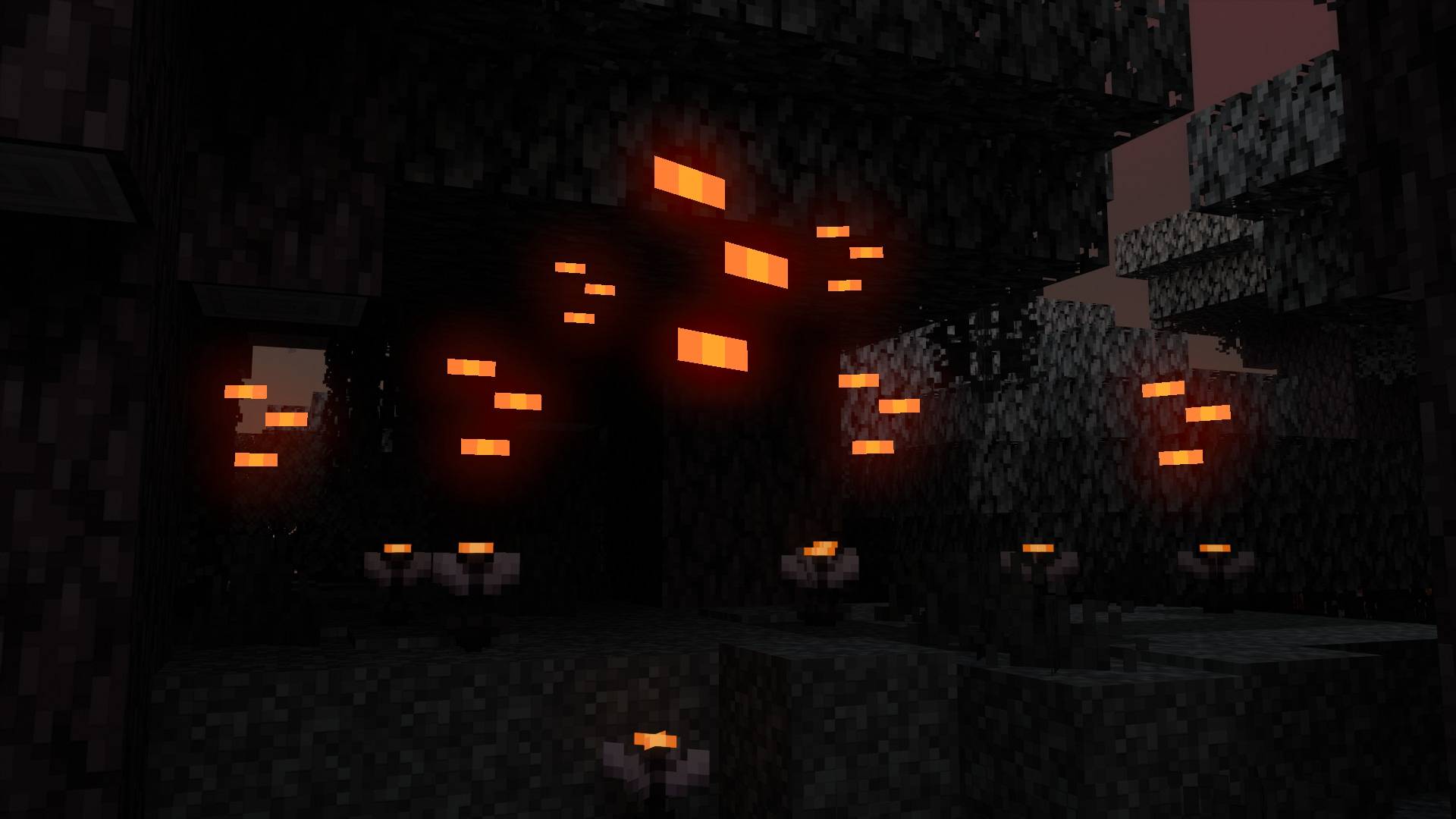
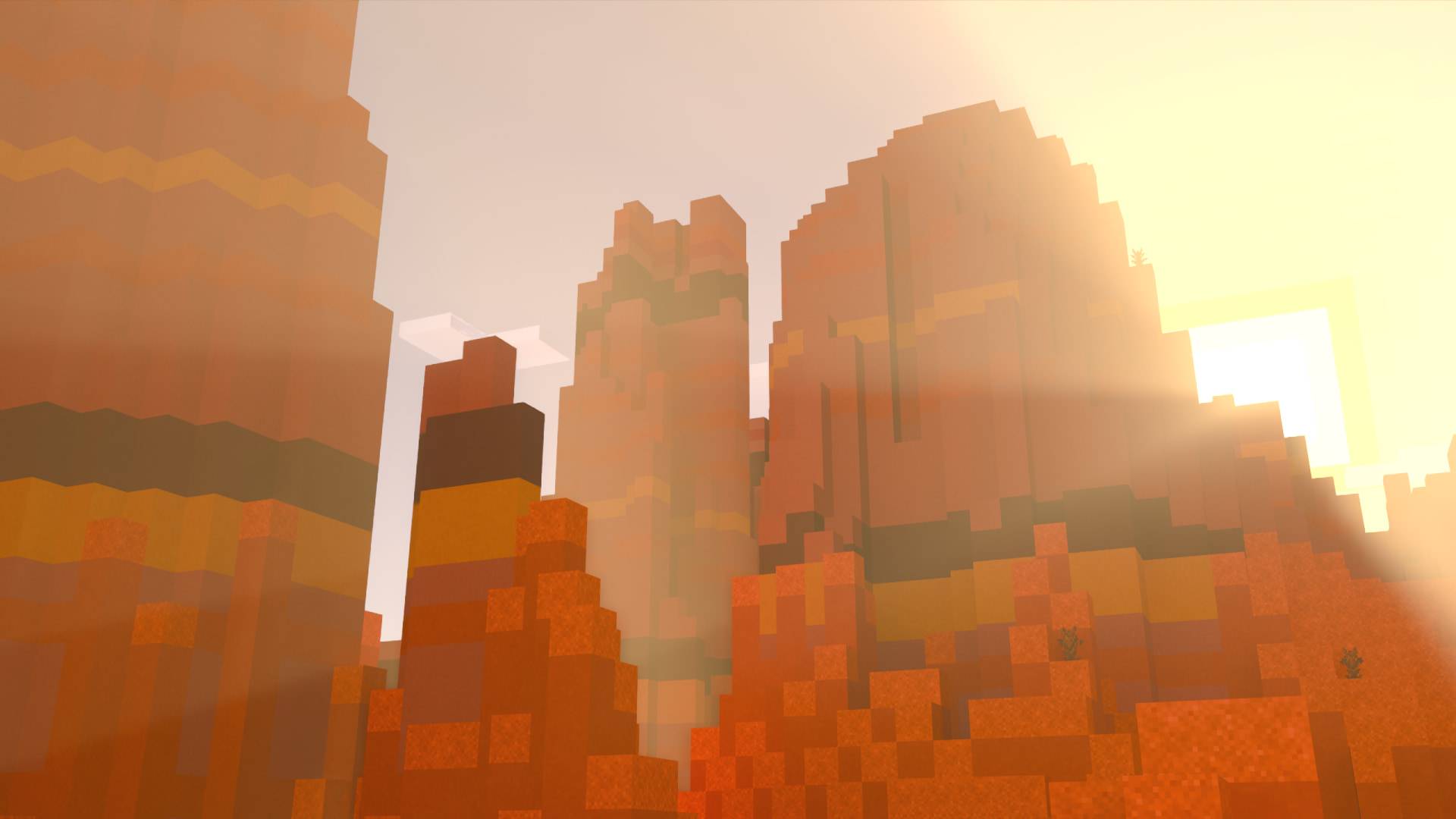
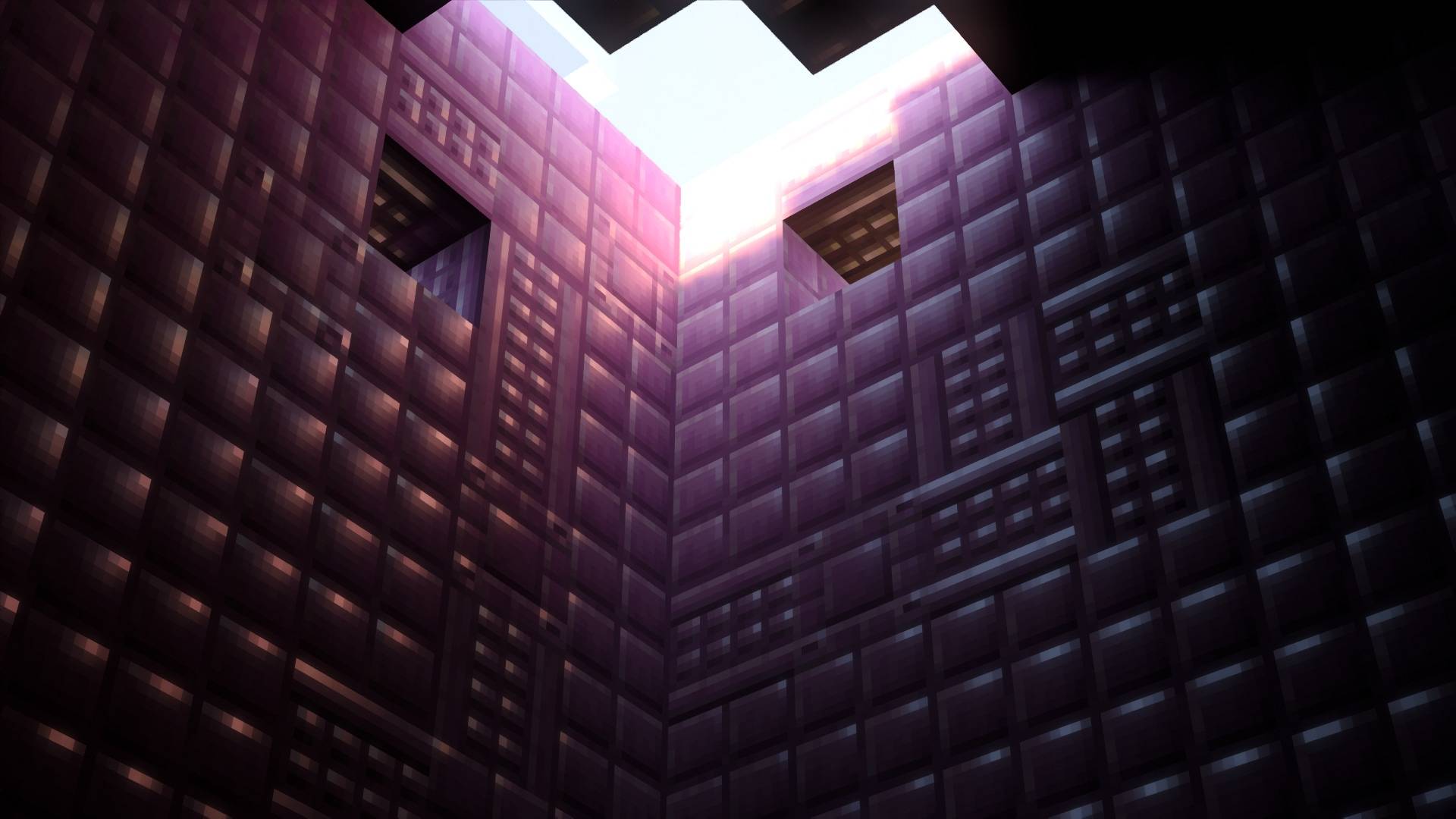

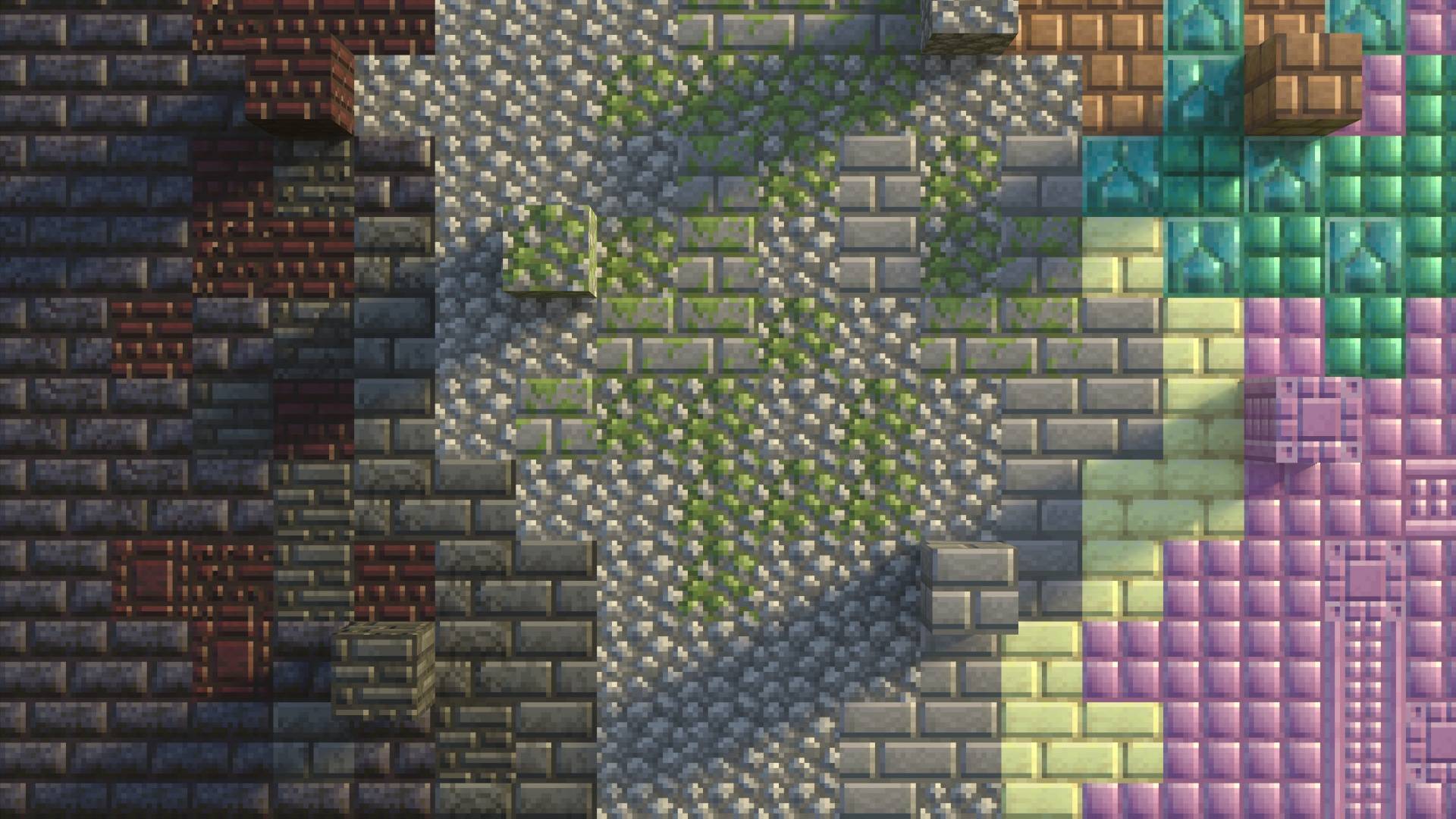
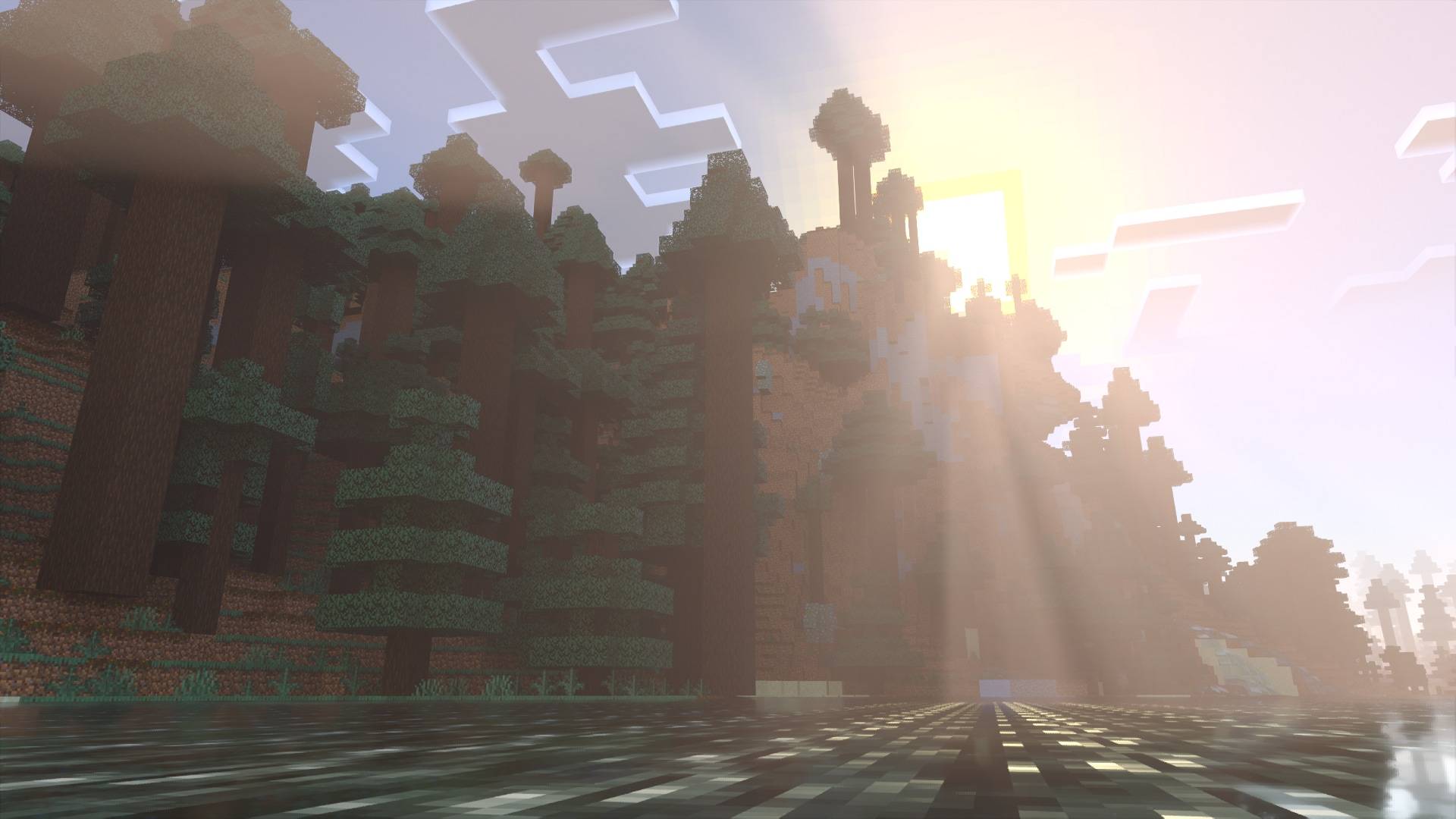
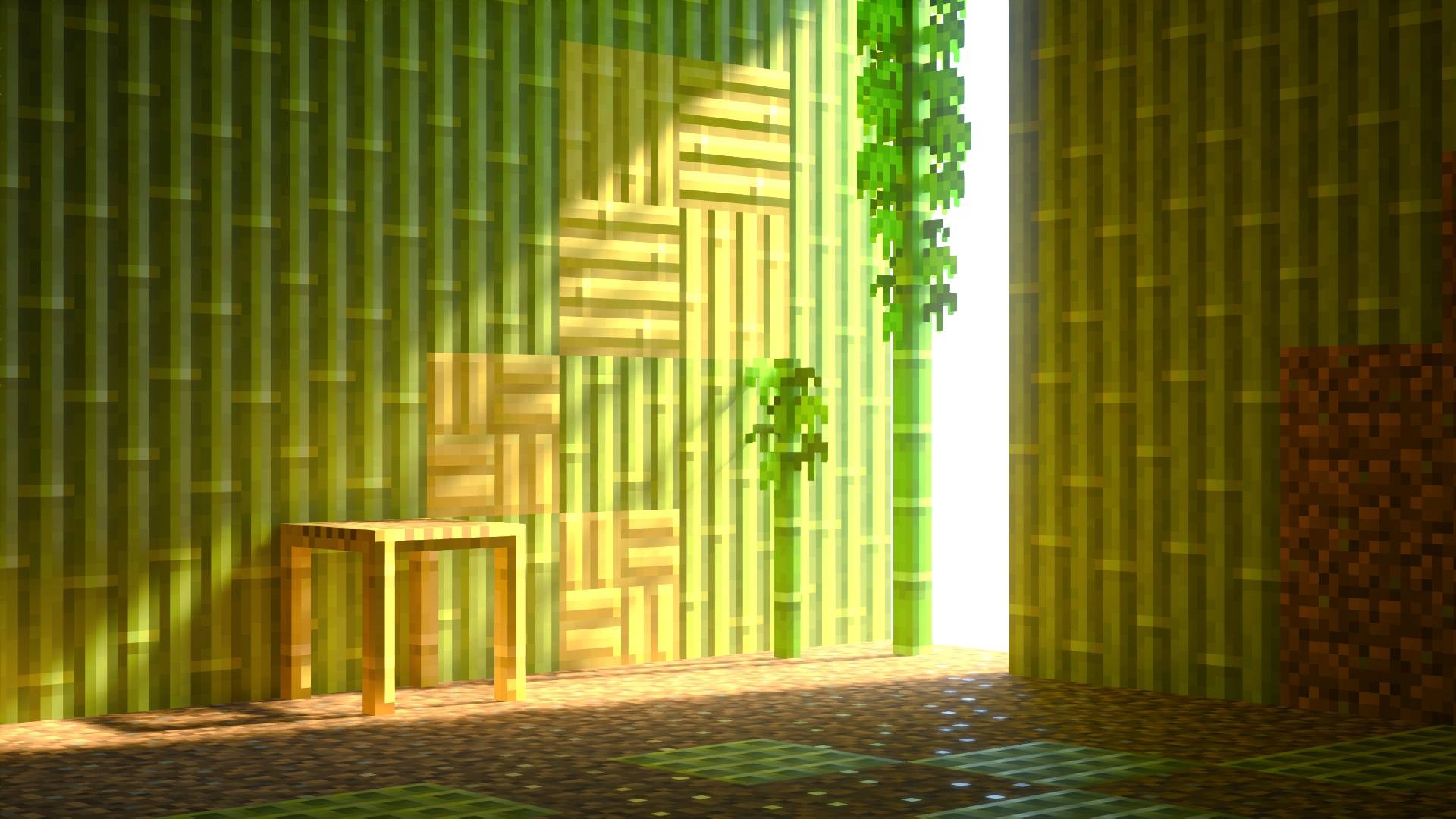
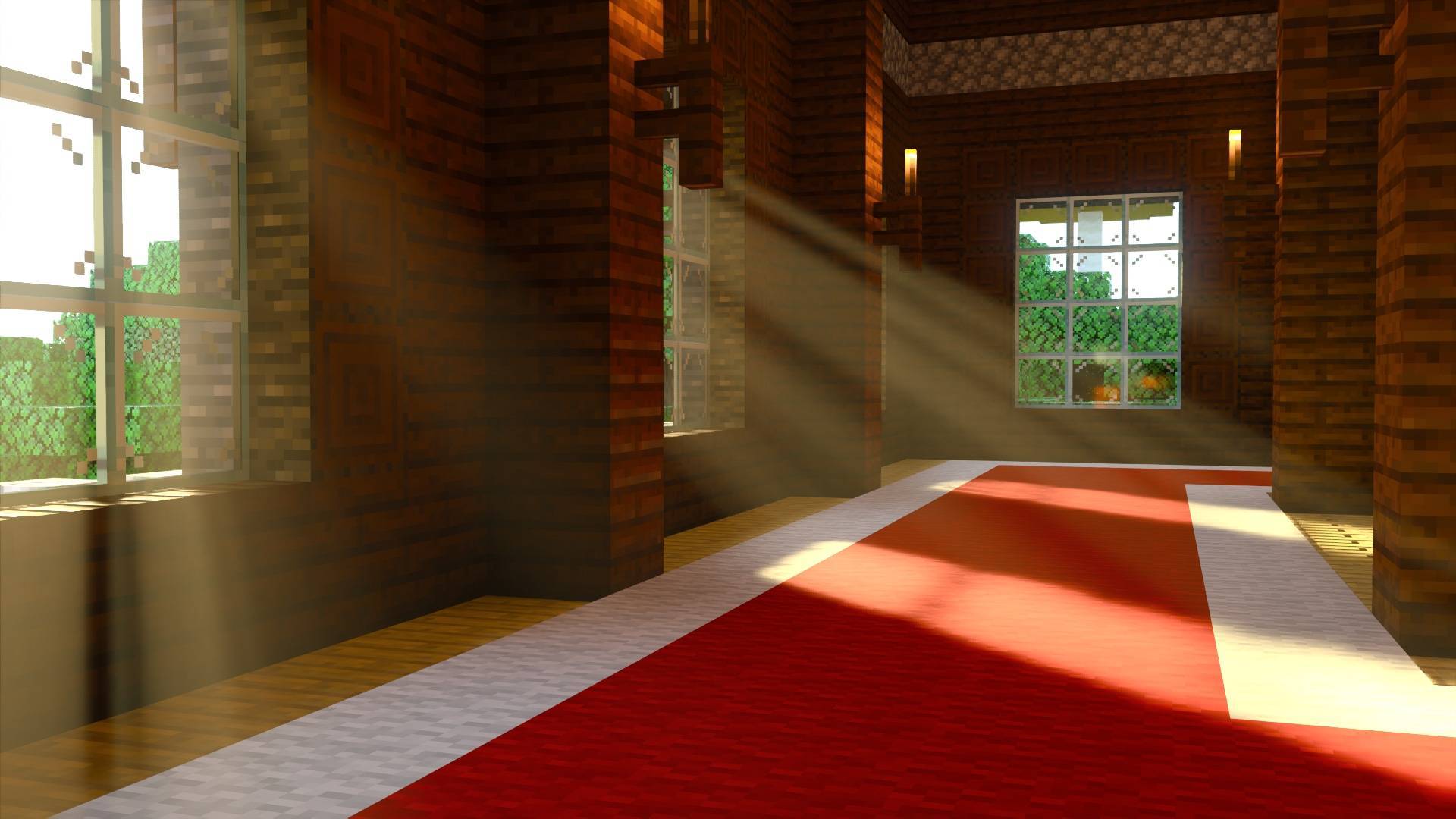
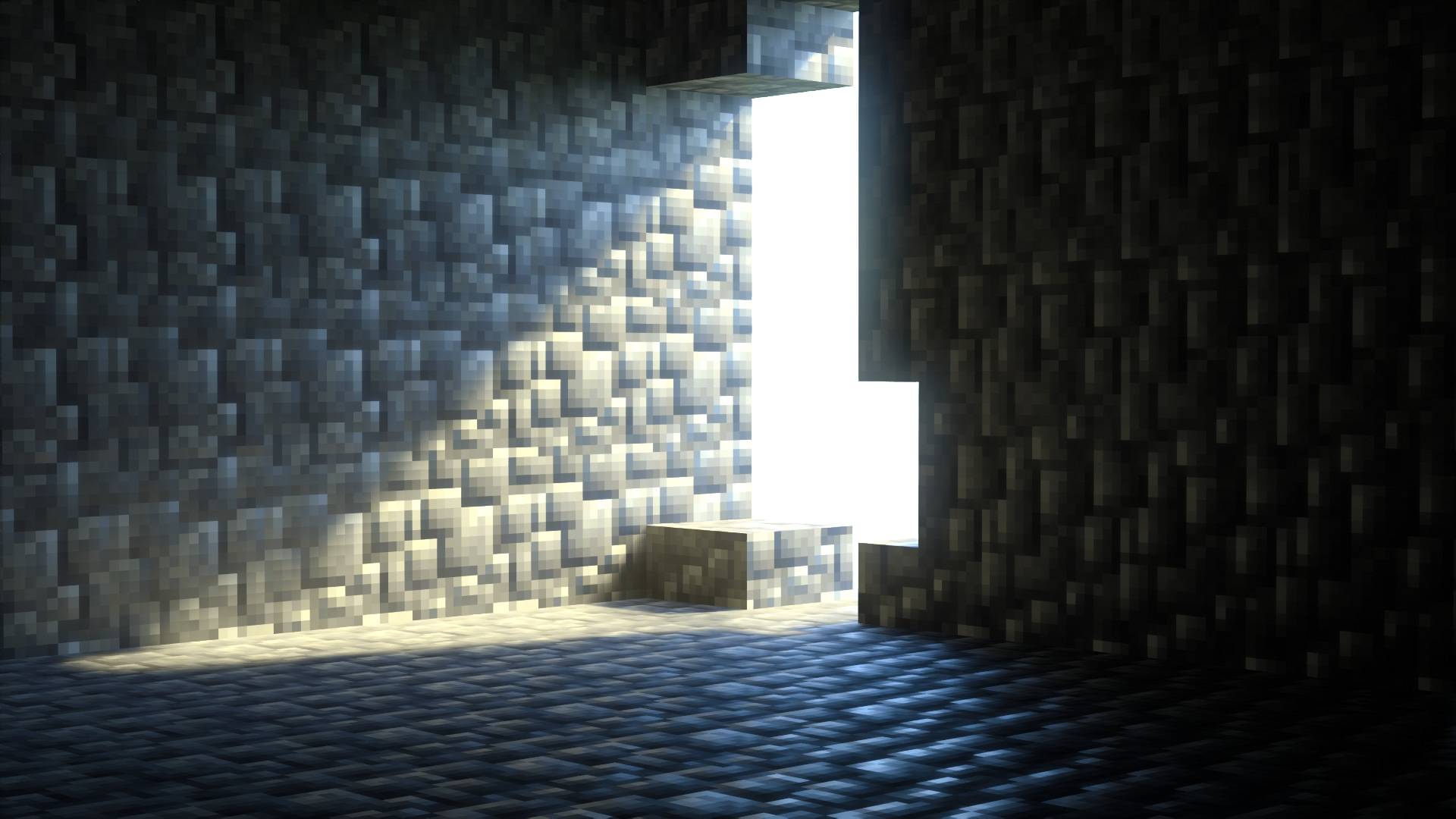
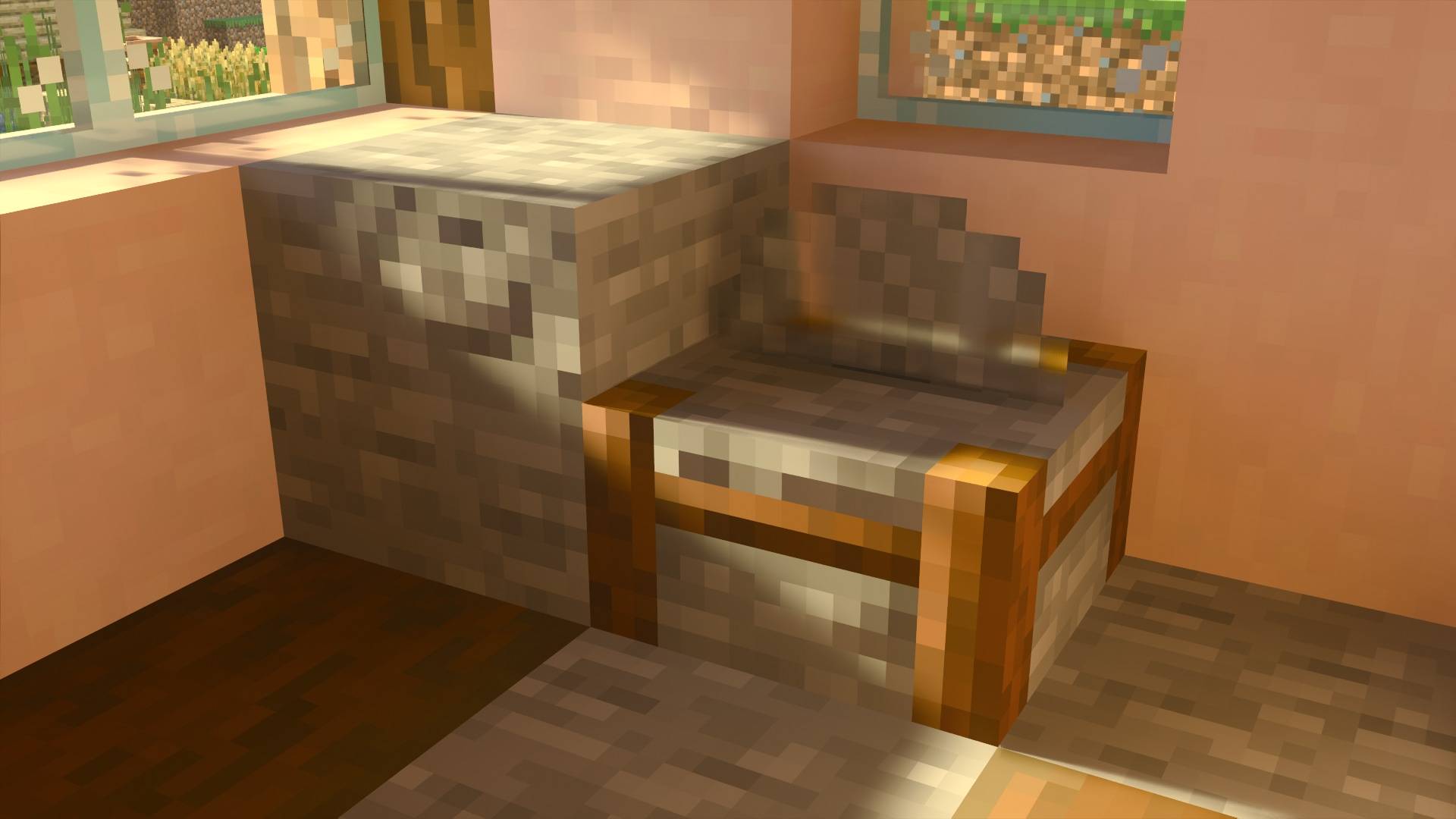
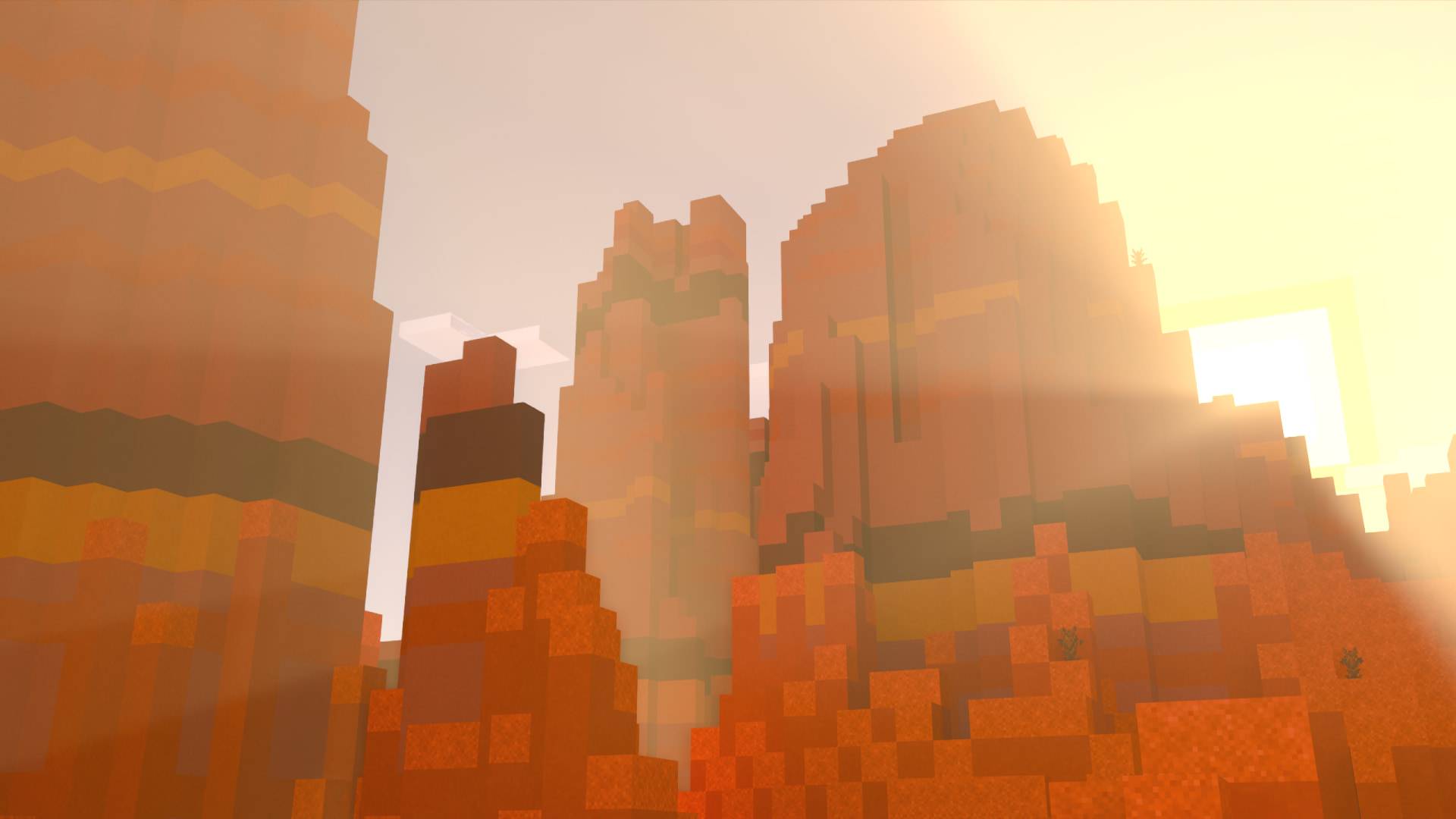
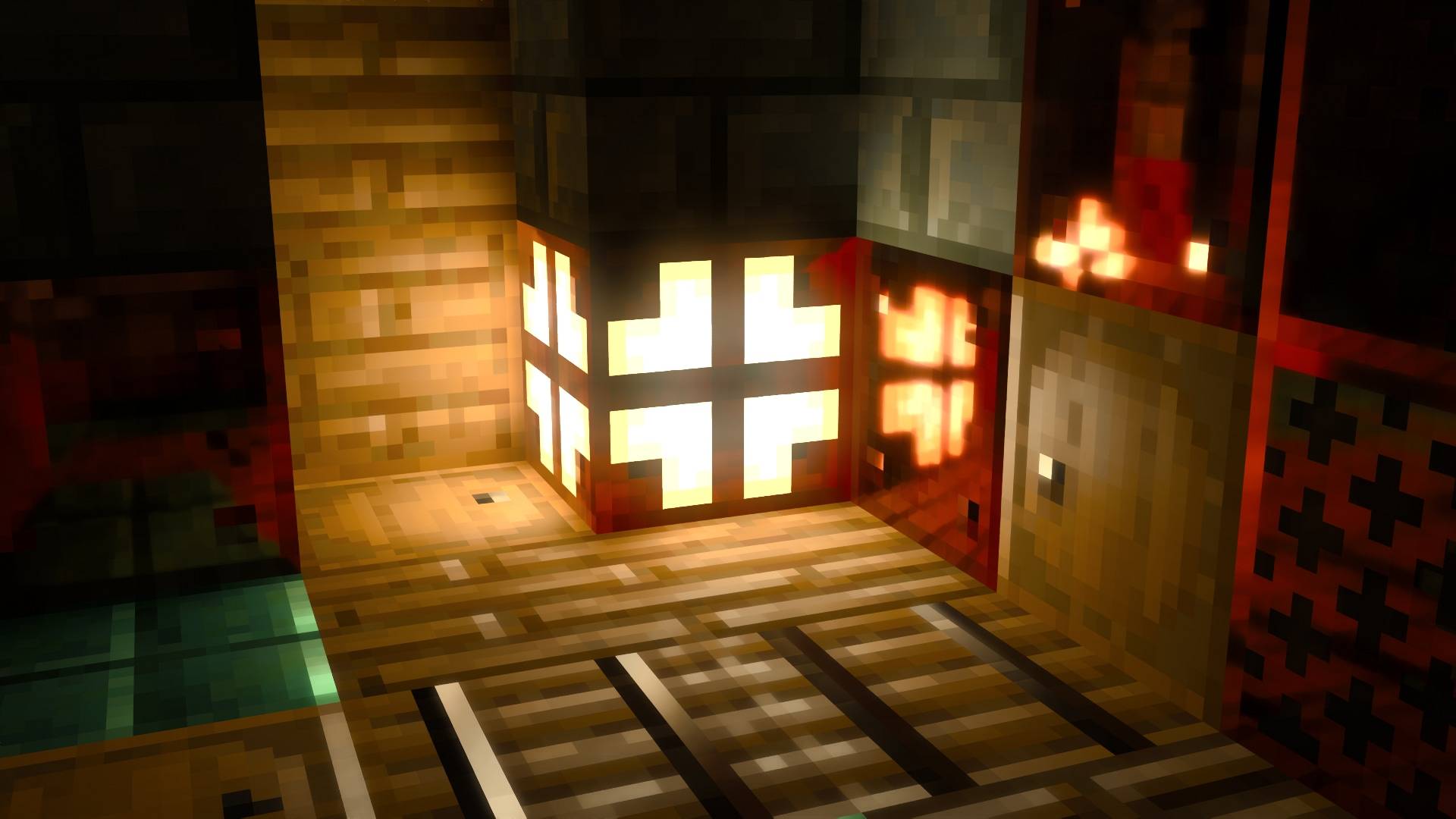
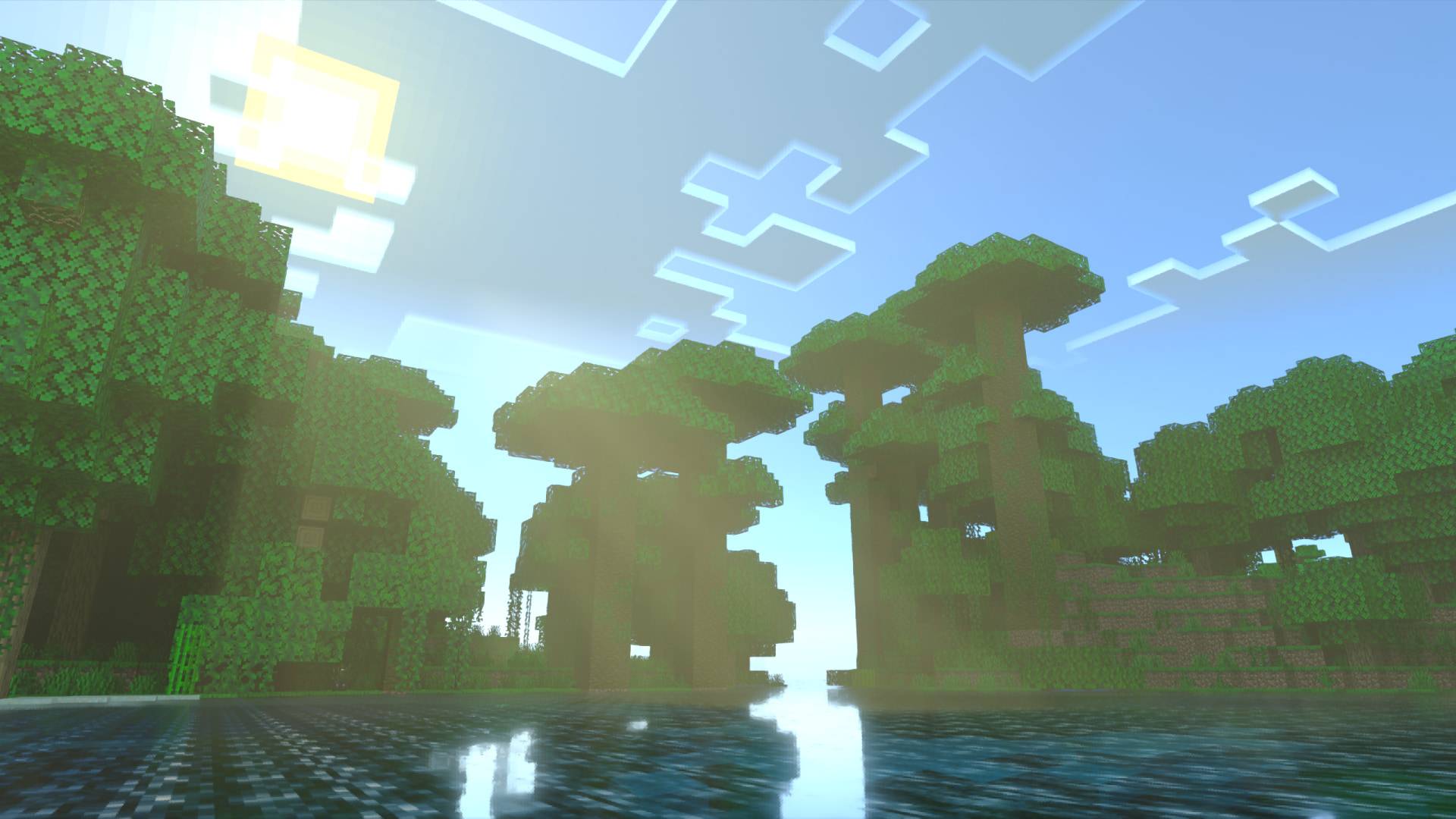
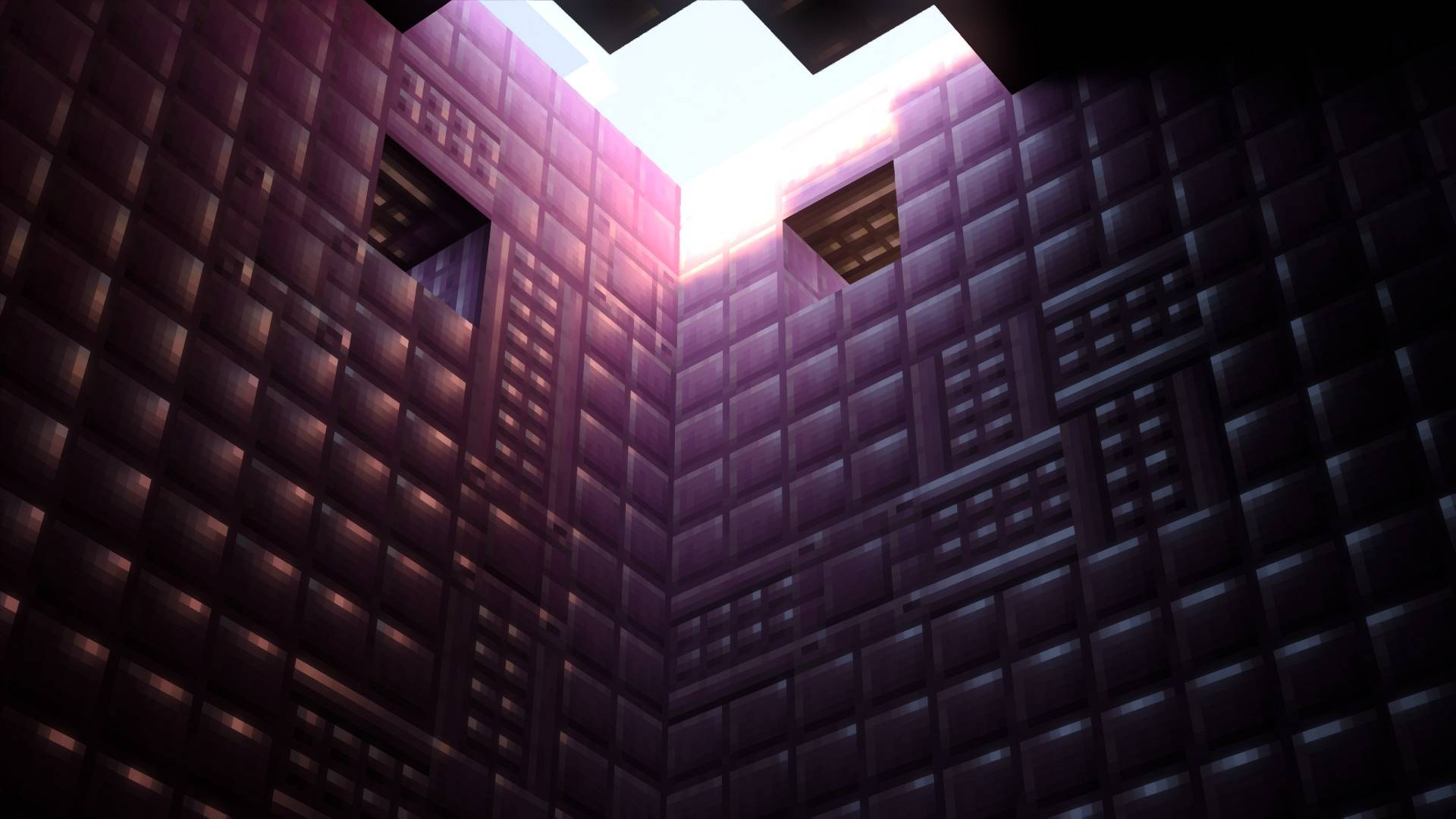
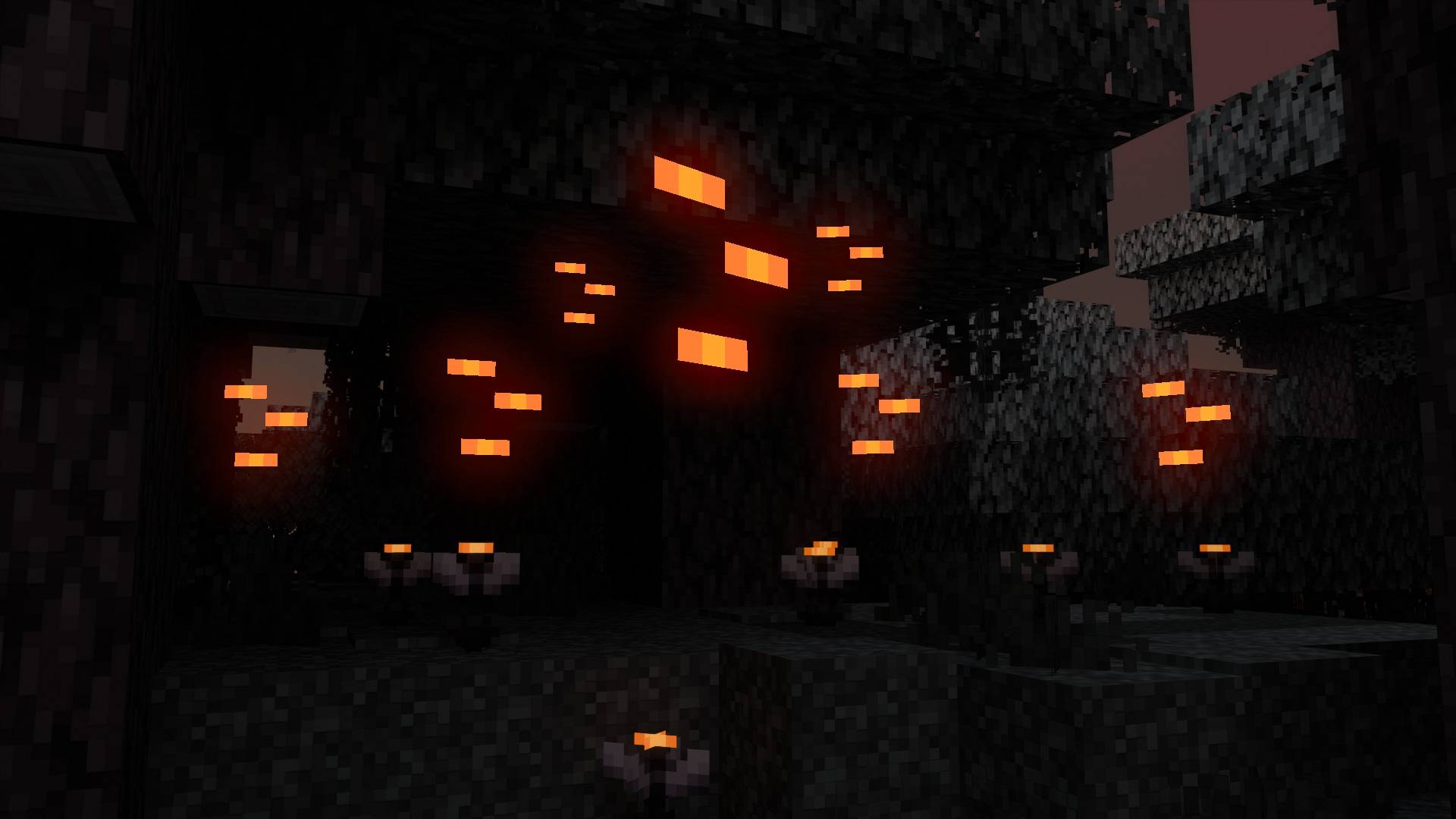
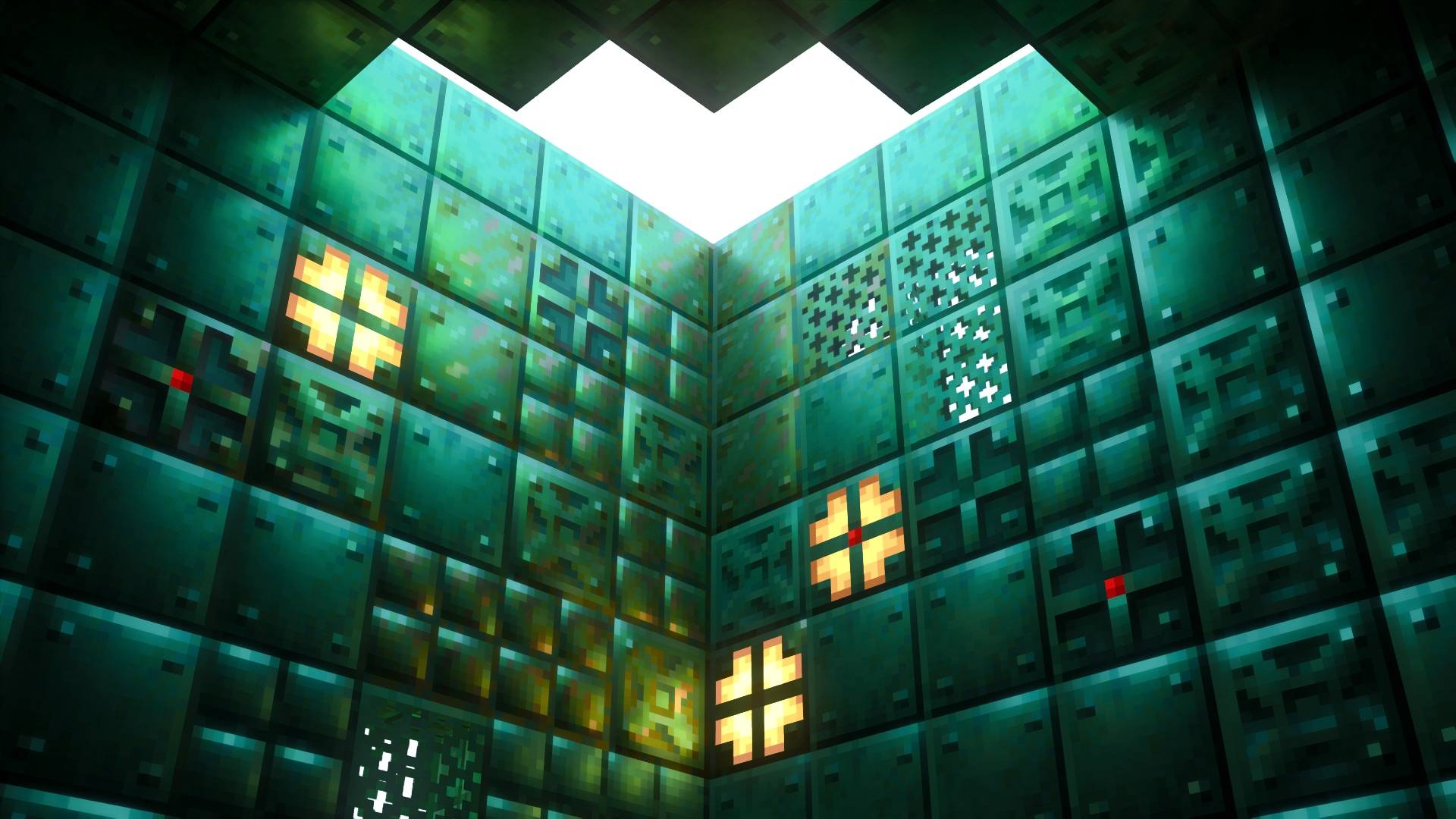
Vanilla-RTX-Normals-1.22.0.mcpack
[2.53 MB]

