Solar Shaders
14.03.2026
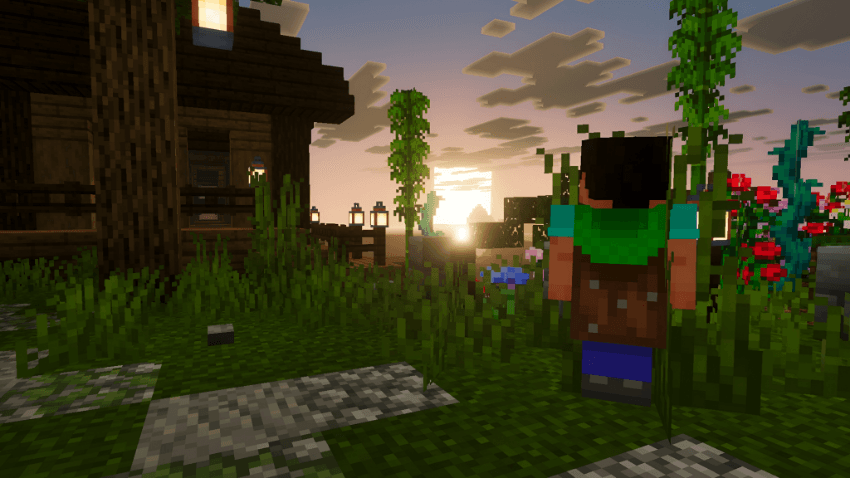
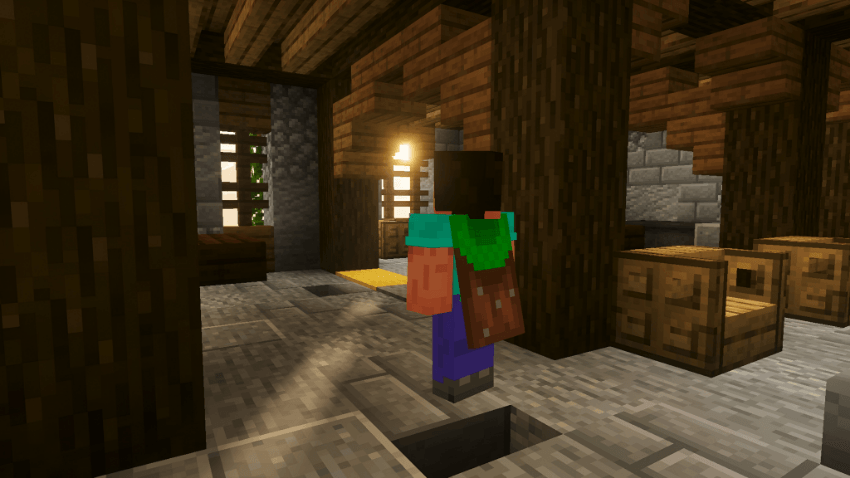
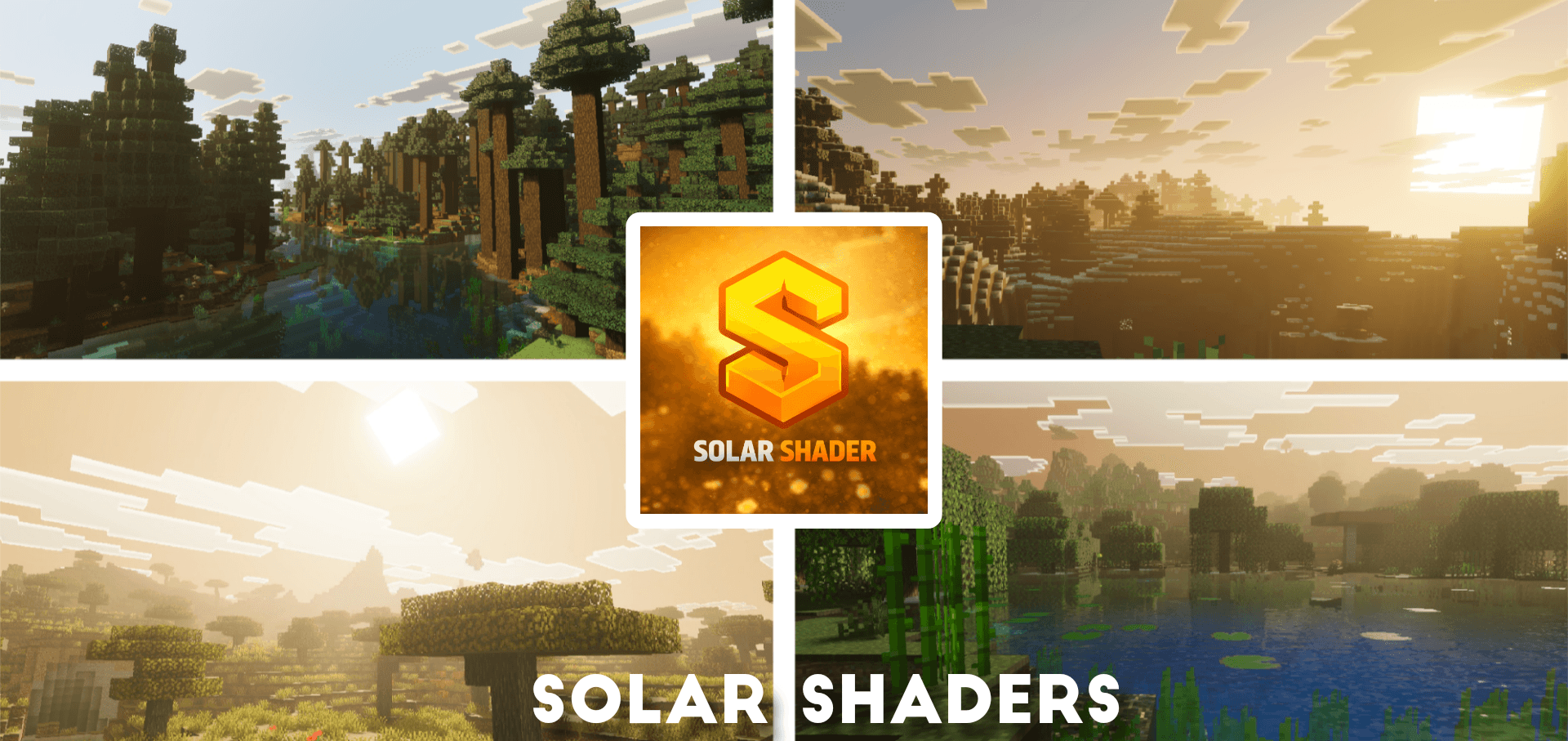
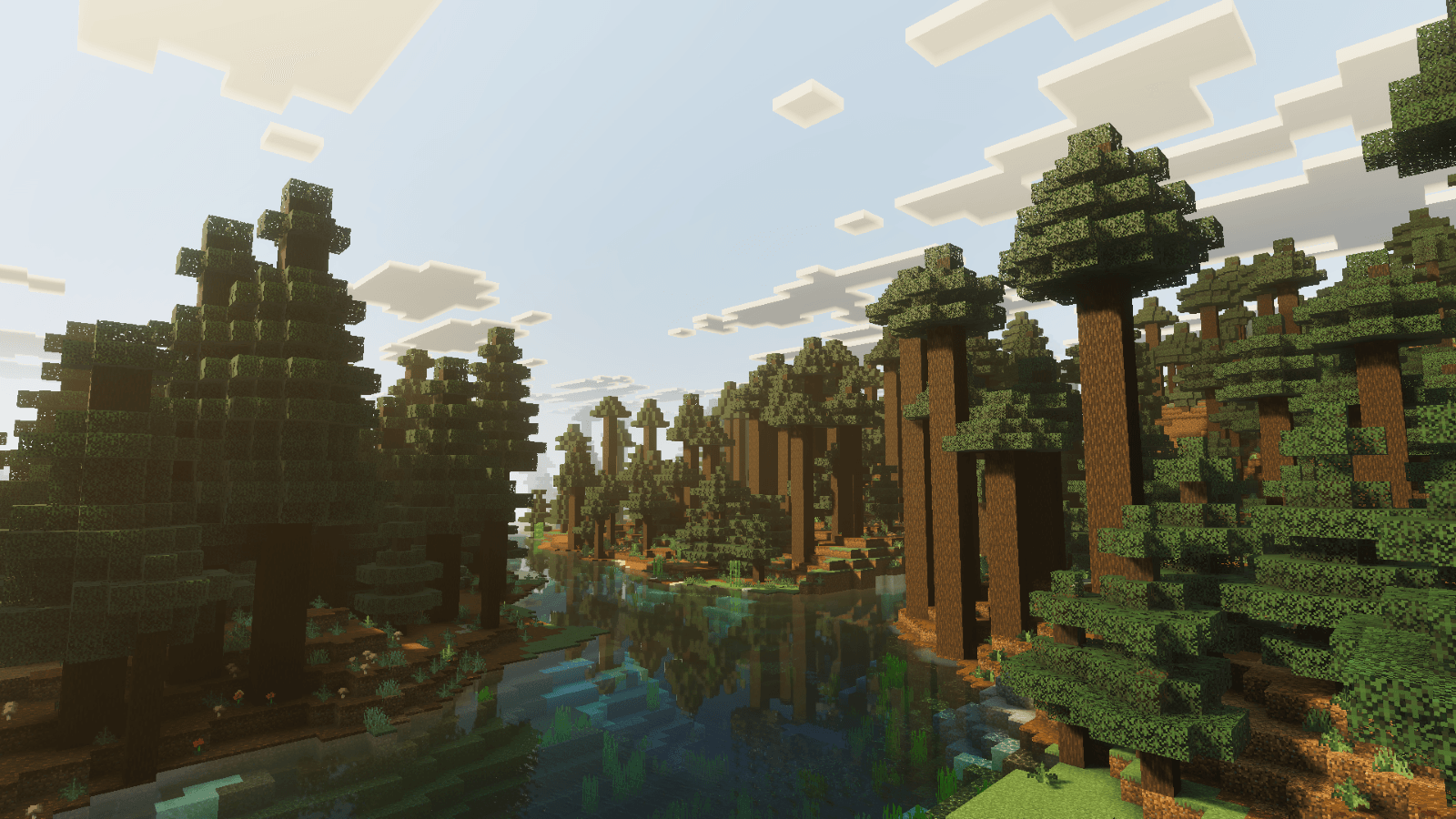
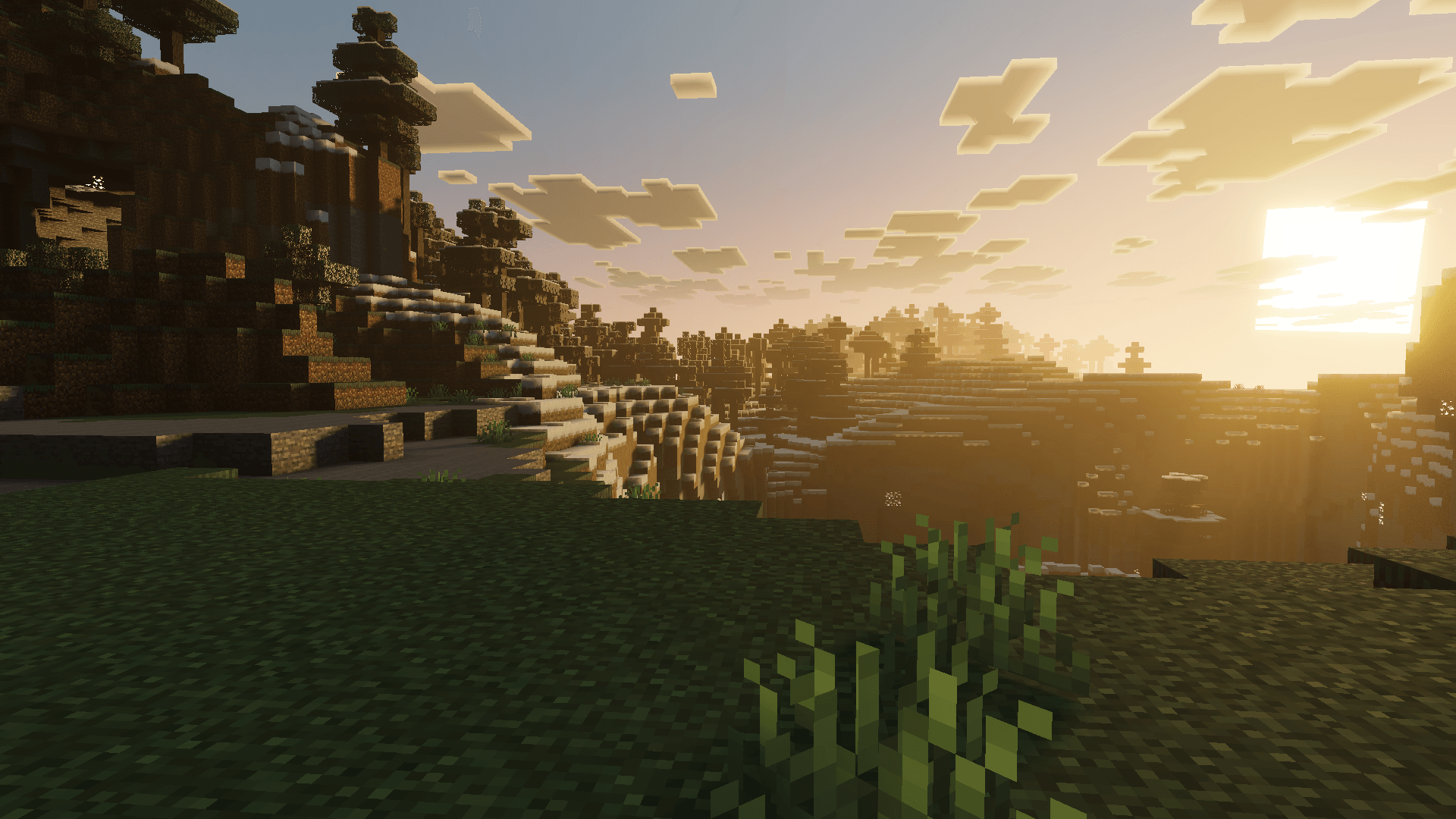
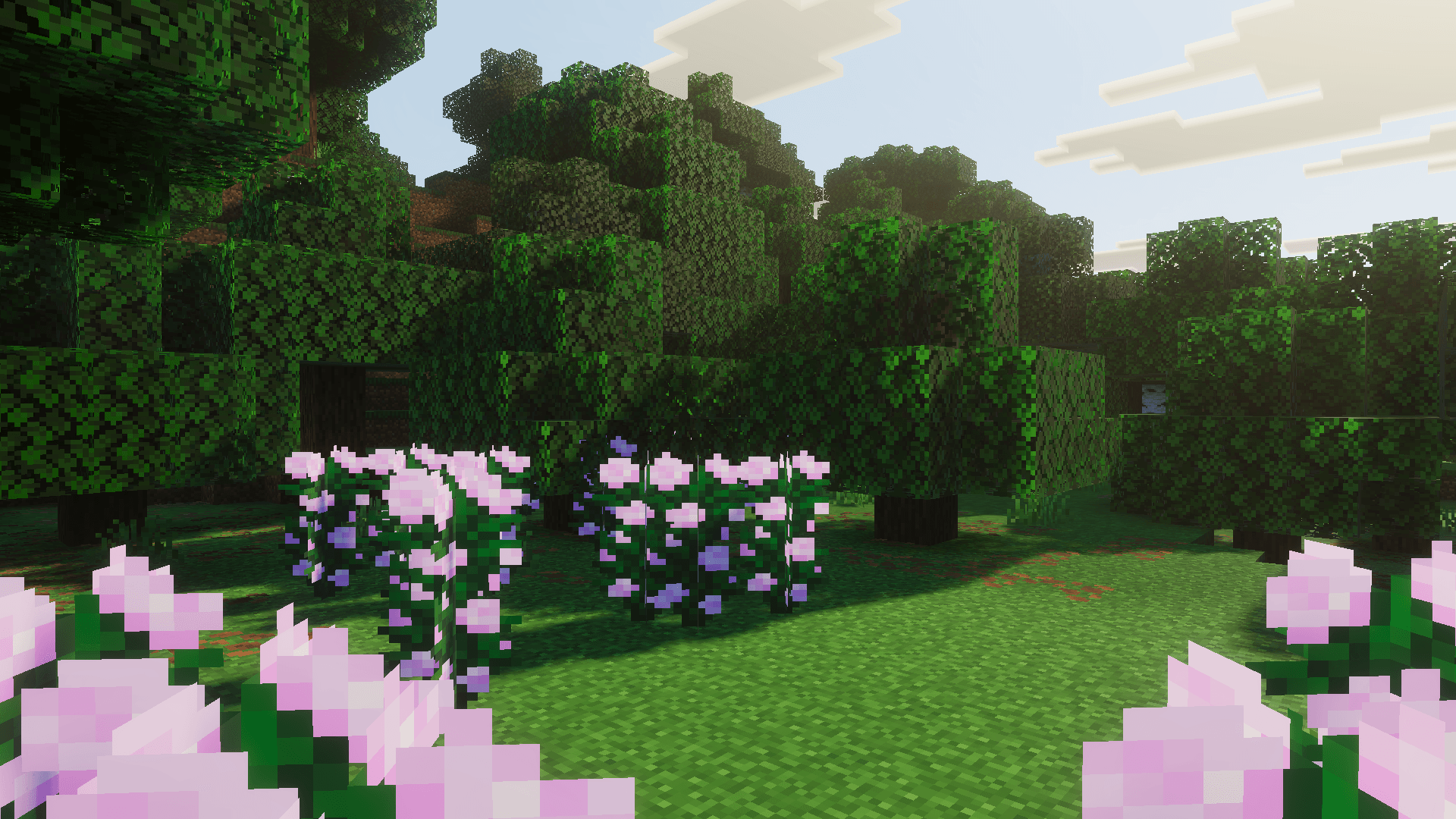
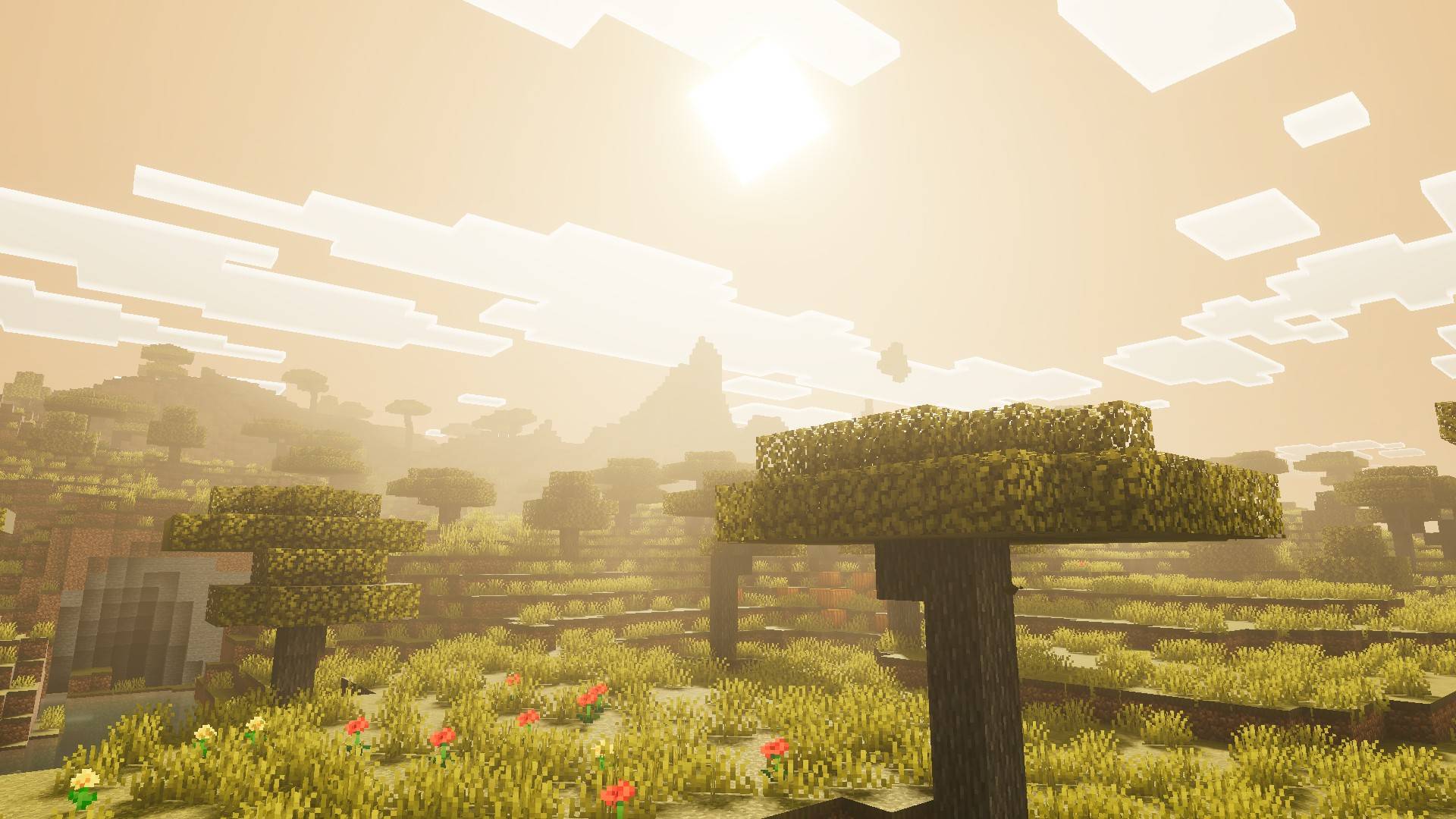
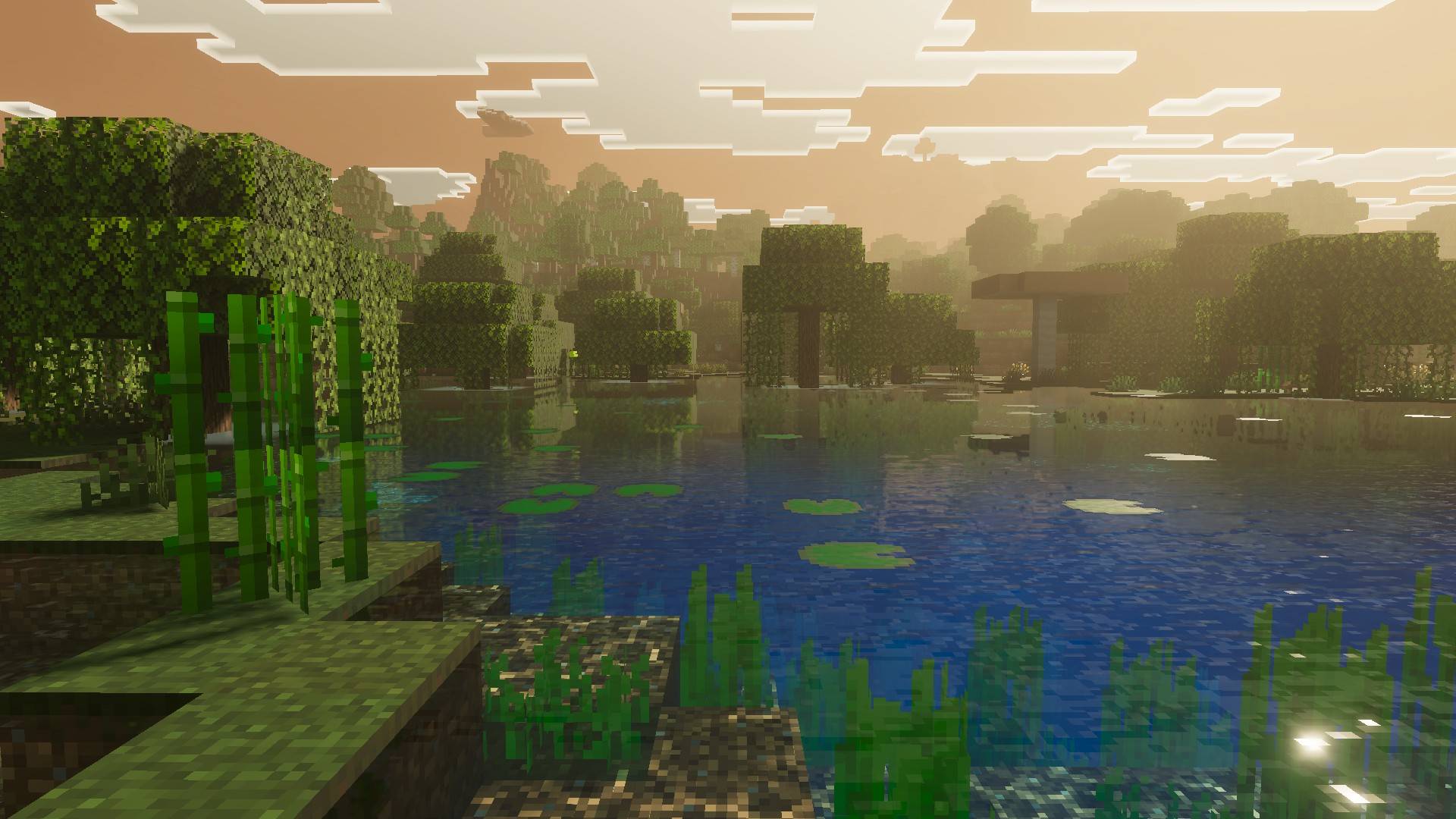
Solar Shaders offers a visually stunning shader pack that brings warm, golden-hour lighting and rich atmospheric effects to Minecraft. It enhances the game’s visuals through realistic sunrises and sunsets, dynamic skies, and detailed water animations, creating an immersive and cinematic experience across all worlds.
Installation / How to use
To install Solar Shaders, download the shader pack file compatible with your Minecraft Bedrock version. Place the shader pack in your resource packs folder and activate it from the in-game settings under “Global Resources.” Ensure your game is running the latest version for optimal performance.
Requirements / Compatibility
Solar Shaders is designed for Minecraft Bedrock Edition and requires a device capable of supporting advanced shader effects and physically-based rendering. Compatibility with all dimensions is supported, but performance may vary depending on hardware capabilities.
Key features
- Warm, golden-hour lighting showcasing cinematic sunrises and sunsets
- Dynamic sky featuring realistic atmospheric scattering for natural color transitions
- ACES tone mapping combined with professional color grading for balanced visuals
- Animated water with lifelike waves and caustic light effects
- Soft, high-quality shadows that add depth to environments
- Volumetric height fog that enhances atmospheric depth and realism
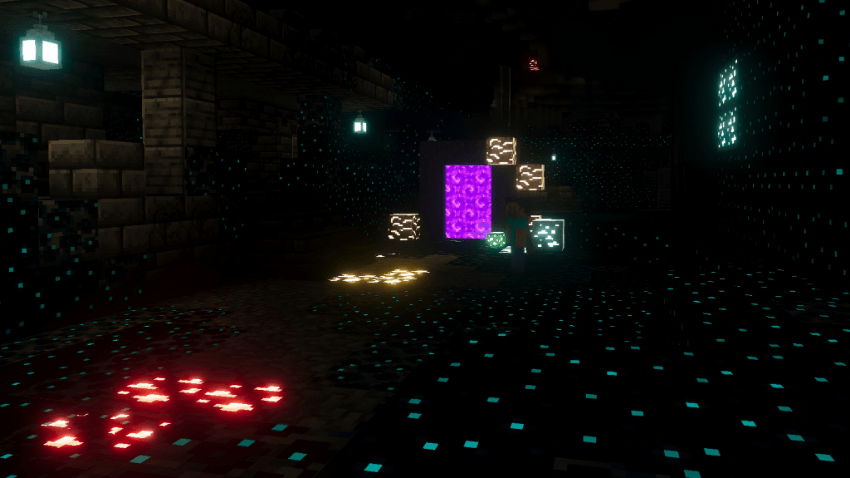
- Physically-Based Rendering (PBR) on ores, giving them natural reflections and glow
Notes / Troubleshooting
If you experience performance issues, consider lowering shader settings or disabling certain effects in the shader options. Feedback and suggestions are encouraged to improve future versions of the pack.