Recolourful Containers GUI + HUD (BEDROCK EDITION)
2.04.2026

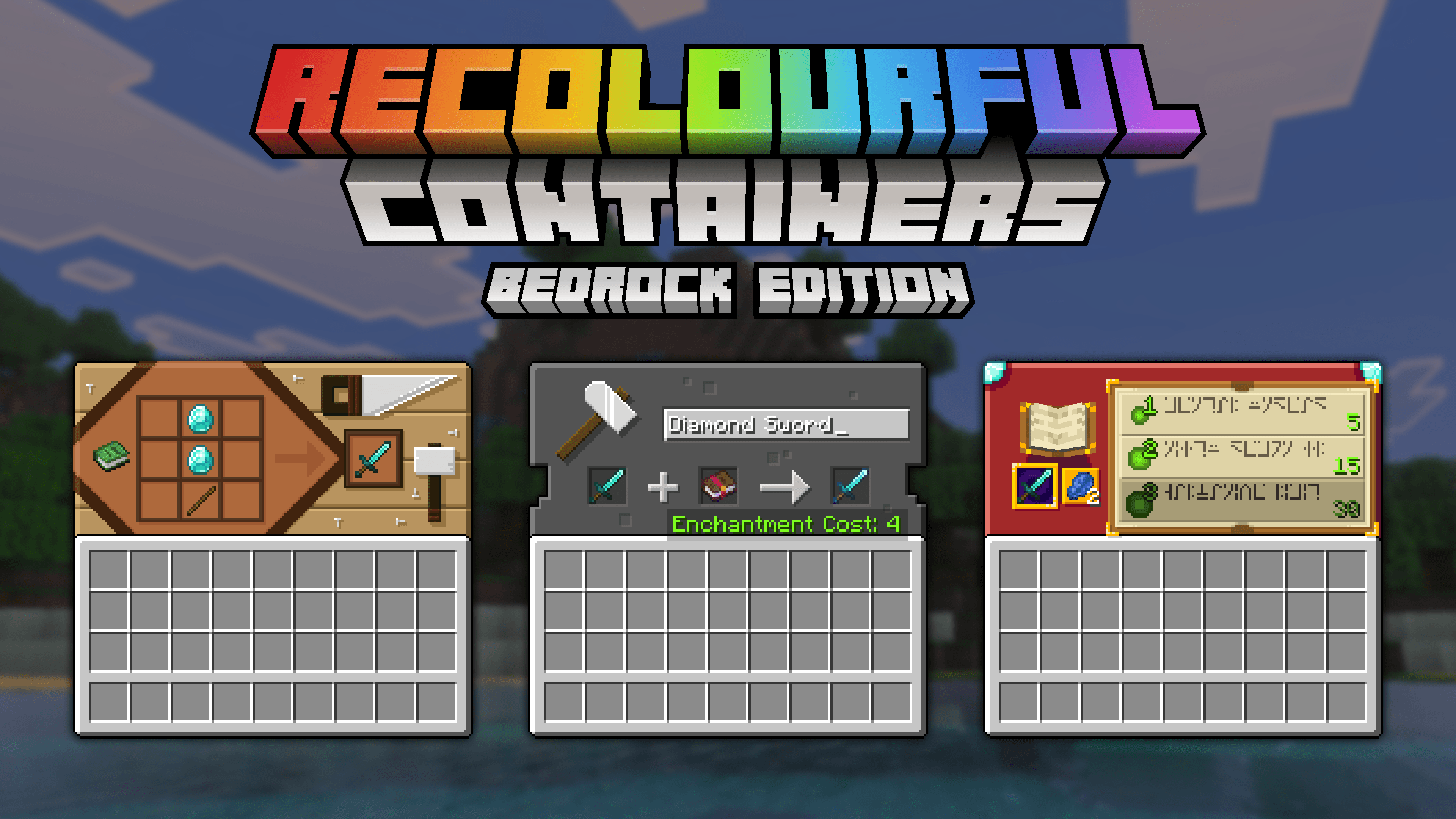
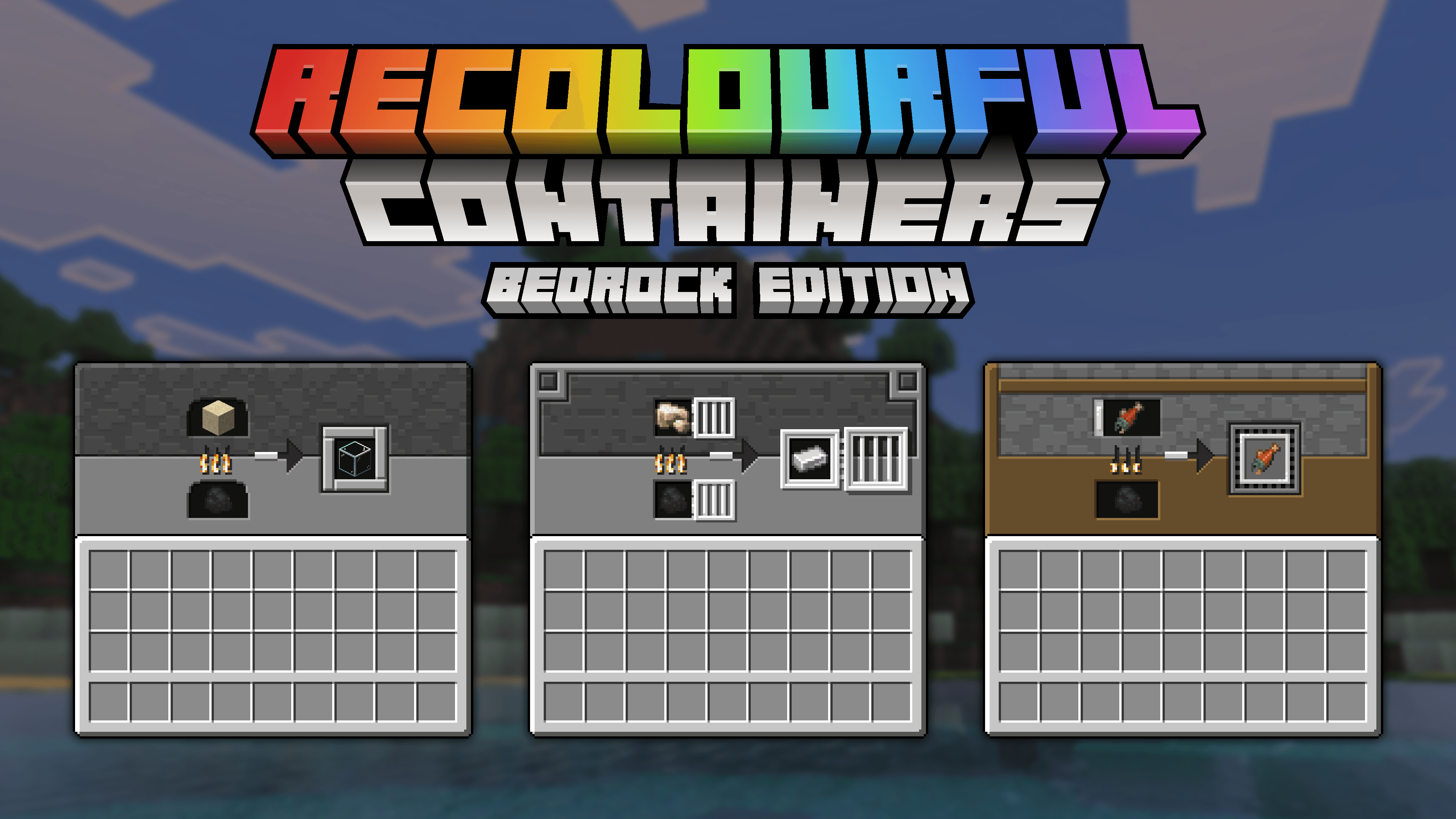
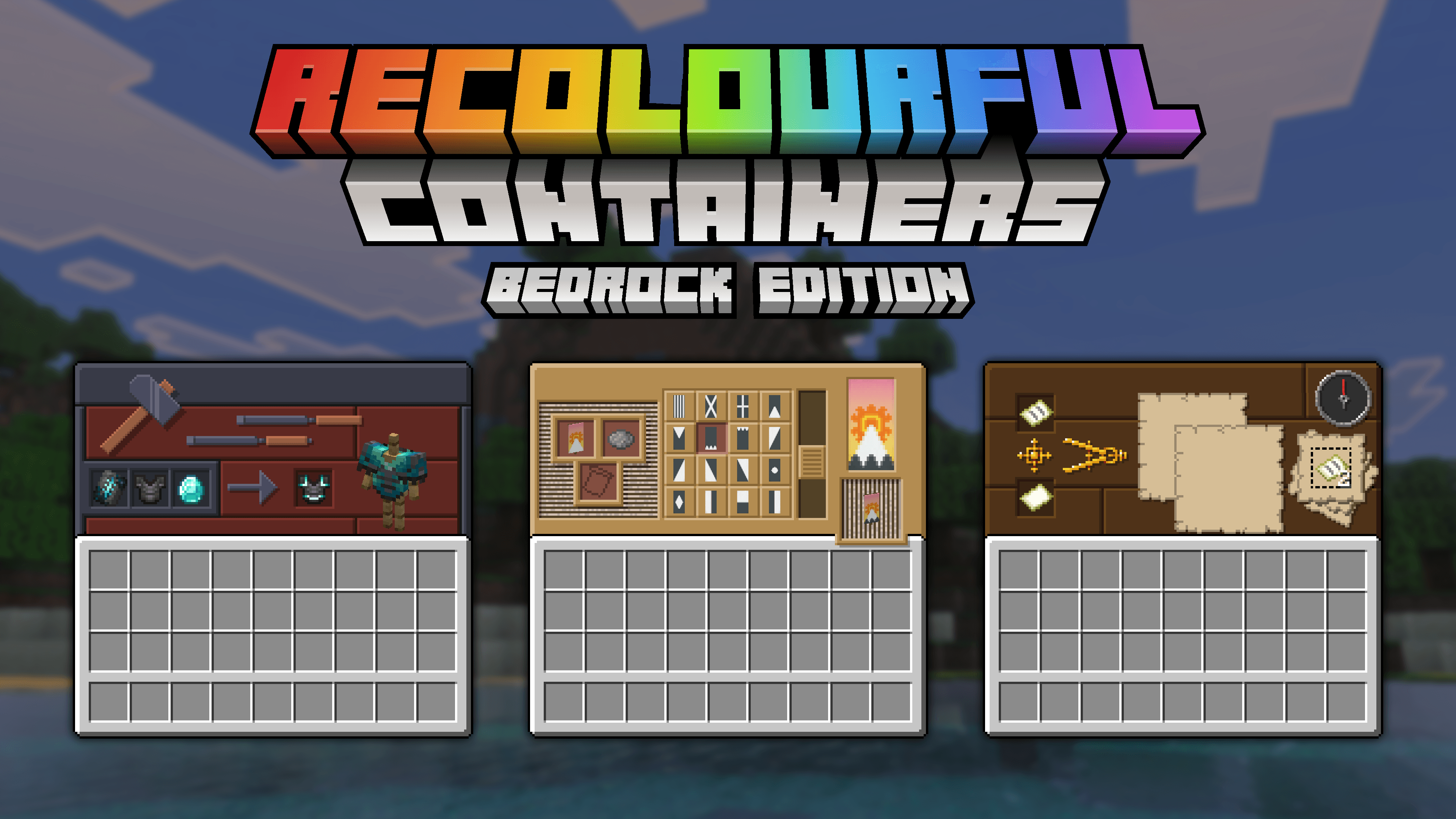
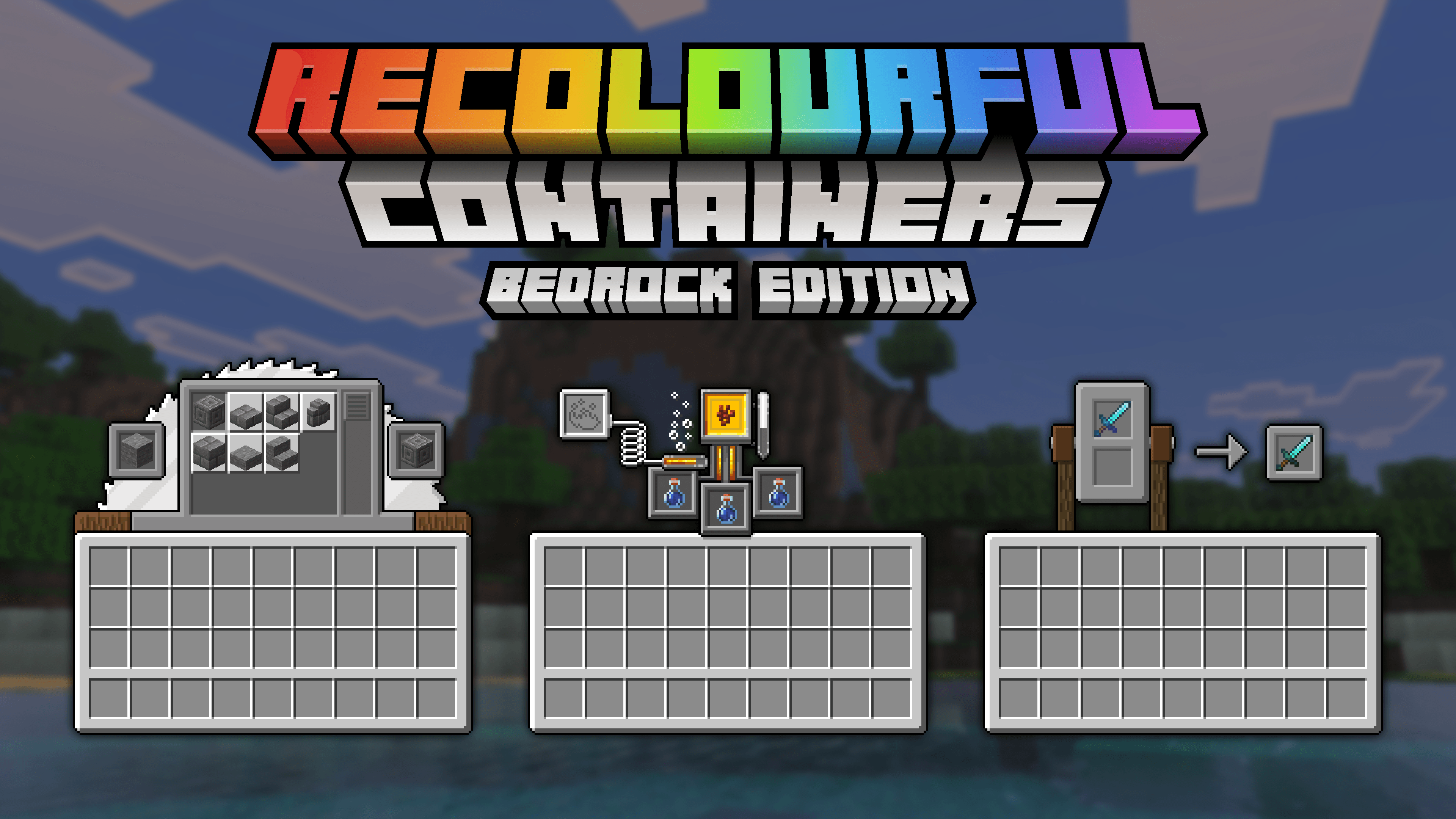
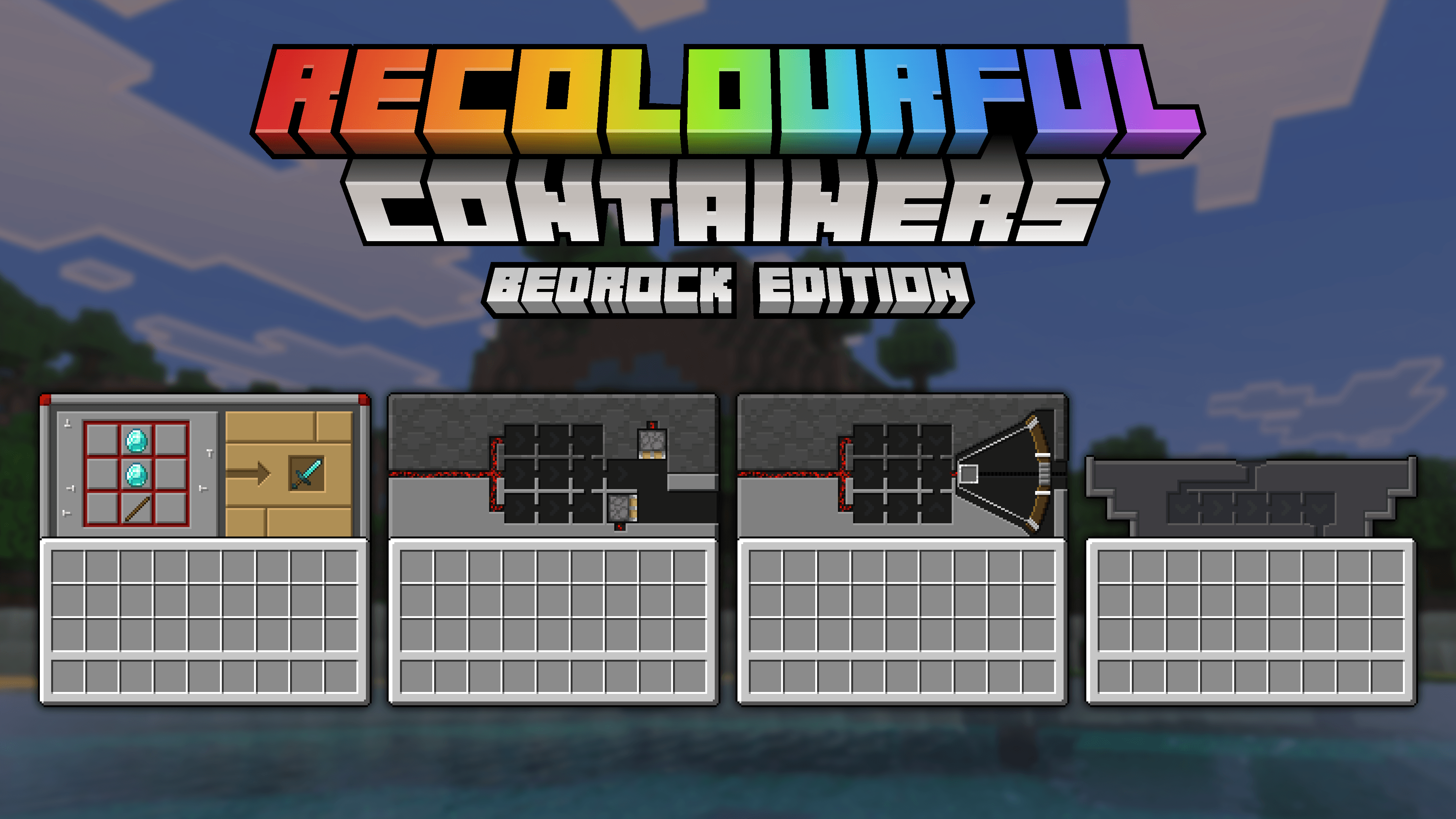
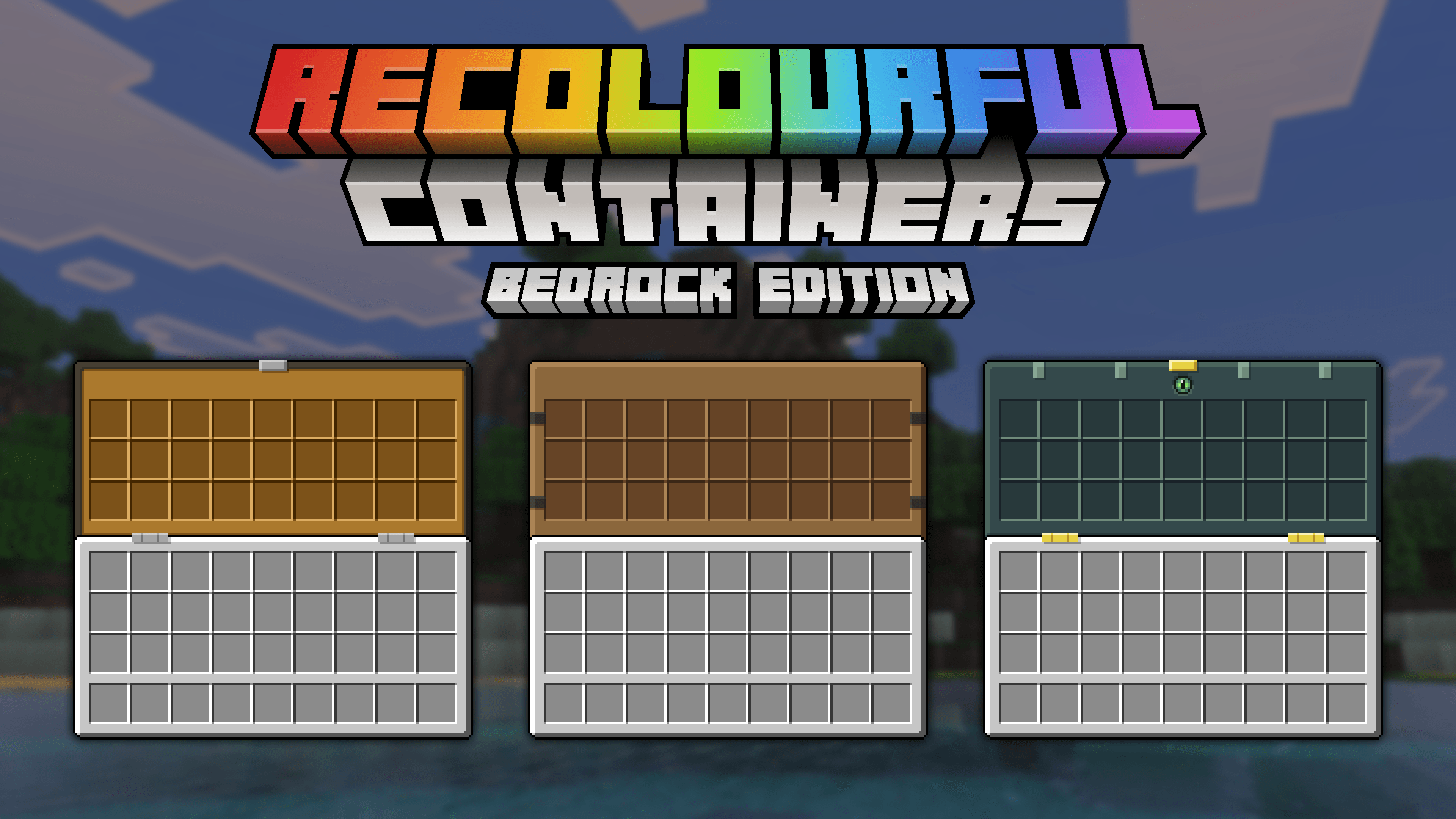
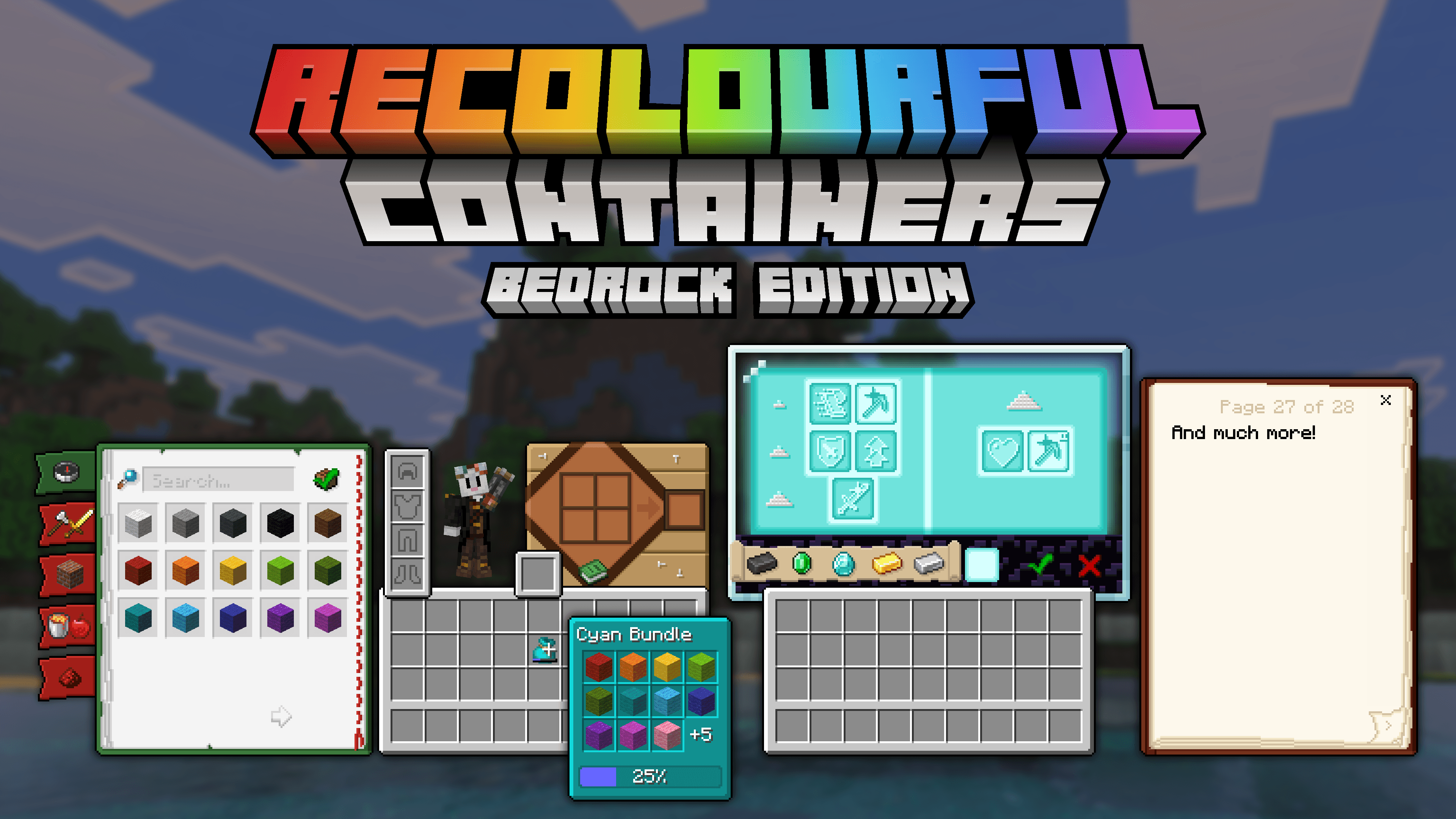
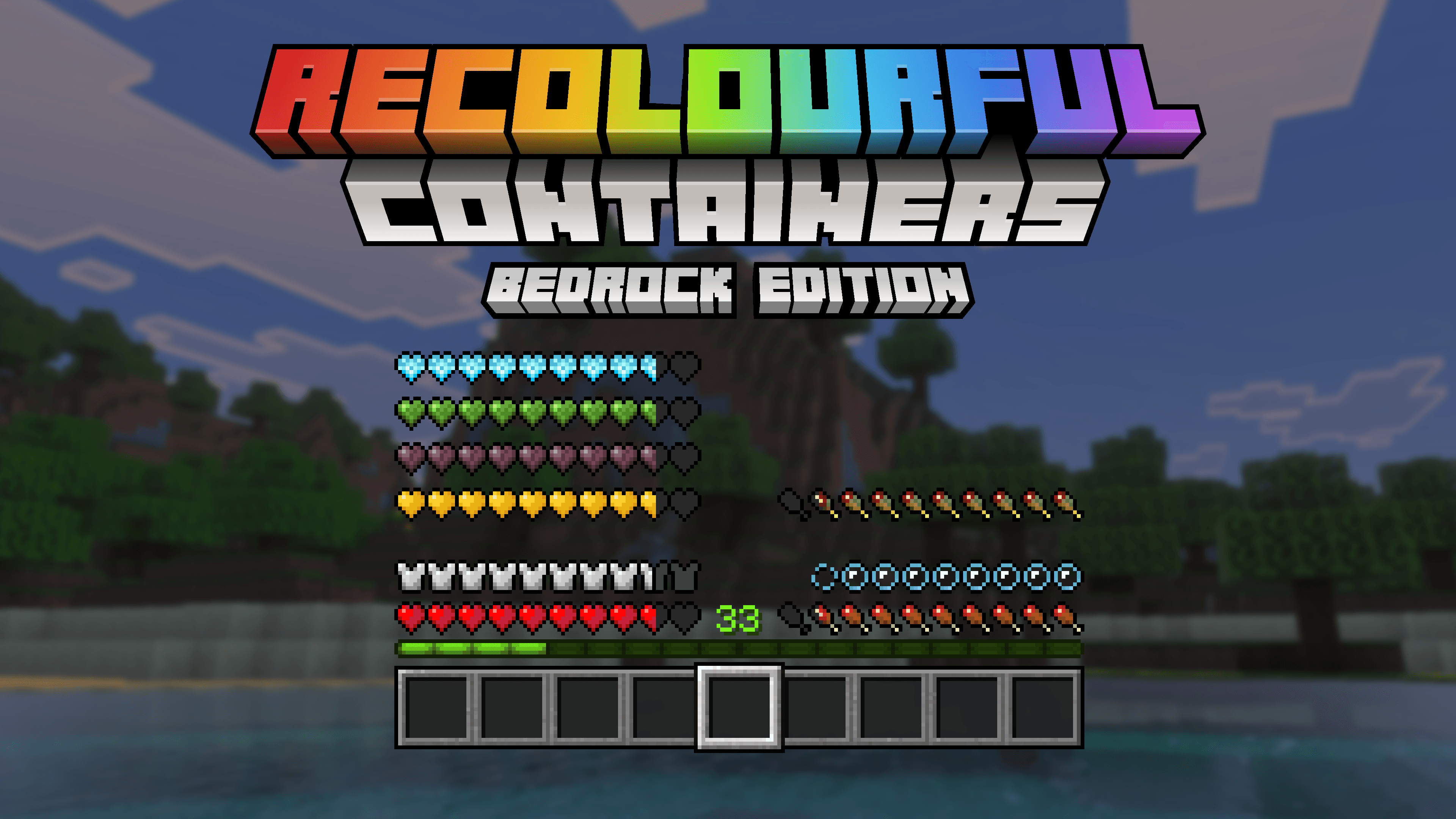
Recolourful Containers GUI + HUD (BEDROCK EDITION) transforms Minecraft’s standard interface into a vibrant and immersive experience. This texture pack enhances the visuals of GUIs and HUD elements by adding colorful, themed designs inspired by each block’s unique characteristics. It brings a fresh look to your game with new textures, animations, and improved UI features specifically tailored for Bedrock Edition.
Installation / How to Use

To activate the pack, navigate to the Main Menu → Settings → Global Resources and select the Recolourful Containers BE resource pack. For an optional dark mode experience, click the gear icon next to the pack and switch the resolution setting to Dark mode.

Requirements / Compatibility
This pack is designed exclusively for Minecraft Bedrock Edition and is compatible with the latest versions. It replaces default container GUIs and HUD elements, ensuring consistency with Minecraft’s style while adding colorful enhancements.
Key Features
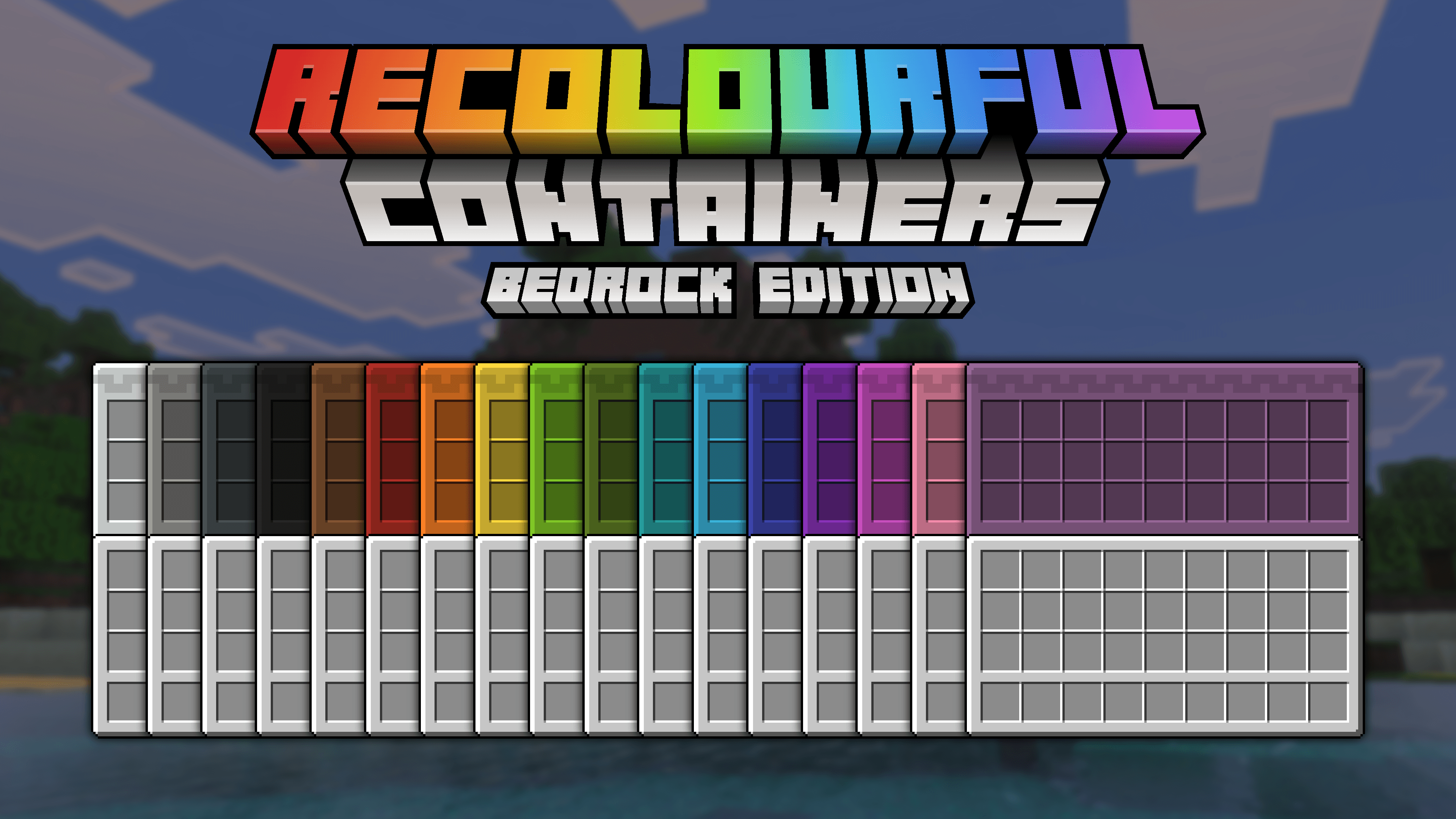
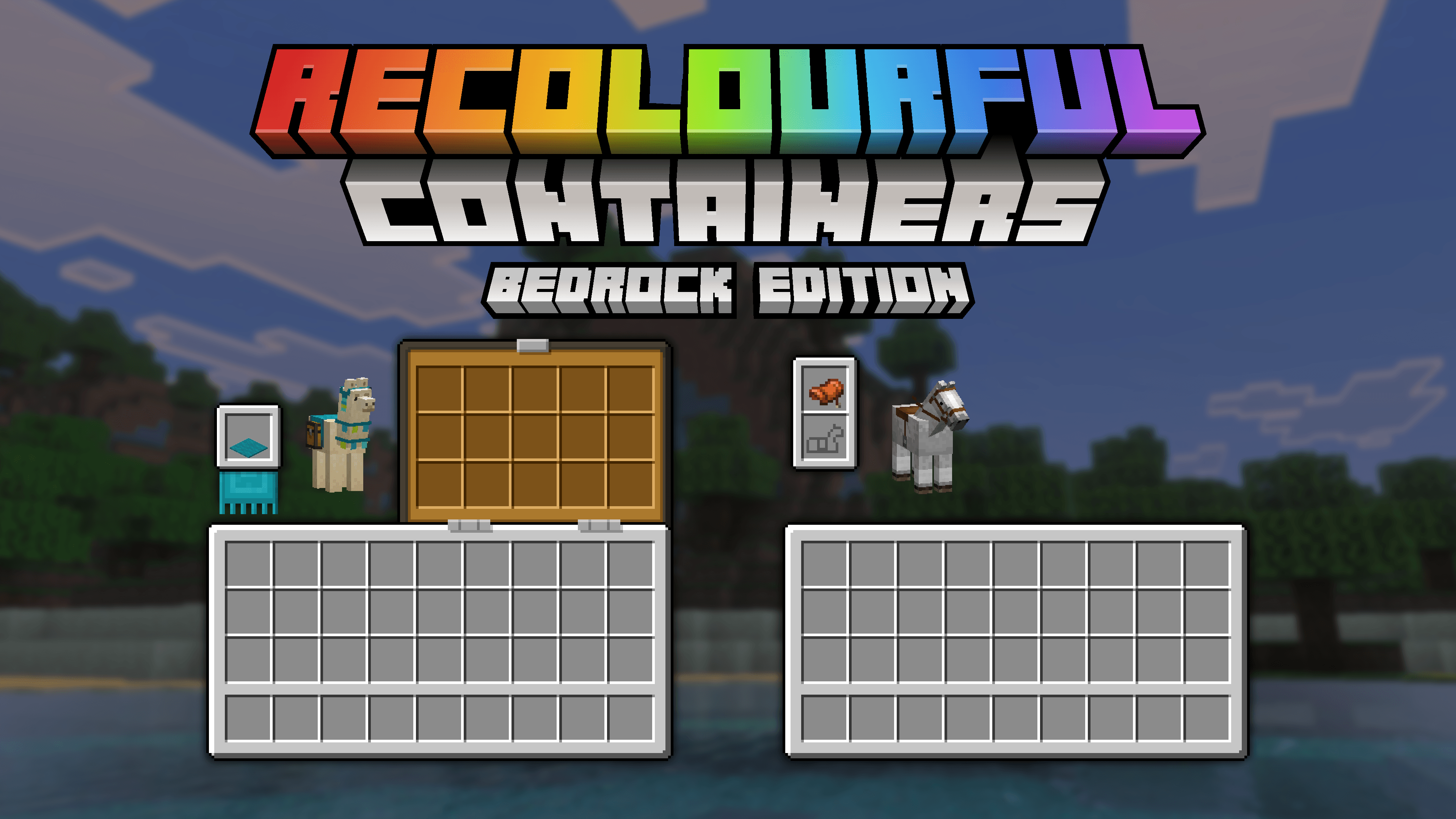
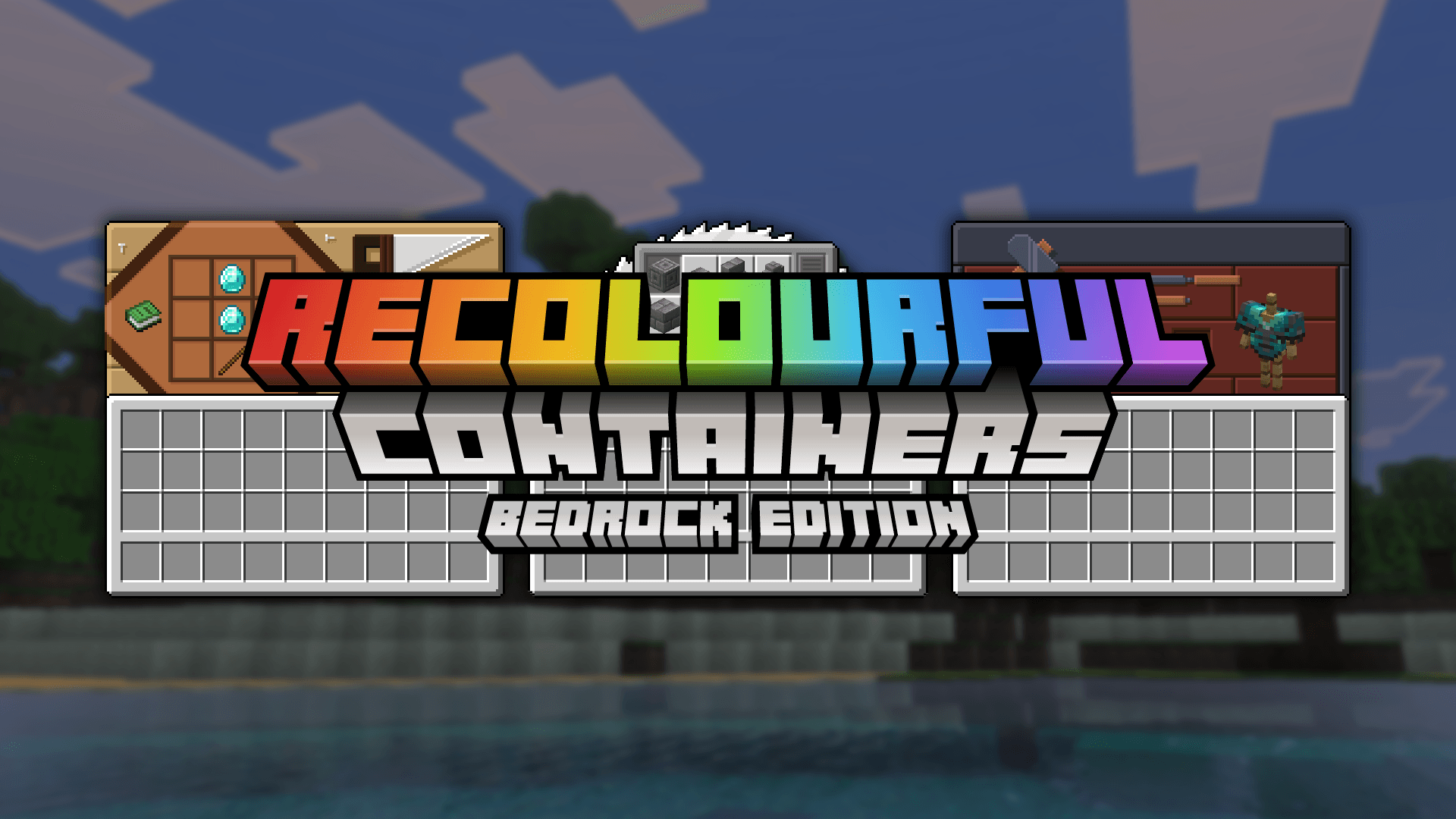
- Vivid Java-style GUIs: Each container interface is retextured to match the block’s personality, including crafting tables, anvils, enchanting tables, brewing stands, looms, cartography tables, stonecutters, grindstones, smithing tables, droppers, dispensers, furnaces, hoppers, chests, barrels, ender chests, copper chests, boats with chests, minecarts with chests, and more.
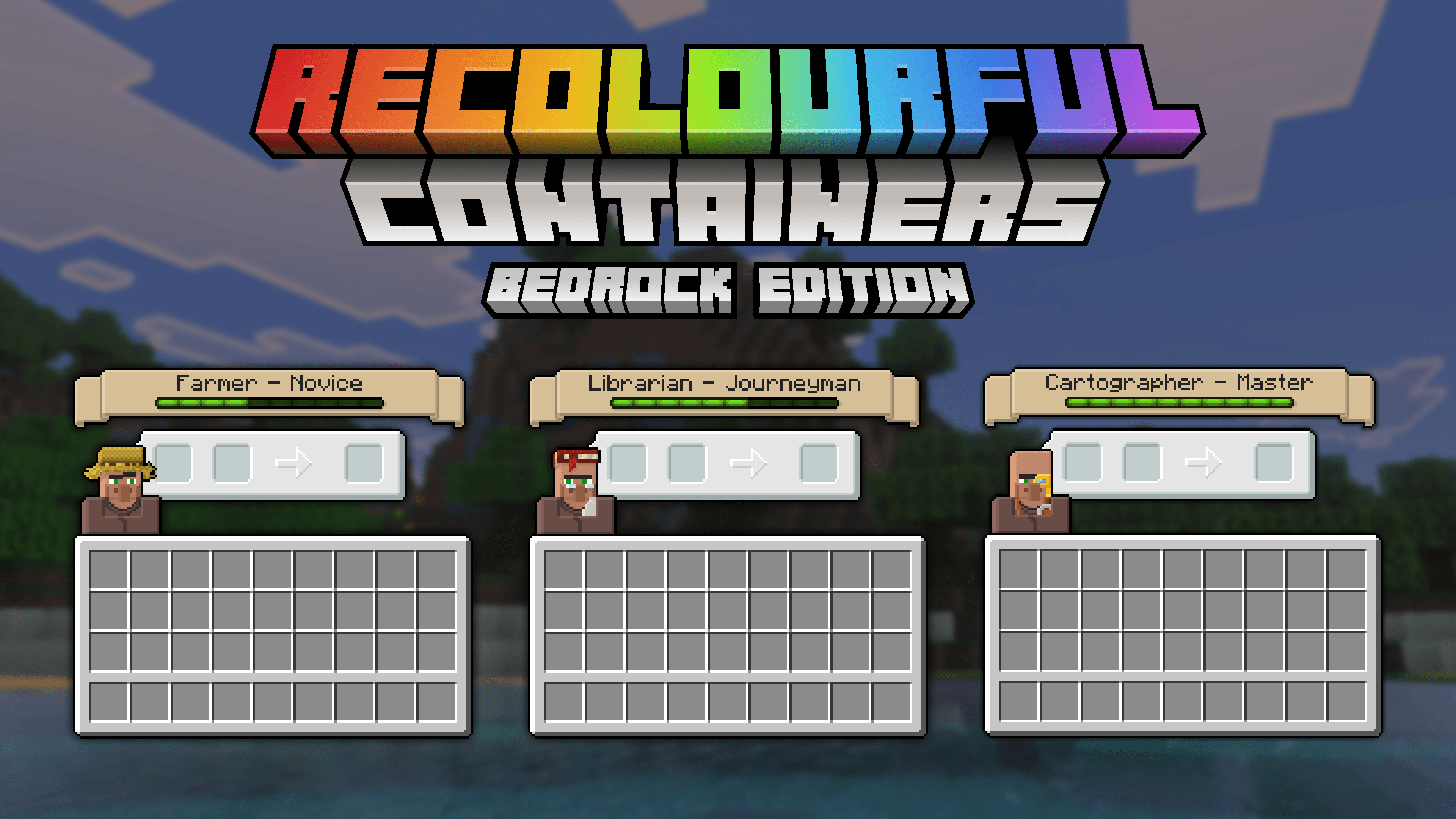
- Villager Profession Interfaces: Custom GUIs that reflect each villager’s role.
- Colored Shulker Boxes: Shulker boxes display colors based on their name formatting in an anvil (see usage below).
- Colorful Bundles and Tooltips: Bundles and item rarity tooltips now have enhanced color displays.
- HUD Enhancements: Updated heads-up display elements including XP bar improvements.
- Mobile Fast Craft Button: A convenient fast craft feature optimized for mobile gameplay.
- Additional UI Fixes and Animations: Various small improvements for smoother gameplay visuals.
Using Colored Shulker Boxes
To enable color customization for shulker boxes, rename the box in an anvil and make sure to remove the extra empty character at the end of the name. Keep the color codes (�a7*symbol*�a7r) intact at the beginning to preserve the color effect.

Notes / Troubleshooting
Frequently Asked Questions
- Q: Colored shulker boxes don’t display correctly?
Ensure you remove the trailing empty symbol at the end of the name in the anvil while preserving the color codes at the start. - Q: Can I modify the pack or its assets?
Modifications or redistribution of the pack or its UI code are not allowed without prior permission.
Terms of Use
You are allowed to use this pack in any form of media including streaming and videos. However, redistribution of the pack, its assets, or any modified versions without consent is prohibited. Additionally, extracting or reusing UI code is not permitted.
Additional Information
If you wish to support the project, sharing the pack with others or showcasing it on social platforms is highly appreciated.
1.2
[2.03 MB]

