
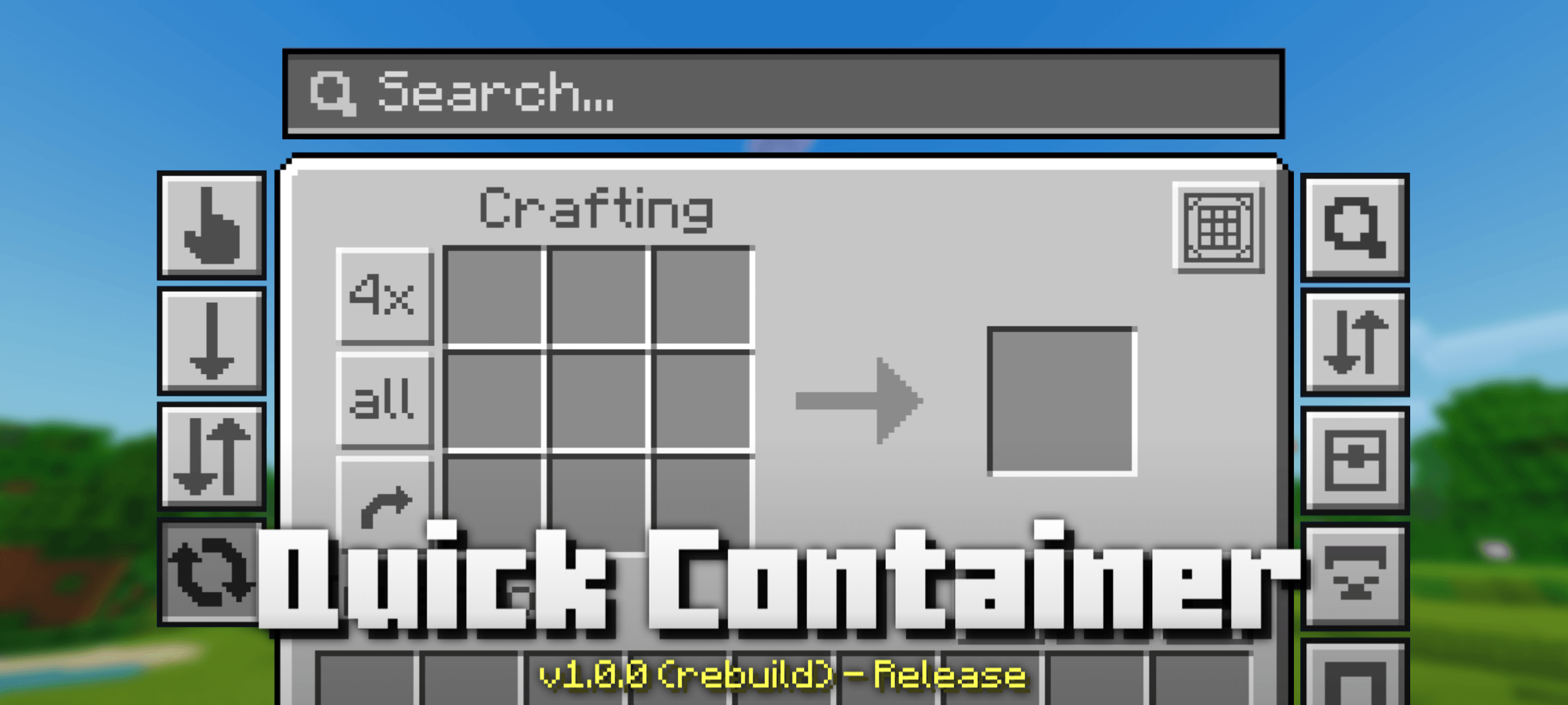
Quick Container
17.03.2026
Quick Container is an advanced and lightweight resource pack designed to enhance item management in Minecraft Bedrock. It offers a variety of powerful tools that simplify inventory, chest, and crafting interactions, with customizable options to fit different player needs and device capabilities.
Installation / How to Use
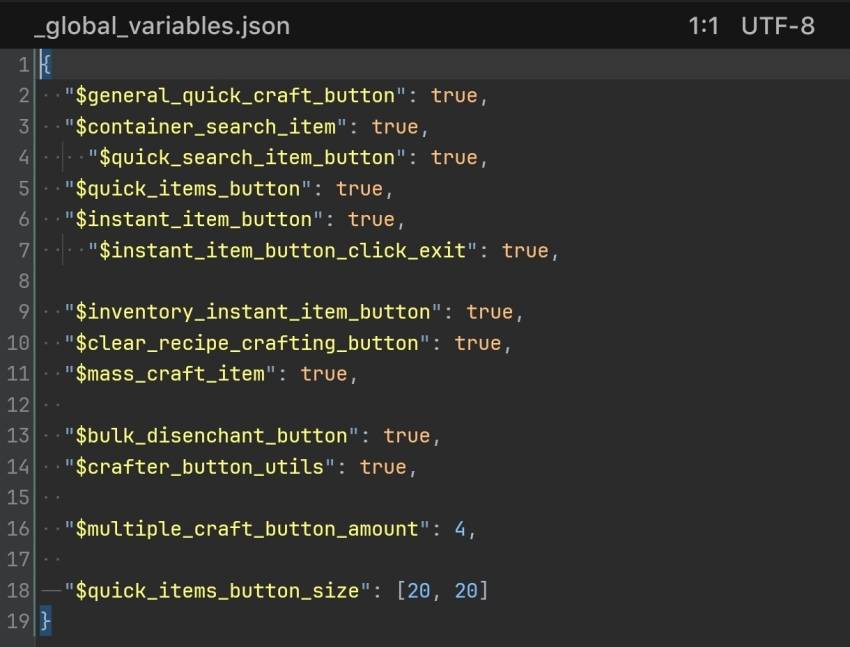
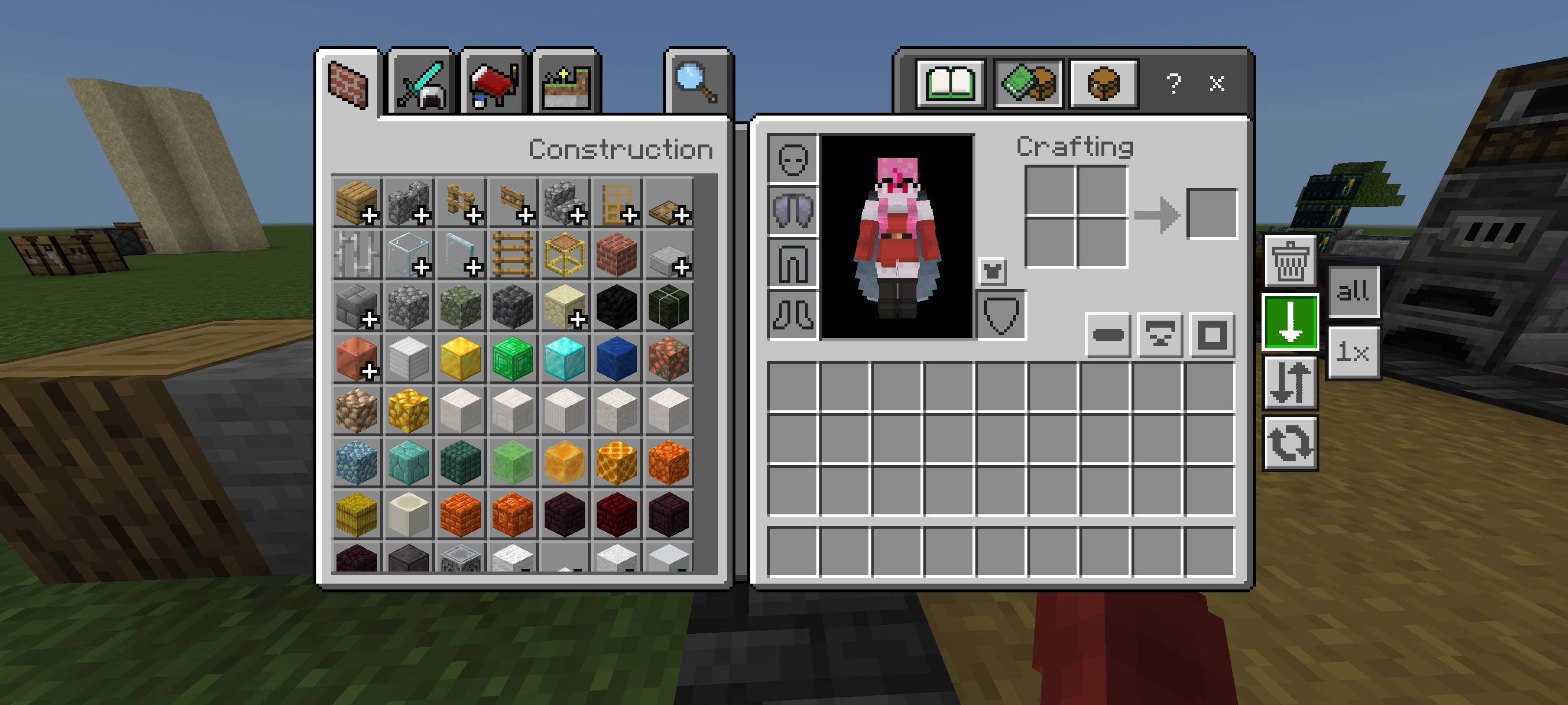
Install the Quick Container resource pack through your Minecraft Bedrock settings. After activation, the pack adds new buttons and features to inventories, chests, crafting tables, and other interfaces automatically. You can configure which features are active by editing the /ui/_global_variables.json file to enable or disable specific options according to your preferences.
Requirements / Compatibility
Quick Container is optimized for Minecraft Bedrock Edition and runs smoothly even on low-end devices due to its lightweight design. However, some features, like the Bulk Items Buttons, are discouraged on multiplayer servers such as Skywars to avoid potential bans for rapid looting.
Key Features
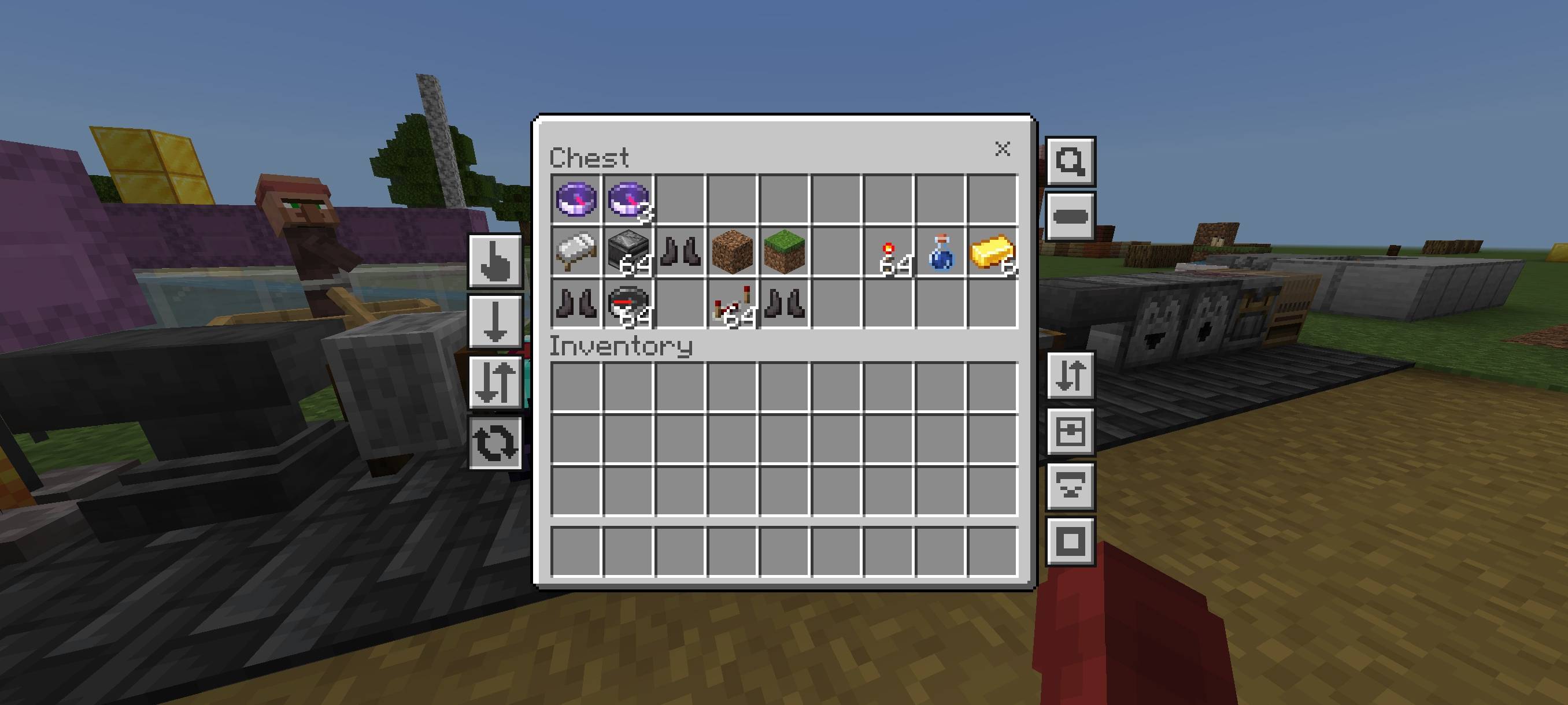
- Quick Items: Four new buttons allow instant moving, dropping, or destroying of items between inventory and chests, including options to move or drop all items or just one.
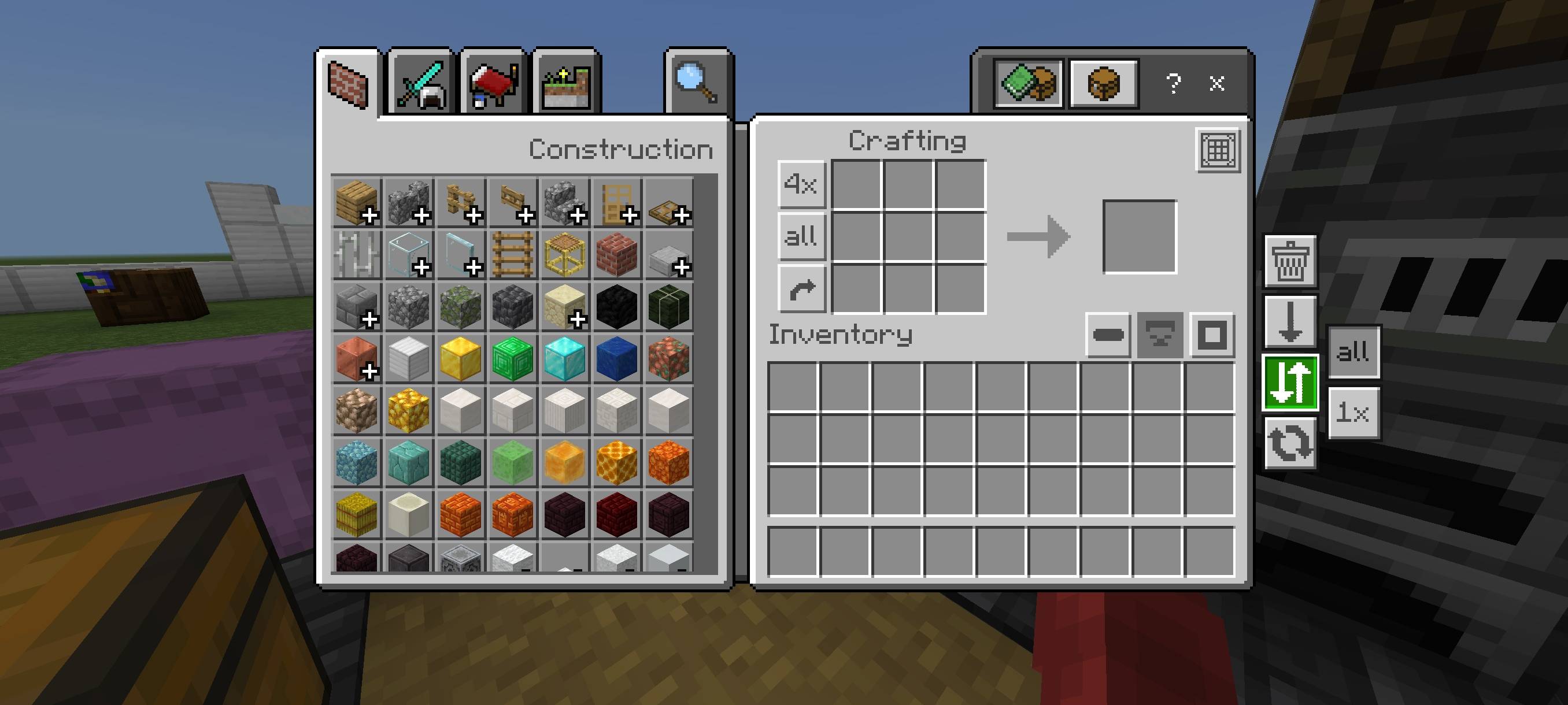
- Quick Craft: Adds a button to craft all items at once in crafting, stonecutter, and trade screens, visible only when crafting inputs are present.
- Spam Craft: Enables rapid repeated crafting by removing delays between crafting actions.
- Multiple Craft: Lets you craft a specific quantity of items with a customizable number set in global variables.
- Bulk Items: Buttons to move or drop all items quickly in inventory, chest, and redstone interfaces, toggleable between move and drop modes.
- Move Matching Items: Select an item and use bulk buttons to move multiple matching items at once.
- Search Items: A search bar highlights matching items in chest screens, with a quick search button for instant highlights; highlighted items can be moved or dropped using bulk buttons.
- Move Items per Column: Buttons in inventory and chest screens to move items by row or column, aiding organization.
- Clear Recipe Crafting: A button to clear all crafting input slots quickly.
- Fast Unequip Armor: One-click removal of all armor from the player via the inventory screen.
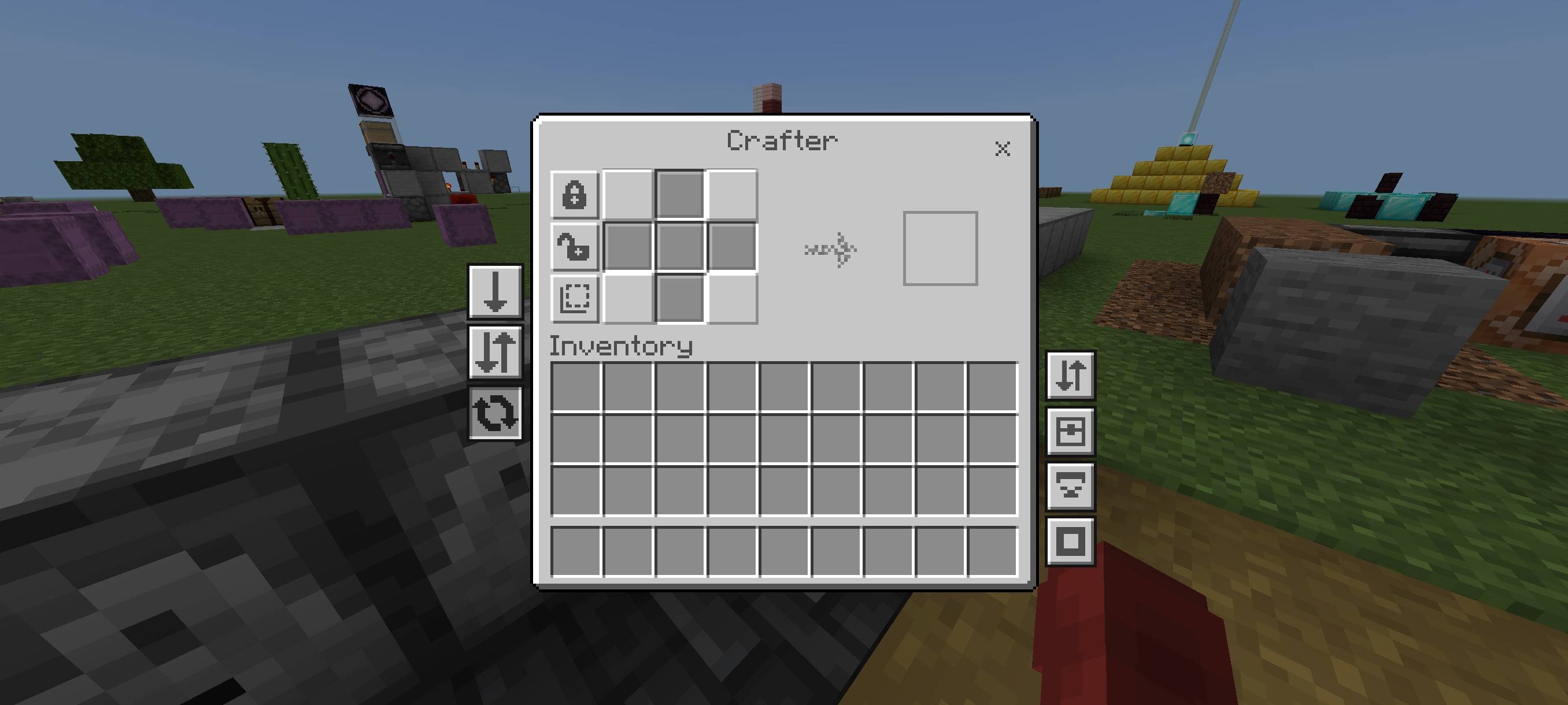
- Crafter Utility Buttons: Three buttons to disable, enable, or toggle all slots in the crafter interface.
- Bulk Disenchant Item: One-click disenchant all items in the inventory using the grindstone screen.
- Mass Craft: Quickly craft large quantities of items on the crafting screen, similar to Java Edition mods.
Notes / Troubleshooting
- Avoid using Bulk Items Buttons on multiplayer servers, especially in game modes like Skywars, to prevent potential kicking or banning due to instant item looting.
- Features can be toggled off individually by modifying the global variables file if certain functionalities are not desired.
Quick Container v1.0.0.mcpack
[144.95 KB]

