
Pixel Edge Visuals
16.03.2026
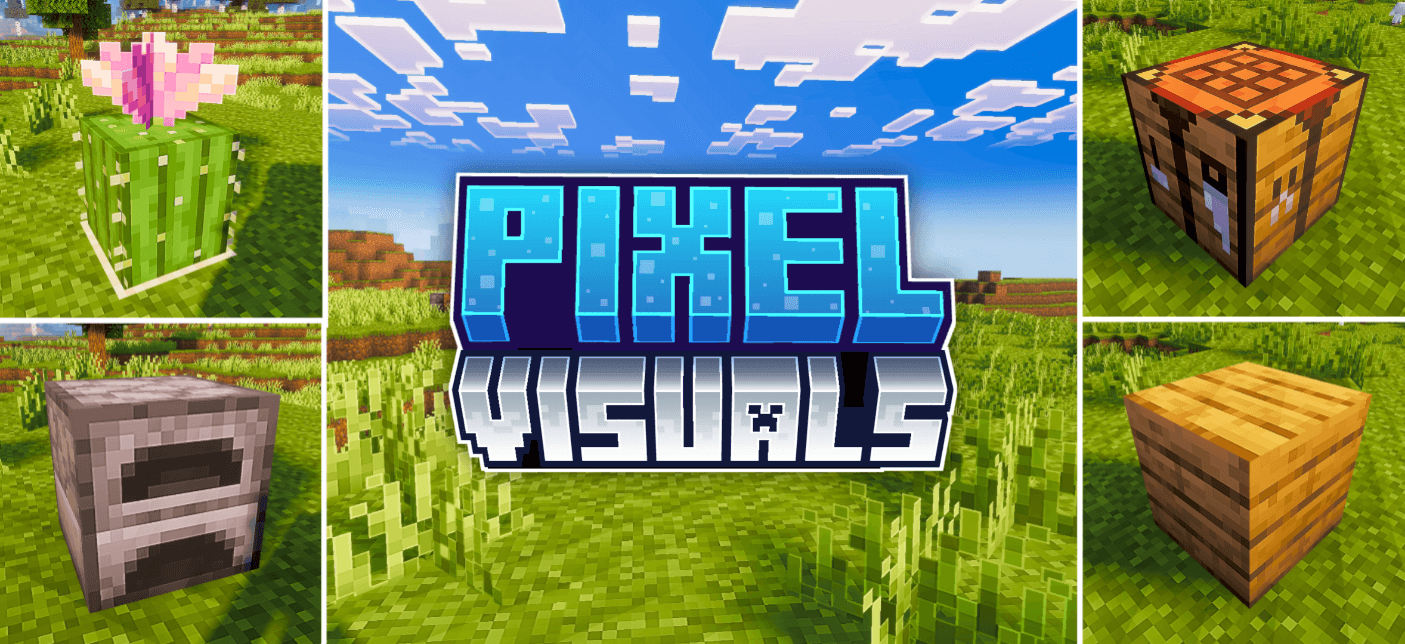
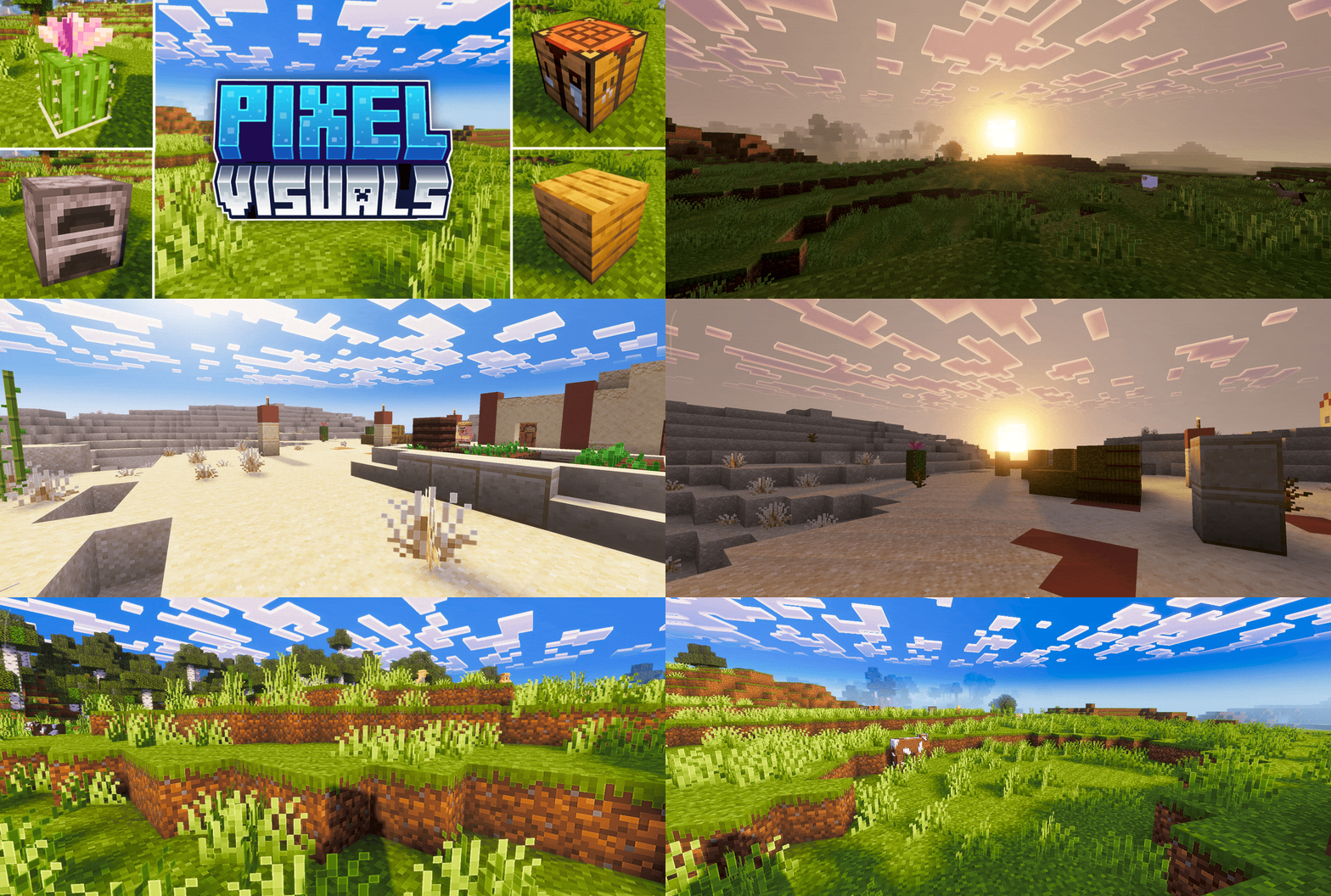
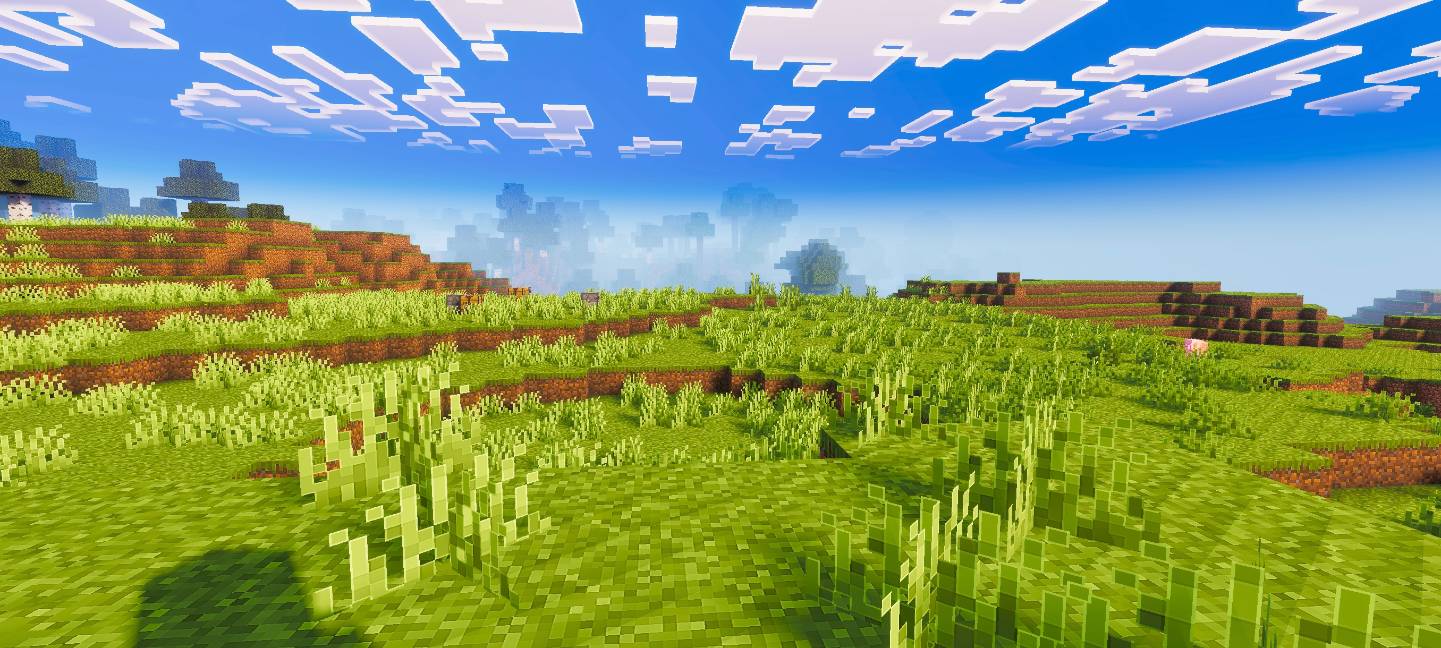
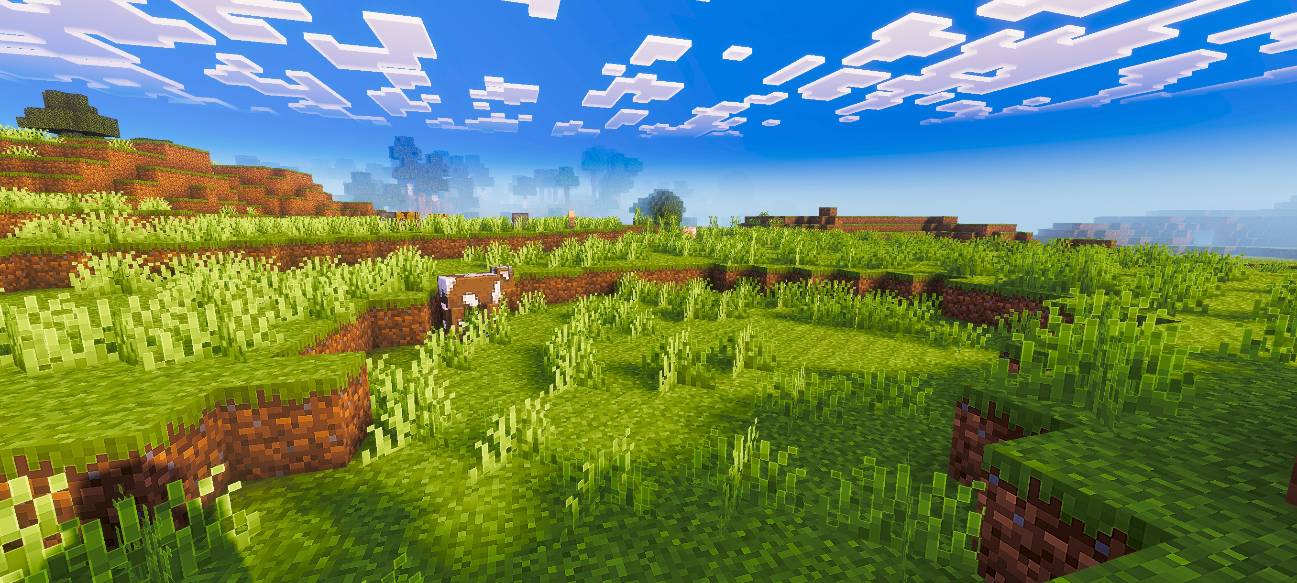
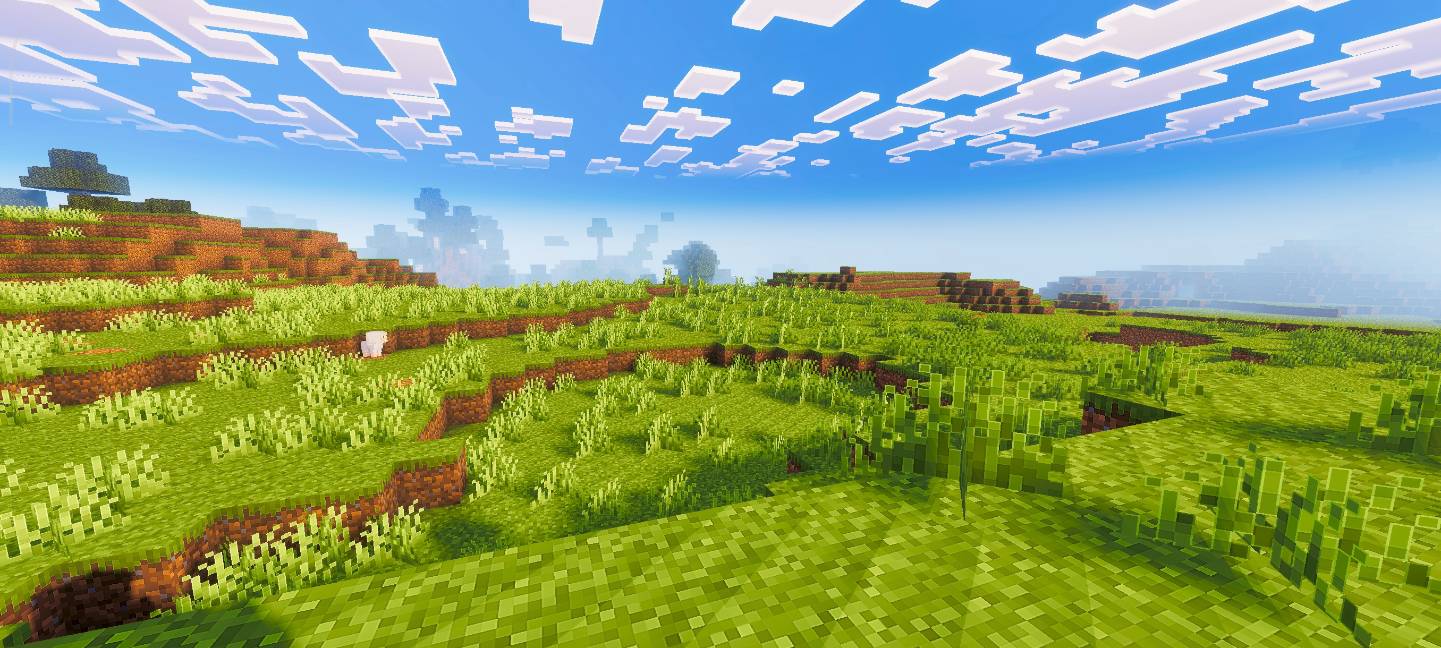
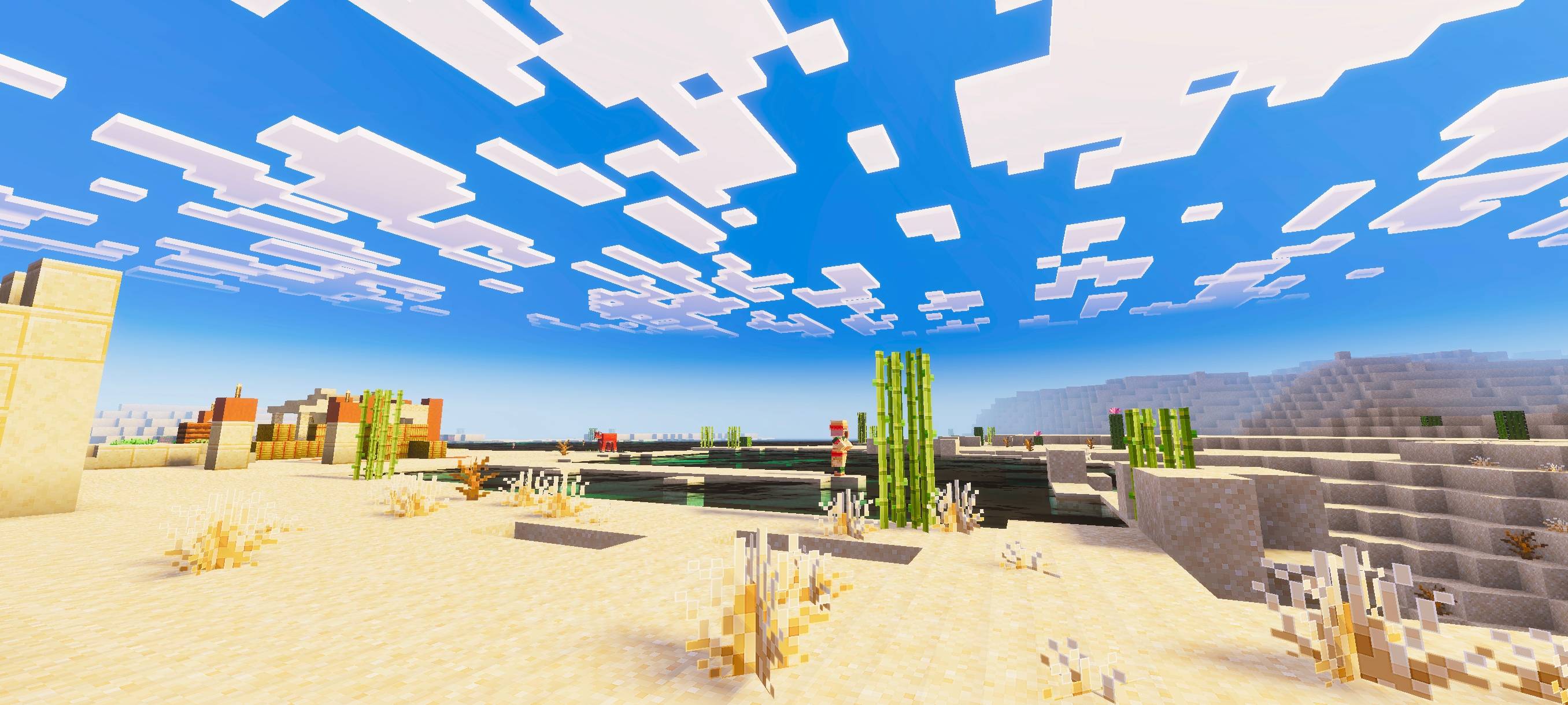
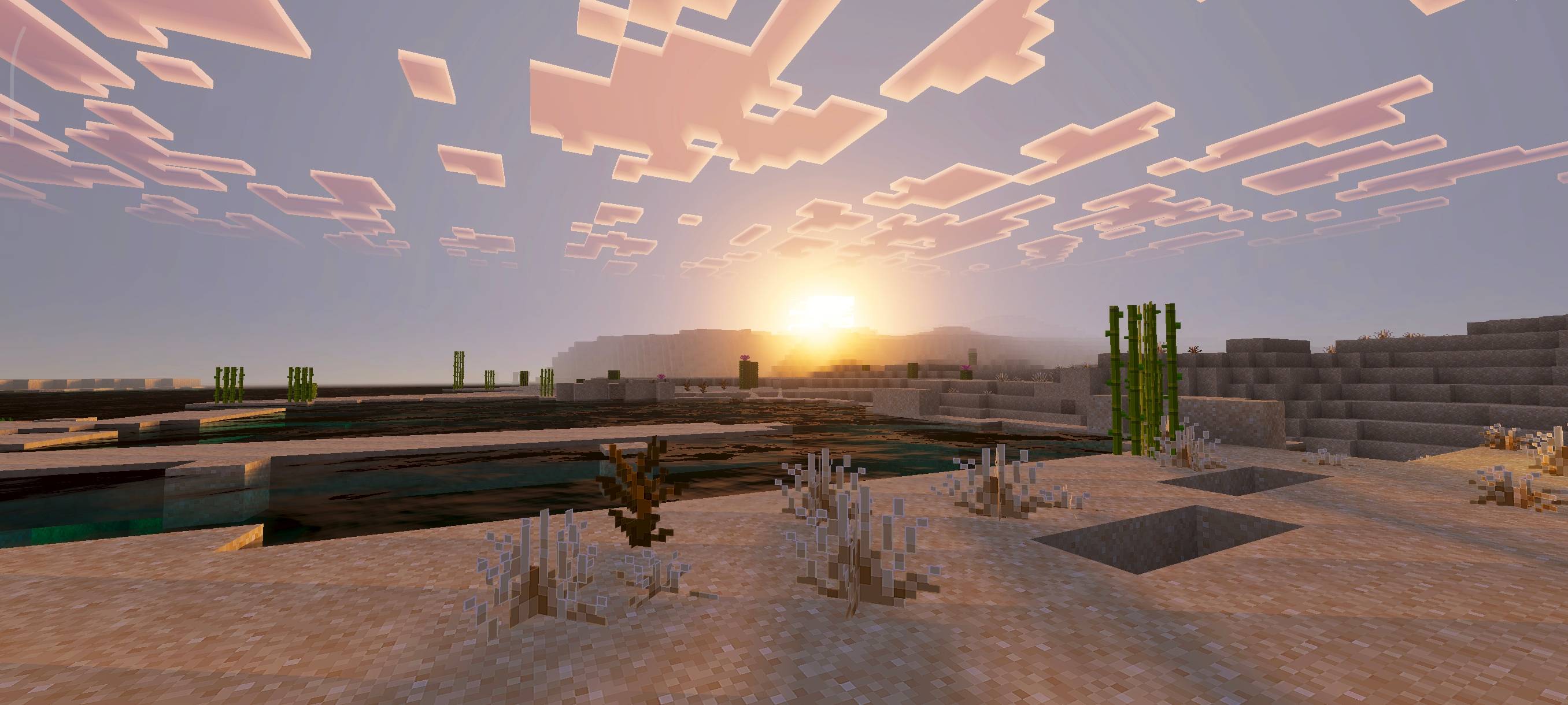
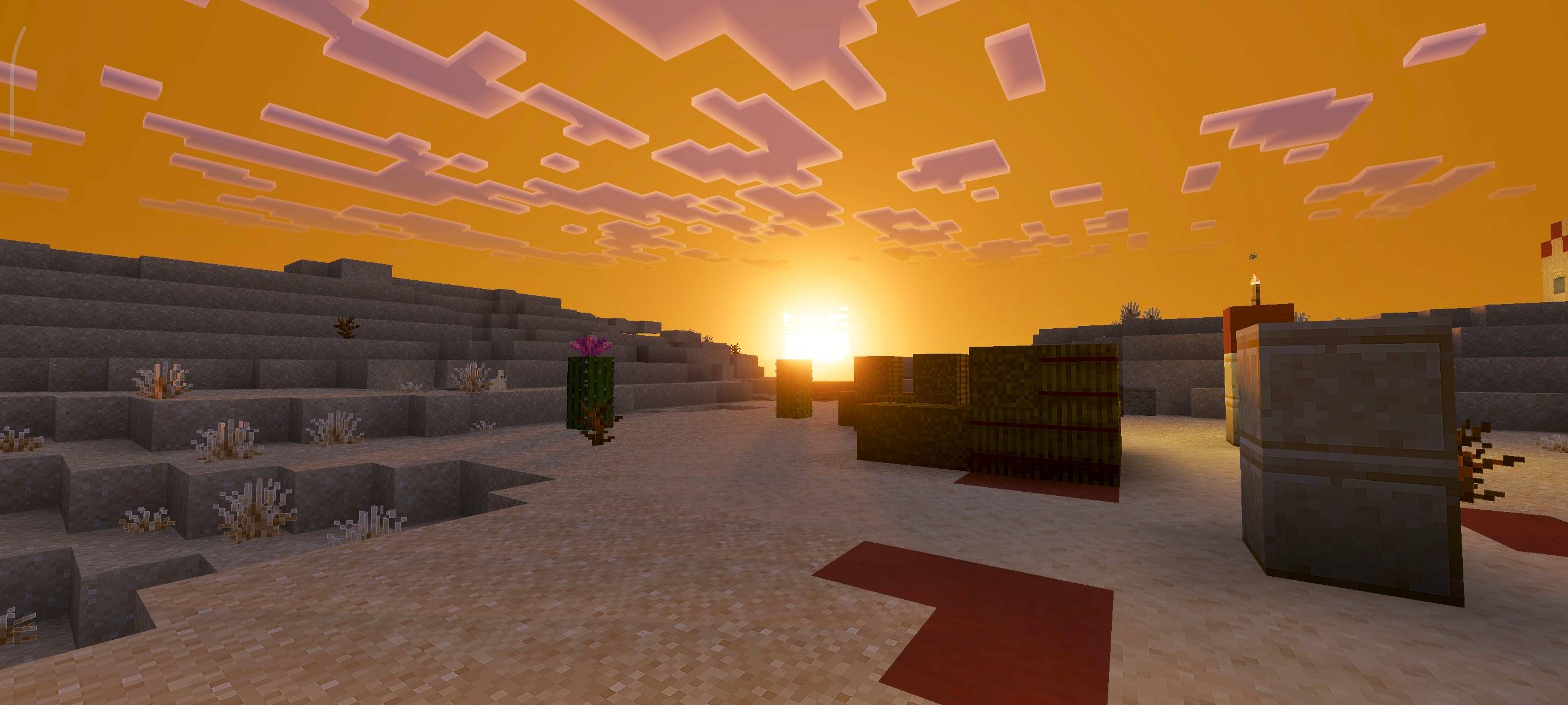
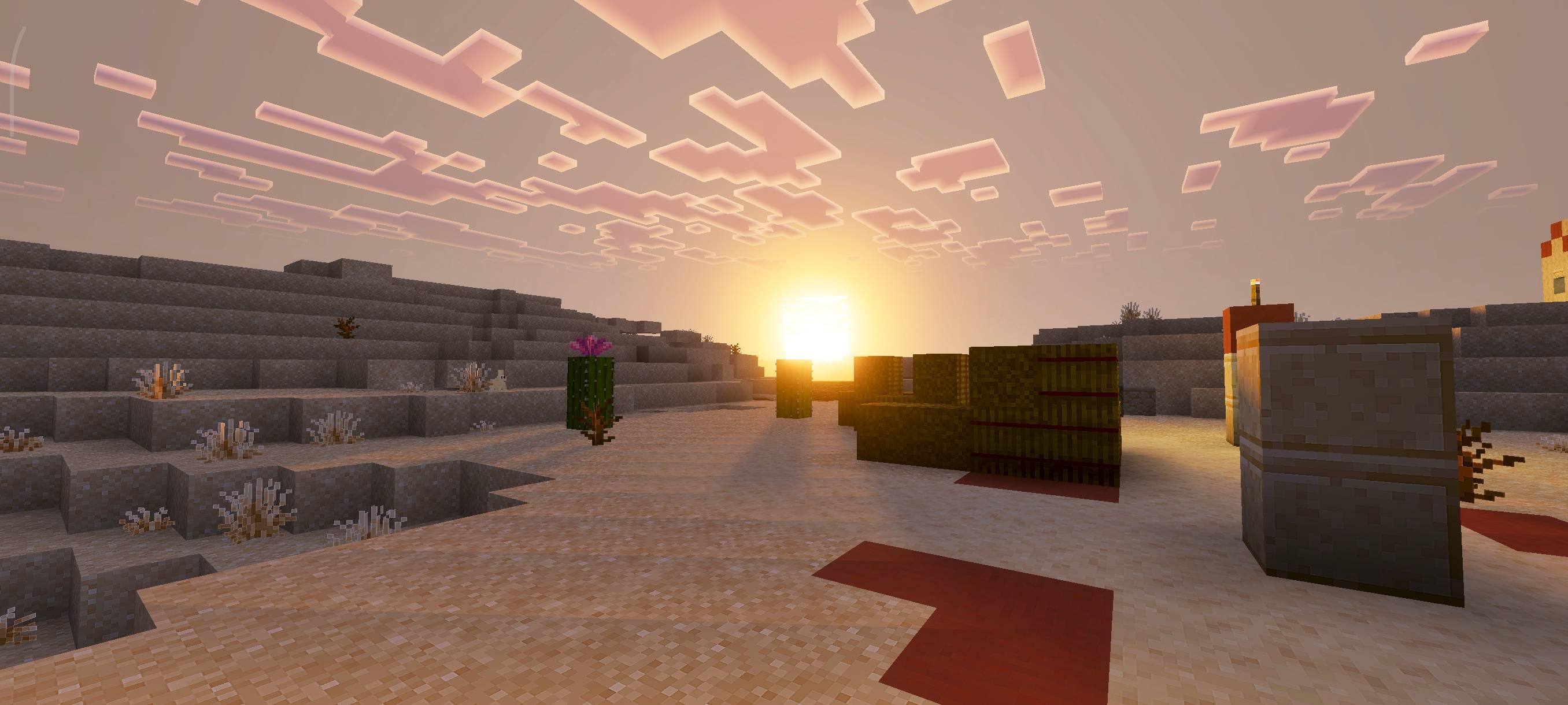
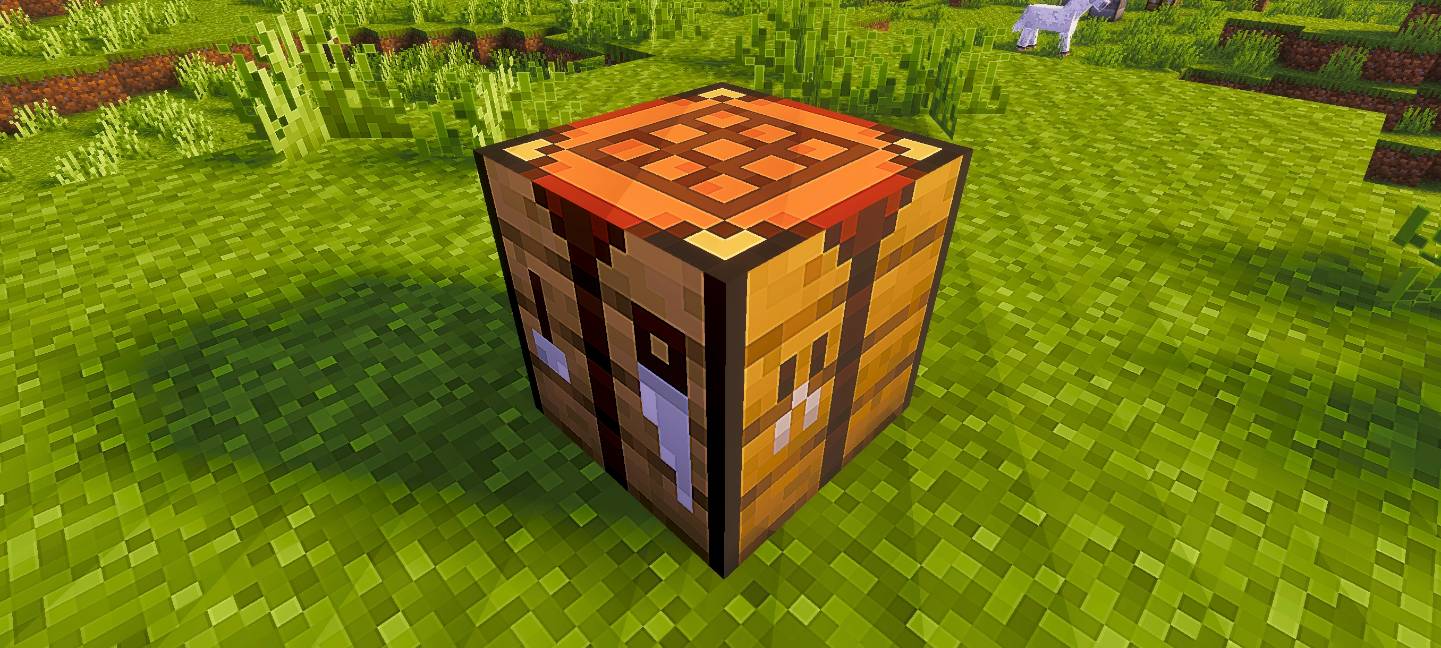
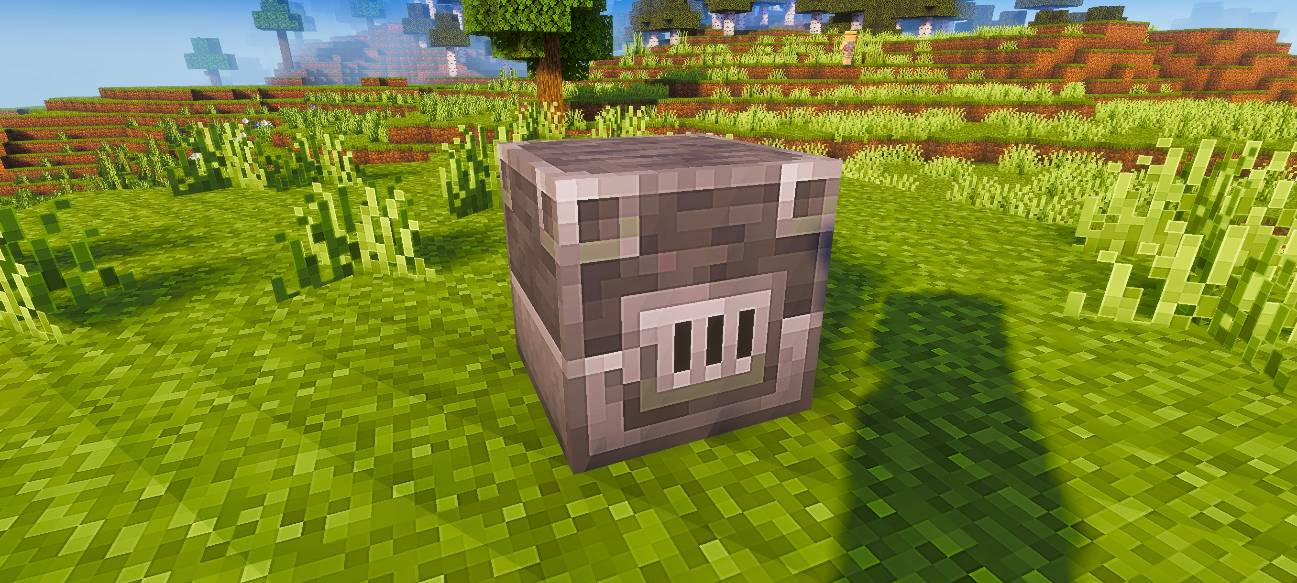
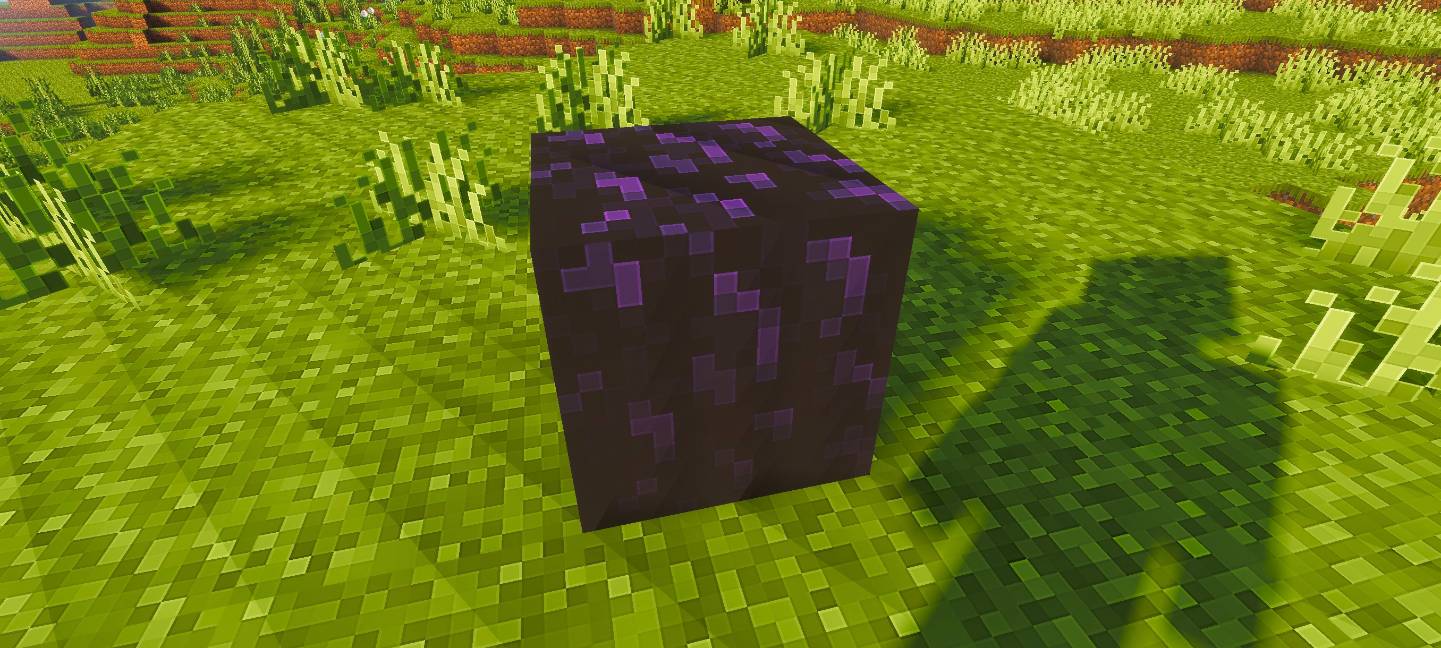
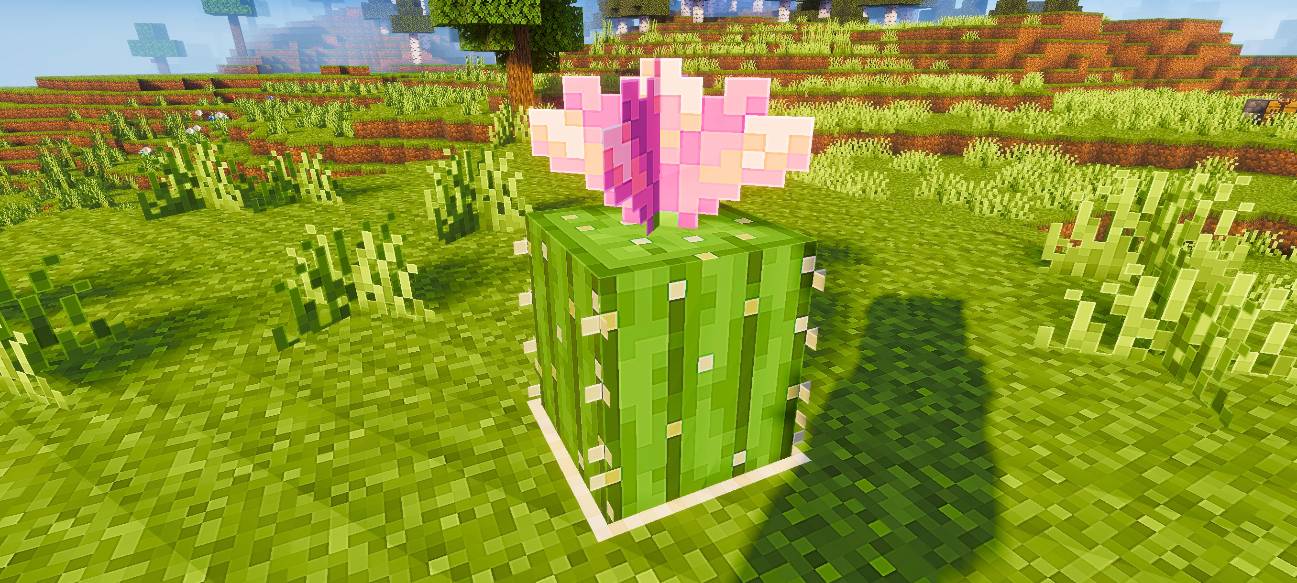
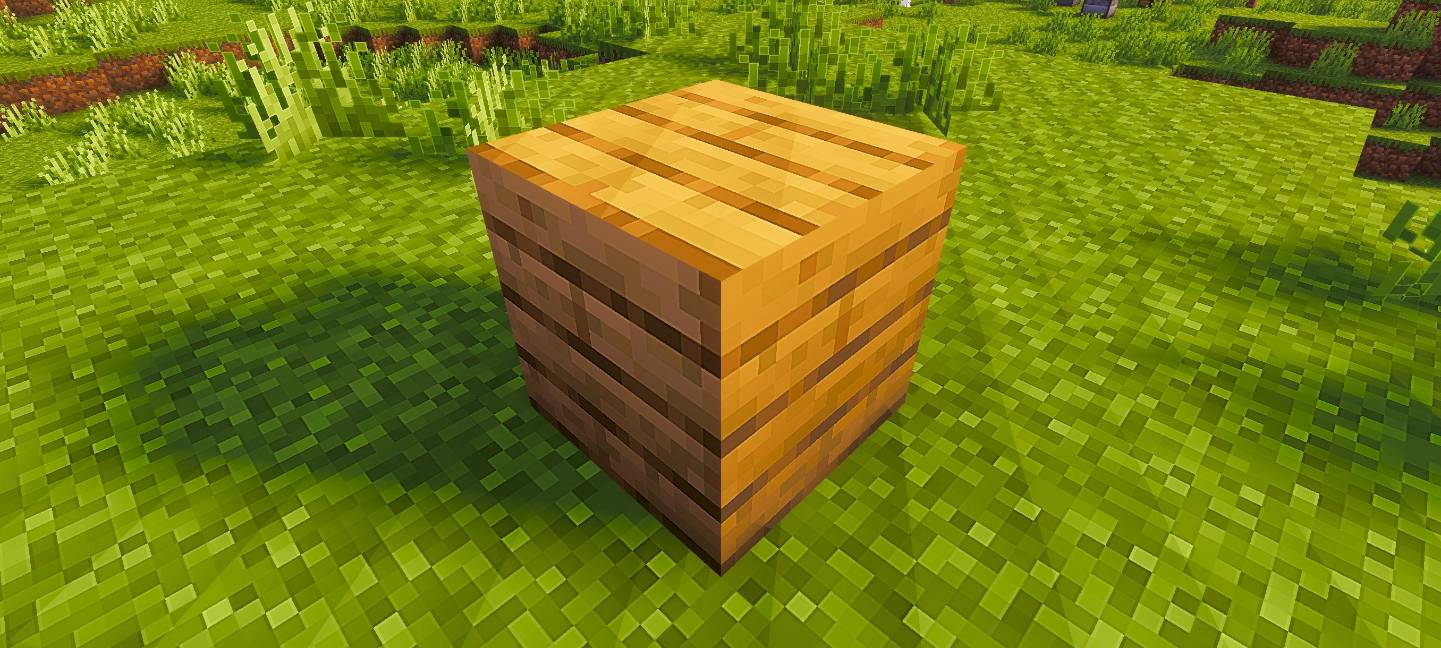
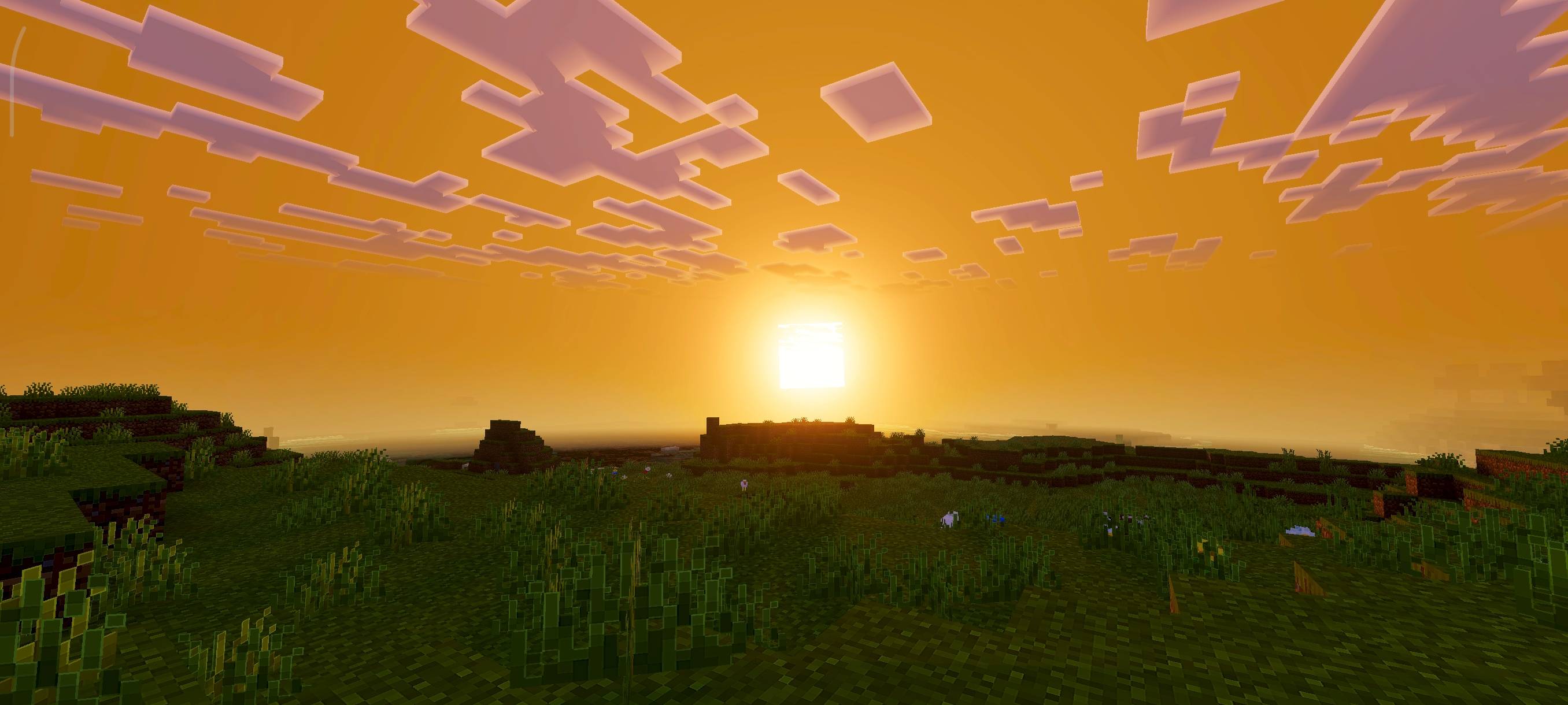
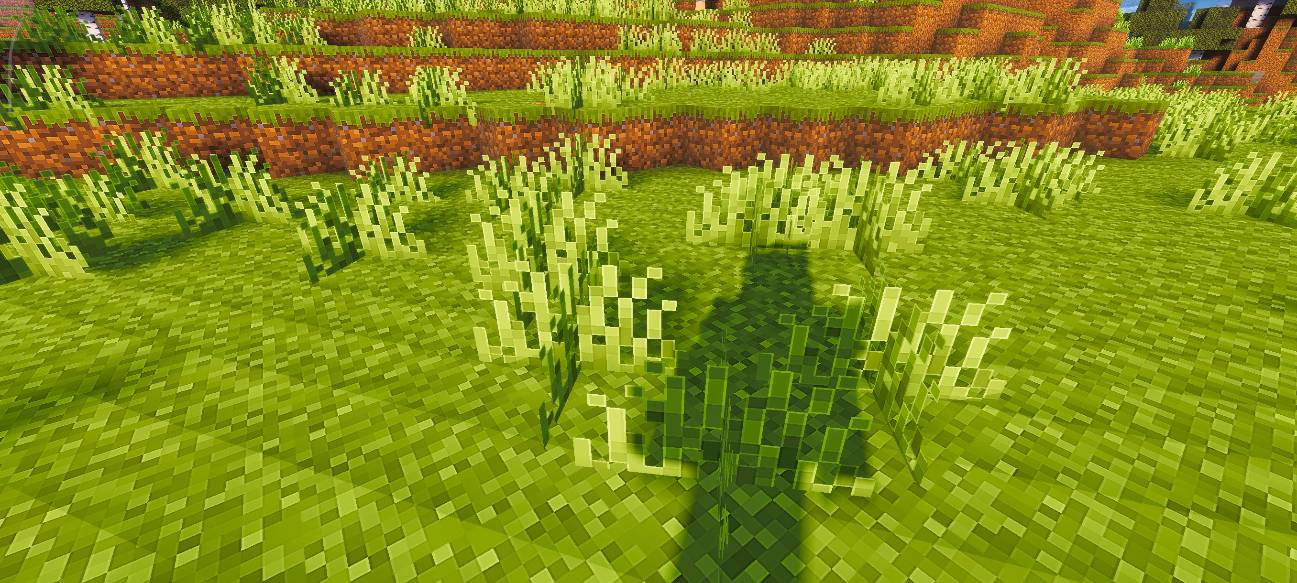
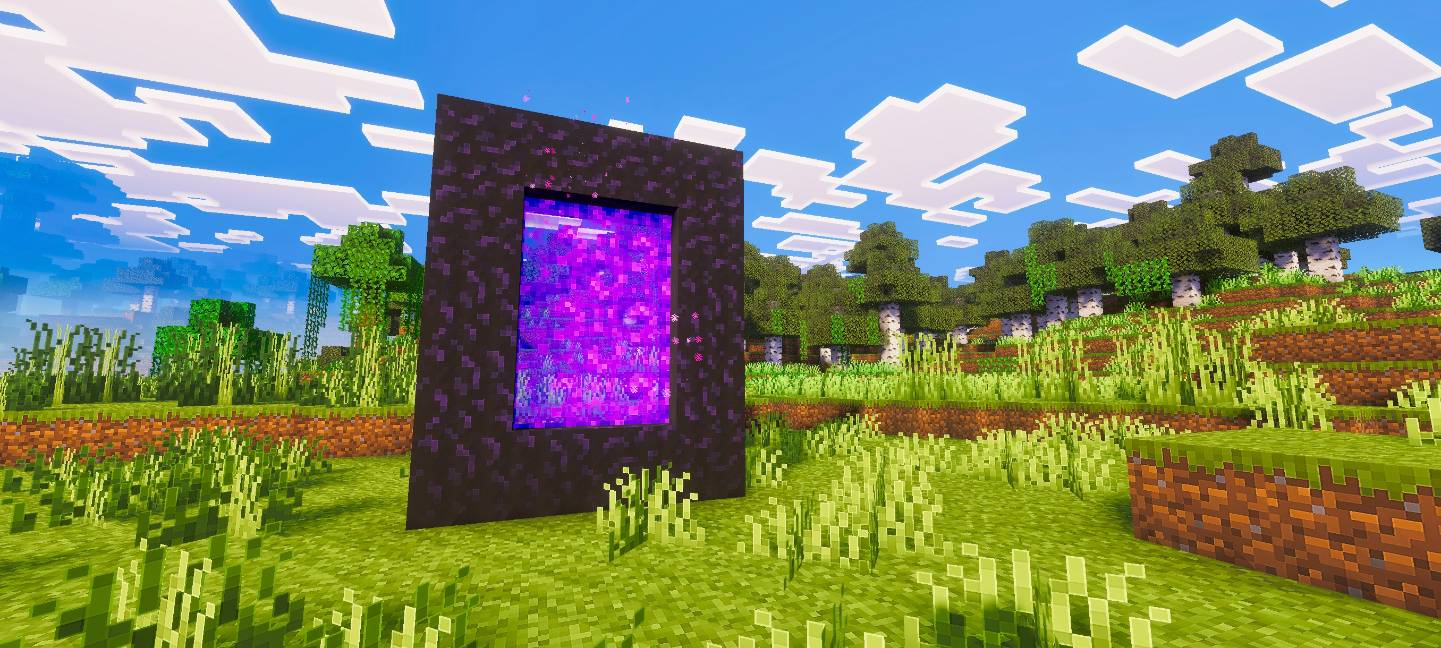
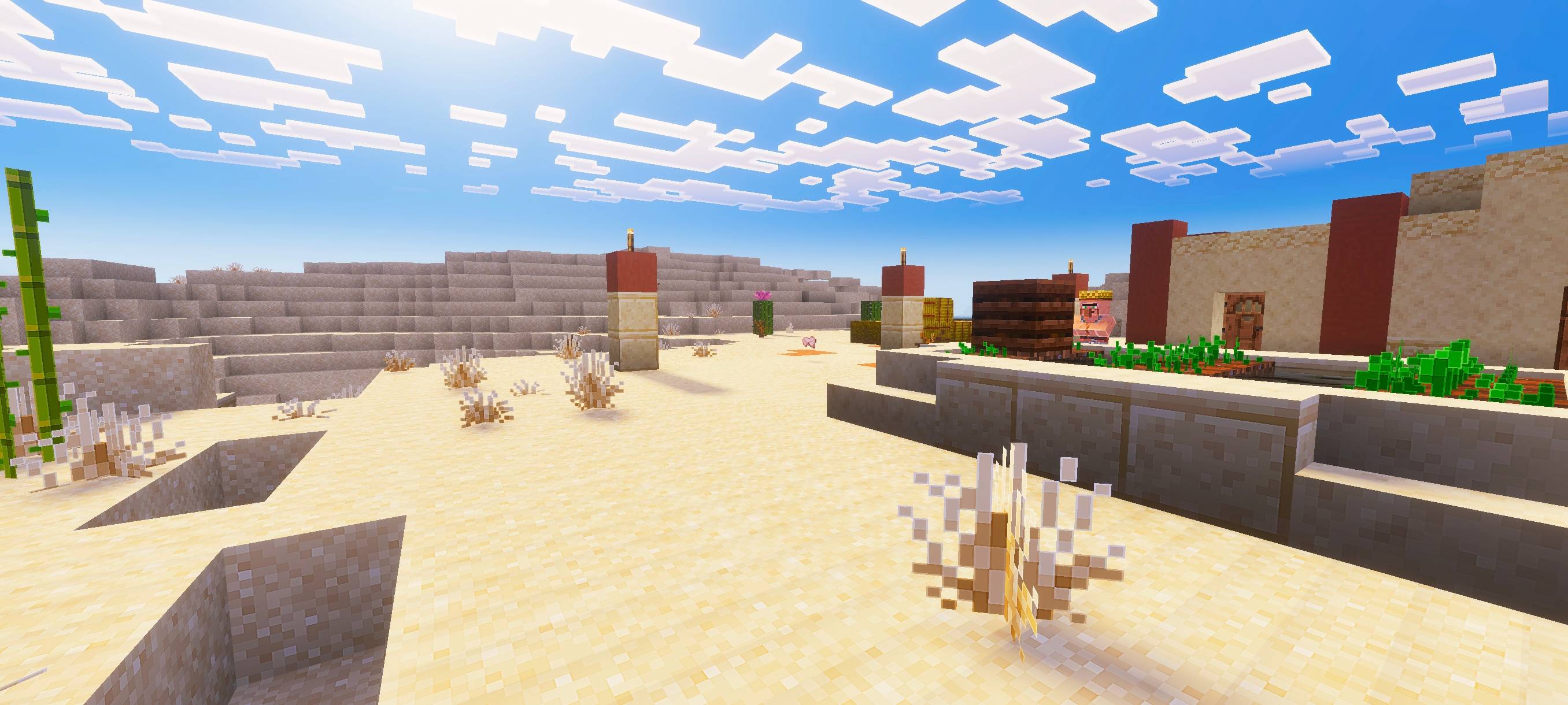
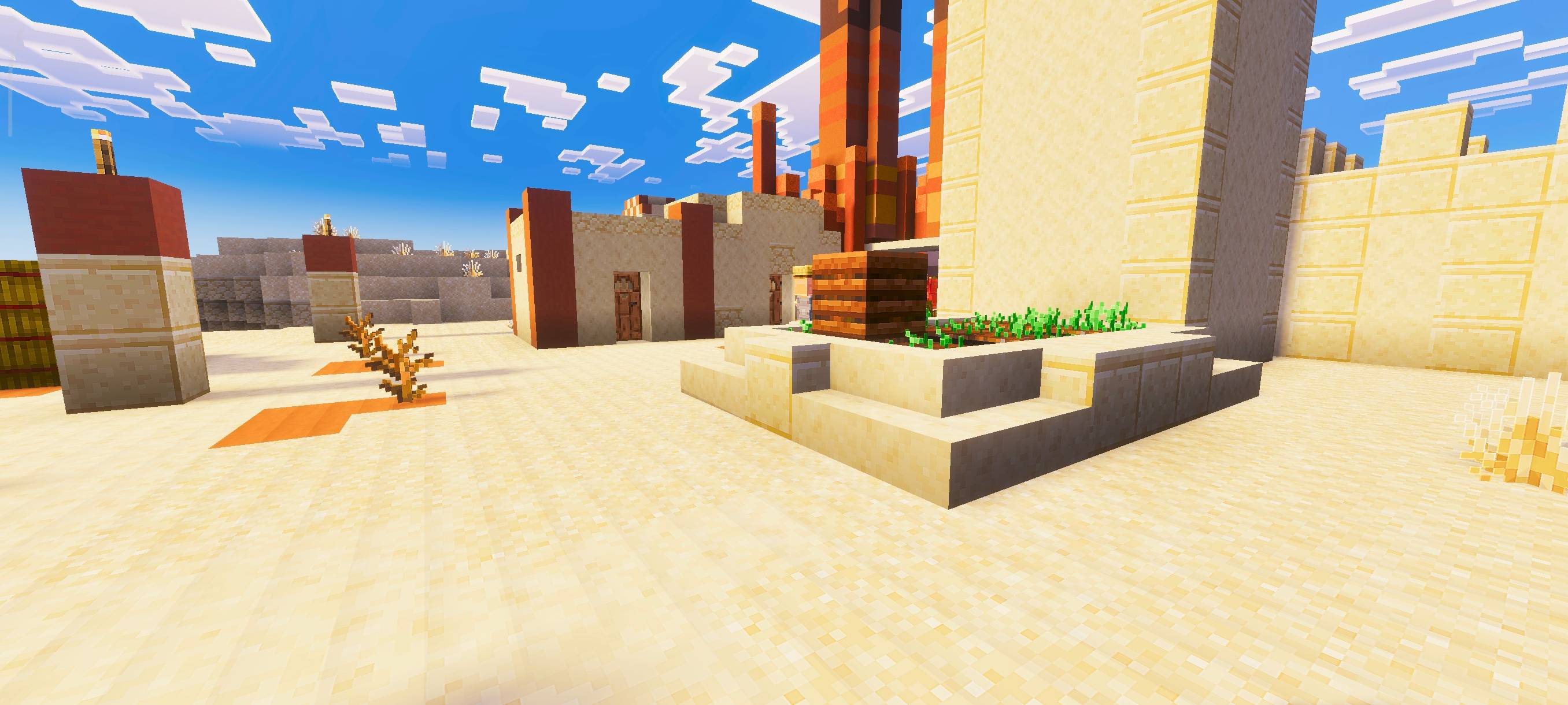
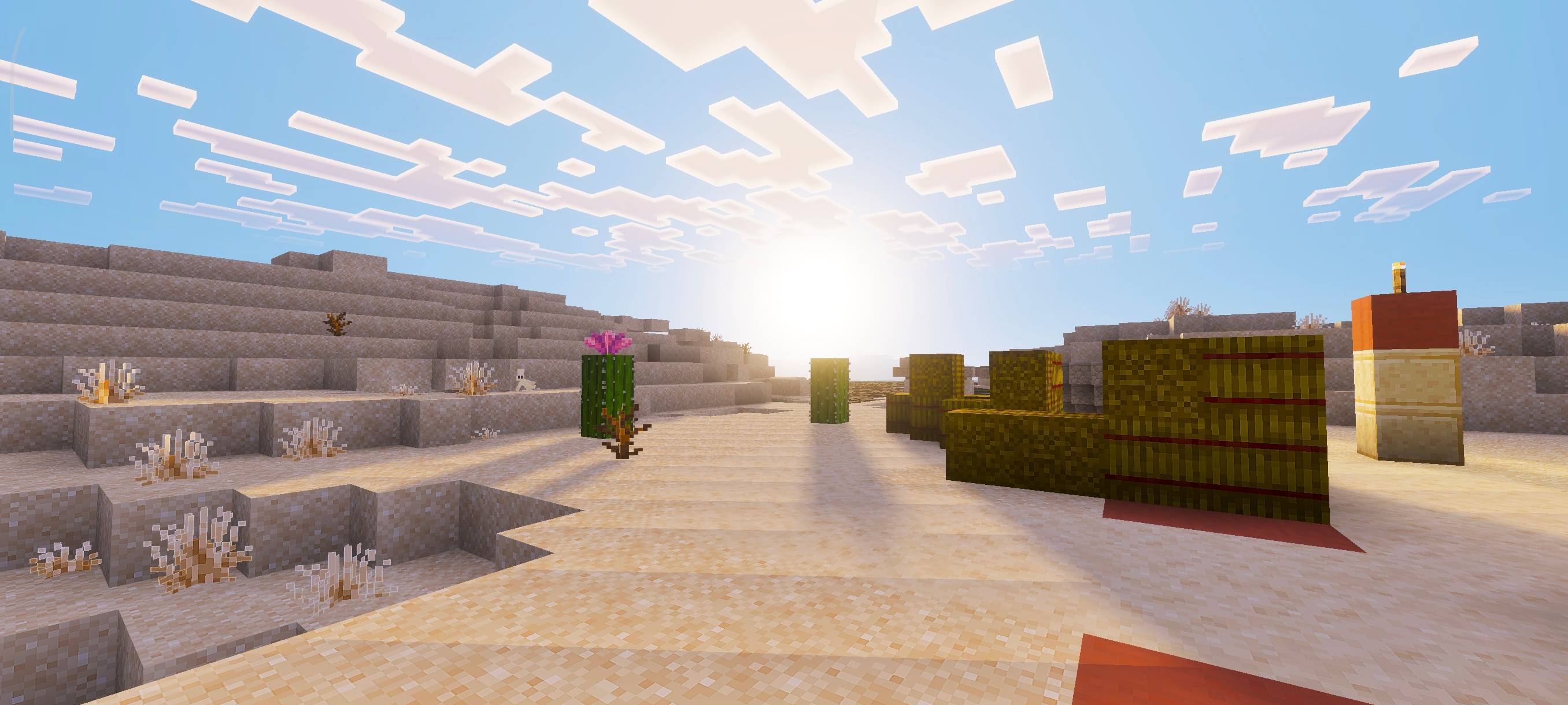
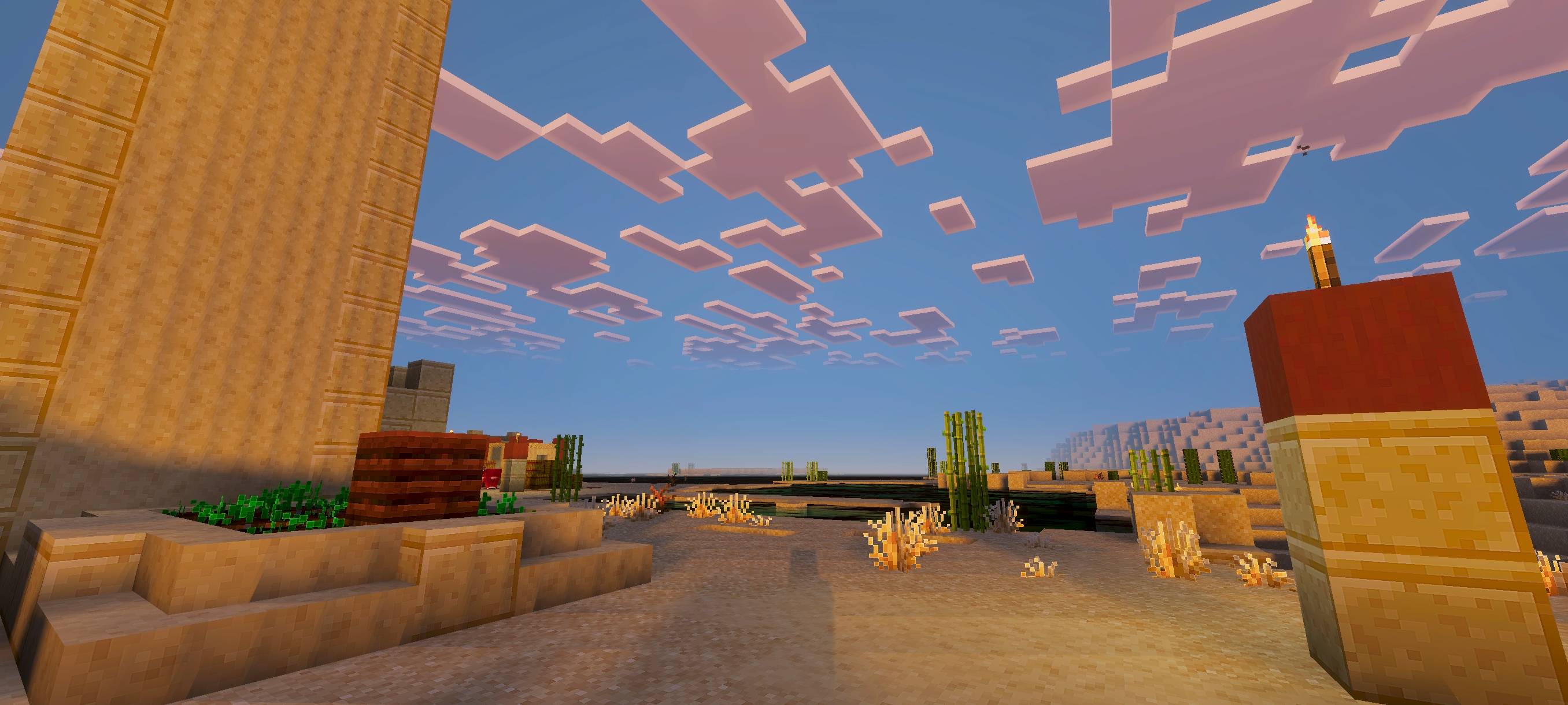
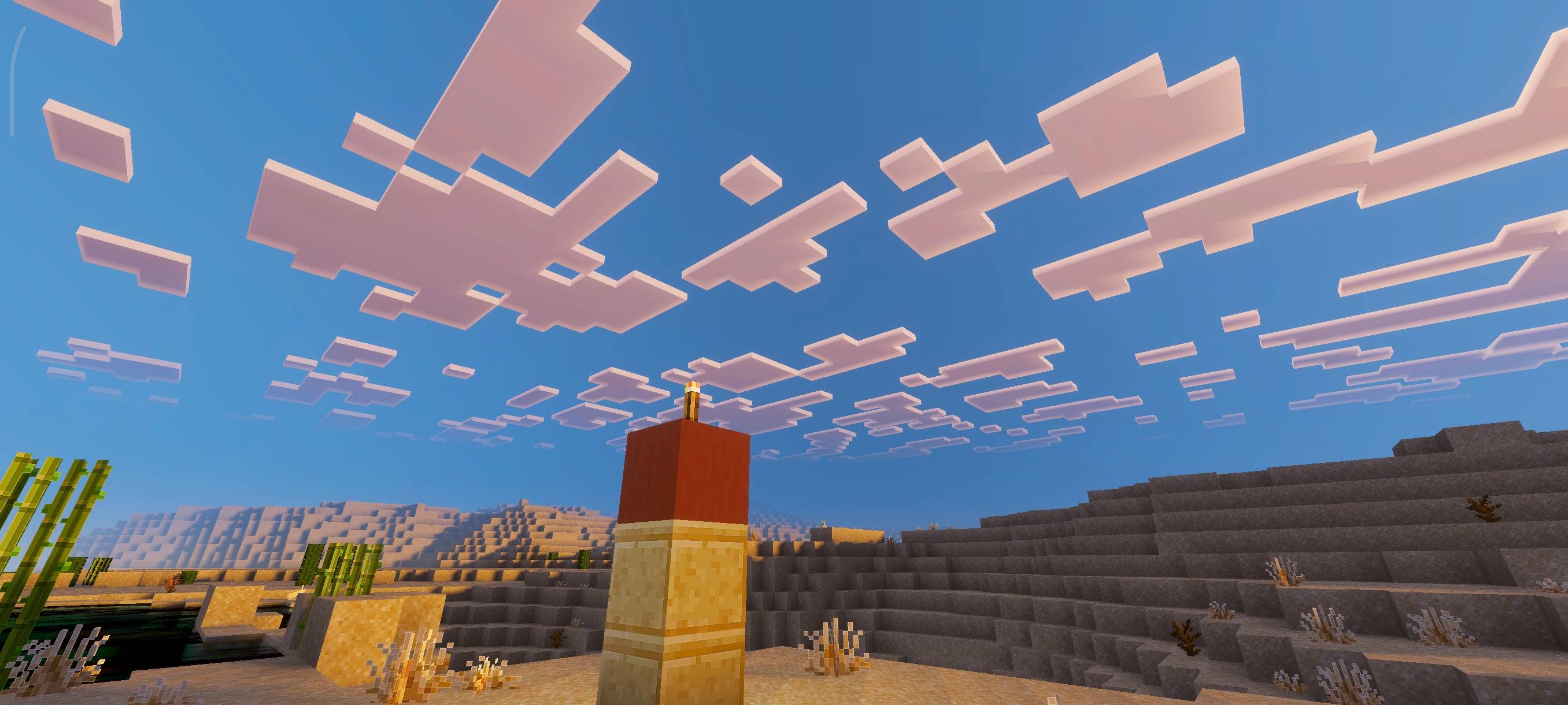
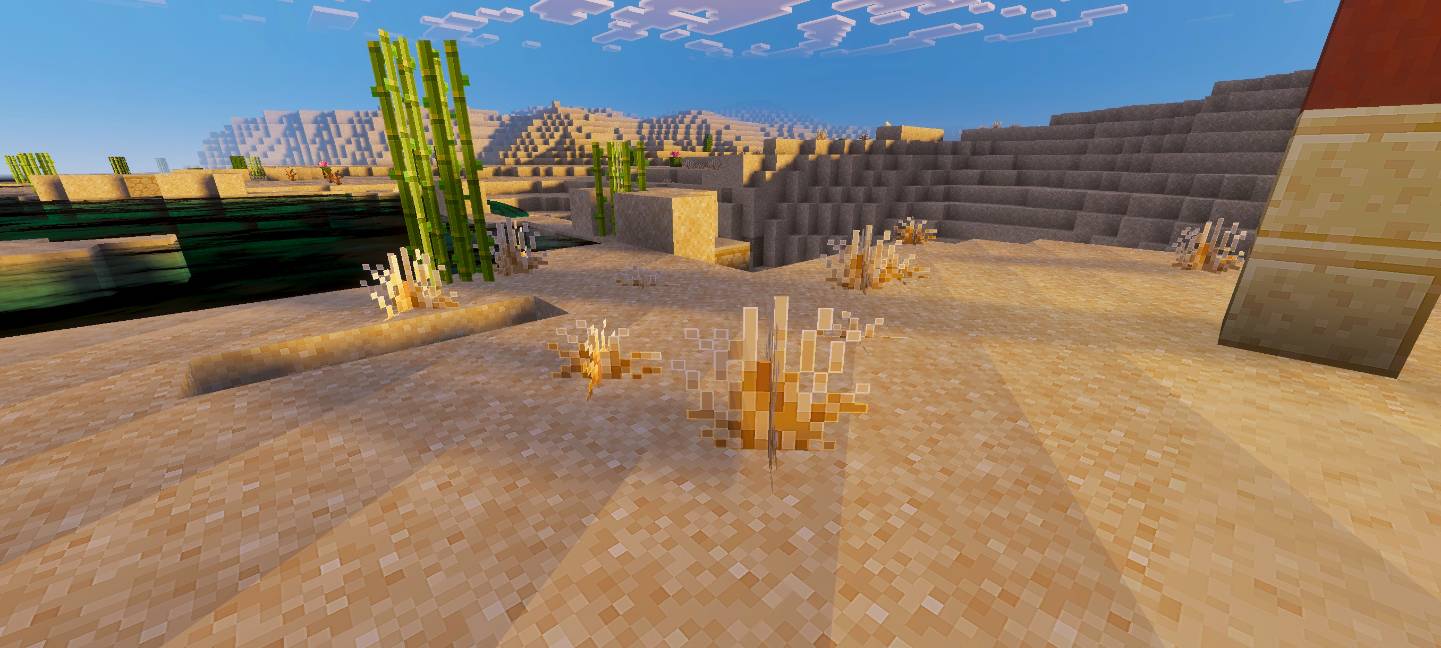
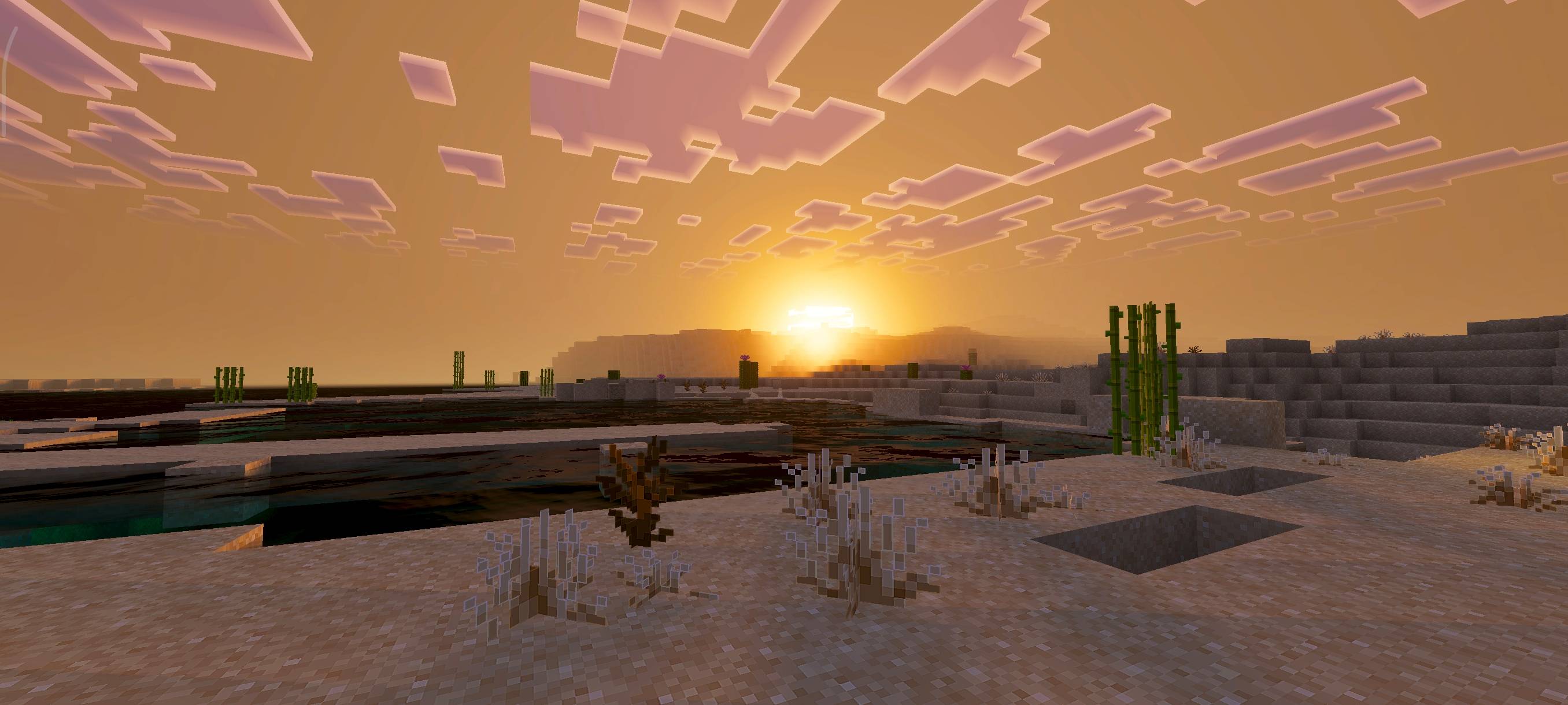
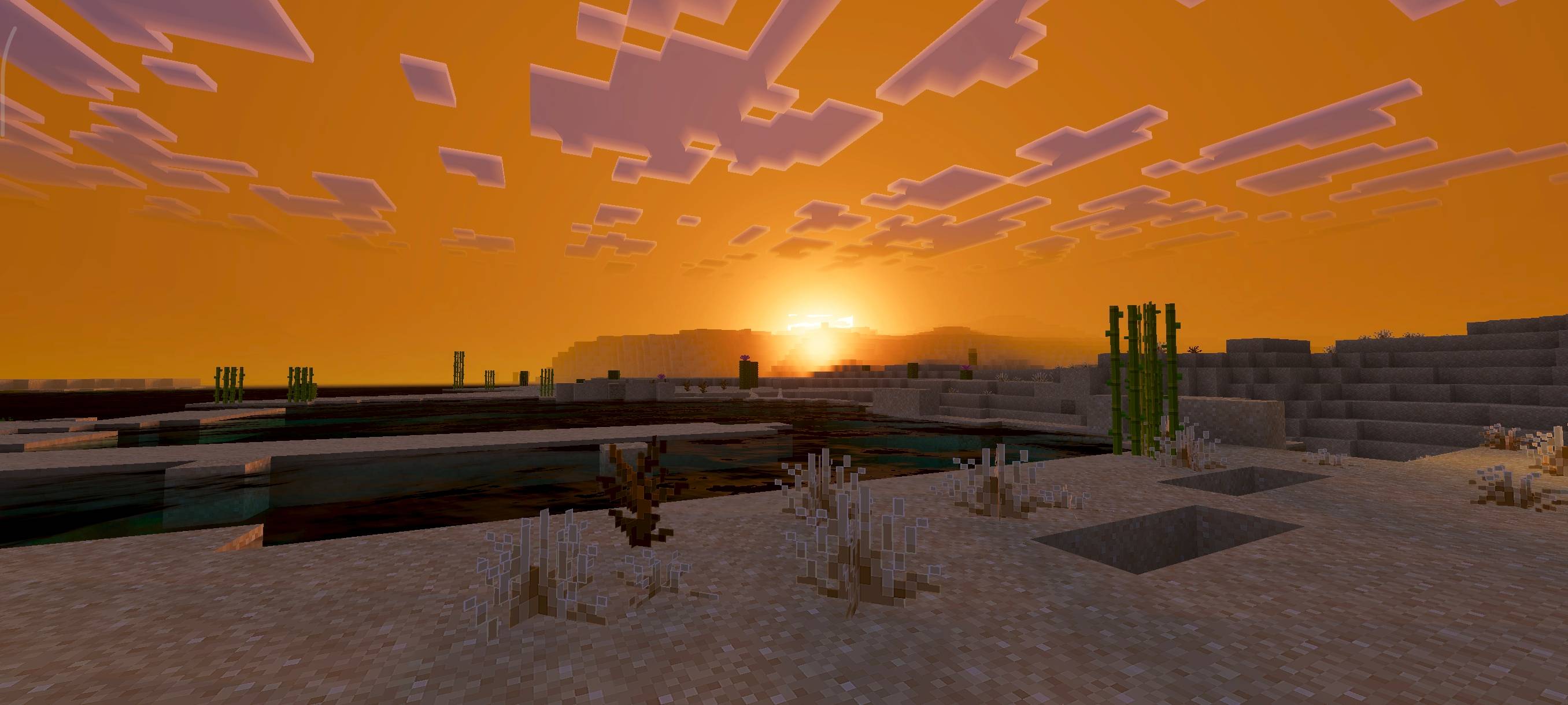
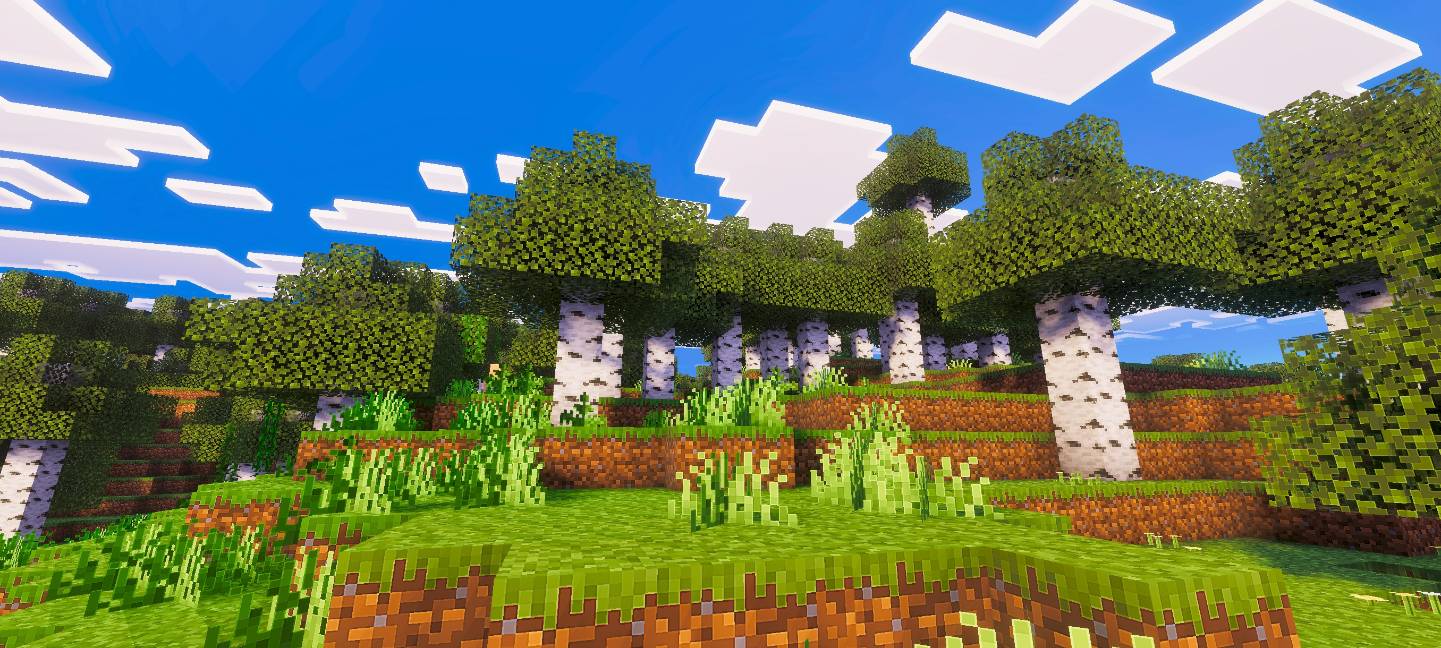
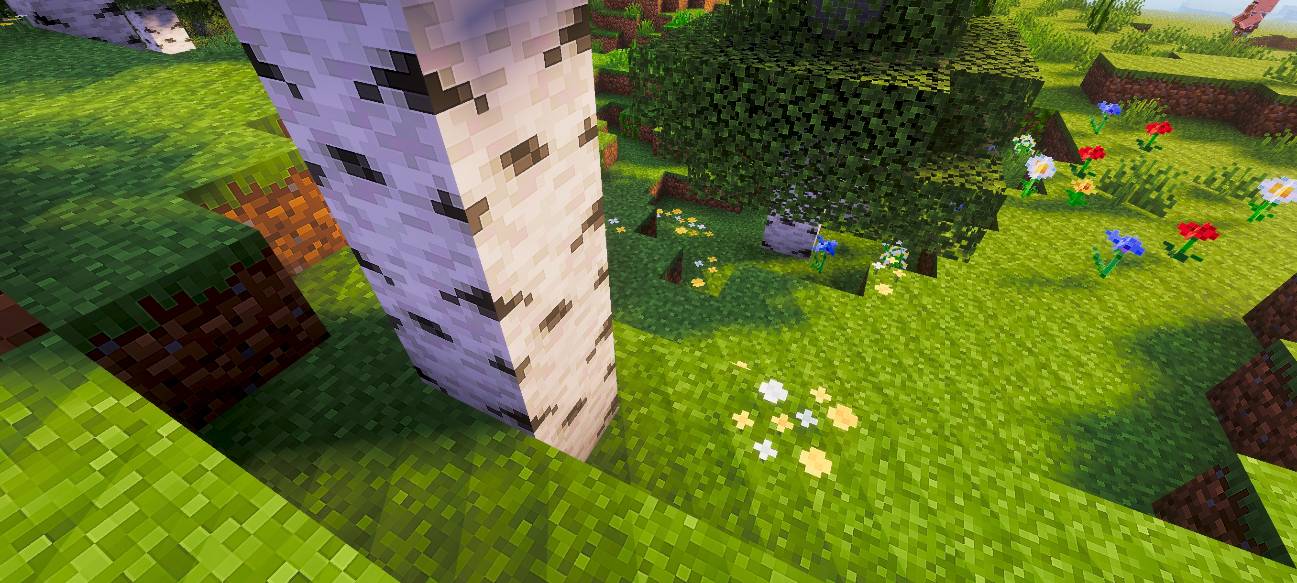
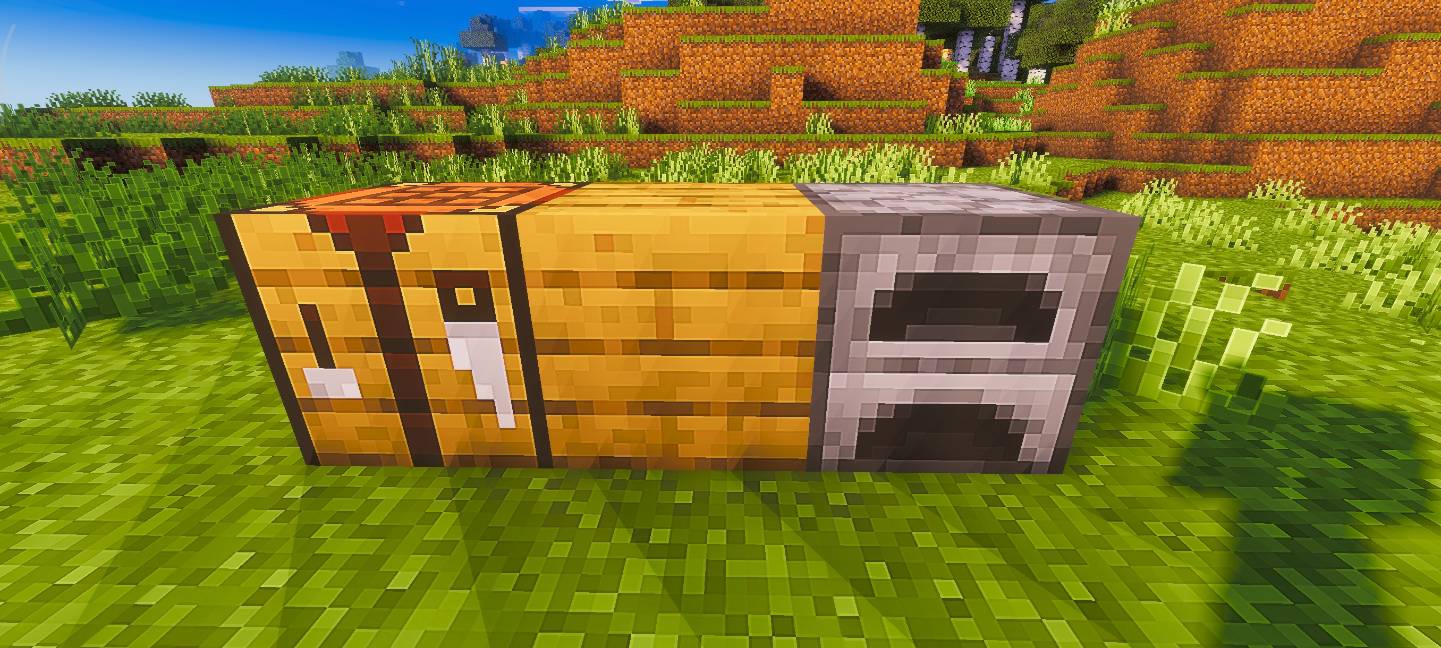
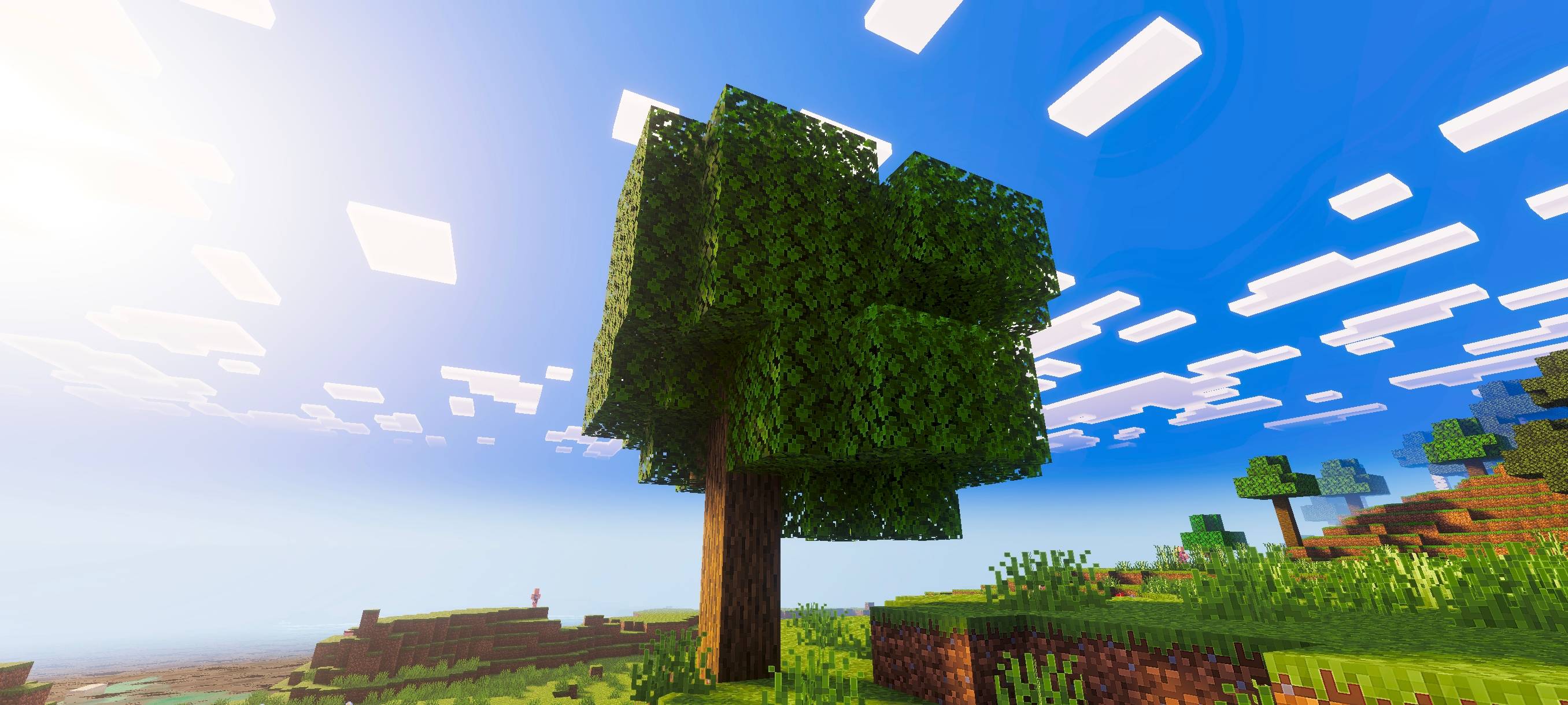
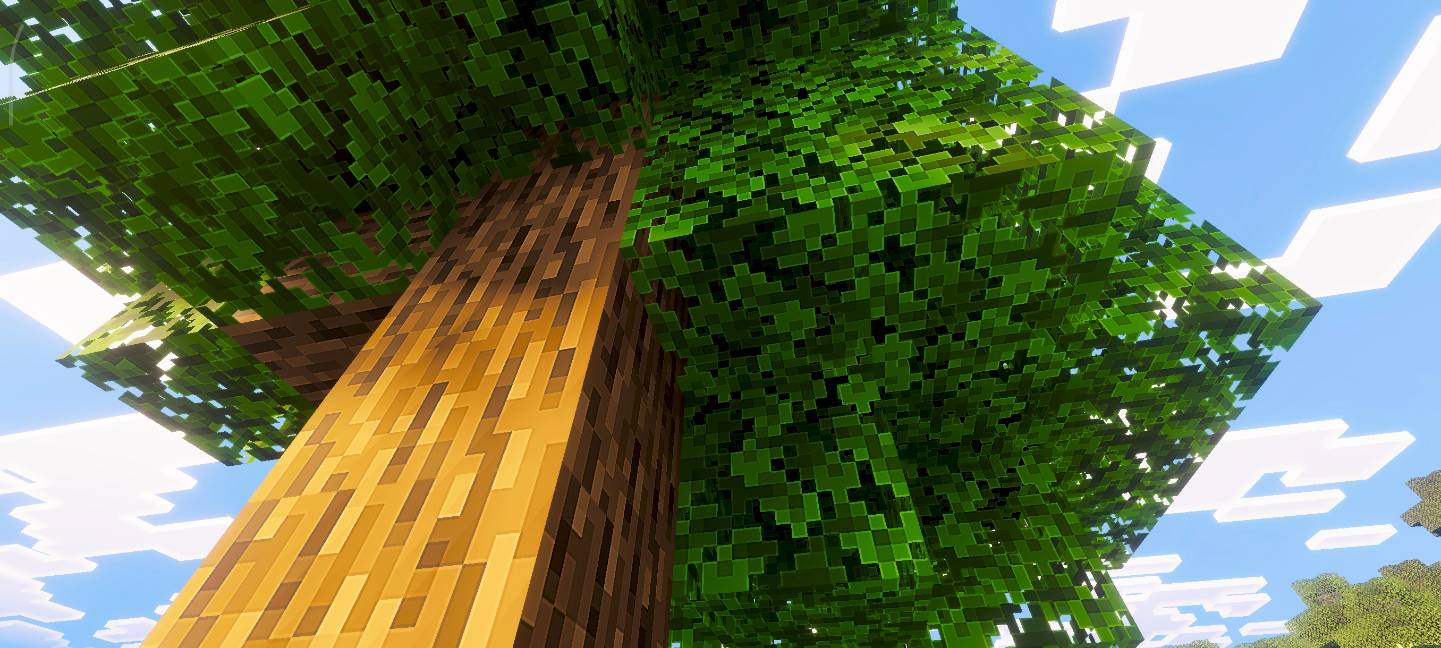

Pixel Edge Visuals enhances Minecraft’s appearance by adding gentle, subtle outlines to blocks, creating a cleaner and more polished look. This texture pack complements shaders by improving visual clarity without harsh borders, lending the game a smooth and contemporary style. It refines the game’s atmosphere, lighting, water, fog, and color balance for a more immersive experience.
Installation / How to Use
To install Pixel Edge Visuals, place the texture pack file into your Minecraft Bedrock resource packs folder. Enable the pack in the game’s settings under Resource Packs. For the best effect, ensure that shaders are active alongside this pack to enhance the subtle outlines and overall visuals.
Requirements / Compatibility
This pack is designed to work seamlessly with shader packs. To guarantee proper functionality, keep the “Vibrant Visuals” option enabled in your game settings. The texture pack is compatible with the latest versions of Minecraft Bedrock Edition.
Key Features
- Soft, subtle outlines around blocks for a refined appearance
- Improved atmosphere, lighting, and water effects
- Enhanced fog and color balance for a natural look
- Designed to complement shaders without overpowering them










Pixel-Edge-Visuals-Medium.mcpack
[18.77 MB]

