Overgrown |A Nature Overhaul
11.03.2026
Overgrown | A Nature Overhaul Texture Pack For Bedrock enhances the natural elements of Minecraft Bedrock by introducing new textures, models, and block variants while maintaining the classic vanilla appearance. This pack offers rich details and biome-specific foliage colors, bringing more life and diversity to trees, plants, and other natural blocks. Continual updates are planned to expand and refine its features.
Installation / How to Use
This texture pack includes two components: a Texture Pack and a Models Pack. To experience all enhancements, both must be installed. If you prefer only the updated textures without altered models, install just the Texture Pack.
When activating, place the Models Pack above the Texture Pack to ensure full compatibility and proper functionality. Also, position this pack above any other texture packs you use to prevent conflicts.
Requirements / Compatibility
This pack is designed for Minecraft Bedrock Edition and may not function correctly on other editions. It is compatible with most worlds and other resource packs, provided it is loaded on top as described.
Key Features
- Enhanced textures for a wide range of natural blocks including flowers, grasses, crops, and foliage.
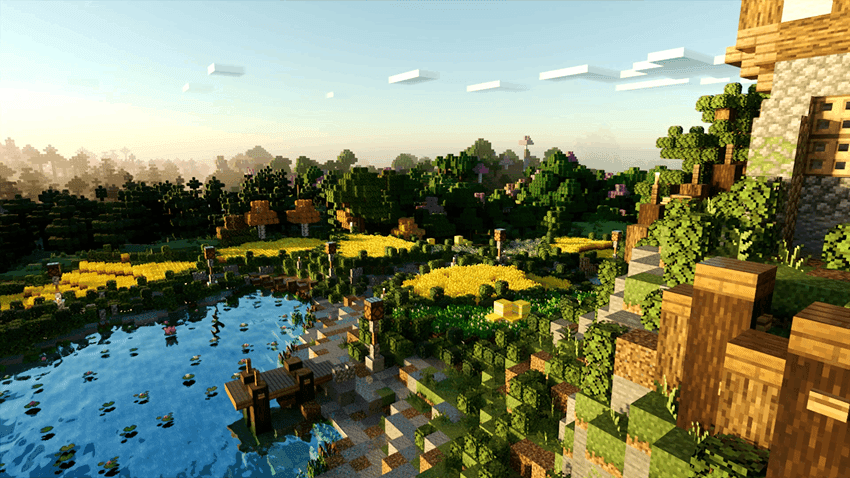
- Biome-dependent leaf colors that add vibrant and realistic variations.
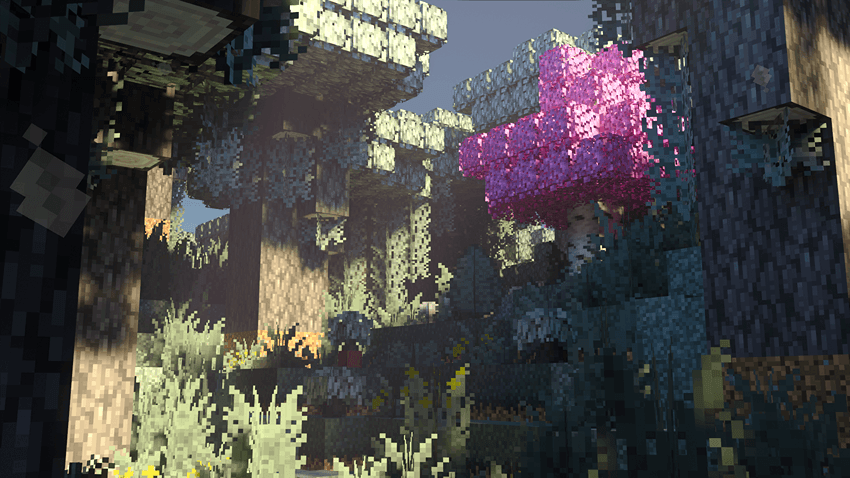
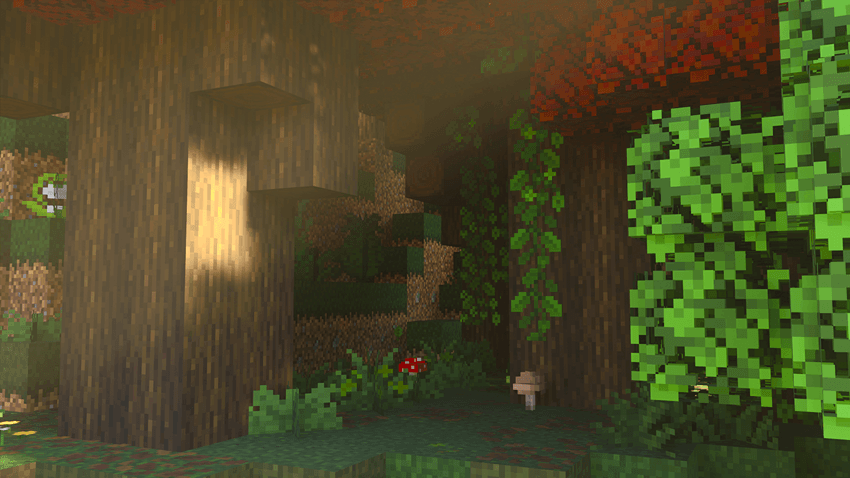
- Improved 3D models for elements such as lily pads, sugar canes, vines, mushrooms, saplings, leaves, seagrass, and dripstone.
- Multiple texture variants to enrich the natural environment without straying from the vanilla style.
- Dynamic falling leaves effect to bring motion and atmosphere to forests.
Notes / Troubleshooting
Ensure that the Models Pack is placed above the Texture Pack in your resource pack list to avoid missing model updates. If you encounter issues, try disabling other texture packs to check for conflicts.
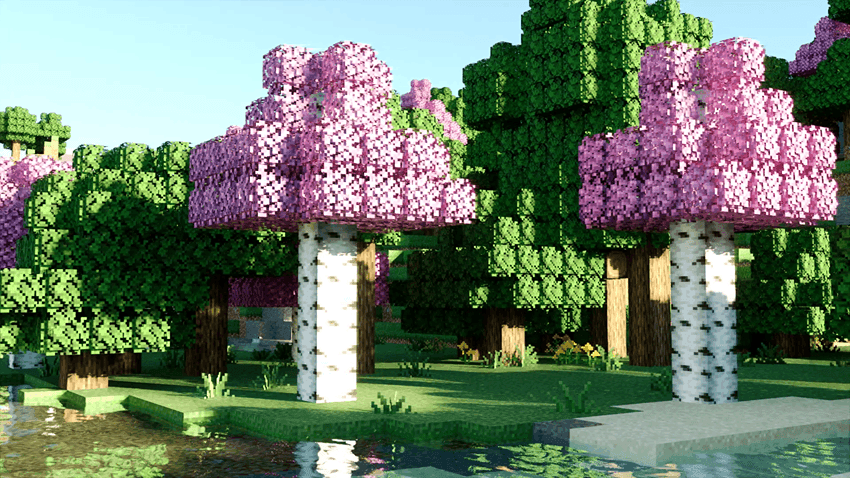
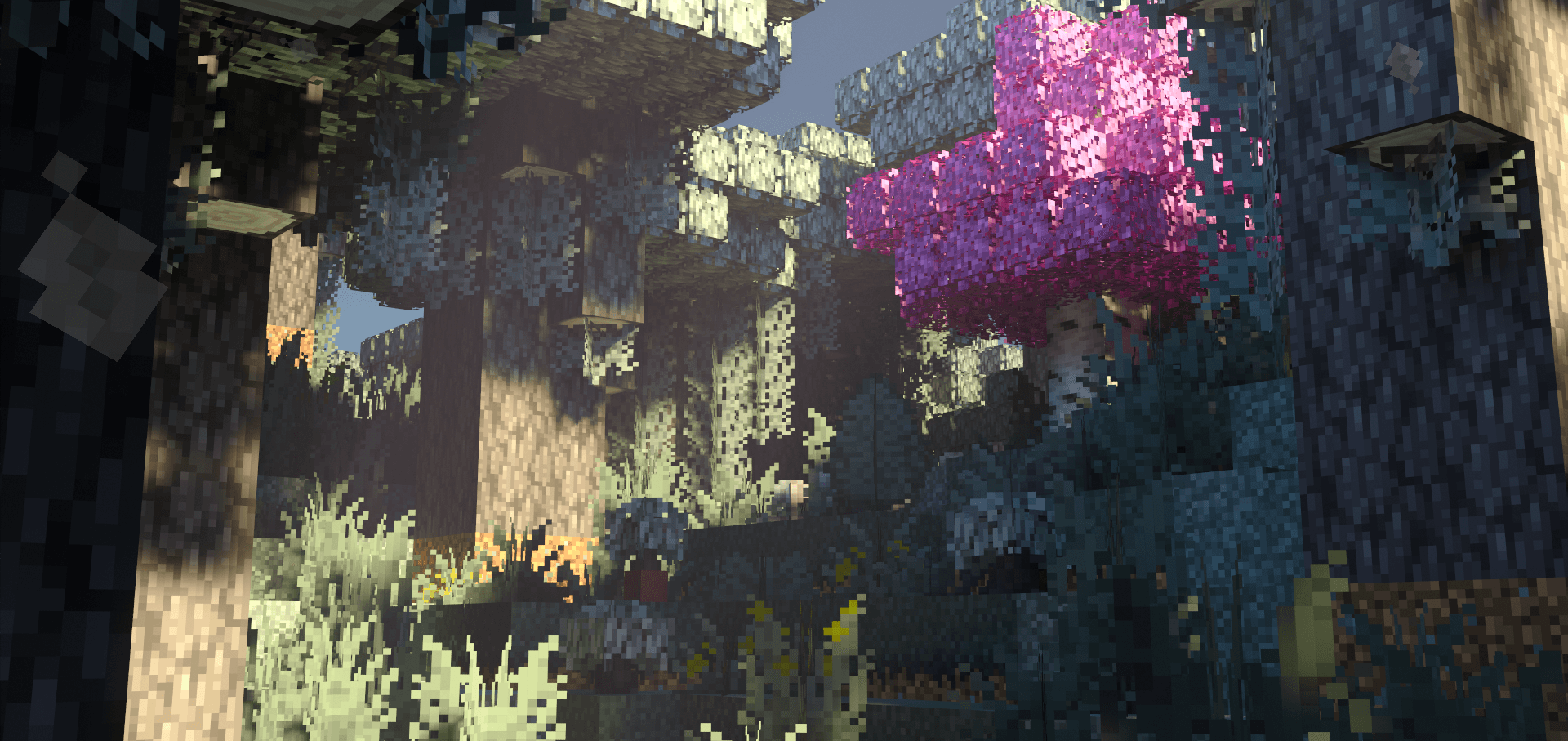
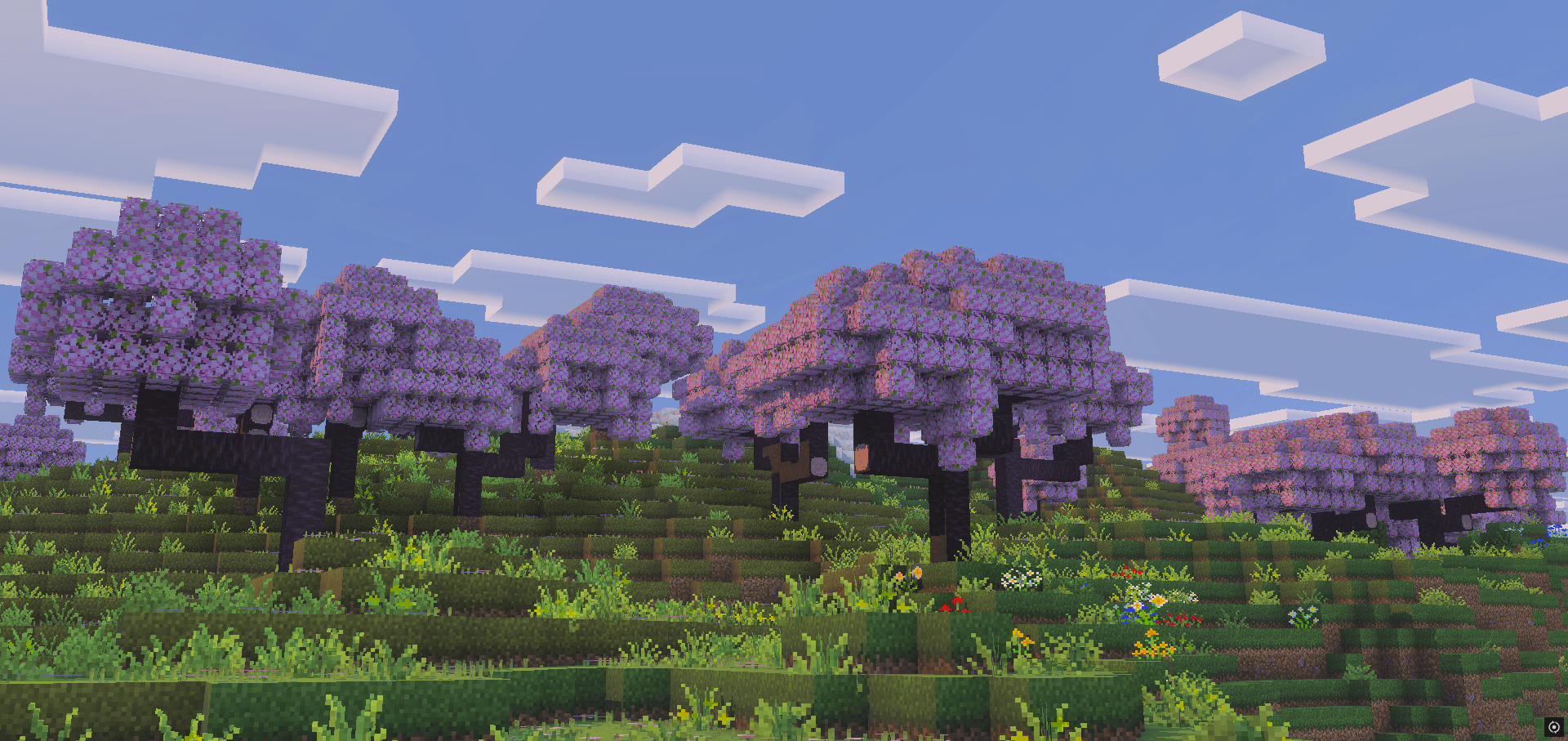
Below are screenshots showcasing the detailed textures and models, including the falling leaves effect in action.

Overgrown TP1.2.6 + MP1.2.6.mcaddon
[480.6 KB]

