
Mob Battle Wand
20.03.2026
0
Mob Battle Wand – Creative mode with Achievement lets you pause time and select two mobs—whether from other addons or your own creations—to engage in combat with a single click. This addon simplifies creating mob battles, supporting even custom mob types for dynamic gameplay.
How to use
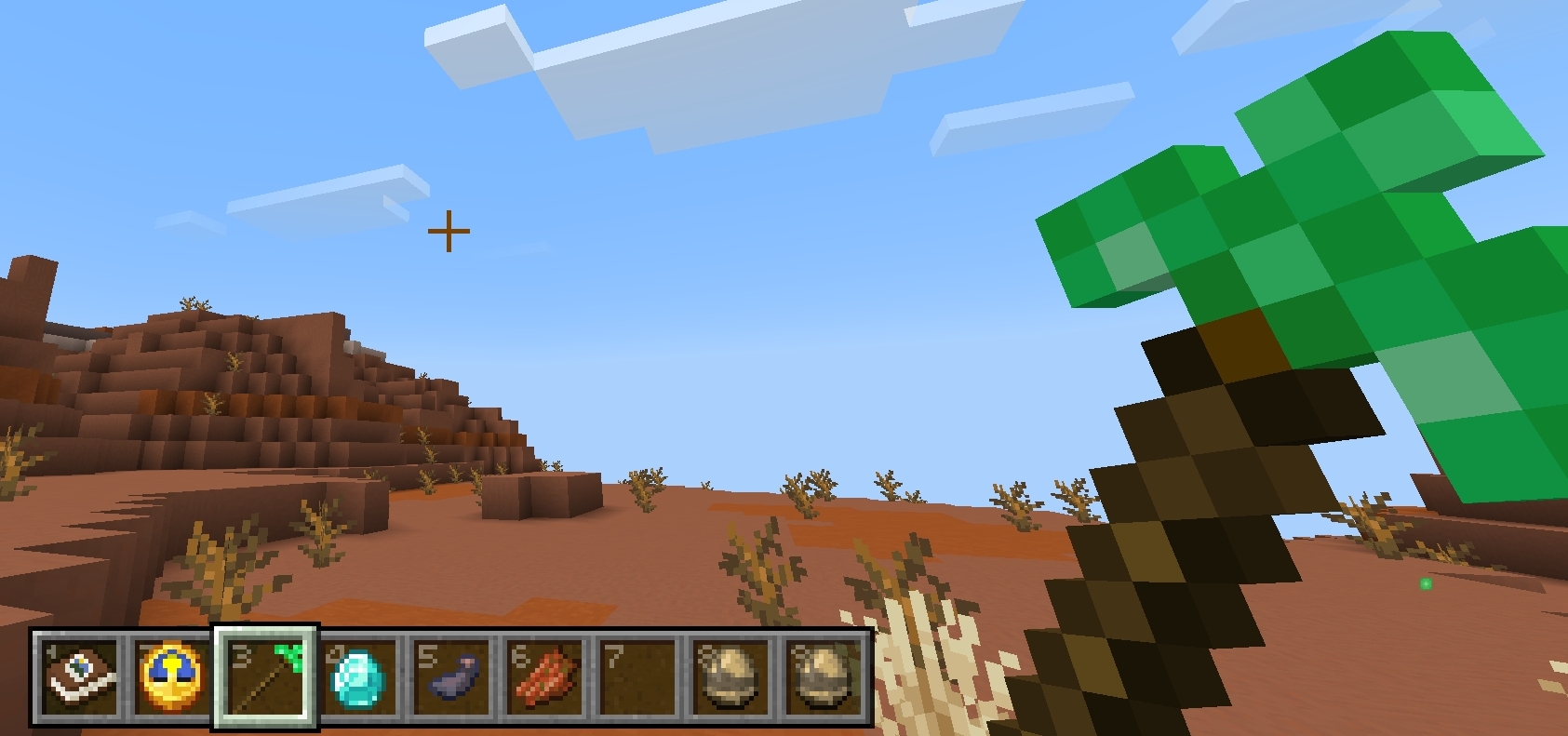
- Obtain three wands from Creative mode: Team A Wand, Team B Wand, and Battle Wand.
- Select the first mob by interacting with the Team A Wand (right-click on PC or long press on mobile).
- Select the second mob using the Team B Wand in the same manner.
- Note: The Team A and B Wands detect mobs within a 7-block radius.
- Once a mob is selected, you will receive confirmation feedback.
- After both mobs are recorded, activate the Battle Wand to start the fight.
Key features
- Time Freeze: Pause the world to set up battles without interference.
- Custom Mob Support: Works with standard mobs, custom mobs, and those from other addons.
- Game Changer Item: Switch game modes without losing achievements.
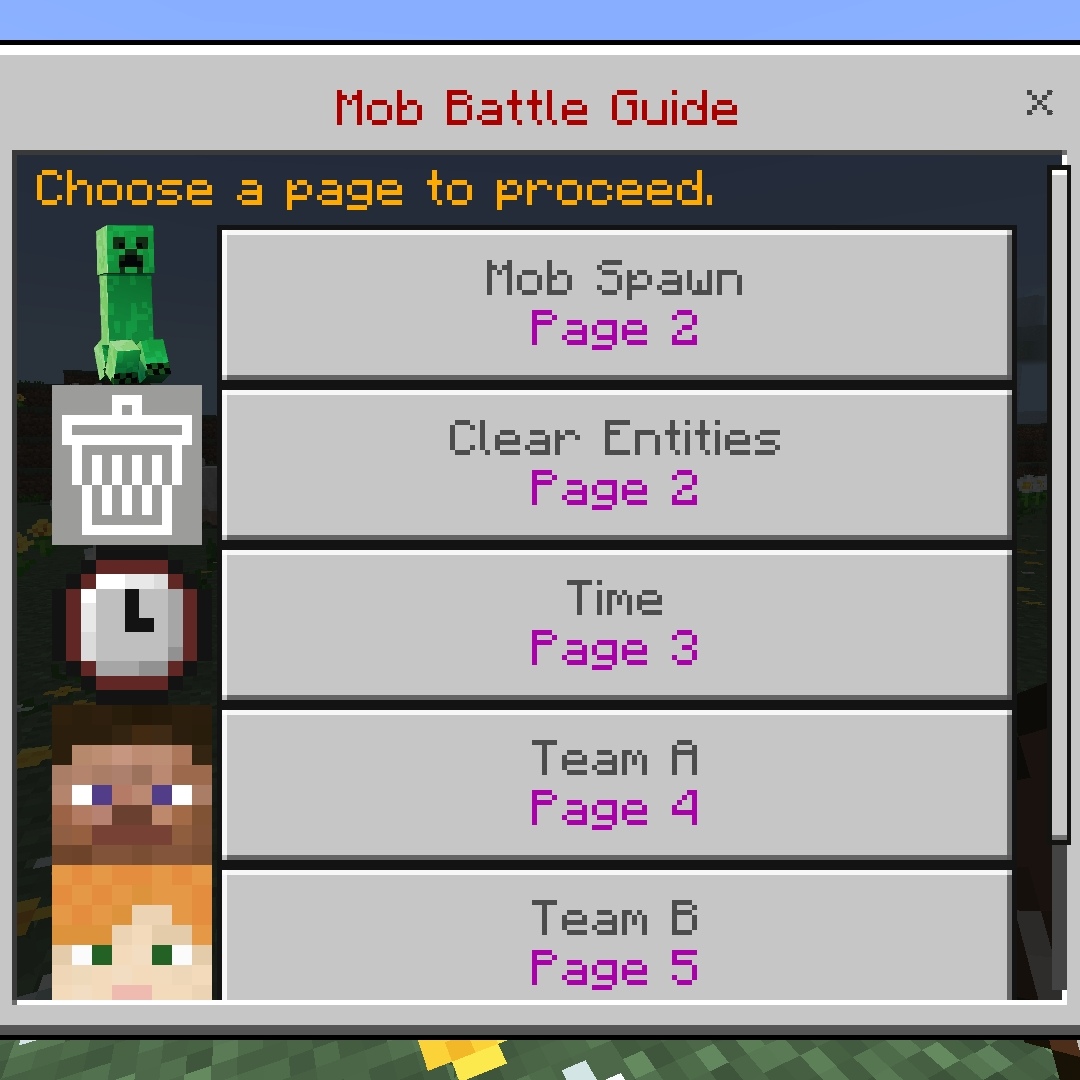
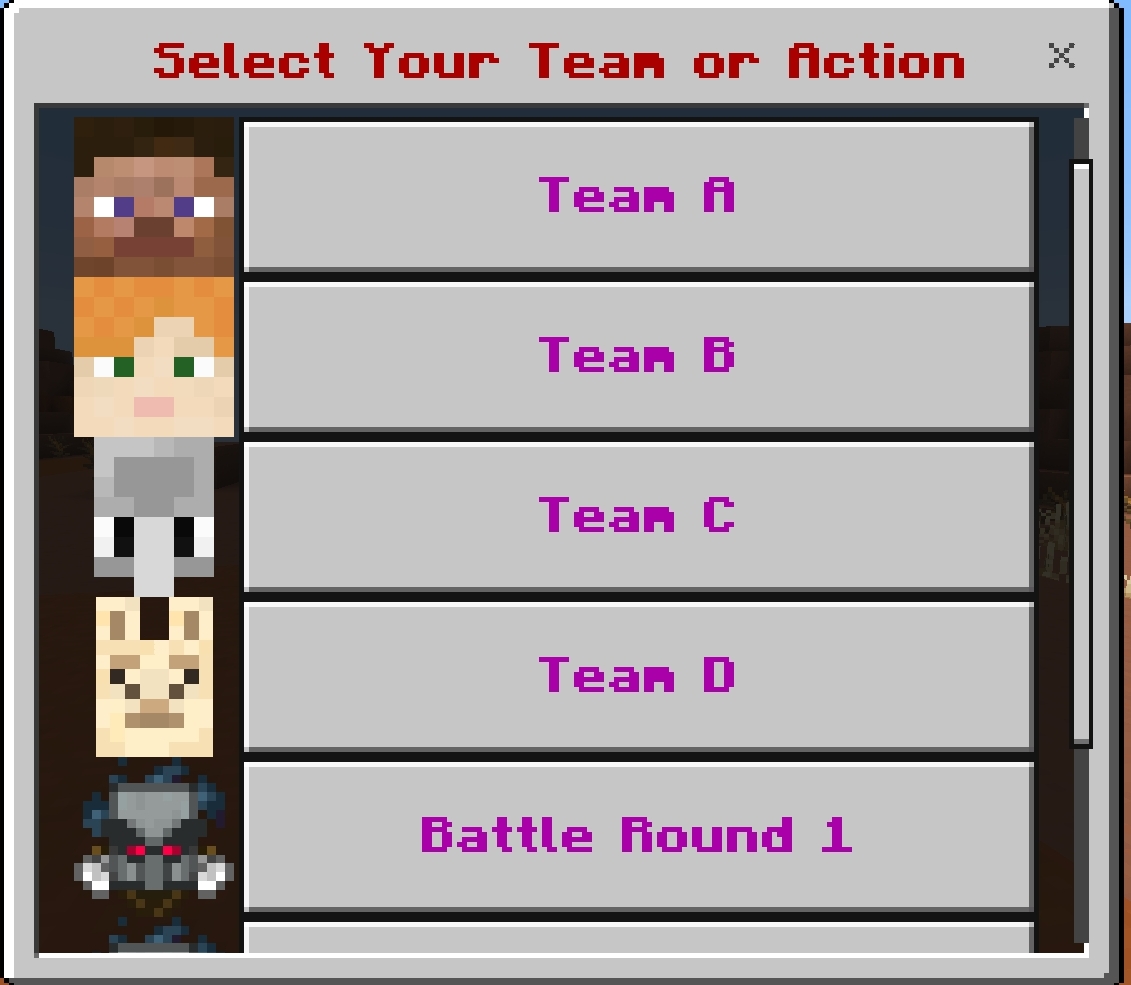
- 4v4 Battle Mode: Supports team battles with two rounds for added excitement.
- Mob Stop Clock: Temporarily immobilize mobs to position them easily, activated by holding the clock and tapping the screen.
Items
Mob Stop Clock
- Freeze individual mobs during setup to avoid losing control over their positions.
- Activate by holding the clock and tapping the screen; feedback confirms the action.

Screenshots
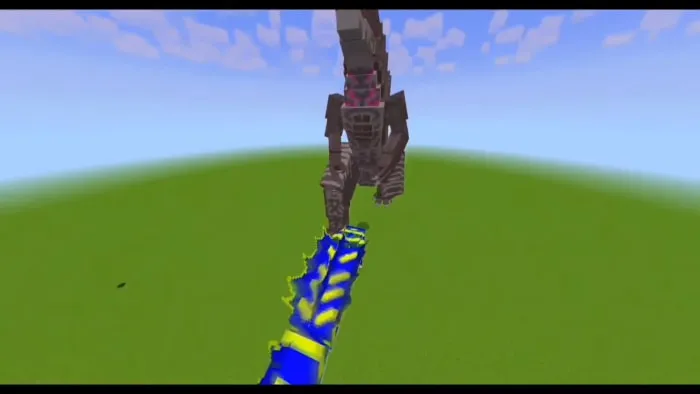

Screenshots & Video

Download Mob Battle Wand
bwand5.3.mcaddon
Supported versions
26.3 26.0.02 26.0 1.21.132 1.21.131 1.21.111 1.21.80
Download
[18.76 KB]

0 Comments
