
Max’s Better Mobs
27.03.2026
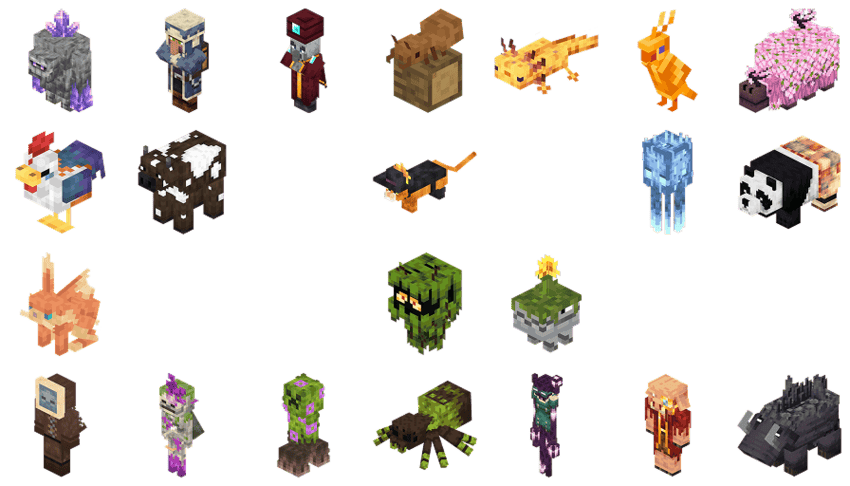
Max’s Better Mobs enhances Minecraft Bedrock Edition by integrating over 1,000 unique mob variants, combining multiple mob modification packs into one comprehensive resource. This compilation brings additional life and diversity to mobs, offering a richer gameplay experience with varied appearances and behaviors.
Installation / How to Use
Download the pack and import it into your Minecraft Bedrock Edition. Activate it from the resource packs menu before starting or loading a world to enjoy the enhanced mob variations. This pack combines several standalone packs, so make sure no conflicts arise if using individual packs separately.
Requirements / Compatibility
This pack is designed specifically for Minecraft Bedrock Edition. It includes ports of multiple Java Edition mob packs and works best when no other conflicting mob resource packs are active. Ensure your game is updated to the latest version to prevent compatibility issues.
Key Features
- Over 1,000 custom mob variants across multiple species.
- Includes numerous themed packs such as:
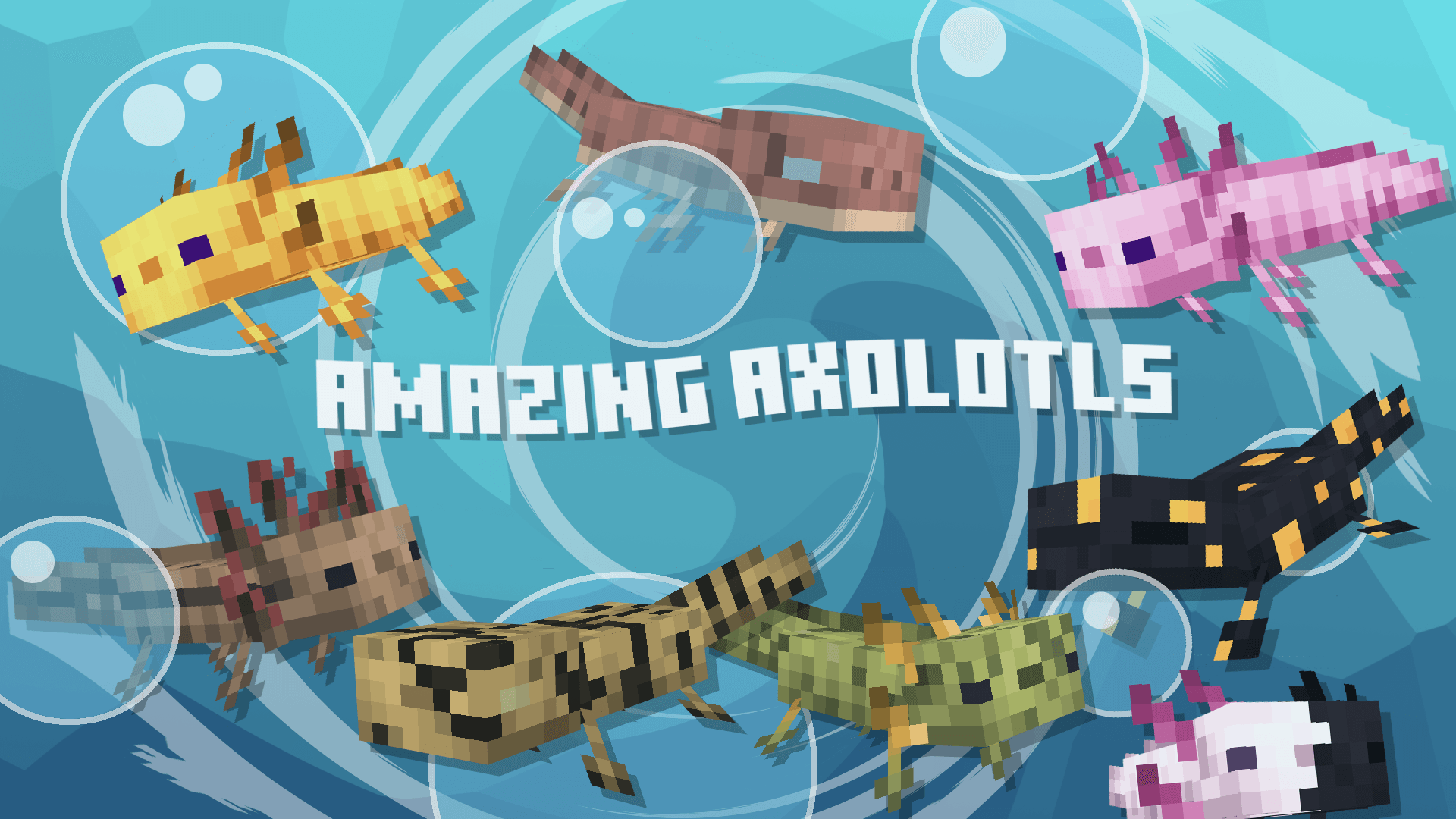
- Amazing Axolotls
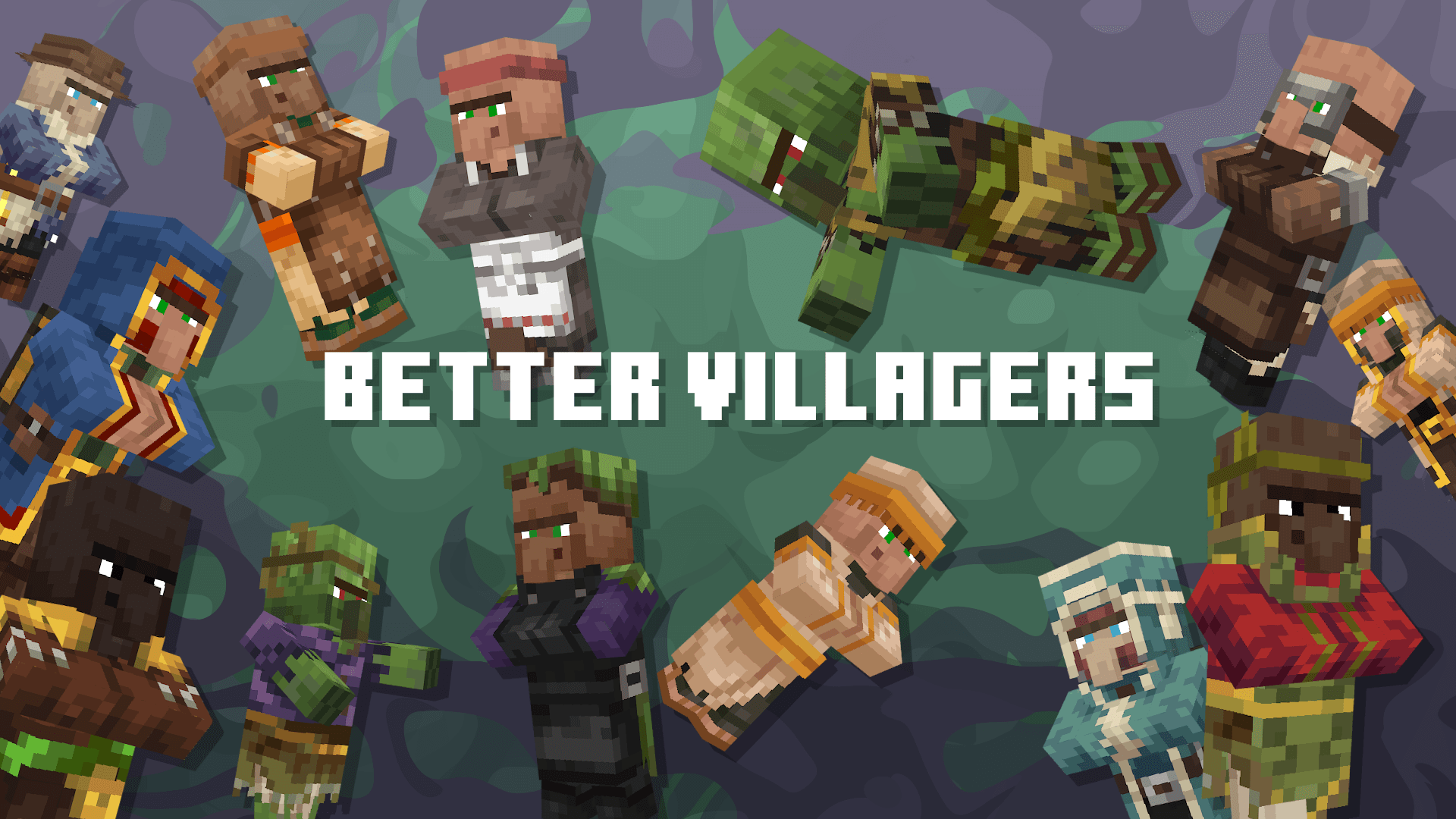
- Better Villagers
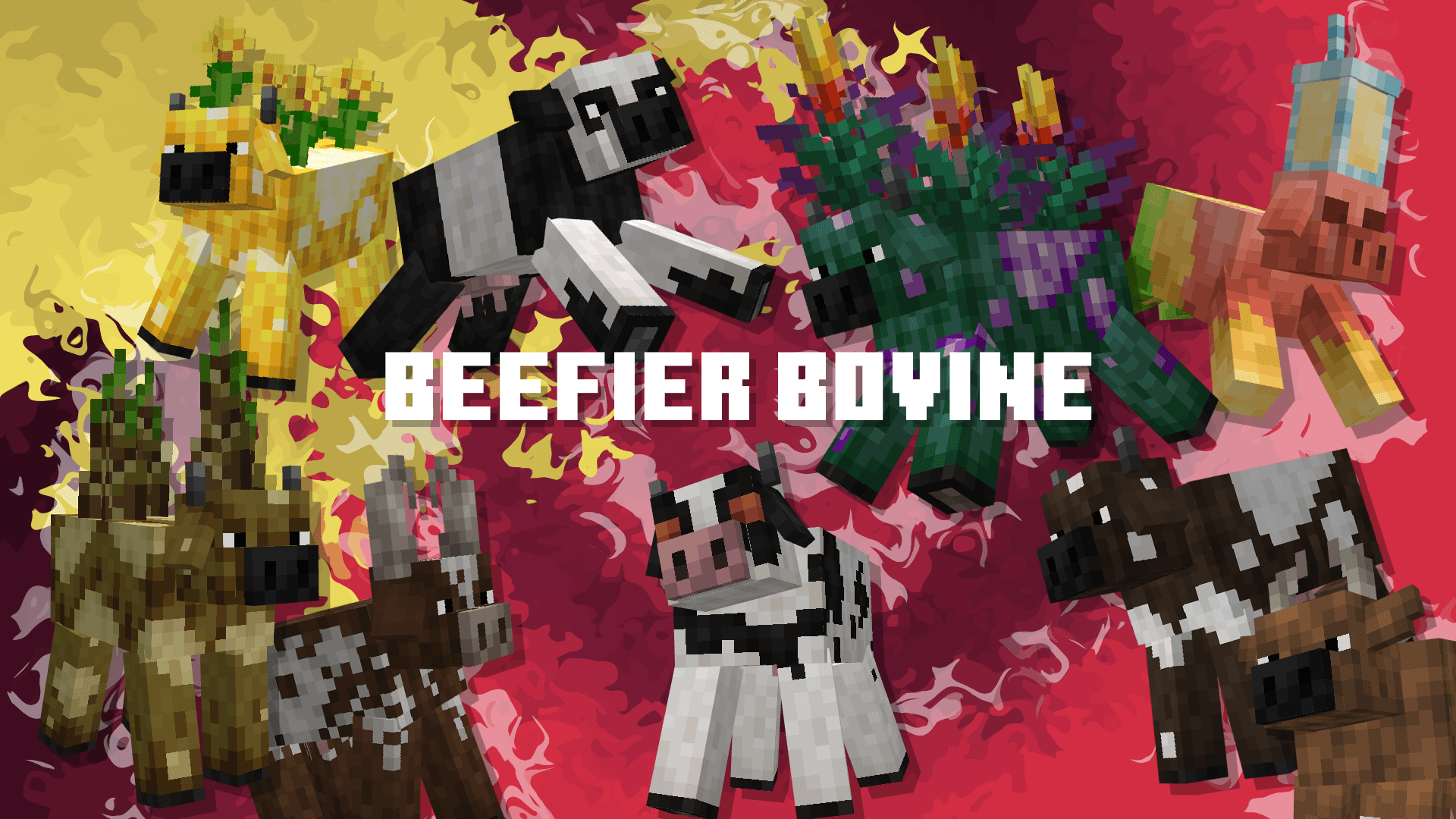
- Beefier Bovine
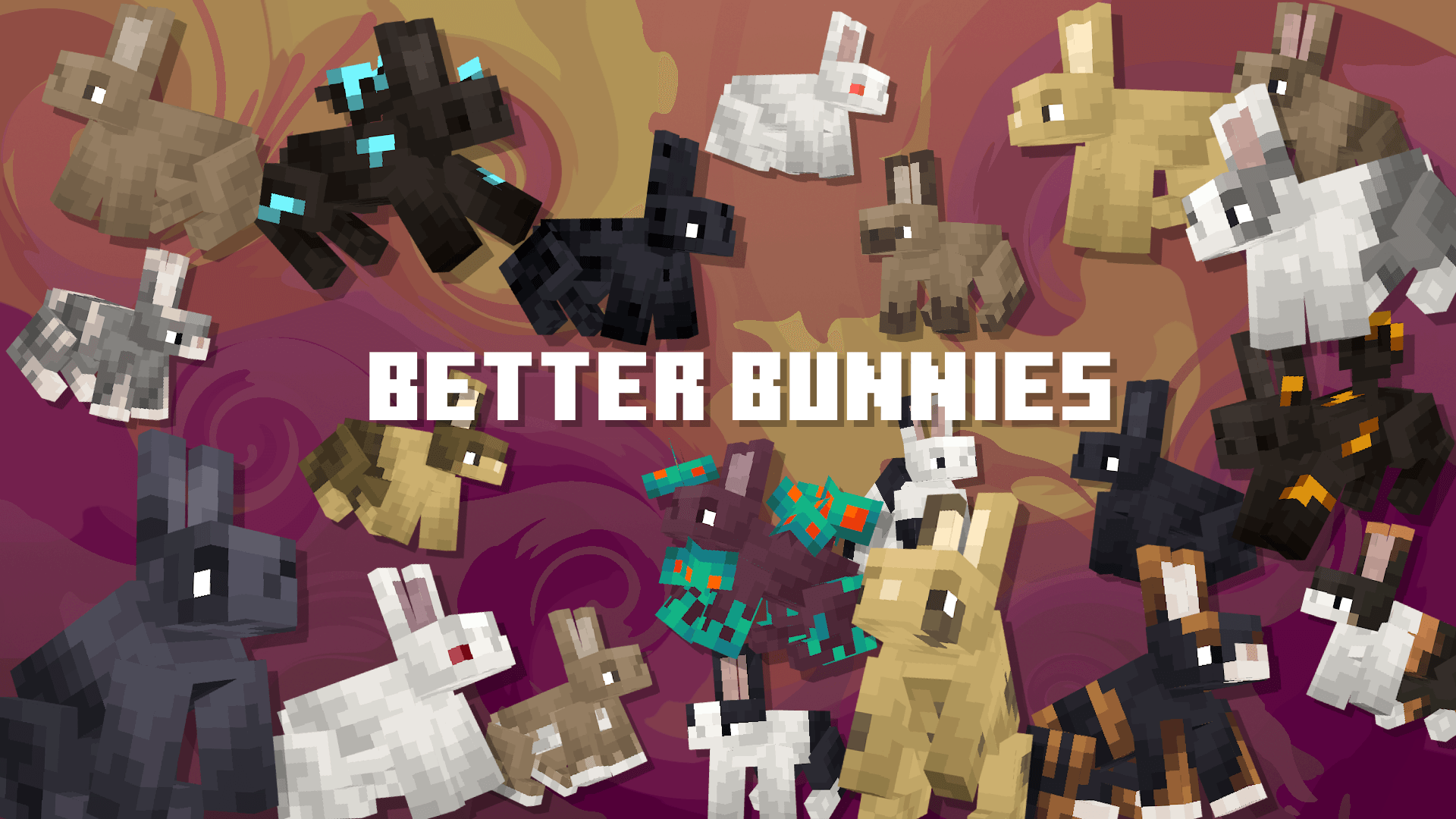
- Better Bunnies
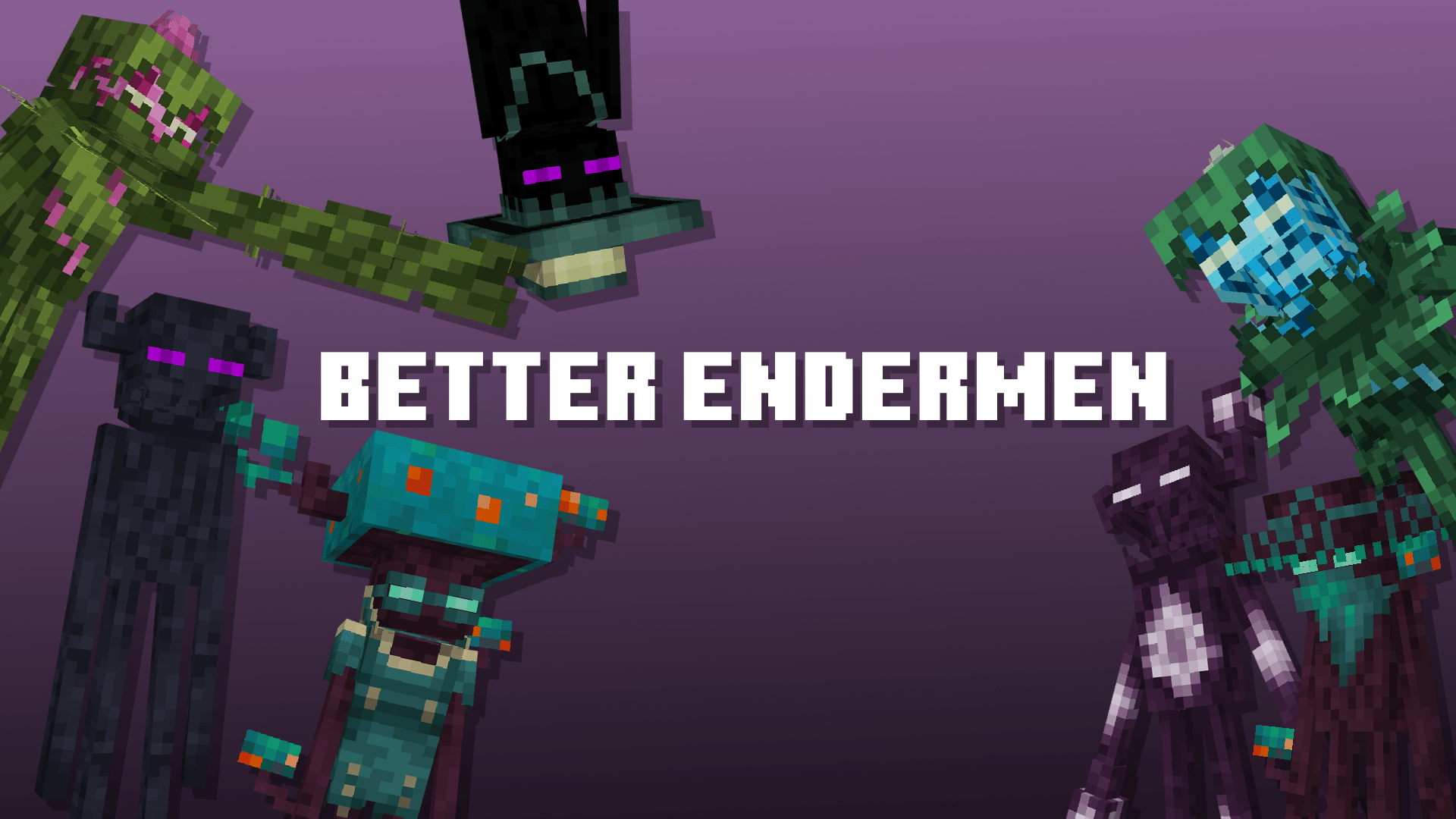
- Better Endermen
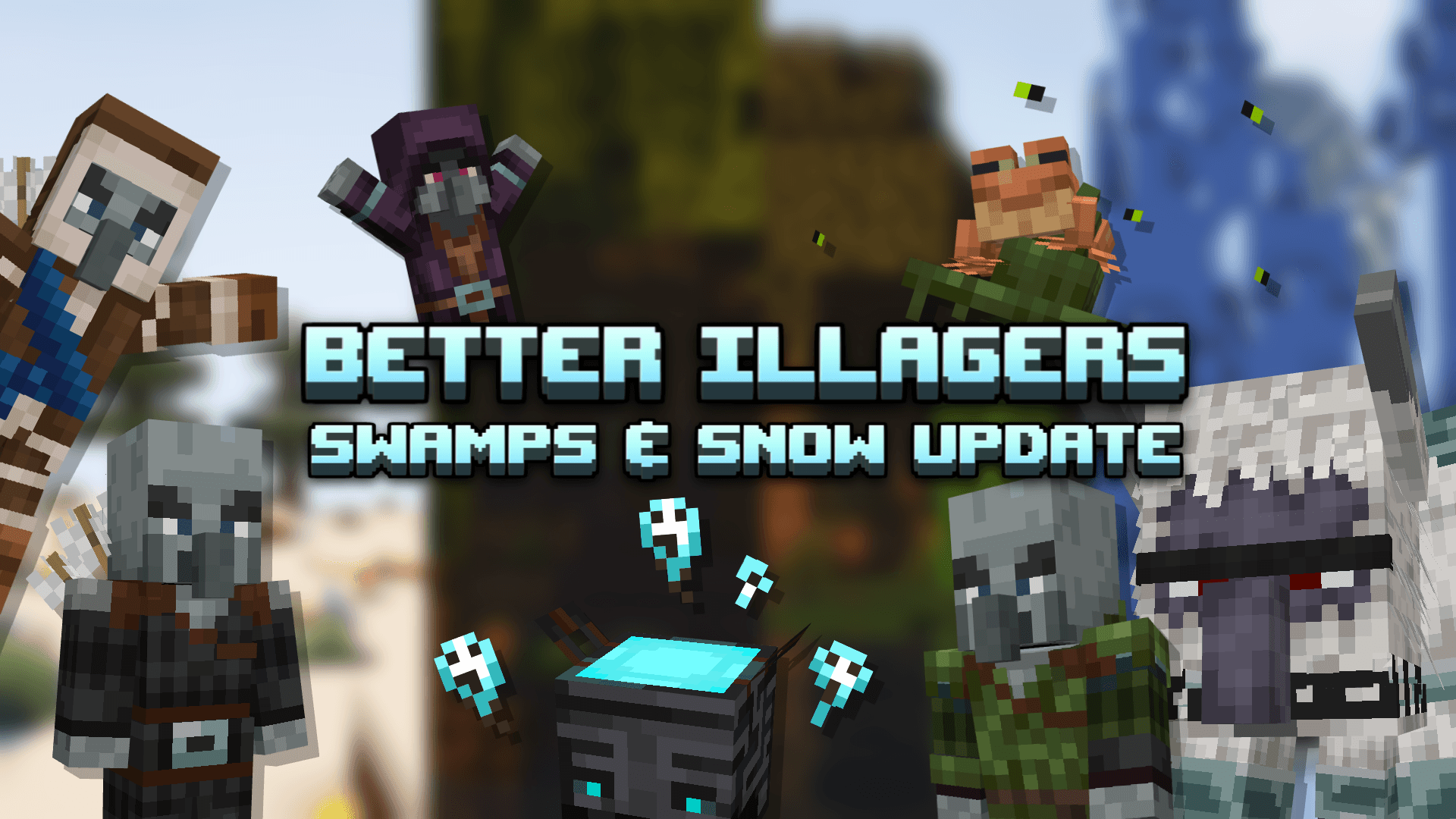
- Better Illagers
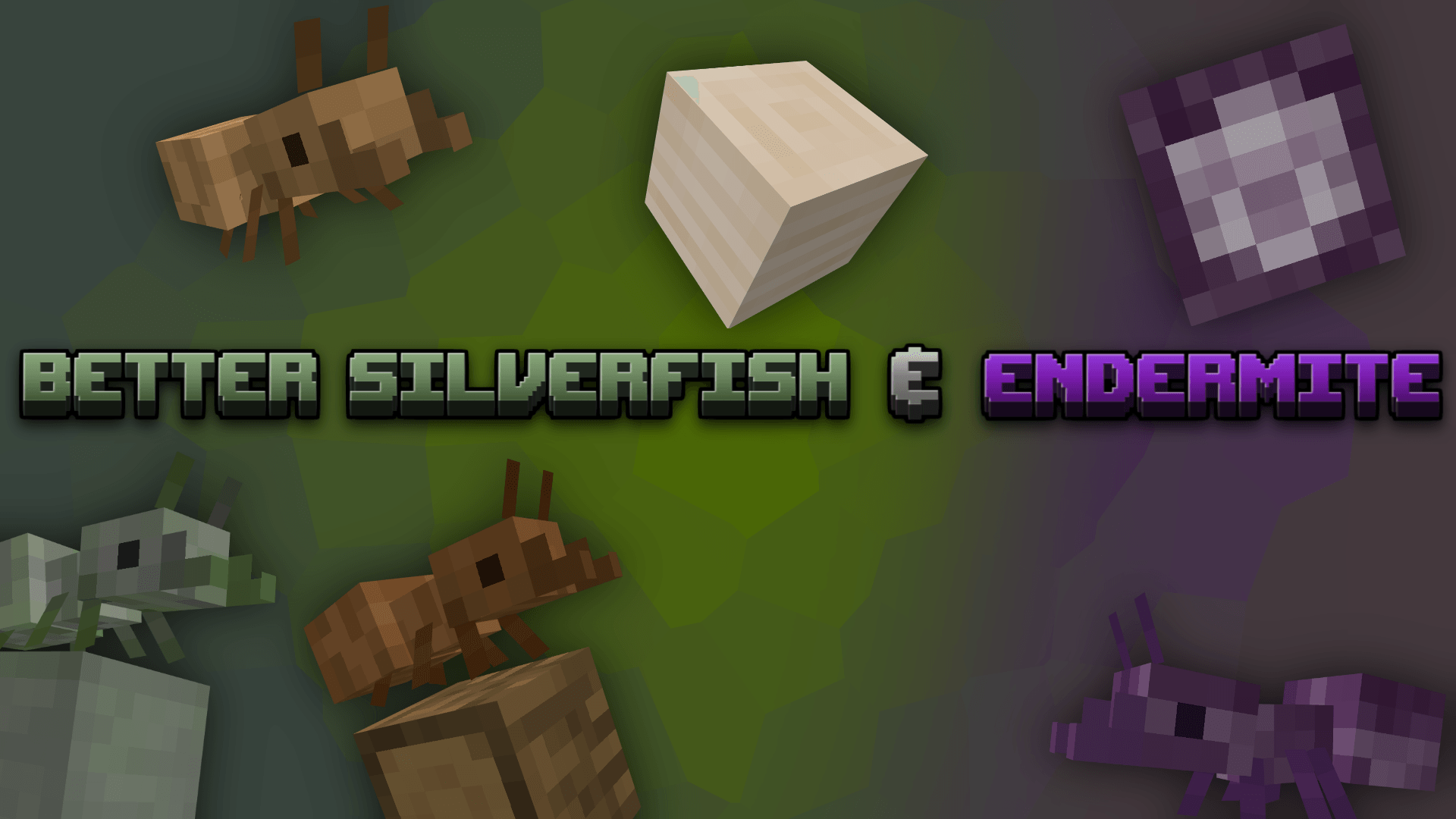
- Better Silverfish and Endermite
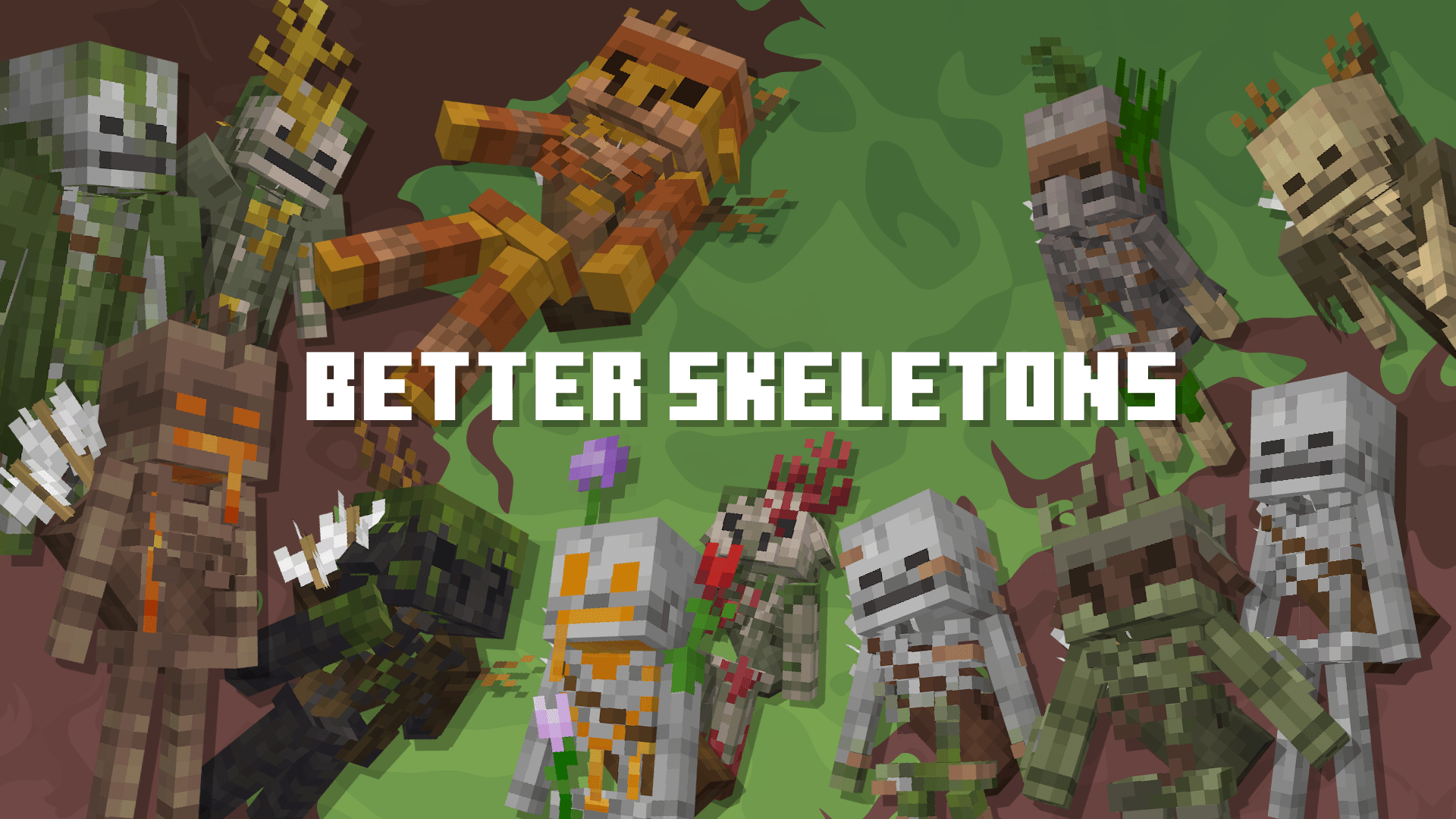
- Better Skeletons
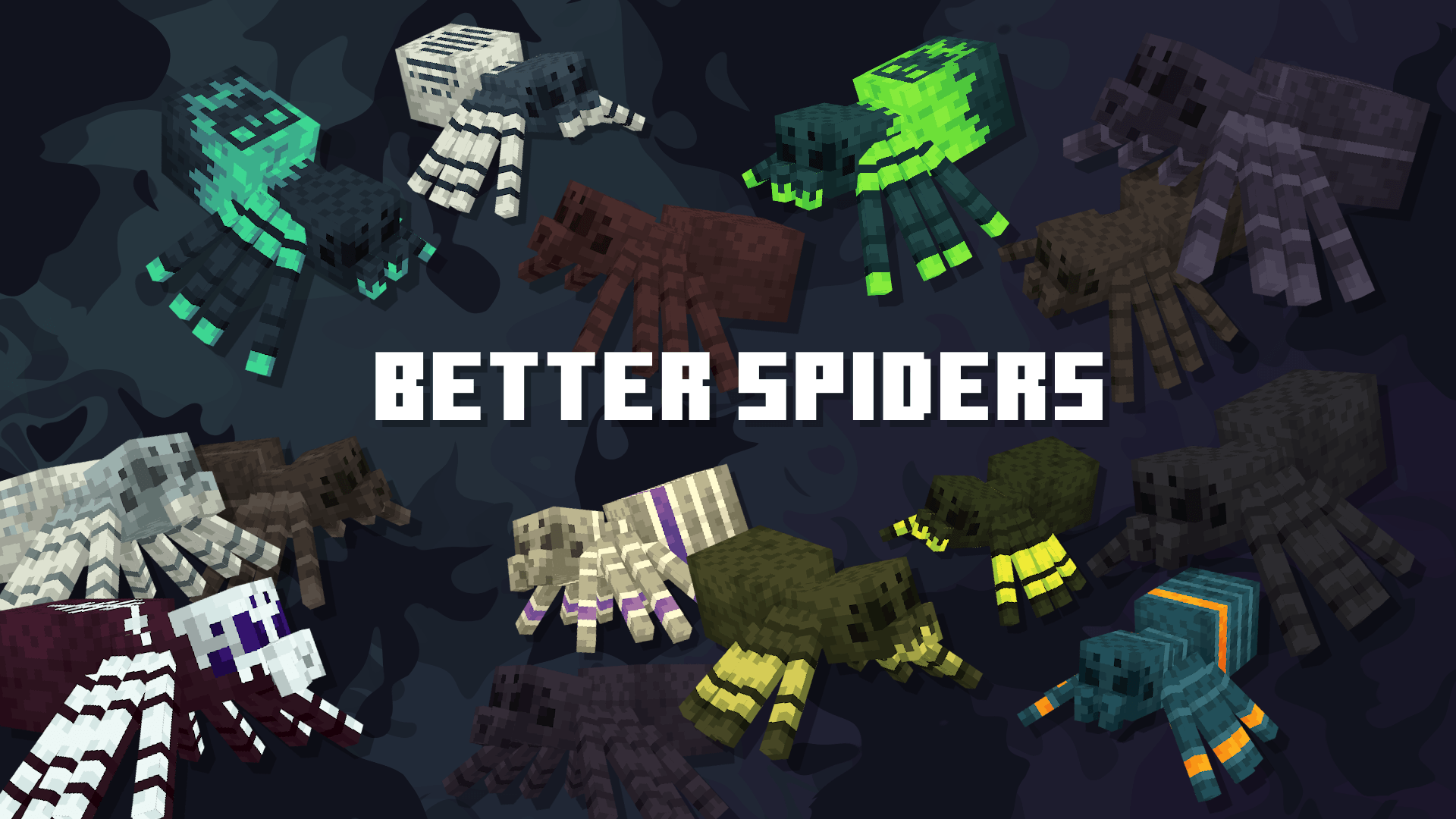
- Better Spiders
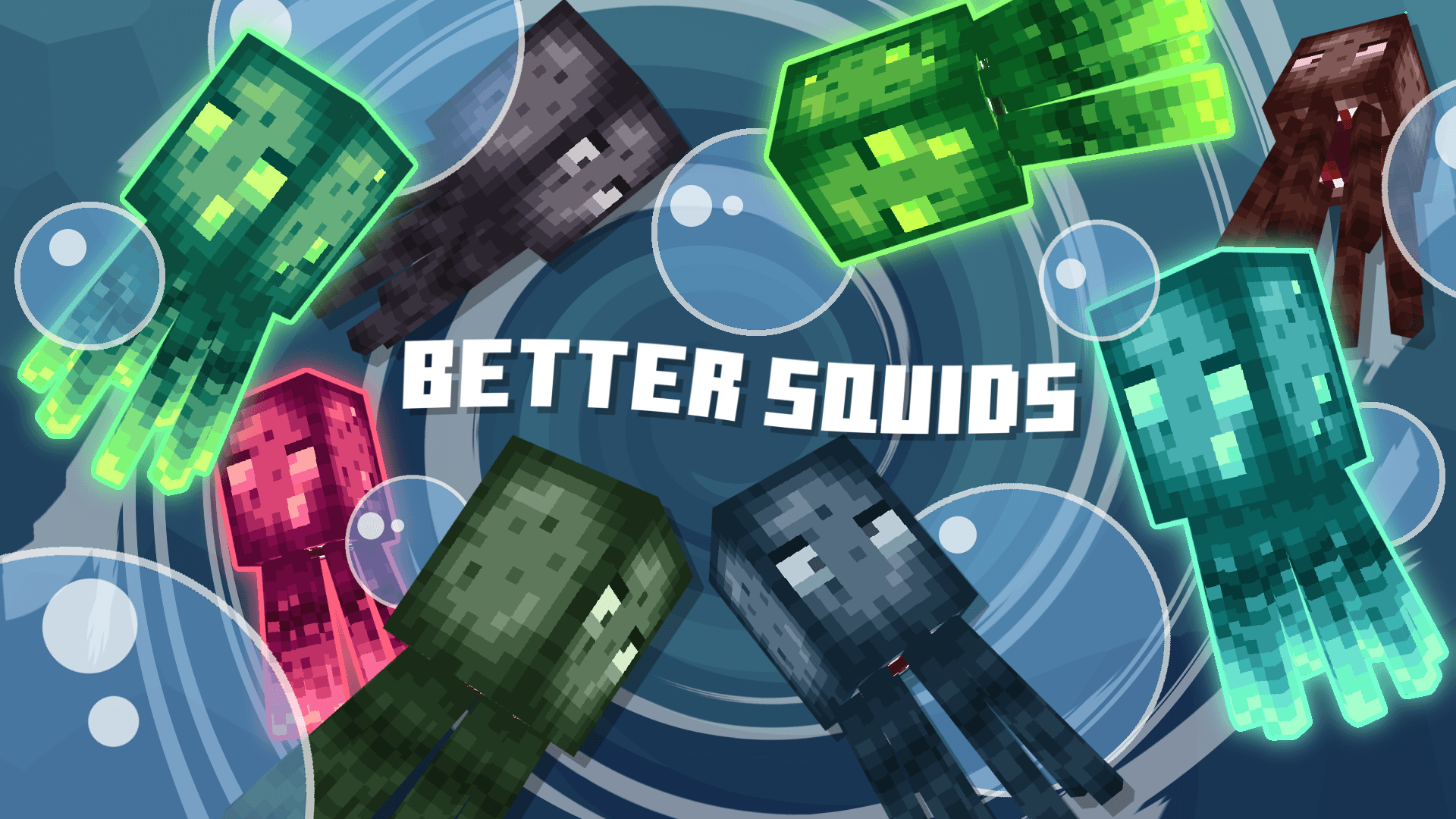
- Better Squids
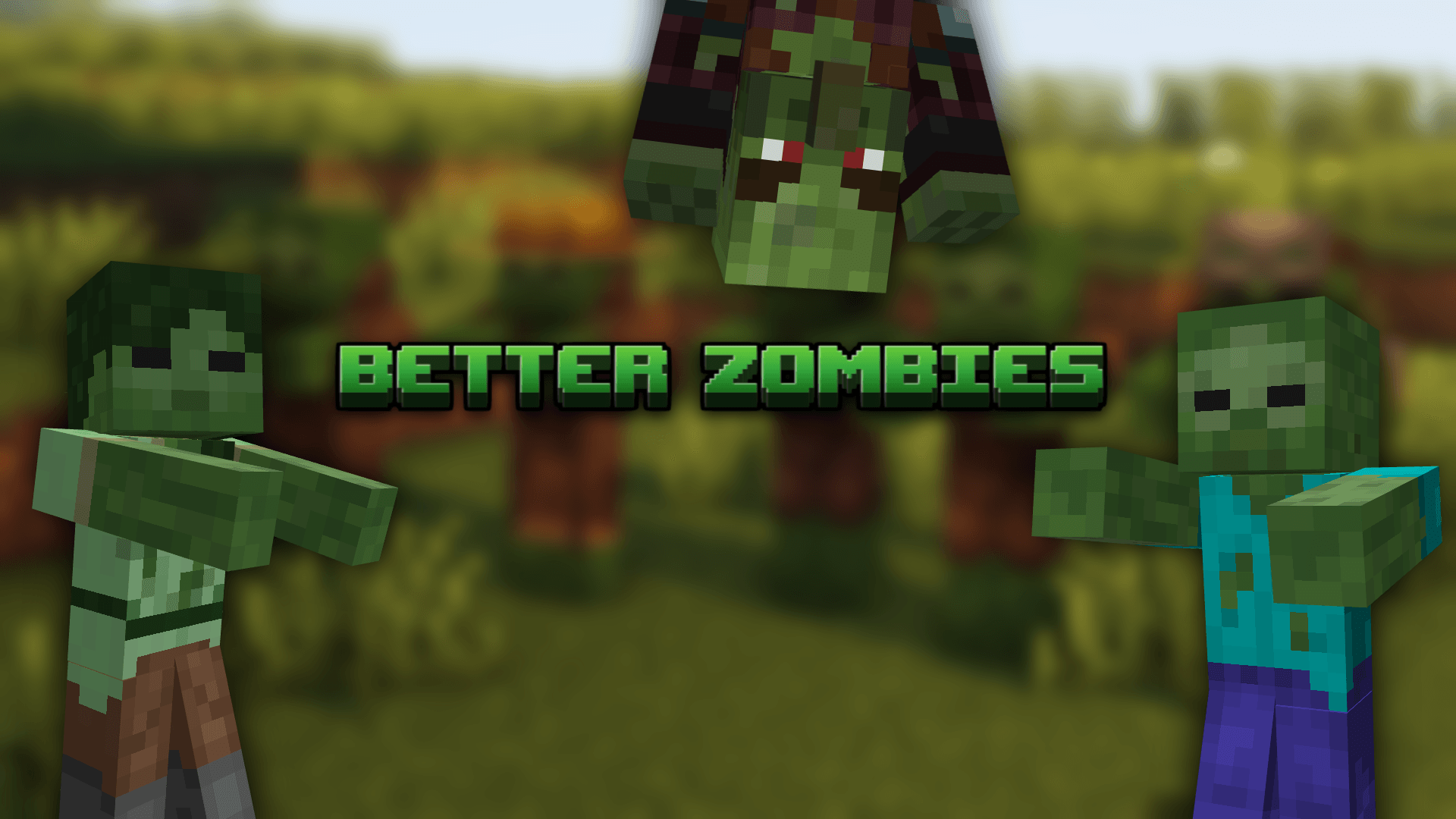
- Better Zombies
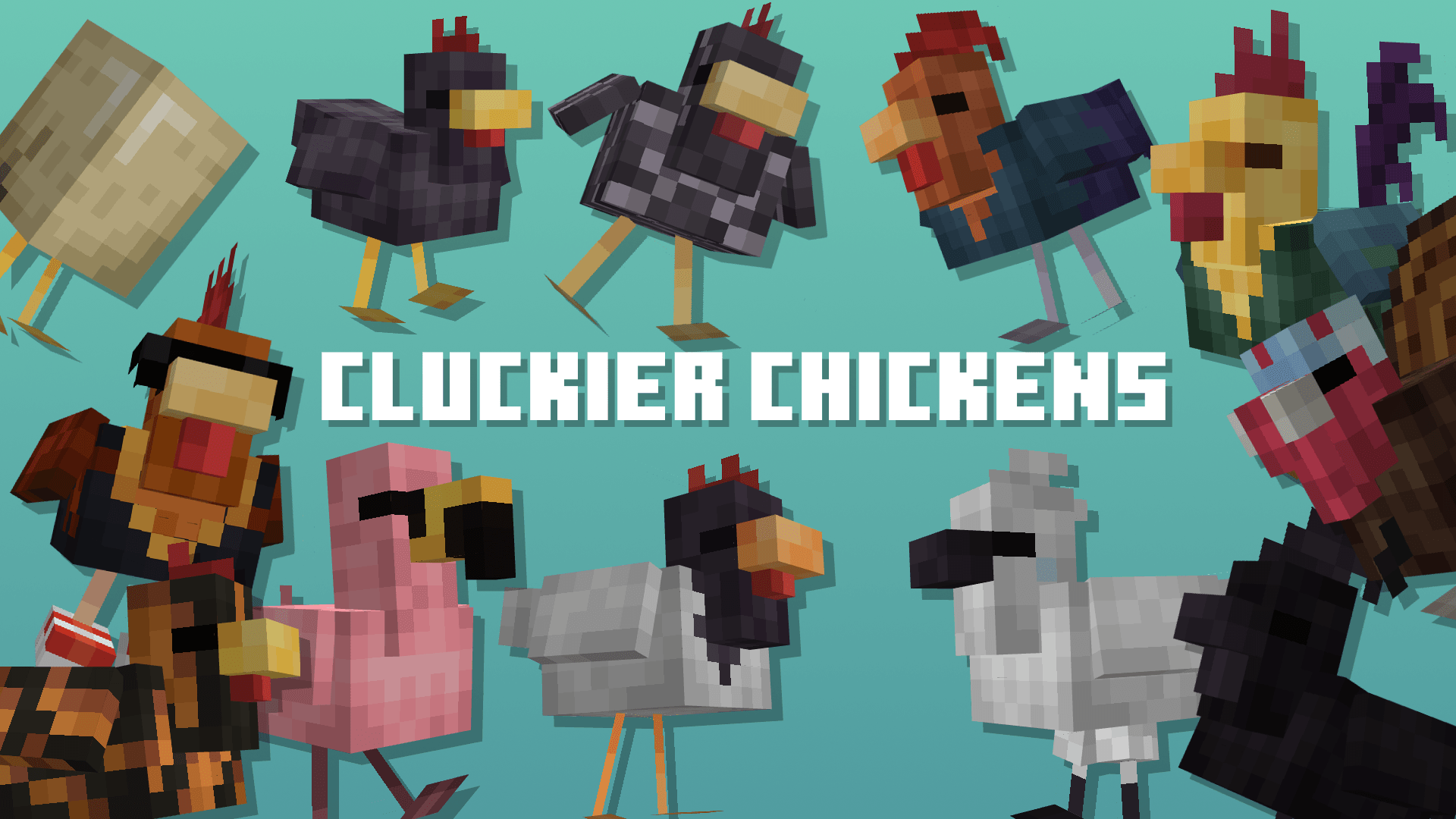
- Cluckier Chickens
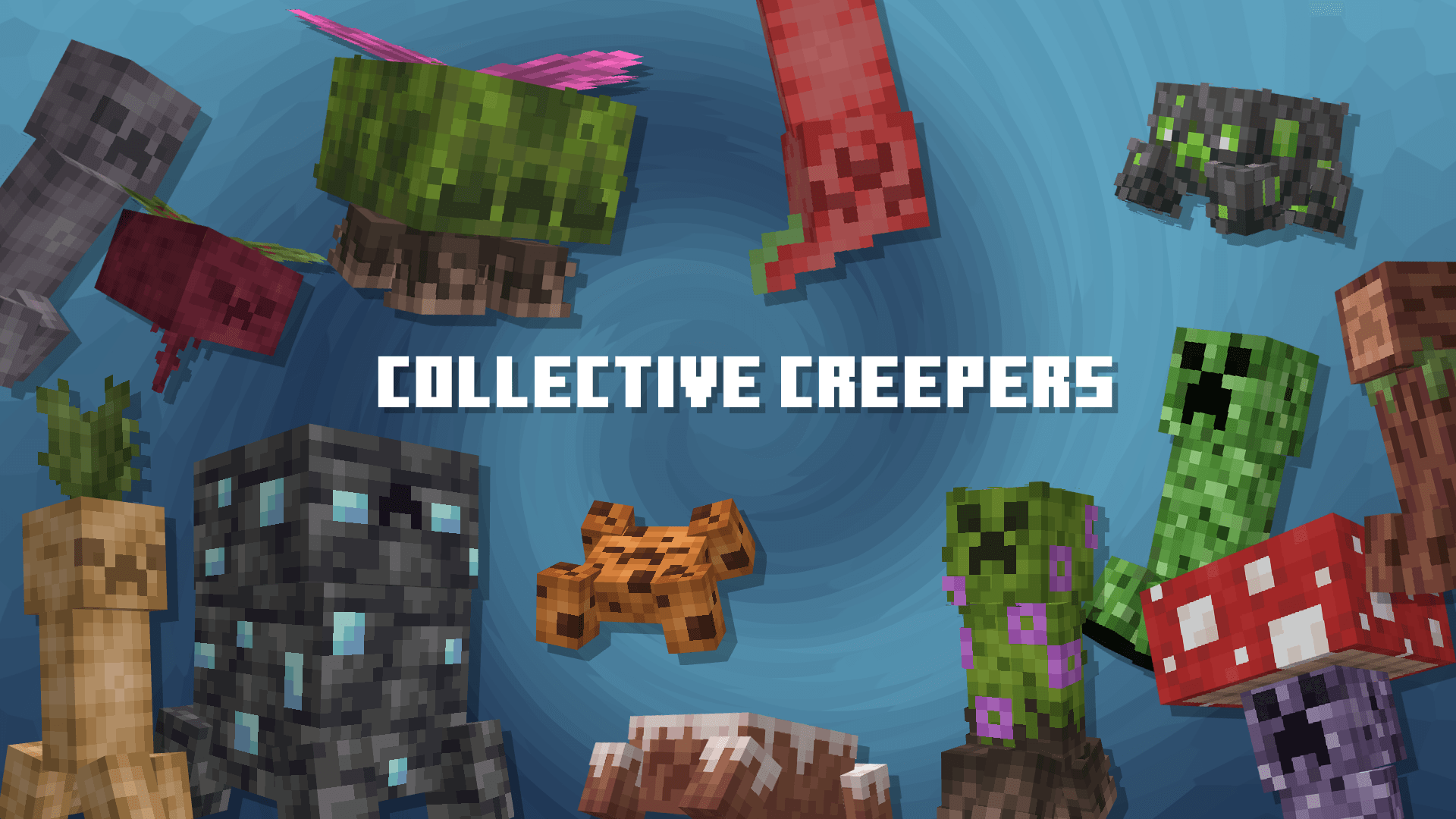
- Collective Creepers
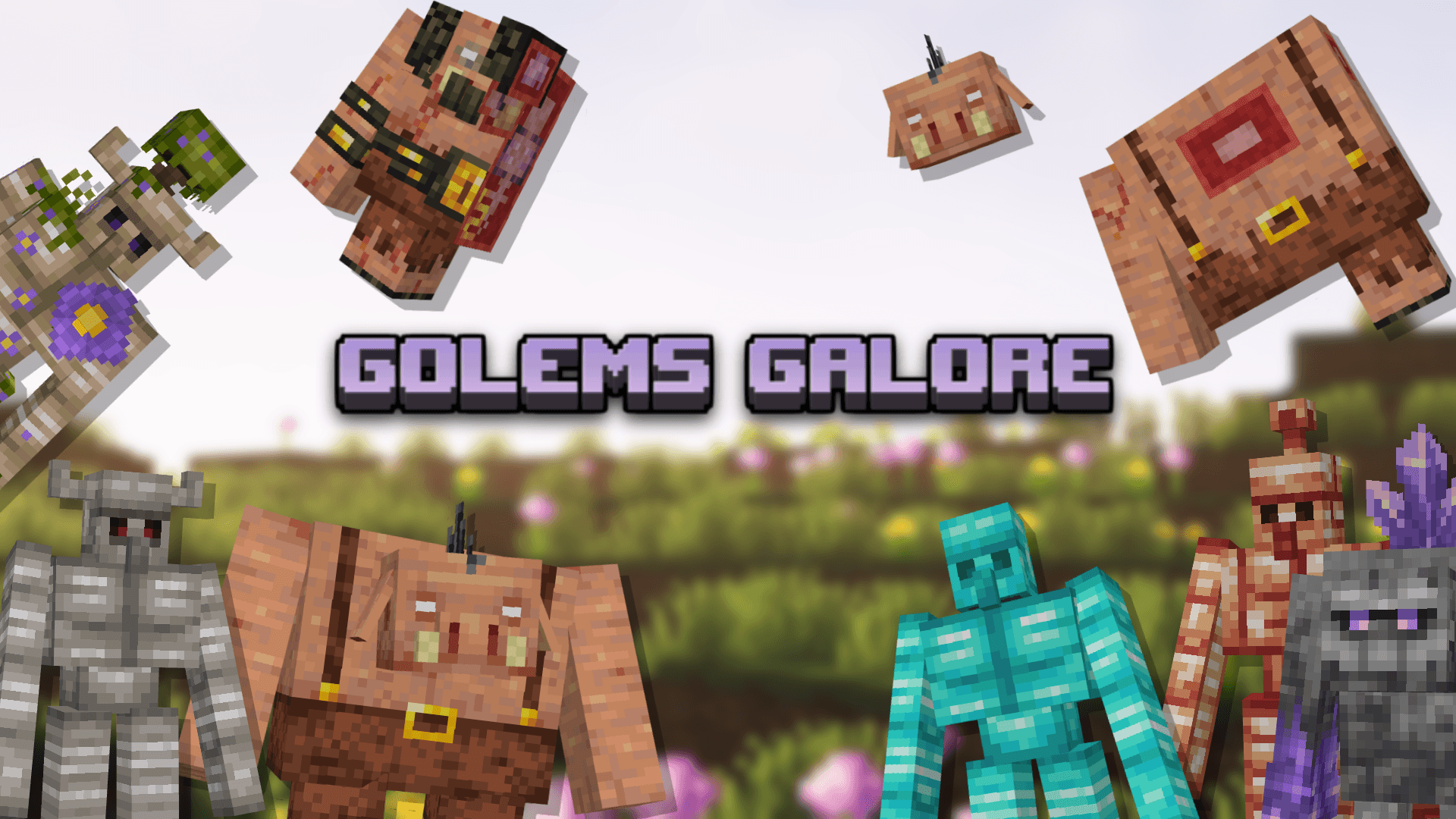
- Golems Galore
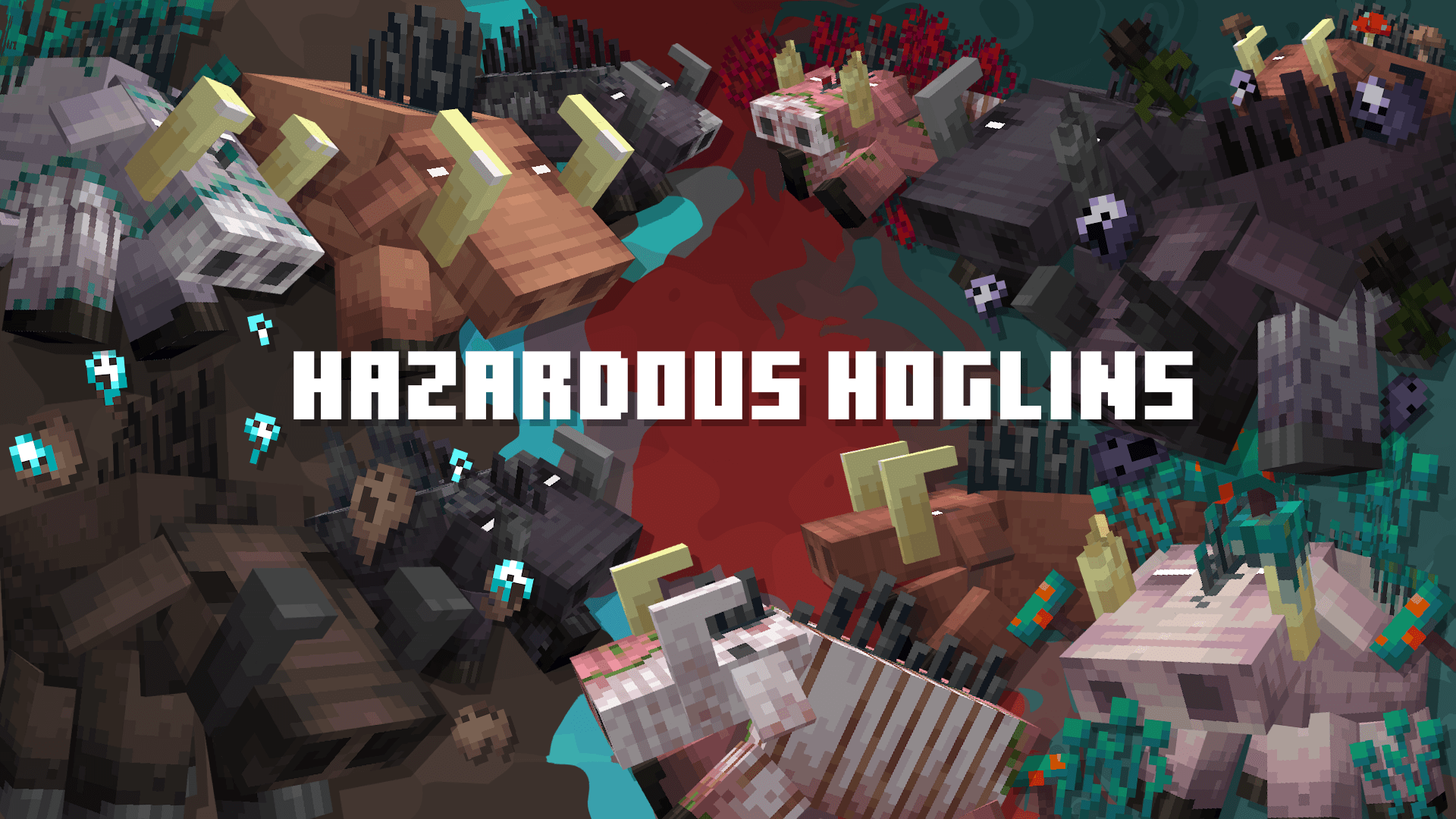
- Hazardous Hoglins
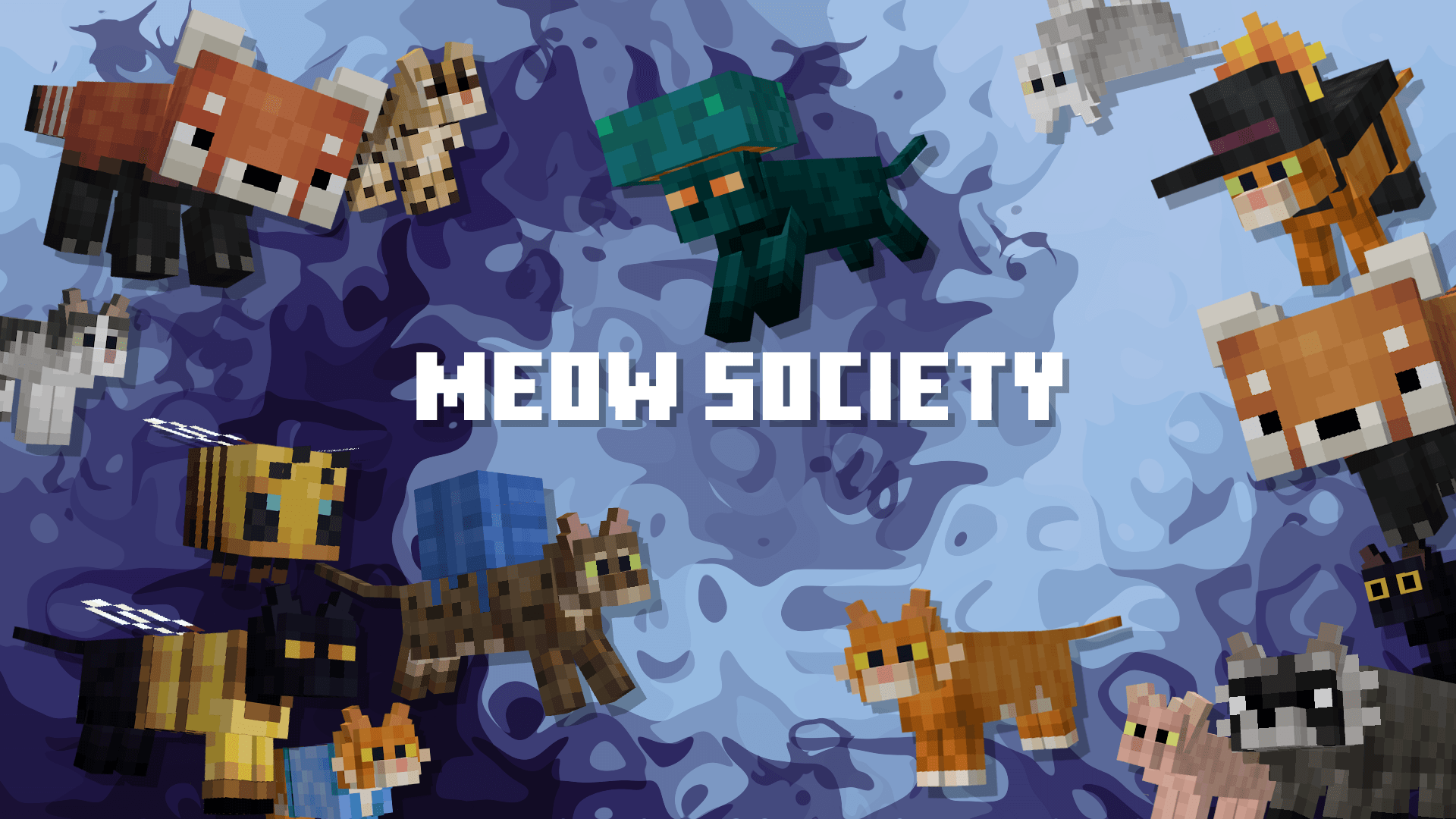
- Meow Society
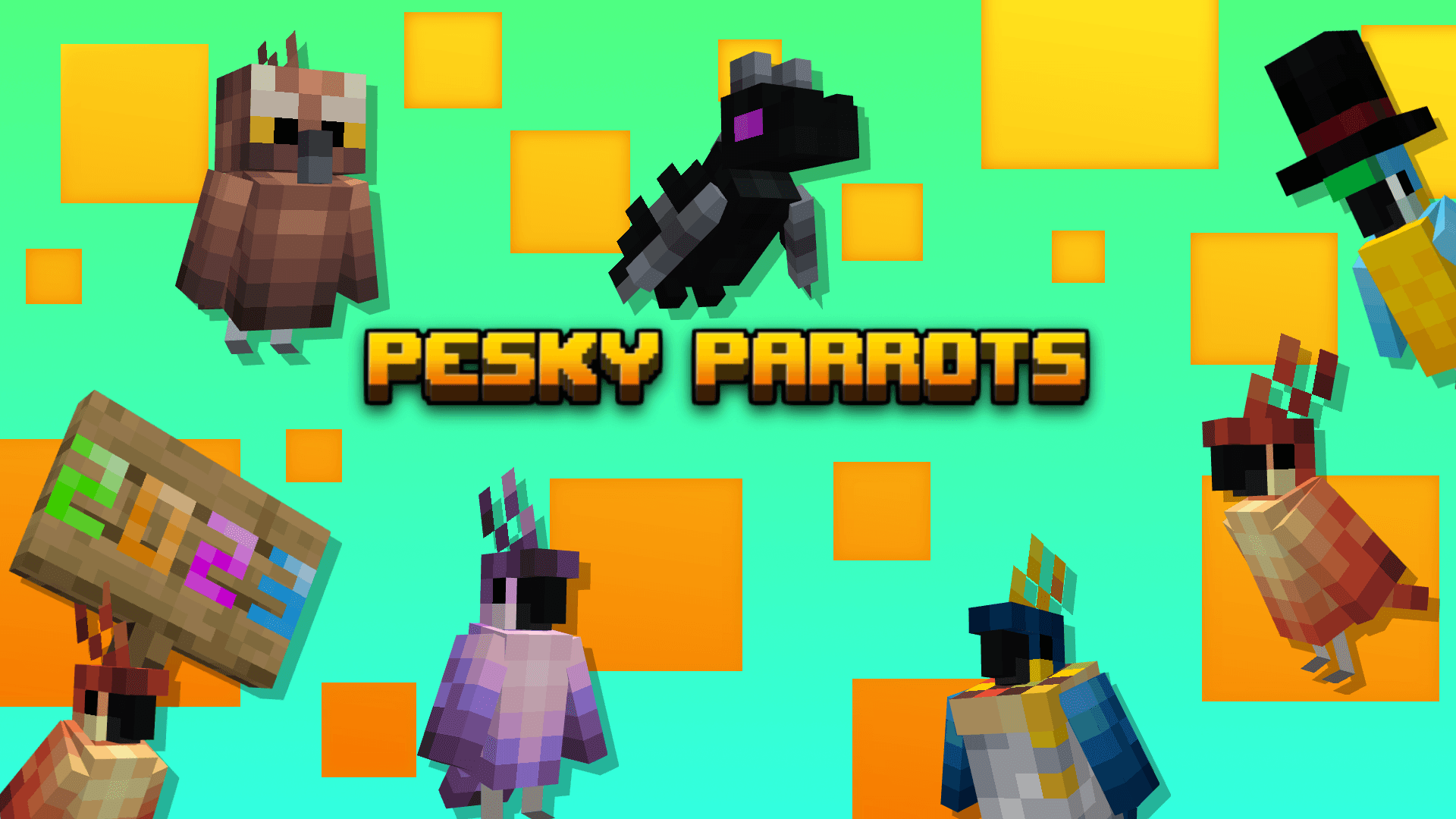
- Pesky Parrots
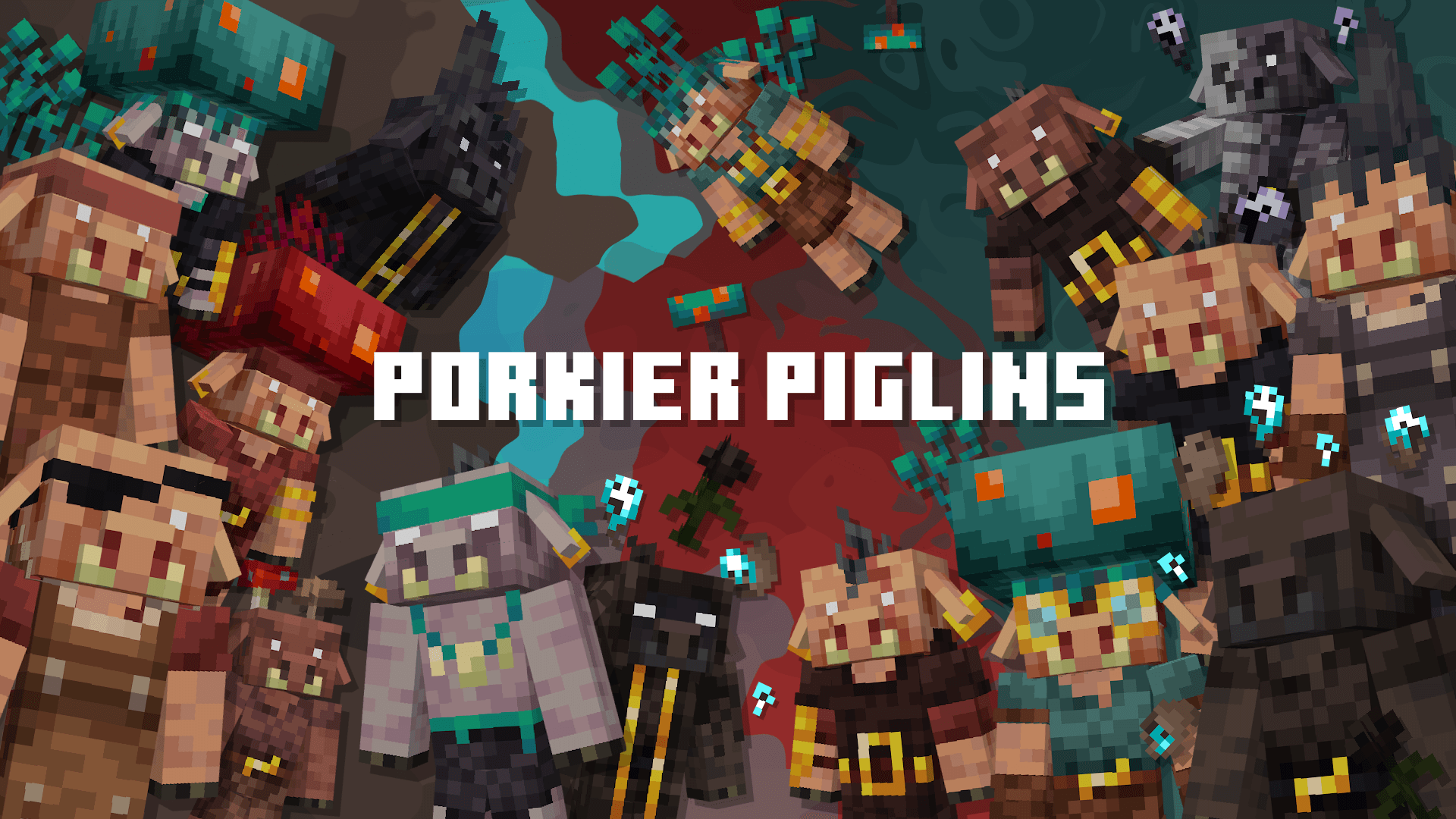
- Porkier Piglins
- Puffier Pandas
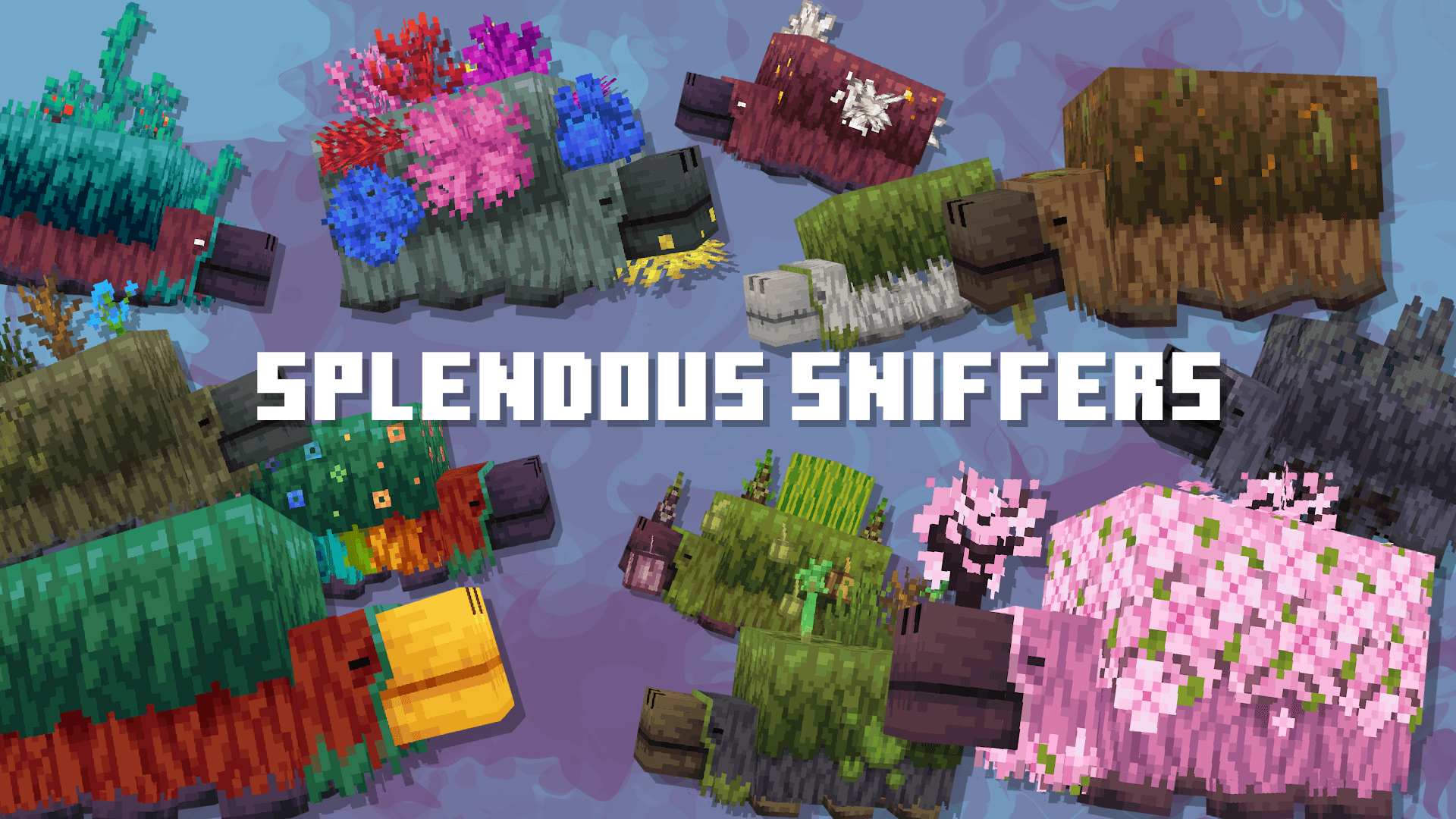
- Splendous Sniffers
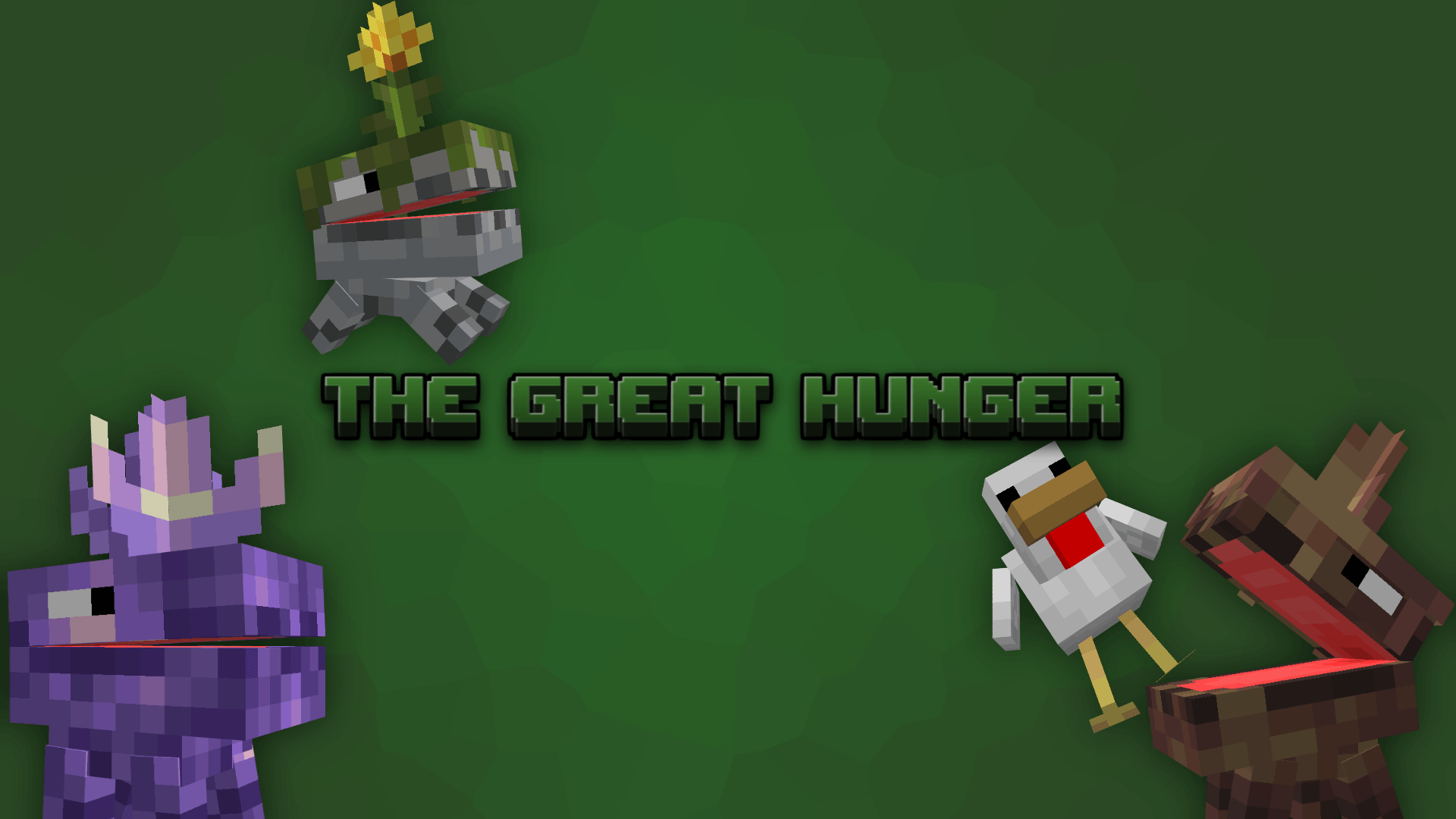
- The Great Hunger
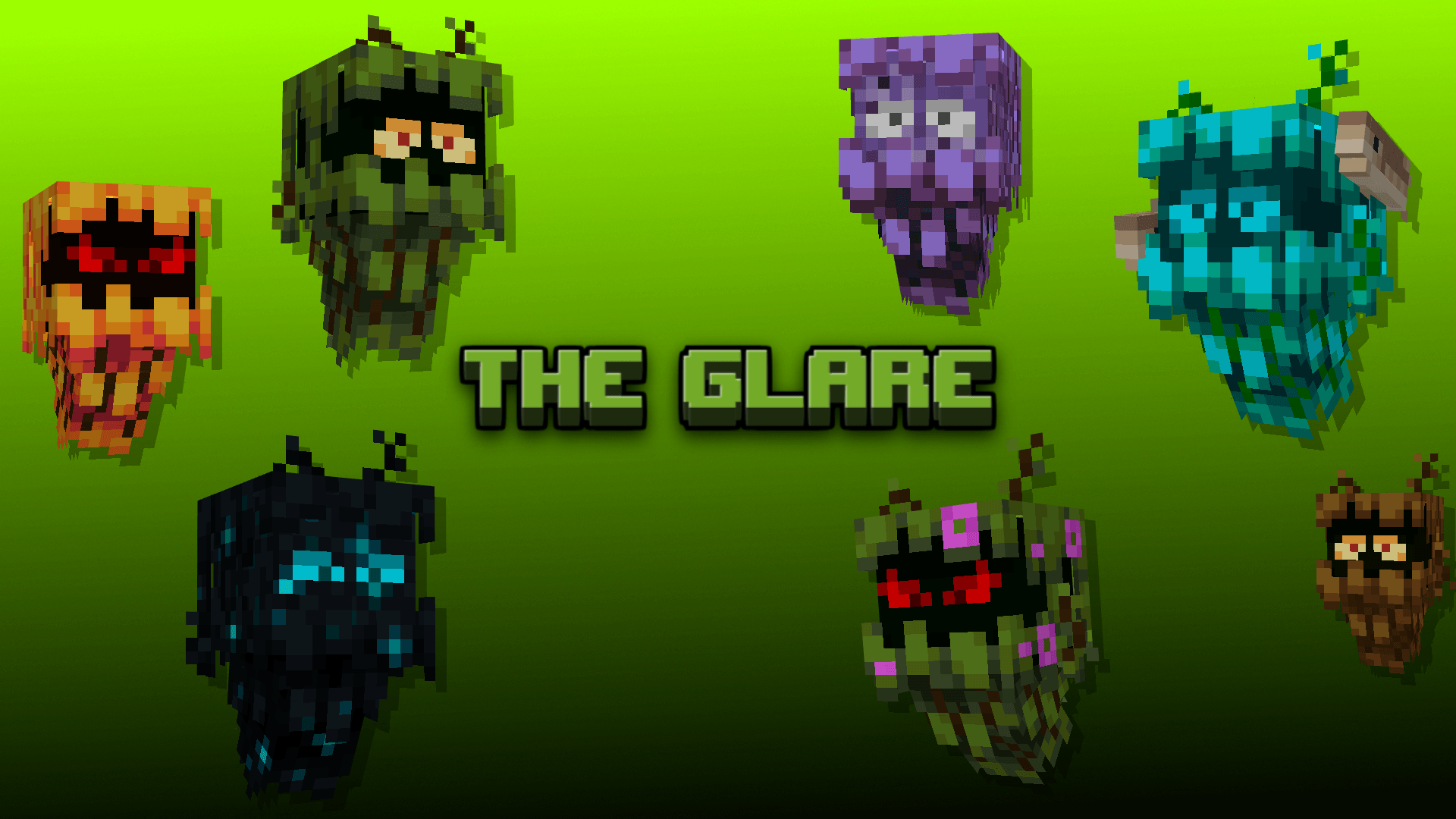
- The Glare
- All packs included also have standalone versions available.
Notes / Troubleshooting
If you experience conflicts or visual glitches, check whether other resource packs modifying mobs are active and disable them. For best performance, load the pack fresh on a new world or after clearing cache files.

Max's Better Mobs v2.2
[5.06 MB]

