Java Item Tooltip
15.03.2026
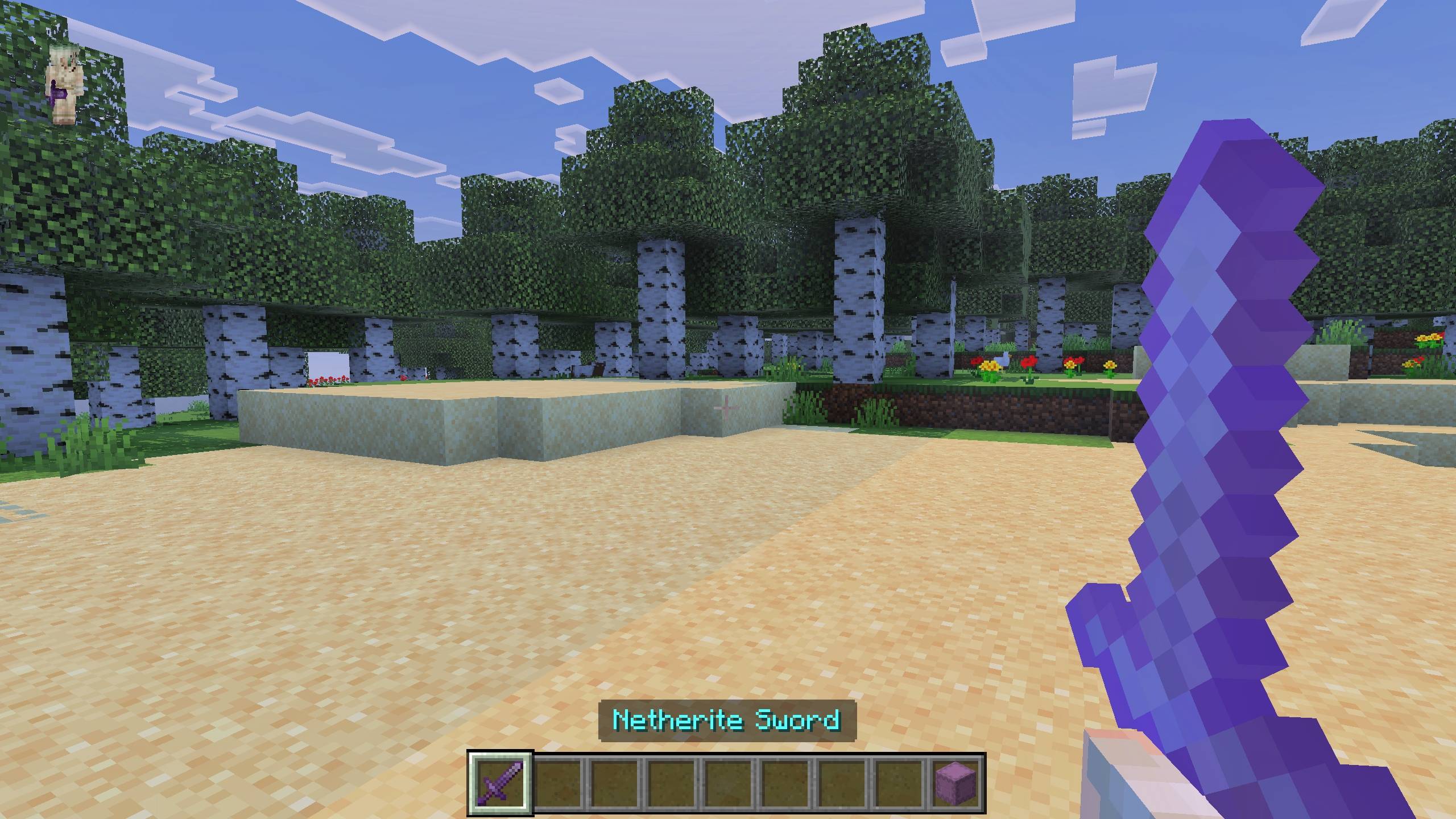
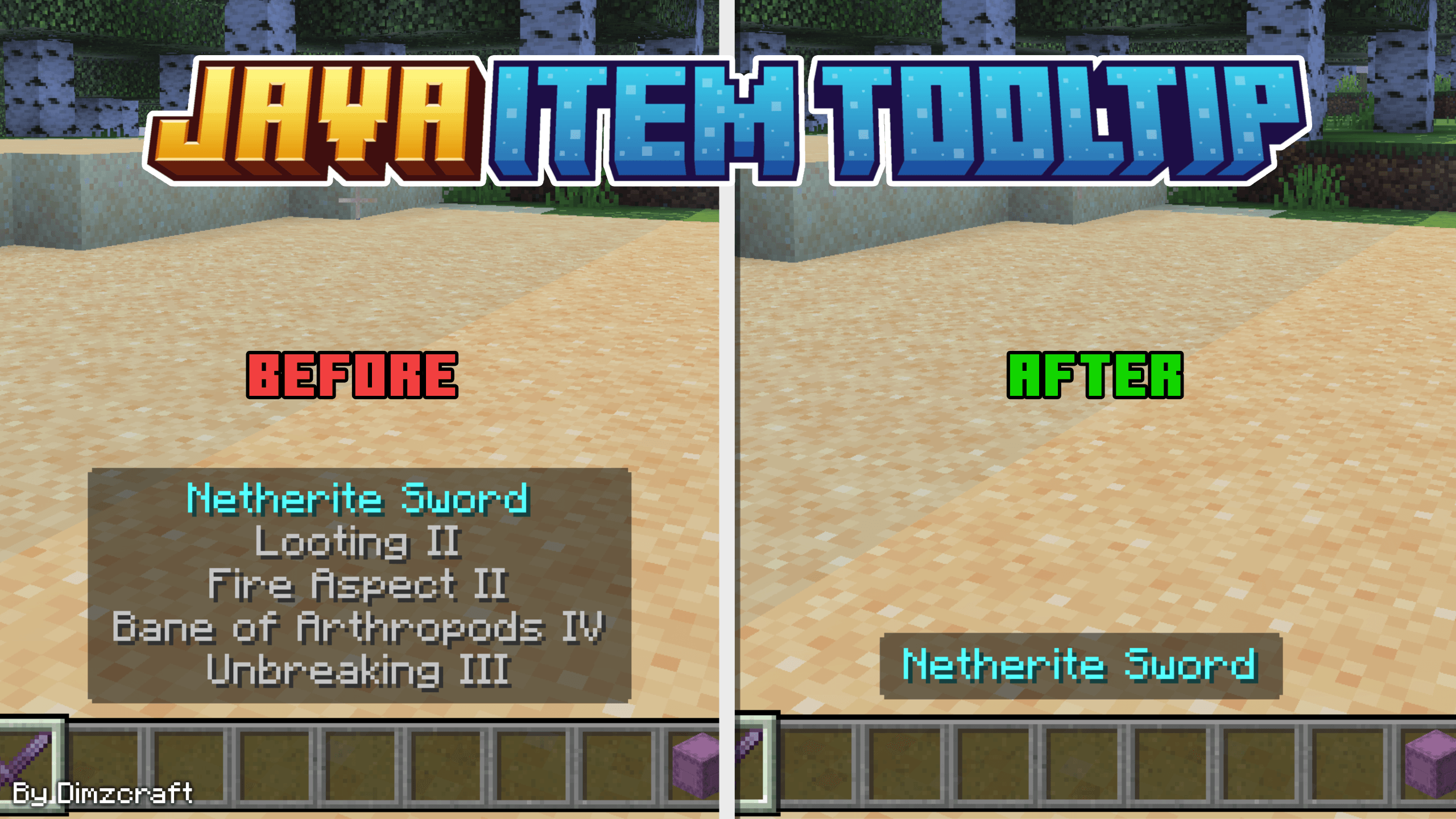
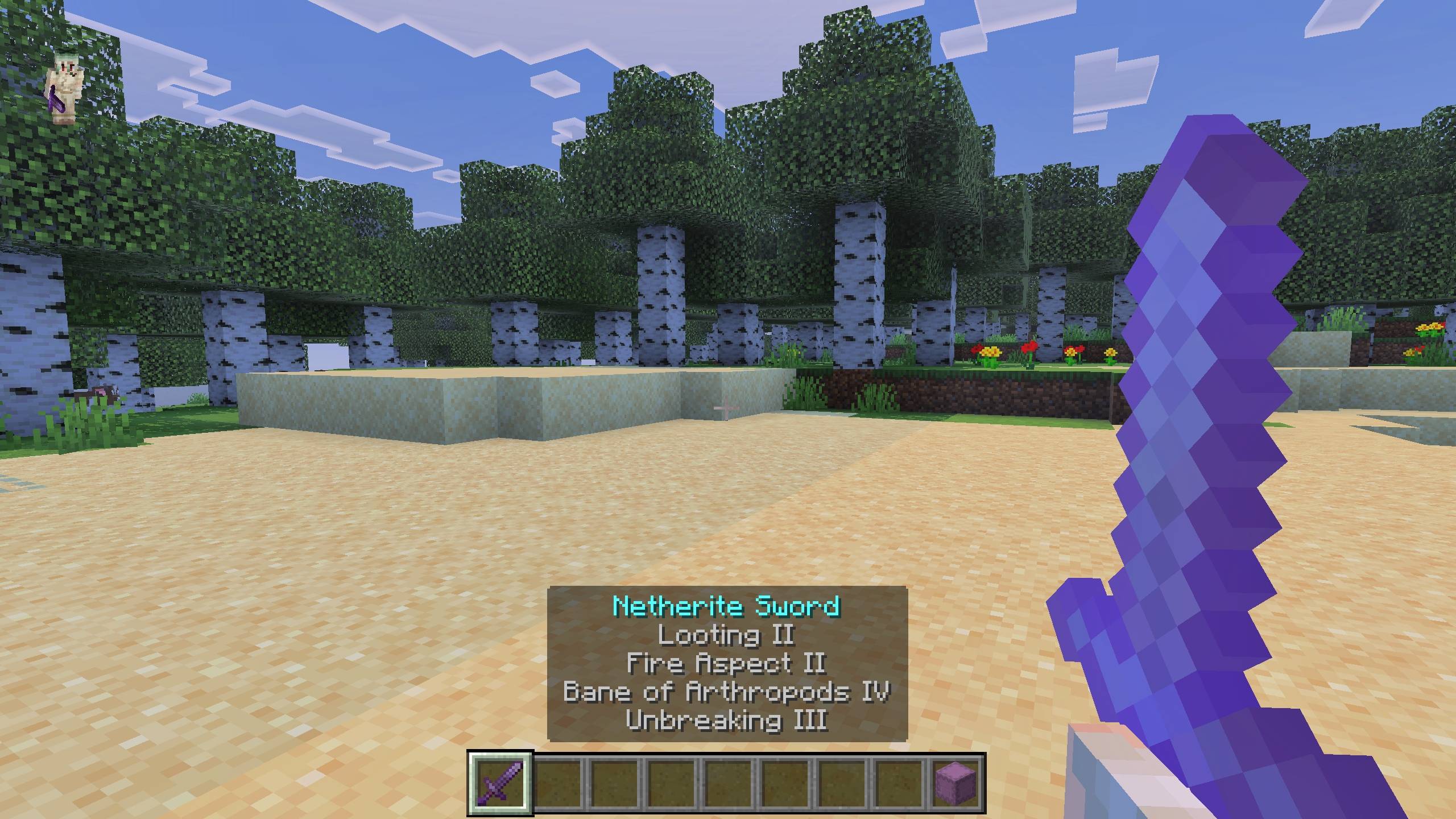
Java Item Tooltip modifies the item tooltips in the HUD to resemble those found in the Java Edition of Minecraft. This texture pack simplifies the display by removing verbose item descriptions and offers an option to exclude shulker items through subpacks. It enhances clarity and reduces clutter when viewing held items.
Installation / How to use
Download the texture pack file and import it into your Minecraft Bedrock Edition resource packs folder. Activate the pack in your world or global resource pack settings. Choose between the default version or the variant that excludes shulker item tooltips by selecting the appropriate subpack.
Requirements / Compatibility
This texture pack is compatible with the latest versions of Minecraft Bedrock Edition. It functions alongside most other resource packs, but conflicts may occur if other packs modify item tooltip appearances.
Key features
- Transforms held item tooltips to match the Java Edition style.
- Removes extended item descriptions for a cleaner HUD view.
- Includes subpacks to optionally exclude shulker box tooltips.