Hold my items Bedrock
14.03.2026
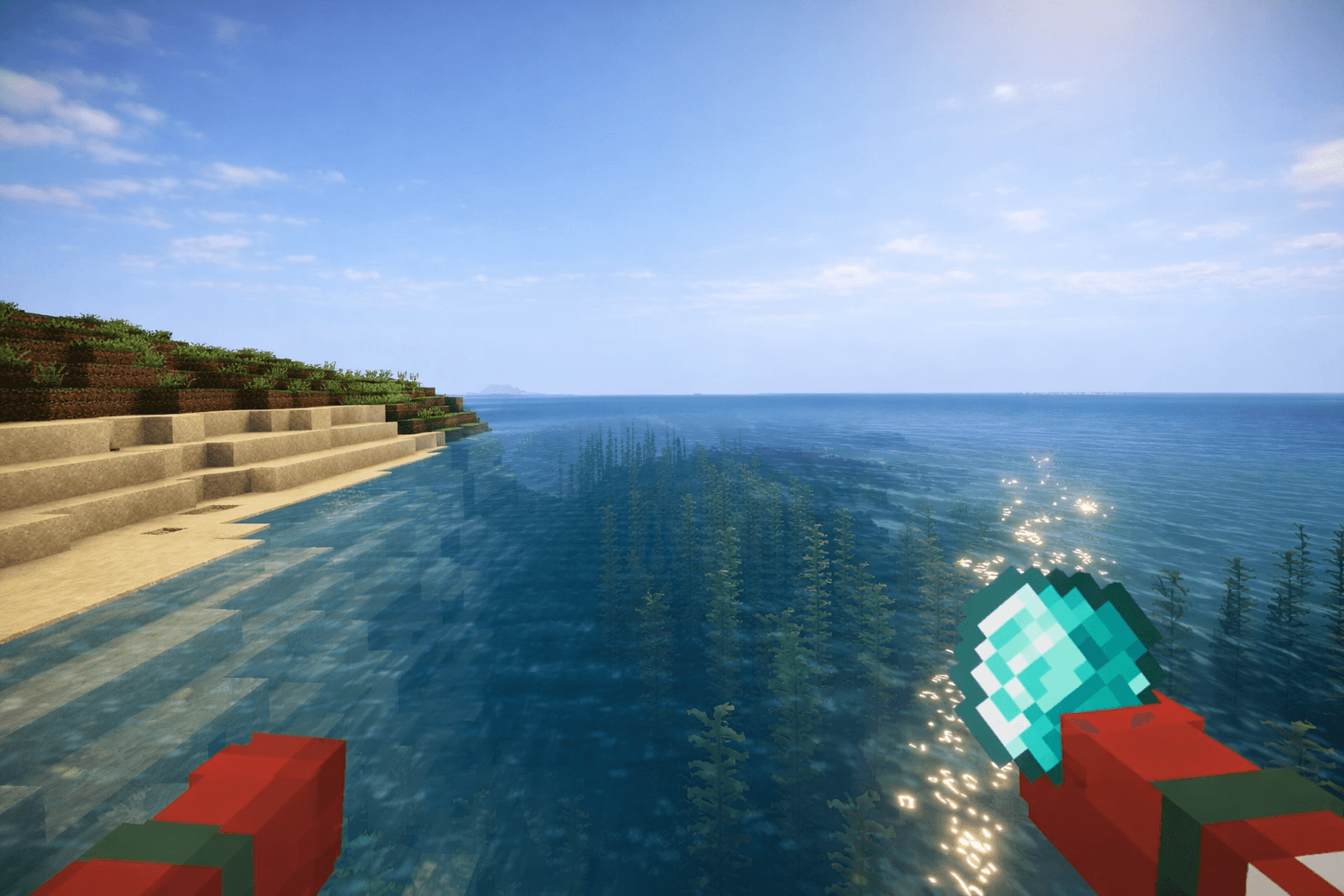
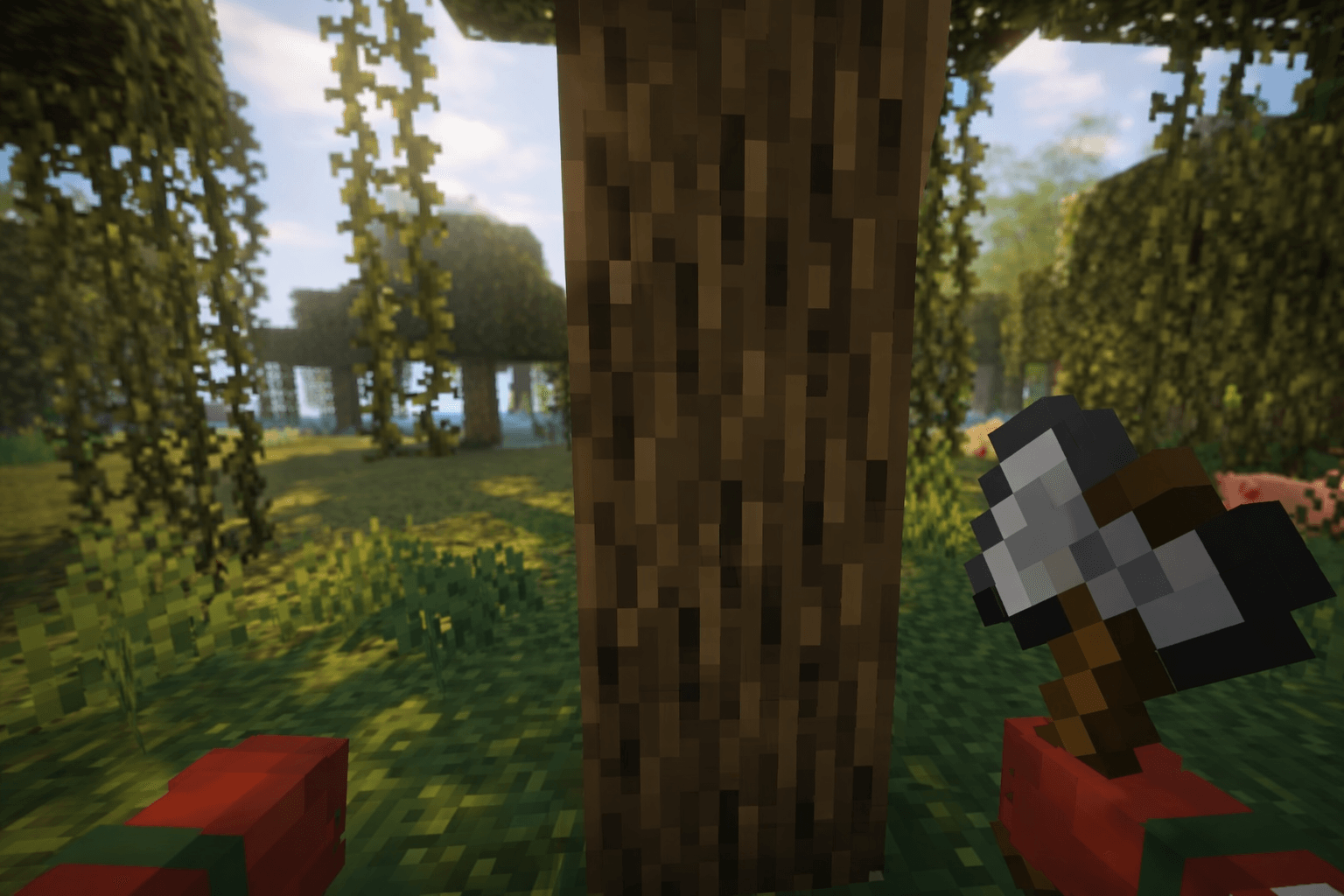
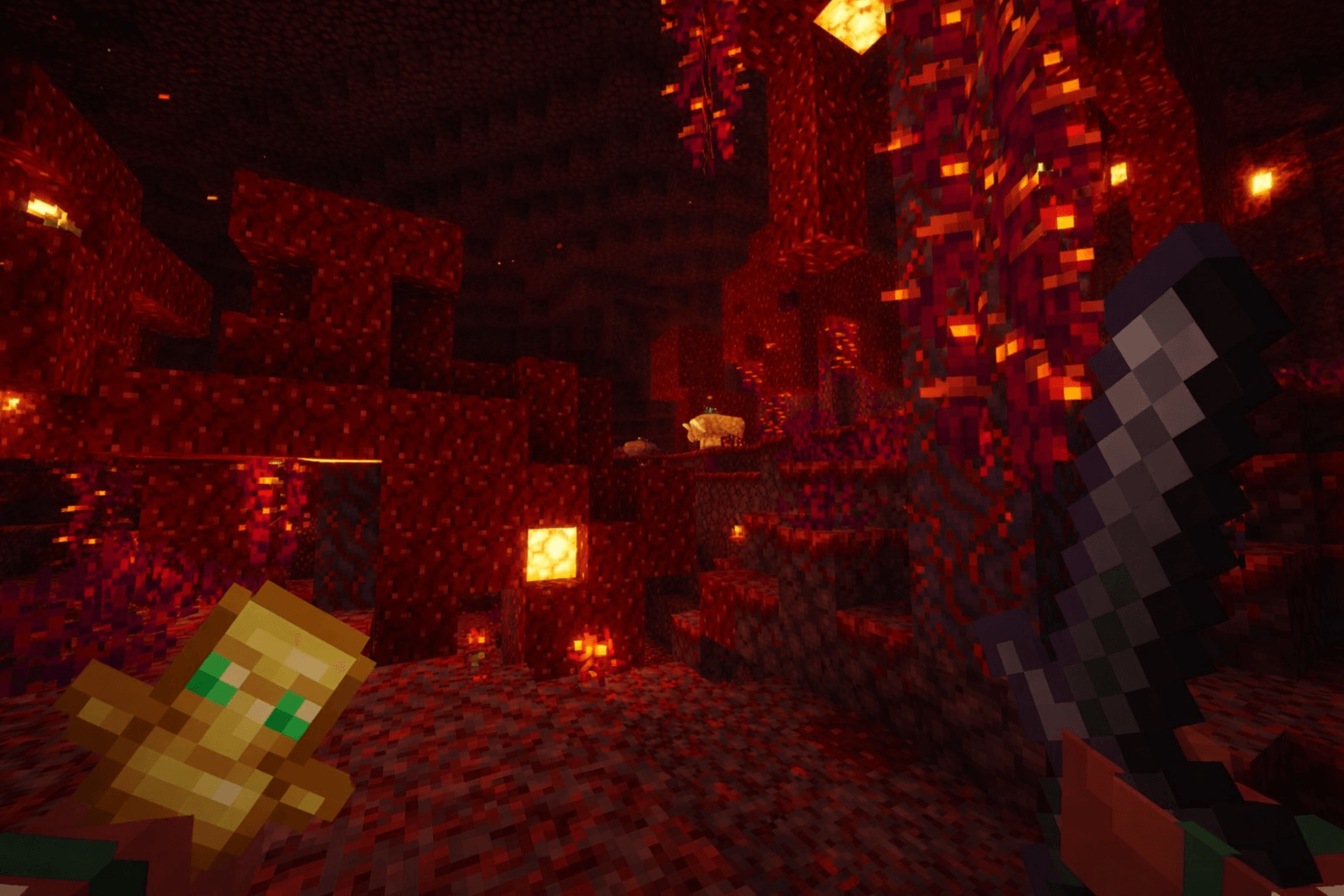
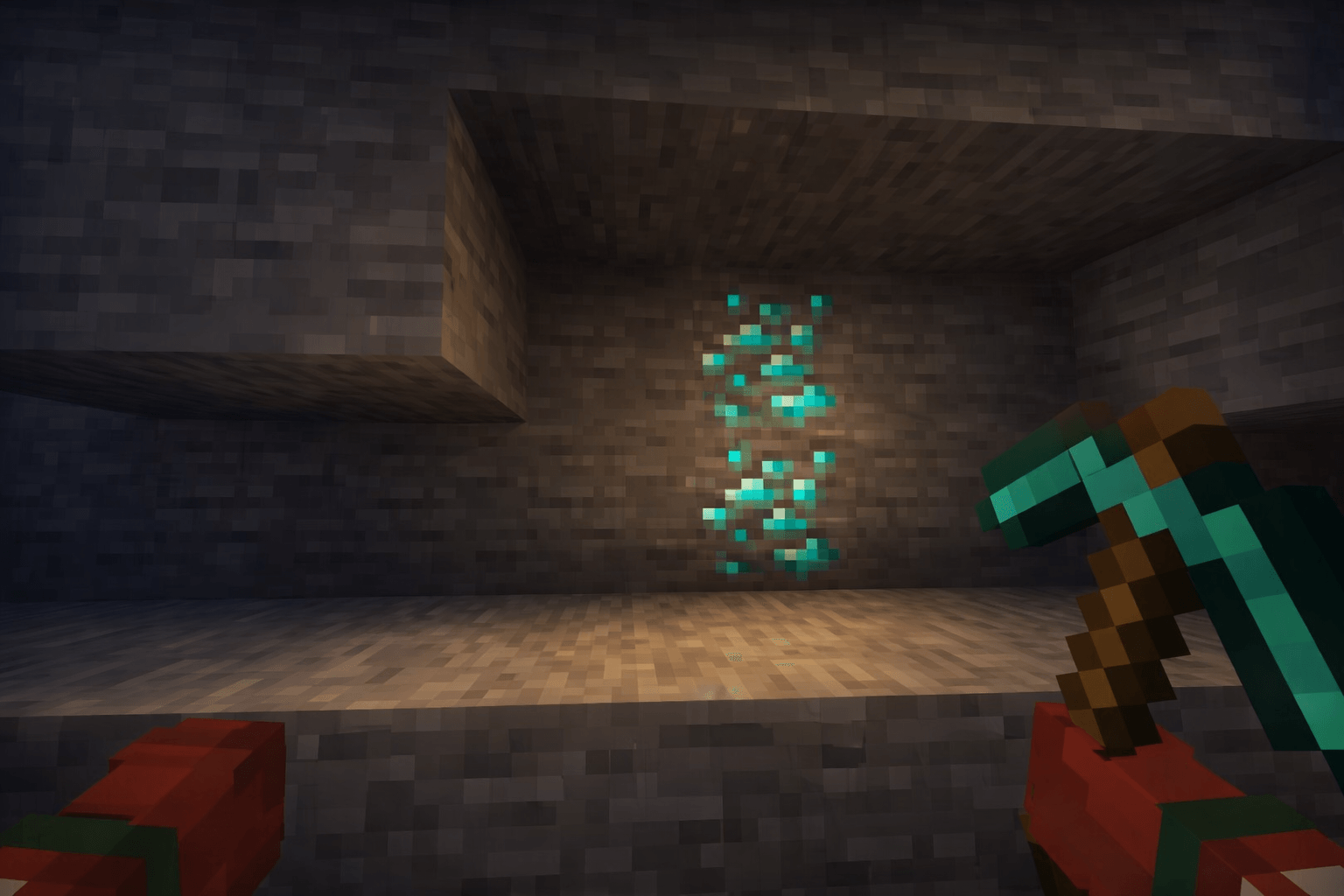
Hold My Item Bedrock is a texture pack for Minecraft Bedrock Edition that enhances the appearance of items held by the player. It improves item visibility, positioning, and detail, creating a more immersive and practical first-person experience without altering the core Minecraft style.
Installation / How to use
To install the Hold My Item Bedrock texture pack, download the resource pack file and import it into your Minecraft Bedrock Edition. Enable it through the “Resource Packs” section in the game settings before starting your world or server. The pack works seamlessly in both singleplayer and multiplayer modes.
Requirements / Compatibility
This texture pack is optimized for smooth performance on a wide range of devices, including low-end smartphones. It maintains the vanilla Minecraft aesthetic and is compatible with the latest versions of Minecraft Bedrock Edition. No additional mods or software are required.
Key features
- Improved positioning and scale of held items for a natural, immersive look.
- Enhanced clarity and detail make tools, weapons, and other items easier to see.
- Maintains the original Minecraft style without heavy visual changes.
- Optimized for performance across various devices.
- Suitable for survival, creative, and multiplayer gameplay.
hold my items Bedrock v1.1.mcpack
[1.13 MB]

