
Glacier Client
17.03.2026
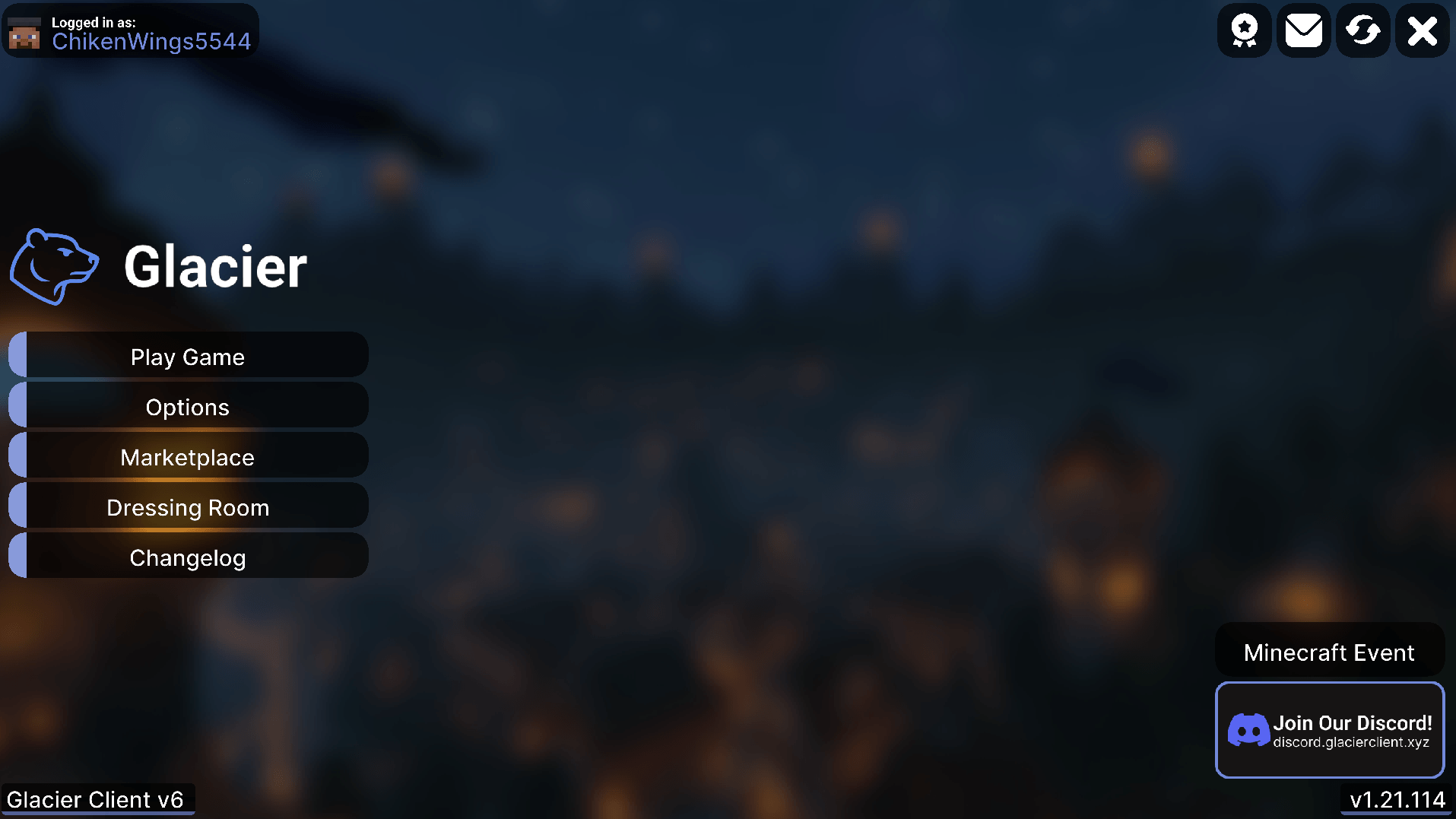
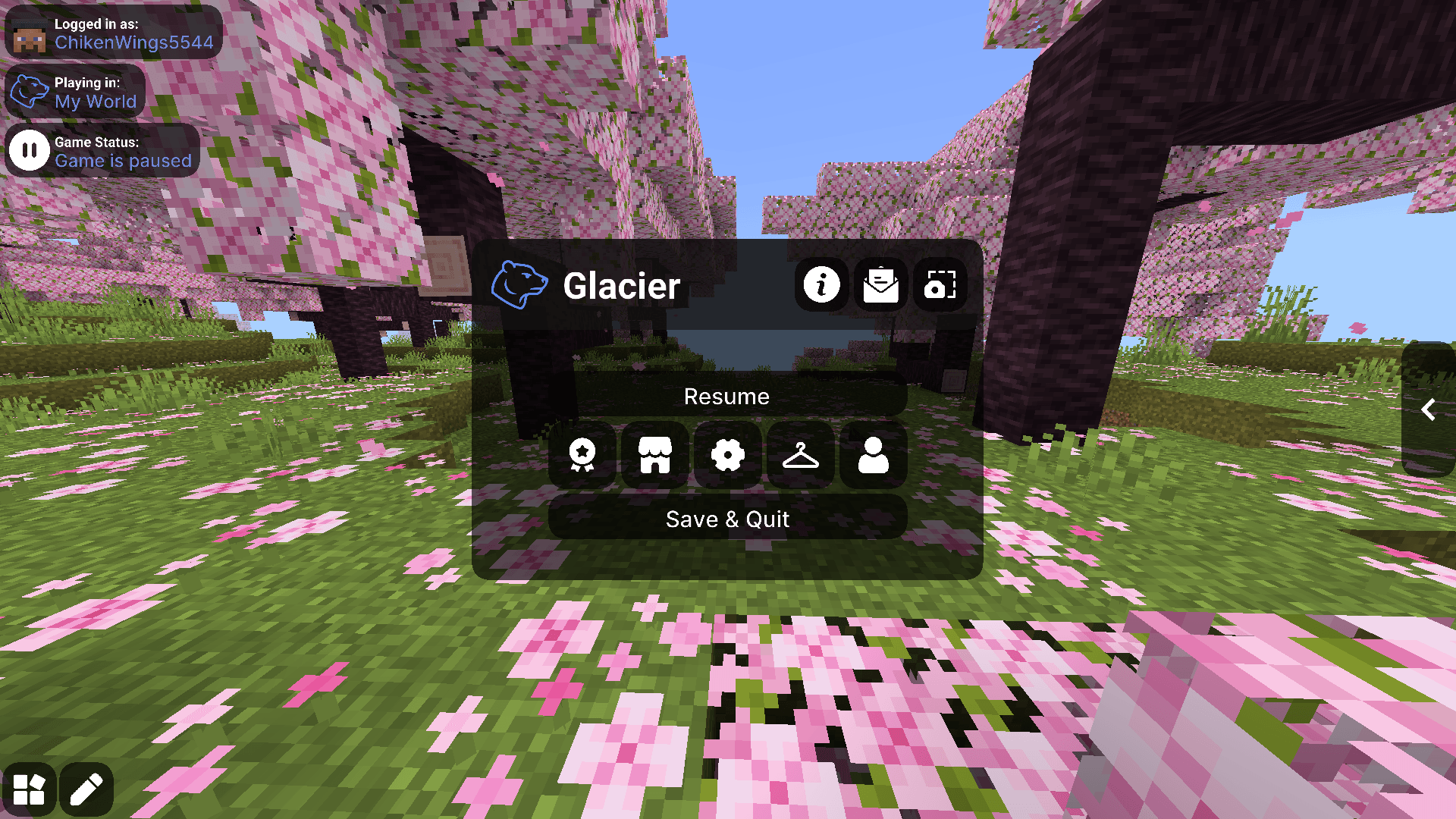
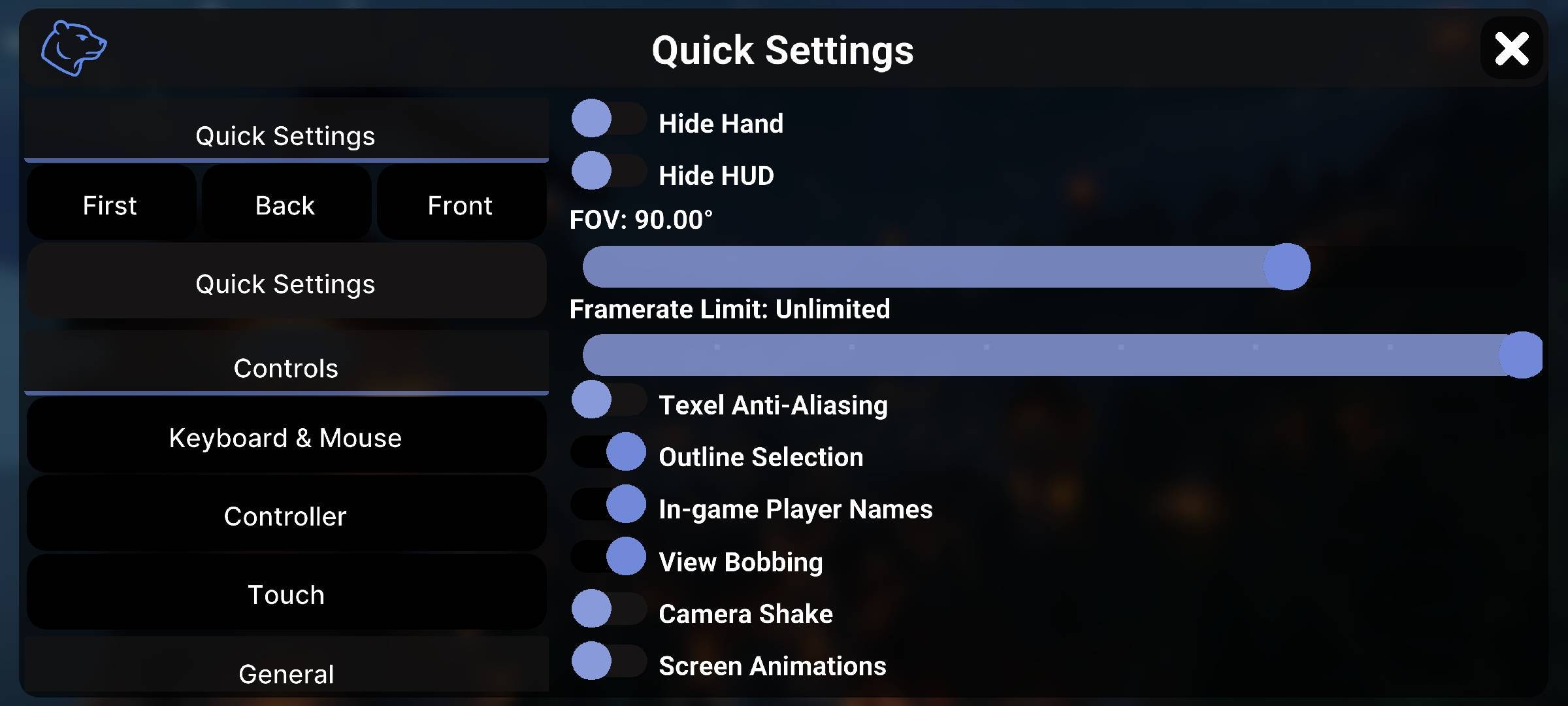
Glacier Client v6 is a free texture pack designed for Minecraft Bedrock Edition that enhances visuals, performance, and user interface customization. It delivers optimized graphics and a revamped HUD with new menus and editors, ensuring smooth gameplay across all devices. This pack is ideal for players seeking improved precision, personalization, and efficient navigation.
Installation / How to use
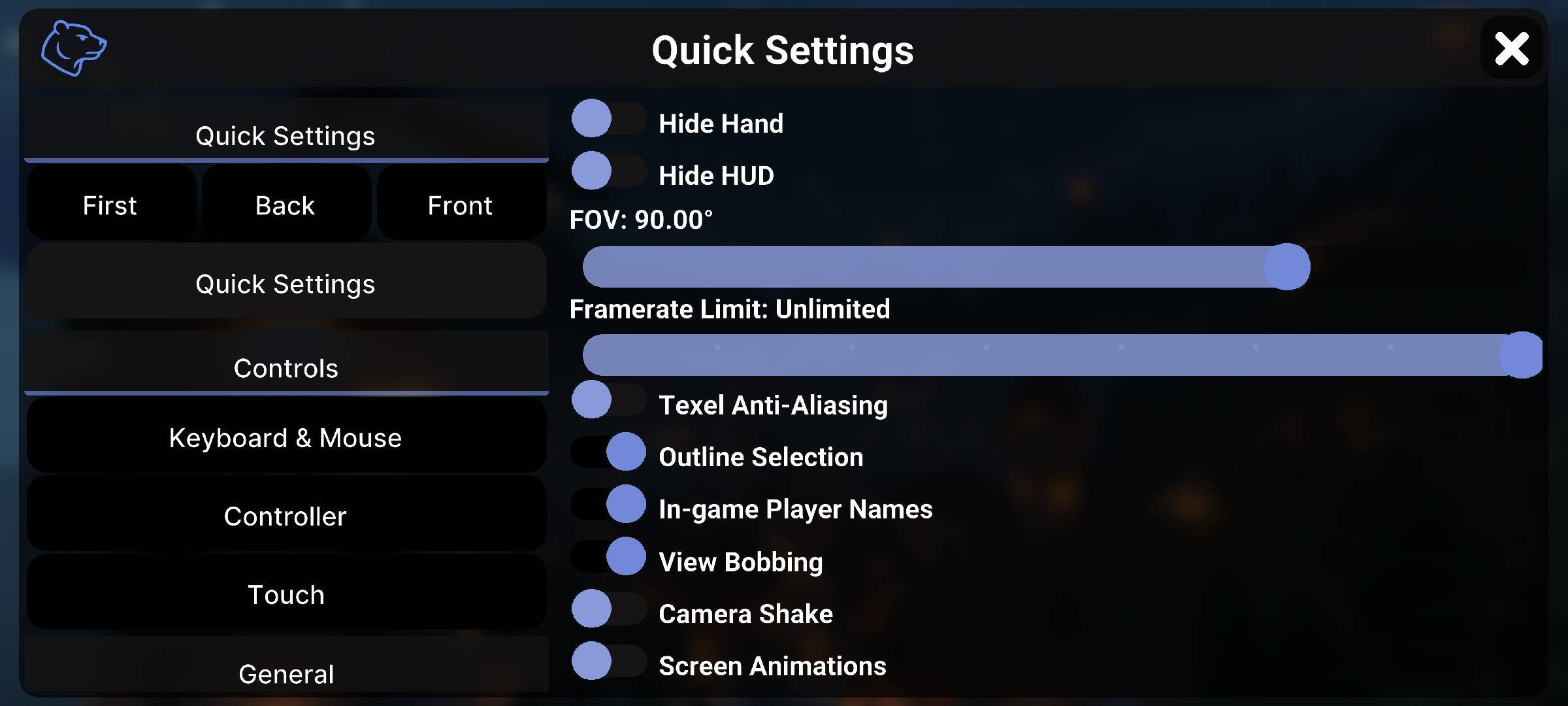
To install Glacier Client v6, download the texture pack file and import it into your Minecraft Bedrock Edition resource packs folder. Once imported, activate the pack in the game’s settings under Resource Packs. After enabling, access the new UI features and customization options directly in-game through the revamped menus and editors.
Requirements / Compatibility
Glacier Client v6 is compatible with all versions of Minecraft Bedrock Edition and optimized to run smoothly on a wide range of devices, including mobile phones and lower-end hardware. No additional mods or software are necessary to use this pack.
Key features
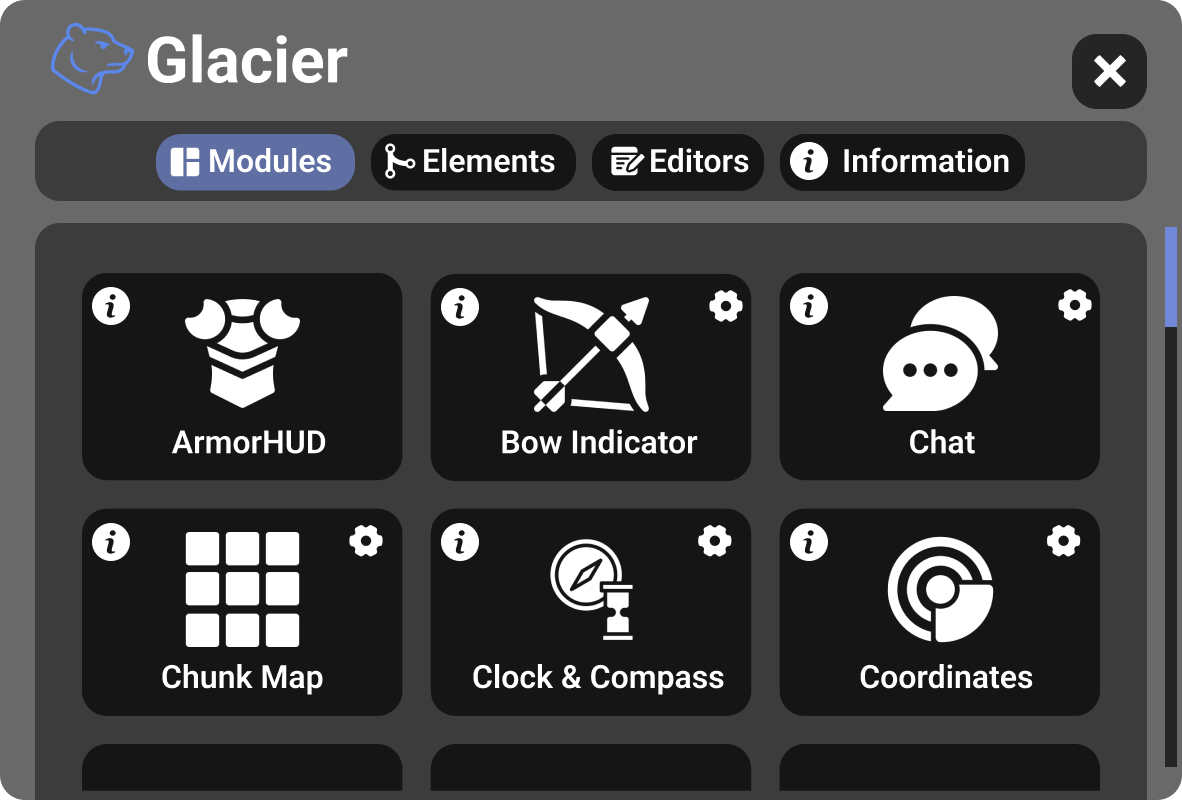
- Complete UI overhaul with redesigned module icons and clean information toggles.
- Unified editor combining Hotbar, Crosshair, and Display customization in one interface.
- New Paperdoll feature replacing ArmorHUD, visible in multiple containers for better situational awareness.
- Enhanced mobile navigation with movable and resizable F1 Hide HUD and F8 Paperdoll shortcuts.
- Easy Hotbar feature introducing a Hotbar Swapper for faster inventory navigation.
- Reworked Waypoints with new beacon-style sound and improved activation.
- Expanded EXP Bar color options including 8 new colors and full RGB customization.
- In-game Music Player allowing direct access to all music discs.
- Improved stability for shiny potion effects.
- Fully redesigned Containers with clearer guides and a Creative-only Trash button.
Glacier Client V6 [Main].mcpack
[3.33 MB]

