Ender Dragon Shader
2.04.2026
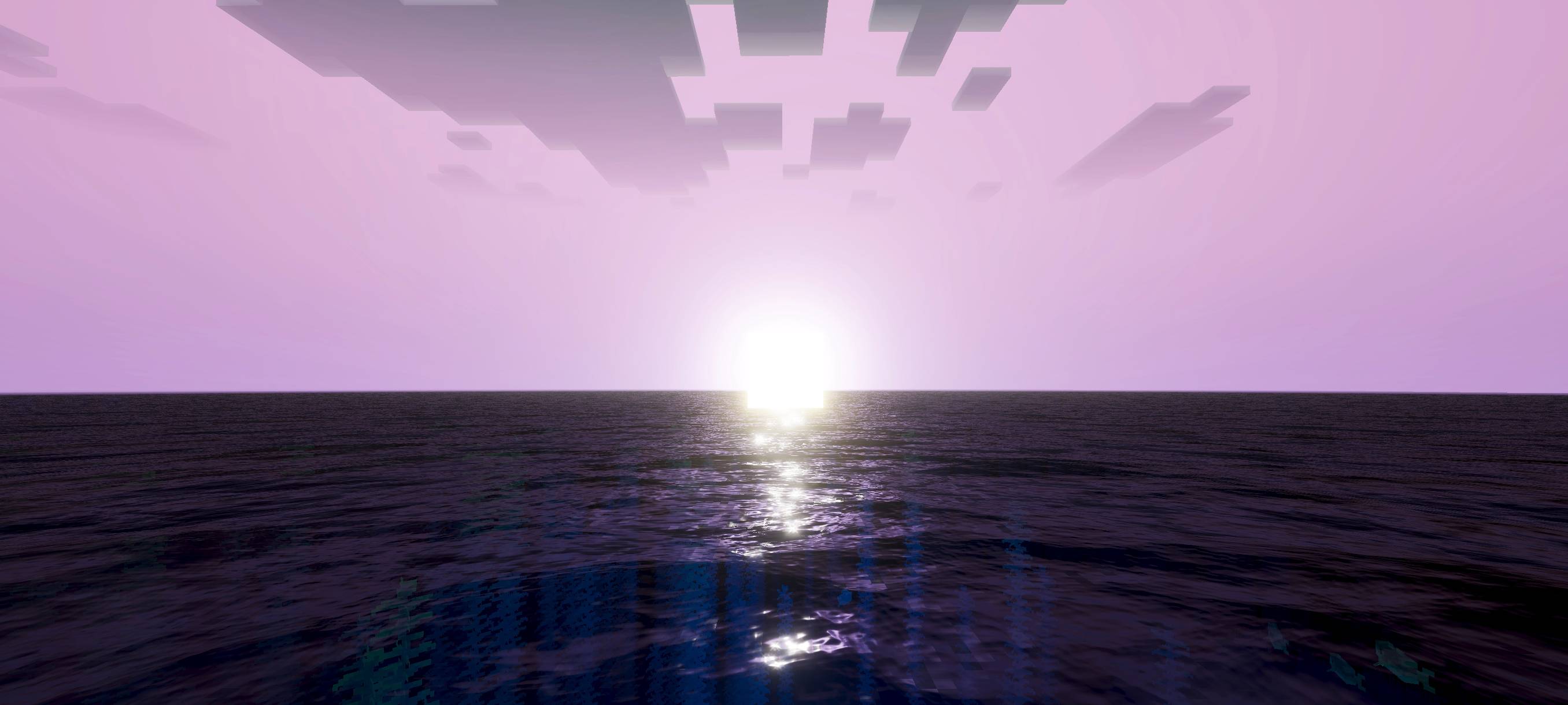
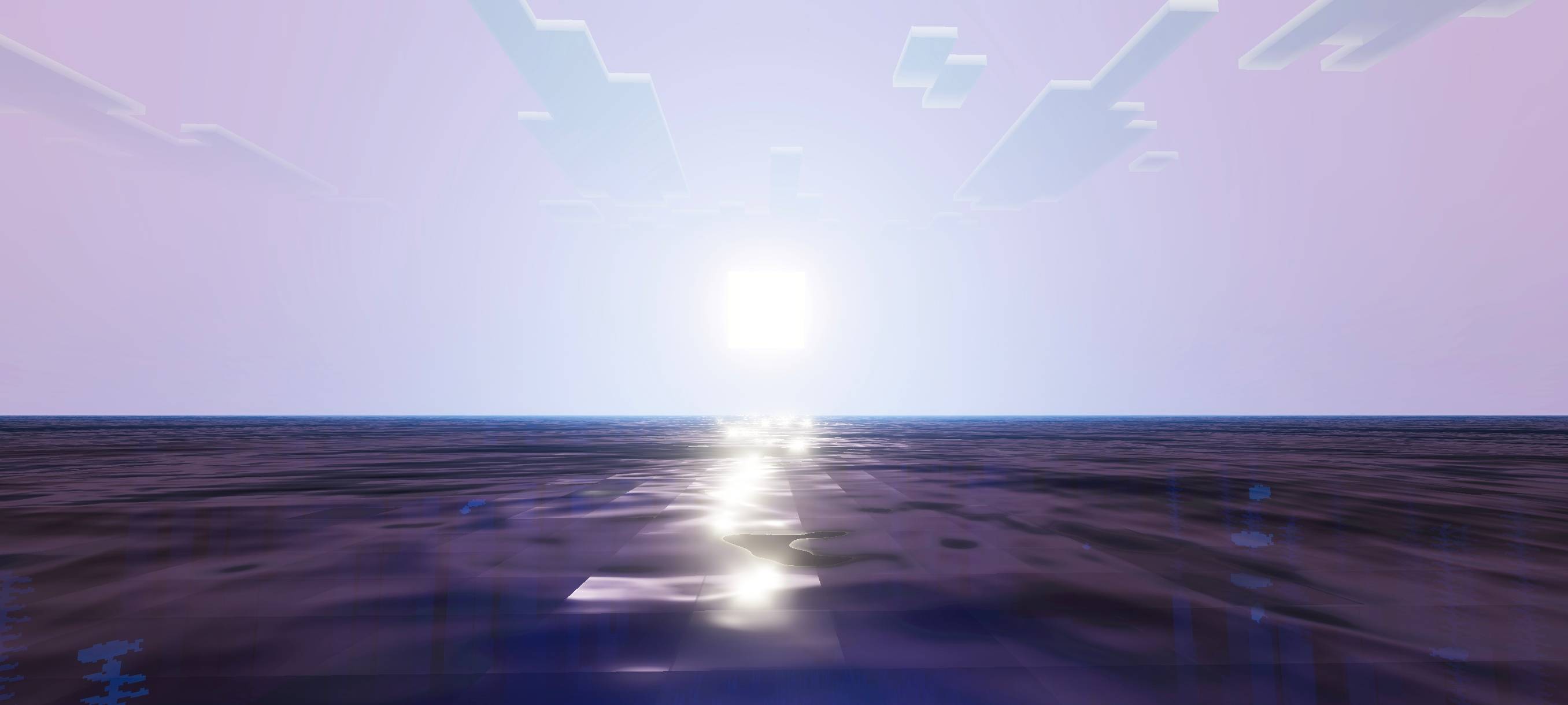
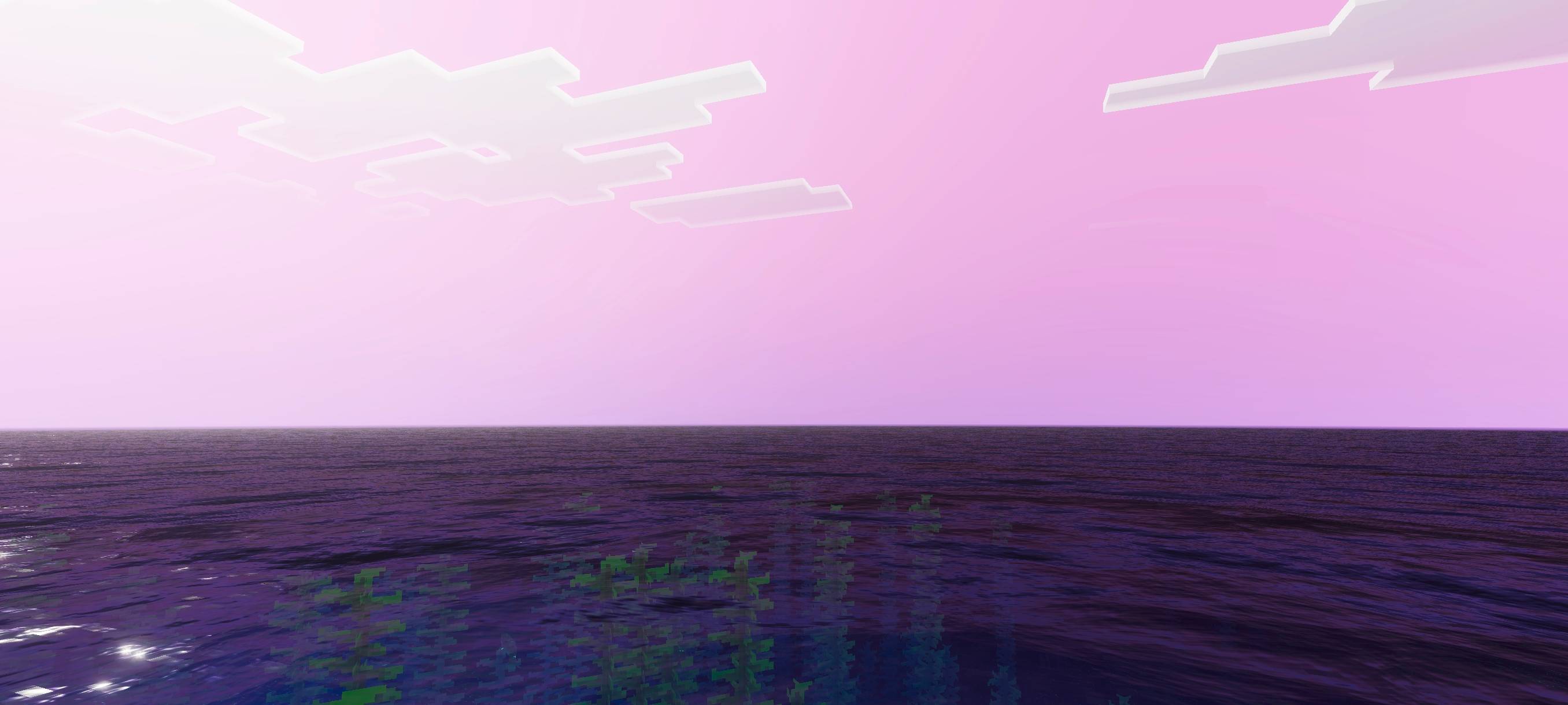
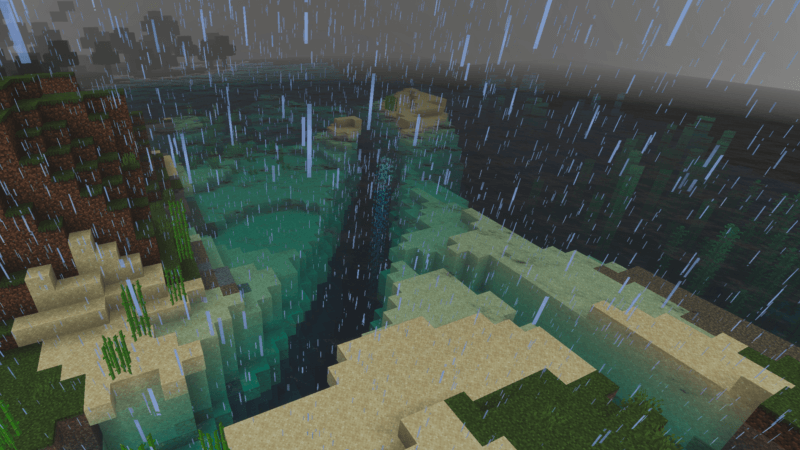
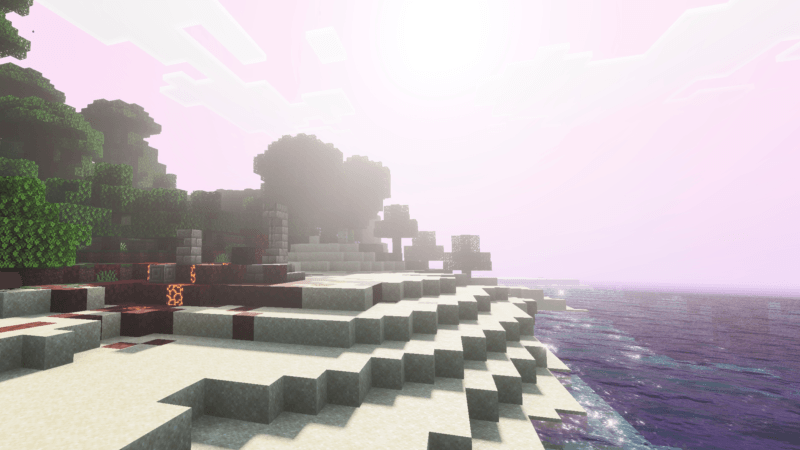
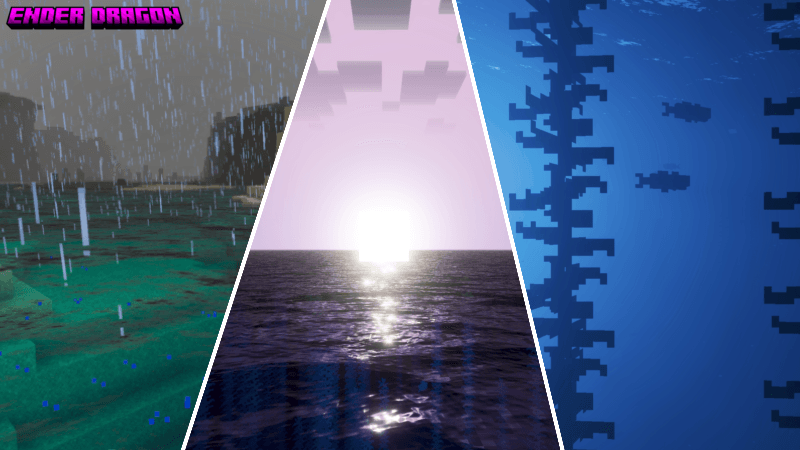
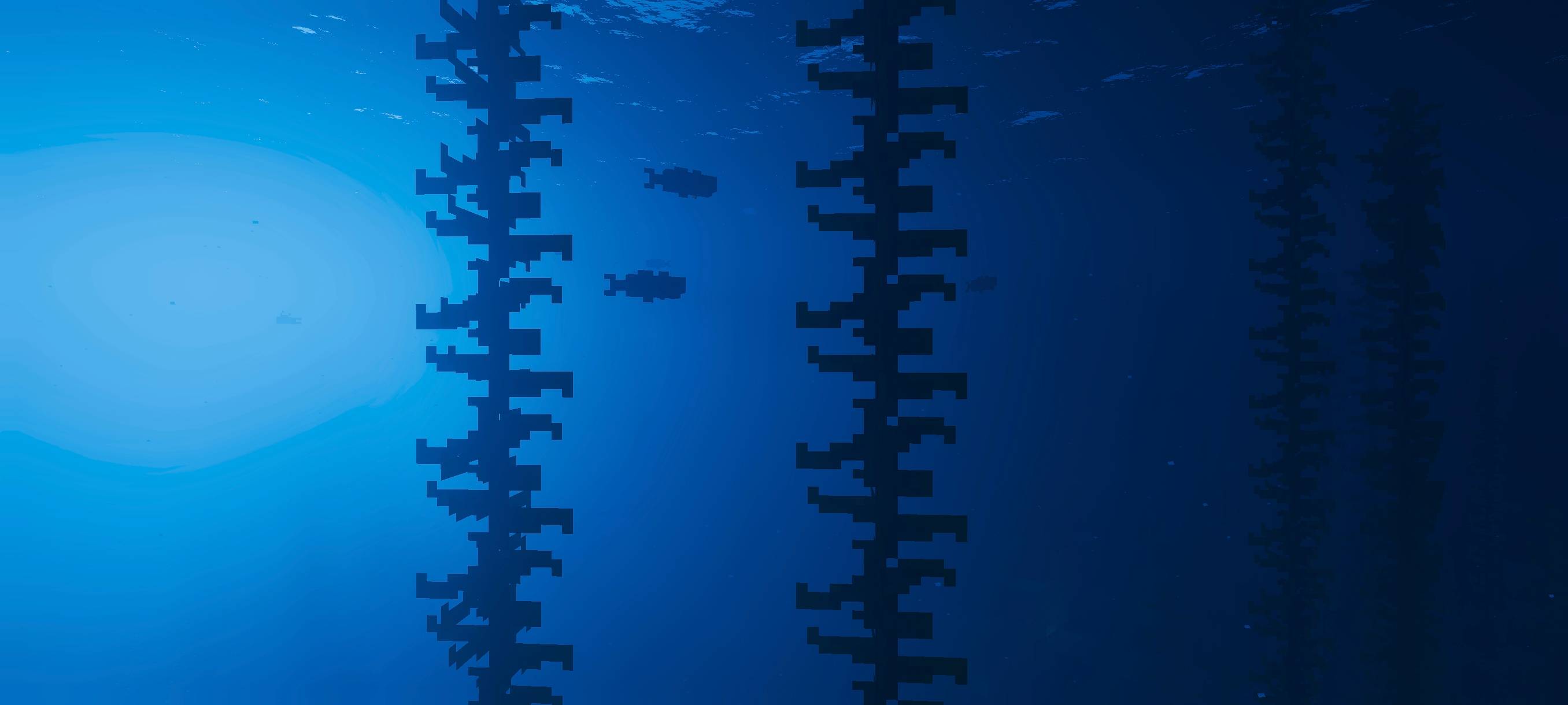
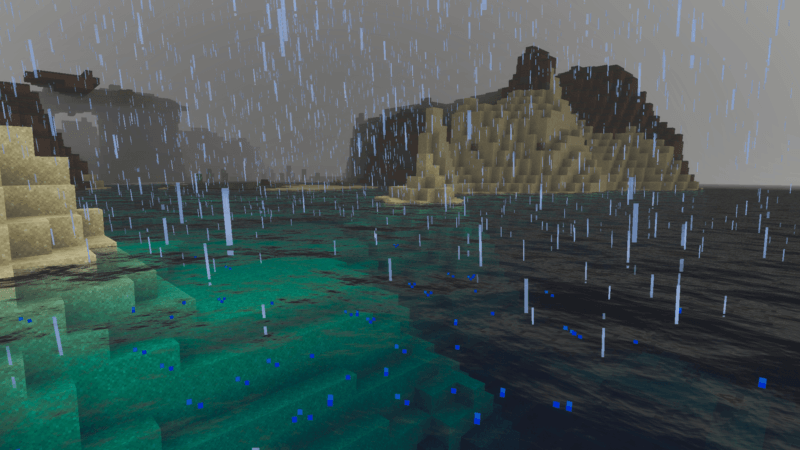
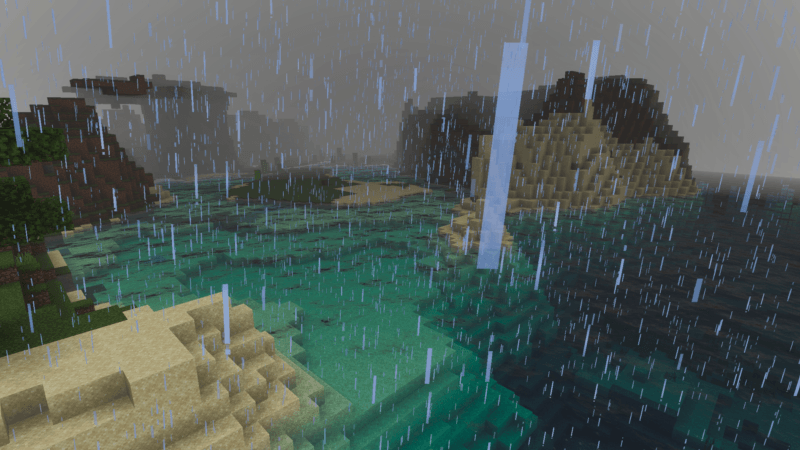
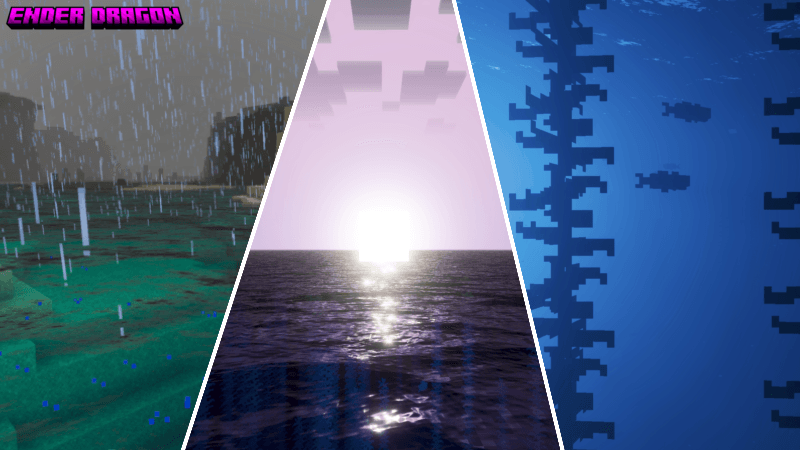
Ender Dragon Shader enhances your Minecraft world with vibrant colors and dynamic lighting effects, creating an enchanting and immersive environment. Experience magical sunrises, captivating sunsets, and an epic nighttime atmosphere that transforms your gameplay. The shader also adjusts ocean hues based on depth, ranging from crystal clear blues to deep ocean tones, adding depth and realism to your aquatic scenes.
Installation / How to use
To apply the Ender Dragon Shader, download the shader pack and import it into your Minecraft Bedrock Edition resource packs. Then, activate the shader from the settings menu under Resource Packs. Make sure it is prioritized above other packs to ensure the effects display correctly.
Requirements / Compatibility
This shader is designed for Minecraft Bedrock Edition and requires a device capable of handling enhanced graphical effects smoothly. It is compatible with most recent versions of the game but may not function optimally on lower-end hardware.
Key features
- Dynamic lighting that changes with the time of day, creating magical sunrises and sunsets.
- Epic nighttime ambiance with enhanced visuals to enrich your end-game experience.
- Realistic ocean colors that shift based on water depth, from crystal blue to deep navy.
- An overall more vibrant and atmospheric world that encourages extended gameplay.