
Dynamic First Person Model
14.03.2026
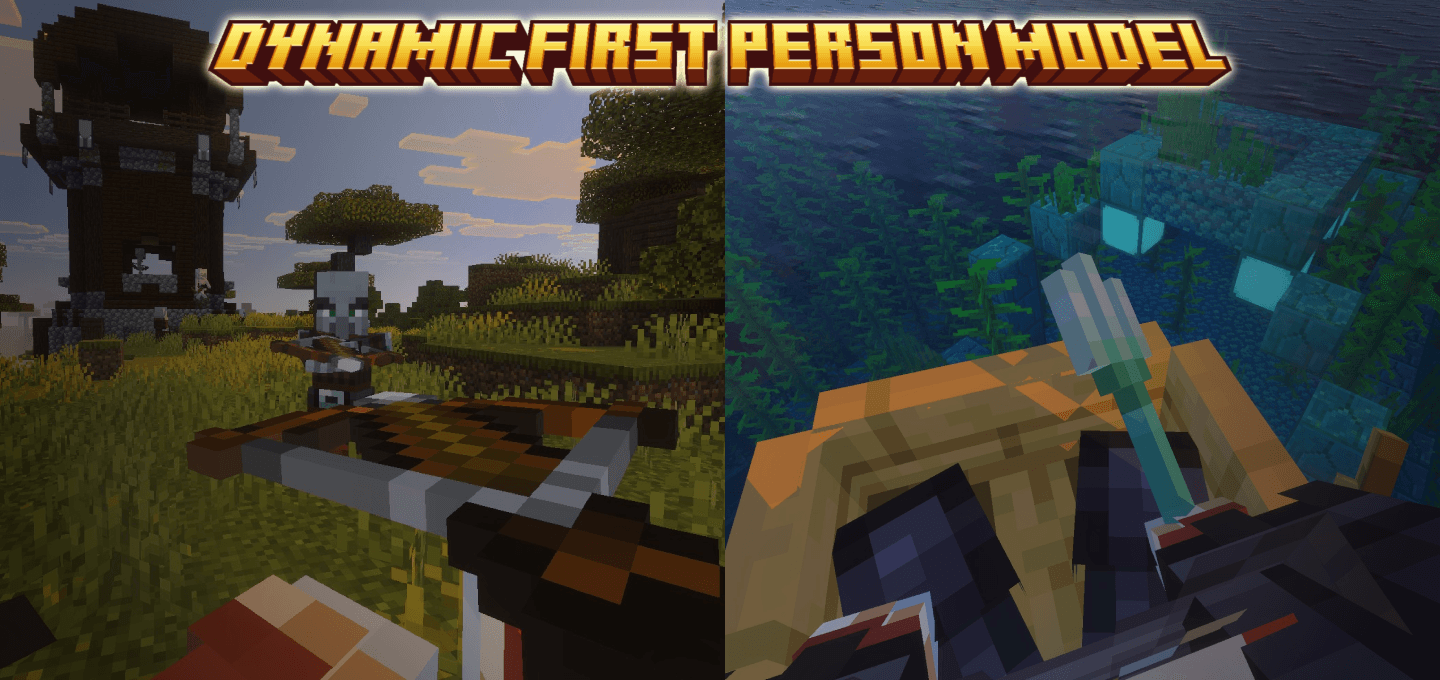
Dynamic First Person Model enhances your Minecraft Bedrock experience by displaying the player model in first person view. It aims to present the player character with minimal visual distractions, creating an immersive perspective. This addon is inspired by similar mods from other editions but tailored for Bedrock’s capabilities.
Installation / How to use
Import the addon into your Minecraft Bedrock Edition world or behavior packs folder. Once activated, the player model will be visible when playing in first person mode. Adjust the Field of View (FOV) to 70 for the best visual results.
Use the command ae_fpm:toggle_model to switch the first person model display on or off. The command ae_fpm:camera_settings opens the camera configuration menu, allowing you to customize the viewing experience.
Requirements / Compatibility
This addon is compatible with the latest versions of Minecraft Bedrock Edition. It works best when no other conflicting camera or player model mods are active.
Key features
- Shows the player model in first person without obstructing gameplay.
- Provides a smooth animation that hides the head and adjusts body parts dynamically.
- Includes custom tags for addon creators to detect and control the dynamic first person mode:
ae_fpm.is_first_person: Detects if the player is using dynamic first person.ae_fpm.disable_animation: Disables the head-hiding animation for a static model.ae_fpm.disable_first_person: Reverts the player to the default first person view.- Commands to toggle the model and open camera settings.
Notes / Troubleshooting
While this addon strives for a seamless first person model, some visual imperfections may occur depending on world or resource pack interactions. If you encounter issues or bugs, please document them carefully for support.
Dynamic First Person Model v1.5.2.mcaddon
[686.99 KB]

