
Construction Wan(d)’s
26.03.2026
0
Construction Wan(d)’s is an advanced building addon that helps you construct structures quickly and precisely. It offers a variety of block placement patterns and modes tailored for both Survival and Creative gameplay, making large-scale building projects more efficient and enjoyable.
Installation / How to Use
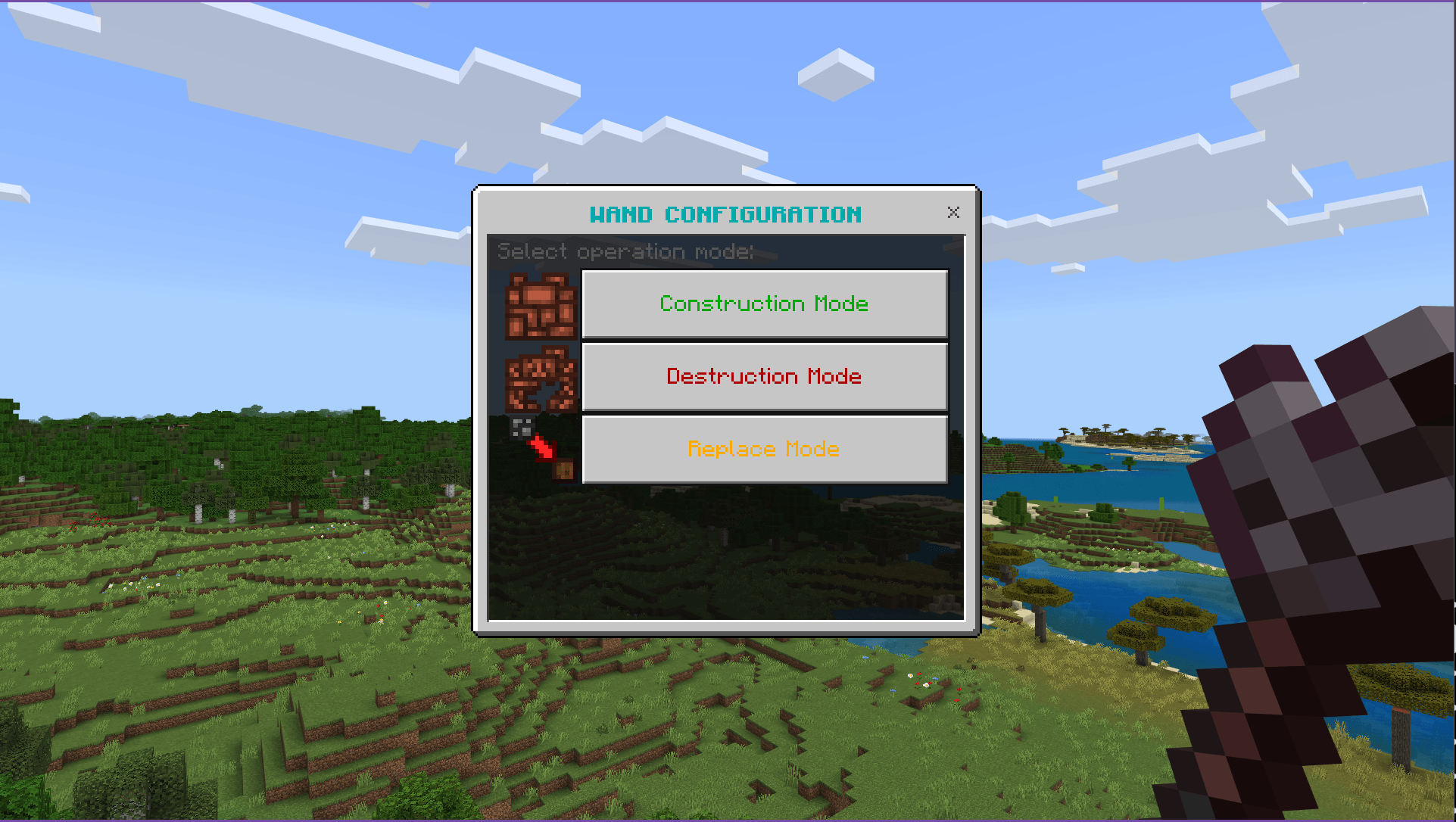
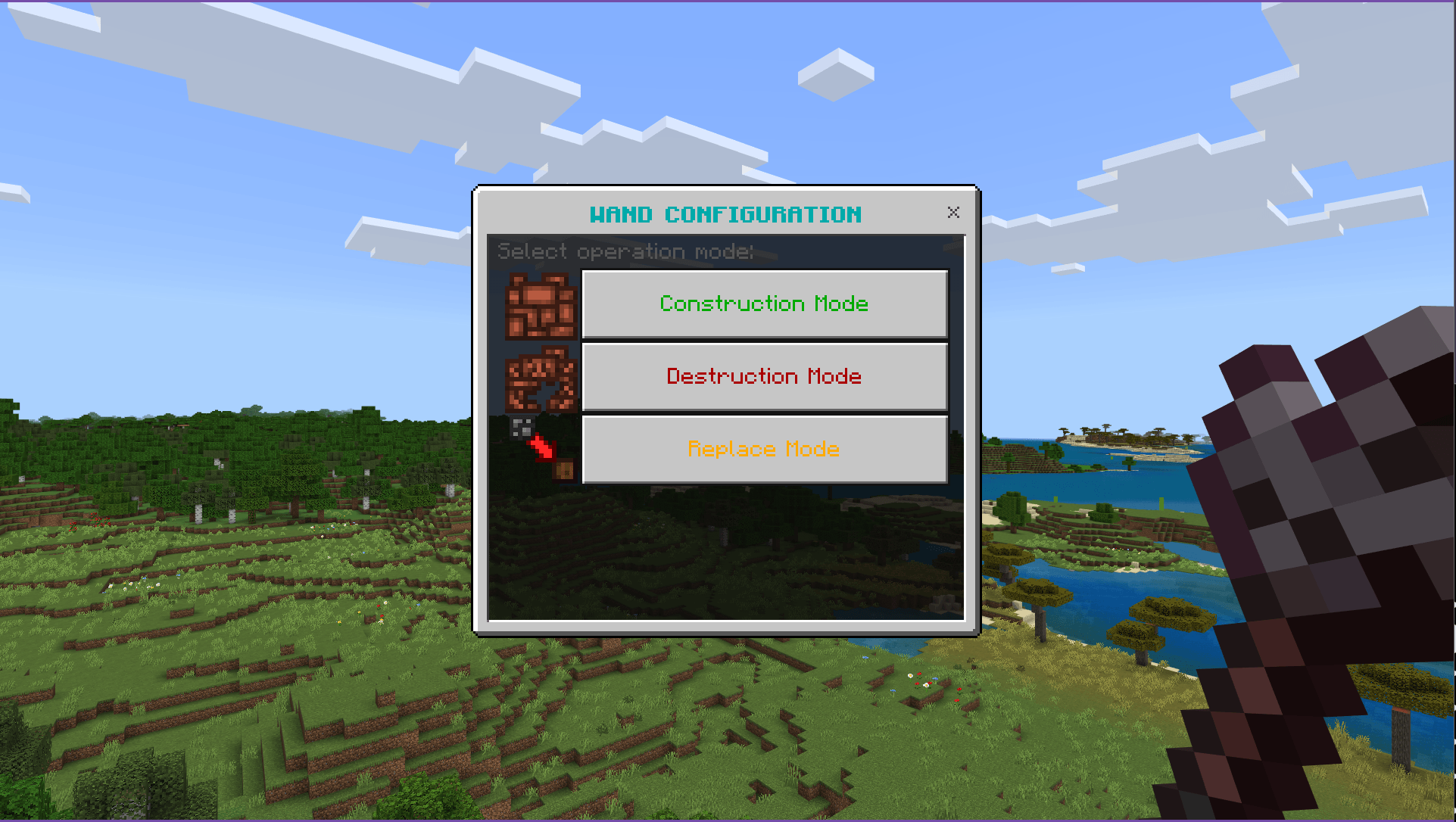
- Right-click while sneaking to open the wand’s configuration menu.
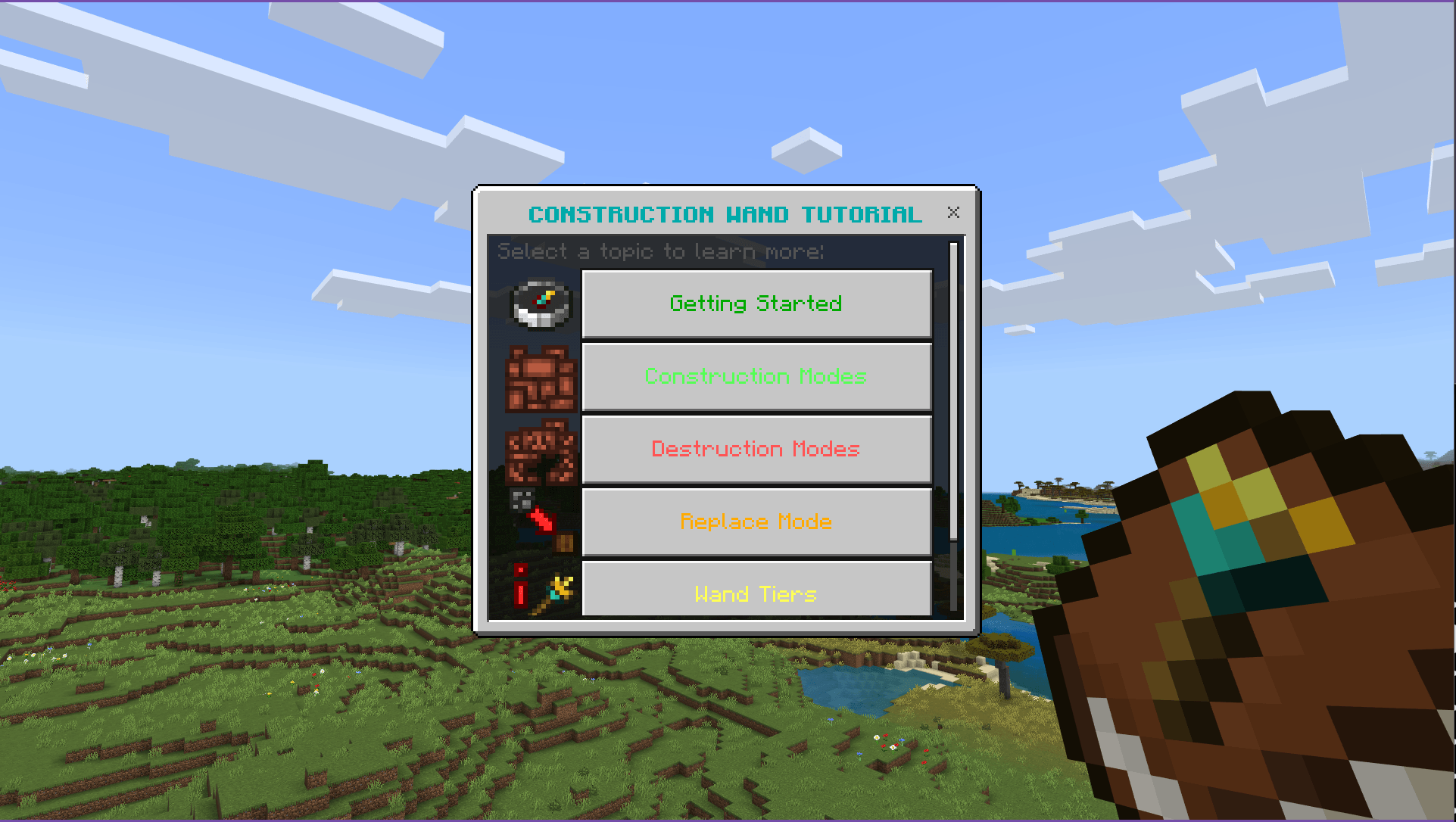
- Use the in-game Tutorial Book to explore all features step-by-step.
- Click on any block to select it as the building material.
- Activate the wand to place blocks according to the chosen pattern and mode.
Requirements / Compatibility
This addon fully supports achievements in your worlds, ensuring seamless integration without disabling any core game features.
Key Features
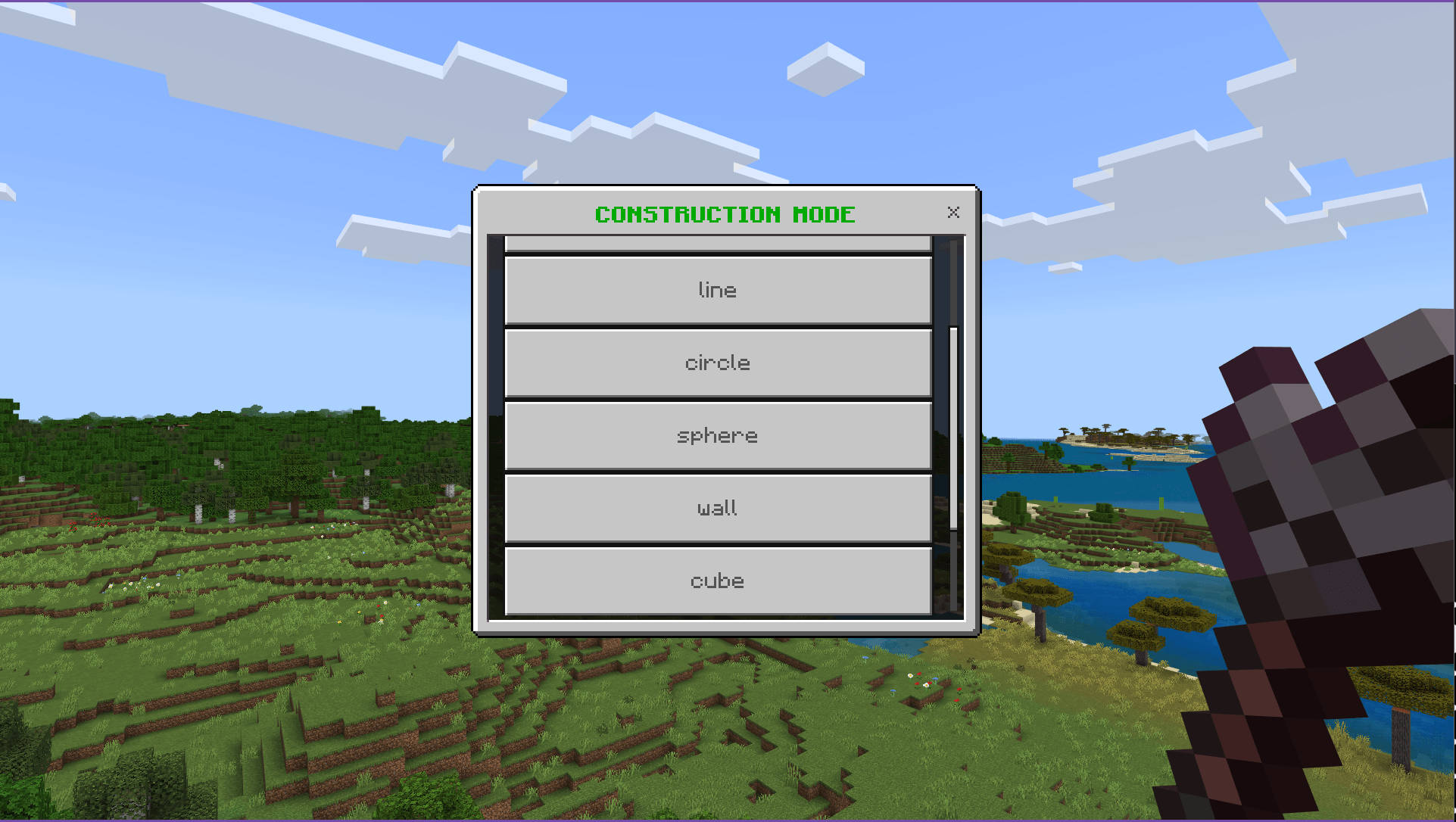
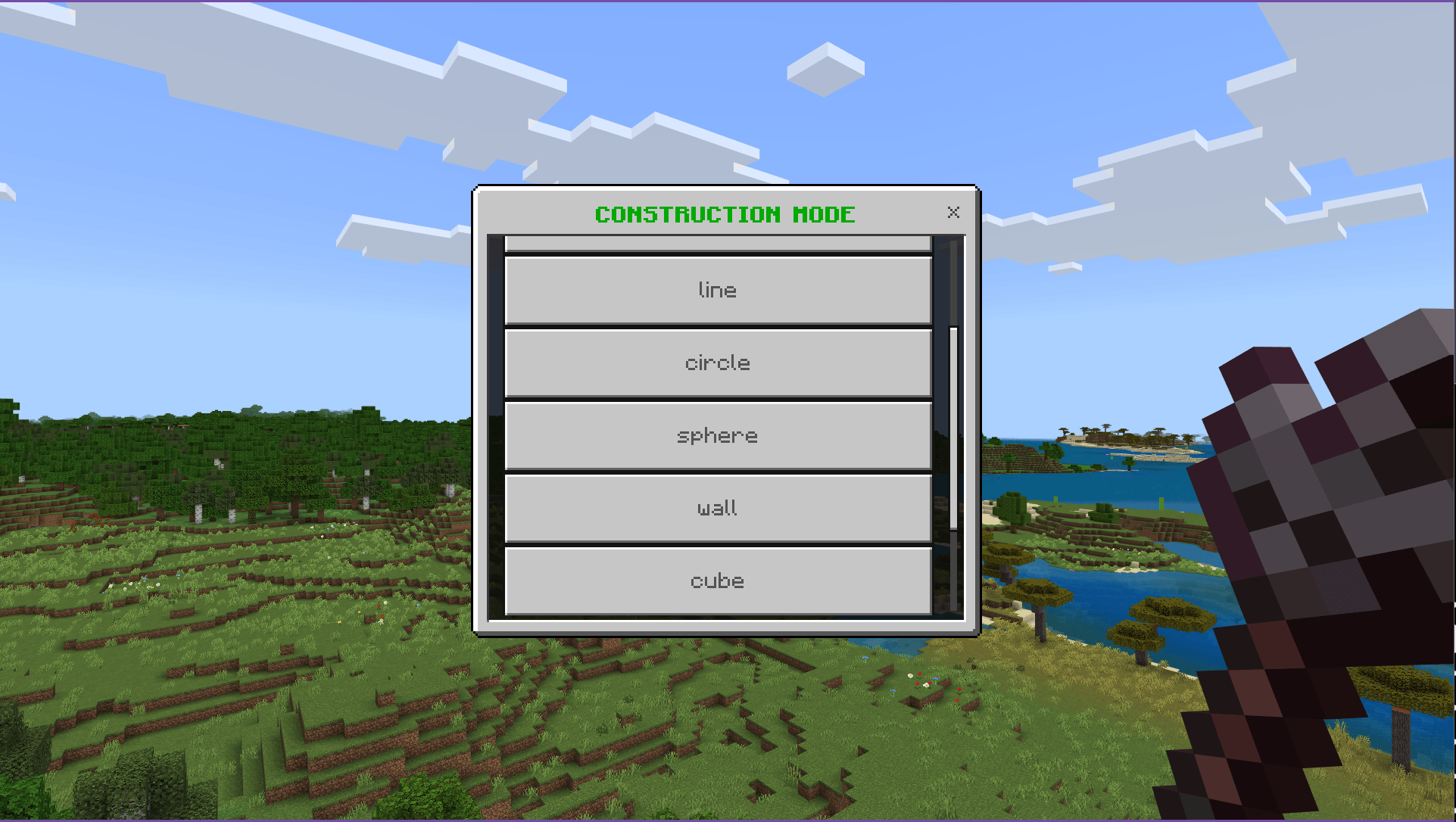
- Multiple construction modes and patterns: Line, Connected, Circle, Wall, Sphere, Cube, and more.
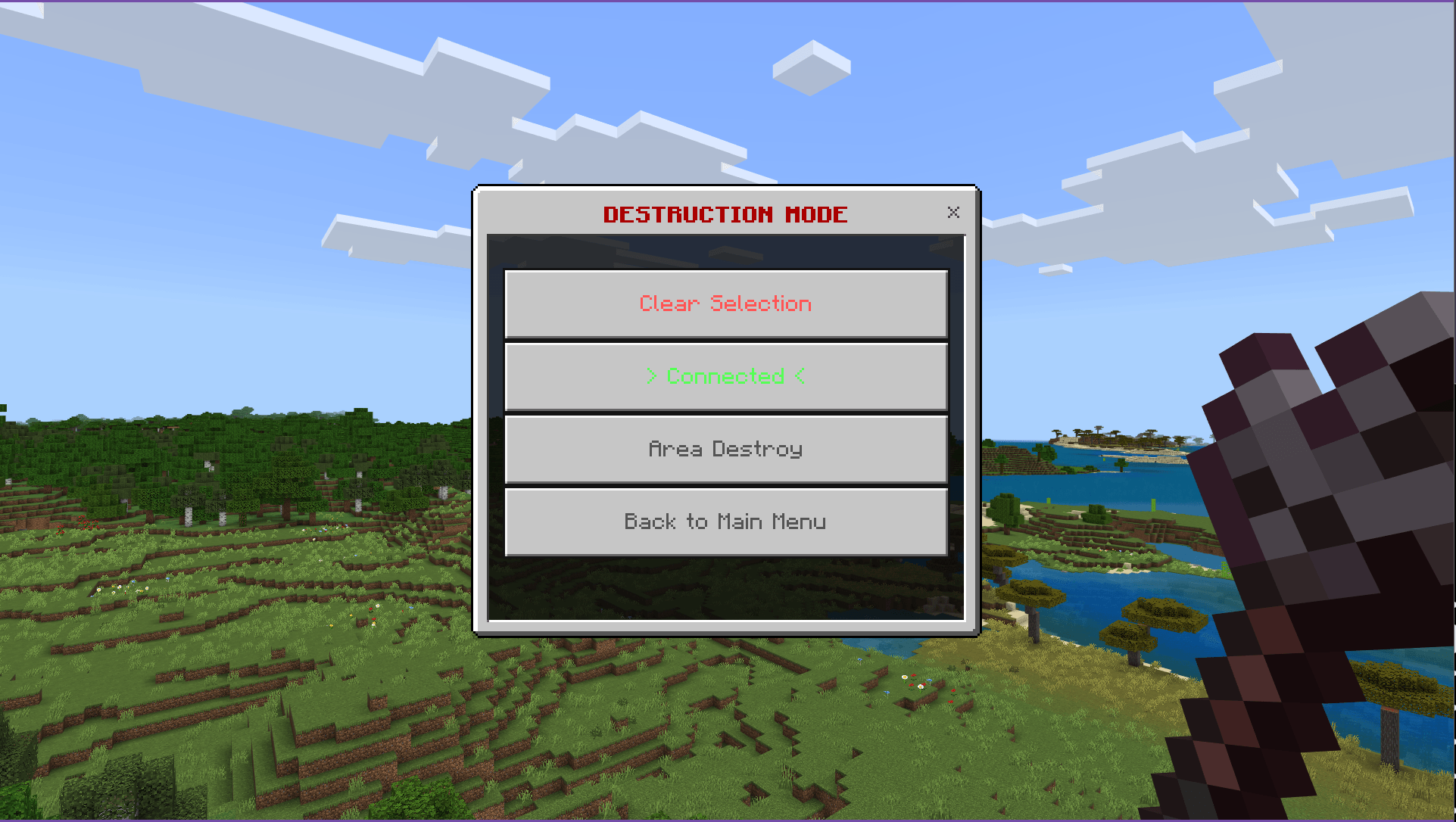
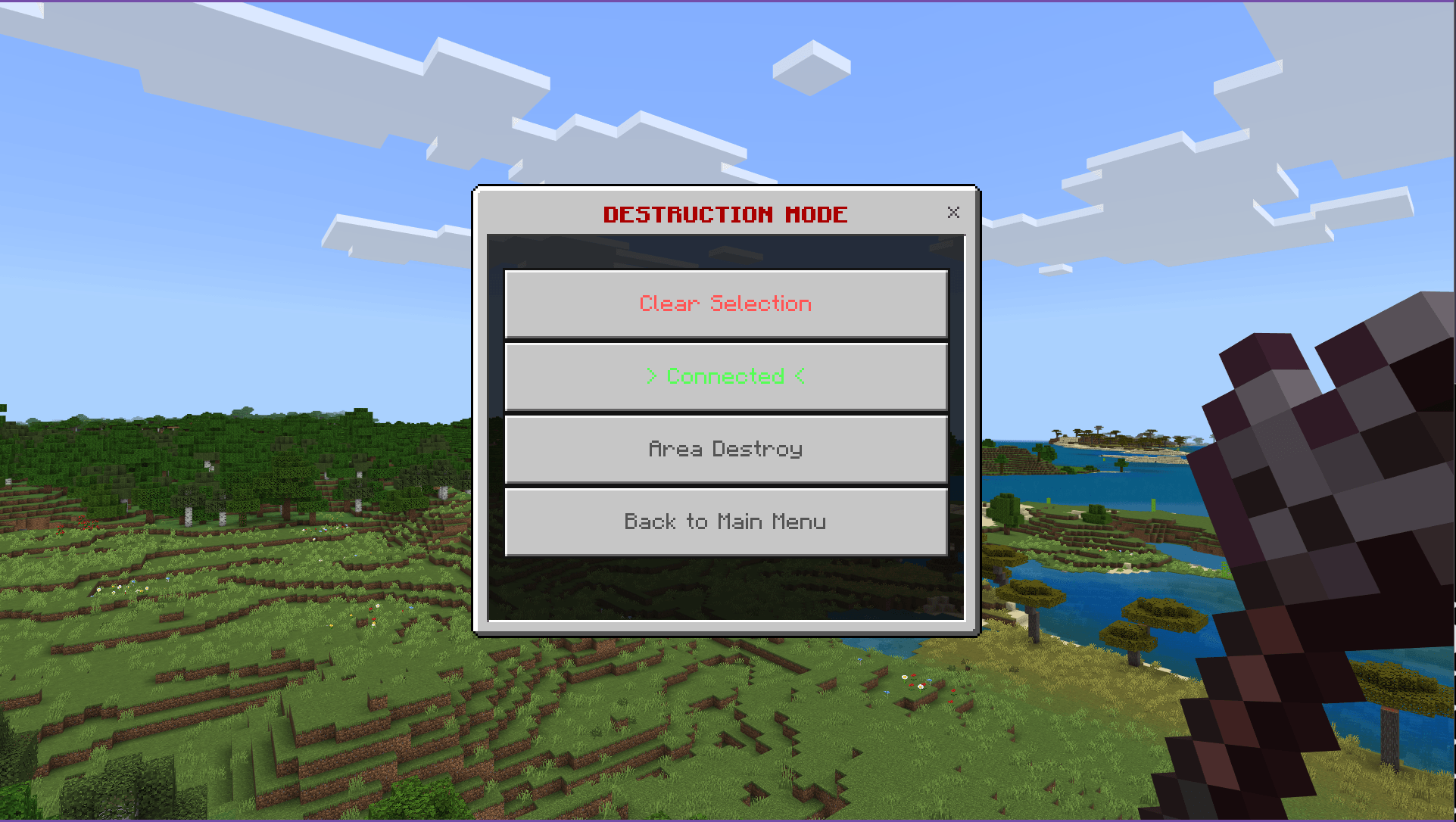
- Destruction modes allow selective block removal via Connected or Area patterns.
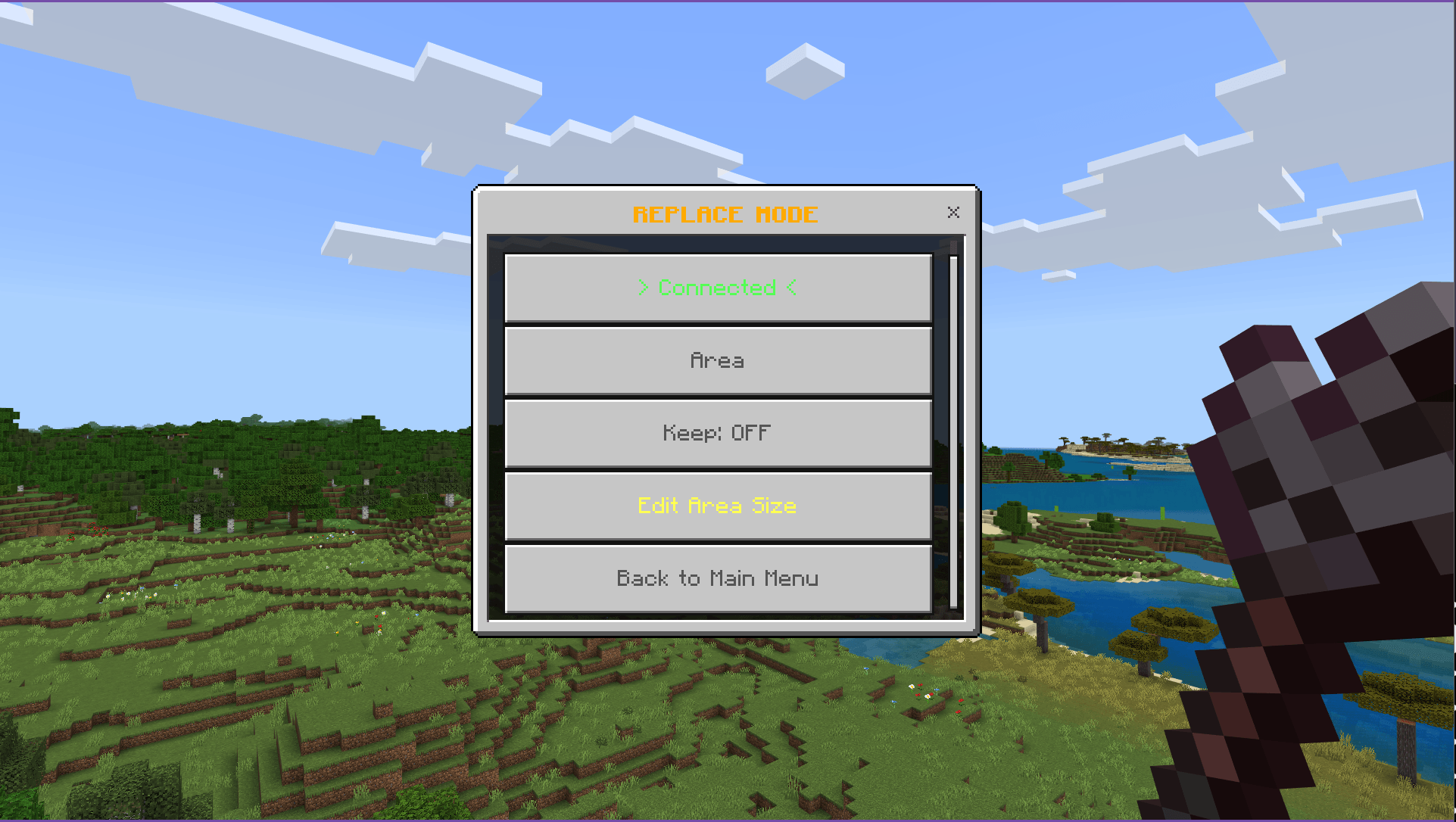
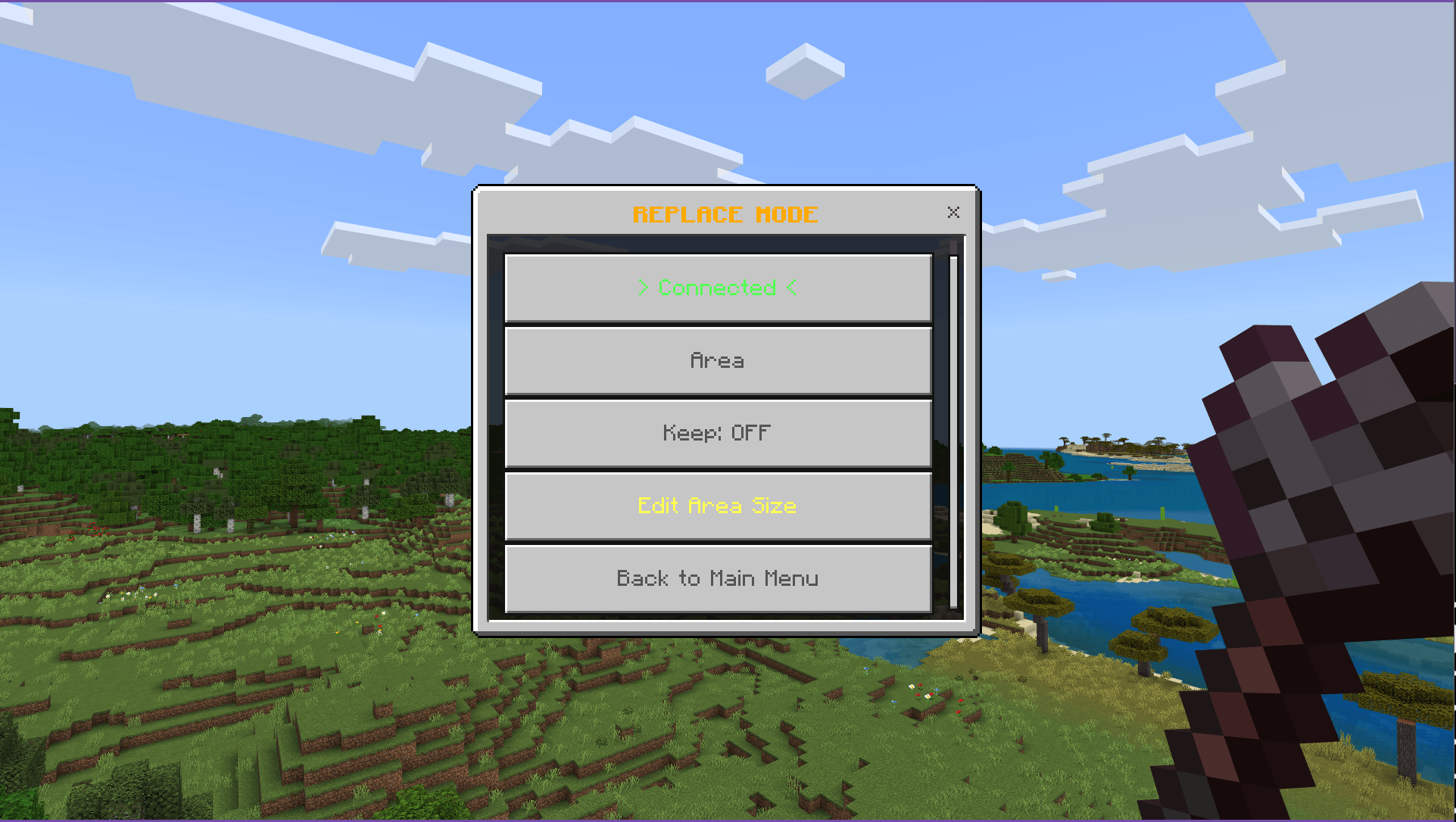
- Replace mode enables you to find and swap blocks efficiently.
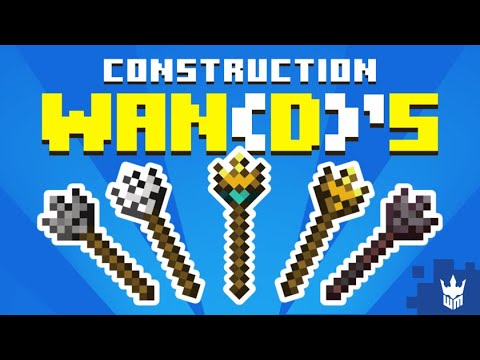
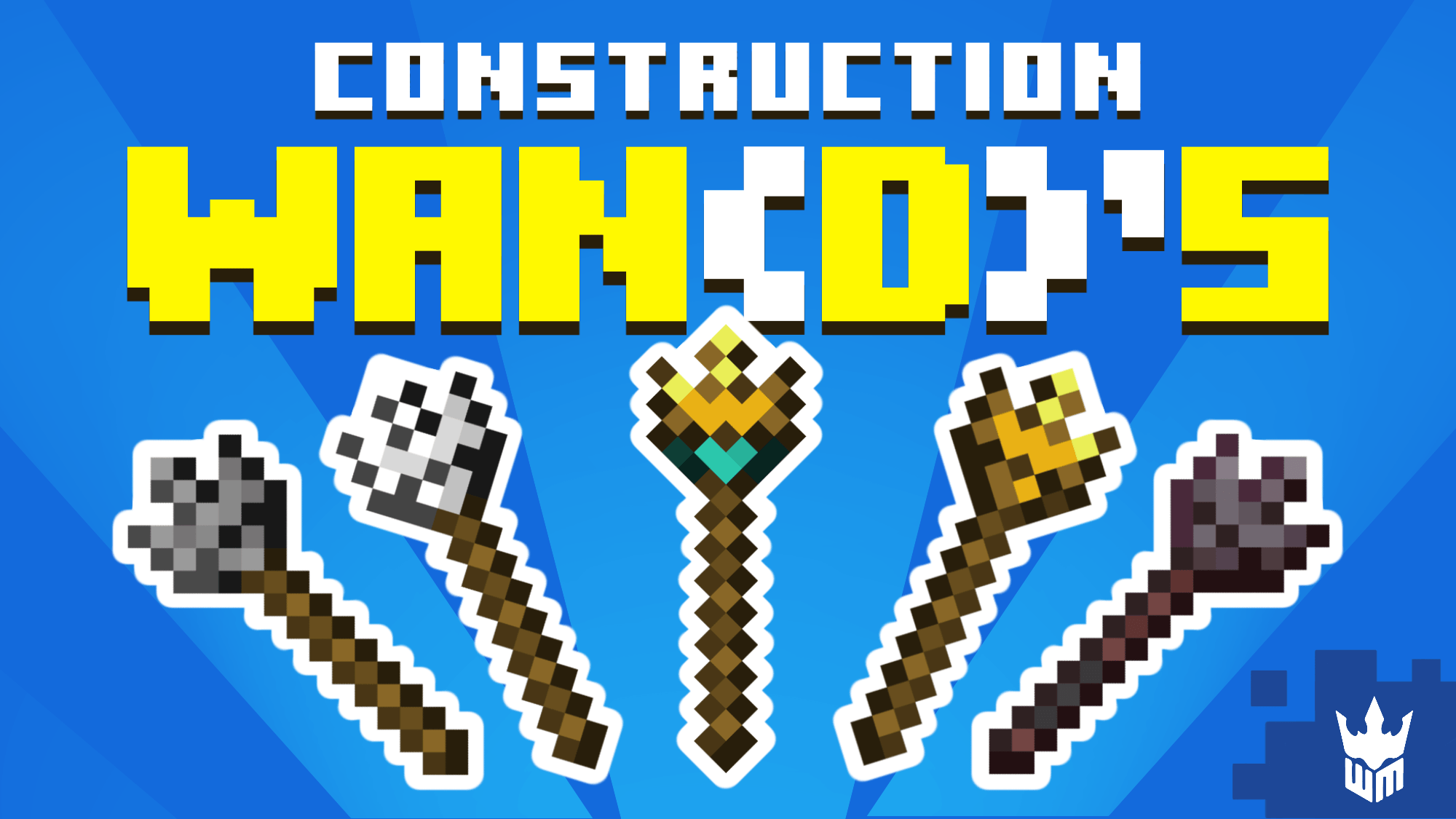
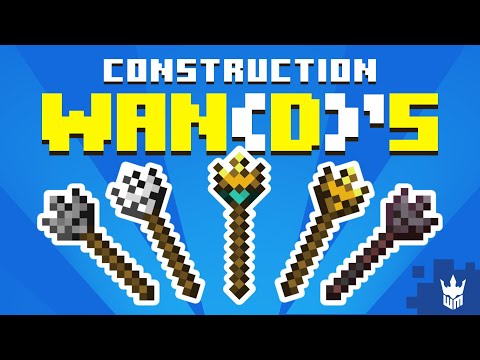
- Tiered wands (Stone, Iron, Gold, Diamond, Netherite) unlock different pattern capabilities and block limits.
- Interactive menus to adjust settings and choose patterns easily during gameplay.
Wand Tiers & Capabilities
- Stone Wand: Up to 20 blocks; patterns include Line and Connected.
- Iron Wand: Up to 40 blocks; adds Circle and Wall patterns.
- Gold Wand: Up to 30 blocks; includes Circle pattern.
- Diamond Wand: Up to 60 blocks; unlocks Sphere and Cube patterns.
- Netherite Wand: Up to 80 blocks; all patterns unlocked.
Construction Mode Patterns
- Line: Create straight lines in the direction you look.
- Connected: Fill all adjacent blocks of the same type.
- Circle (Iron+): Build horizontal or vertical circles.
- Wall (Iron+): Generate flat walls with customizable sizes.
- Sphere (Diamond+): Construct hollow or solid 3D spheres.
- Cube (Diamond+): Form hollow or filled 3D cubes.
Destruction Mode Patterns
- Connected: Remove all connected blocks of the same type.
- Area Destroy: Clear blocks within a specified area.
Replace Mode
- Click the block you want to find.
- Click the block you want to replace it with.
- Click the initial block again to perform the replacement.
Usage Tips
- Ideal for large-scale builds like walls, floors, and foundations.
- Great for redstone contraptions and terraforming projects.
- Helps avoid repetitive block placement in creative mode.
- Supports precise geometric designs and mass block replacements.
In-Game Interface
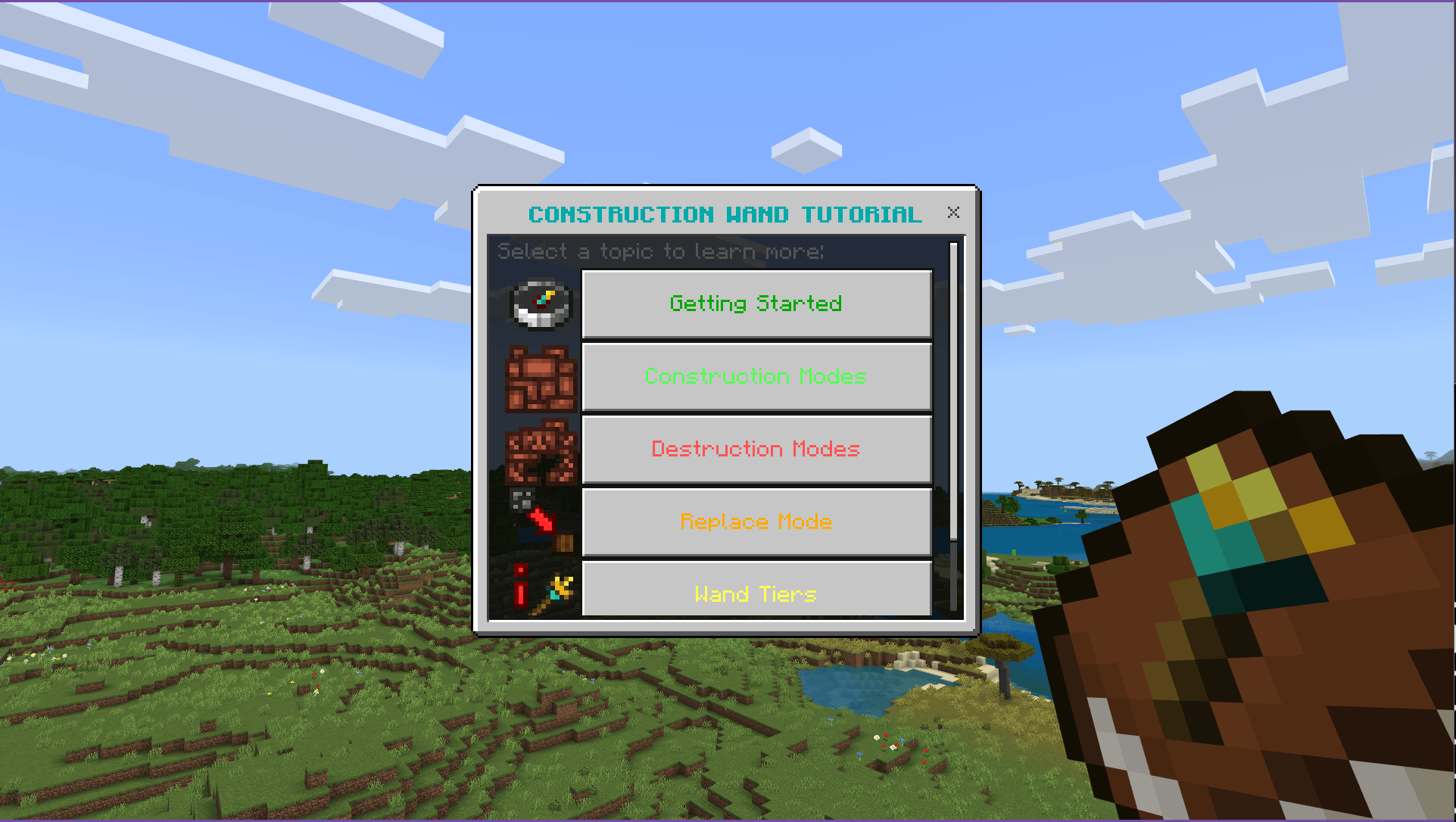
The wand includes user-friendly menus for construction, destruction, and replacement functions, making it easy to configure and operate during gameplay.
The interactive Tutorial Book guides you through every feature step-by-step inside the game.
Screenshots & Video
Download Construction Wan(d)’s
Wan's Construction Wand1.3.0.mcaddon
Supported versions
1.21.132 1.21.131 1.21.130 1.21.120 1.21.100
Download
[1.48 MB]

0 Comments
