
Colourful Containers BE: Java
27.03.2026
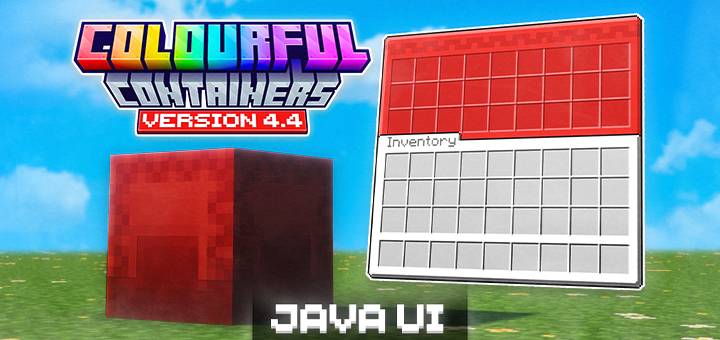
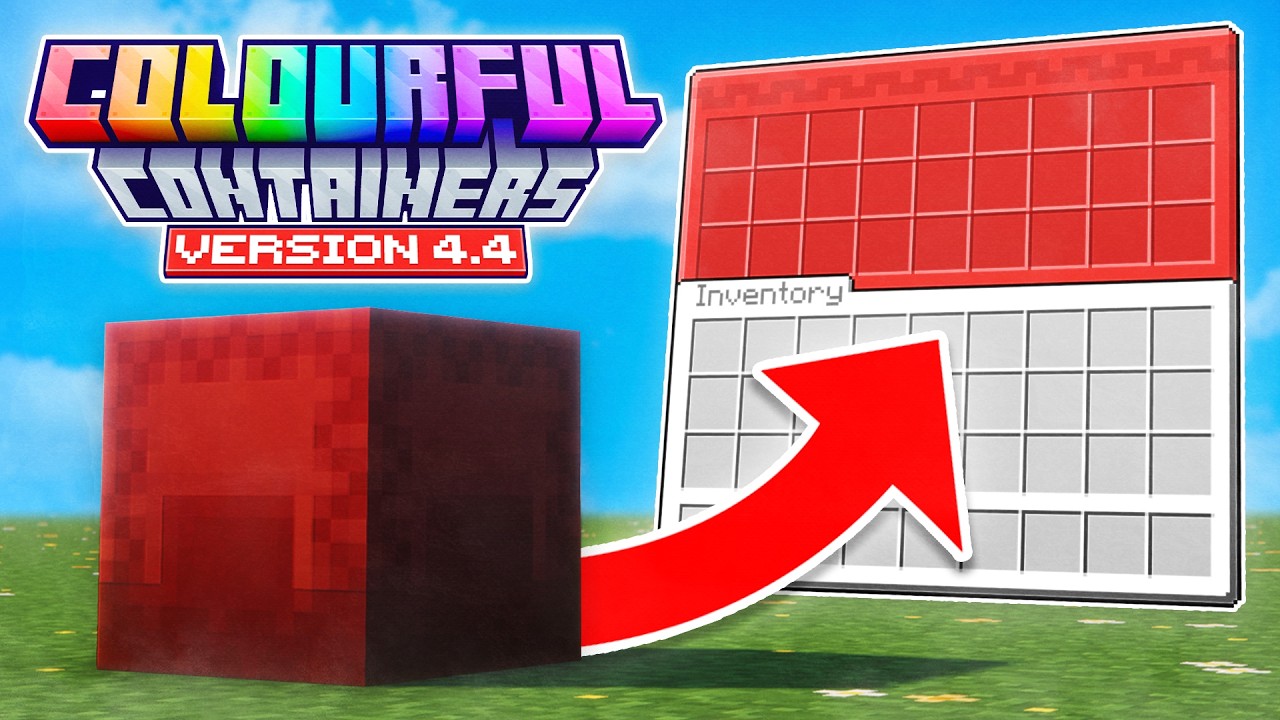
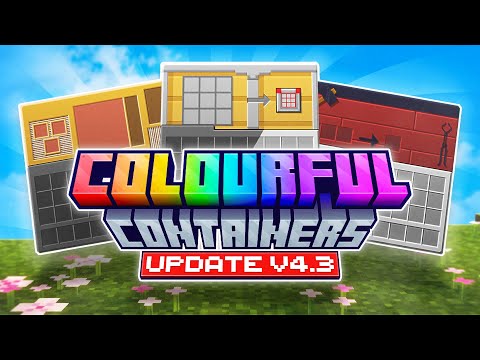
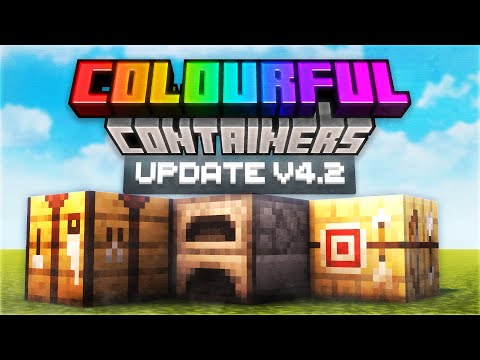
Colourful Containers BE: Java Edition transforms the standard Minecraft Bedrock inventory interfaces into lively, block-themed menus. This resource pack offers a faithful UI adaptation from the original Java Edition pack, bringing vivid, themed containers that enhance immersion by matching each GUI to the associated block or entity.
Installation / How to Use
To experience the full variety of coloured containers, install the resource pack into your Minecraft Bedrock Edition. Activate it alongside your world or global resource packs and ensure your game UI is set to Classic mode under settings.
For advanced features like coloured shulker boxes and wood-specific chest boats, you have two options:
- Install the complementary “Colourful Containers BE: Script” add-on, which automates item renaming for seamless texture application.
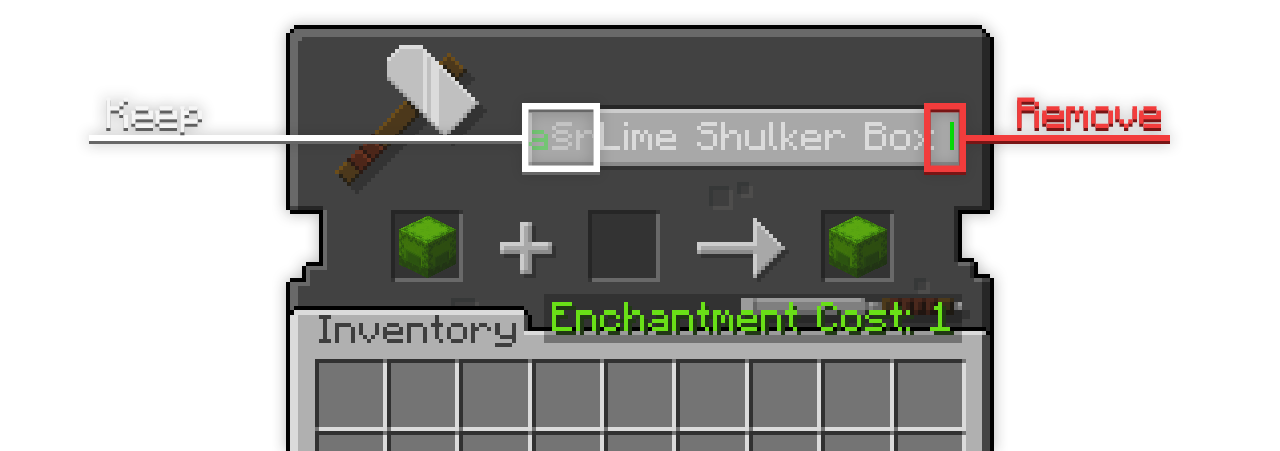
- Manually rename items in an anvil, taking care to remove trailing spaces in the name to activate the correct textures.
Use the appropriate colour codes in item names to specify the variant you want. For example, you can use colour formatting codes to change shulker box and chest boat colours.
Requirements / Compatibility
This pack requires Minecraft Bedrock Edition with the UI set to Classic mode. It does not support Pocket UI mode.
Recommended companion packs include:
- VDX Brewing Guide UI for enhanced brewing stand interaction.
- Christmas Chests for festive themed container textures.
- Cat Villagers add-on for villager profession texture enhancements.
Key Features
| Container GUI | Special Features |
|---|---|
| Anvil | |
| Barrel | |
| Beacon | |
| Blast Furnace | (Mixed version only) Recipe Book support |
| Brewing Stand | Compatible with VDX Brewing Guide |
| Cartography Table | Animated textures |
| Chest | |
| Chest Boats | New wood-specific textures |
| Chest Hoppers | |
| Chest Minecarts | New textures |
| Chest Raft | New textures |
| Coloured Shulker Boxes | New coloured variants |
| Copper Chest | New textures |
| Crafter | Reactive textures |
| Crafting Table | |
| Dispenser | |
| Dropper | |
| Enchanting Table | Animated textures |
| Ender Chest | Animated textures |
| Furnace | (Mixed version only) Recipe Book support |
| Grindstone | |
| Hopper | |
| Loom | |
| Mount UI | Revamped design |
| Recipe Book | Java UI only |
| Shulker Box | |
| Smithing Table | |
| Smoker | (Mixed version only) Recipe Book support |
| Stonecutter | |
| Villagers | Profession-based textures |
| Wandering Villagers |
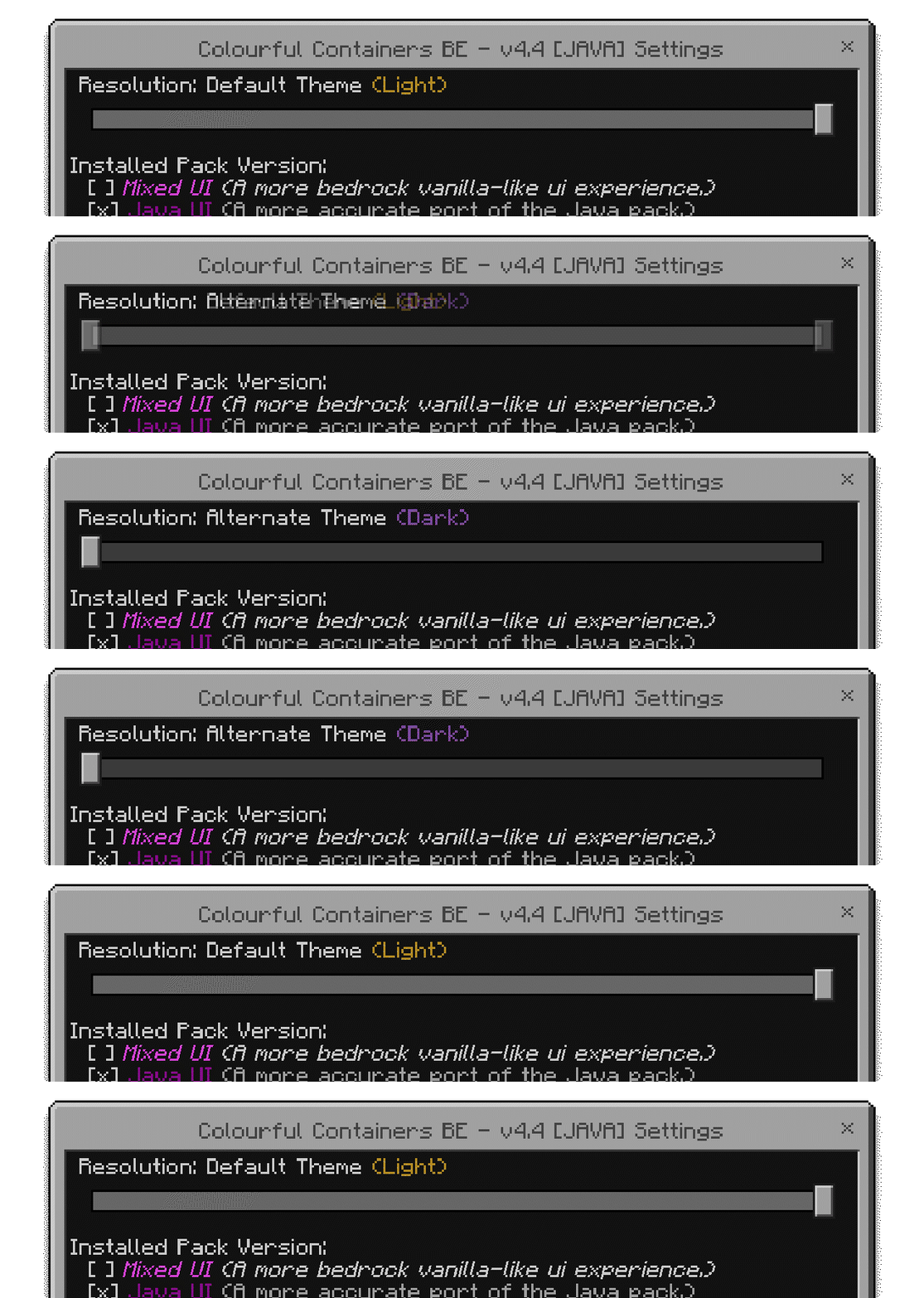
Colourful Containers BE is also available in a dark mode theme for a sleek alternative appearance.
Notes / Troubleshooting
Common Issues
- Ensure your game UI setting is set to Classic. Pocket UI mode is not supported and will prevent textures from applying.
- If dark mode textures do not appear, try restarting Minecraft after enabling the dark mode subpack.
Using Coloured Shulker Boxes and Wood Type Chest Boats
To enable the coloured variants, either use the scripting add-on that automates renaming or manually rename your items in an anvil. Be sure to remove any trailing spaces in item names to activate the correct texture.
Colour codes for shulkers and chest boats include defaults and multiple colour prefixes, such as white, orange, magenta, light blue, yellow, lime, pink, gray, light gray, cyan, purple, blue, brown, green, red, and black.
Villager profession textures depend on hardcoded profession codes like “aq” for Armorer, “bq” for Butcher, “cq” for Cartographer, and so forth.
Terms of Use
However, redistributing the pack through your own download links, claiming it as your own, or sharing edited versions without permission is prohibited.
CCv4.4 (JAVA)
[5.37 MB]

